AR for WordPress 8.2
Does AR for WordPress work with WordPress 6.8.3 and PHP 8.1.12? A smoke test was performed on .
Summary
| 2 | PHP warnings |
| No JavaScript exceptions | |
| All test pages loaded successfully | |
| No resource errors |
Memory usage: 263.47 KiB
The average PHP memory usage increased by this amount after activating by the plugin.
Page speed impact:
0.157 seconds
The average page load time increased by this amount after activating the plugin.
| WordPress version | 6.8.3 |
|---|---|
| PHP version | 8.1.12 |
| MySQL version | 10.6.10 |
| PHP memory limit | 512M |
| Last updated | |
|---|---|
| Active installs | 400+ |
| WordPress.org page | https://wordpress.org/plugins/ar-for-wordpress/ |
| Badges |
|


Pages 9
Plugins ‹ Test site — WordPress
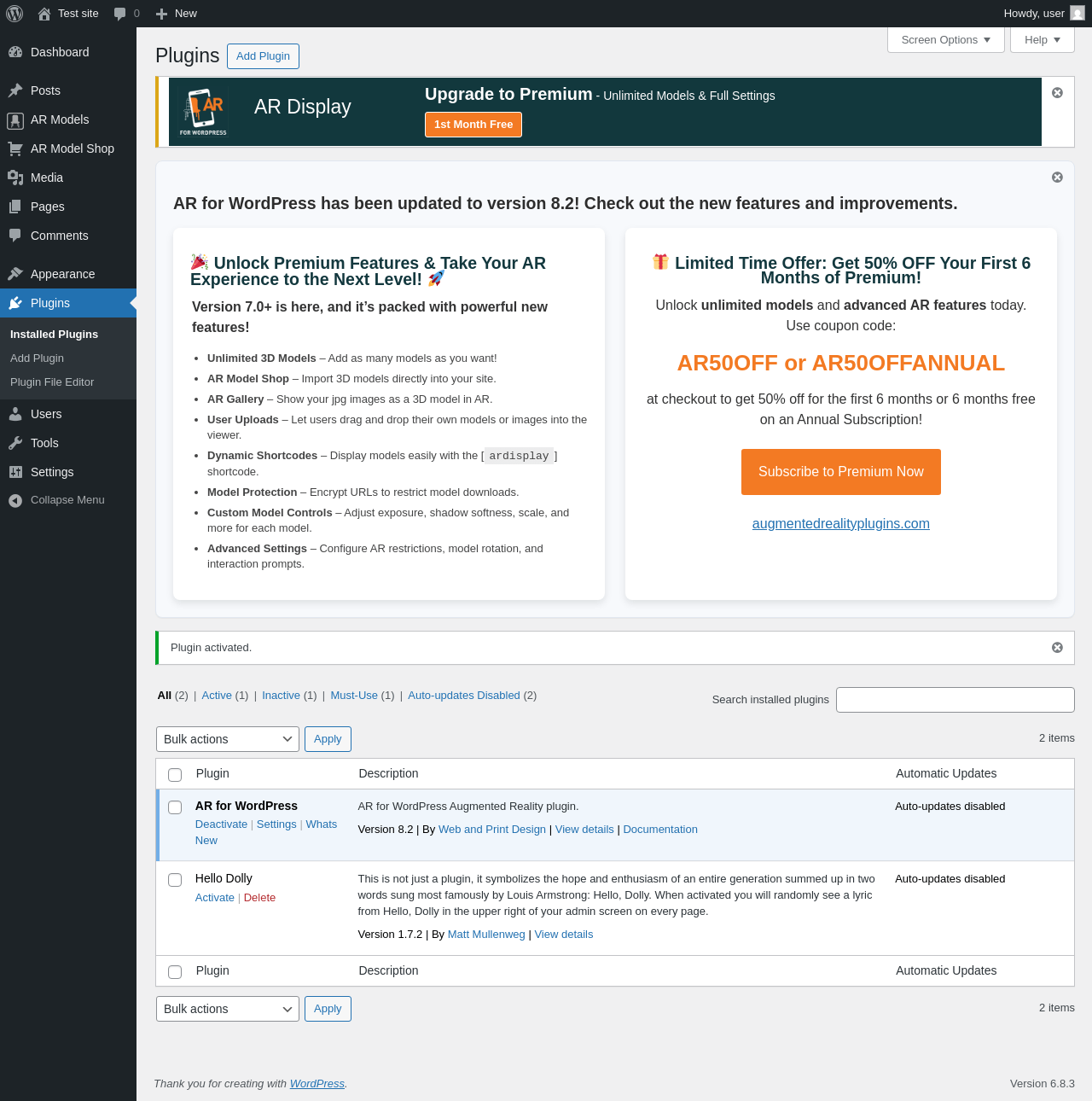
| URL | /wp-admin/plugins.php?plugin_status=all&paged=1&s |
|---|---|
| Requested URL | /wp-admin/plugins.php?action=activate&plugin=ar-for-wordpress%2Far-wordpress.php&plugin_status=all&paged=1&s&_wpnonce=2c94887ccd |
| Aspect | after-activation |
| HTTP status | 200 |
| Load time | 1.063 s |
| Memory usage | 3.81 MiB |
| JS errors | None |
| Resource errors | None |
AR Models
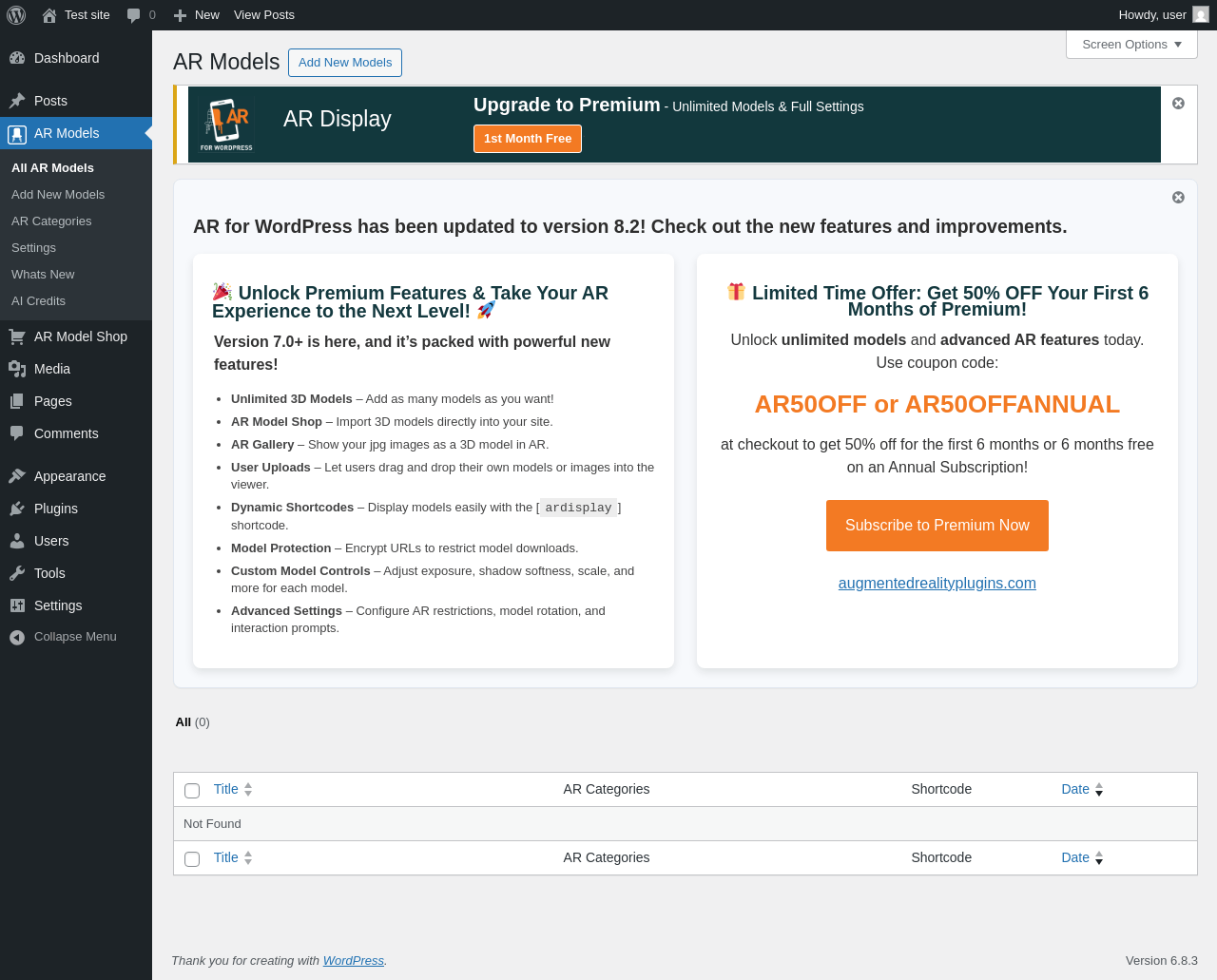
| URL | /wp-admin/edit.php?post_type=armodels |
|---|---|
| Aspect | menu-item |
| HTTP status | 200 |
| Load time | 0.355 s |
| Memory usage | 3.79 MiB |
| JS errors | None |
| Resource errors | None |
AR Models → Add New Models
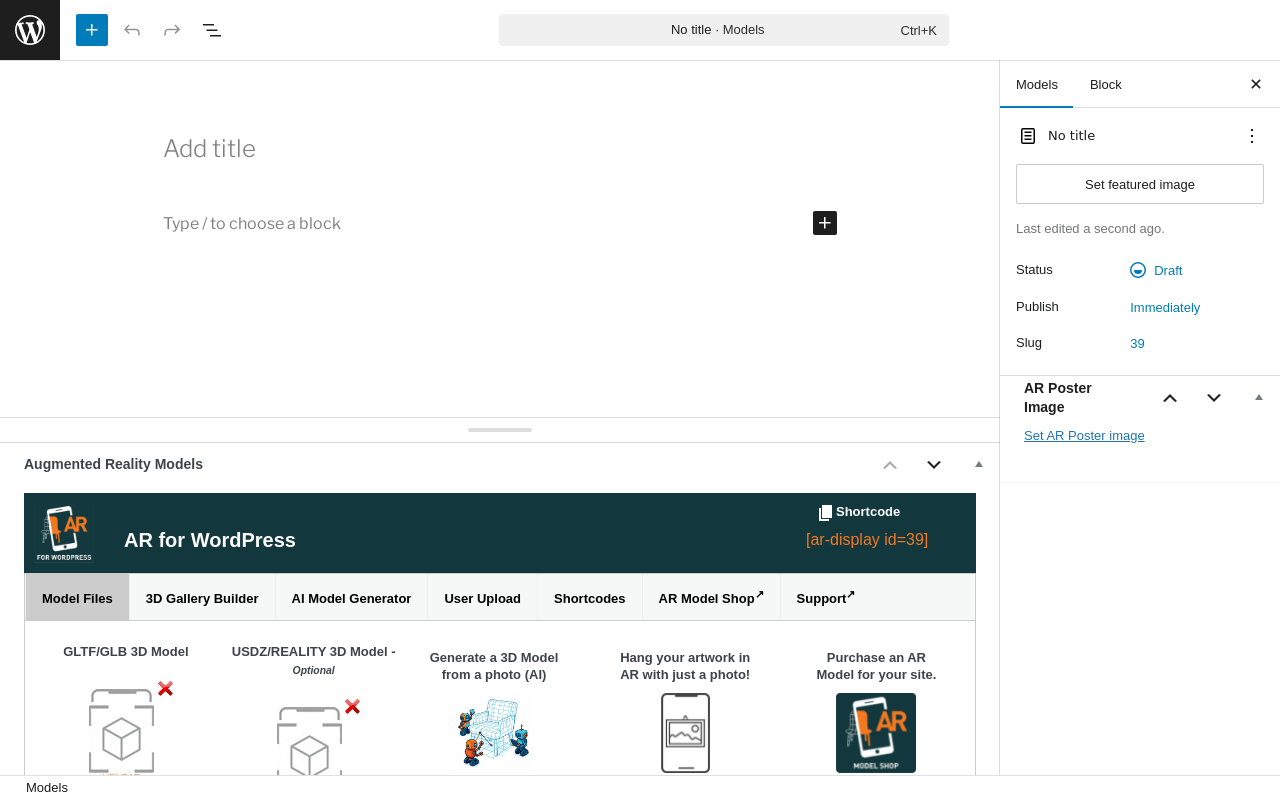
| URL | /wp-admin/post-new.php?post_type=armodels |
|---|---|
| Aspect | menu-item |
| HTTP status | 200 |
| Load time | 1.303 s |
| Memory usage | 6.57 MiB |
| JS errors | None |
| Resource errors | None |
AR Models → AR Categories
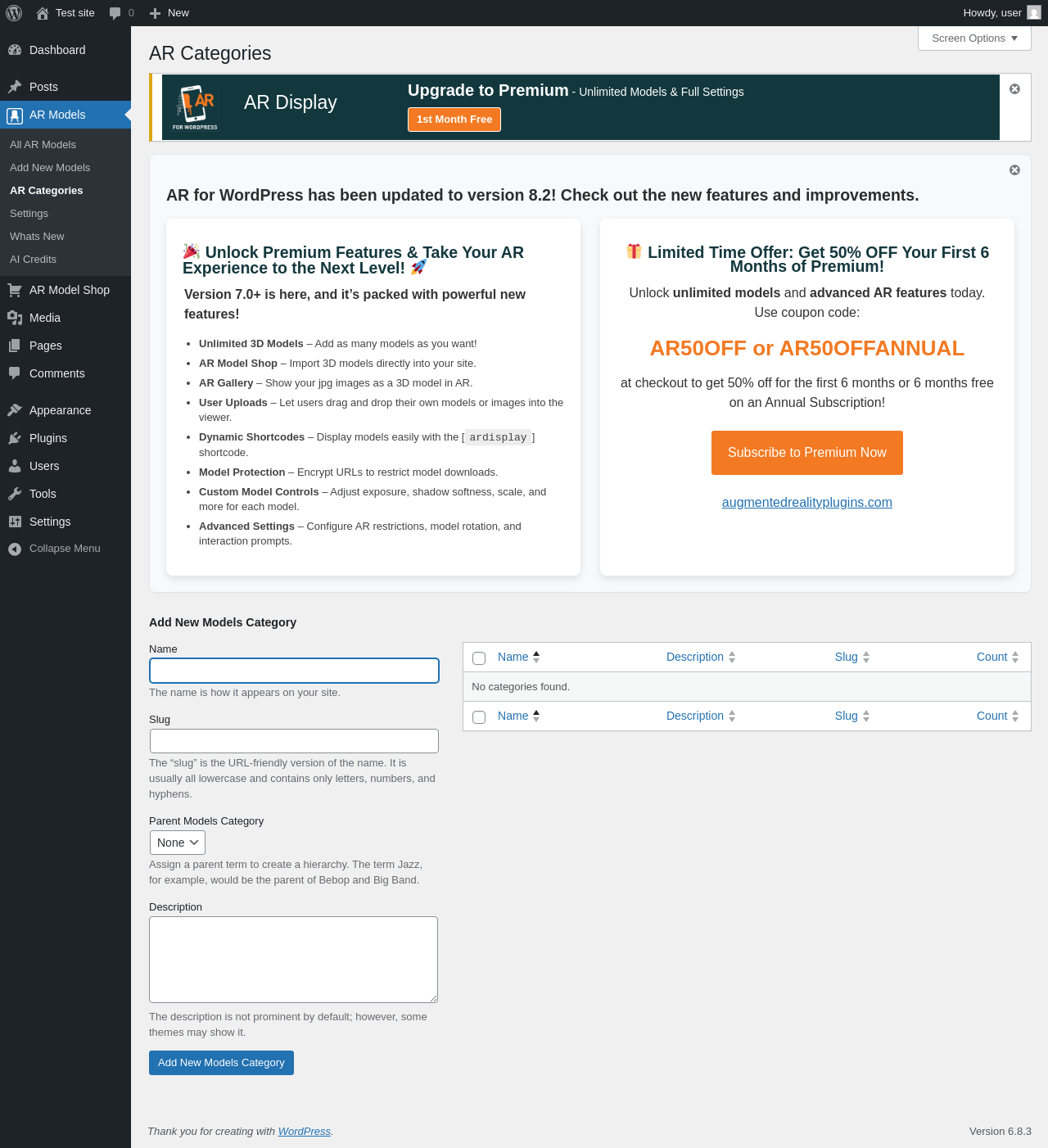
| URL | /wp-admin/edit-tags.php?taxonomy=model_category&post_type=armodels |
|---|---|
| Aspect | menu-item |
| HTTP status | 200 |
| Load time | 0.517 s |
| Memory usage | 3.74 MiB |
| JS errors | None |
| Resource errors | None |
AR Models → Settings
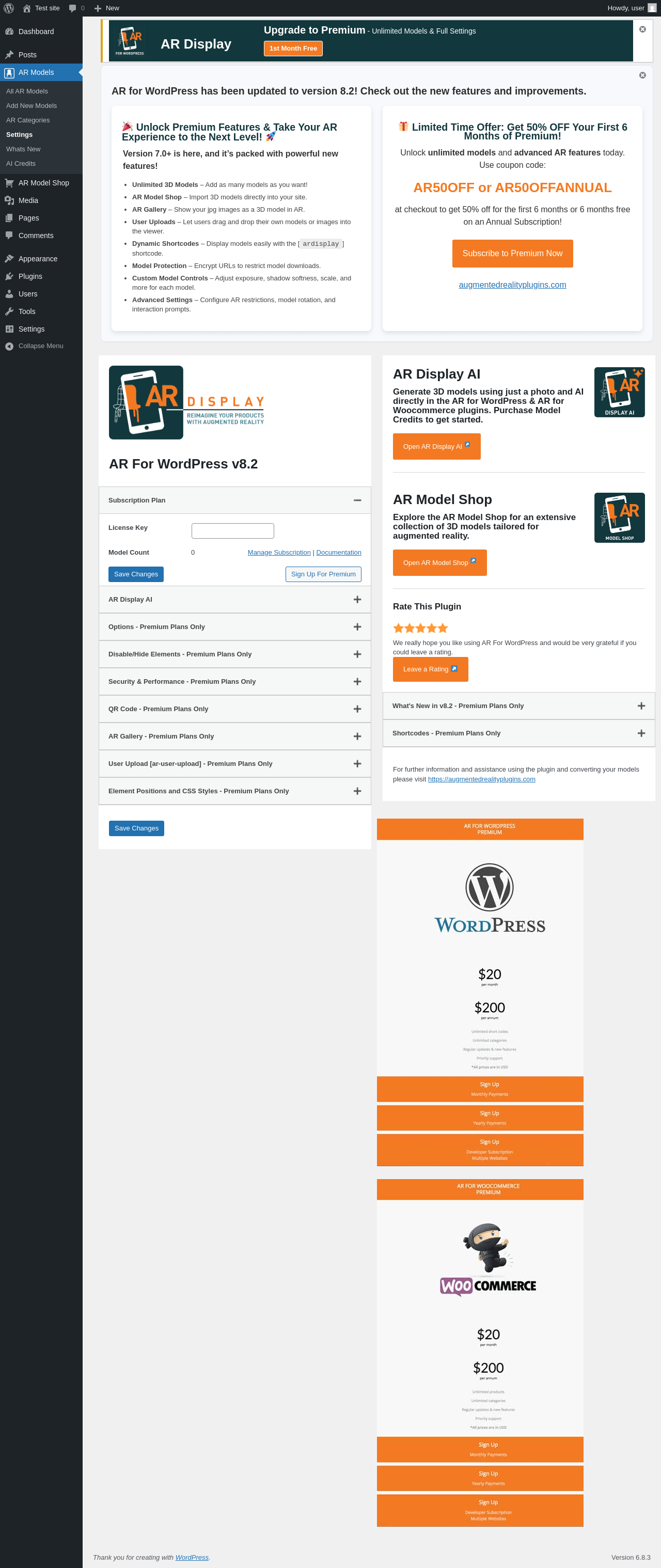
| URL | /wp-admin/edit.php?post_type=armodels&page |
|---|---|
| Aspect | menu-item |
| HTTP status | 200 |
| Load time | 0.622 s |
| Memory usage | 3.83 MiB |
| JS errors | None |
| Resource errors | None |
AR Models → Whats New
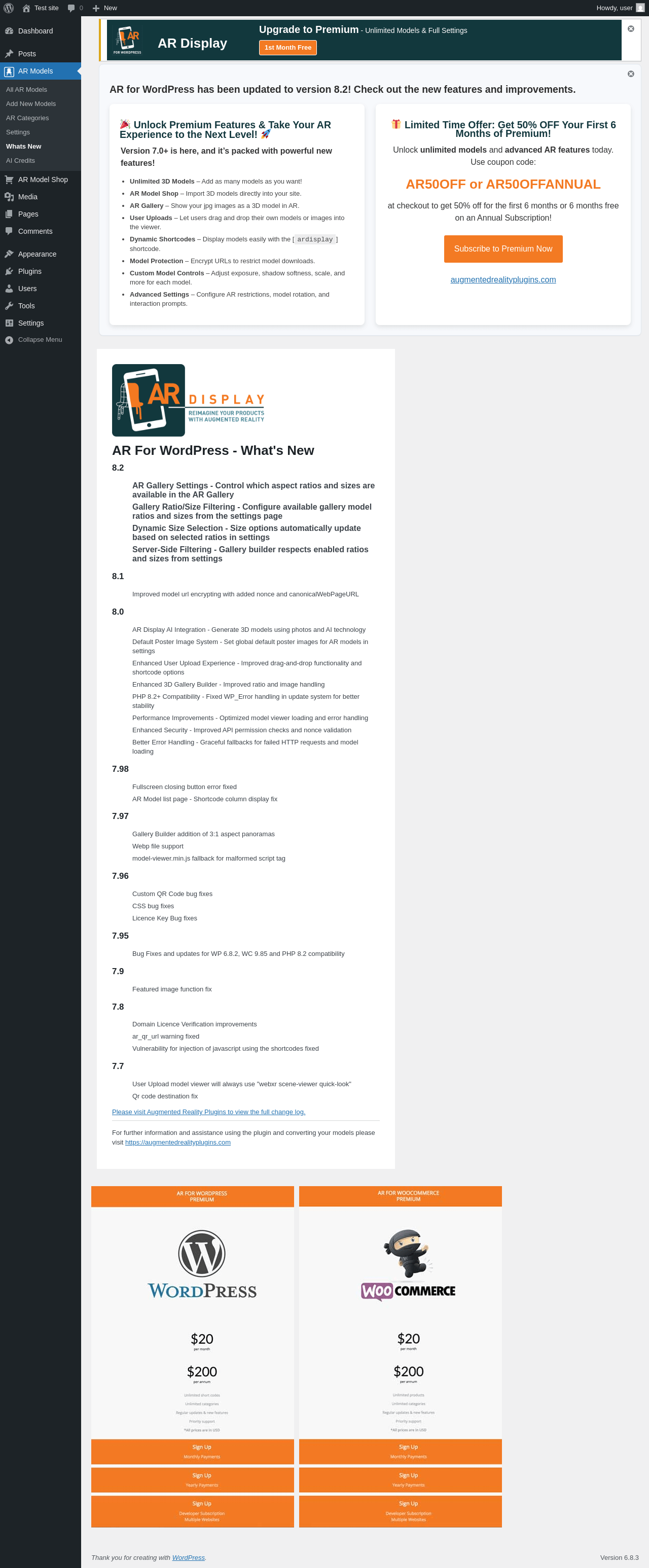
| URL | /wp-admin/edit.php?post_type=armodels&page=ar-whats-new |
|---|---|
| Aspect | menu-item |
| HTTP status | 200 |
| Load time | 0.450 s |
| Memory usage | 3.73 MiB |
| JS errors | None |
| Resource errors | None |
AR Models → AI Credits
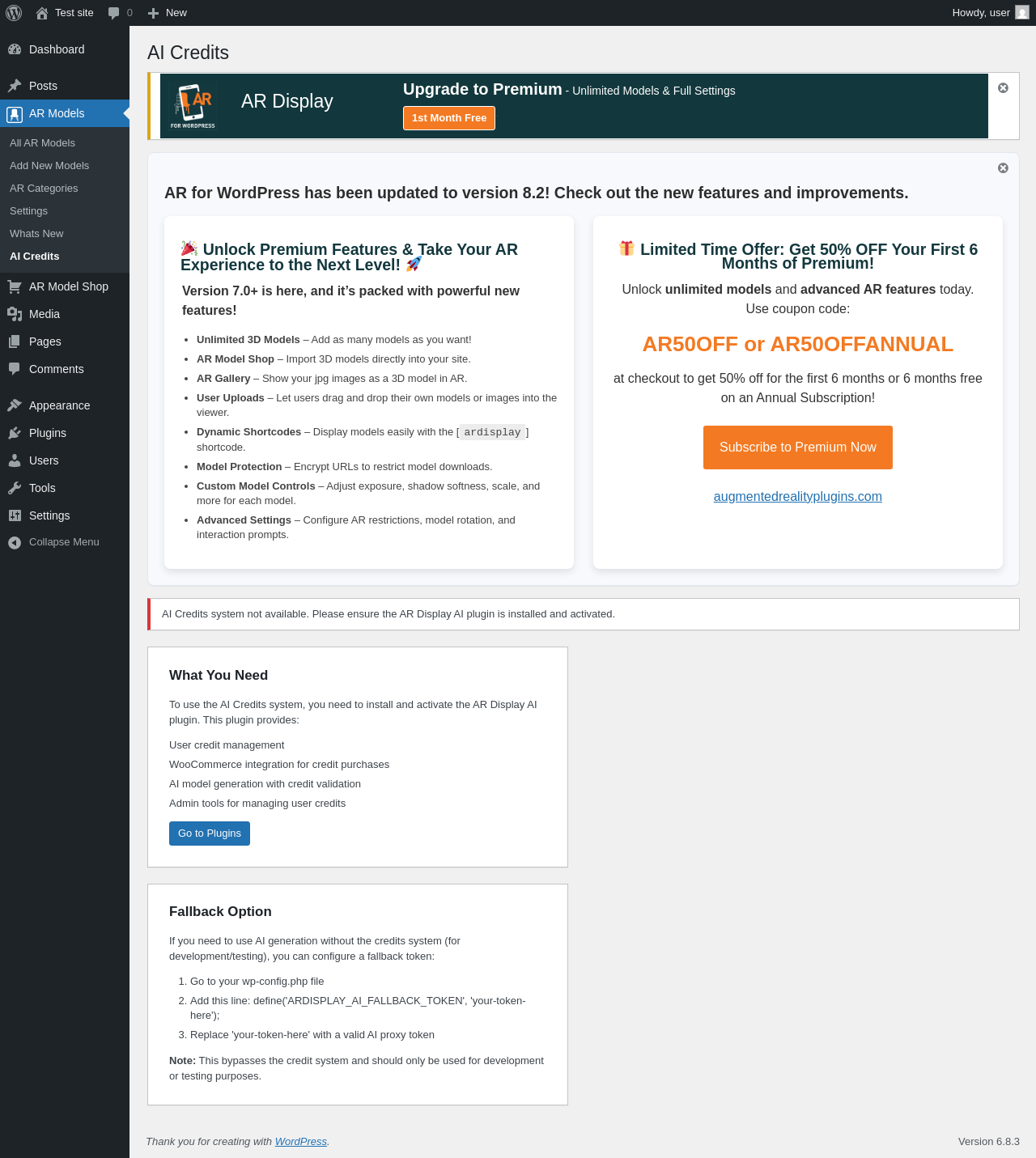
| URL | /wp-admin/edit.php?post_type=armodels&page=ar-ai-credits |
|---|---|
| Aspect | menu-item |
| HTTP status | 200 |
| Load time | 0.300 s |
| Memory usage | 3.73 MiB |
| JS errors | None |
| Resource errors | None |
AR Model Shop
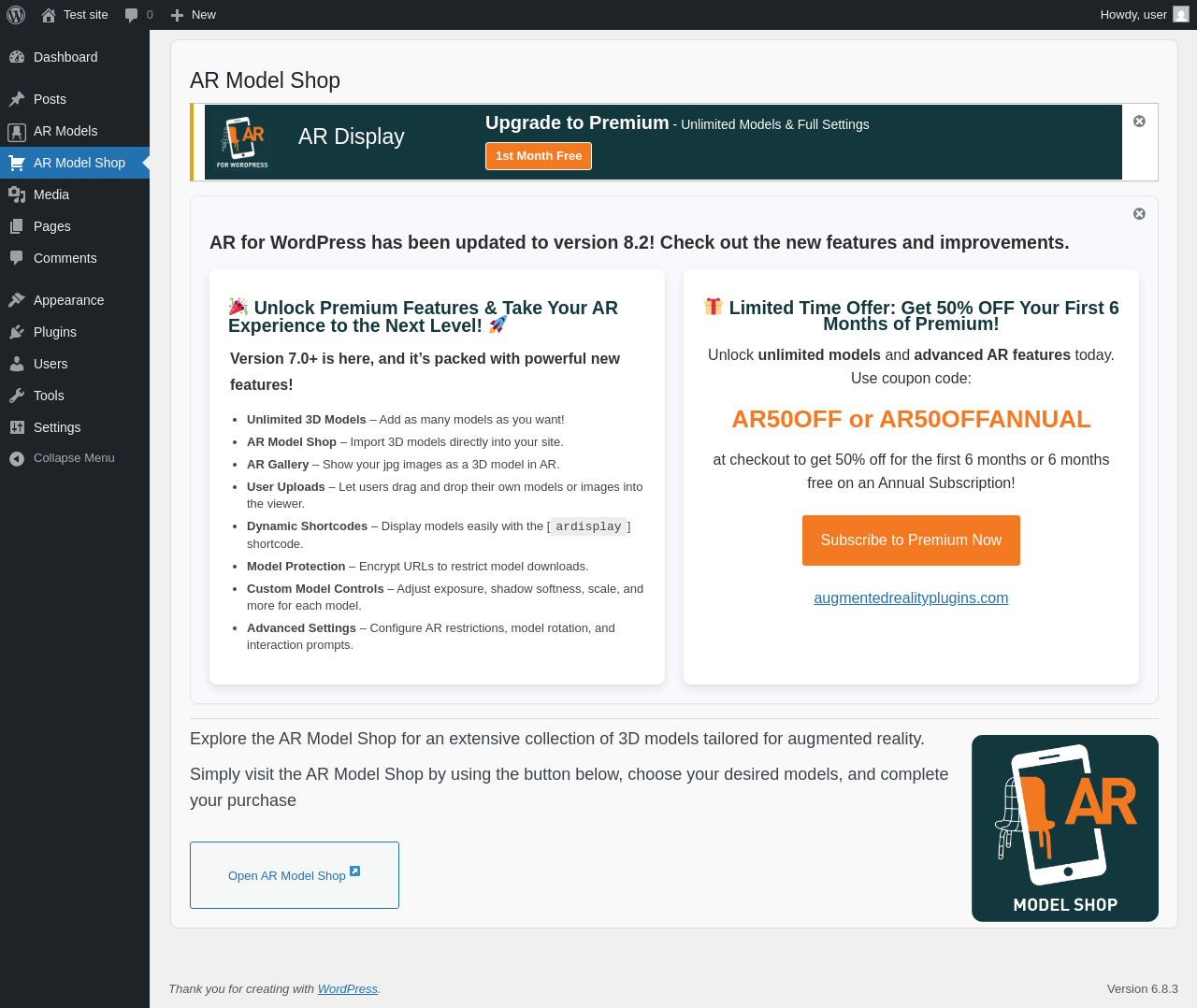
| URL | /wp-admin/admin.php?page=ar-modelshop |
|---|---|
| Aspect | menu-item |
| HTTP status | 200 |
| Load time | 0.333 s |
| Memory usage | 3.72 MiB |
| JS errors | None |
| Resource errors | None |
Test site – Just another WordPress site
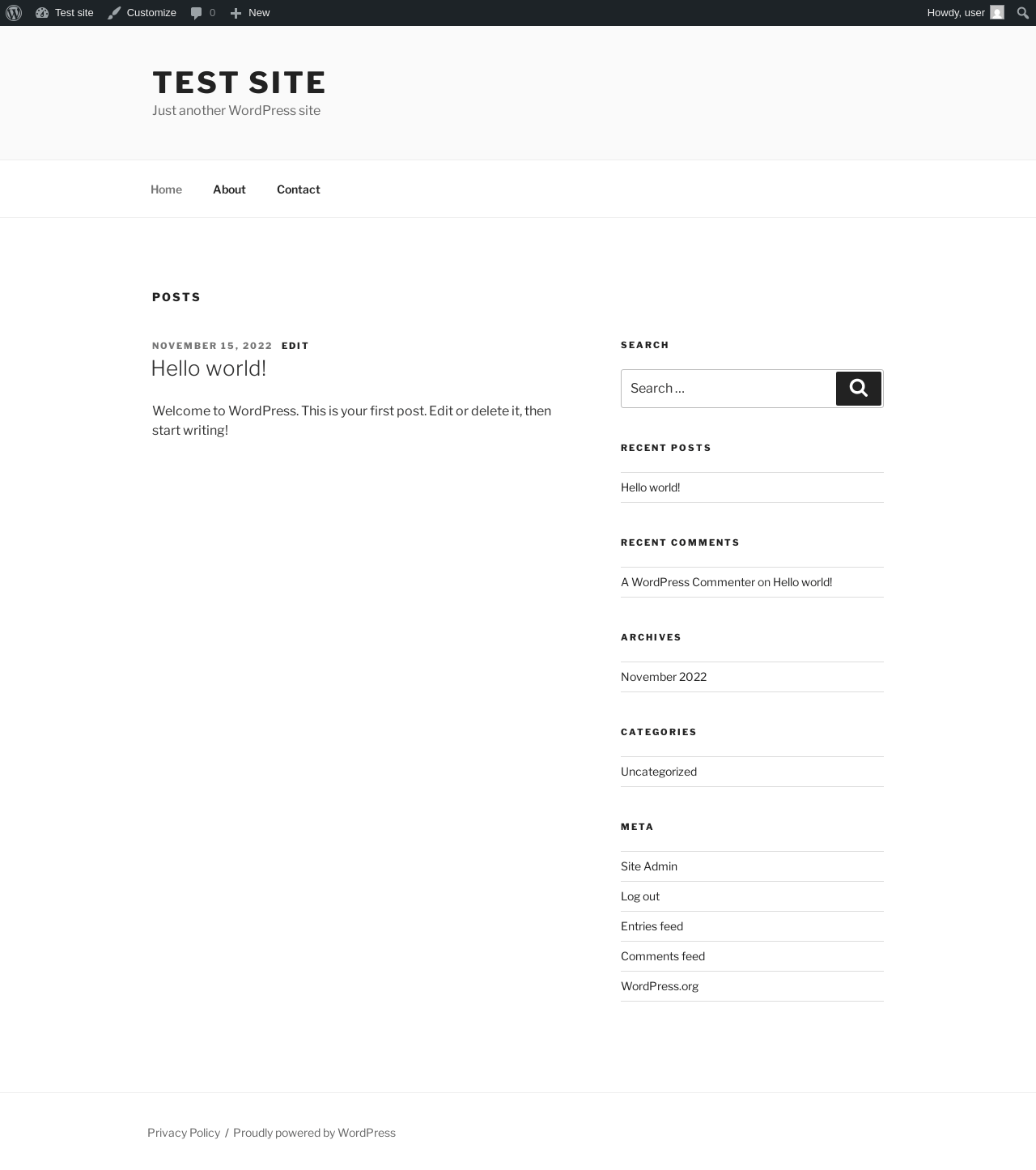
| URL | / |
|---|---|
| Aspect | front-page |
| HTTP status | 200 |
| Load time | 0.250 s |
| Memory usage | 3.59 MiB |
| JS errors | None |
| Resource errors | None |
Benchmark
| URL | Load time | Memory usage | ||||
|---|---|---|---|---|---|---|
| Inactive | Active | Change | Inactive | Active | Change | |
| /wp-admin/index.php | 0.359 s | 0.520 s | +0.161 s | 3.51 MiB | 3.75 MiB | + 250.41 KiB |
| /wp-admin/edit.php | 0.215 s | 0.368 s | +0.153 s | 3.57 MiB | 3.81 MiB | + 244.22 KiB |
| /wp-admin/post-new.php | 0.846 s | 0.919 s | +0.073 s | 6.06 MiB | 6.47 MiB | + 420.45 KiB |
| /wp-admin/upload.php | 0.770 s | 1.186 s | +0.416 s | 3.52 MiB | 3.75 MiB | + 231.38 KiB |
| /wp-admin/options-writing.php | 0.229 s | 0.478 s | +0.249 s | 3.5 MiB | 3.73 MiB | + 230.38 KiB |
| /wp-admin/media-new.php | 0.278 s | 0.353 s | +0.075 s | 3.49 MiB | 3.73 MiB | + 238.58 KiB |
| /wp-admin/edit-tags.php?taxonomy=category | 0.195 s | 0.356 s | +0.161 s | 3.5 MiB | 3.75 MiB | + 249.25 KiB |
| /wp-admin/post-new.php?post_type=page | 0.761 s | 0.729 s | -0.032 s | 6.05 MiB | 6.46 MiB | + 416.29 KiB |
| /wp-admin/options-discussion.php | 0.270 s | 0.886 s | +0.616 s | 3.5 MiB | 3.72 MiB | + 226.88 KiB |
| /wp-admin/edit-comments.php | 0.456 s | 0.414 s | -0.042 s | 3.52 MiB | 3.75 MiB | + 231.88 KiB |
| / | 0.342 s | 0.235 s | -0.107 s | 3.43 MiB | 3.59 MiB | + 158.46 KiB |
| Average | 0.429 s | 0.586 s | +0.157 s | 3.97 MiB | 4.23 MiB | + 263.47 KiB |
Code Statistics
Note: Third-party libraries and minified JS/CSS files are excluded from these statistics where possible, so the numbers you see here may be lower than those reported by other tools.
| Language | % | Lines of code | Comment lines | Files | |
|---|---|---|---|---|---|
| PHP | 45.4% | 10,301 | 3,001 | 66 | |
| JSON | 34.9% | 7,929 | 0 | 30 | |
| JavaScript | 14.7% | 3,332 | 1,272 | 17 | |
| CSS | 5.0% | 1,124 | 104 | 5 | |
| Sass | 0.1% | 19 | 0 | 2 | |
| SVG | 0.0% | 1 | 0 | 1 | |
| Total | 22,706 | 4,377 | 121 | ||
PHP Code Analysis | More results »
| Lines of code | 9,998 |
|---|---|
| Total complexity | 1,890 |
| Median class complexity | 10.0 |
| Median method complexity | 2.0 |
| Most complex class | AR_Plugin |
| Most complex function | ar_subscription_setting() |
| Classes | 32 |
|---|---|
| Methods | 174 |
| Functions | 131 |
Additions
Things that the plugin adds to the site. This section is not intended to be comprehensive. The test tool only looks for a few specific types of added content.
Options wp_options 43
- ar_animation
- ar_animation_selection
- ar_autoplay
- ar_css
- ar_css_positions
- ar_dimensions_inches
- ar_dimensions_label
- ar_dimensions_units
- ar_disable_zoom
- ar_emissive
- ar_fullscreen_file
- ar_hide_arview
- ar_hide_dimensions
- ar_hide_fullscreen
- ar_hide_gallery_sizes
- ar_hide_qrcode
- ar_hide_reset
- ar_licence_key
- ar_licence_plan
- ar_licence_renewal
- ar_licence_valid
- ar_light_color
- ar_no_posts
- ar_open_tabs
- ar_open_tabs_remember
- ar_pause_file
- ar_play_file
- ar_plugin_version
- ar_qr_destination
- ar_qr_file
- ar_rotate_limit
- ar_scene_viewer
- ar_secure_model_urls
- ar_user_button
- ar_user_default
- ar_user_default_image
- ar_user_modelviewer
- ar_user_upload_button
- ar_view_file
- ar_view_in_3d
- ar_view_in_ar
- ar_wl_file
- ardisplay_ai_proxy_site_token
Custom Post Types 1
| ID | Name |
|---|---|
| armodels | AR Models |
Meta Boxes
{
    "armodels": {
        "postimagediv": {
            "title": "AR Poster Image",
            "context": "side"
        },
        "ar_wp_advance_custom_attachment": {
            "title": "Augmented Reality Models",
            "context": "normal"
        }
    }
}
PHP Error Log 2 lines
[30-Oct-2025 22:18:28 UTC] PHP Warning:  Undefined variable $current_user_id in /wp-content/plugins/ar-for-wordpress/templates/model-fields-tabs.php on line 148
[30-Oct-2025 22:18:29 UTC] PHP Warning:  Undefined variable $current_user_id in /wp-content/plugins/ar-for-wordpress/templates/model-fields-tabs.php on line 148