ArchivioMD 1.16.0
Does ArchivioMD work with WordPress 6.9.1 and PHP 8.1.12? A smoke test was performed on .
Summary
Errors
| 1 | PHP notices |
| No JavaScript exceptions | |
| All test pages loaded successfully | |
| No resource errors |
Performance
Memory usage: 285.65 KiB
The average PHP memory usage increased by this amount after activating by the plugin.
Page speed impact:
insignificant.
The plugin didn't make the site noticeably slower.
Environment
| WordPress version | 6.9.1 |
|---|---|
| PHP version | 8.1.12 |
| MySQL version | 10.6.10 |
| PHP memory limit | 512M |
Plugin Info
| Last updated | |
|---|---|
| Active installs | <10 |
| WordPress.org page | https://wordpress.org/plugins/archiviomd/ |
| Badges |
|


Pages 14
Plugins ‹ Test site — WordPress
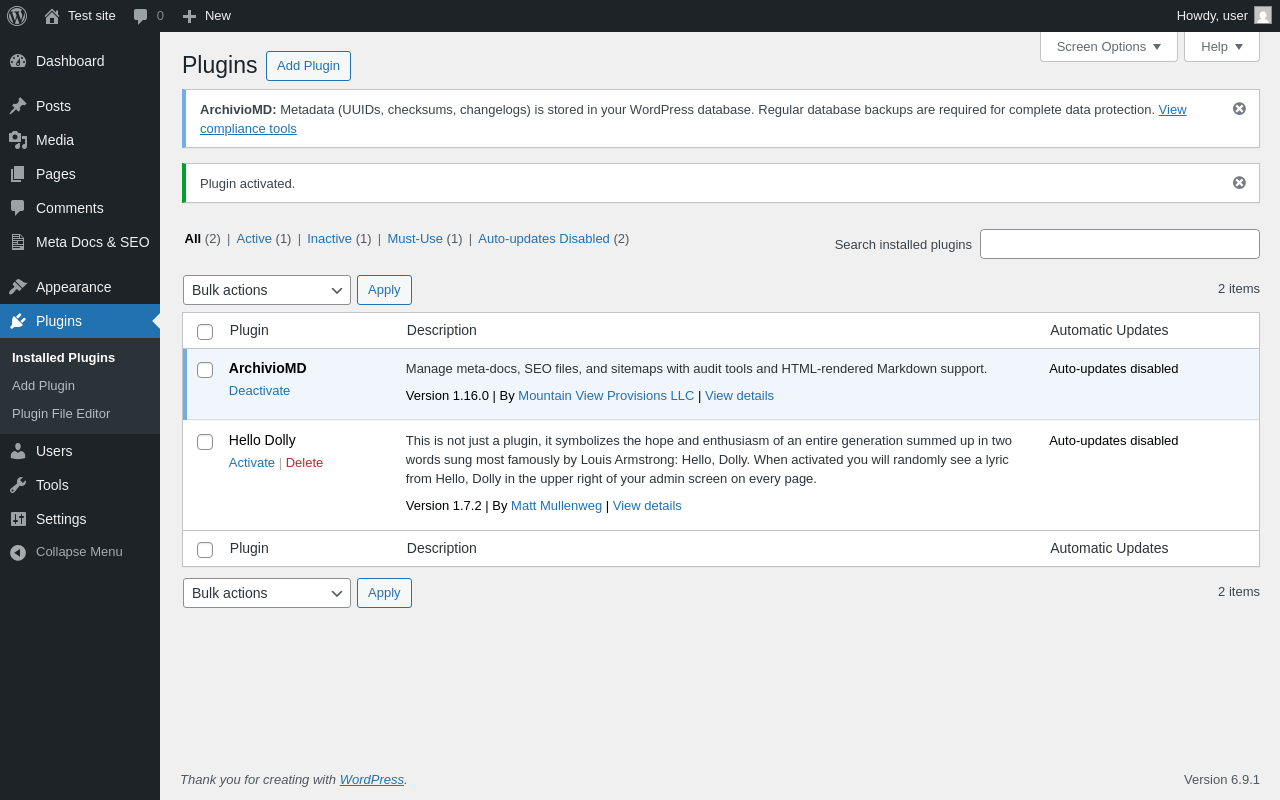
| URL | /wp-admin/plugins.php?plugin_status=all&paged=1&s |
|---|---|
| Requested URL | /wp-admin/plugins.php?action=activate&plugin=archiviomd%2Fmeta-documentation-seo-manager.php&plugin_status=all&paged=1&s&_wpnonce=6650106868 |
| Aspect | after-activation |
| HTTP status | 200 |
| Load time | 0.447 s |
| Memory usage | 4.57 MiB |
| JS errors | None |
| Resource errors | None |
Meta Docs & SEO
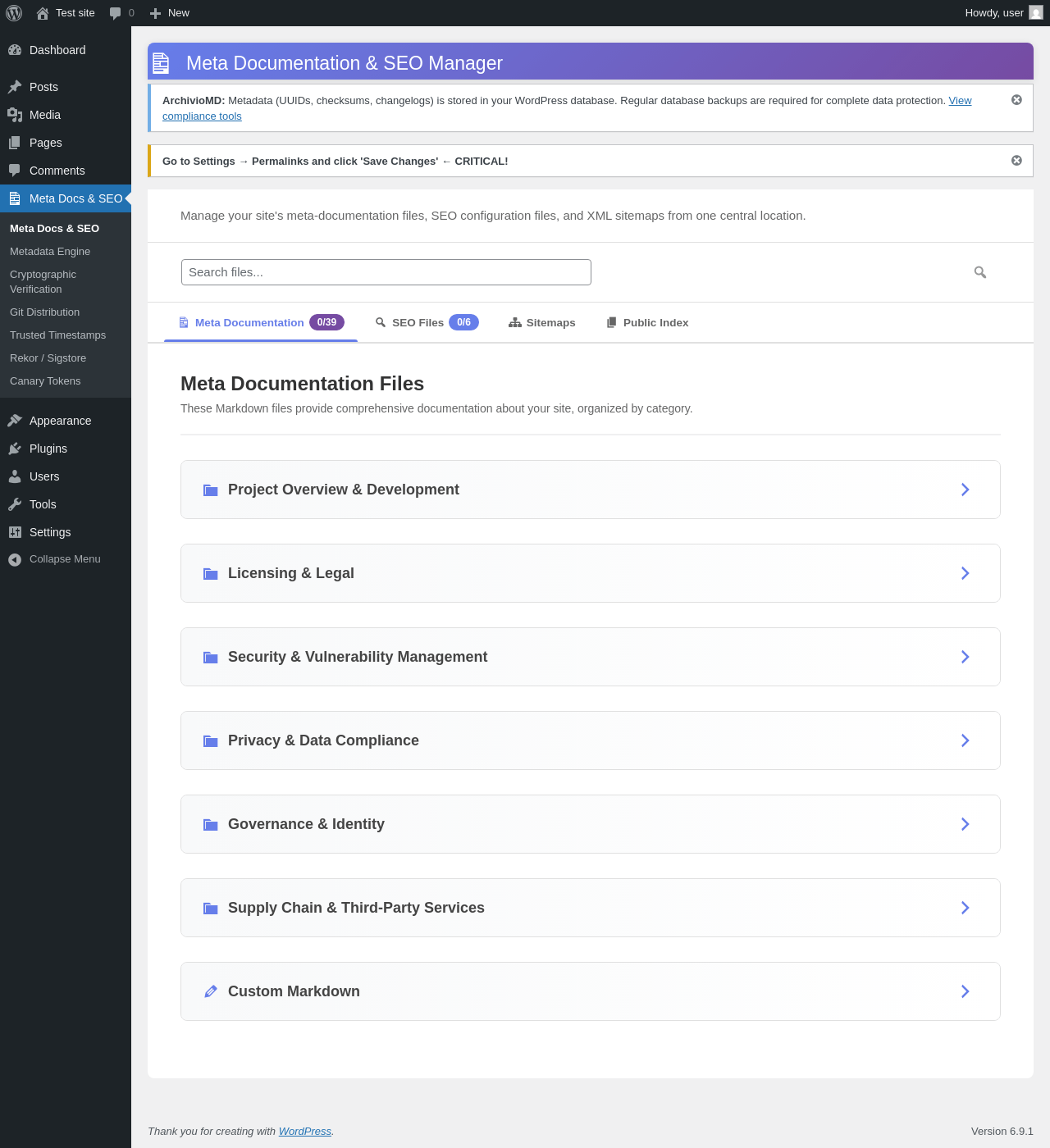
| URL | /wp-admin/admin.php?page=archiviomd |
|---|---|
| Aspect | menu-item |
| HTTP status | 200 |
| Load time | 0.411 s |
| Memory usage | 4.06 MiB |
| JS errors | None |
| Resource errors | None |
Meta Docs & SEO → Metadata Engine
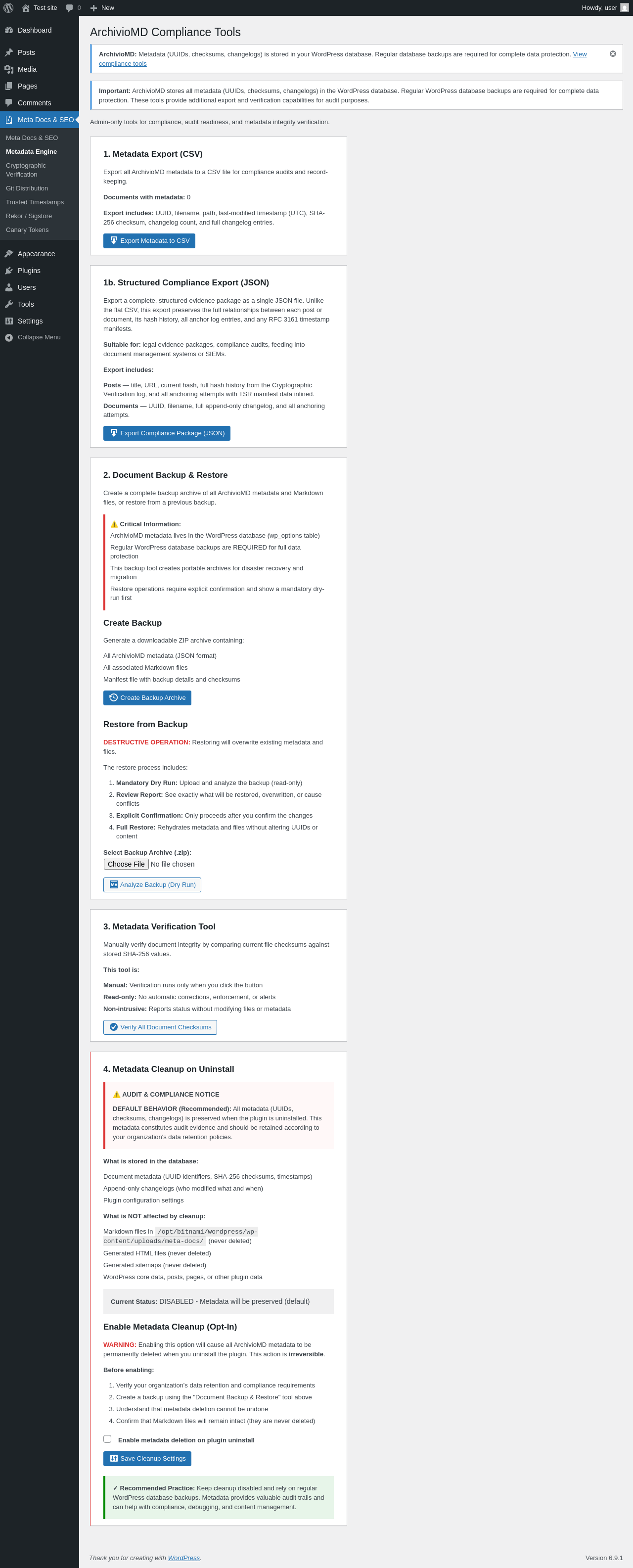
| URL | /wp-admin/admin.php?page=archivio-md-compliance |
|---|---|
| Aspect | menu-item |
| HTTP status | 200 |
| Load time | 0.299 s |
| Memory usage | 4.02 MiB |
| JS errors | None |
| Resource errors | None |
Meta Docs & SEO → Cryptographic Verification

| URL | /wp-admin/admin.php?page=archivio-post |
|---|---|
| Aspect | menu-item |
| HTTP status | 200 |
| Load time | 0.340 s |
| Memory usage | 4.61 MiB |
| JS errors | None |
| Resource errors | None |
Meta Docs & SEO → Cryptographic Verification → Extended
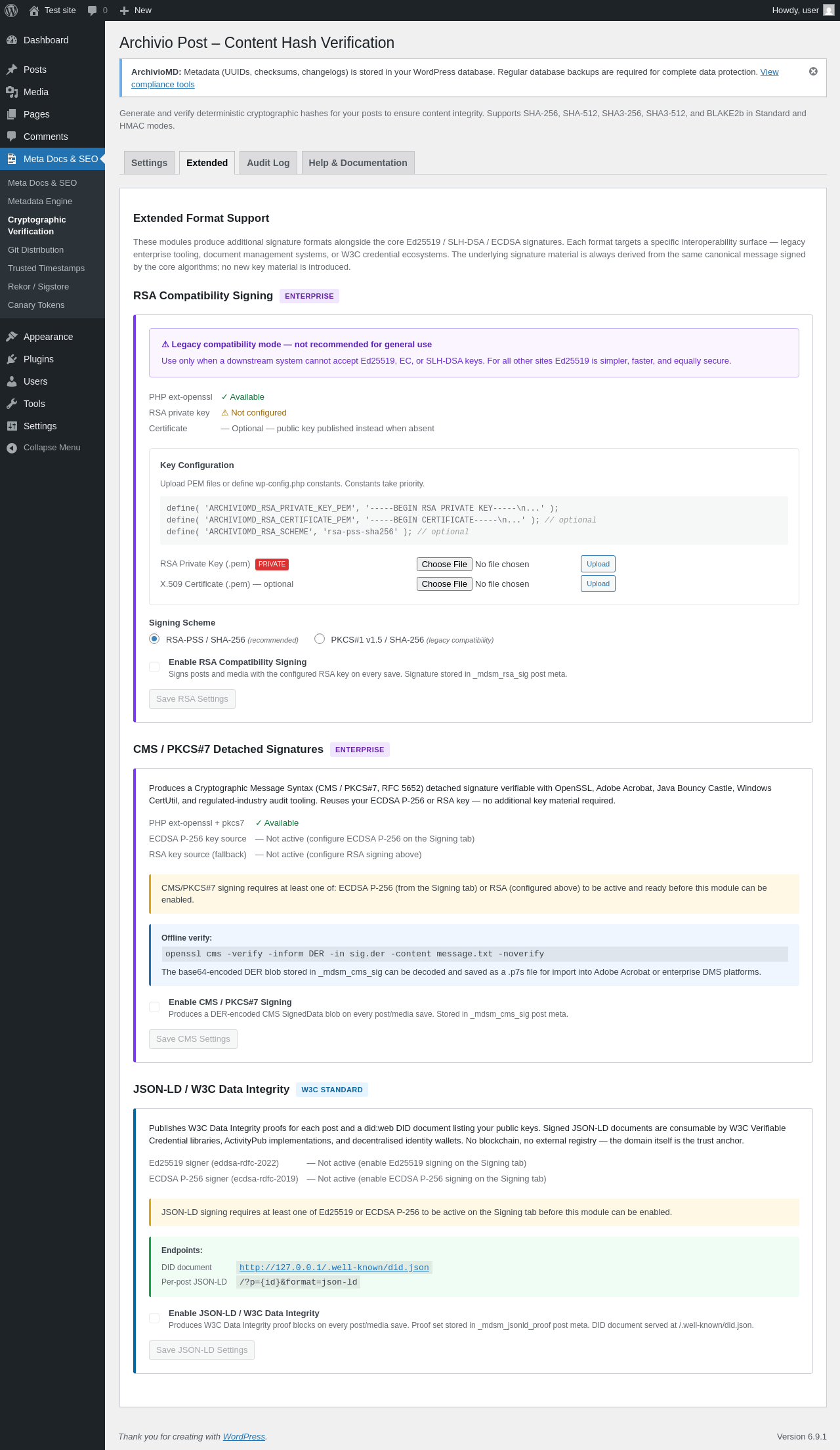
| URL | /wp-admin/admin.php?page=archivio-post&tab=extended |
|---|---|
| Aspect | menu-item-tab |
| HTTP status | 200 |
| Load time | 0.588 s |
| Memory usage | 4.03 MiB |
| JS errors | None |
| Resource errors | None |
Meta Docs & SEO → Cryptographic Verification → Audit Log
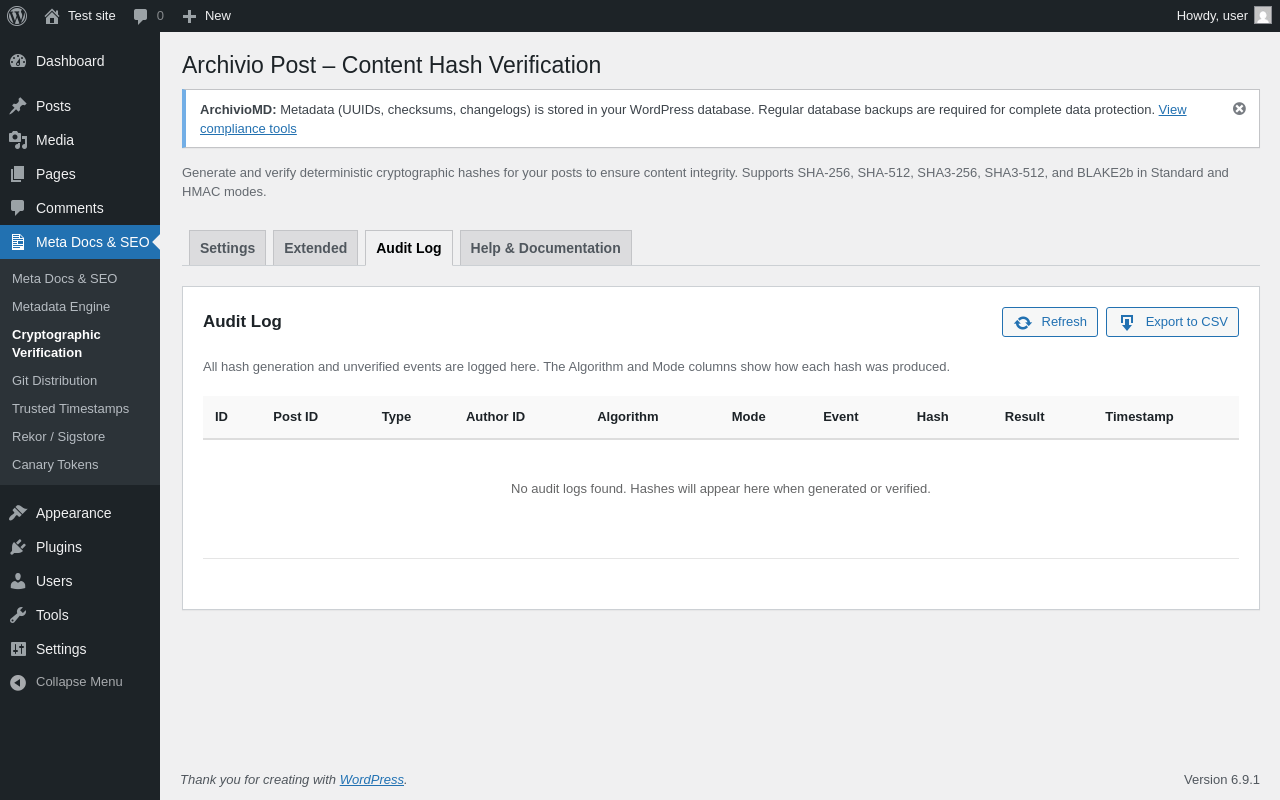
| URL | /wp-admin/admin.php?page=archivio-post&tab=audit |
|---|---|
| Aspect | menu-item-tab |
| HTTP status | 200 |
| Load time | 0.280 s |
| Memory usage | 4.03 MiB |
| JS errors | None |
| Resource errors | None |
Meta Docs & SEO → Cryptographic Verification → Help & Documentation
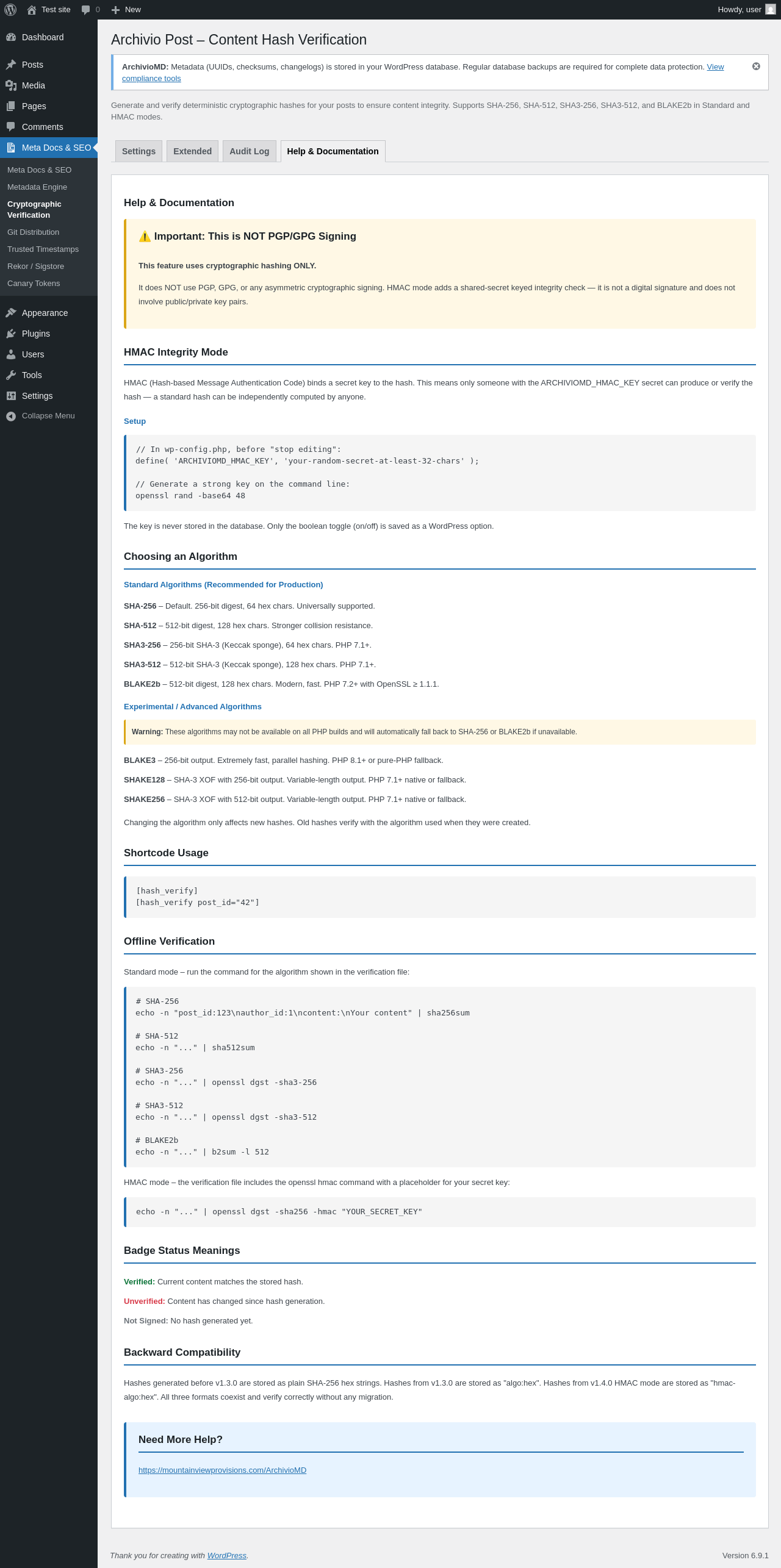
| URL | /wp-admin/admin.php?page=archivio-post&tab=help |
|---|---|
| Aspect | menu-item-tab |
| HTTP status | 200 |
| Load time | 0.323 s |
| Memory usage | 4.03 MiB |
| JS errors | None |
| Resource errors | None |
Meta Docs & SEO → Git Distribution
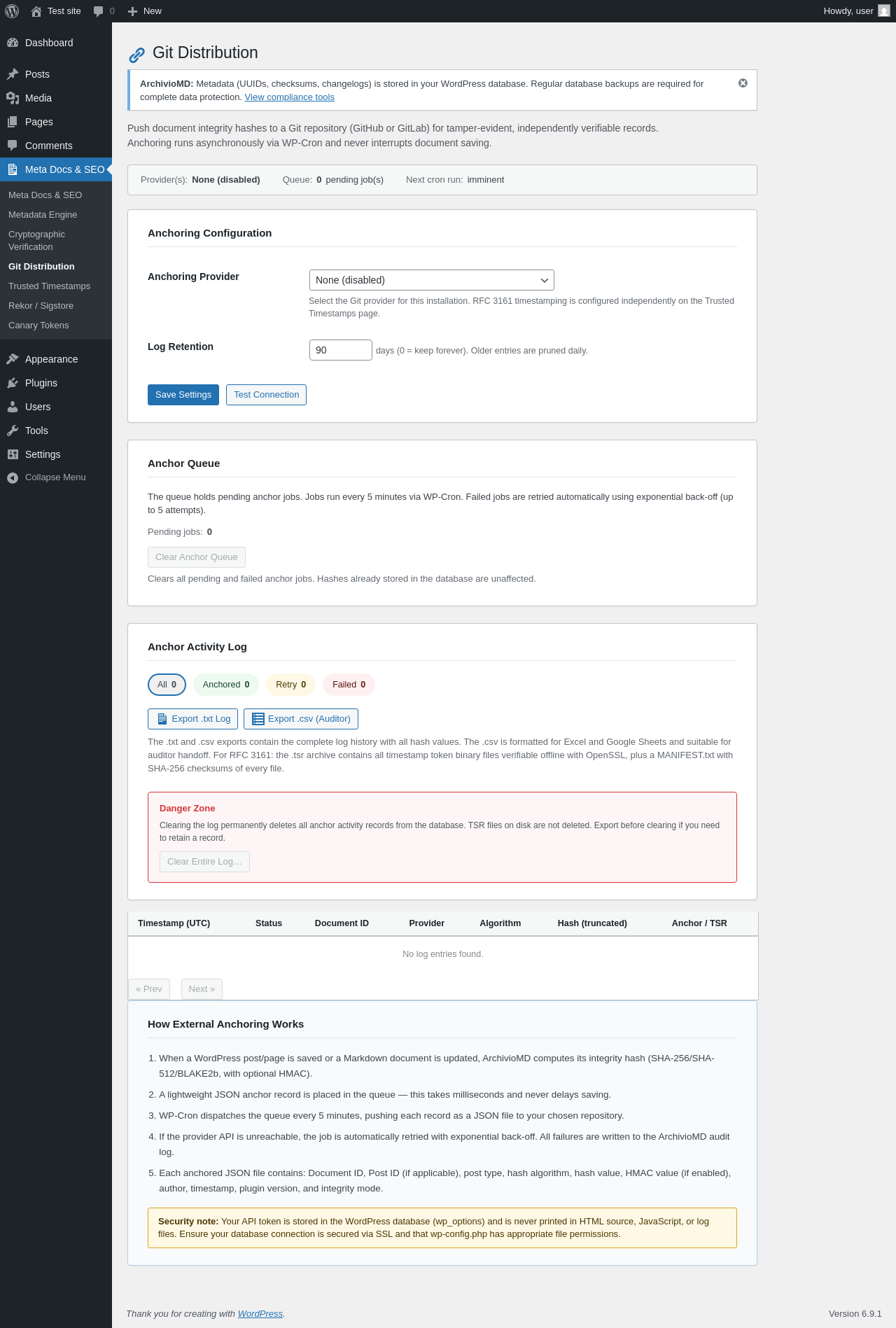
| URL | /wp-admin/admin.php?page=archivio-git-distribution |
|---|---|
| Aspect | menu-item |
| HTTP status | 200 |
| Load time | 0.302 s |
| Memory usage | 4.11 MiB |
| JS errors | None |
| Resource errors | None |
Meta Docs & SEO → Trusted Timestamps
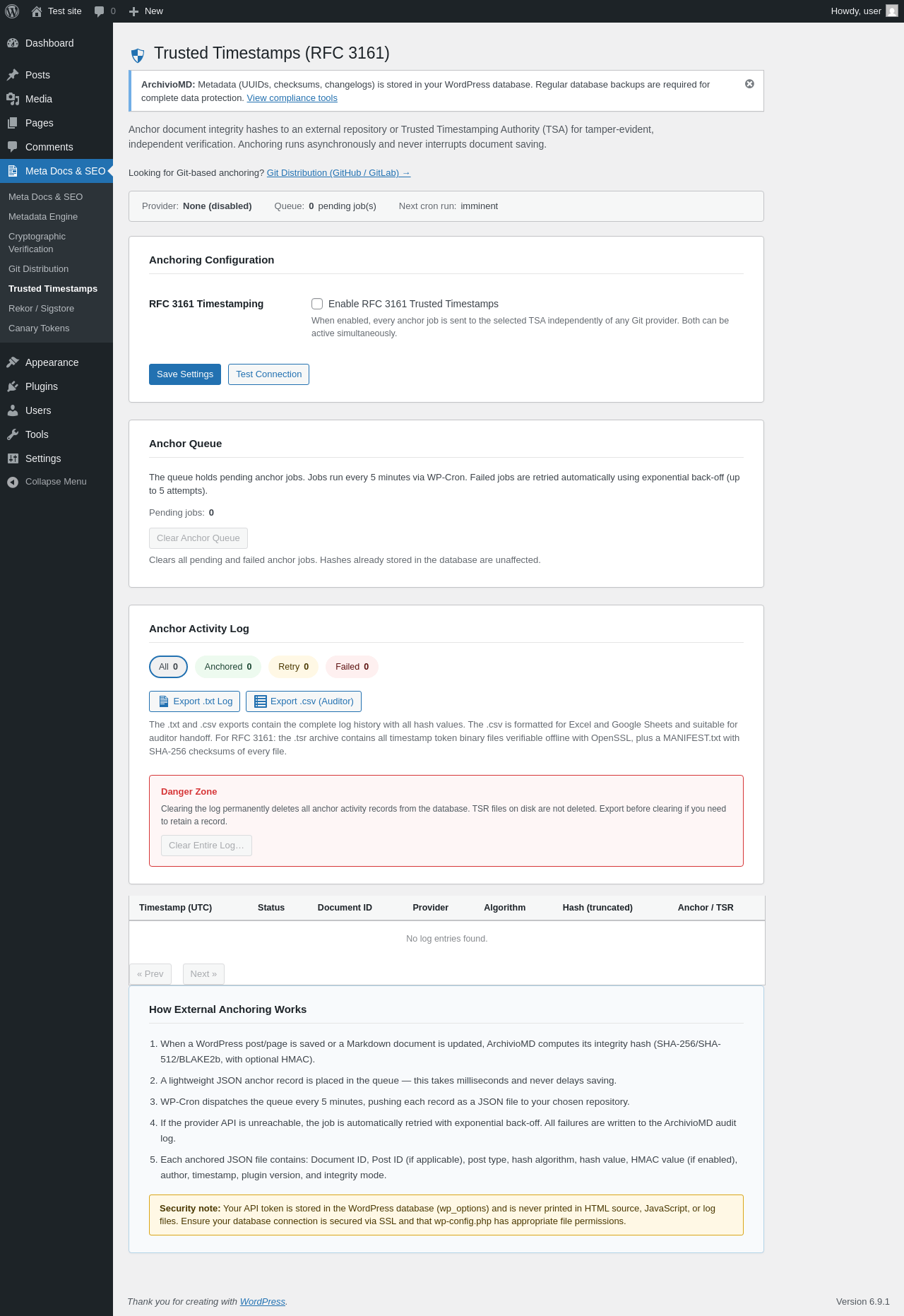
| URL | /wp-admin/admin.php?page=archivio-timestamps |
|---|---|
| Aspect | menu-item |
| HTTP status | 200 |
| Load time | 0.298 s |
| Memory usage | 4.08 MiB |
| JS errors | None |
| Resource errors | None |
Meta Docs & SEO → Rekor / Sigstore
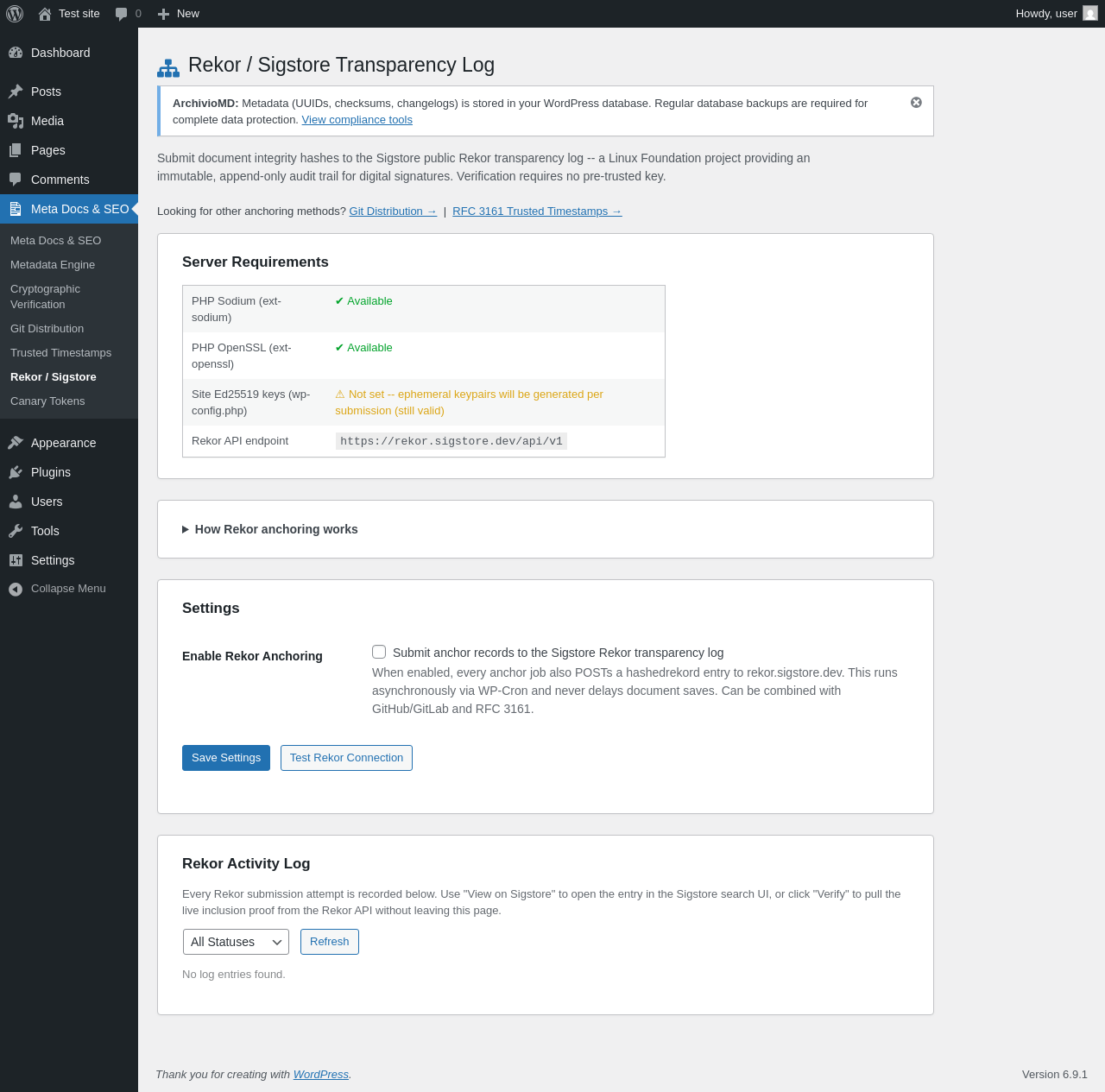
| URL | /wp-admin/admin.php?page=archivio-rekor |
|---|---|
| Aspect | menu-item |
| HTTP status | 200 |
| Load time | 0.280 s |
| Memory usage | 4.09 MiB |
| JS errors | None |
| Resource errors | None |
Meta Docs & SEO → Canary Tokens
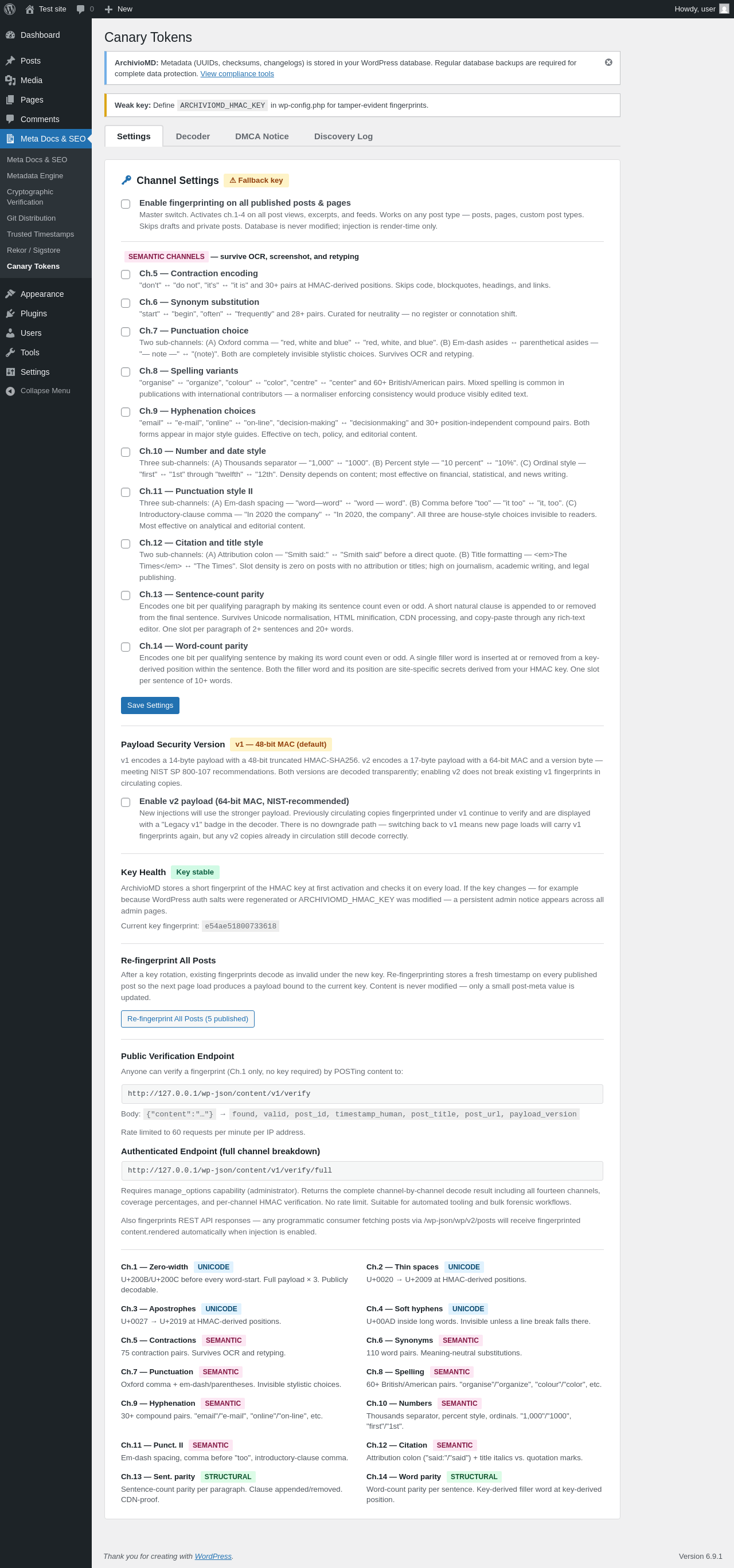
| URL | /wp-admin/admin.php?page=archivio-canary |
|---|---|
| Aspect | menu-item |
| HTTP status | 200 |
| Load time | 0.553 s |
| Memory usage | 4.33 MiB |
| JS errors | None |
| Resource errors | None |
Test site – Just another WordPress site
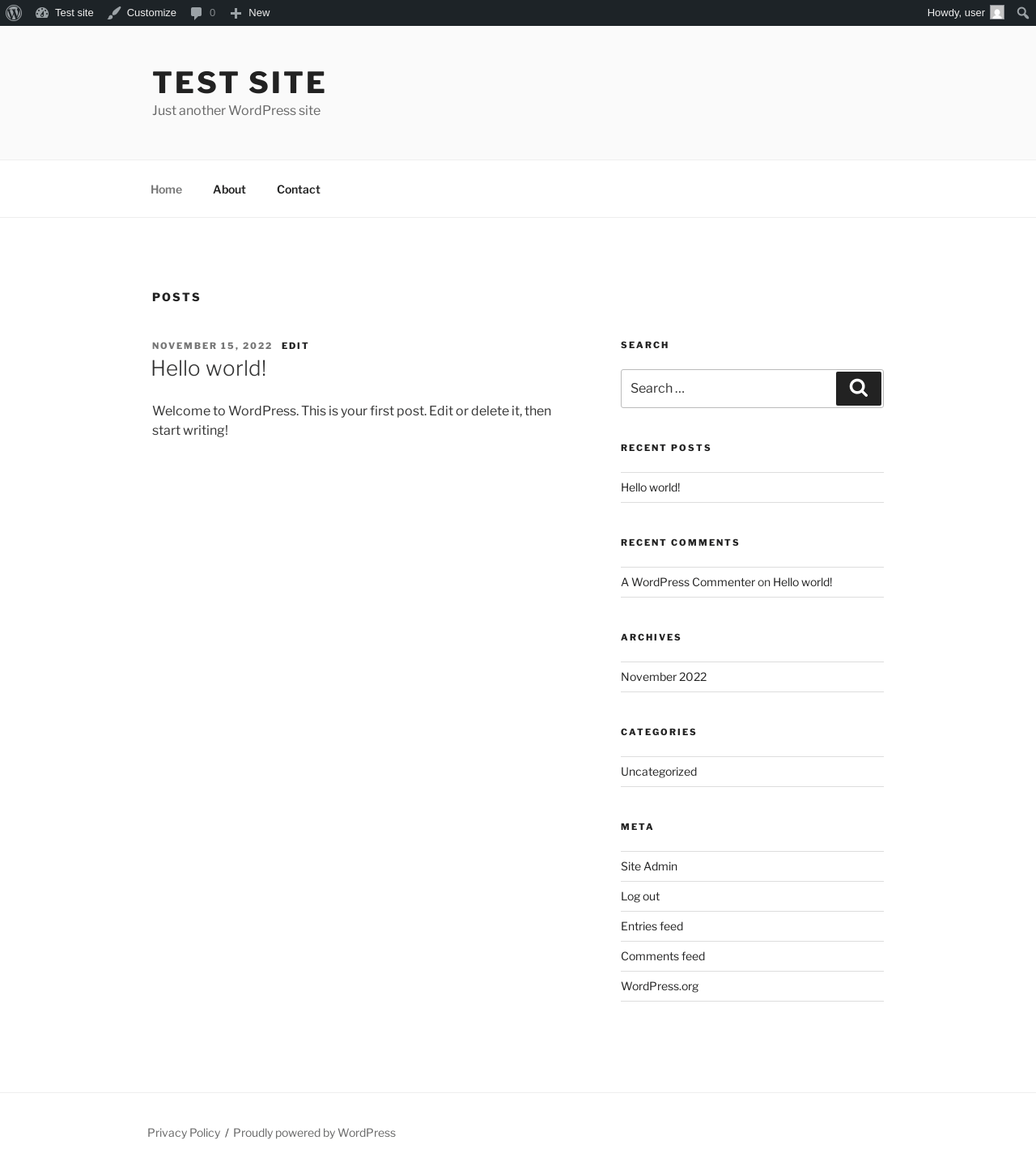
| URL | / |
|---|---|
| Aspect | front-page |
| HTTP status | 200 |
| Load time | 0.237 s |
| Memory usage | 4.33 MiB |
| JS errors | None |
| Resource errors | None |
Add Post ‹ Test site — WordPress
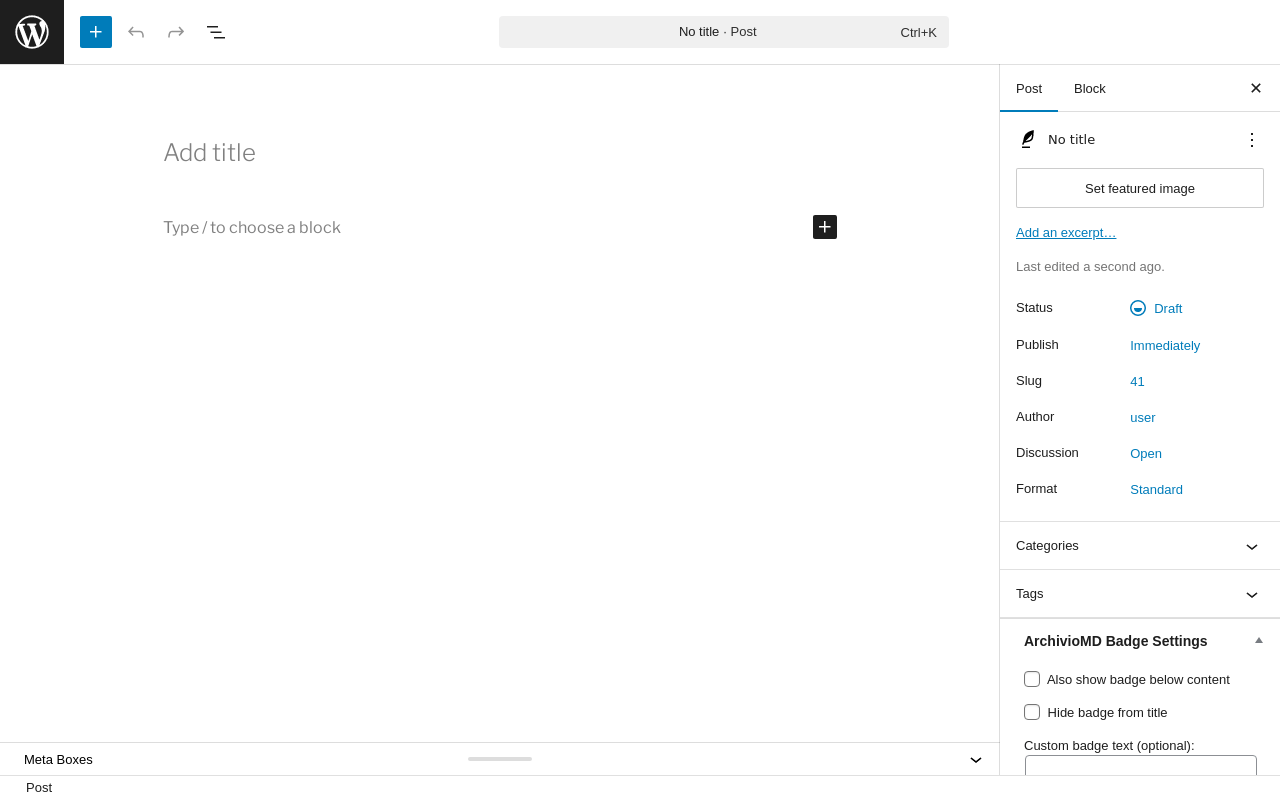
| URL | /wp-admin/post-new.php |
|---|---|
| Aspect | new-meta-boxes |
| HTTP status | 200 |
| Load time | 0.749 s |
| Memory usage | 6.69 MiB |
| JS errors | None |
| Resource errors | None |
Add Page ‹ Test site — WordPress
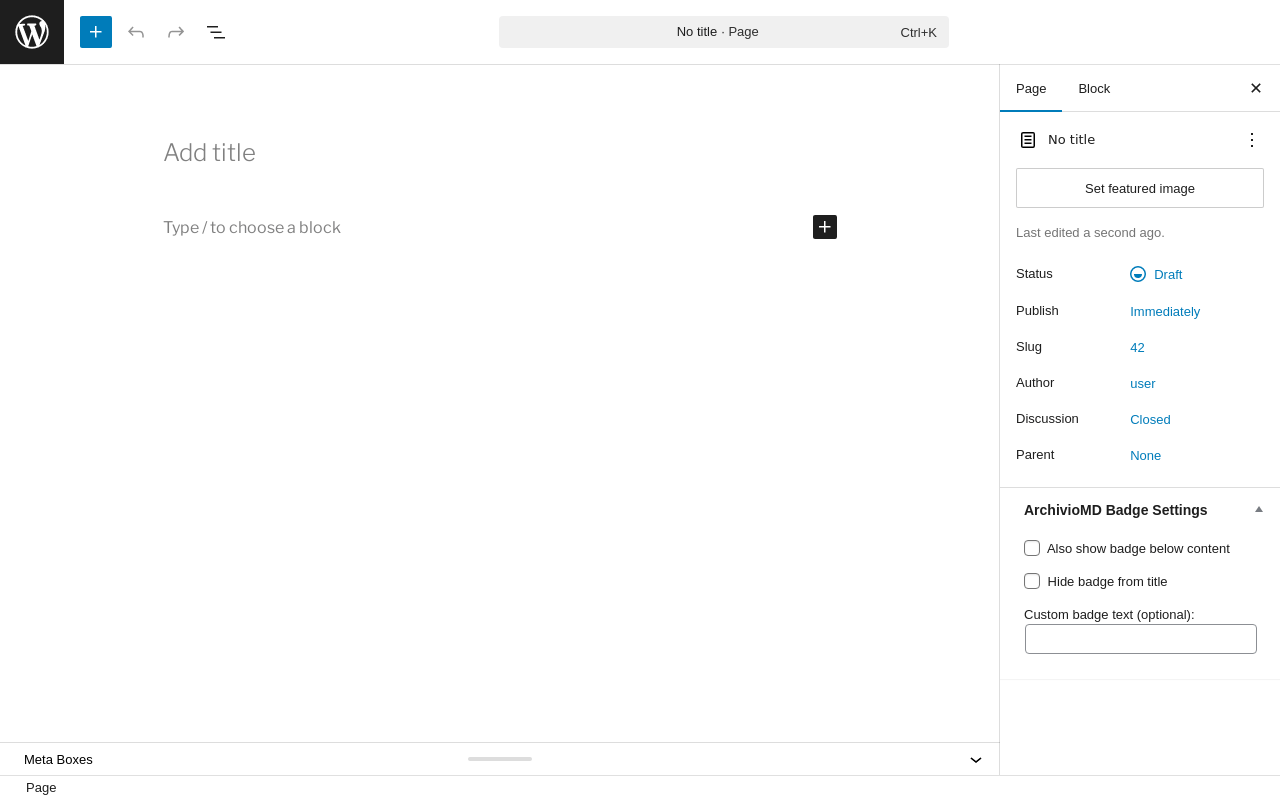
| URL | /wp-admin/post-new.php?post_type=page |
|---|---|
| Aspect | new-meta-boxes |
| HTTP status | 200 |
| Load time | 0.693 s |
| Memory usage | 6.61 MiB |
| JS errors | None |
| Resource errors | None |
Benchmark
| URL | Load time | Memory usage | ||||
|---|---|---|---|---|---|---|
| Inactive | Active | Change | Inactive | Active | Change | |
| /wp-admin/index.php | 0.381 s | 0.545 s | +0.164 s | 3.78 MiB | 4.06 MiB | + 285.46 KiB |
| /wp-admin/edit.php | 0.361 s | 0.344 s | -0.017 s | 3.78 MiB | 4.06 MiB | + 283.59 KiB |
| /wp-admin/post-new.php | 0.867 s | 0.886 s | +0.019 s | 6.31 MiB | 6.69 MiB | + 389.98 KiB |
| /wp-admin/upload.php | 0.658 s | 0.449 s | -0.209 s | 3.74 MiB | 4 MiB | + 265.45 KiB |
| /wp-admin/options-writing.php | 0.316 s | 0.332 s | +0.016 s | 3.71 MiB | 3.98 MiB | + 269.44 KiB |
| /wp-admin/media-new.php | 0.512 s | 0.461 s | -0.051 s | 3.7 MiB | 3.97 MiB | + 277.63 KiB |
| /wp-admin/edit-tags.php?taxonomy=category | 0.428 s | 0.297 s | -0.131 s | 3.72 MiB | 4 MiB | + 288.3 KiB |
| /wp-admin/post-new.php?post_type=page | 0.691 s | 0.696 s | +0.005 s | 6.3 MiB | 6.61 MiB | + 319.46 KiB |
| /wp-admin/options-discussion.php | 0.392 s | 0.314 s | -0.078 s | 3.71 MiB | 3.97 MiB | + 265.94 KiB |
| /wp-admin/edit-comments.php | 0.341 s | 0.322 s | -0.019 s | 3.73 MiB | 3.99 MiB | + 265.44 KiB |
| / | 0.277 s | 0.194 s | -0.083 s | 4.11 MiB | 4.33 MiB | + 231.5 KiB |
| Average | 0.475 s | 0.440 s | -0.035 s | 4.24 MiB | 4.51 MiB | + 285.65 KiB |
Code Statistics
Note: Third-party libraries and minified JS/CSS files are excluded from these statistics where possible, so the numbers you see here may be lower than those reported by other tools.
| Language | % | Lines of code | Comment lines | Files | |
|---|---|---|---|---|---|
| PHP | 85.1% | 20,221 | 5,241 | 33 | |
| CSS | 10.1% | 2,394 | 126 | 5 | |
| JavaScript | 4.9% | 1,158 | 202 | 4 | |
| Total | 23,773 | 5,569 | 42 | ||
PHP Code Analysis | More results »
| Lines of code | 17,042 |
|---|---|
| Total complexity | 3,223 |
| Median class complexity | 66.0 |
| Median method complexity | 3.0 |
| Most complex class | MDSM_Canary_Token |
| Most complex function | MDSM_Archivio_Post::ajax_download_verification() |
| Classes | 29 |
|---|---|
| Methods | 619 |
| Functions | 10 |
Additions
Things that the plugin adds to the site. This section is not intended to be comprehensive. The test tool only looks for a few specific types of added content.
Database Tables 2
- wp_archivio_canary_log
- wp_archivio_post_audit
Options wp_options 3
- ac_29f96029
- ac_4e6dc831
- archiviomd_db_version
Meta Boxes
{
    "post": {
        "archivio_post_badge": {
            "title": "ArchivioMD Badge Settings",
            "context": "side"
        }
    },
    "page": {
        "archivio_post_badge": {
            "title": "ArchivioMD Badge Settings",
            "context": "side"
        }
    },
    "attachment": {
        "archivio_post_badge": {
            "title": "ArchivioMD Badge Settings",
            "context": "side"
        }
    }
}
PHP Error Log 1 lines
[05-Mar-2026 21:27:42 UTC] PHP Notice: Function _load_textdomain_just_in_time was called <strong>incorrectly</strong>. Translation loading for the <code>archiviomd</code> domain was triggered too early. This is usually an indicator for some code in the plugin or theme running too early. Translations should be loaded at the <code>init</code> action or later. Please see <a href="https://developer.wordpress.org/advanced-administration/debug/debug-wordpress/">Debugging in WordPress</a> for more information. (This message was added in version 6.7.0.) in /wp-includes/functions.php on line 6131