Amazon AWS CDN 1.5.0
Does Amazon AWS CDN work with WordPress 5.3.2 and PHP 7.2.16? A smoke test was performed on .
Summary
Errors
| No PHP errors, warnings or notices | |
| No JavaScript exceptions | |
| All test pages loaded successfully | |
| No resource errors | |
| Looks good! No problems were detected. |
Performance
Memory usage: 54.73 KiB
The average PHP memory usage increased by this amount after activating by the plugin.
Page speed impact:
insignificant.
The plugin didn't make the site noticeably slower.
Environment
| WordPress version | 5.3.2 |
|---|---|
| PHP version | 7.2.16 |
| MySQL version | 8.0.15 |
| PHP memory limit | 256M |
Plugin Info
| Last updated | |
|---|---|
| Active installs | 800+ |
| WordPress.org page | https://wordpress.org/plugins/aws-cdn-by-wpadmin/ |
| Badges |
|


Pages 4
Plugins ‹ Test site — WordPress
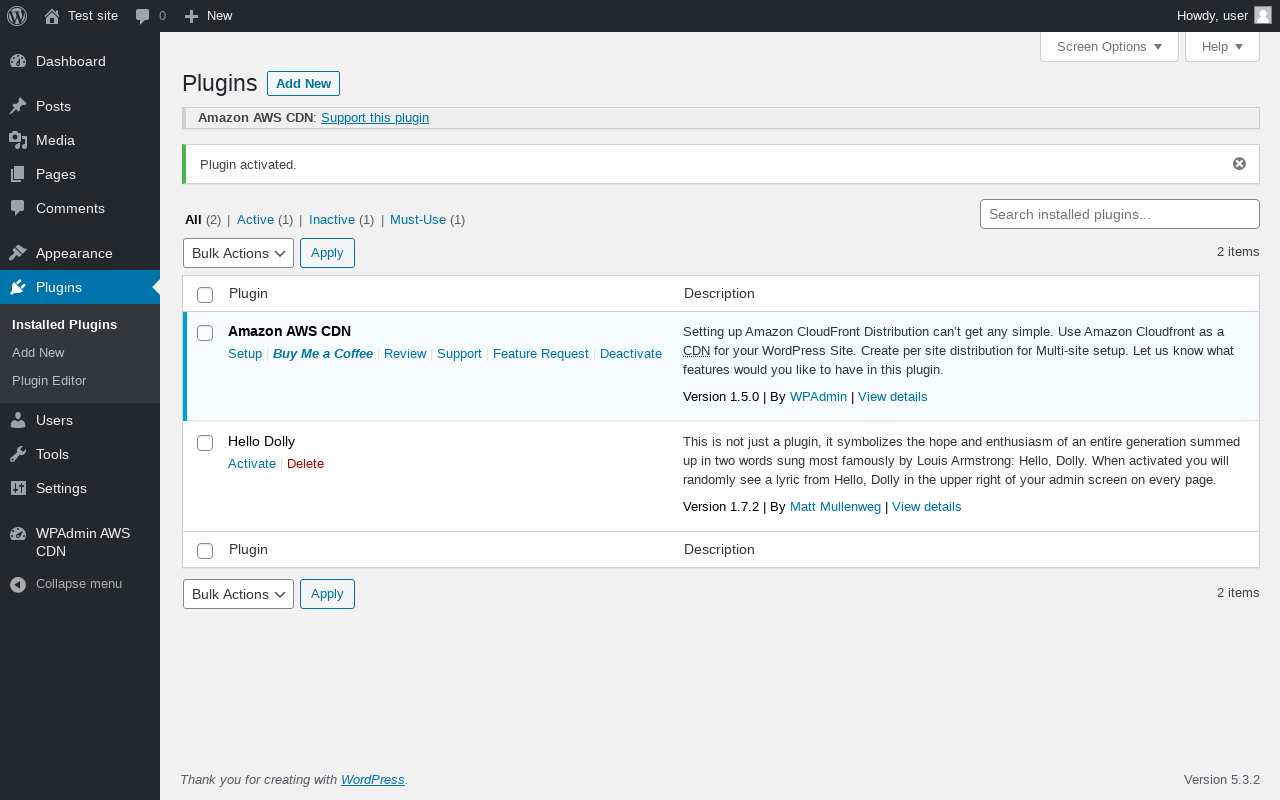
| URL | /wp-admin/plugins.php?plugin_status=all&paged=1&s |
|---|---|
| Requested URL | /wp-admin/plugins.php?action=activate&plugin=aws-cdn-by-wpadmin%2Faws-cdn.php&plugin_status=all&paged=1&s&_wpnonce=a4c9657a73 |
| Aspect | after-activation |
| HTTP status | 200 |
| Load time | 0.372 s |
| Memory usage | 3.63 MiB |
| JS errors | None |
| Resource errors | None |
WPAdmin AWS CDN
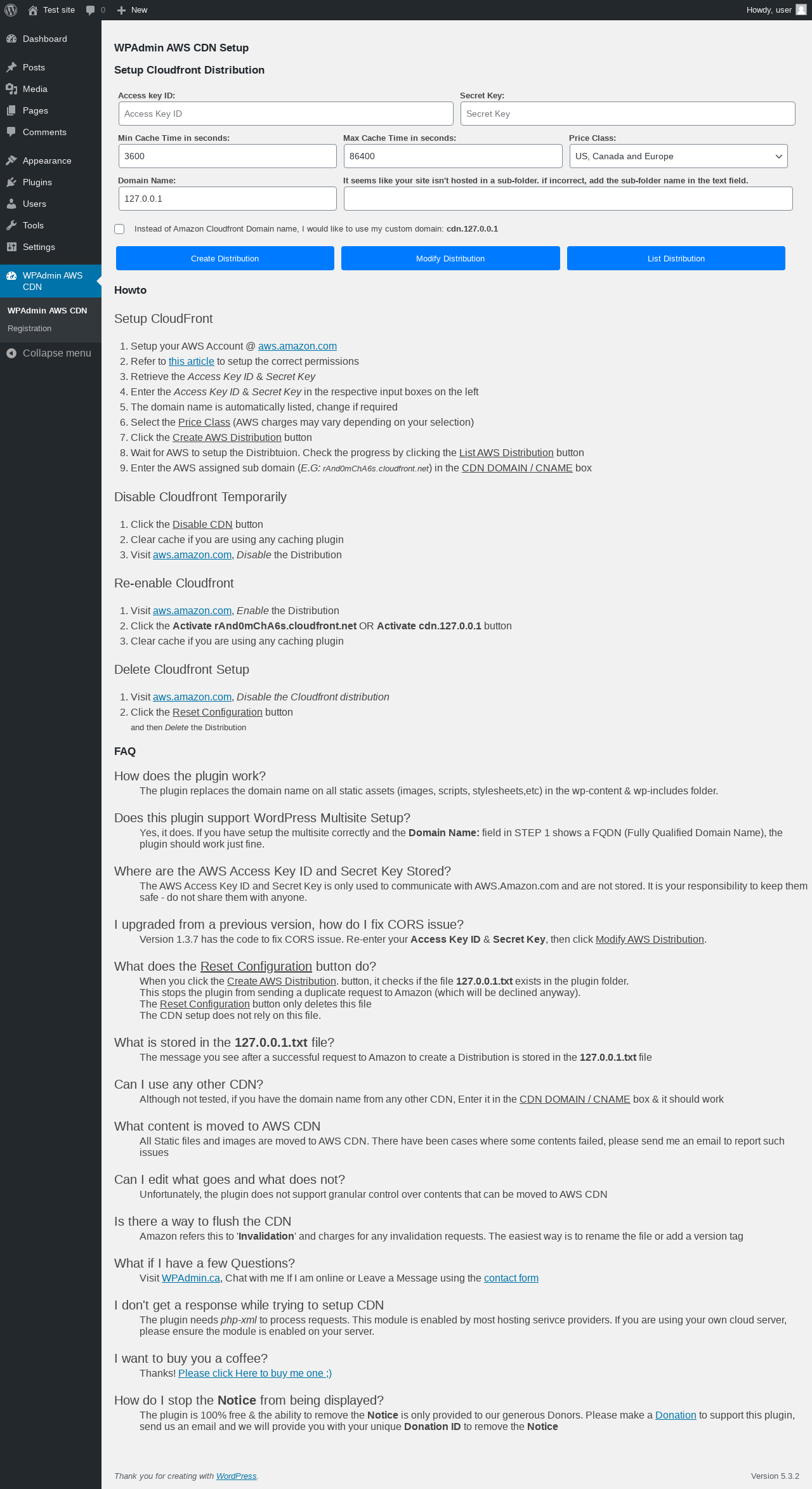
| URL | /wp-admin/admin.php?page=wpa-aws-cloudfront |
|---|---|
| Aspect | menu-item |
| HTTP status | 200 |
| Load time | 0.222 s |
| Memory usage | 3.71 MiB |
| JS errors | None |
| Resource errors | None |
WPAdmin AWS CDN → Registration
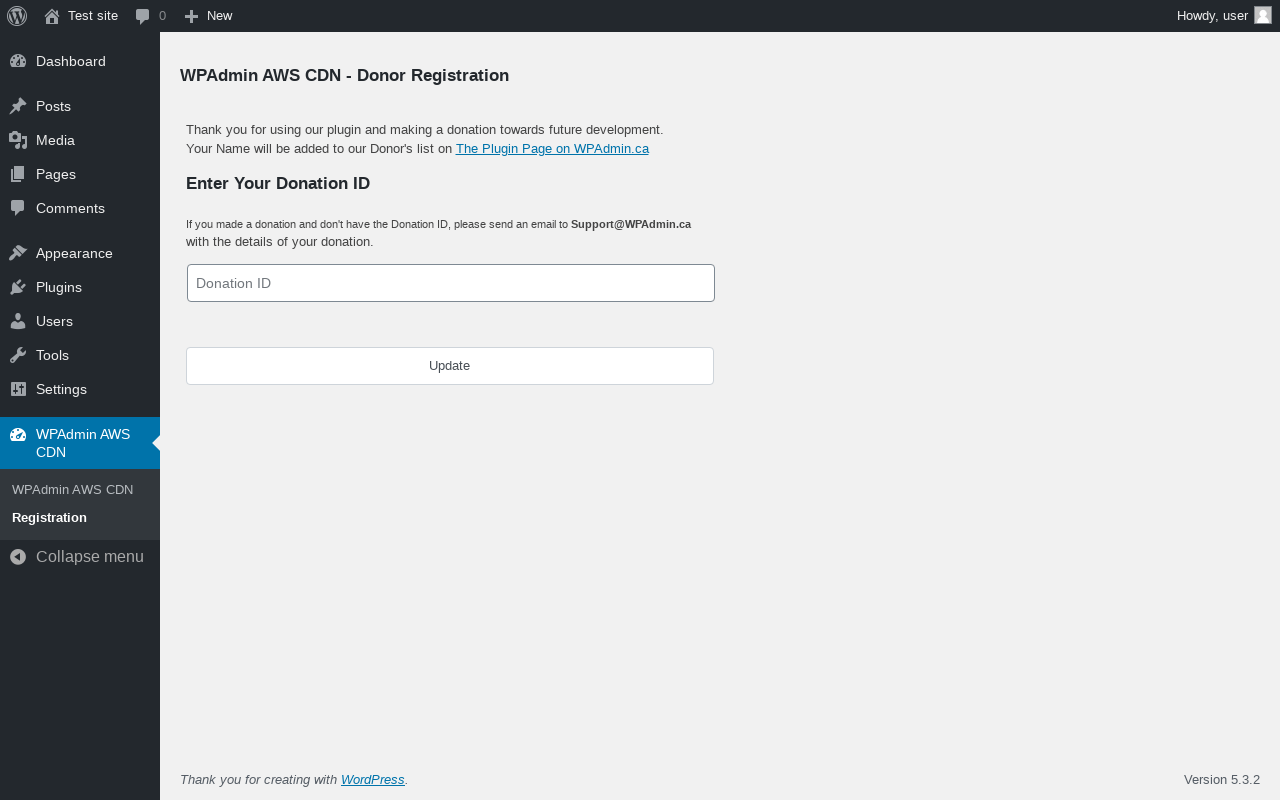
| URL | /wp-admin/admin.php?page=aws-cdn-registration |
|---|---|
| Aspect | menu-item |
| HTTP status | 200 |
| Load time | 0.160 s |
| Memory usage | 3.63 MiB |
| JS errors | None |
| Resource errors | None |
Test site – Just another WordPress site
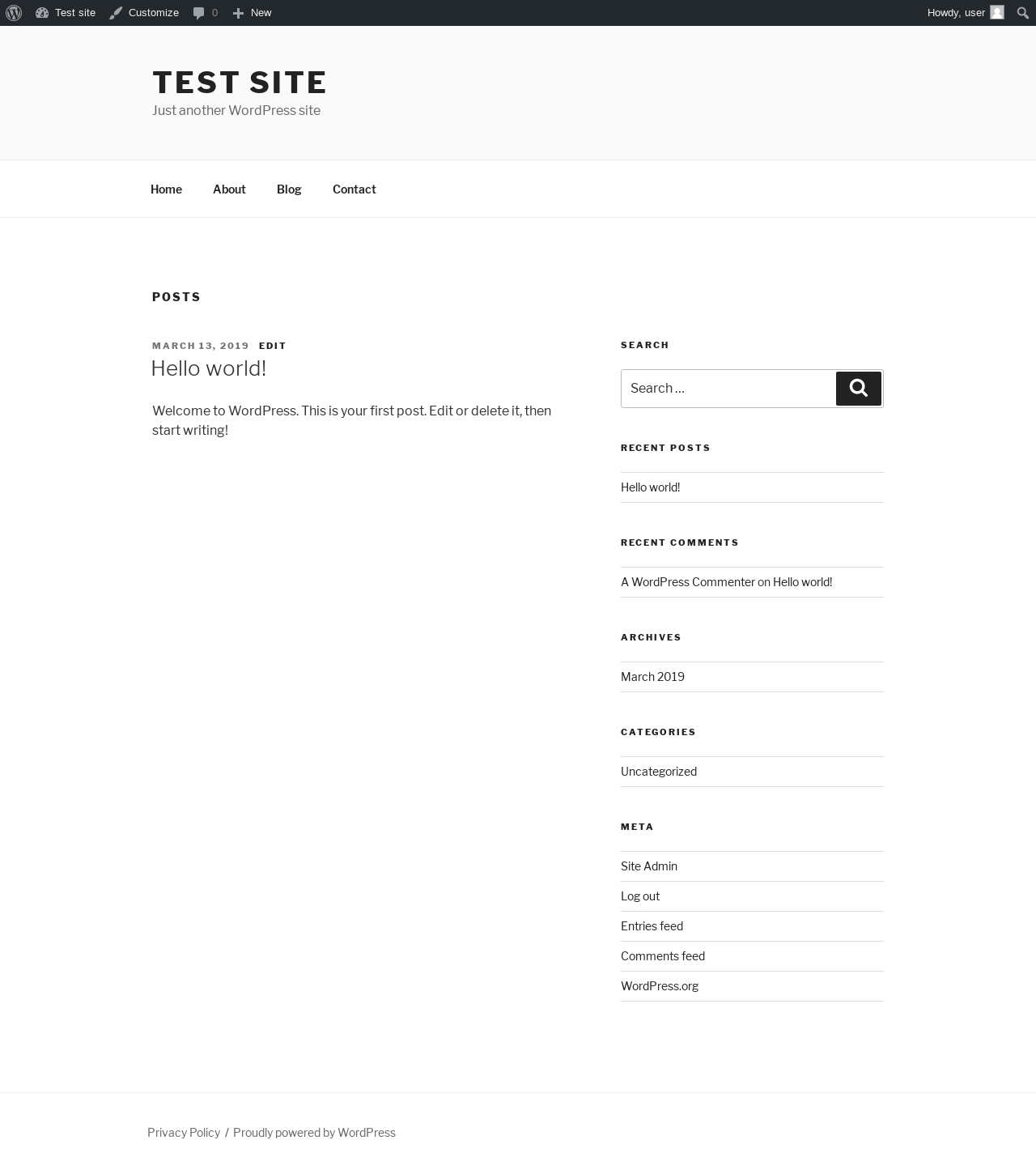
| URL | / |
|---|---|
| Aspect | front-page |
| HTTP status | 200 |
| Load time | 0.398 s |
| Memory usage | 3.34 MiB |
| JS errors | None |
| Resource errors | None |
Benchmark
| URL | Load time | Memory usage | ||||
|---|---|---|---|---|---|---|
| Inactive | Active | Change | Inactive | Active | Change | |
| /wp-admin/index.php | 0.322 s | 0.238 s | -0.084 s | 3.61 MiB | 3.68 MiB | + 63.83 KiB |
| /wp-admin/edit.php | 0.244 s | 0.228 s | -0.016 s | 3.64 MiB | 3.71 MiB | + 63.83 KiB |
| /wp-admin/post-new.php | 1.357 s | 1.990 s | +0.633 s | 5.36 MiB | 5.43 MiB | + 70.96 KiB |
| /wp-admin/upload.php | 0.530 s | 0.430 s | -0.100 s | 3.48 MiB | 3.54 MiB | + 62.35 KiB |
| /wp-admin/options-writing.php | 0.355 s | 0.167 s | -0.188 s | 3.56 MiB | 3.53 MiB | - 30.72 KiB |
| /wp-admin/media-new.php | 0.222 s | 0.200 s | -0.022 s | 3.46 MiB | 3.52 MiB | + 62.89 KiB |
| /wp-admin/edit-tags.php?taxonomy=category | 0.214 s | 0.191 s | -0.023 s | 3.56 MiB | 3.62 MiB | + 63.8 KiB |
| /wp-admin/post-new.php?post_type=page | 1.302 s | 1.112 s | -0.190 s | 5.35 MiB | 5.41 MiB | + 64.14 KiB |
| /wp-admin/options-discussion.php | 0.277 s | 0.261 s | -0.016 s | 3.46 MiB | 3.52 MiB | + 63.2 KiB |
| /wp-admin/edit-comments.php | 0.228 s | 0.213 s | -0.015 s | 3.57 MiB | 3.63 MiB | + 62.72 KiB |
| / | 0.367 s | 0.231 s | -0.136 s | 3.32 MiB | 3.37 MiB | + 55.08 KiB |
| Average | 0.493 s | 0.478 s | -0.014 s | 3.85 MiB | 3.91 MiB | + 54.73 KiB |
Additions
Things that the plugin adds to the site. This section is not intended to be comprehensive. The test tool only looks for a few specific types of added content.
No new entries found.
PHP Error Log
The log file is empty.