Amazon AWS CDN 2.0.0
Does Amazon AWS CDN work with WordPress 5.7.1 and PHP 7.4.8? A smoke test was performed on .
Summary
| No PHP errors, warnings or notices | |
| No JavaScript exceptions | |
| All test pages loaded successfully | |
| No resource errors | |
| Looks good! No problems were detected. |
Memory usage: 118.3 KiB
The average PHP memory usage increased by this amount after activating by the plugin.
Page speed impact:
insignificant.
The plugin didn't make the site noticeably slower.
| WordPress version | 5.7.1 |
|---|---|
| PHP version | 7.4.8 |
| MySQL version | 8.0.21 |
| PHP memory limit | 256M |
| Last updated | |
|---|---|
| Active installs | 800+ |
| WordPress.org page | https://wordpress.org/plugins/aws-cdn-by-wpadmin/ |
| Badges |
|


Pages 6
Plugins ‹ Test site — WordPress
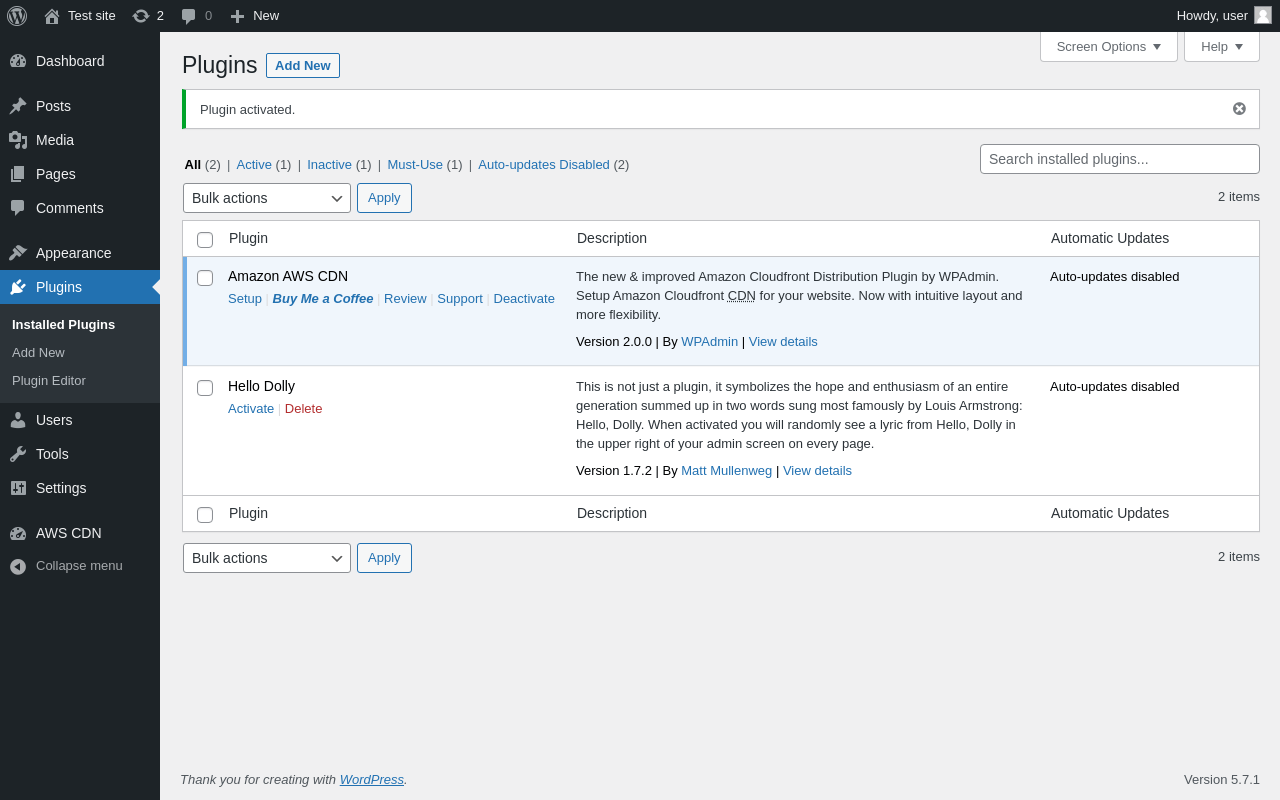
| URL | /wp-admin/plugins.php?plugin_status=all&paged=1&s |
|---|---|
| Requested URL | /wp-admin/plugins.php?action=activate&plugin=aws-cdn-by-wpadmin%2Faws-cdn-by-wpadmin.php&plugin_status=all&paged=1&s&_wpnonce=42560fab81 |
| Aspect | after-activation |
| HTTP status | 200 |
| Load time | 0.250 s |
| Memory usage | 2.87 MiB |
| JS errors | None |
| Resource errors | None |
AWS CDN
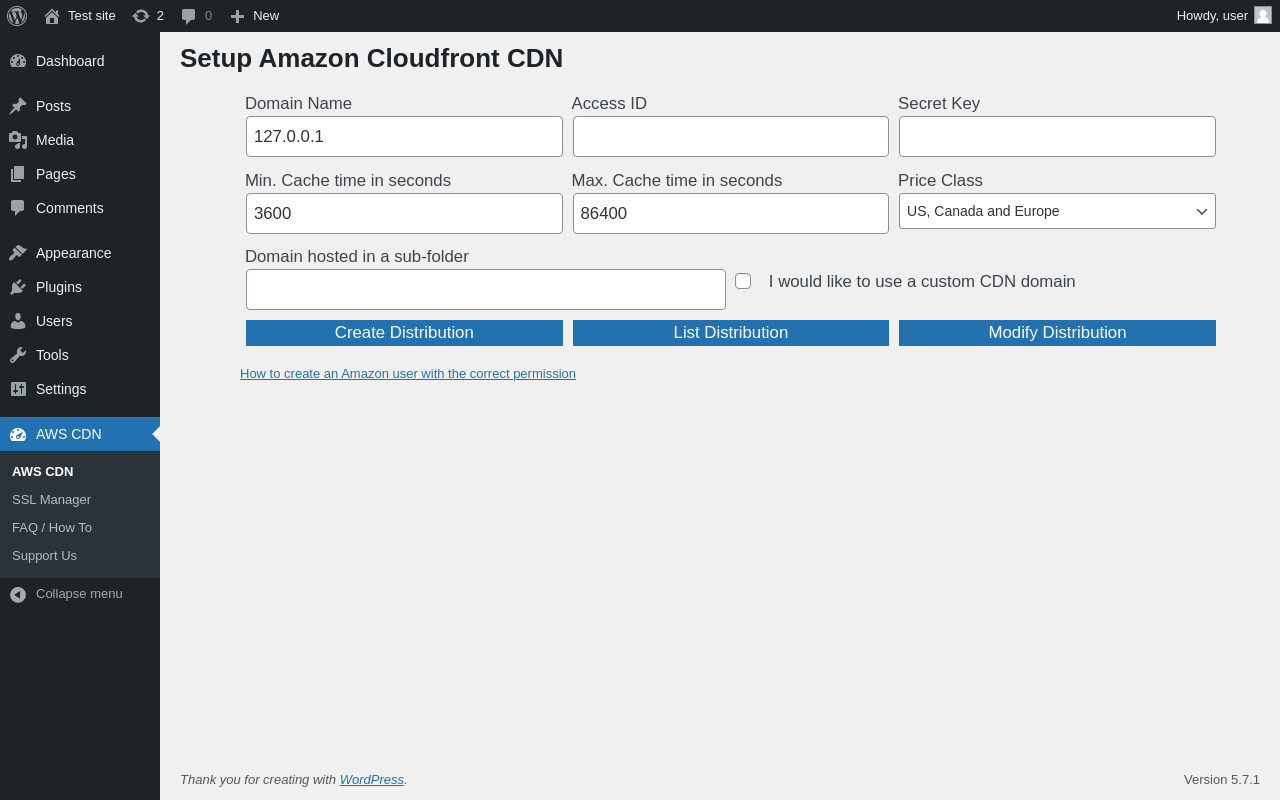
| URL | /wp-admin/admin.php?page=wpa-aws-setup |
|---|---|
| Aspect | menu-item |
| HTTP status | 200 |
| Load time | 0.158 s |
| Memory usage | 2.81 MiB |
| JS errors | None |
| Resource errors | None |
AWS CDN → SSL Manager
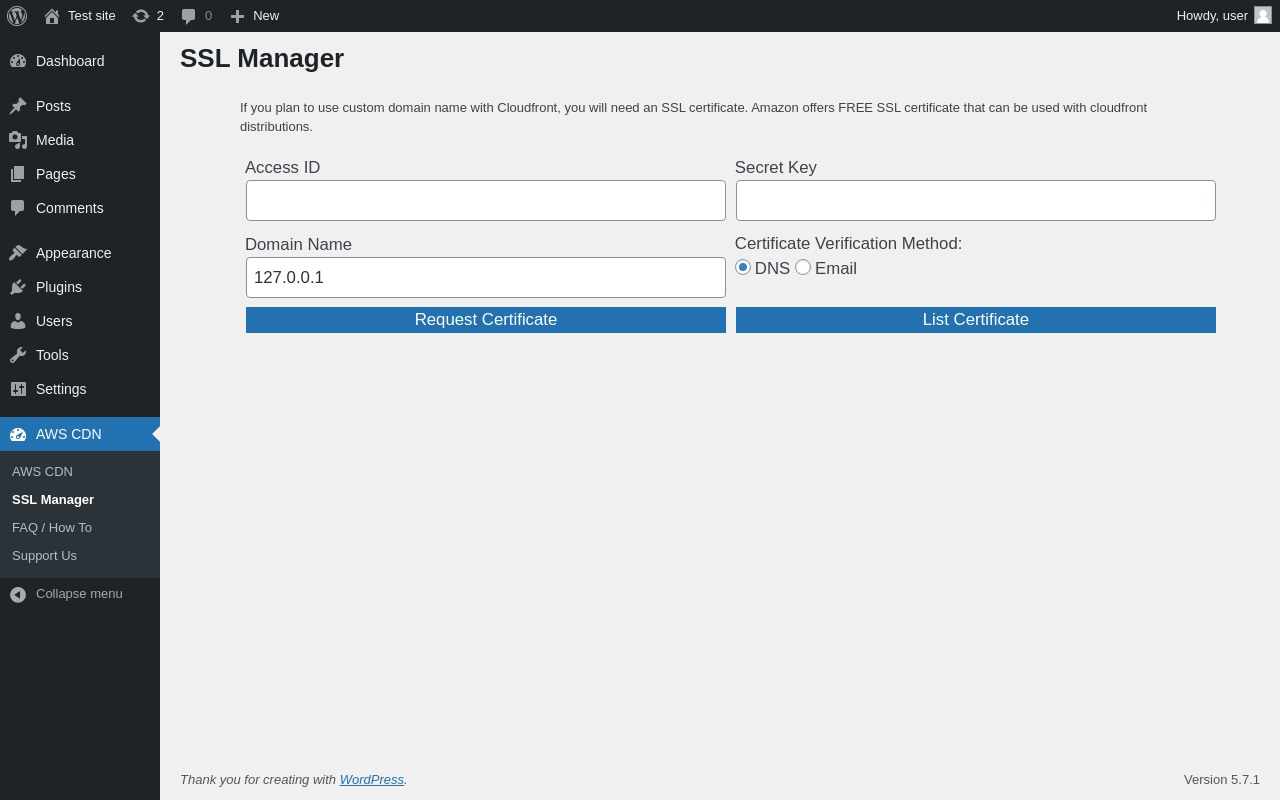
| URL | /wp-admin/admin.php?page=wpa-aws-ssl |
|---|---|
| Aspect | menu-item |
| HTTP status | 200 |
| Load time | 0.135 s |
| Memory usage | 2.81 MiB |
| JS errors | None |
| Resource errors | None |
AWS CDN → FAQ / How To
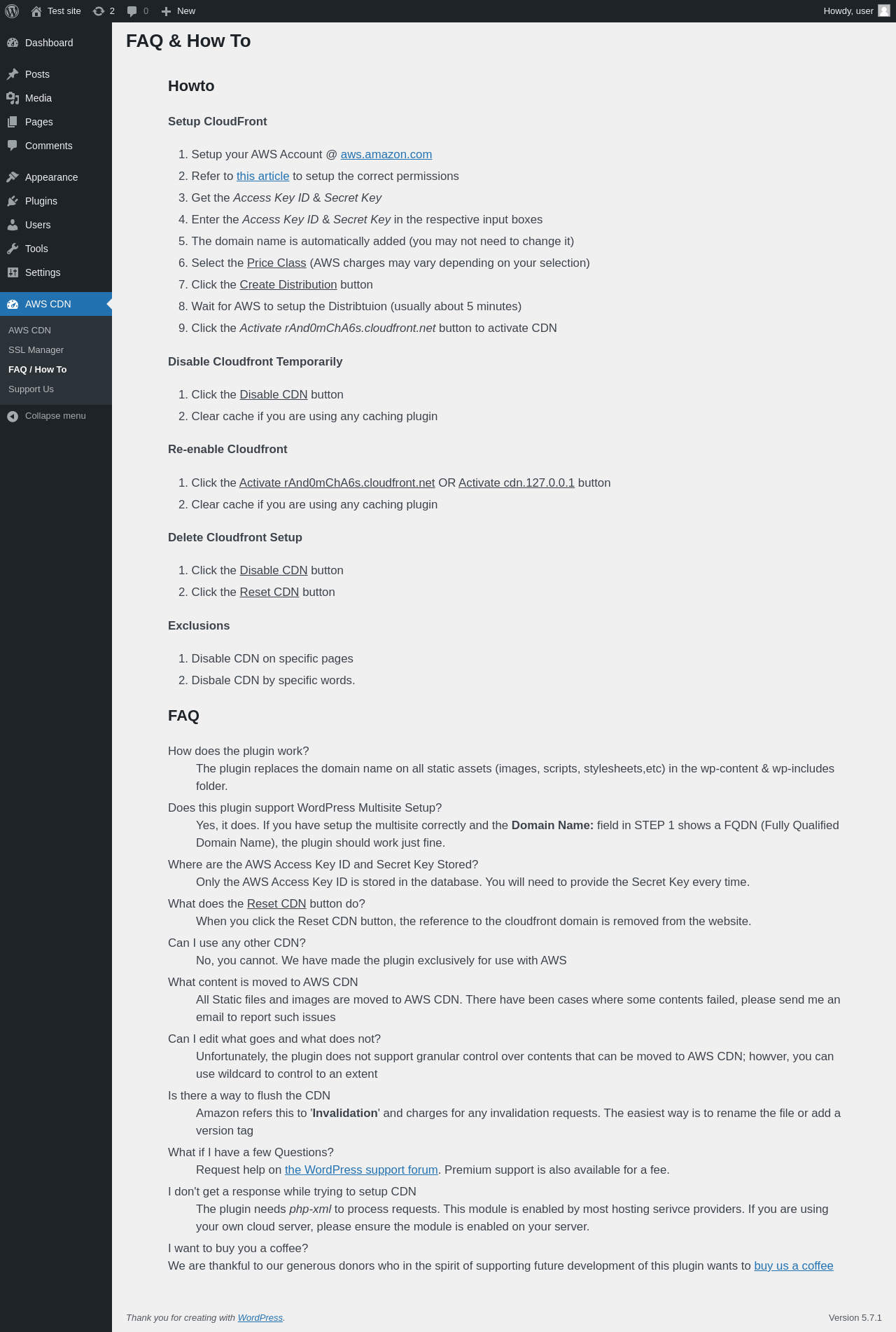
| URL | /wp-admin/admin.php?page=wpa-aws-faq-how-to |
|---|---|
| Aspect | menu-item |
| HTTP status | 200 |
| Load time | 0.158 s |
| Memory usage | 2.8 MiB |
| JS errors | None |
| Resource errors | None |
AWS CDN → Support Us
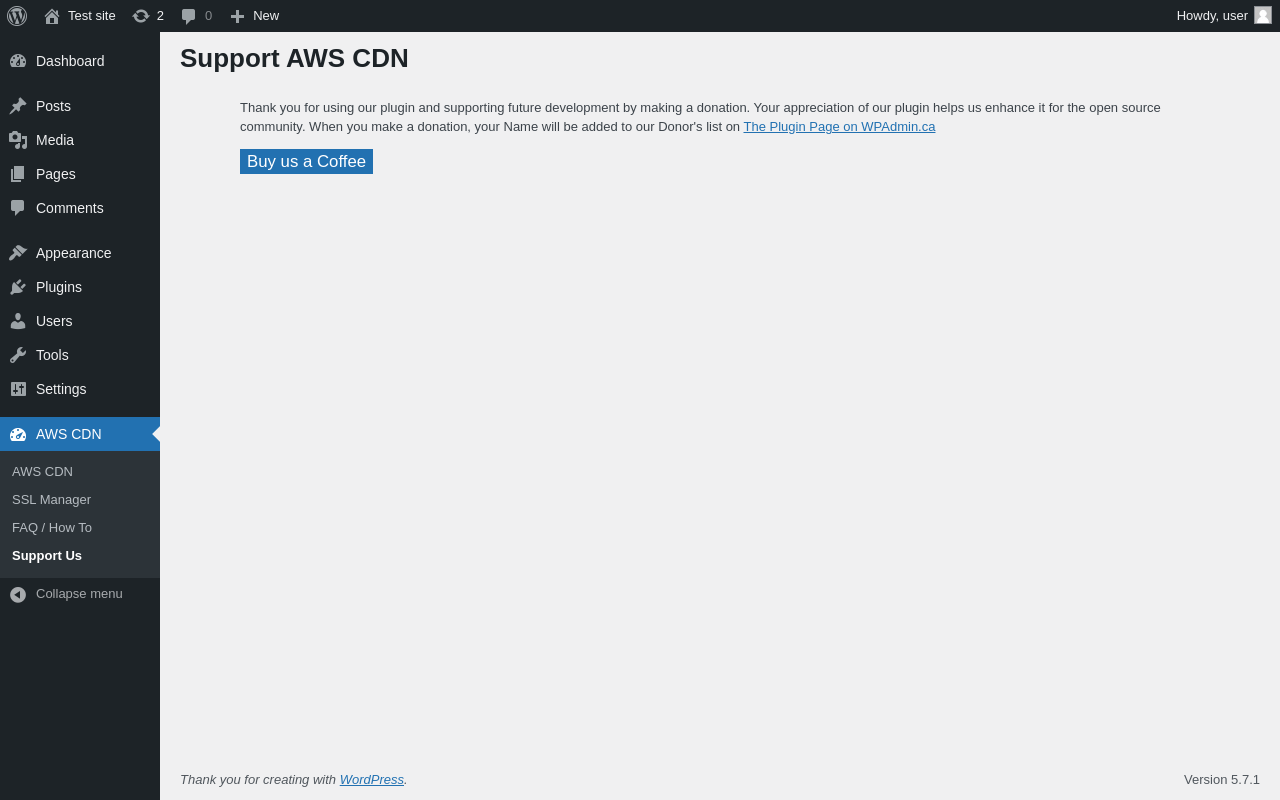
| URL | /wp-admin/admin.php?page=wpa-aws-donate |
|---|---|
| Aspect | menu-item |
| HTTP status | 200 |
| Load time | 0.140 s |
| Memory usage | 2.79 MiB |
| JS errors | None |
| Resource errors | None |
Test site – Just another WordPress site
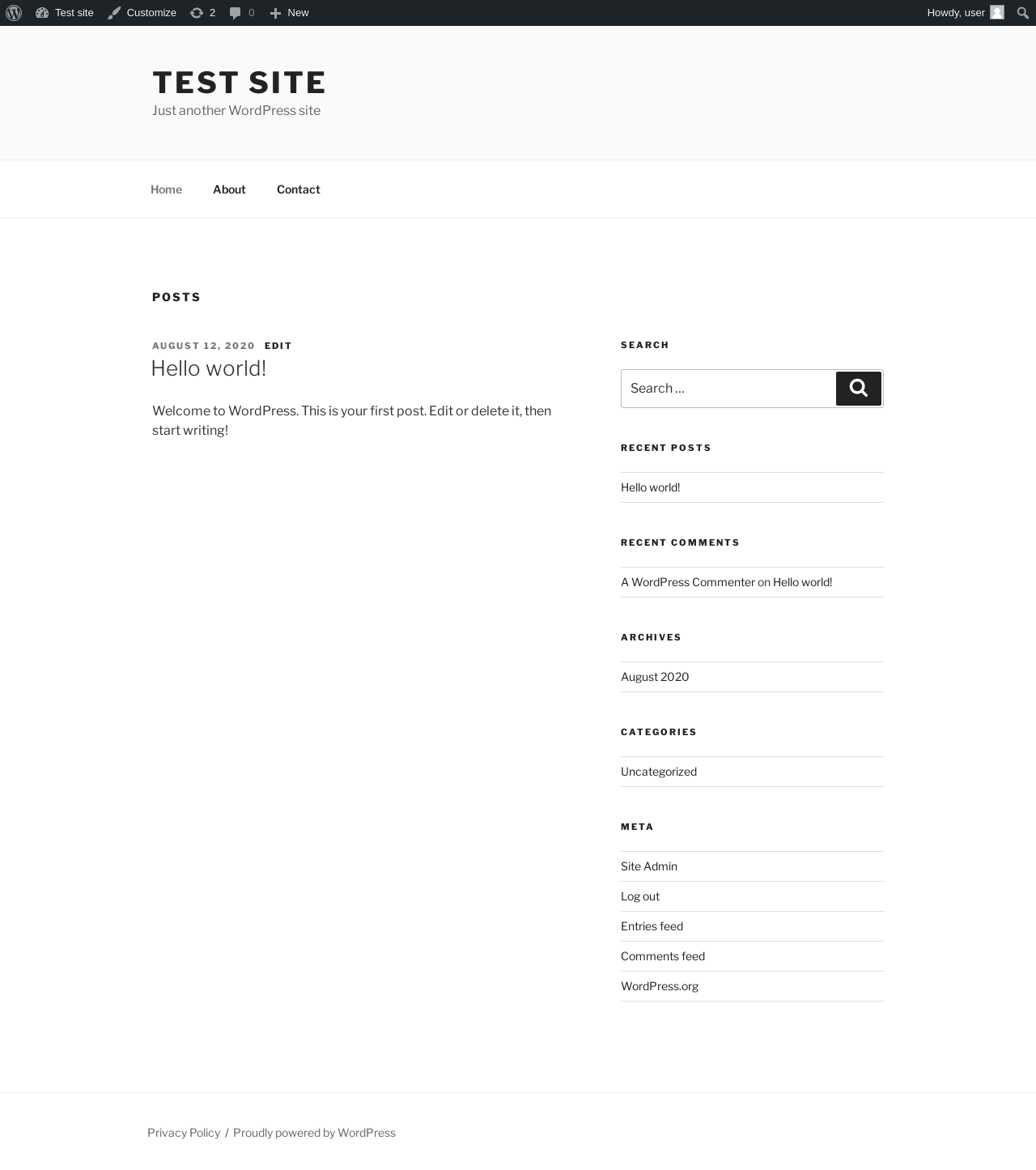
| URL | / |
|---|---|
| Aspect | front-page |
| HTTP status | 200 |
| Load time | 0.173 s |
| Memory usage | 2.75 MiB |
| JS errors | None |
| Resource errors | None |
Benchmark
| URL | Load time | Memory usage | ||||
|---|---|---|---|---|---|---|
| Inactive | Active | Change | Inactive | Active | Change | |
| /wp-admin/index.php | 0.260 s | 0.276 s | +0.016 s | 2.82 MiB | 2.94 MiB | + 117.35 KiB |
| /wp-admin/edit.php | 0.187 s | 0.255 s | +0.068 s | 2.86 MiB | 2.96 MiB | + 101.37 KiB |
| /wp-admin/post-new.php | 0.915 s | 1.019 s | +0.104 s | 5.03 MiB | 5.27 MiB | + 249.34 KiB |
| /wp-admin/upload.php | 0.466 s | 0.394 s | -0.072 s | 2.7 MiB | 2.83 MiB | + 137.45 KiB |
| /wp-admin/options-writing.php | 0.160 s | 0.145 s | -0.015 s | 2.71 MiB | 2.76 MiB | + 48.26 KiB |
| /wp-admin/media-new.php | 0.195 s | 0.178 s | -0.017 s | 2.67 MiB | 2.75 MiB | + 80.45 KiB |
| /wp-admin/edit-tags.php?taxonomy=category | 0.206 s | 0.187 s | -0.019 s | 2.77 MiB | 2.87 MiB | + 98.61 KiB |
| /wp-admin/post-new.php?post_type=page | 0.939 s | 0.692 s | -0.247 s | 5.01 MiB | 5.18 MiB | + 176.93 KiB |
| /wp-admin/options-discussion.php | 0.312 s | 0.287 s | -0.025 s | 2.68 MiB | 2.77 MiB | + 96.77 KiB |
| /wp-admin/edit-comments.php | 0.241 s | 0.224 s | -0.017 s | 2.78 MiB | 2.87 MiB | + 96.28 KiB |
| / | 0.296 s | 0.234 s | -0.062 s | 2.65 MiB | 2.75 MiB | + 98.52 KiB |
| Average | 0.380 s | 0.354 s | -0.026 s | 3.15 MiB | 3.27 MiB | + 118.3 KiB |
Code Statistics
Note: Third-party libraries and minified JS/CSS files are excluded from these statistics where possible, so the numbers you see here may be lower than those reported by other tools.
| Language | % | Lines of code | Comment lines | Files | |
|---|---|---|---|---|---|
| PHP | 100.0% | 1,848 | 50 | 17 | |
| Total | 1,848 | 50 | 17 | ||
PHP Code Analysis | More results »
| Lines of code | 1,083 |
|---|---|
| Total complexity | 215 |
| Median class complexity | 27.0 |
| Median method complexity | 4.0 |
| Most complex class | wpaawscdnadmin |
| Most complex function | wpaawscdnadmin::wpaac_create_cdn() |
| Classes | 3 |
|---|---|
| Methods | 41 |
| Functions | 5 |
Additions
Things that the plugin adds to the site. This section is not intended to be comprehensive. The test tool only looks for a few specific types of added content.
No new entries found.
PHP Error Log
The log file is empty.