BBH Custom Schema 1.1.0
Does BBH Custom Schema work with WordPress 6.9.4 and PHP 8.1.12? A smoke test was performed on .
Summary
| No PHP errors, warnings or notices | |
| No JavaScript exceptions | |
| All test pages loaded successfully | |
| No resource errors | |
| Looks good! No problems were detected. |
Memory usage: 10.68 KiB
The average PHP memory usage increased by this amount after activating by the plugin.
Page speed impact:
insignificant.
The plugin didn't make the site noticeably slower.
| WordPress version | 6.9.4 |
|---|---|
| PHP version | 8.1.12 |
| MySQL version | 10.6.10 |
| PHP memory limit | 512M |
| Last updated | |
|---|---|
| Active installs | 200+ |
| WordPress.org page | https://wordpress.org/plugins/bbh-custom-schema/ |
| Badges |
|


Pages 6
Plugins ‹ Test site — WordPress
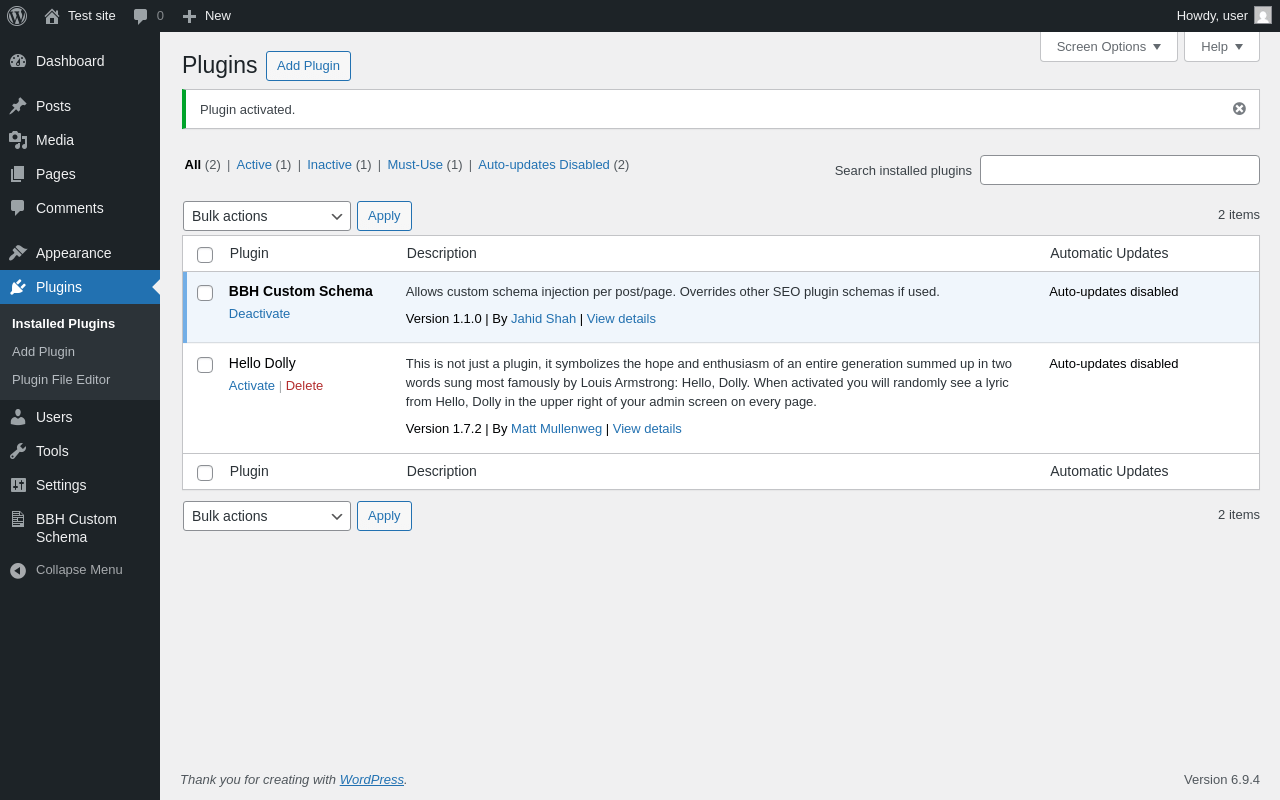
| URL | /wp-admin/plugins.php?plugin_status=all&paged=1&s |
|---|---|
| Requested URL | /wp-admin/plugins.php?action=activate&plugin=bbh-custom-schema%2Fbbh-custom-schema.php&plugin_status=all&paged=1&s&_wpnonce=946798e4b5 |
| Aspect | after-activation |
| HTTP status | 200 |
| Load time | 0.376 s |
| Memory usage | 3.74 MiB |
| JS errors | None |
| Resource errors | None |
BBH Custom Schema
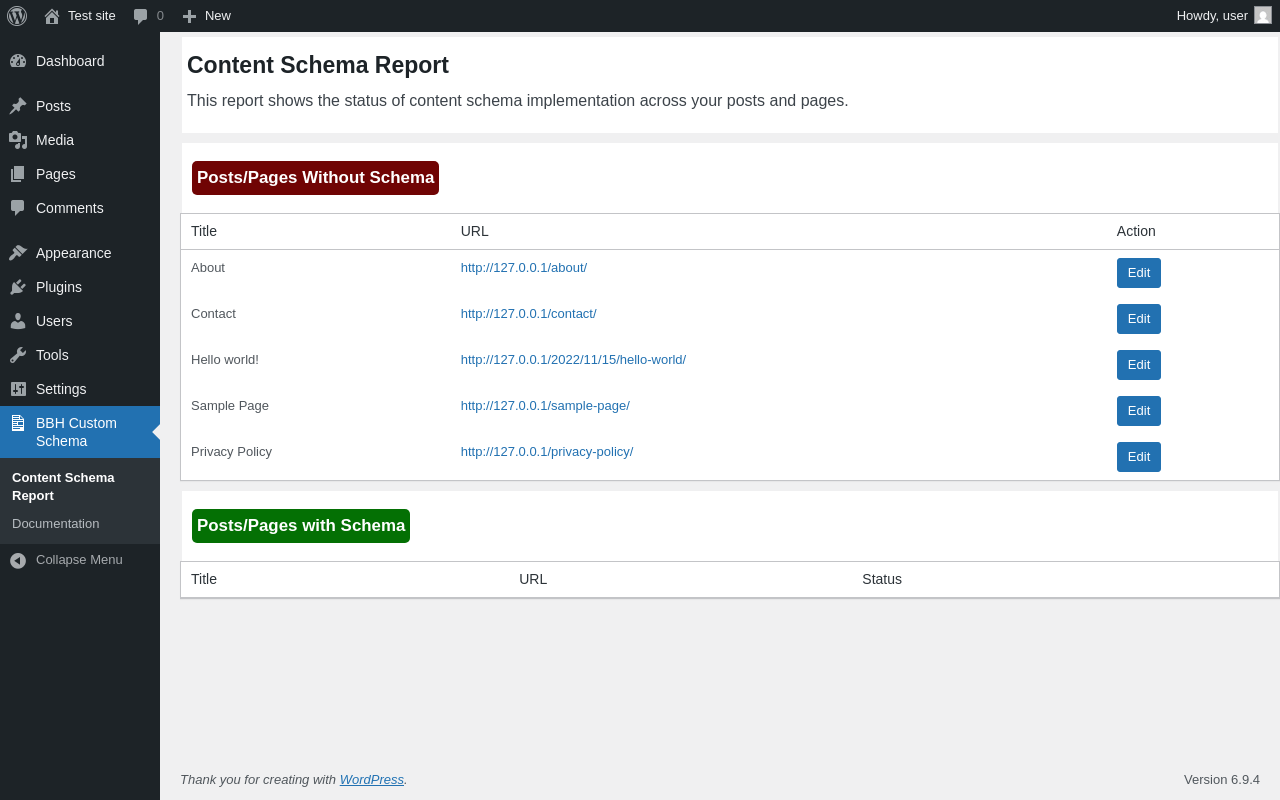
| URL | /wp-admin/admin.php?page=bbhcuschma-report |
|---|---|
| Aspect | menu-item |
| HTTP status | 200 |
| Load time | 0.286 s |
| Memory usage | 3.71 MiB |
| JS errors | None |
| Resource errors | None |
BBH Custom Schema → Documentation
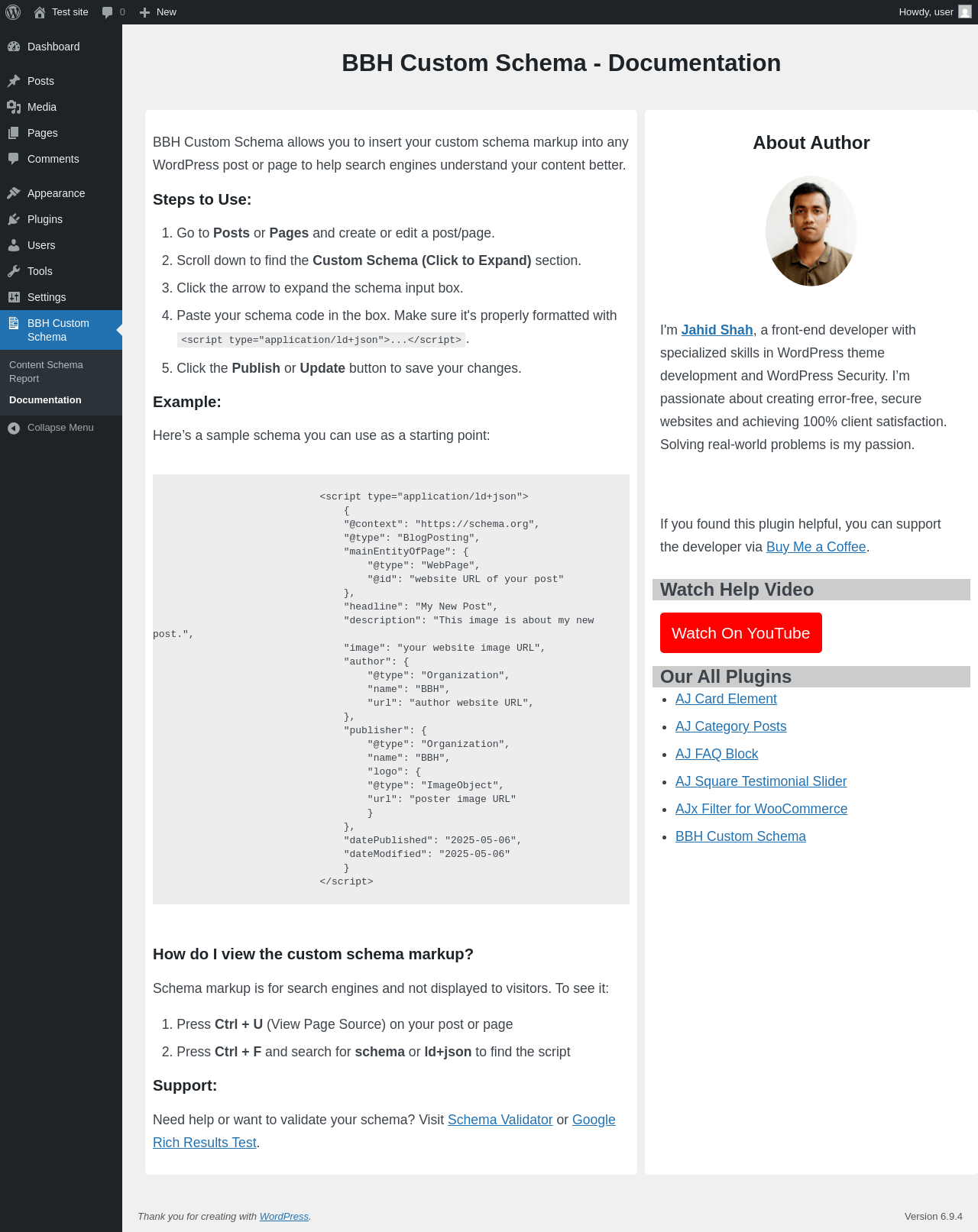
| URL | /wp-admin/admin.php?page=bbhcuschma-documentation |
|---|---|
| Aspect | menu-item |
| HTTP status | 200 |
| Load time | 0.349 s |
| Memory usage | 3.71 MiB |
| JS errors | None |
| Resource errors | None |
Test site – Just another WordPress site
| URL | / |
|---|---|
| Aspect | front-page |
| HTTP status | 200 |
| Load time | 0.205 s |
| Memory usage | 4.11 MiB |
| JS errors | None |
| Resource errors | None |
Add Post ‹ Test site — WordPress
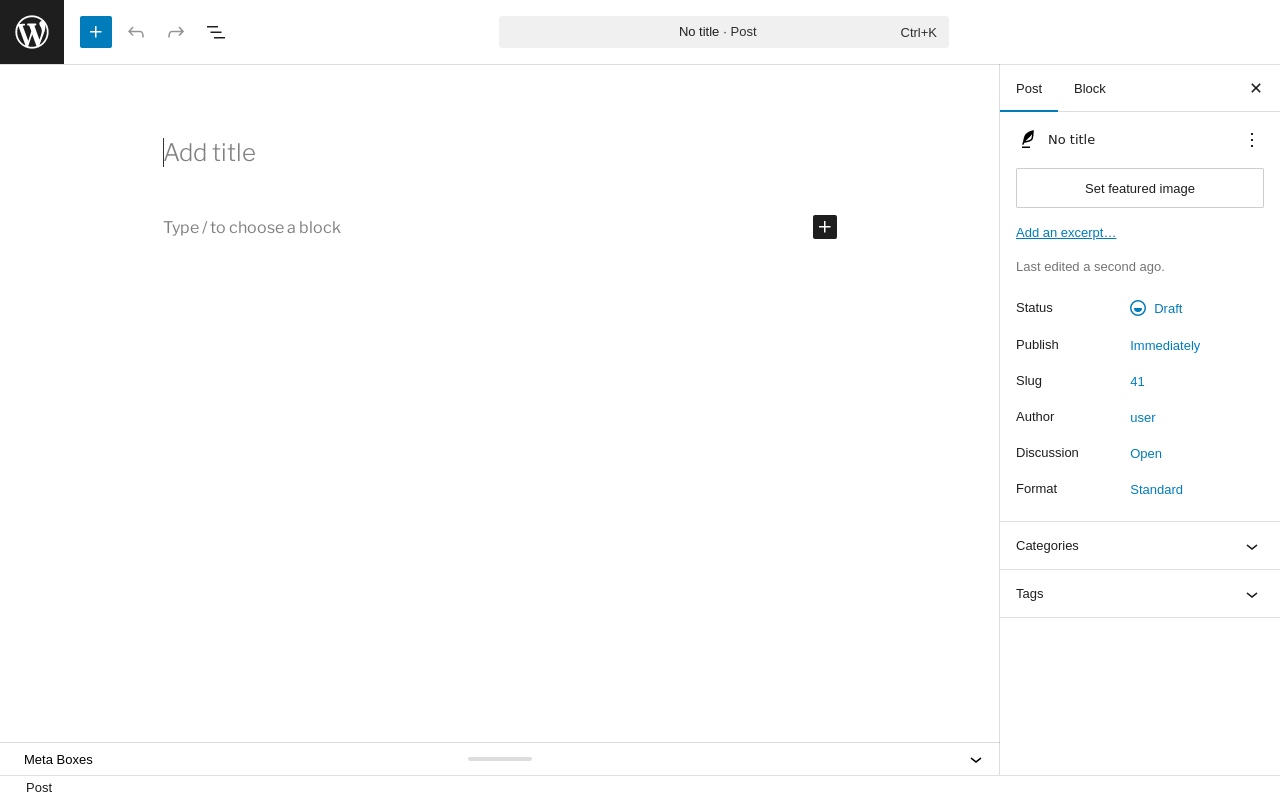
| URL | /wp-admin/post-new.php |
|---|---|
| Aspect | new-meta-boxes |
| HTTP status | 200 |
| Load time | 0.879 s |
| Memory usage | 6.34 MiB |
| JS errors | None |
| Resource errors | None |
Add Page ‹ Test site — WordPress
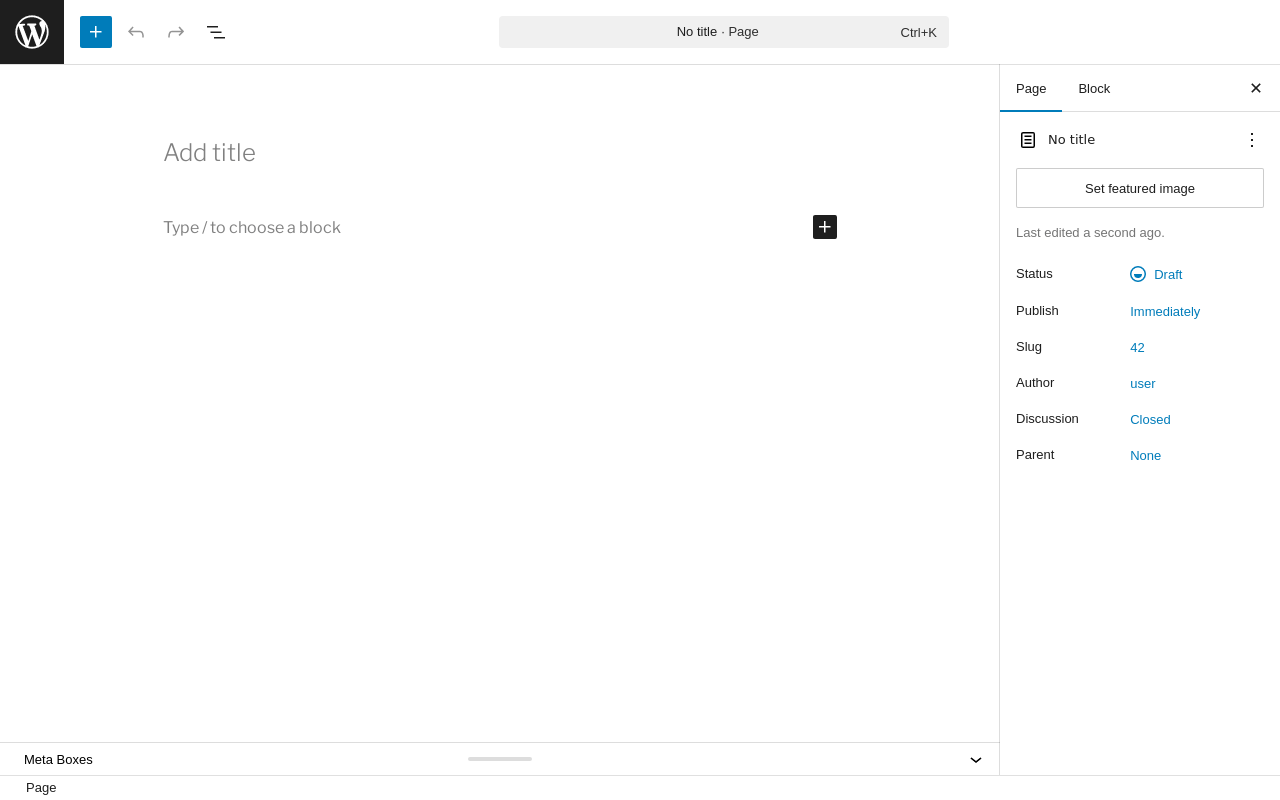
| URL | /wp-admin/post-new.php?post_type=page |
|---|---|
| Aspect | new-meta-boxes |
| HTTP status | 200 |
| Load time | 0.685 s |
| Memory usage | 6.33 MiB |
| JS errors | None |
| Resource errors | None |
Benchmark
| URL | Load time | Memory usage | ||||
|---|---|---|---|---|---|---|
| Inactive | Active | Change | Inactive | Active | Change | |
| /wp-admin/index.php | 0.430 s | 0.371 s | -0.059 s | 3.78 MiB | 3.79 MiB | + 12.49 KiB |
| /wp-admin/edit.php | 0.375 s | 0.458 s | +0.083 s | 3.78 MiB | 3.8 MiB | + 12.91 KiB |
| /wp-admin/post-new.php | 0.889 s | 0.936 s | +0.047 s | 6.31 MiB | 6.34 MiB | + 39.45 KiB |
| /wp-admin/upload.php | 0.469 s | 0.436 s | -0.033 s | 3.74 MiB | 3.73 MiB | - 5.23 KiB |
| /wp-admin/options-writing.php | 0.348 s | 0.318 s | -0.030 s | 3.71 MiB | 3.71 MiB | - 1.23 KiB |
| /wp-admin/media-new.php | 0.529 s | 0.299 s | -0.230 s | 3.7 MiB | 3.71 MiB | + 6.96 KiB |
| /wp-admin/edit-tags.php?taxonomy=category | 0.328 s | 0.466 s | +0.138 s | 3.72 MiB | 3.73 MiB | + 17.63 KiB |
| /wp-admin/post-new.php?post_type=page | 0.701 s | 0.705 s | +0.004 s | 6.3 MiB | 6.33 MiB | + 36.88 KiB |
| /wp-admin/options-discussion.php | 0.337 s | 0.326 s | -0.011 s | 3.71 MiB | 3.71 MiB | - 4.73 KiB |
| /wp-admin/edit-comments.php | 0.370 s | 0.331 s | -0.039 s | 3.73 MiB | 3.73 MiB | - 5.24 KiB |
| / | 0.297 s | 0.203 s | -0.094 s | 4.11 MiB | 4.11 MiB | + 7.55 KiB |
| Average | 0.461 s | 0.441 s | -0.020 s | 4.23 MiB | 4.25 MiB | + 10.68 KiB |
Code Statistics
Note: Third-party libraries and minified JS/CSS files are excluded from these statistics where possible, so the numbers you see here may be lower than those reported by other tools.
| Language | % | Lines of code | Comment lines | Files | |
|---|---|---|---|---|---|
| PHP | 53.2% | 295 | 38 | 2 | |
| CSS | 44.4% | 246 | 9 | 2 | |
| JavaScript | 2.3% | 13 | 0 | 1 | |
| Total | 554 | 47 | 5 | ||
PHP Code Analysis | More results »
| Lines of code | 302 |
|---|---|
| Total complexity | 33 |
| Median class complexity | 0.0 |
| Median method complexity | 0.0 |
| Most complex class | — |
| Most complex function | bbhcuschma_report_page_callback() |
| Classes | 0 |
|---|---|
| Methods | 0 |
| Functions | 12 |
Additions
Things that the plugin adds to the site. This section is not intended to be comprehensive. The test tool only looks for a few specific types of added content.
Meta Boxes
{
    "post": {
        "bbhcuschma_custom_schema_box": {
            "title": "BBH Custom Schema",
            "context": "normal"
        }
    },
    "page": {
        "bbhcuschma_custom_schema_box": {
            "title": "BBH Custom Schema",
            "context": "normal"
        }
    }
}
PHP Error Log
The log file is empty.