Home
Passster – Password Protect Pages and Content
3.5.5.5.1
Does Passster work with WordPress 6.0.2 and PHP 7.4.8? A smoke test was performed on 2022-09-06 18:22:56 UTC .
Summary
Errors
No PHP errors, warnings or notices
No JavaScript exceptions
All test pages loaded successfully
No resource errors
Looks good! No problems were detected.
Performance
Memory usage: 588.23 KiB The average PHP memory usage increased by this amount after activating by the plugin.
Page speed impact:
0.083 seconds The average page load time increased by this amount after activating the plugin.
Environment
WordPress version 6.0.2 PHP version 7.4.8 MySQL version 8.0.21 PHP memory limit 256M
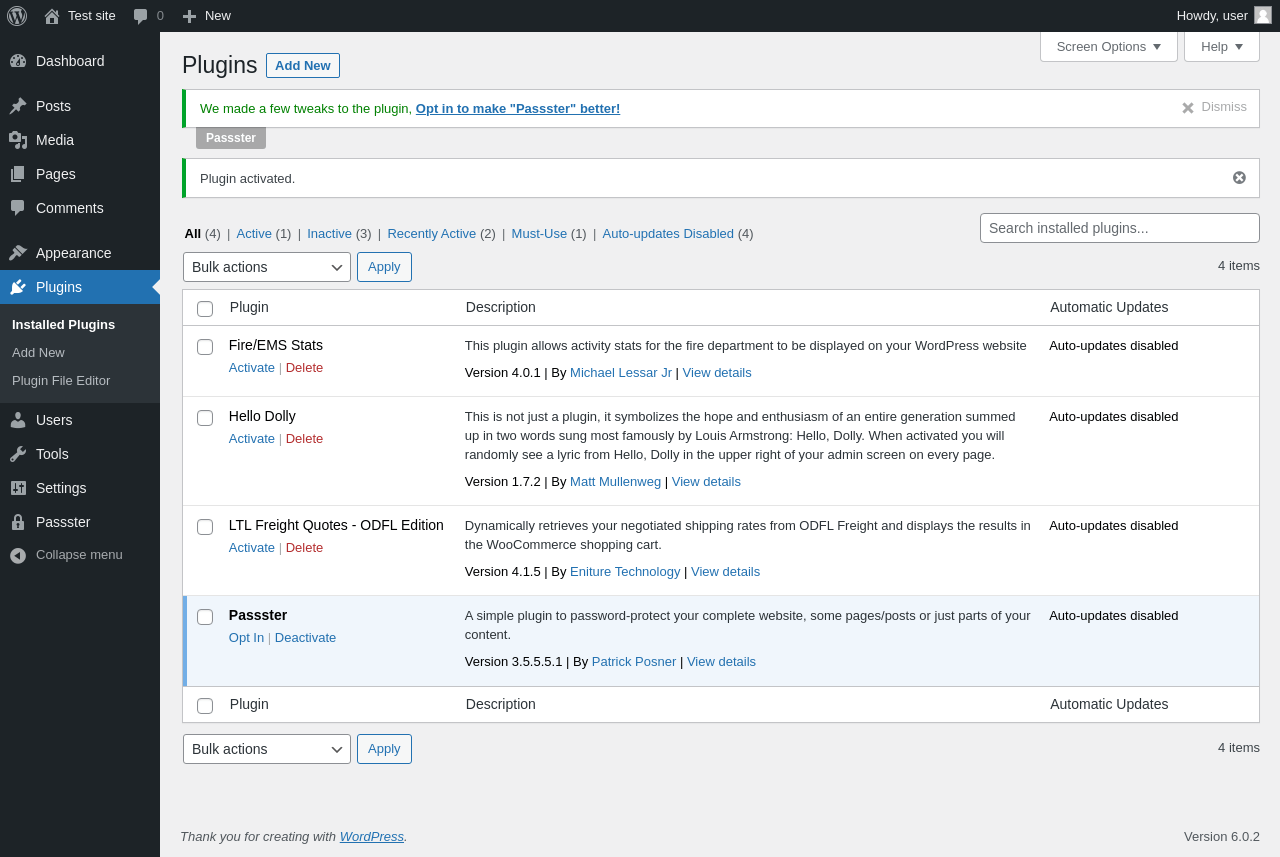
Pages 6 Plugins ‹ Test site — WordPress
URL
/wp-admin/plugins.php?plugin_status=all&paged=1&s
Requested URL
/wp-admin/plugins.php?action=activate&plugin=content-protector%2Fcontent-protector.php&plugin_status=all&paged=1&s&_wpnonce=12371b415d
Aspect
after-activation
HTTP status
200
Load time
1.137 s
Memory usage
9.99 MiB
JS errors
None
Resource errors
None
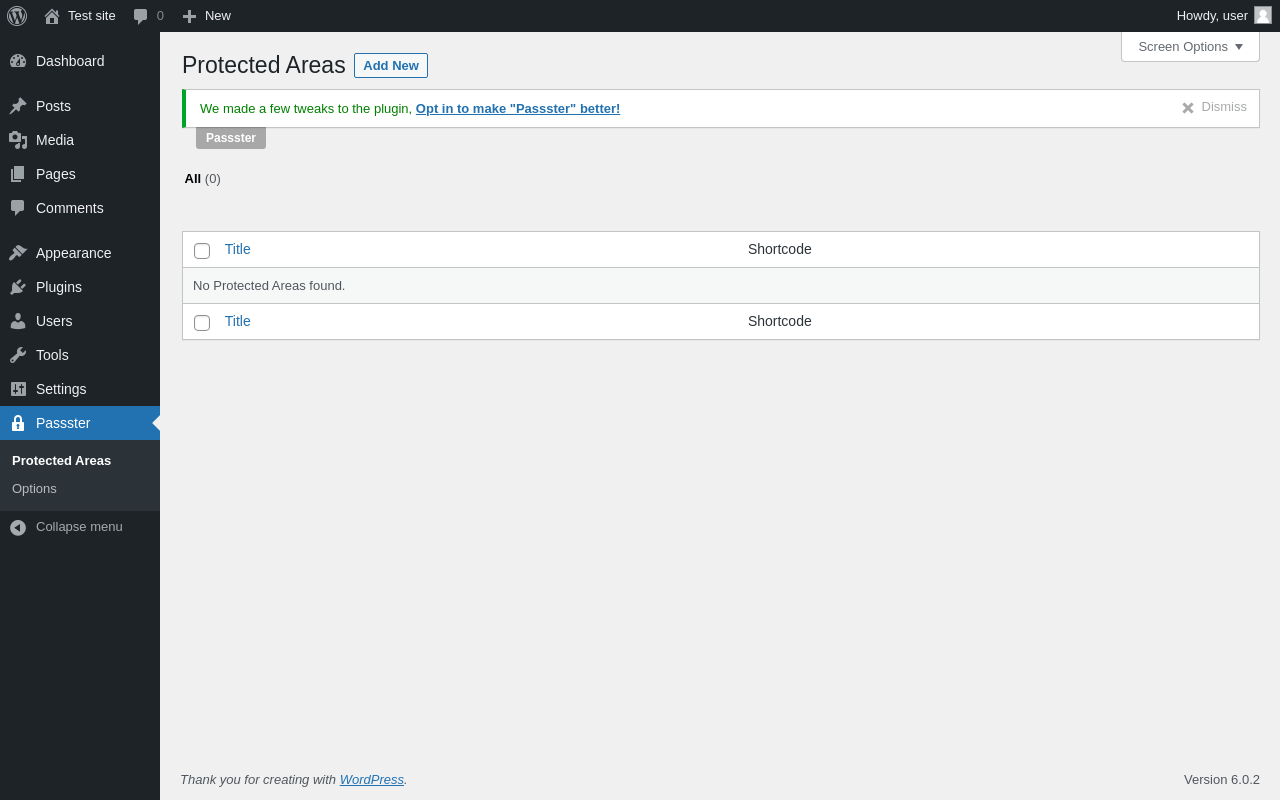
Passster
URL
/wp-admin/edit.php?post_type=protected_areas
Aspect
menu-item
HTTP status
200
Load time
0.507 s
Memory usage
4.27 MiB
JS errors
None
Resource errors
None
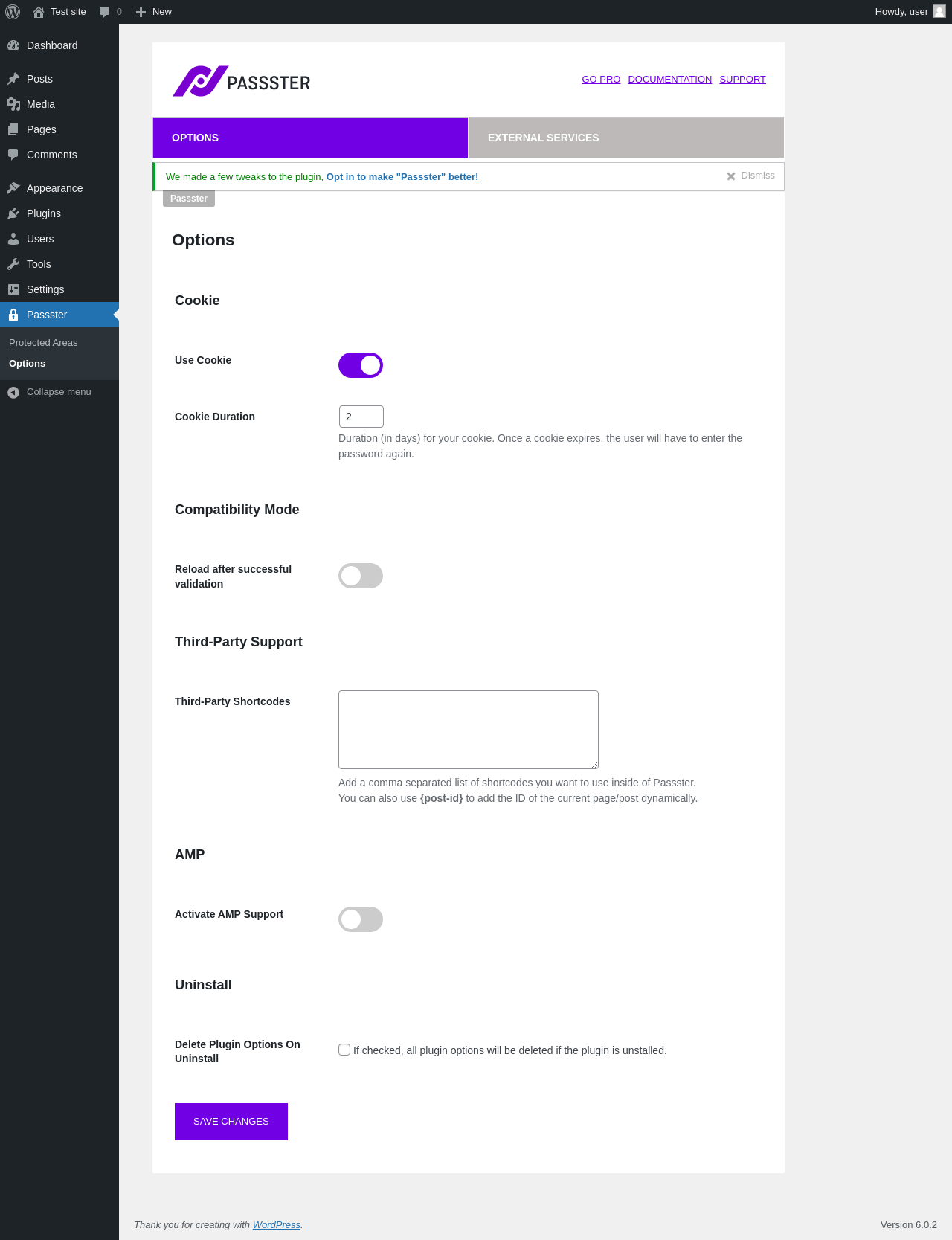
Passster → Options
URL
/wp-admin/admin.php?page=passster_settings
Aspect
menu-item
HTTP status
200
Load time
0.328 s
Memory usage
4.19 MiB
JS errors
None
Resource errors
None
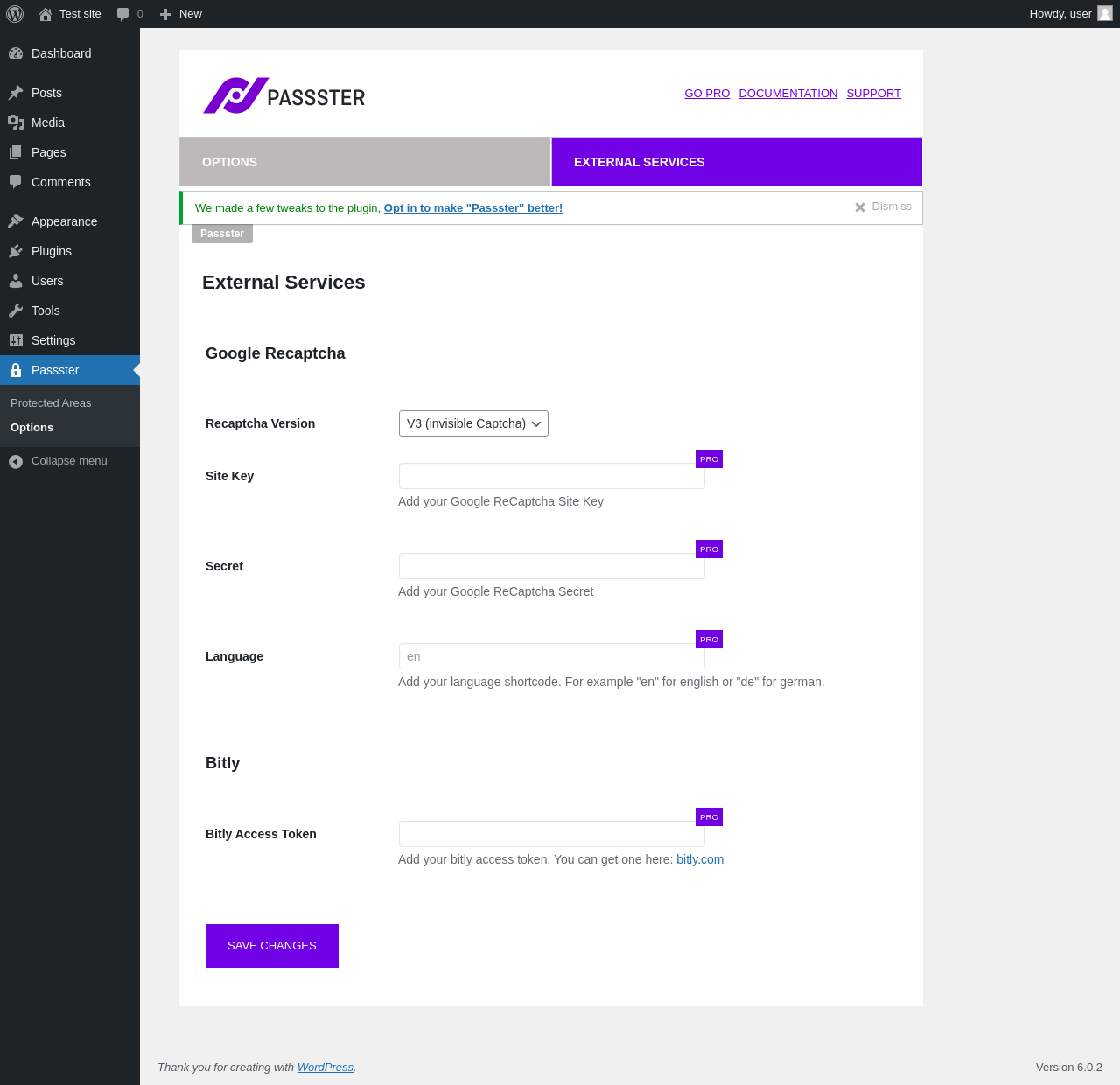
Passster → Options → External Services
URL
/wp-admin/admin.php?page=passster_settings
Aspect
menu-item-tab
HTTP status
200
Load time
0.327 s
Memory usage
4.19 MiB
JS errors
None
Resource errors
None
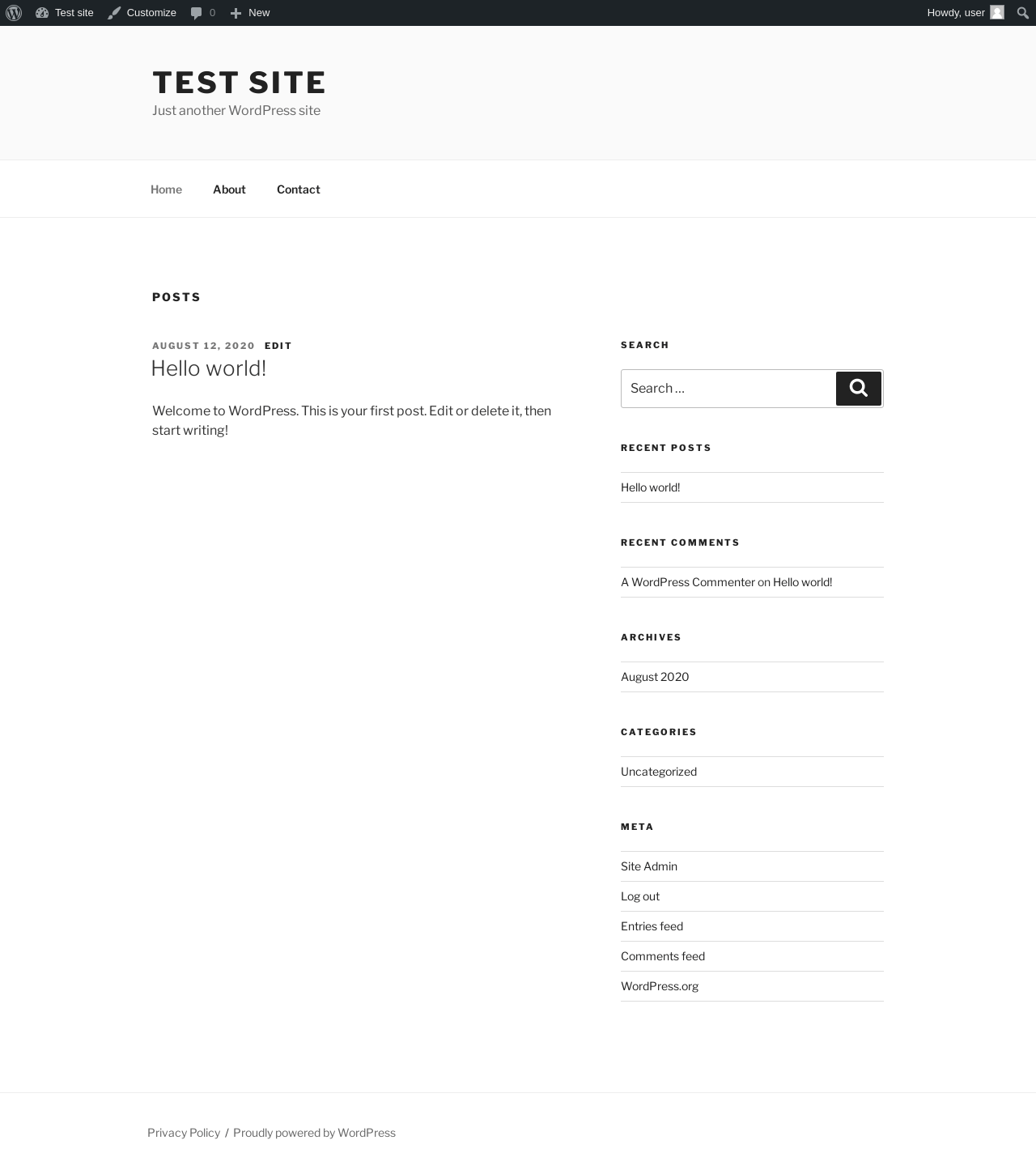
Test site – Just another WordPress site
URL
/
Aspect
front-page
HTTP status
200
Load time
0.263 s
Memory usage
3.99 MiB
JS errors
None
Resource errors
None
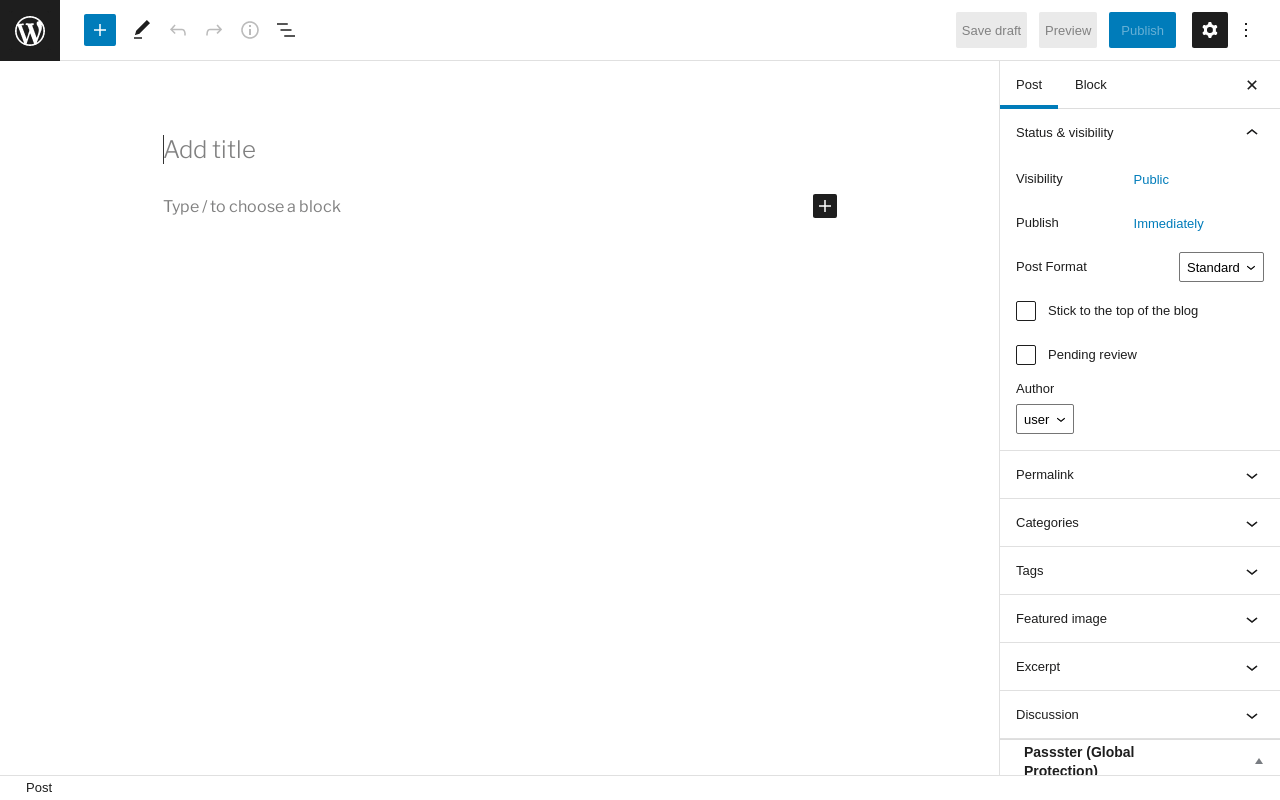
Add New Post ‹ Test site — WordPress
URL
/wp-admin/post-new.php
Aspect
new-meta-boxes
HTTP status
200
Load time
0.991 s
Memory usage
6.22 MiB
JS errors
None
Resource errors
None
Benchmark
URL
Load time
Memory usage
Inactive
Active
Change
Inactive
Active
Change
/wp-admin/index.php 0.329 s 0.431 s +0.102 s 3.73 MiB 4.39 MiB + 673.85 KiB /wp-admin/edit.php 0.203 s 0.308 s +0.105 s 3.76 MiB 4.44 MiB + 697.33 KiB /wp-admin/post-new.php 1.022 s 1.238 s +0.216 s 5.55 MiB 6.22 MiB + 682.65 KiB /wp-admin/upload.php 0.450 s 0.390 s -0.060 s 3.69 MiB 4.19 MiB + 516.63 KiB /wp-admin/options-writing.php 0.155 s 0.279 s +0.124 s 3.62 MiB 4.2 MiB + 591.14 KiB /wp-admin/media-new.php 0.423 s 0.327 s -0.096 s 3.67 MiB 4.19 MiB + 538.3 KiB /wp-admin/edit-tags.php?taxonomy=category 0.228 s 0.486 s +0.258 s 3.69 MiB 4.23 MiB + 545.88 KiB /wp-admin/post-new.php?post_type=page 0.931 s 0.983 s +0.052 s 5.55 MiB 6.21 MiB + 678.23 KiB /wp-admin/options-discussion.php 0.216 s 0.377 s +0.161 s 3.6 MiB 4.2 MiB + 611.09 KiB /wp-admin/edit-comments.php 0.222 s 0.333 s +0.111 s 3.7 MiB 4.23 MiB + 542.63 KiB / 0.301 s 0.238 s -0.063 s 3.61 MiB 3.99 MiB + 392.81 KiB
Average
0.407 s 0.490 s +0.083 s 4.02 MiB 4.59 MiB + 588.23 KiB
Code Statistics
Note: Third-party libraries and minified JS/CSS files are excluded from these statistics where
possible, so the numbers you see here may be lower than those reported by other tools.
Language
%
Lines of code
Comment lines
Files
PHP 95.7% 32,549 16,788 120 JavaScript 1.7% 592 79 7 PO File 1.3% 442 542 1 CSS 1.0% 346 1 13 SVG 0.1% 40 0 2 XML 0.1% 28 0 1 JSON 0.1% 27 0 1
Total
34,024
17,410
145
Lines of code
23,404
Total complexity
5,693
Median class complexity
17.0
Median method complexity
2.0
Most complex class
Freemius
Most complex function
FS_Plugin_Info_Dialog::install_plugin_information()
Classes
54
Methods
1,198
Functions
101
Additions
Things that the plugin adds to the site. This section is not intended to be comprehensive.
The test tool only looks for a few specific types of added content.
Options wp_options 7 fs_accounts fs_active_plugins fs_debug_mode fs_gdpr passster_advanced_settings passster_general_settings passster_secure_key Custom Post Types 1
ID
Name
protected_areas Protected Areas
Meta Boxes {
"post": {
"passster_global": {
"title": "Passster (Global Protection)",
"context": "side"
},
"passster": {
"title": "Passster (Page Protection)",
"context": "side"
},
"passster_link": {
"title": "Passster (Link Protection)",
"context": "side"
}
},
"protected_areas": {
"shortcode": {
"title": "Shortcode Configuration",
"context": "side"
},
"copy_shortcode": {
"title": "Shortcode",
"context": "normal"
}
},
"page": {
"passster_global": {
"title": "Passster (Global Protection)",
"context": "side"
},
"passster": {
"title": "Passster (Page Protection)",
"context": "side"
},
"passster_link": {
"title": "Passster (Link Protection)",
"context": "side"
}
},
"attachment": {
"passster_global": {
"title": "Passster (Global Protection)",
"context": "side"
},
"passster": {
"title": "Passster (Page Protection)",
"context": "side"
},
"passster_link": {
"title": "Passster (Link Protection)",
"context": "side"
}
}
}PHP Error Log The log file is empty.