Cost Calculator Builder 3.6.13
Does Cost Calculator Builder work with WordPress 6.9.1 and PHP 8.1.12? A smoke test was performed on .
Summary
| 3 | PHP notices |
| No JavaScript exceptions | |
| All test pages loaded successfully | |
| No resource errors |
Memory usage: 1.19 MiB
The average PHP memory usage increased by this amount after activating by the plugin.
Page speed impact:
insignificant.
The plugin didn't make the site noticeably slower.
| WordPress version | 6.9.1 |
|---|---|
| PHP version | 8.1.12 |
| MySQL version | 10.6.10 |
| PHP memory limit | 512M |
| Last updated | |
|---|---|
| Active installs | 30,000+ |
| WordPress.org page | https://wordpress.org/plugins/cost-calculator-builder/ |
| Badges |
|


Pages 10
Calculators ‹ Test site — WordPress
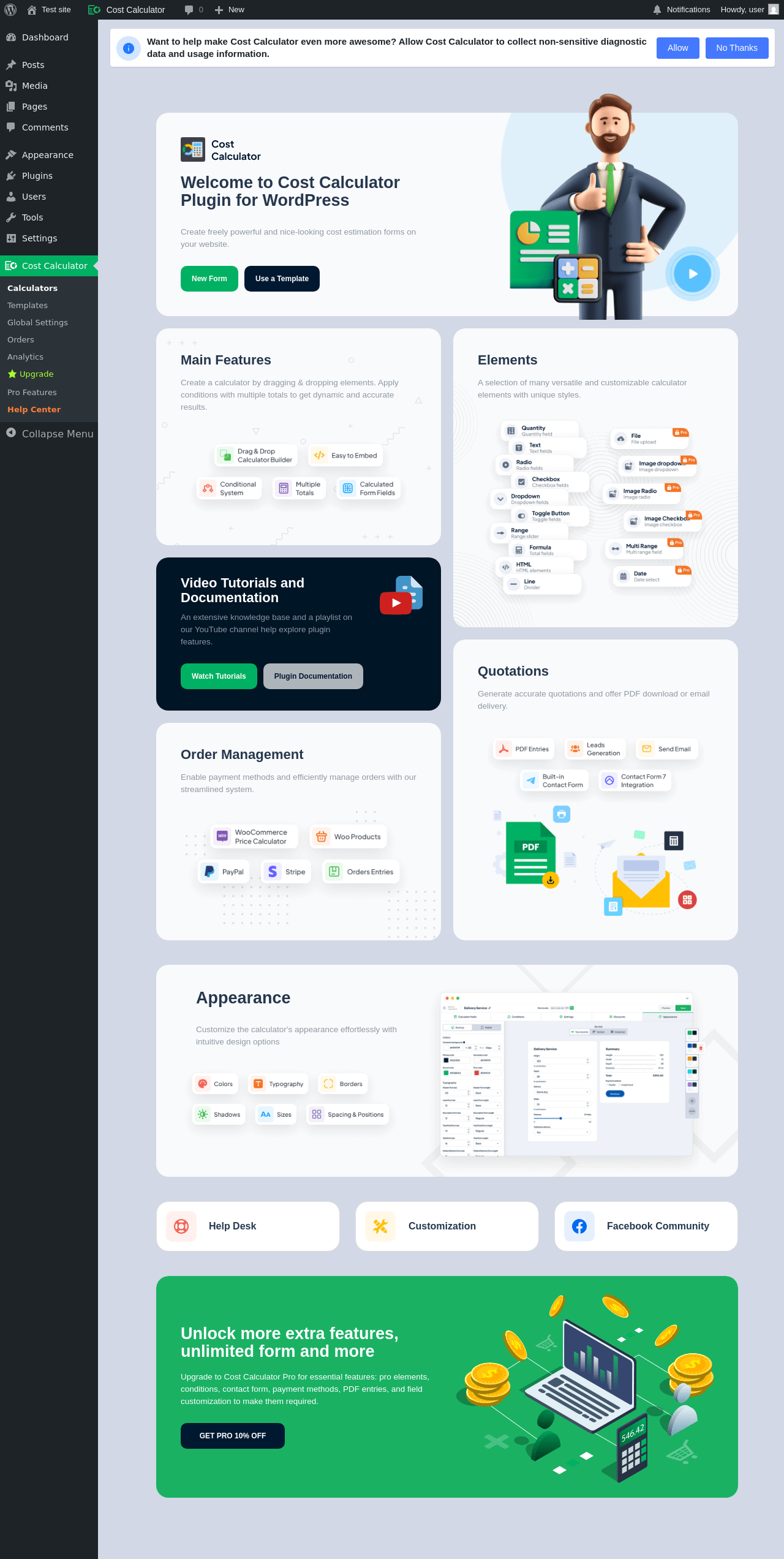
| URL | /wp-admin/admin.php?page=cost_calculator_builder |
|---|---|
| Requested URL | /wp-admin/plugins.php?action=activate&plugin=cost-calculator-builder%2Fcost-calculator-builder.php&plugin_status=all&paged=1&s&_wpnonce=eac5c49d76 |
| Aspect | after-activation |
| HTTP status | 200 |
| Load time | 5.897 s |
| Memory usage | N/A |
| JS errors | None |
| Resource errors | None |
Cost Calculator
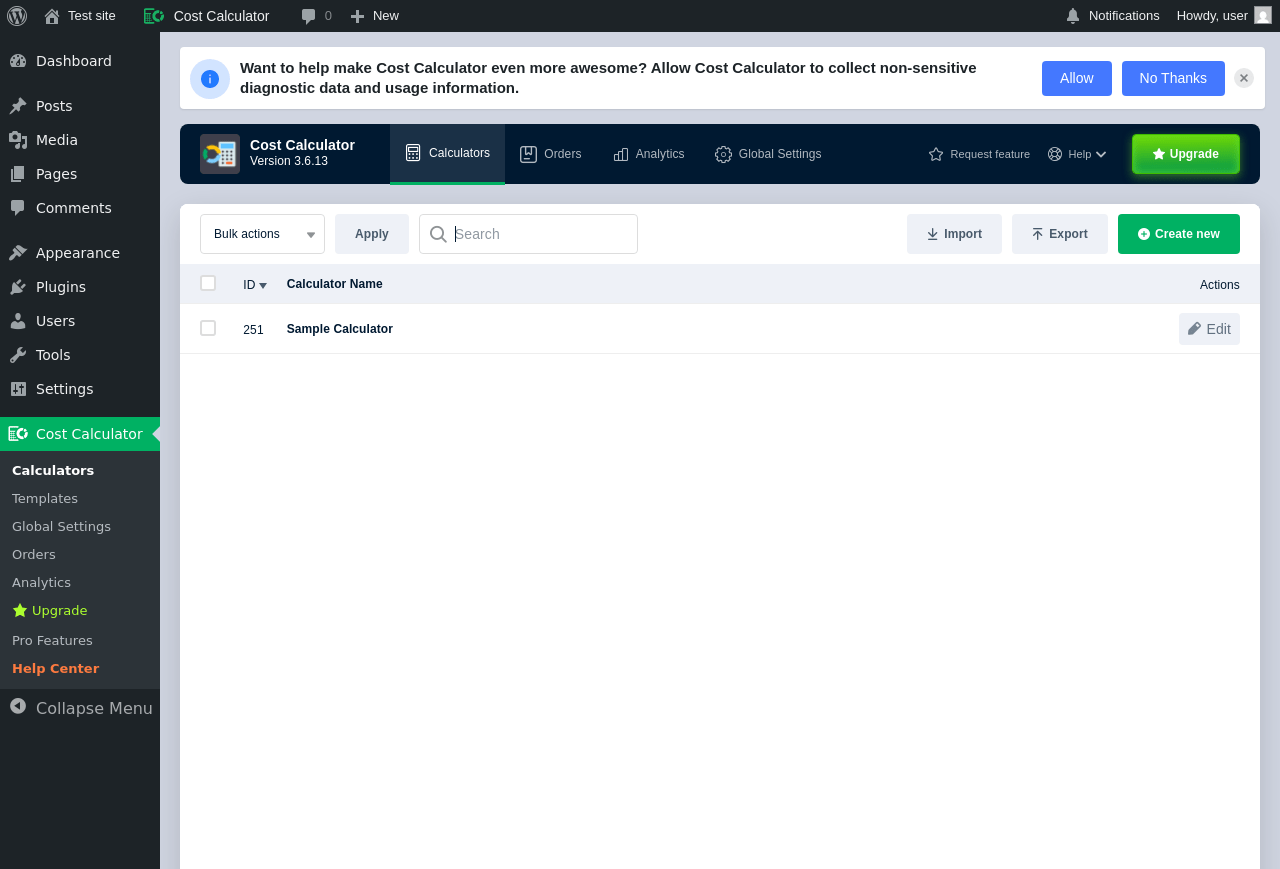
| URL | /wp-admin/admin.php?page=cost_calculator_builder |
|---|---|
| Aspect | menu-item |
| HTTP status | 200 |
| Load time | 3.035 s |
| Memory usage | 6.13 MiB |
| JS errors | None |
| Resource errors | None |
Cost Calculator → Templates
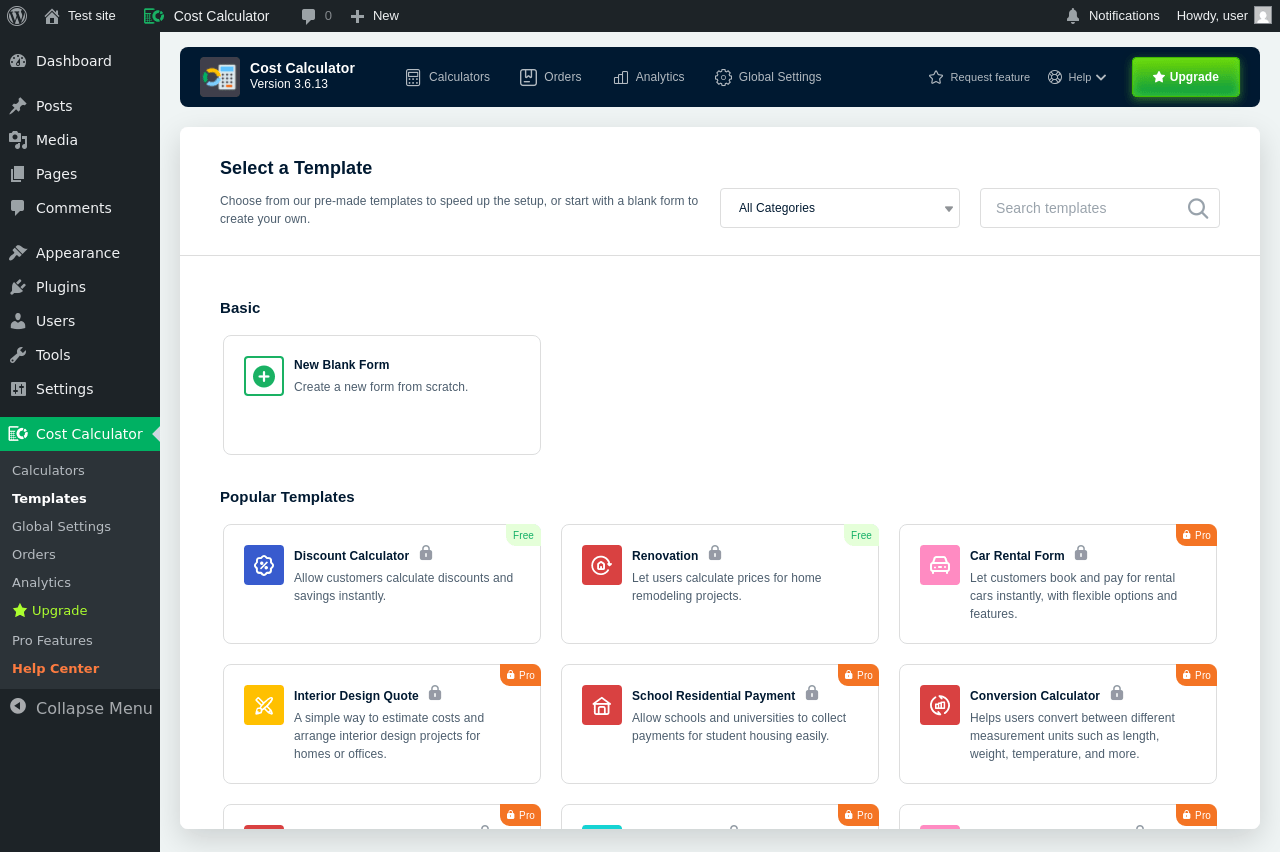
| URL | /wp-admin/admin.php?page=cost_calculator_templates |
|---|---|
| Aspect | menu-item |
| HTTP status | 200 |
| Load time | 0.516 s |
| Memory usage | 4.87 MiB |
| JS errors | None |
| Resource errors | None |
Cost Calculator → Global Settings
| URL | /wp-admin/admin.php?page=cost_calculator_builder&tab=settings |
|---|---|
| Aspect | menu-item |
| HTTP status | 200 |
| Load time | 0.954 s |
| Memory usage | 5 MiB |
| JS errors | None |
| Resource errors | None |
Cost Calculator → Orders
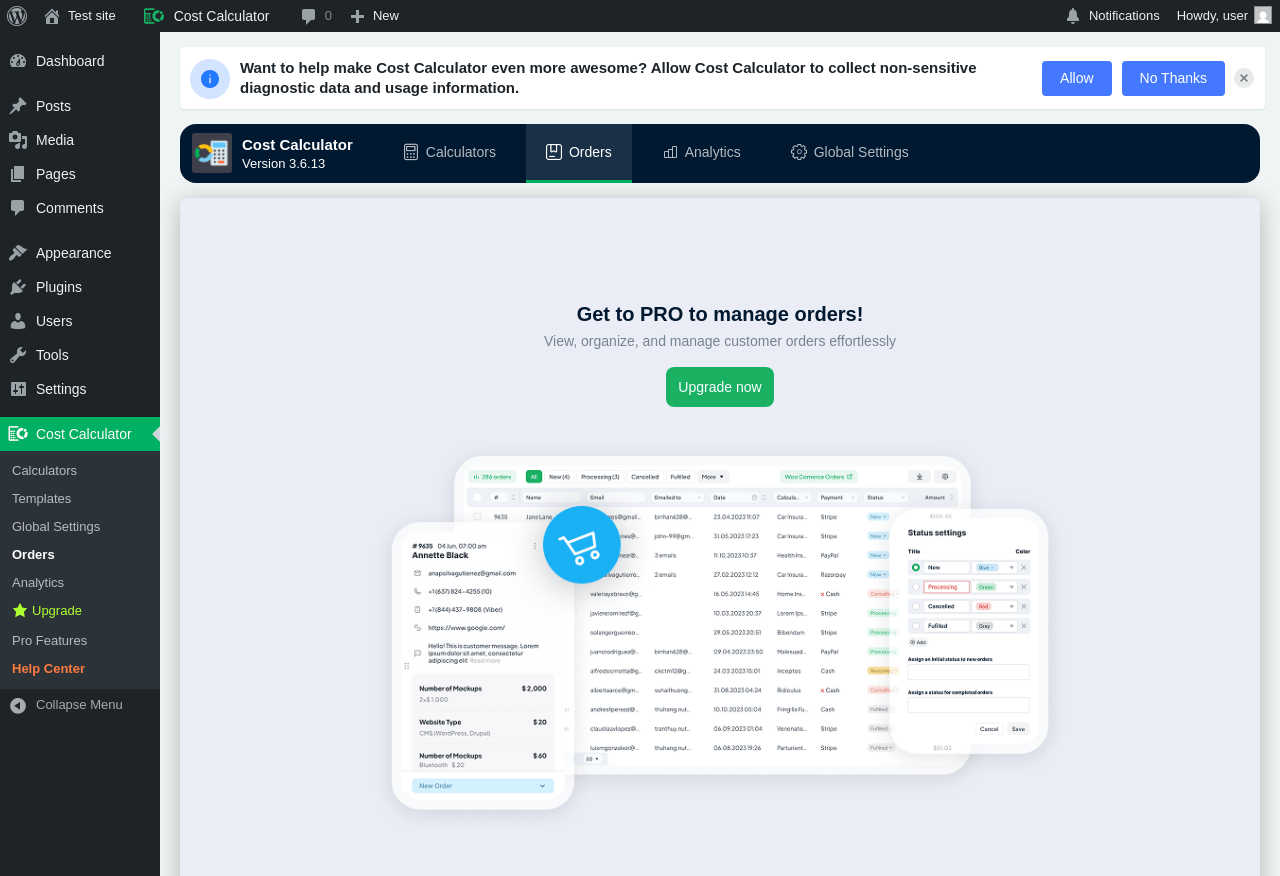
| URL | /wp-admin/admin.php?page=cost_calculator_orders |
|---|---|
| Aspect | menu-item |
| HTTP status | 200 |
| Load time | 0.442 s |
| Memory usage | 5.28 MiB |
| JS errors | None |
| Resource errors | None |
Cost Calculator → Analytics
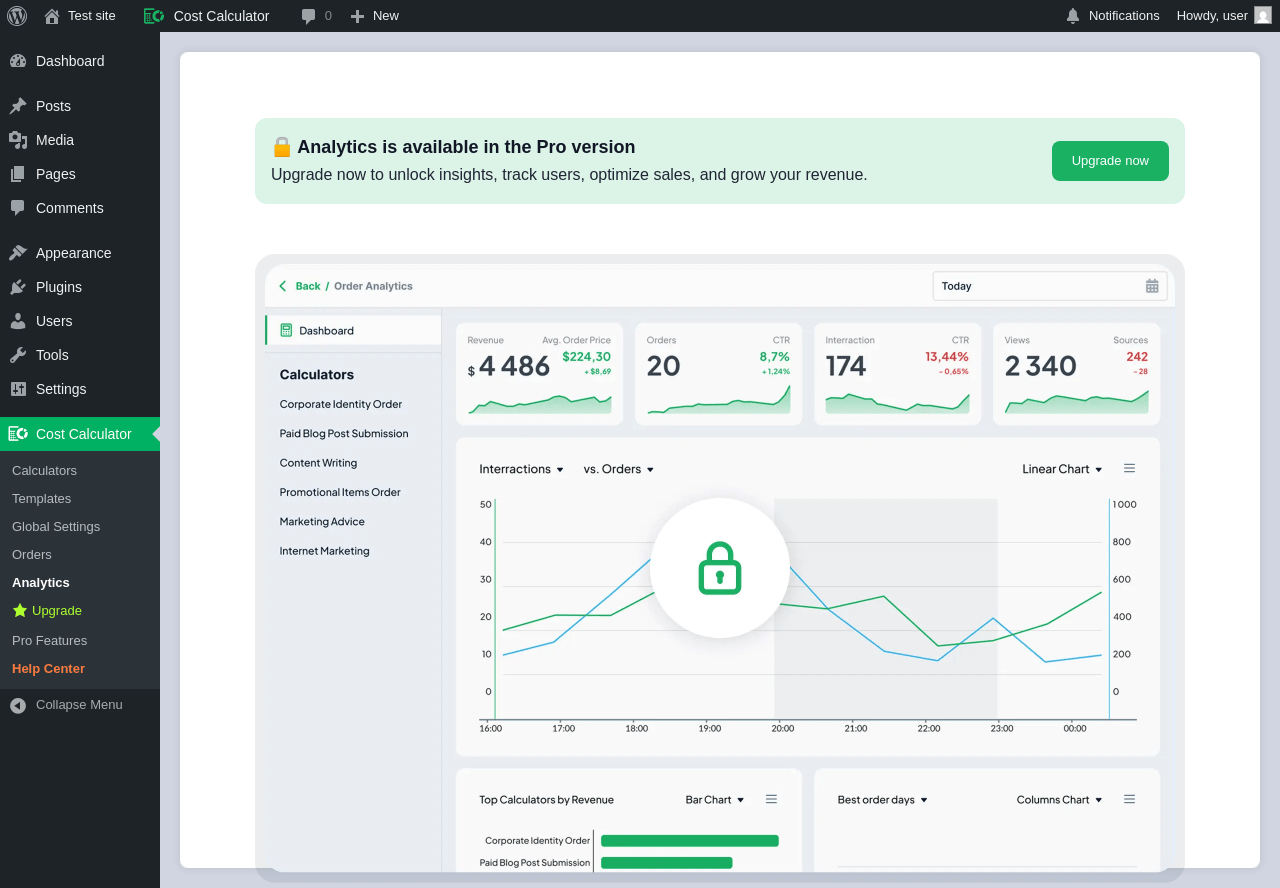
| URL | /wp-admin/admin.php?page=cost_calculator_analytics |
|---|---|
| Aspect | menu-item |
| HTTP status | 200 |
| Load time | 0.400 s |
| Memory usage | 5.25 MiB |
| JS errors | None |
| Resource errors | None |
Cost Calculator → Upgrade
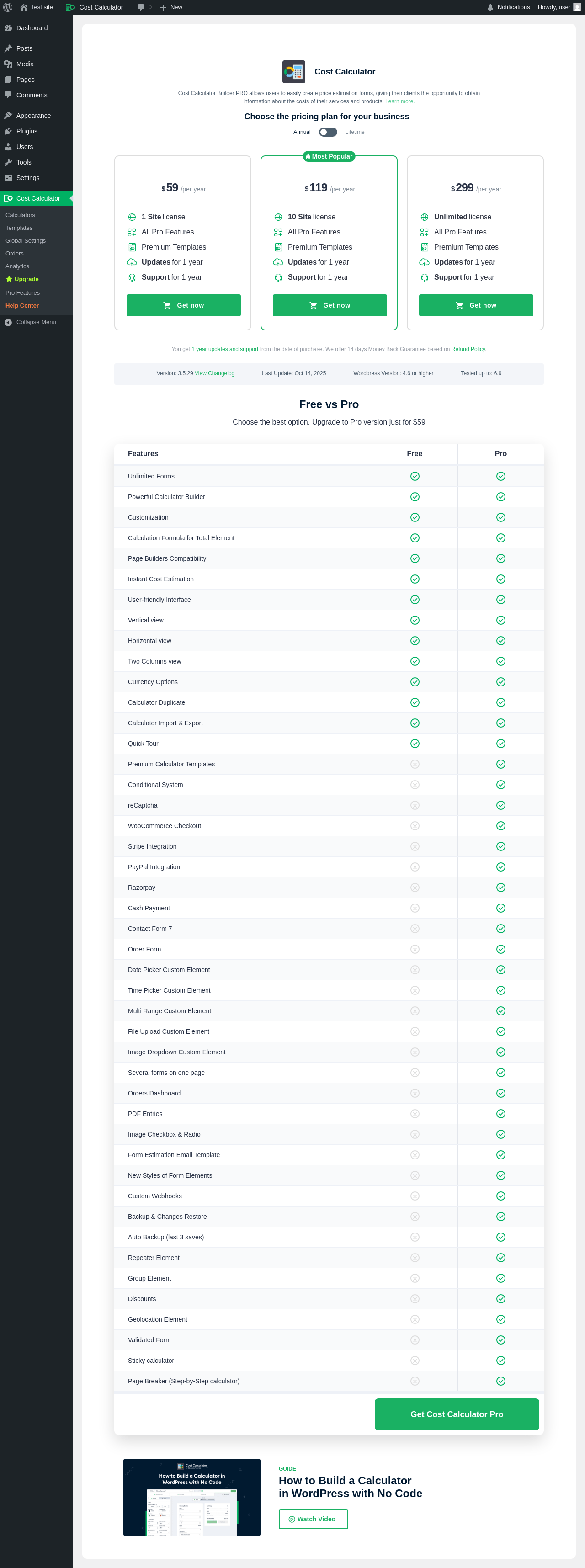
| URL | /wp-admin/admin.php?page=cost_calculator_gopro |
|---|---|
| Aspect | menu-item |
| HTTP status | 200 |
| Load time | 1.008 s |
| Memory usage | 4.93 MiB |
| JS errors | None |
| Resource errors | None |
Cost Calculator → Pro Features
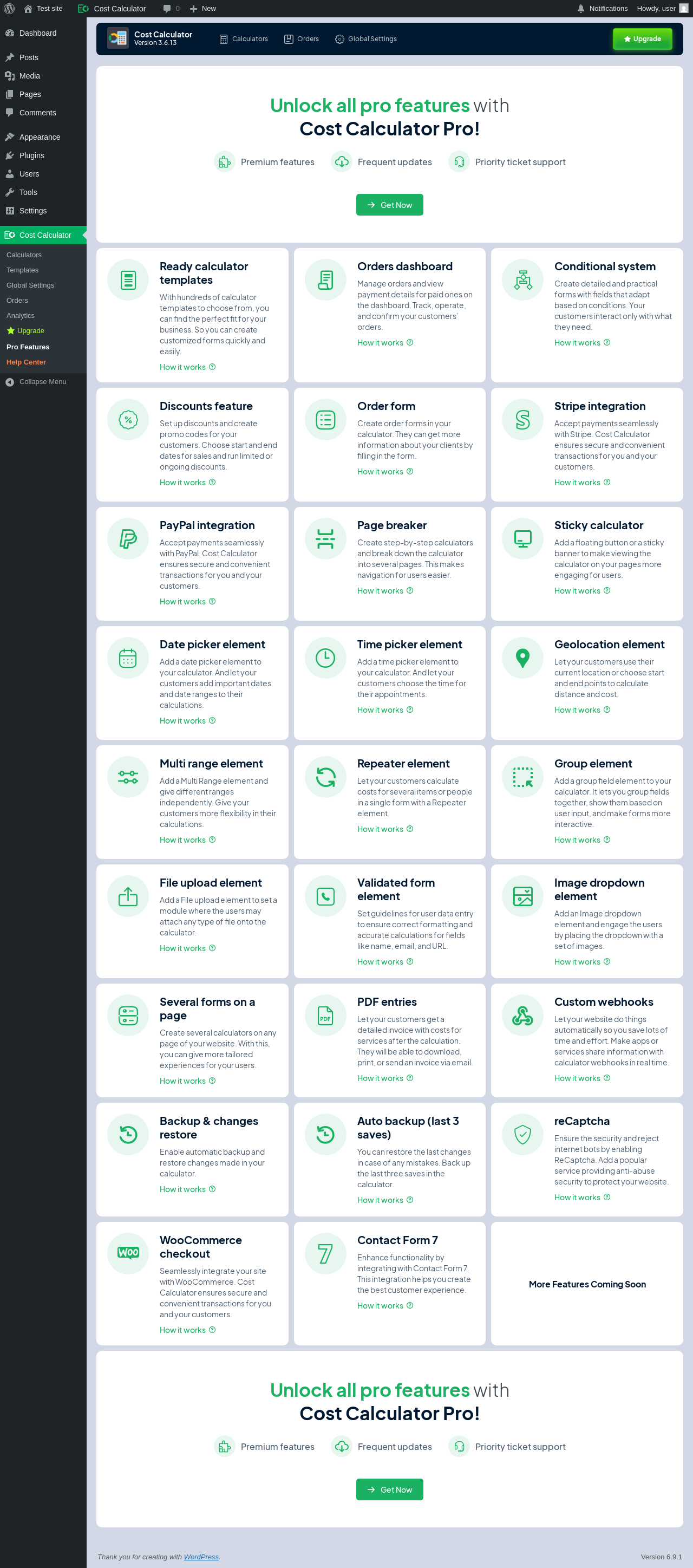
| URL | /wp-admin/admin.php?page=cost_calculator_pro_features |
|---|---|
| Aspect | menu-item |
| HTTP status | 200 |
| Load time | 0.669 s |
| Memory usage | 4.94 MiB |
| JS errors | None |
| Resource errors | None |
Cost Calculator → Help Center
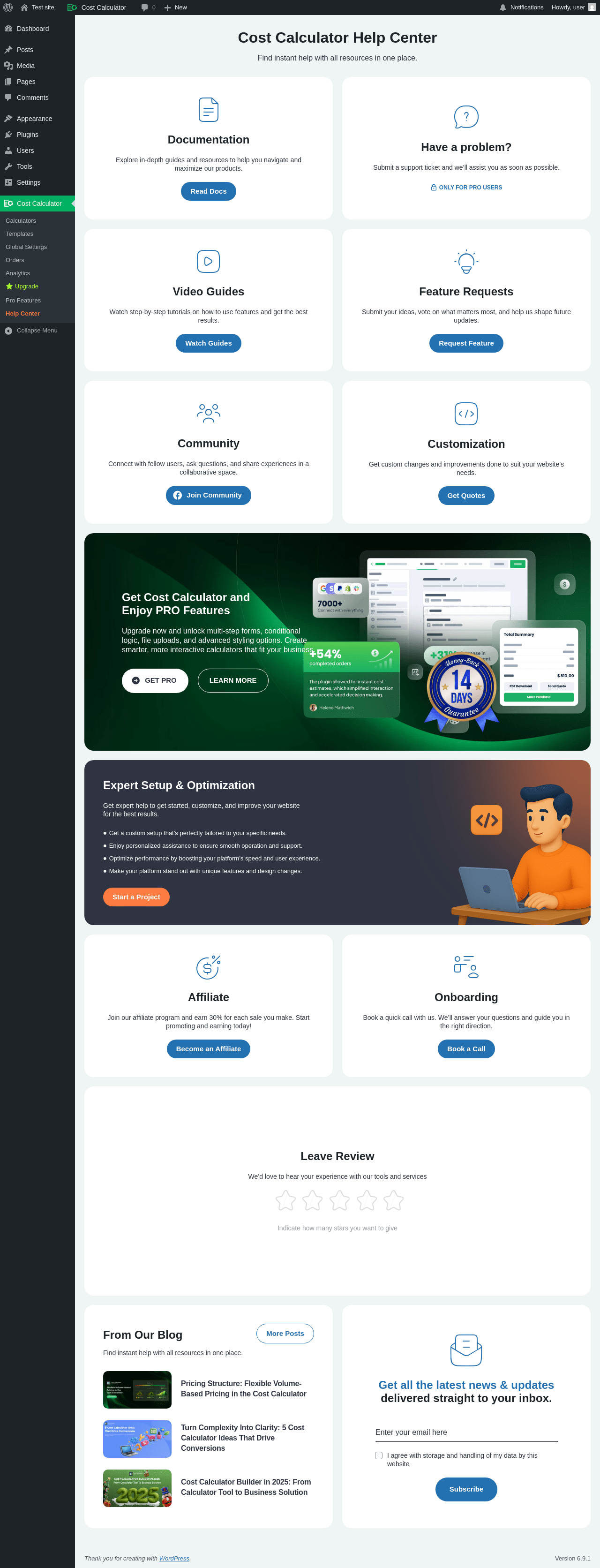
| URL | /wp-admin/admin.php?page=stm-support-page-ccb |
|---|---|
| Aspect | menu-item |
| HTTP status | 200 |
| Load time | 3.119 s |
| Memory usage | 5.3 MiB |
| JS errors | None |
| Resource errors | None |
Test site – Just another WordPress site
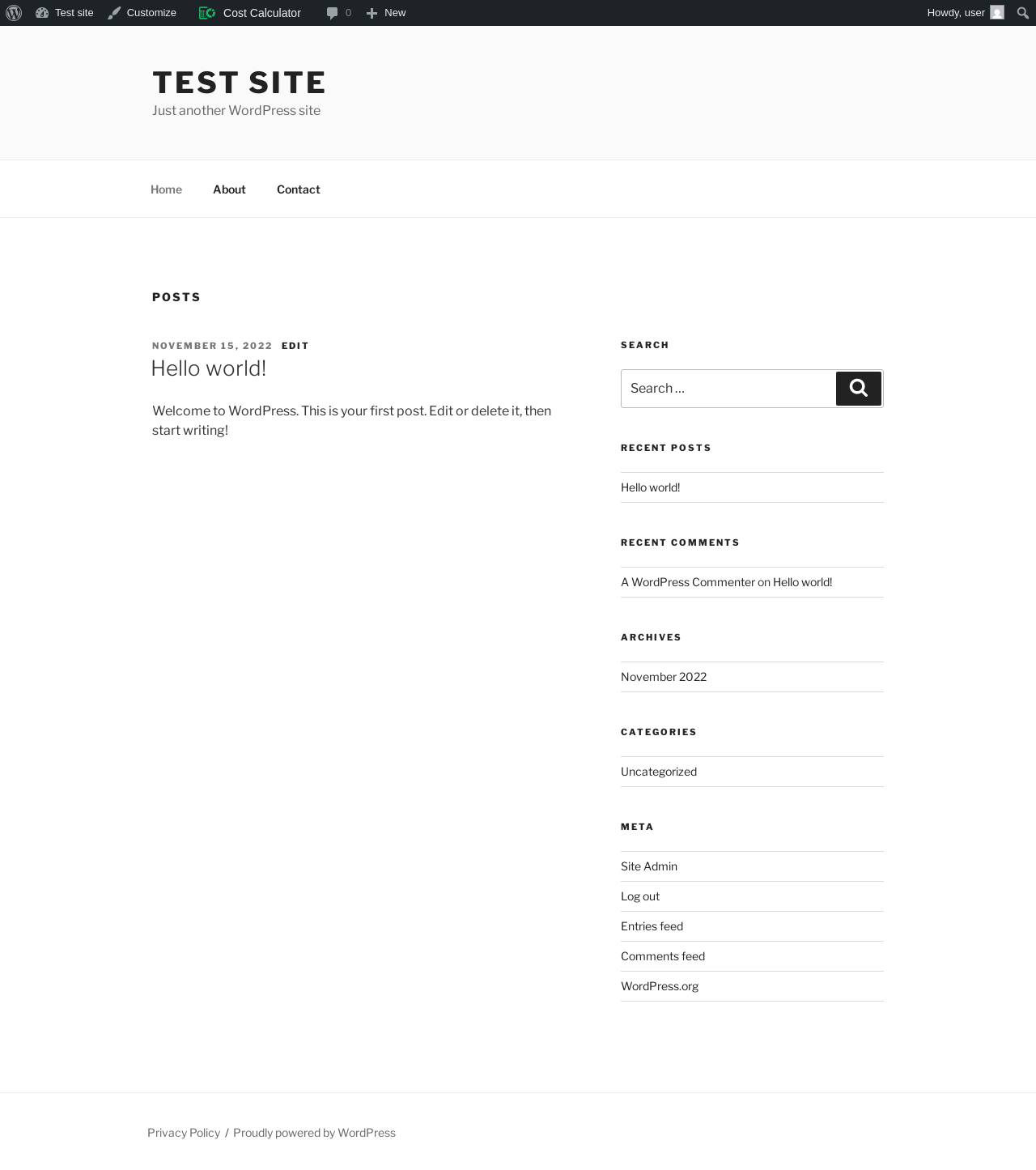
| URL | / |
|---|---|
| Aspect | front-page |
| HTTP status | 200 |
| Load time | 0.268 s |
| Memory usage | 5.23 MiB |
| JS errors | None |
| Resource errors | None |
Benchmark
| URL | Load time | Memory usage | ||||
|---|---|---|---|---|---|---|
| Inactive | Active | Change | Inactive | Active | Change | |
| /wp-admin/index.php | 0.703 s | 0.527 s | -0.176 s | 3.78 MiB | 4.97 MiB | + 1.2 MiB |
| /wp-admin/edit.php | 0.605 s | 0.360 s | -0.245 s | 3.78 MiB | 5.02 MiB | + 1.24 MiB |
| /wp-admin/post-new.php | 1.301 s | 1.036 s | -0.265 s | 6.31 MiB | 7.57 MiB | + 1.27 MiB |
| /wp-admin/upload.php | 0.783 s | 0.591 s | -0.192 s | 3.74 MiB | 4.91 MiB | + 1.17 MiB |
| /wp-admin/options-writing.php | 0.533 s | 0.596 s | +0.063 s | 3.71 MiB | 4.87 MiB | + 1.16 MiB |
| /wp-admin/media-new.php | 0.867 s | 0.368 s | -0.499 s | 3.7 MiB | 4.87 MiB | + 1.17 MiB |
| /wp-admin/edit-tags.php?taxonomy=category | 0.566 s | 0.350 s | -0.216 s | 3.72 MiB | 4.9 MiB | + 1.18 MiB |
| /wp-admin/post-new.php?post_type=page | 0.990 s | 0.761 s | -0.229 s | 6.3 MiB | 7.55 MiB | + 1.26 MiB |
| /wp-admin/options-discussion.php | 0.375 s | 0.444 s | +0.069 s | 3.71 MiB | 4.87 MiB | + 1.16 MiB |
| /wp-admin/edit-comments.php | 0.386 s | 0.596 s | +0.210 s | 3.73 MiB | 4.9 MiB | + 1.16 MiB |
| / | 0.323 s | 0.232 s | -0.091 s | 4.11 MiB | 5.23 MiB | + 1.12 MiB |
| Average | 0.676 s | 0.533 s | -0.143 s | 4.24 MiB | 5.42 MiB | + 1.19 MiB |
Code Statistics
Note: Third-party libraries and minified JS/CSS files are excluded from these statistics where possible, so the numbers you see here may be lower than those reported by other tools.
| Language | % | Lines of code | Comment lines | Files | |
|---|---|---|---|---|---|
| PHP | 38.8% | 36,521 | 1,797 | 230 | |
| Vuejs Component | 37.1% | 34,975 | 55 | 217 | |
| TypeScript | 11.9% | 11,232 | 39 | 206 | |
| PO File | 8.6% | 8,147 | 7,093 | 5 | |
| CSS | 1.7% | 1,623 | 6 | 6 | |
| JavaScript | 1.1% | 1,079 | 150 | 13 | |
| SVG | 0.4% | 354 | 1 | 32 | |
| JSON | 0.1% | 130 | 0 | 7 | |
| vim script | 0.1% | 71 | 1 | 1 | |
| Markdown | 0.1% | 55 | 0 | 1 | |
| XML | 0.0% | 42 | 0 | 1 | |
| Total | 94,229 | 9,142 | 719 | ||
PHP Code Analysis | More results »
| Lines of code | 27,087 |
|---|---|
| Total complexity | 3,742 |
| Median class complexity | 13.5 |
| Median method complexity | 2.0 |
| Most complex class | cBuilder\Classes\CCBUpdatesCallbacks |
| Most complex function | cBuilder\Classes\pdfManager\CCBPdfManagerTemplates::ccb_get_templates() |
| Classes | 102 |
|---|---|
| Methods | 861 |
| Functions | 90 |
Additions
Things that the plugin adds to the site. This section is not intended to be comprehensive. The test tool only looks for a few specific types of added content.
Database Tables 23
- wp_cc_analytics_interactions
- wp_cc_analytics_views
- wp_cc_calc_orders
- wp_cc_condition
- wp_cc_discounts
- wp_cc_form_fields
- wp_cc_form_fields_attributes
- wp_cc_forms
- wp_cc_orders
- wp_cc_orders_calc_basic_fields
- wp_cc_orders_calc_fields_attrs
- wp_cc_orders_calc_fields_multi_options
- wp_cc_orders_calculator_fields
- wp_cc_orders_currency
- wp_cc_orders_discounts
- wp_cc_orders_forms_details
- wp_cc_orders_notes
- wp_cc_orders_payments
- wp_cc_orders_promocodes
- wp_cc_orders_statuses
- wp_cc_orders_totals
- wp_cc_payments
- wp_cc_promocodes
Options wp_options 115
- calc_db_updates
- calc_render_templates
- calc_sample_calculator
- ccb_appearance_presets
- ccb_canceled
- ccb_general_settings
- ccb_installed
- ccb_lock_templates_email
- ccb_pdf_templates
- ccb_quick_tour_type
- ccb_version
- ccb_version_control
- notification_enqueue
- stm_ccb_form_settings_101
- stm_ccb_form_settings_103
- stm_ccb_form_settings_105
- stm_ccb_form_settings_107
- stm_ccb_form_settings_109
- stm_ccb_form_settings_111
- stm_ccb_form_settings_113
- stm_ccb_form_settings_115
- stm_ccb_form_settings_117
- stm_ccb_form_settings_119
- stm_ccb_form_settings_121
- stm_ccb_form_settings_123
- stm_ccb_form_settings_125
- stm_ccb_form_settings_127
- stm_ccb_form_settings_129
- stm_ccb_form_settings_131
- stm_ccb_form_settings_133
- stm_ccb_form_settings_135
- stm_ccb_form_settings_137
- stm_ccb_form_settings_139
- stm_ccb_form_settings_141
- stm_ccb_form_settings_143
- stm_ccb_form_settings_145
- stm_ccb_form_settings_147
- stm_ccb_form_settings_149
- stm_ccb_form_settings_151
- stm_ccb_form_settings_153
- stm_ccb_form_settings_155
- stm_ccb_form_settings_157
- stm_ccb_form_settings_159
- stm_ccb_form_settings_161
- stm_ccb_form_settings_163
- stm_ccb_form_settings_165
- stm_ccb_form_settings_167
- stm_ccb_form_settings_169
- stm_ccb_form_settings_171
- stm_ccb_form_settings_173
- stm_ccb_form_settings_175
- stm_ccb_form_settings_177
- stm_ccb_form_settings_179
- stm_ccb_form_settings_181
- stm_ccb_form_settings_183
- stm_ccb_form_settings_185
- stm_ccb_form_settings_187
- stm_ccb_form_settings_189
- stm_ccb_form_settings_191
- stm_ccb_form_settings_193
- stm_ccb_form_settings_195
- stm_ccb_form_settings_197
- stm_ccb_form_settings_199
- stm_ccb_form_settings_201
- stm_ccb_form_settings_203
- stm_ccb_form_settings_205
- stm_ccb_form_settings_207
- stm_ccb_form_settings_209
- stm_ccb_form_settings_211
- stm_ccb_form_settings_213
- stm_ccb_form_settings_215
- stm_ccb_form_settings_217
- stm_ccb_form_settings_219
- stm_ccb_form_settings_221
- stm_ccb_form_settings_223
- stm_ccb_form_settings_225
- stm_ccb_form_settings_227
- stm_ccb_form_settings_229
- stm_ccb_form_settings_231
- stm_ccb_form_settings_233
- stm_ccb_form_settings_235
- stm_ccb_form_settings_237
- stm_ccb_form_settings_239
- stm_ccb_form_settings_251
- stm_ccb_form_settings_39
- stm_ccb_form_settings_41
- stm_ccb_form_settings_43
- stm_ccb_form_settings_45
- stm_ccb_form_settings_47
- stm_ccb_form_settings_49
- stm_ccb_form_settings_51
- stm_ccb_form_settings_53
- stm_ccb_form_settings_55
- stm_ccb_form_settings_57
- stm_ccb_form_settings_59
- stm_ccb_form_settings_61
- stm_ccb_form_settings_63
- stm_ccb_form_settings_65
- stm_ccb_form_settings_67
- stm_ccb_form_settings_69
- stm_ccb_form_settings_71
- stm_ccb_form_settings_73
- stm_ccb_form_settings_75
- stm_ccb_form_settings_77
- stm_ccb_form_settings_79
- stm_ccb_form_settings_81
- stm_ccb_form_settings_83
- stm_ccb_form_settings_85
- stm_ccb_form_settings_87
- stm_ccb_form_settings_89
- stm_ccb_form_settings_91
- stm_ccb_form_settings_93
- stm_ccb_form_settings_95
- stm_ccb_form_settings_97
- stm_ccb_form_settings_99
Custom Post Types 3
| ID | Name |
|---|---|
| cost-calc | Cost Calculator |
| cost-calc-templates | Cost Calculator Templates |
| cost-calc-category | Categories |
PHP Error Log 3 lines
[04-Feb-2026 05:02:45 UTC] PHP Notice:  Function WP_Scripts::add was called <strong>incorrectly</strong>. The script with the handle "ccb-quick-tour-core-js" was enqueued with dependencies that are not registered: cbb-bundle-js. Please see <a href="https://developer.wordpress.org/advanced-administration/debug/debug-wordpress/">Debugging in WordPress</a> for more information. (This message was added in version 6.9.1.) in /wp-includes/functions.php on line 6131
[04-Feb-2026 05:02:49 UTC] PHP Notice:  Function WP_Scripts::add was called <strong>incorrectly</strong>. The script with the handle "ccb-quick-tour-core-js" was enqueued with dependencies that are not registered: cbb-bundle-js. Please see <a href="https://developer.wordpress.org/advanced-administration/debug/debug-wordpress/">Debugging in WordPress</a> for more information. (This message was added in version 6.9.1.) in /wp-includes/functions.php on line 6131
[04-Feb-2026 05:02:54 UTC] PHP Notice:  Function WP_Scripts::add was called <strong>incorrectly</strong>. The script with the handle "ccb-quick-tour-core-js" was enqueued with dependencies that are not registered: cbb-bundle-js. Please see <a href="https://developer.wordpress.org/advanced-administration/debug/debug-wordpress/">Debugging in WordPress</a> for more information. (This message was added in version 6.9.1.) in /wp-includes/functions.php on line 6131