Developer Debug Tools 1.6.2
Does Developer Debug Tools work with WordPress 6.4.3 and PHP 8.1.12? A smoke test was performed on .
Summary
| 13 | PHP deprecation warnings |
| No JavaScript exceptions | |
| All test pages loaded successfully | |
| No resource errors |
Memory usage: 93.18 KiB
The average PHP memory usage increased by this amount after activating by the plugin.
Page speed impact:
insignificant.
The plugin didn't make the site noticeably slower.
| WordPress version | 6.4.3 |
|---|---|
| PHP version | 8.1.12 |
| MySQL version | 10.6.10 |
| PHP memory limit | 512M |
| Last updated | |
|---|---|
| Active installs | 100+ |
| WordPress.org page | https://wordpress.org/plugins/dev-debug-tools/ |
| Badges |
|


Pages 24
Plugins
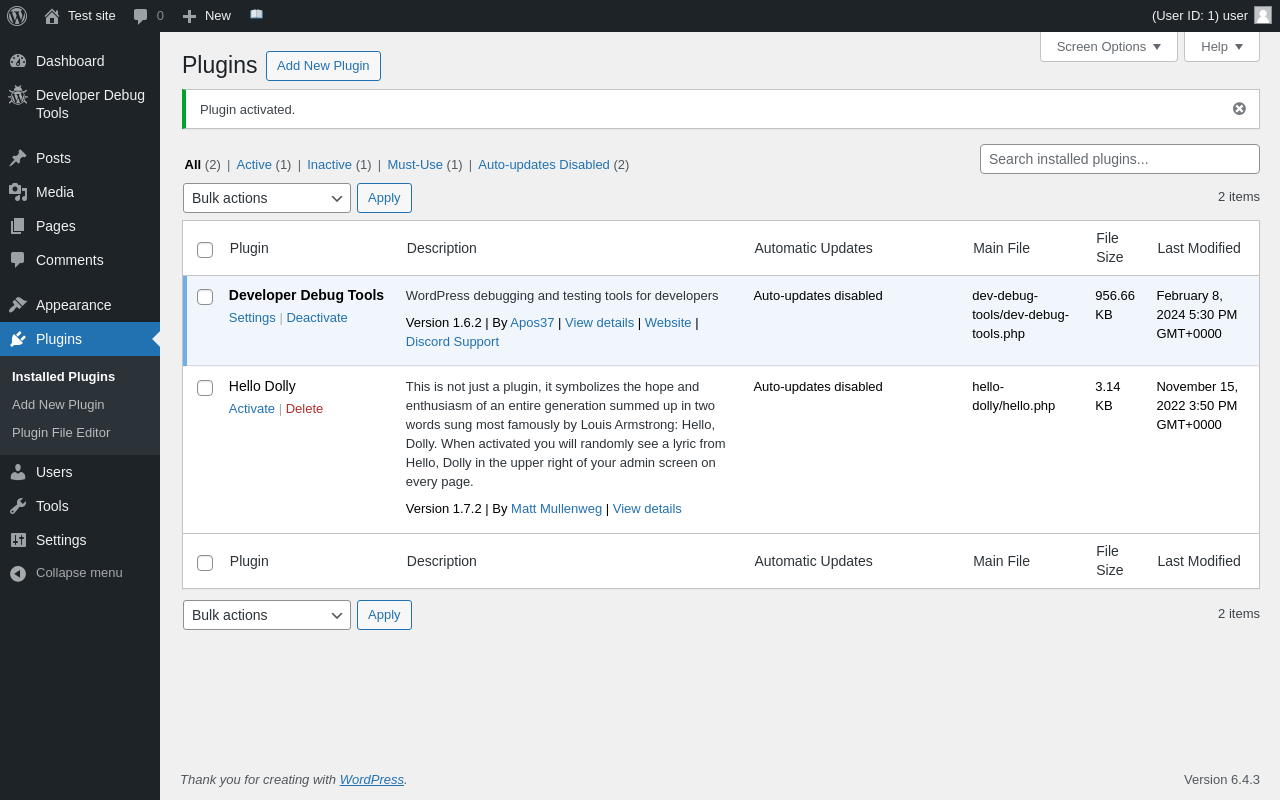
| URL | /wp-admin/plugins.php?plugin_status=all&paged=1&s |
|---|---|
| Requested URL | /wp-admin/plugins.php?action=activate&plugin=dev-debug-tools%2Fdev-debug-tools.php&plugin_status=all&paged=1&s&_wpnonce=8628ba104a |
| Aspect | after-activation |
| HTTP status | 200 |
| Load time | 0.581 s |
| Memory usage | 3.54 MiB |
| JS errors | None |
| Resource errors | None |
Developer Debug Tools
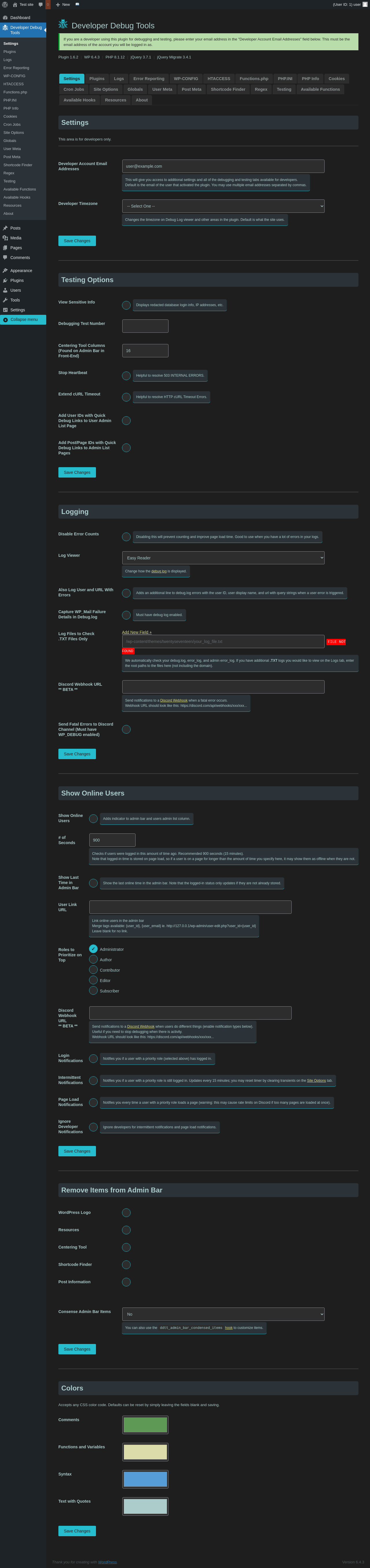
| URL | /wp-admin/admin.php?page=dev-debug-tools&tab=settings |
|---|---|
| Aspect | menu-item |
| HTTP status | 200 |
| Load time | 1.343 s |
| Memory usage | 3.55 MiB |
| JS errors | None |
| Resource errors | None |
Developer Debug Tools → Plugins
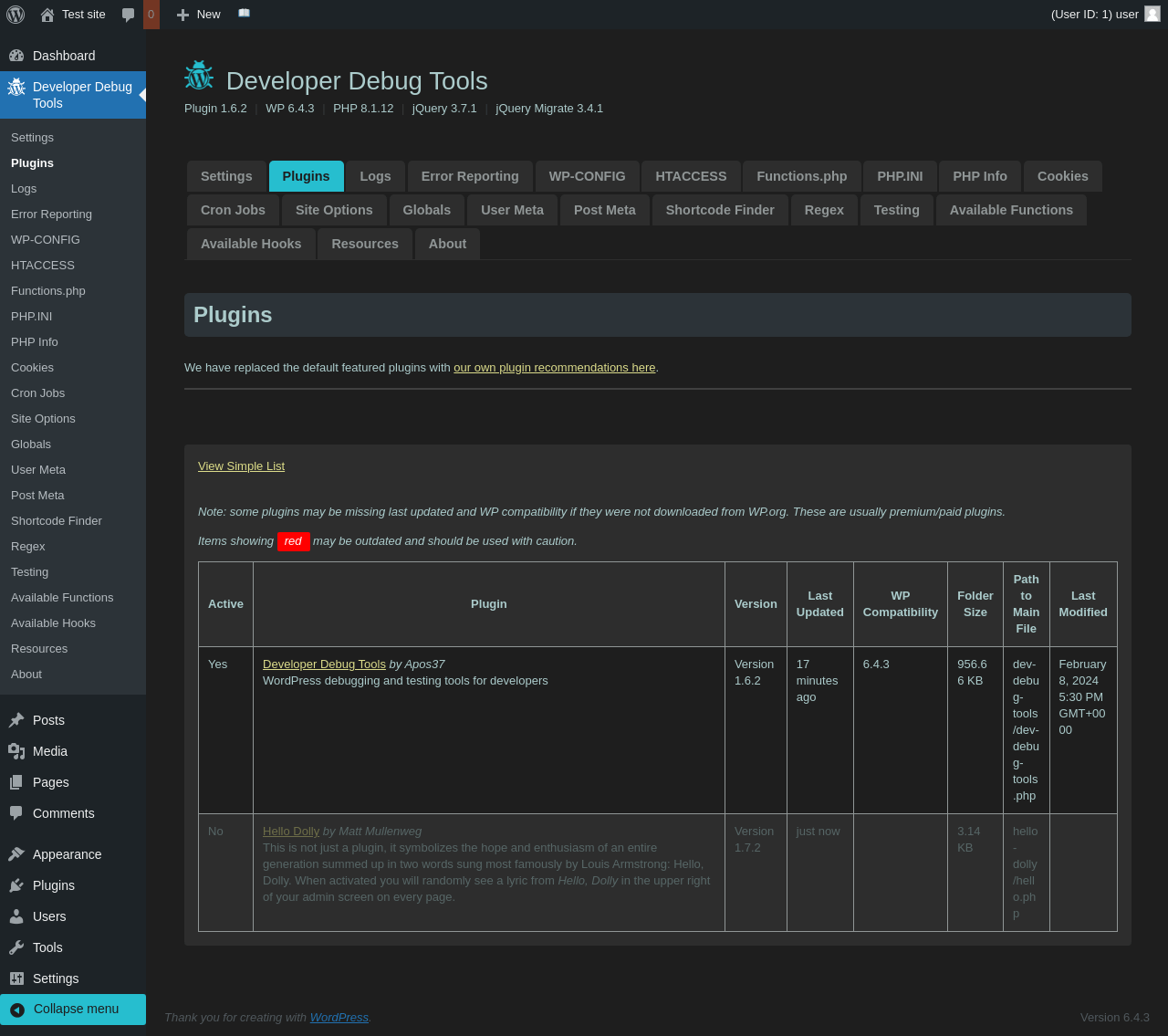
| URL | /wp-admin/admin.php?page=dev-debug-tools&tab=plugins |
|---|---|
| Aspect | menu-item |
| HTTP status | 200 |
| Load time | 0.910 s |
| Memory usage | 3.63 MiB |
| JS errors | None |
| Resource errors | None |
Developer Debug Tools → Logs
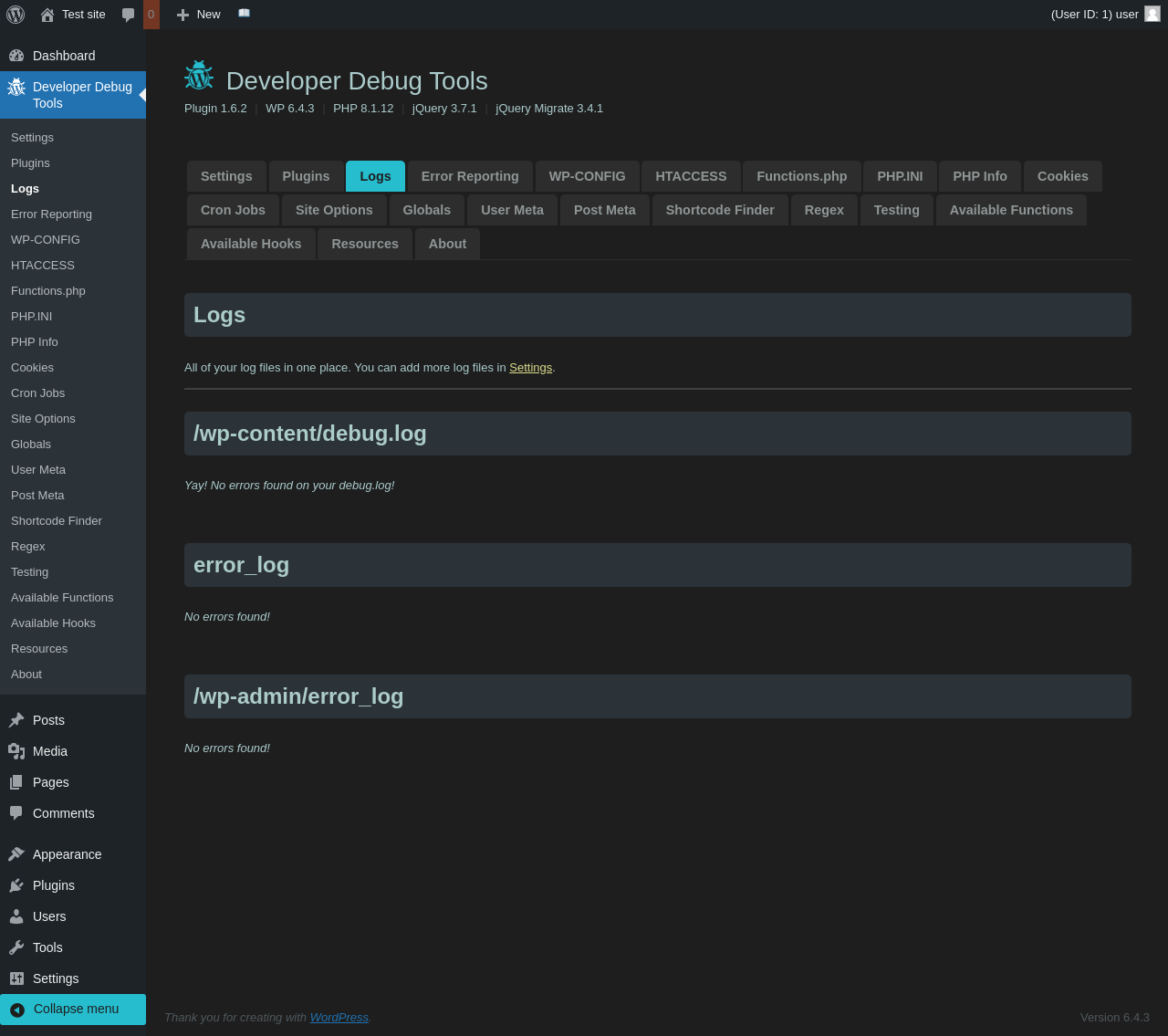
| URL | /wp-admin/admin.php?page=dev-debug-tools&tab=logs |
|---|---|
| Aspect | menu-item |
| HTTP status | 200 |
| Load time | 0.829 s |
| Memory usage | 3.49 MiB |
| JS errors | None |
| Resource errors | None |
Developer Debug Tools → Error Reporting
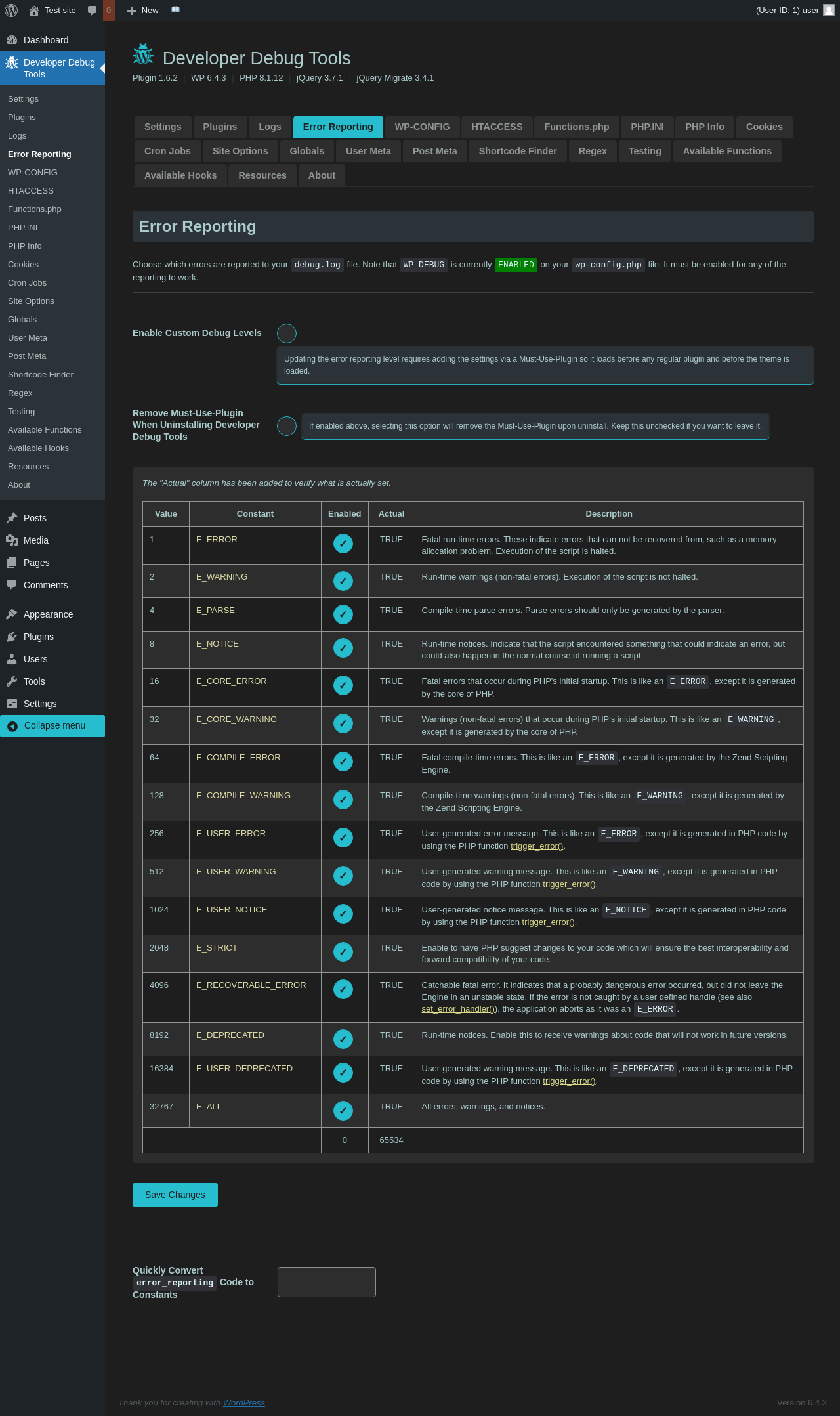
| URL | /wp-admin/admin.php?page=dev-debug-tools&tab=error |
|---|---|
| Aspect | menu-item |
| HTTP status | 200 |
| Load time | 0.859 s |
| Memory usage | 3.6 MiB |
| JS errors | None |
| Resource errors | None |
Developer Debug Tools → WP-CONFIG

| URL | /wp-admin/admin.php?page=dev-debug-tools&tab=wpcnfg |
|---|---|
| Aspect | menu-item |
| HTTP status | 200 |
| Load time | 0.949 s |
| Memory usage | 3.5 MiB |
| JS errors | None |
| Resource errors | None |
Developer Debug Tools → HTACCESS
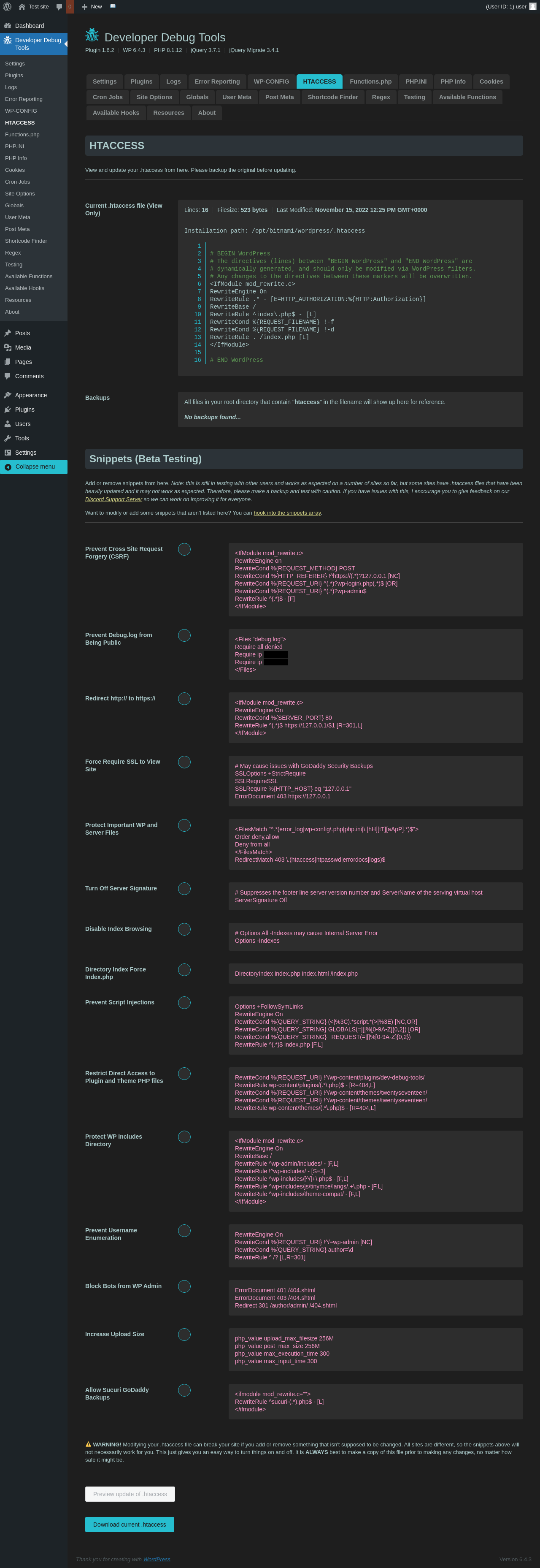
| URL | /wp-admin/admin.php?page=dev-debug-tools&tab=htaccess |
|---|---|
| Aspect | menu-item |
| HTTP status | 200 |
| Load time | 0.850 s |
| Memory usage | 3.49 MiB |
| JS errors | None |
| Resource errors | None |
Developer Debug Tools → Functions.php
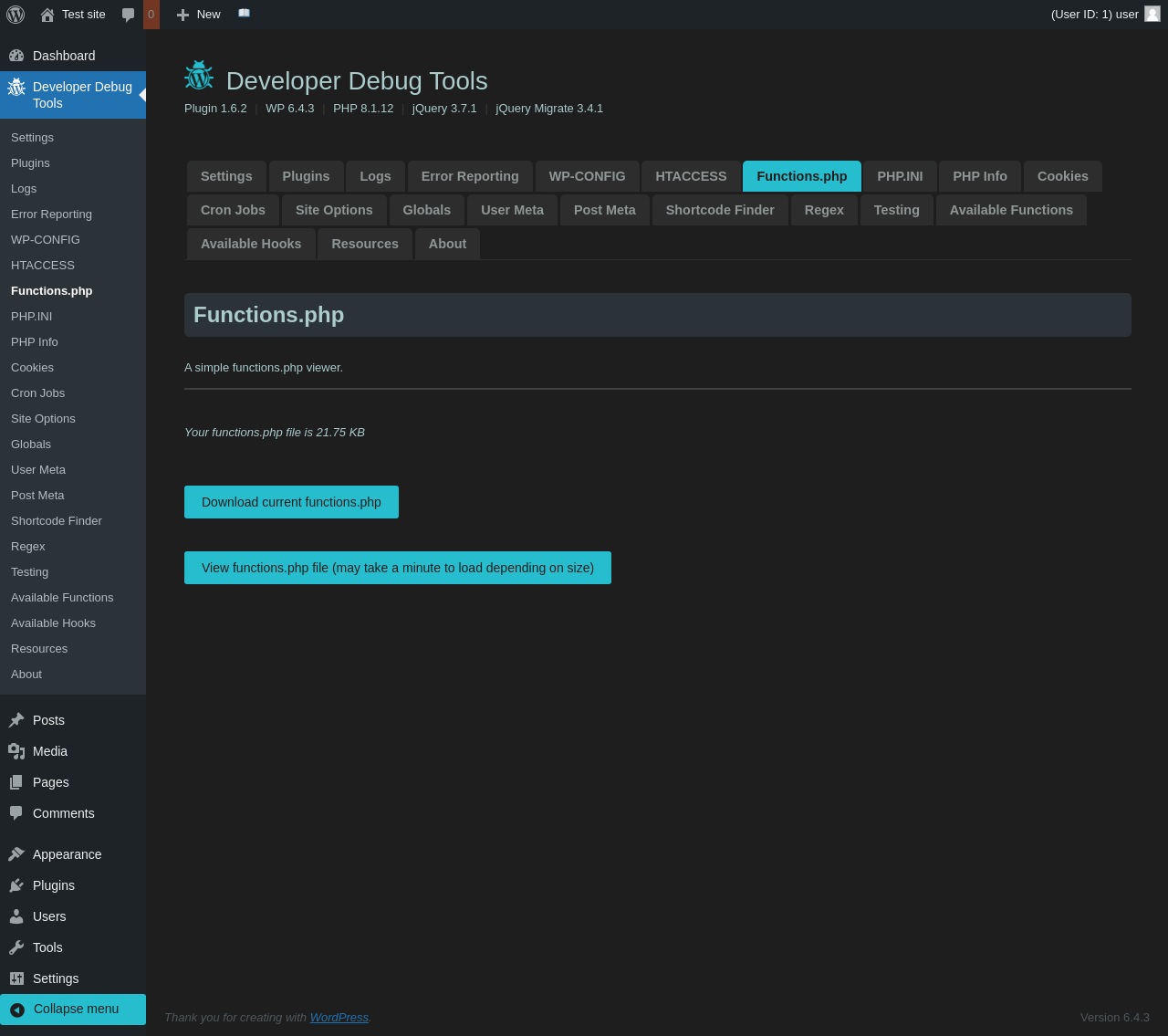
| URL | /wp-admin/admin.php?page=dev-debug-tools&tab=fx |
|---|---|
| Aspect | menu-item |
| HTTP status | 200 |
| Load time | 0.820 s |
| Memory usage | 3.49 MiB |
| JS errors | None |
| Resource errors | None |
Developer Debug Tools → PHP.INI

| URL | /wp-admin/admin.php?page=dev-debug-tools&tab=phpini |
|---|---|
| Aspect | menu-item |
| HTTP status | 200 |
| Load time | 0.887 s |
| Memory usage | 3.49 MiB |
| JS errors | None |
| Resource errors | None |
Developer Debug Tools → PHP Info

| URL | /wp-admin/admin.php?page=dev-debug-tools&tab=phpinfo |
|---|---|
| Aspect | menu-item |
| HTTP status | 200 |
| Load time | 1.068 s |
| Memory usage | 3.68 MiB |
| JS errors | None |
| Resource errors | None |
Developer Debug Tools → Cookies
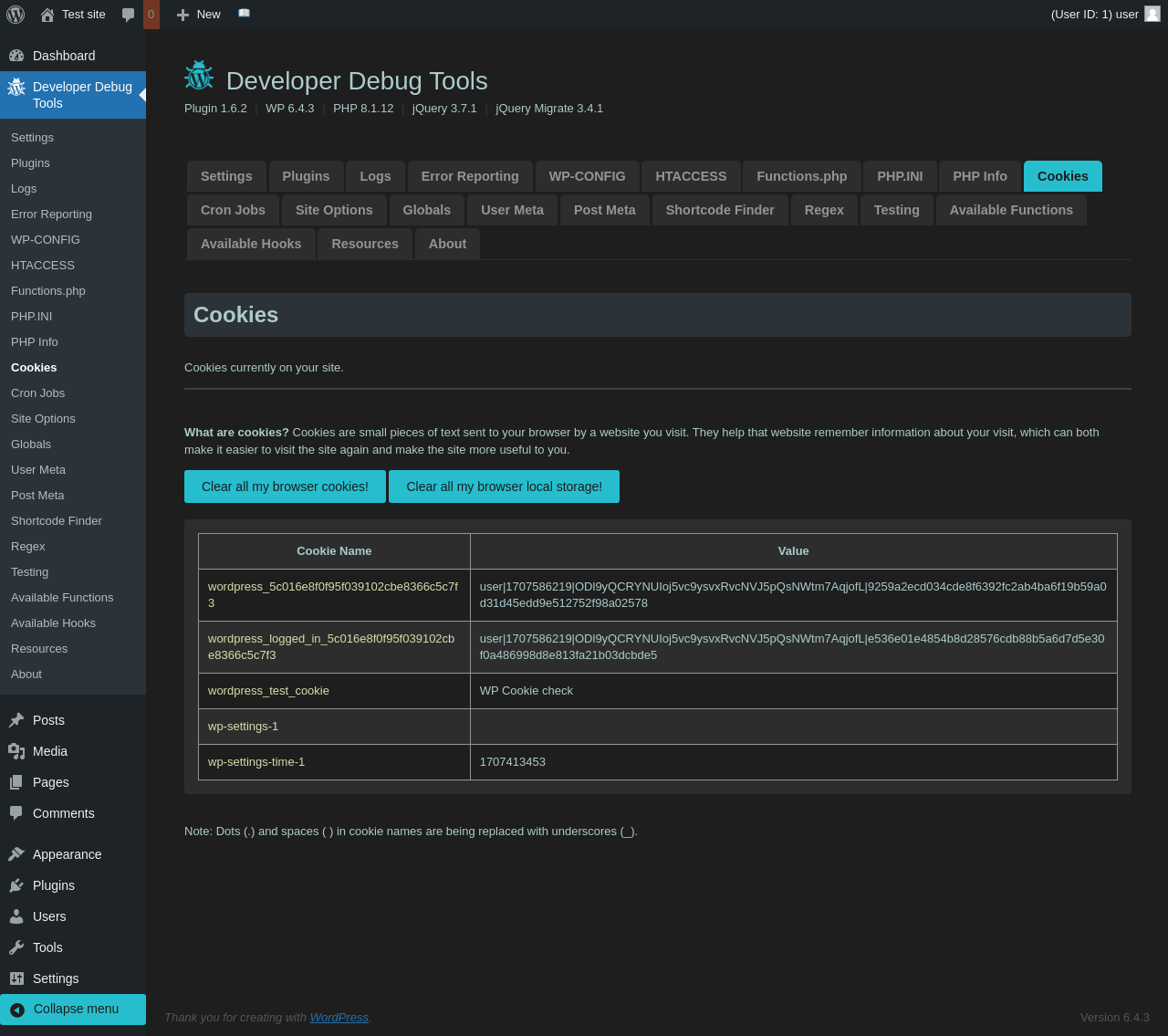
| URL | /wp-admin/admin.php?page=dev-debug-tools&tab=cookies |
|---|---|
| Aspect | menu-item |
| HTTP status | 200 |
| Load time | 1.080 s |
| Memory usage | 3.49 MiB |
| JS errors | None |
| Resource errors | None |
Developer Debug Tools → Cron Jobs
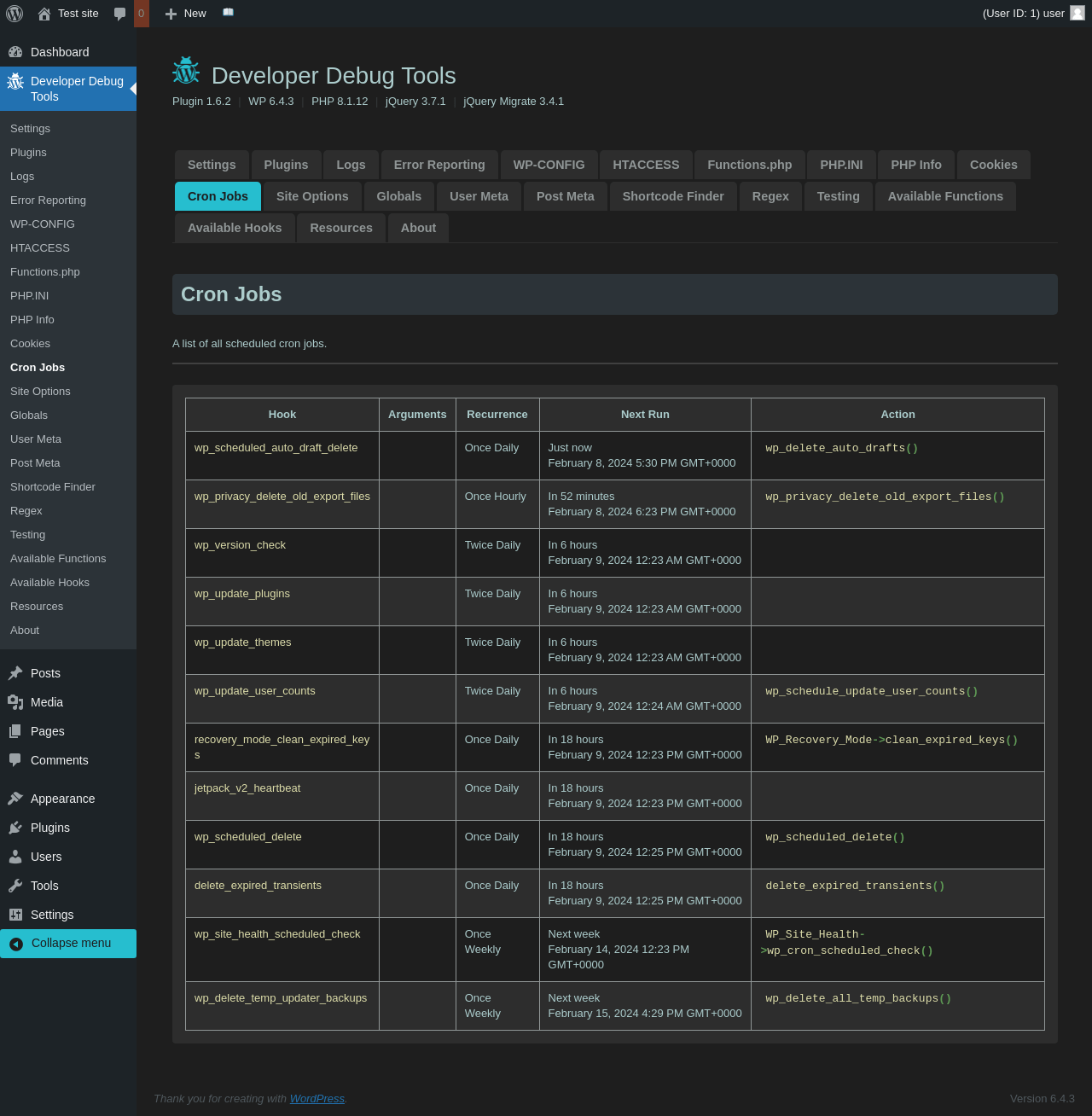
| URL | /wp-admin/admin.php?page=dev-debug-tools&tab=crons |
|---|---|
| Aspect | menu-item |
| HTTP status | 200 |
| Load time | 0.974 s |
| Memory usage | 3.49 MiB |
| JS errors | None |
| Resource errors | None |
Developer Debug Tools → Site Options
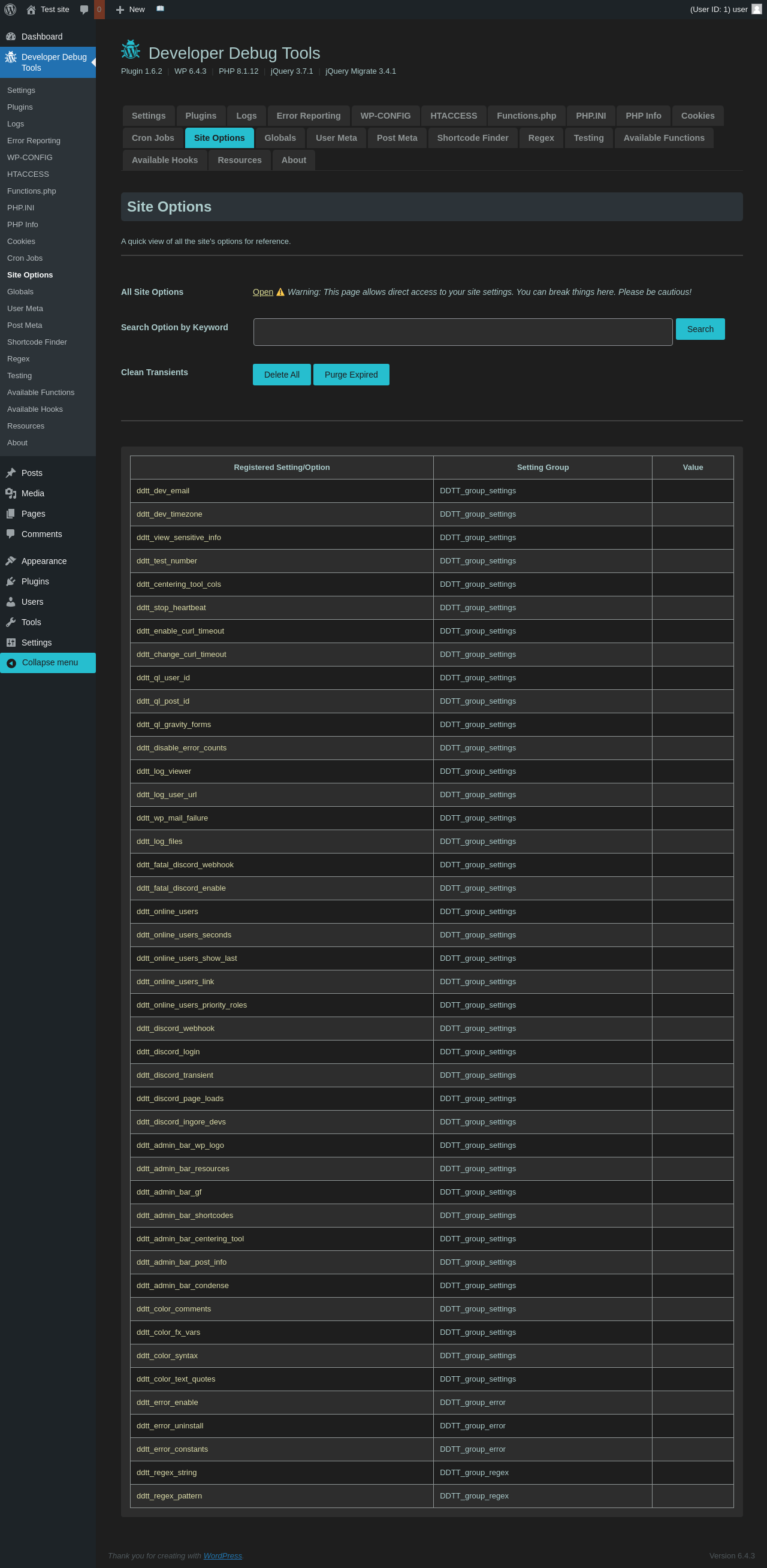
| URL | /wp-admin/admin.php?page=dev-debug-tools&tab=siteoptions |
|---|---|
| Aspect | menu-item |
| HTTP status | 200 |
| Load time | 0.865 s |
| Memory usage | 3.49 MiB |
| JS errors | None |
| Resource errors | None |
Developer Debug Tools → Globals
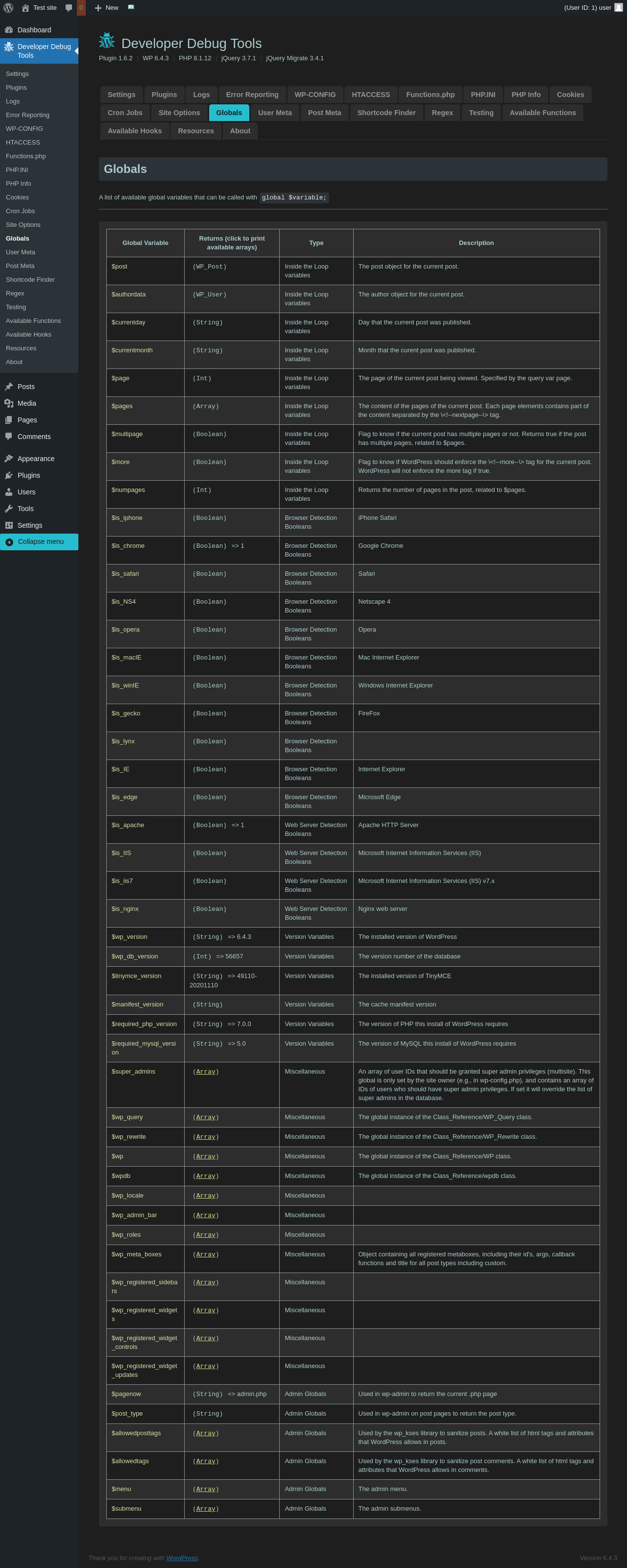
| URL | /wp-admin/admin.php?page=dev-debug-tools&tab=globalvars |
|---|---|
| Aspect | menu-item |
| HTTP status | 200 |
| Load time | 0.850 s |
| Memory usage | 3.5 MiB |
| JS errors | None |
| Resource errors | None |
Developer Debug Tools → User Meta

| URL | /wp-admin/admin.php?page=dev-debug-tools&tab=usermeta |
|---|---|
| Aspect | menu-item |
| HTTP status | 200 |
| Load time | 0.887 s |
| Memory usage | 3.64 MiB |
| JS errors | None |
| Resource errors | None |
Developer Debug Tools → Post Meta
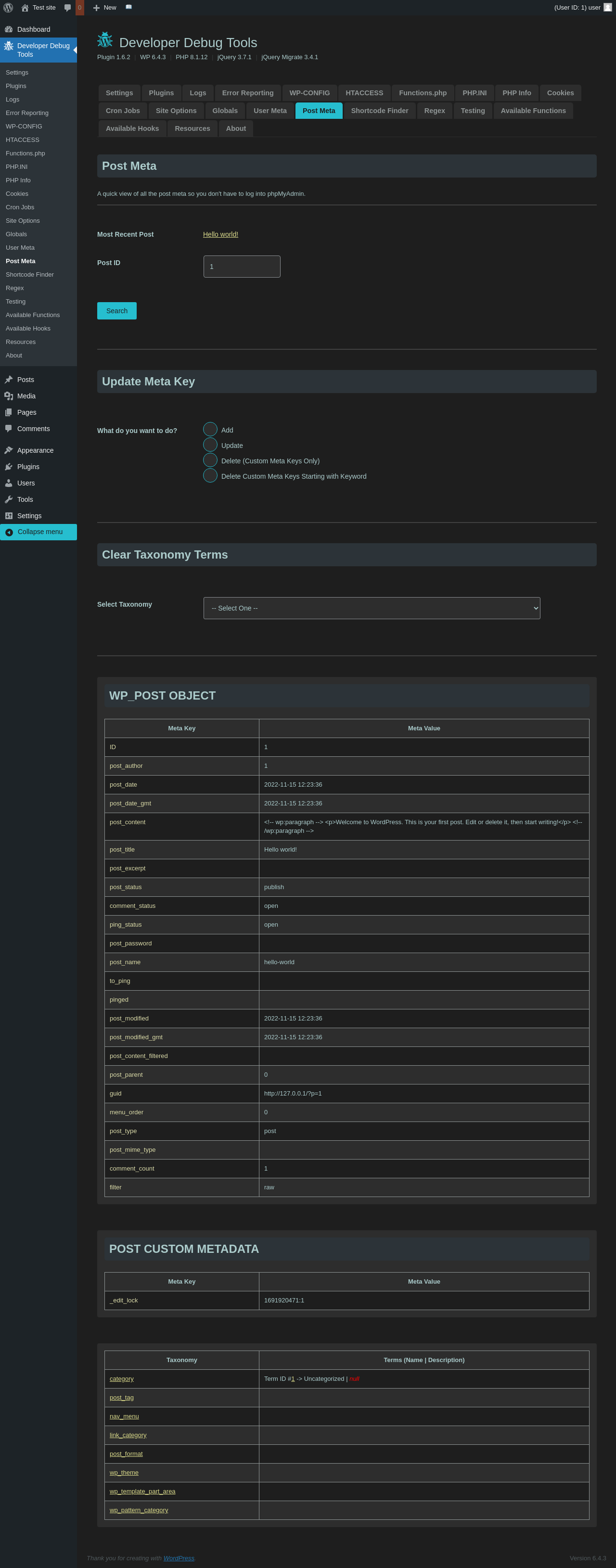
| URL | /wp-admin/admin.php?page=dev-debug-tools&tab=postmeta |
|---|---|
| Aspect | menu-item |
| HTTP status | 200 |
| Load time | 0.916 s |
| Memory usage | 3.66 MiB |
| JS errors | None |
| Resource errors | None |
Developer Debug Tools → Shortcode Finder
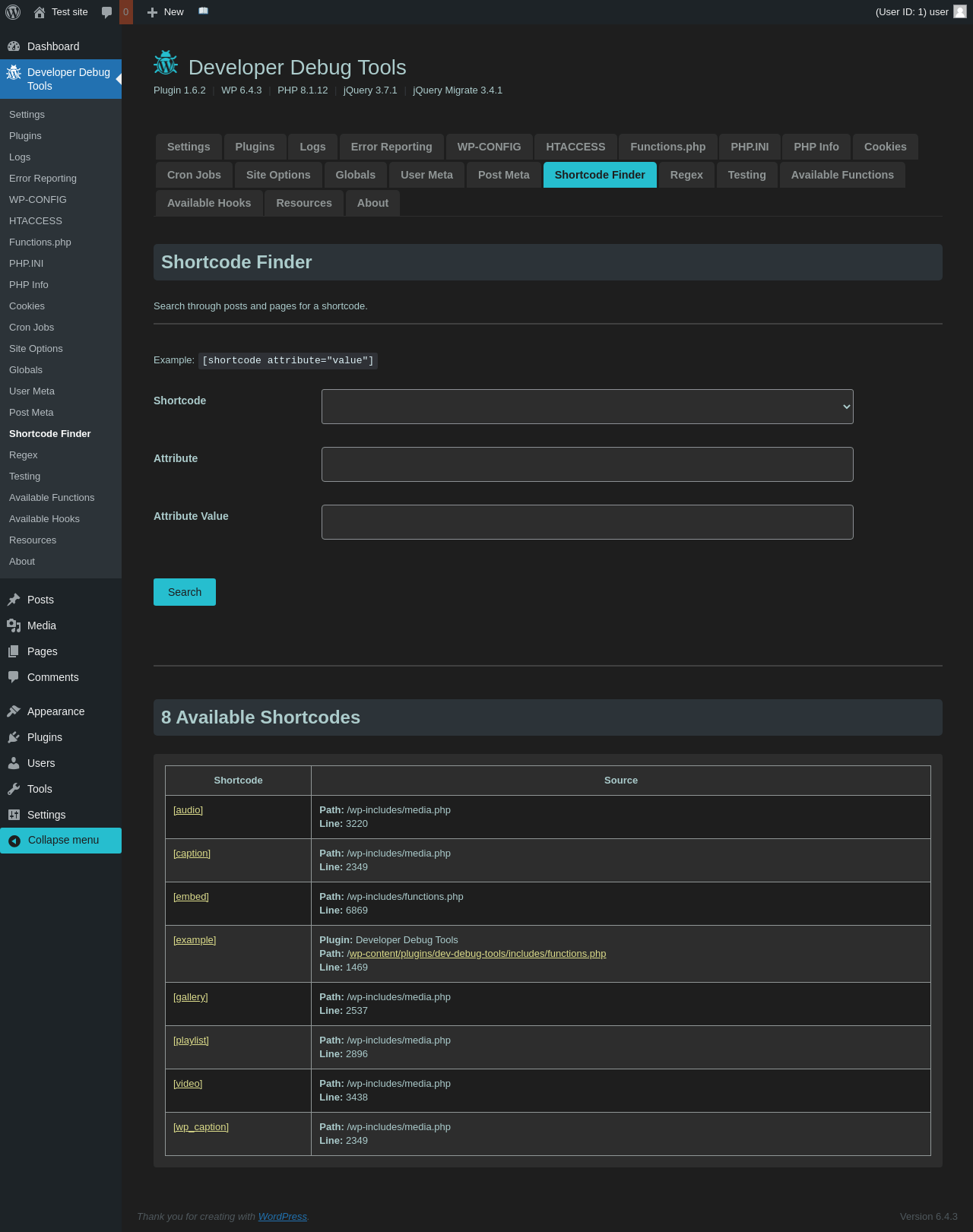
| URL | /wp-admin/admin.php?page=dev-debug-tools&tab=scfinder |
|---|---|
| Aspect | menu-item |
| HTTP status | 200 |
| Load time | 1.055 s |
| Memory usage | 3.51 MiB |
| JS errors | None |
| Resource errors | None |
Developer Debug Tools → Regex
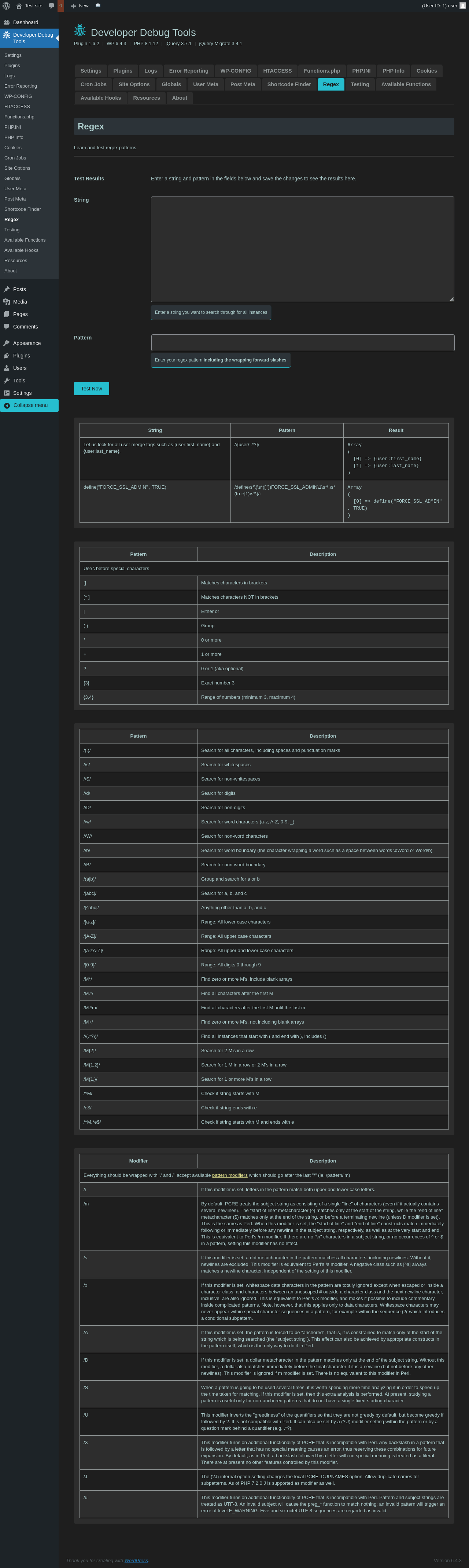
| URL | /wp-admin/admin.php?page=dev-debug-tools&tab=regex |
|---|---|
| Aspect | menu-item |
| HTTP status | 200 |
| Load time | 1.076 s |
| Memory usage | 3.51 MiB |
| JS errors | None |
| Resource errors | None |
Developer Debug Tools → Testing
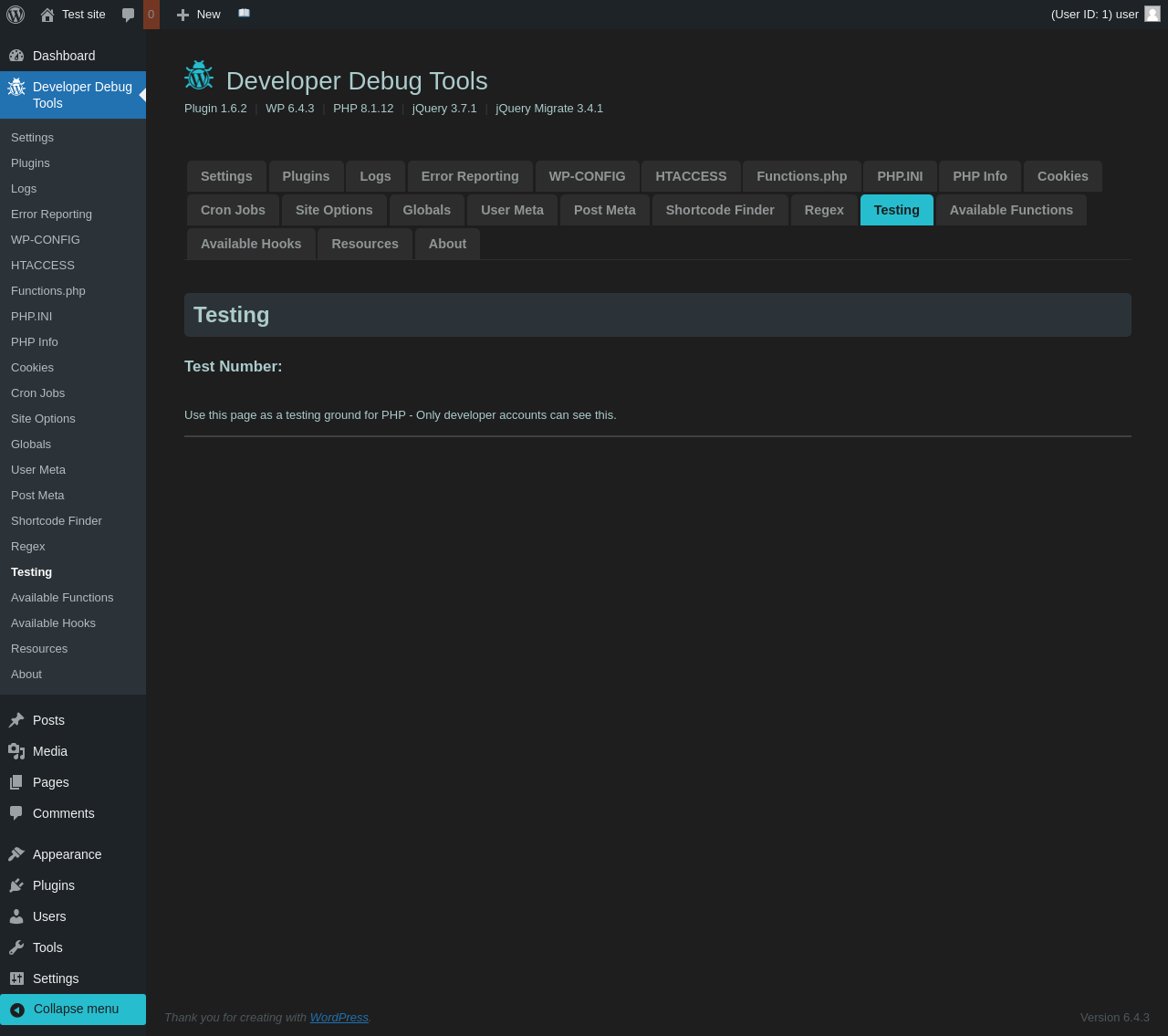
| URL | /wp-admin/admin.php?page=dev-debug-tools&tab=testing |
|---|---|
| Aspect | menu-item |
| HTTP status | 200 |
| Load time | 0.824 s |
| Memory usage | 3.49 MiB |
| JS errors | None |
| Resource errors | None |
Developer Debug Tools → Available Functions
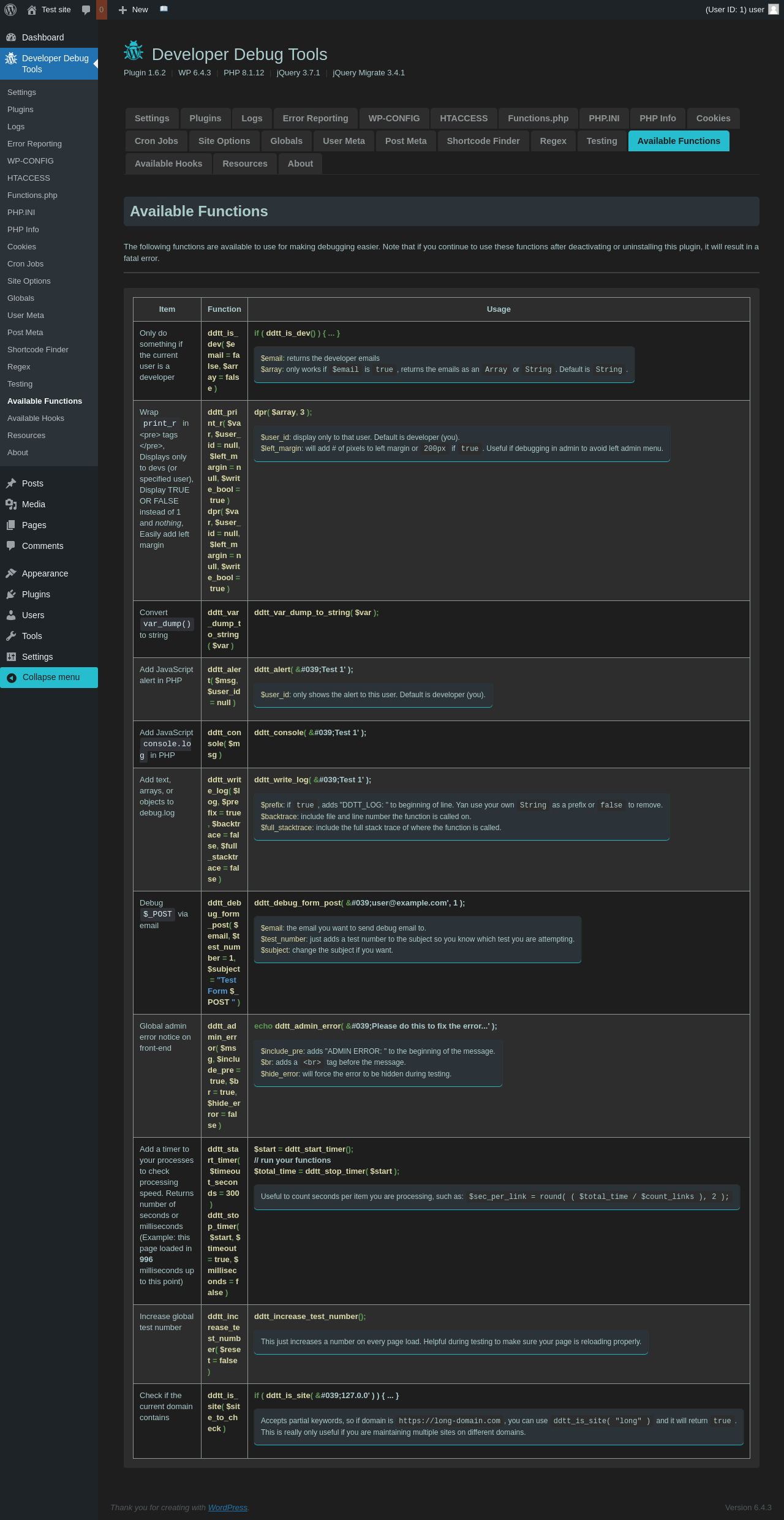
| URL | /wp-admin/admin.php?page=dev-debug-tools&tab=functions |
|---|---|
| Aspect | menu-item |
| HTTP status | 200 |
| Load time | 0.877 s |
| Memory usage | 3.49 MiB |
| JS errors | None |
| Resource errors | None |
Developer Debug Tools → Available Hooks

| URL | /wp-admin/admin.php?page=dev-debug-tools&tab=hooks |
|---|---|
| Aspect | menu-item |
| HTTP status | 200 |
| Load time | 0.954 s |
| Memory usage | 3.49 MiB |
| JS errors | None |
| Resource errors | None |
Developer Debug Tools → Resources
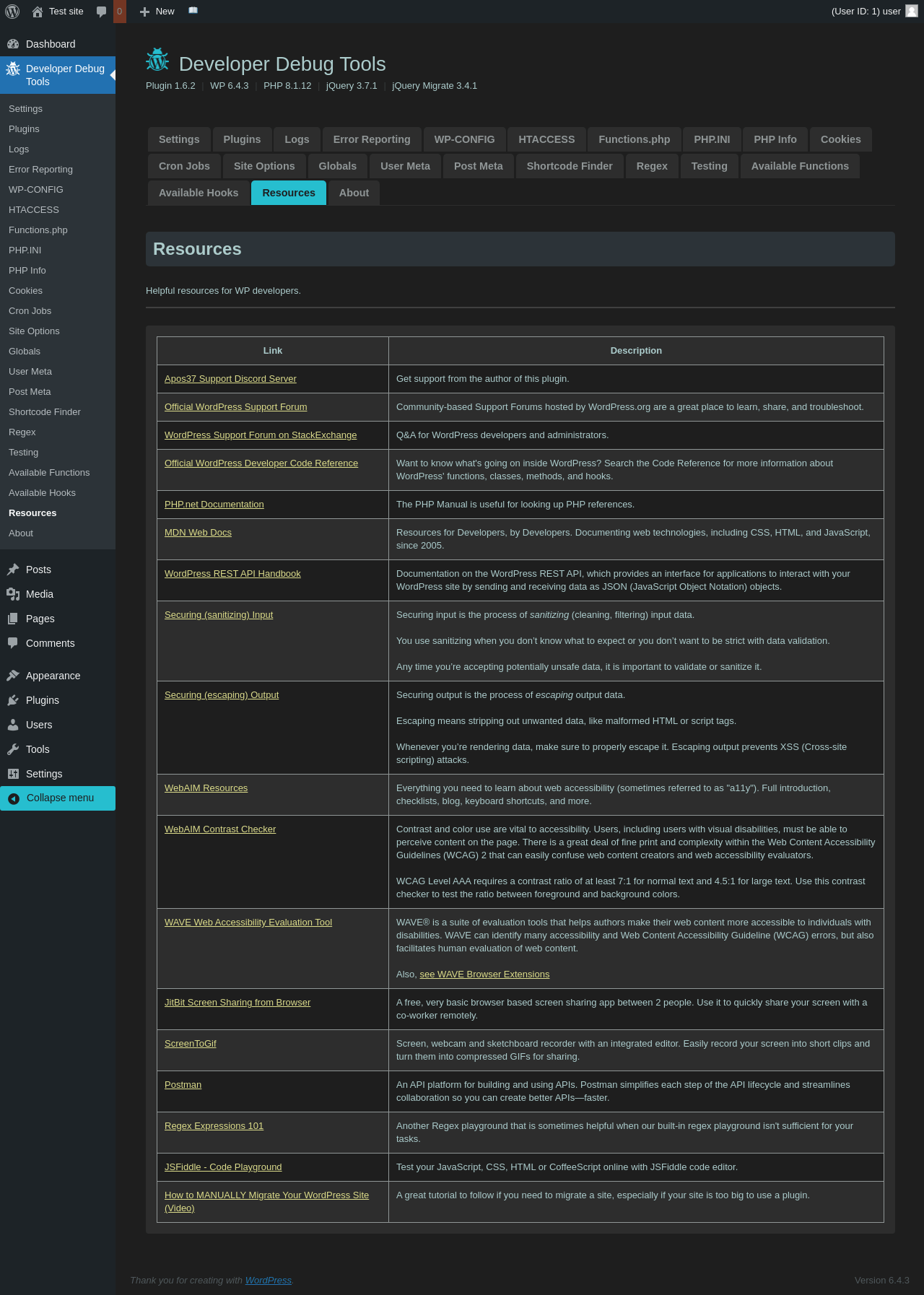
| URL | /wp-admin/admin.php?page=dev-debug-tools&tab=resources |
|---|---|
| Aspect | menu-item |
| HTTP status | 200 |
| Load time | 0.878 s |
| Memory usage | 3.49 MiB |
| JS errors | None |
| Resource errors | None |
Developer Debug Tools → About
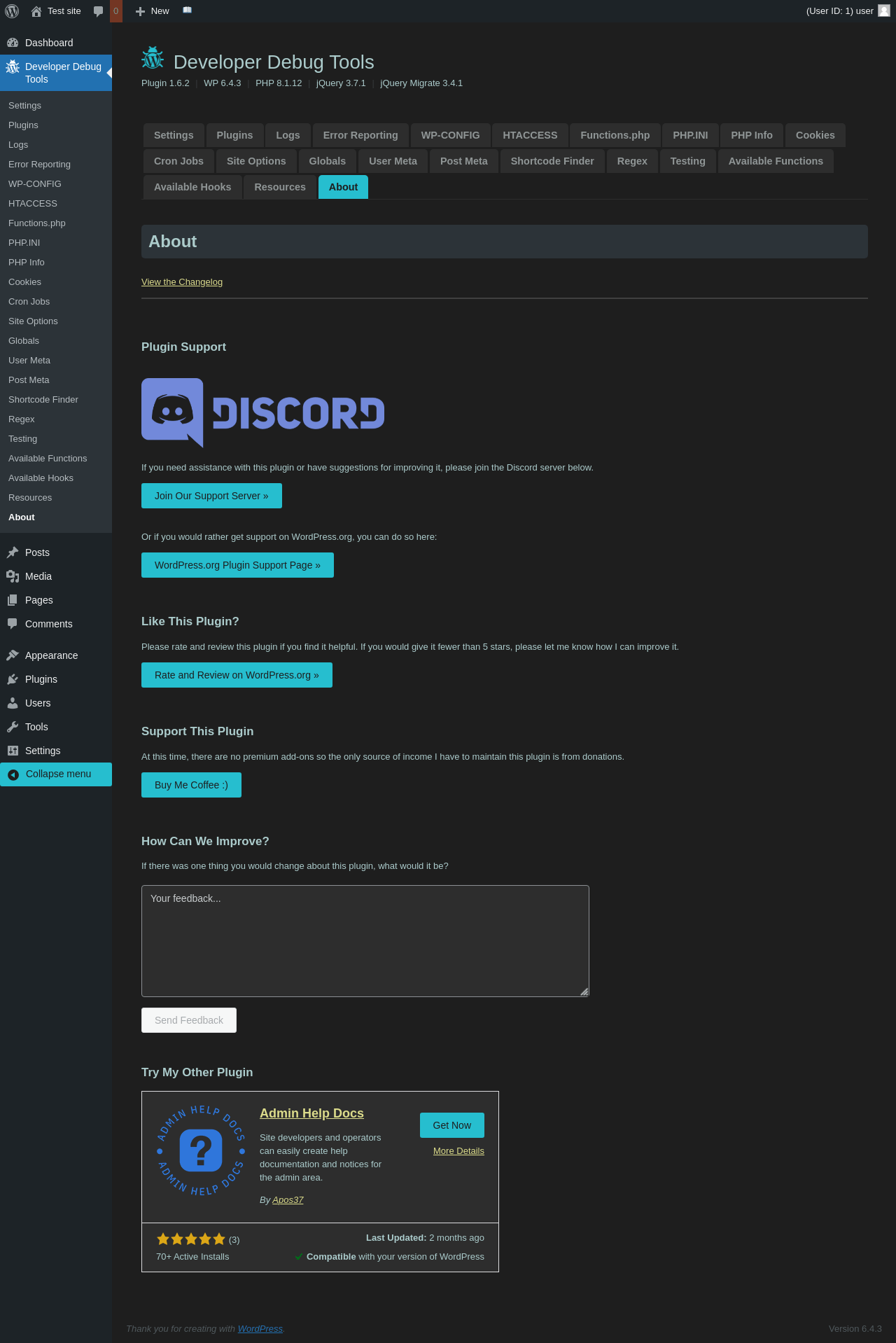
| URL | /wp-admin/admin.php?page=dev-debug-tools&tab=about |
|---|---|
| Aspect | menu-item |
| HTTP status | 200 |
| Load time | 0.907 s |
| Memory usage | 3.49 MiB |
| JS errors | None |
| Resource errors | None |
Test site – Just another WordPress site
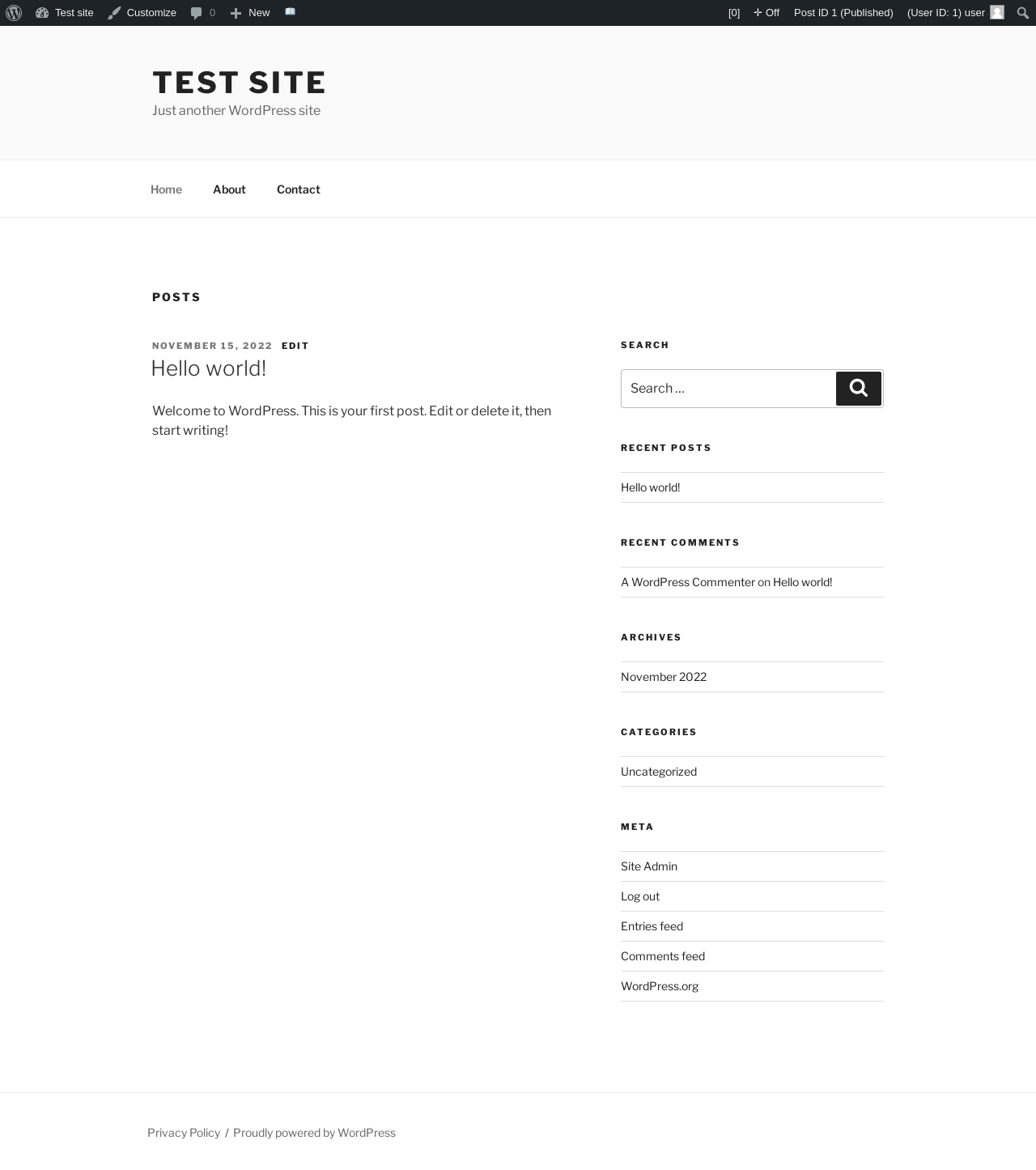
| URL | / |
|---|---|
| Aspect | front-page |
| HTTP status | 200 |
| Load time | 0.230 s |
| Memory usage | 3.32 MiB |
| JS errors | None |
| Resource errors | None |
Benchmark
| URL | Load time | Memory usage | ||||
|---|---|---|---|---|---|---|
| Inactive | Active | Change | Inactive | Active | Change | |
| /wp-admin/index.php | 0.346 s | 0.532 s | +0.186 s | 3.38 MiB | 3.49 MiB | + 109.1 KiB |
| /wp-admin/edit.php | 0.311 s | 0.319 s | +0.008 s | 3.41 MiB | 3.51 MiB | + 110.07 KiB |
| /wp-admin/post-new.php | 0.959 s | 0.903 s | -0.056 s | 5.46 MiB | 5.56 MiB | + 105.23 KiB |
| /wp-admin/upload.php | 0.543 s | 0.444 s | -0.099 s | 3.33 MiB | 3.42 MiB | + 92.16 KiB |
| /wp-admin/options-writing.php | 0.212 s | 0.213 s | +0.001 s | 3.32 MiB | 3.4 MiB | + 85.58 KiB |
| /wp-admin/media-new.php | 0.300 s | 0.326 s | +0.026 s | 3.3 MiB | 3.4 MiB | + 105.18 KiB |
| /wp-admin/edit-tags.php?taxonomy=category | 0.191 s | 0.366 s | +0.175 s | 3.31 MiB | 3.42 MiB | + 109.52 KiB |
| /wp-admin/post-new.php?post_type=page | 0.738 s | 0.595 s | -0.143 s | 5.45 MiB | 5.55 MiB | + 104.82 KiB |
| /wp-admin/options-discussion.php | 0.239 s | 0.266 s | +0.027 s | 3.3 MiB | 3.4 MiB | + 93.48 KiB |
| /wp-admin/edit-comments.php | 0.303 s | 0.237 s | -0.066 s | 3.34 MiB | 3.43 MiB | + 91.43 KiB |
| / | 0.279 s | 0.319 s | +0.040 s | 3.31 MiB | 3.33 MiB | + 18.38 KiB |
| Average | 0.402 s | 0.411 s | +0.009 s | 3.72 MiB | 3.81 MiB | + 93.18 KiB |
Code Statistics
Note: Third-party libraries and minified JS/CSS files are excluded from these statistics where possible, so the numbers you see here may be lower than those reported by other tools.
| Language | % | Lines of code | Comment lines | Files | |
|---|---|---|---|---|---|
| PHP | 96.0% | 10,821 | 4,086 | 69 | |
| JavaScript | 3.3% | 375 | 132 | 4 | |
| CSS | 0.7% | 79 | 0 | 1 | |
| Total | 11,275 | 4,218 | 74 | ||
PHP Code Analysis | More results »
| Lines of code | 6,114 |
|---|---|
| Total complexity | 1,389 |
| Median class complexity | 28.5 |
| Median method complexity | 3.0 |
| Most complex class | DDTT_ONLINE_USERS |
| Most complex function | ddtt_view_file_contents_easy_reader() |
| Classes | 18 |
|---|---|
| Methods | 98 |
| Functions | 90 |
Additions
Things that the plugin adds to the site. This section is not intended to be comprehensive. The test tool only looks for a few specific types of added content.
Options wp_options 5
- ddtt_change_curl_timeout
- ddtt_enable_curl_timeout
- ddtt_plugin_activated
- ddtt_plugin_activated_by
- ddtt_plugin_installed
PHP Error Log 13 lines
[08-Feb-2024 17:31:00 UTC] PHP Deprecated:  ctype_digit(): Argument of type int will be interpreted as string in the future in /wp-content/plugins/dev-debug-tools/includes/functions.php on line 1397
[08-Feb-2024 17:31:00 UTC] PHP Deprecated:  ctype_digit(): Argument of type int will be interpreted as string in the future in /wp-content/plugins/dev-debug-tools/includes/functions.php on line 1397
[08-Feb-2024 17:31:00 UTC] PHP Deprecated:  ctype_digit(): Argument of type int will be interpreted as string in the future in /wp-content/plugins/dev-debug-tools/includes/functions.php on line 1397
[08-Feb-2024 17:31:00 UTC] PHP Deprecated:  ctype_digit(): Argument of type int will be interpreted as string in the future in /wp-content/plugins/dev-debug-tools/includes/functions.php on line 1397
[08-Feb-2024 17:31:00 UTC] PHP Deprecated:  ctype_digit(): Argument of type int will be interpreted as string in the future in /wp-content/plugins/dev-debug-tools/includes/functions.php on line 1397
[08-Feb-2024 17:31:00 UTC] PHP Deprecated:  ctype_digit(): Argument of type int will be interpreted as string in the future in /wp-content/plugins/dev-debug-tools/includes/functions.php on line 1397
[08-Feb-2024 17:31:00 UTC] PHP Deprecated:  ctype_digit(): Argument of type int will be interpreted as string in the future in /wp-content/plugins/dev-debug-tools/includes/functions.php on line 1397
[08-Feb-2024 17:31:00 UTC] PHP Deprecated:  ctype_digit(): Argument of type int will be interpreted as string in the future in /wp-content/plugins/dev-debug-tools/includes/functions.php on line 1397
[08-Feb-2024 17:31:00 UTC] PHP Deprecated:  ctype_digit(): Argument of type int will be interpreted as string in the future in /wp-content/plugins/dev-debug-tools/includes/functions.php on line 1397
[08-Feb-2024 17:31:00 UTC] PHP Deprecated:  ctype_digit(): Argument of type int will be interpreted as string in the future in /wp-content/plugins/dev-debug-tools/includes/functions.php on line 1397
[08-Feb-2024 17:31:00 UTC] PHP Deprecated:  ctype_digit(): Argument of type int will be interpreted as string in the future in /wp-content/plugins/dev-debug-tools/includes/functions.php on line 1397
[08-Feb-2024 17:31:00 UTC] PHP Deprecated:  ctype_digit(): Argument of type int will be interpreted as string in the future in /wp-content/plugins/dev-debug-tools/includes/functions.php on line 1397
[08-Feb-2024 17:31:21 UTC] PHP Deprecated:  preg_replace(): Passing null to parameter #3 ($subject) of type array|string is deprecated in /wp-includes/kses.php on line 1744