Download Monitor 5.1.16
Does Download Monitor work with WordPress 7.0 and PHP 8.1.12? A smoke test was performed on .
Summary
| 10 | PHP notices |
| No JavaScript exceptions | |
| 4 | Pages failed to load
|
| 4 | Resource errors (CSS, JS, images, fonts and so on.)
|
Memory usage: 611.99 KiB
The average PHP memory usage increased by this amount after activating by the plugin.
Page speed impact:
insignificant.
The plugin didn't make the site noticeably slower.
| WordPress version | 7.0 |
|---|---|
| PHP version | 8.1.12 |
| MySQL version | 10.6.10 |
| PHP memory limit | 512M |
| Last updated | |
|---|---|
| Active installs | 80,000+ |
| WordPress.org page | https://wordpress.org/plugins/download-monitor/ |
| Badges |
|


Pages 22
Plugins ‹ Test site — WordPress
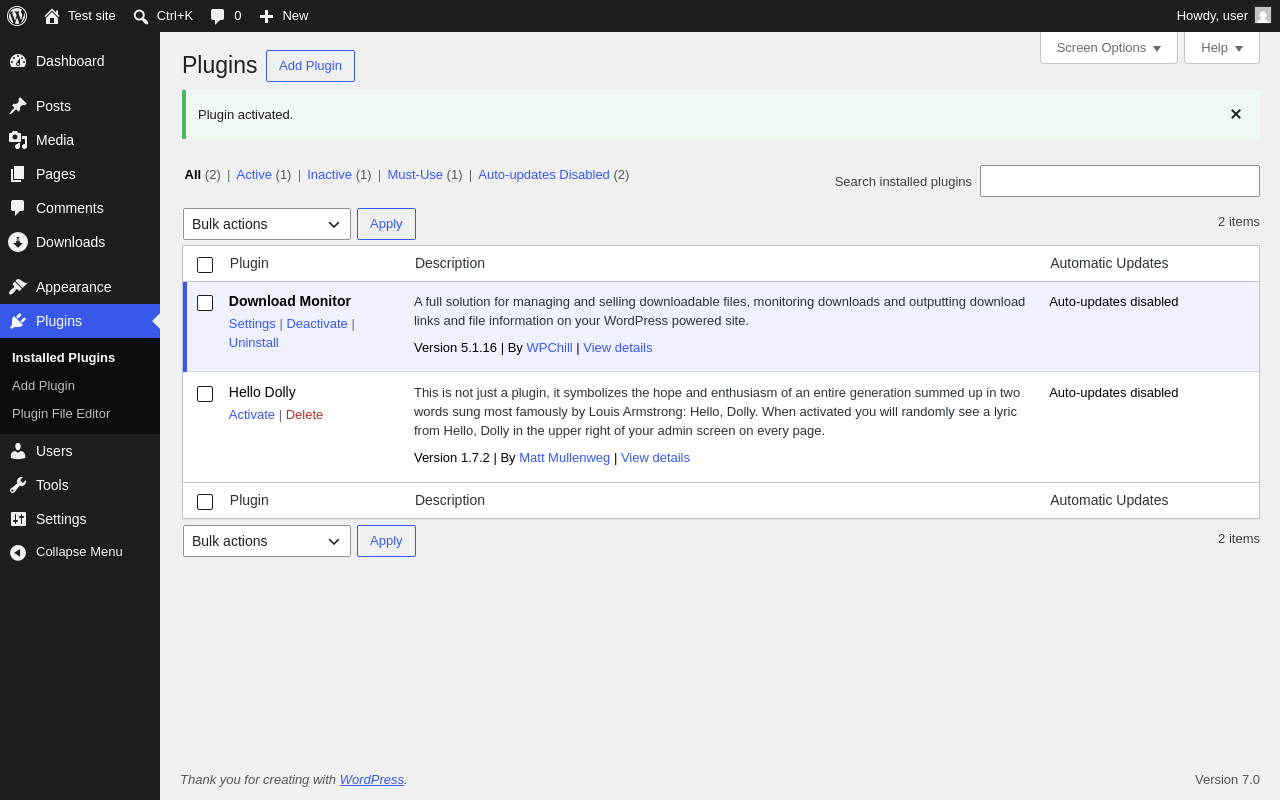
| URL | /wp-admin/plugins.php?plugin_status=all&paged=1&s |
|---|---|
| Requested URL | /wp-admin/plugins.php?action=activate&plugin=download-monitor%2Fdownload-monitor.php&plugin_status=all&paged=1&s&_wpnonce=5d86f0121e |
| Aspect | after-activation |
| HTTP status | 200 |
| Load time | 1.880 s |
| Memory usage | 4.52 MiB |
| JS errors | None |
| Resource errors | None |
Downloads
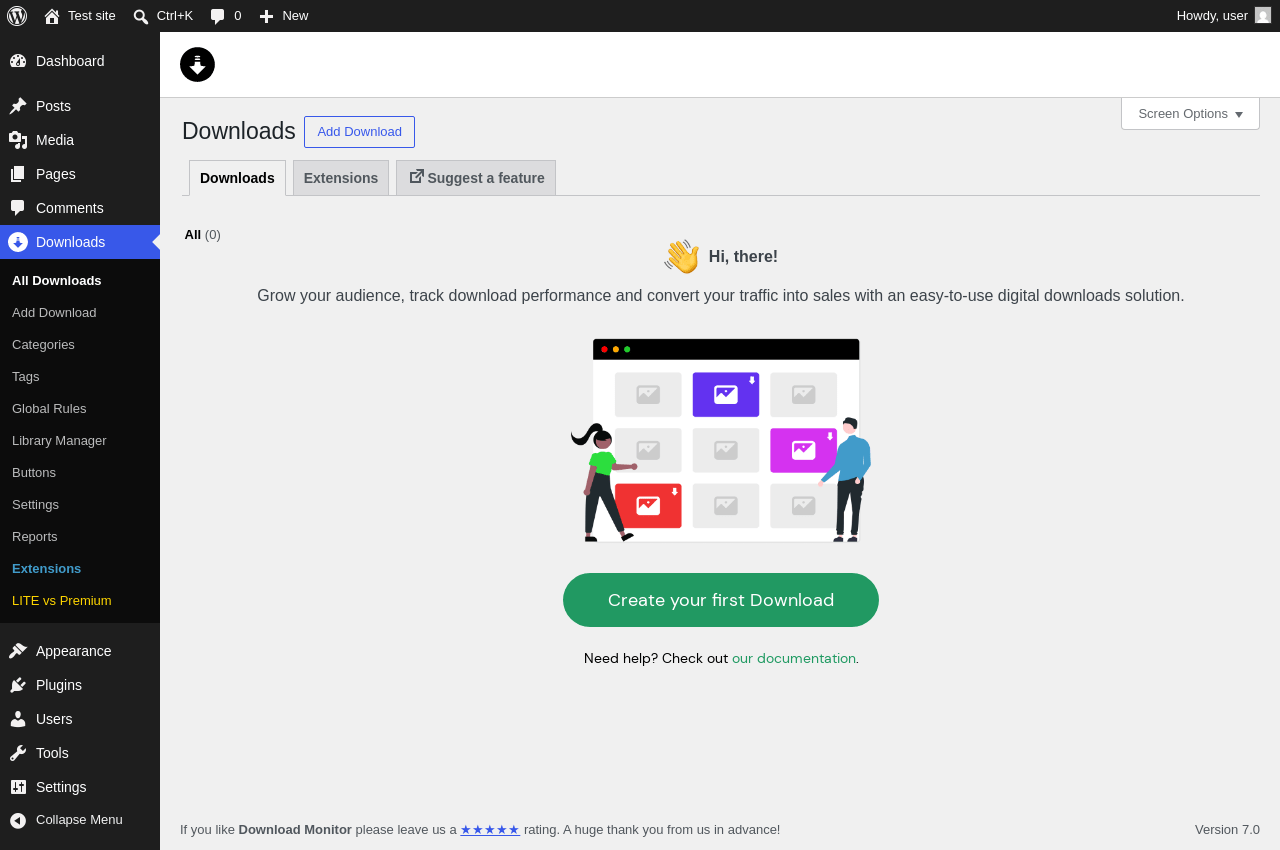
| URL | /wp-admin/edit.php?post_type=dlm_download |
|---|---|
| Aspect | menu-item |
| HTTP status | 200 |
| Load time | 0.862 s |
| Memory usage | 4.62 MiB |
| JS errors | None |
| Resource errors | None |
Downloads → Suggest a feature
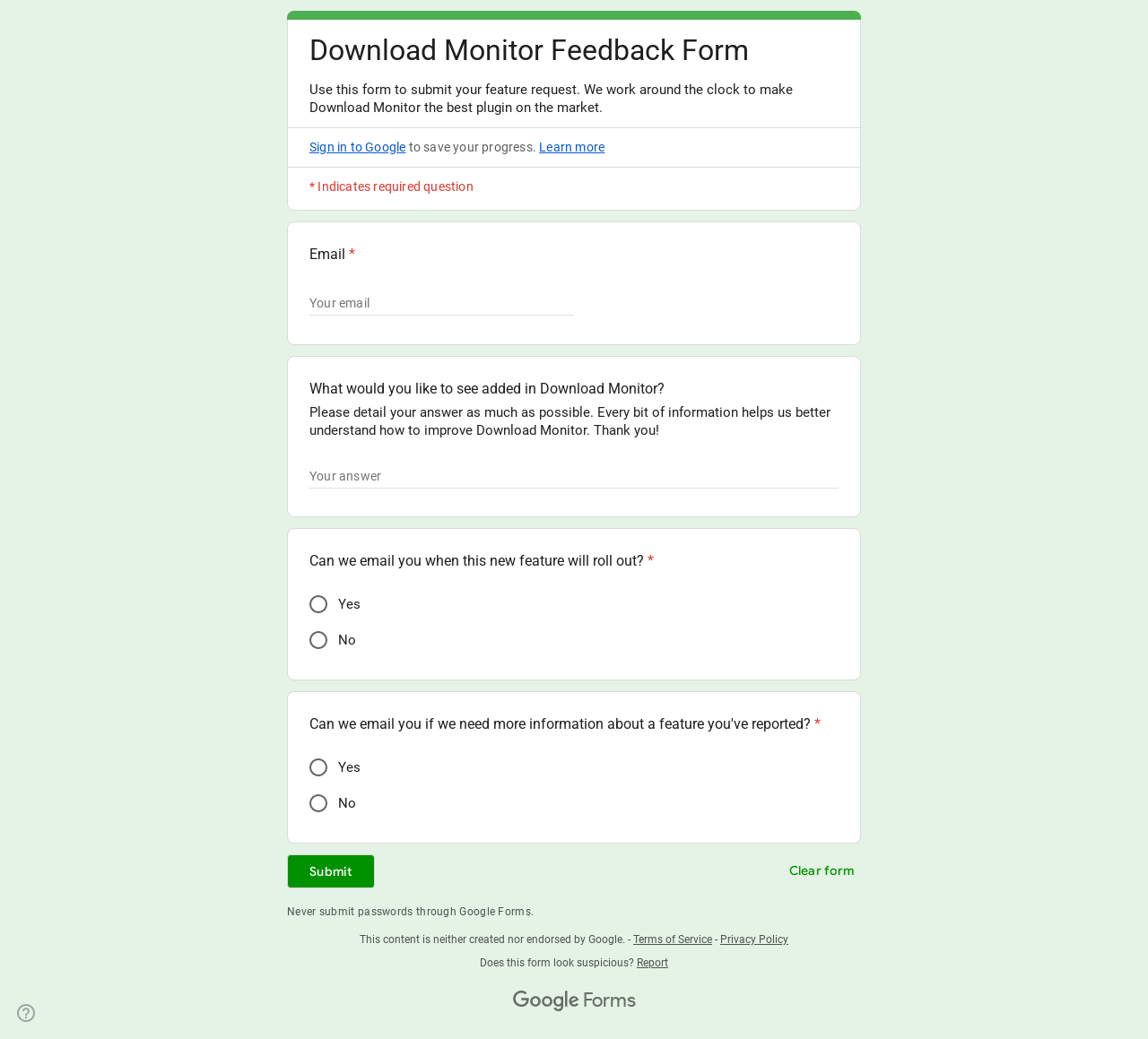
| URL | https://docs.google.com/forms/d/e/1FAIpQLScvWGDrlzpNeTB6uHupflRGir_zw5hfLYvfFx4Z6awVUu57ow/viewform?usp=send_form |
|---|---|
| Requested URL | https://forms.gle/3igARBBzrbp6M8Fc7 |
| Aspect | menu-item-tab |
| HTTP status | 200 |
| Load time | 1.061 s |
| Memory usage | N/A |
| JS errors | None |
| Resource errors | |
Downloads → Add Download
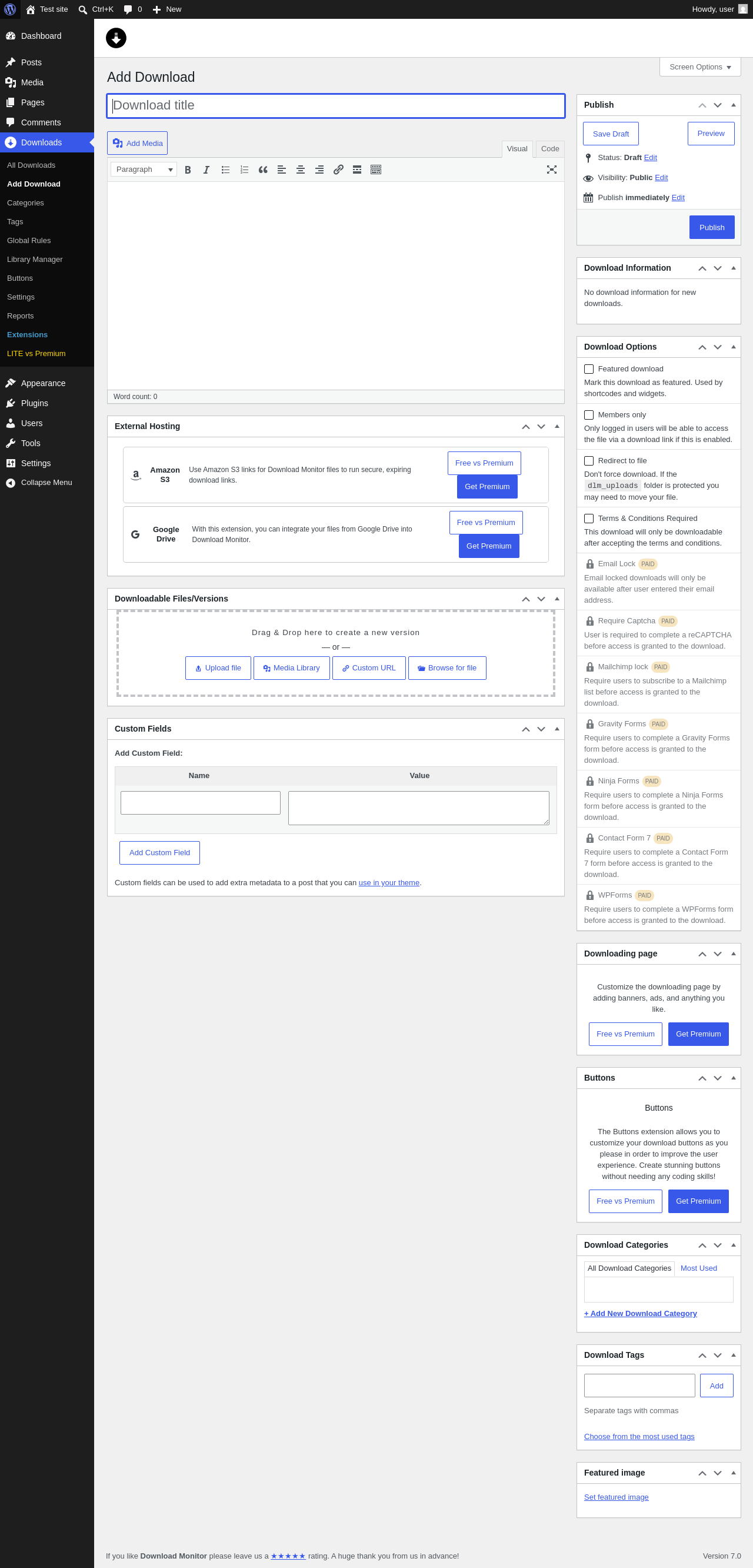
| URL | /wp-admin/post-new.php?post_type=dlm_download |
|---|---|
| Aspect | menu-item |
| HTTP status | 200 |
| Load time | 2.041 s |
| Memory usage | 4.8 MiB |
| JS errors | None |
| Resource errors | None |
Downloads → Categories
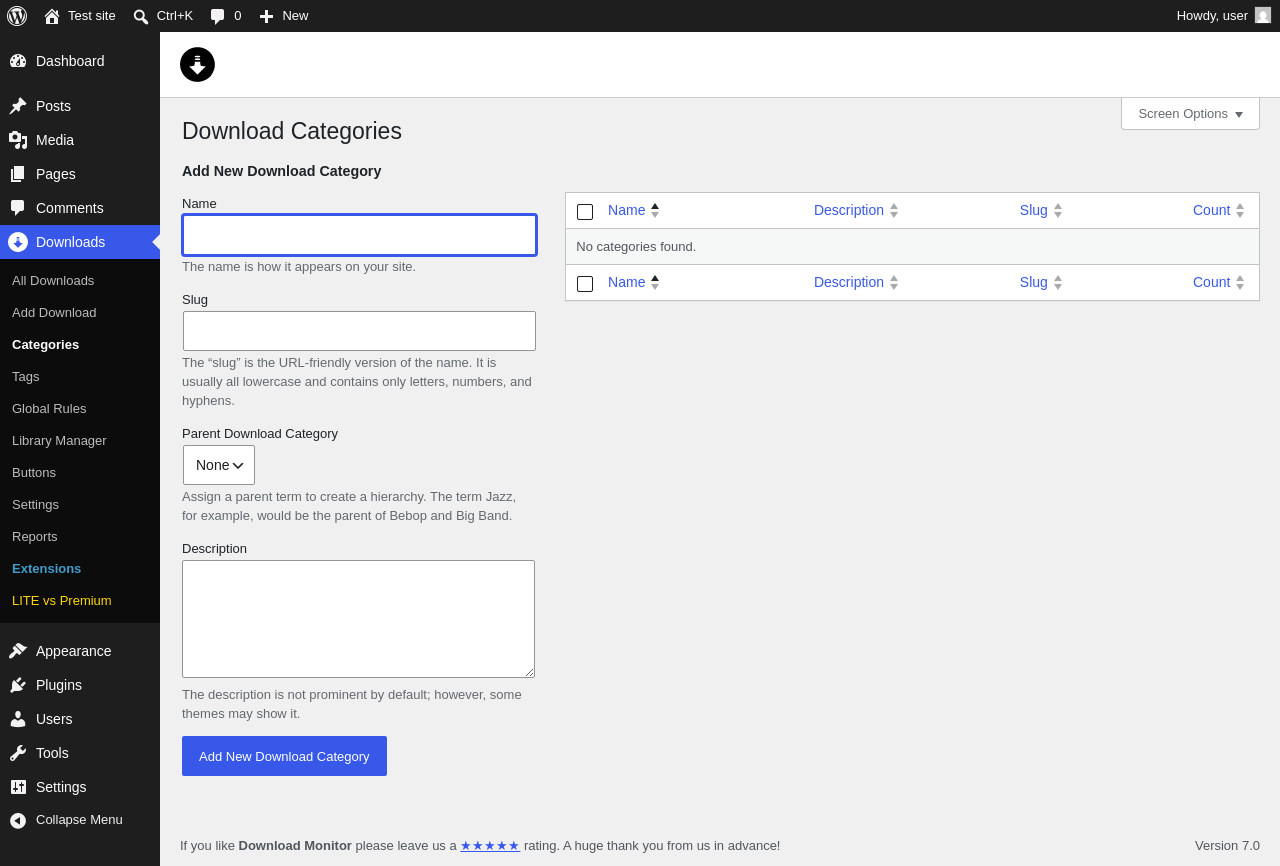
| URL | /wp-admin/edit-tags.php?taxonomy=dlm_download_category&post_type=dlm_download |
|---|---|
| Aspect | menu-item |
| HTTP status | 200 |
| Load time | 1.029 s |
| Memory usage | 4.41 MiB |
| JS errors | None |
| Resource errors | None |
Downloads → Tags
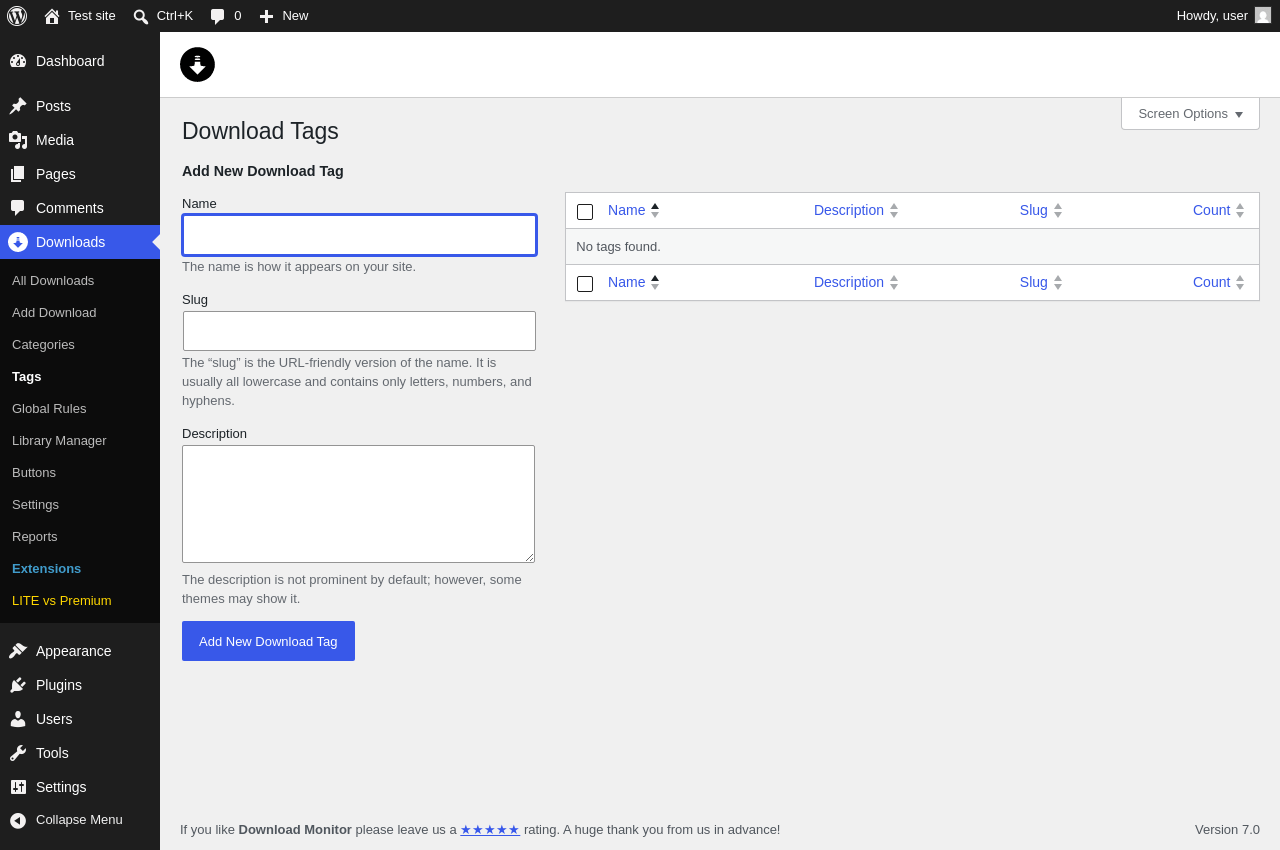
| URL | /wp-admin/edit-tags.php?taxonomy=dlm_download_tag&post_type=dlm_download |
|---|---|
| Aspect | menu-item |
| HTTP status | 200 |
| Load time | 0.977 s |
| Memory usage | 4.41 MiB |
| JS errors | None |
| Resource errors | None |
Downloads → Global Rules
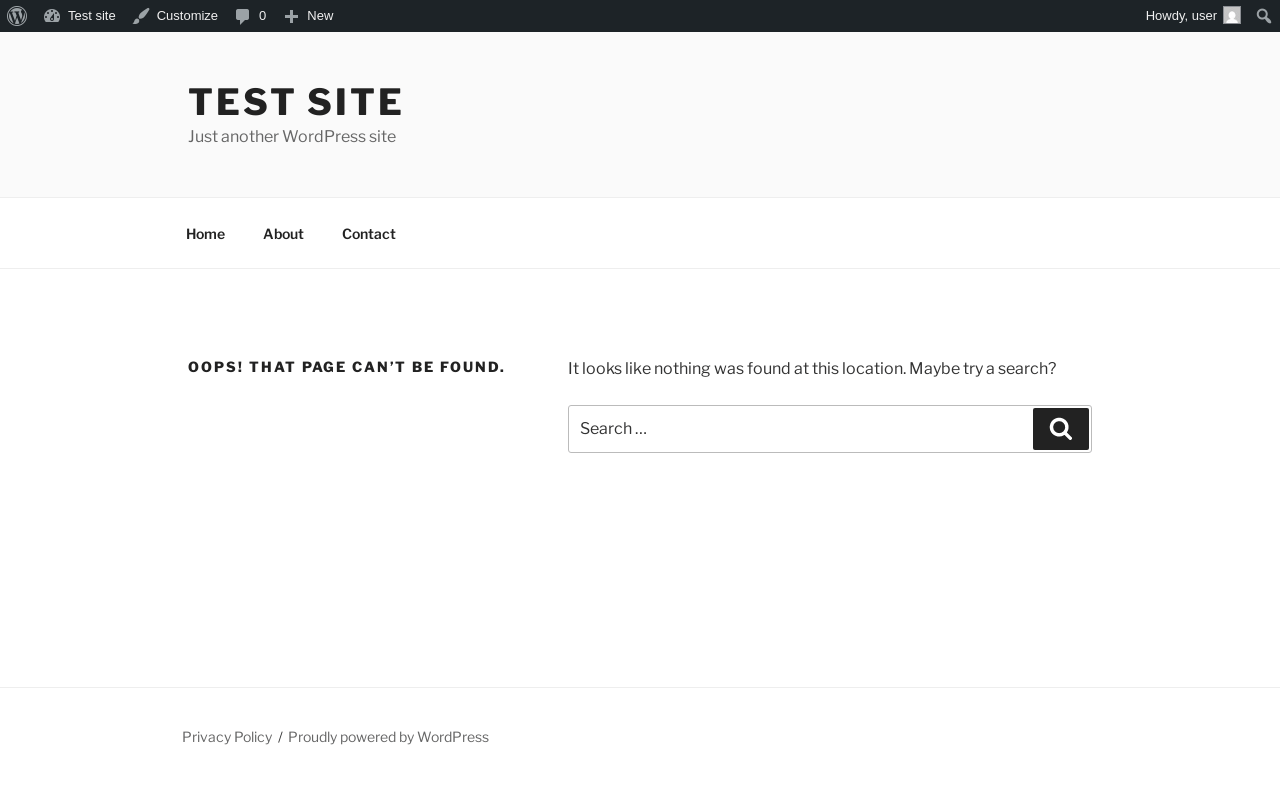
| URL | /wp-admin/dlm_aam_upsell_modal |
|---|---|
| Aspect | menu-item |
| HTTP status | 404 |
| Load time | 0.273 s |
| Memory usage | 4.48 MiB |
| JS errors | None |
| Resource errors | None |
Downloads → Library Manager
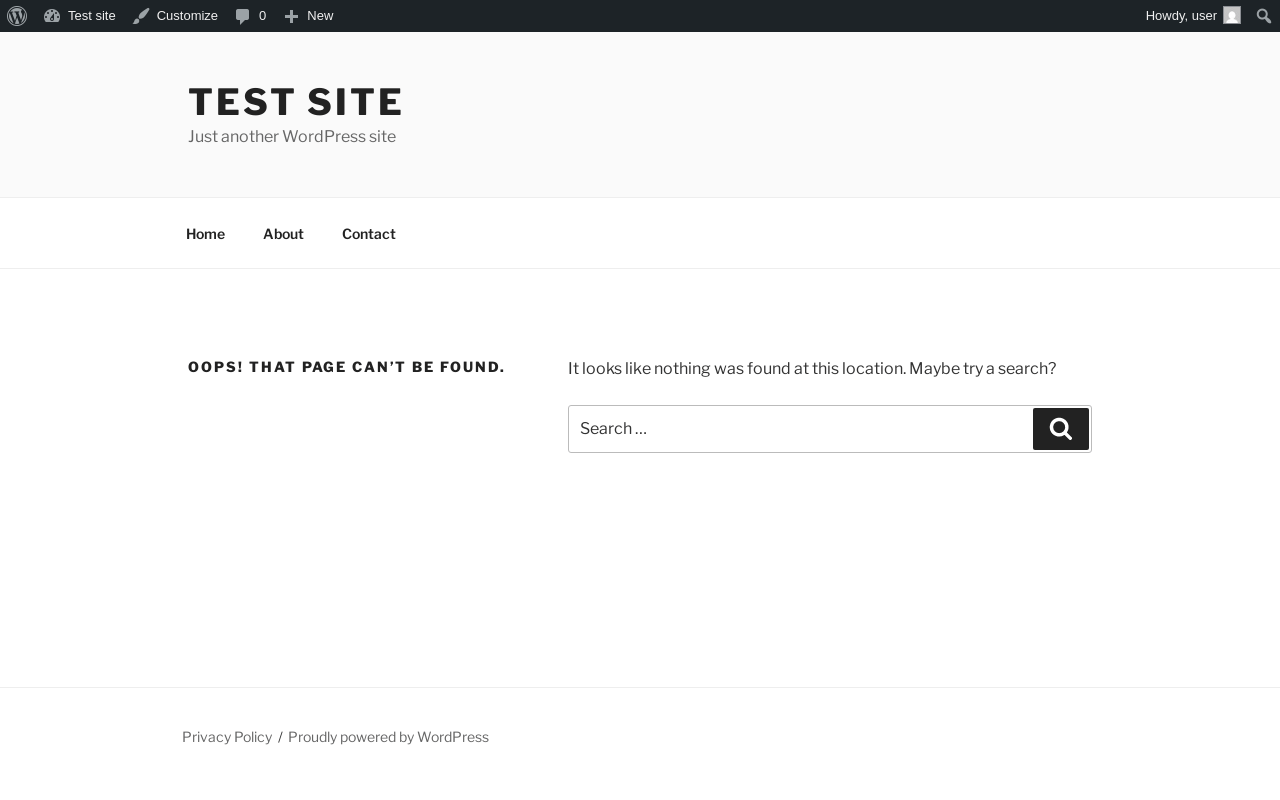
| URL | /wp-admin/dlm_lm_upsell_modal |
|---|---|
| Aspect | menu-item |
| HTTP status | 404 |
| Load time | 0.142 s |
| Memory usage | 4.48 MiB |
| JS errors | None |
| Resource errors | None |
Downloads → Buttons
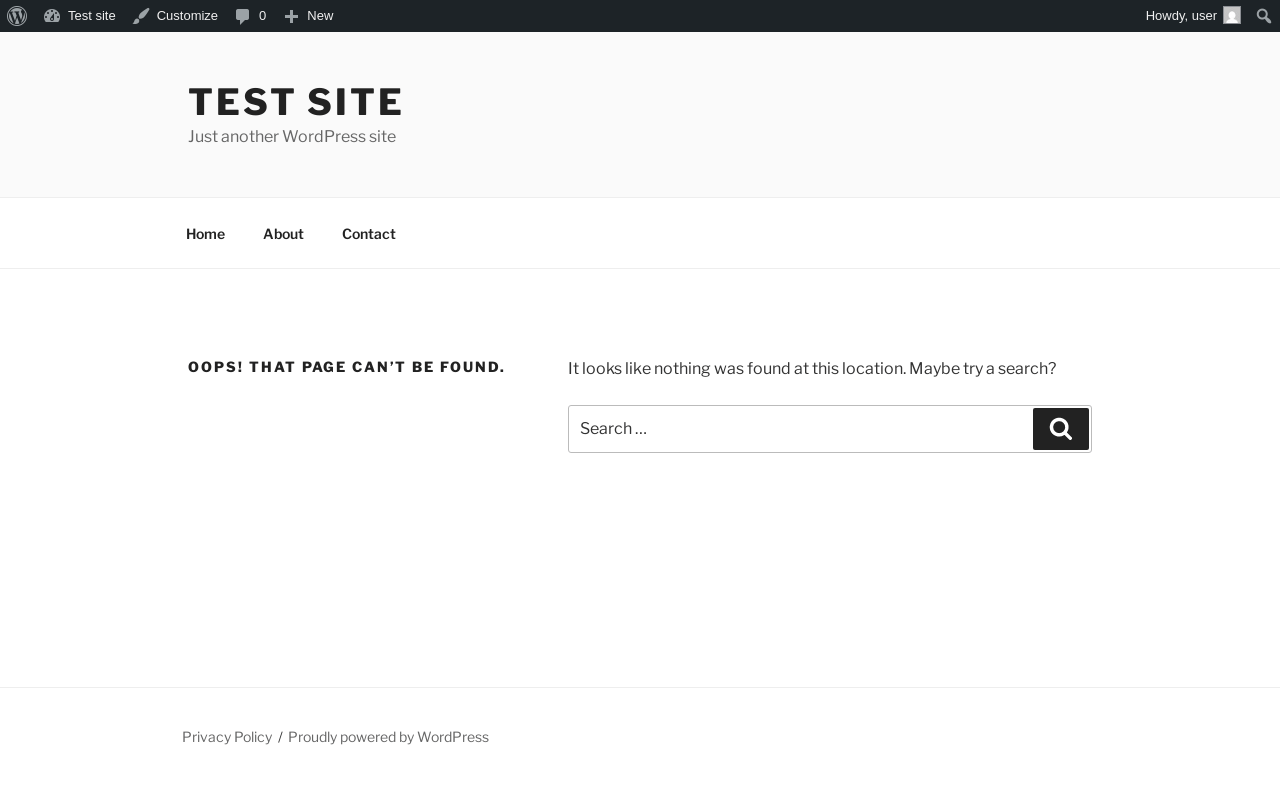
| URL | /wp-admin/dlm_buttons_upsell_modal |
|---|---|
| Aspect | menu-item |
| HTTP status | 404 |
| Load time | 0.159 s |
| Memory usage | 4.48 MiB |
| JS errors | None |
| Resource errors | None |
Downloads → Settings
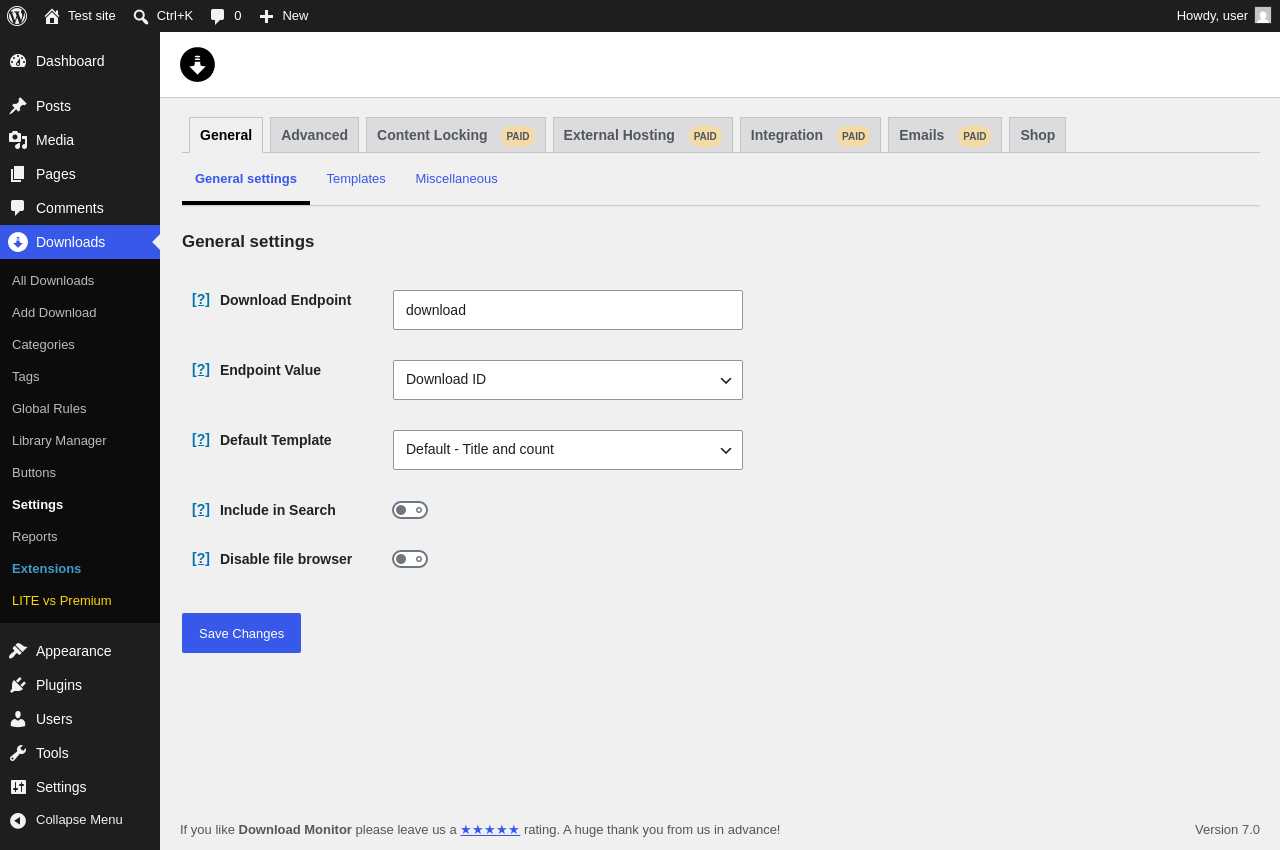
| URL | /wp-admin/edit.php?post_type=dlm_download&page=download-monitor-settings |
|---|---|
| Aspect | menu-item |
| HTTP status | 200 |
| Load time | 0.668 s |
| Memory usage | 4.6 MiB |
| JS errors | None |
| Resource errors | None |
Downloads → Settings → Advanced
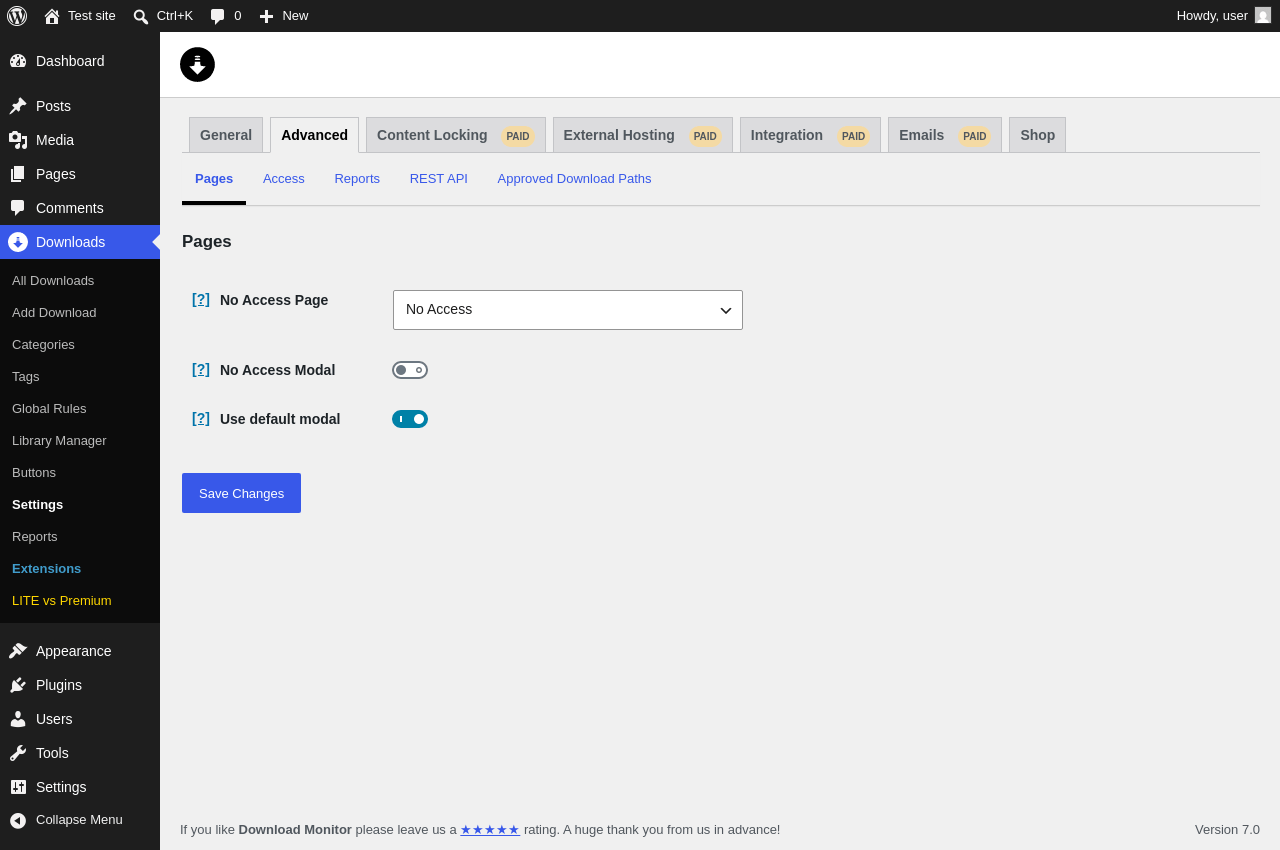
| URL | /wp-admin/edit.php?post_type=dlm_download&page=download-monitor-settings&tab=advanced |
|---|---|
| Aspect | menu-item-tab |
| HTTP status | 200 |
| Load time | 0.549 s |
| Memory usage | 4.52 MiB |
| JS errors | None |
| Resource errors | None |
Downloads → Settings → Content Locking PAID
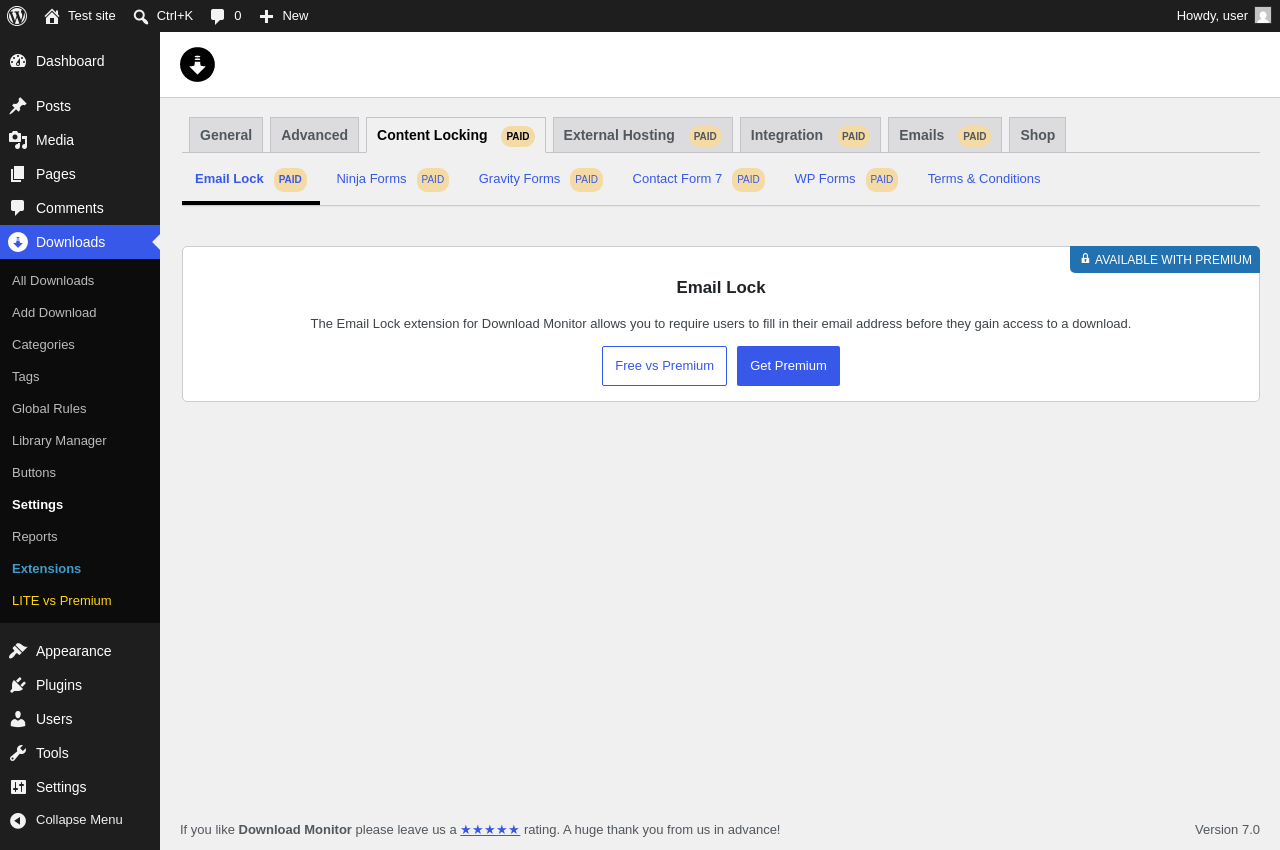
| URL | /wp-admin/edit.php?post_type=dlm_download&page=download-monitor-settings&tab=lead_generation |
|---|---|
| Aspect | menu-item-tab |
| HTTP status | 200 |
| Load time | 0.675 s |
| Memory usage | 4.51 MiB |
| JS errors | None |
| Resource errors | None |
Downloads → Settings → External Hosting PAID
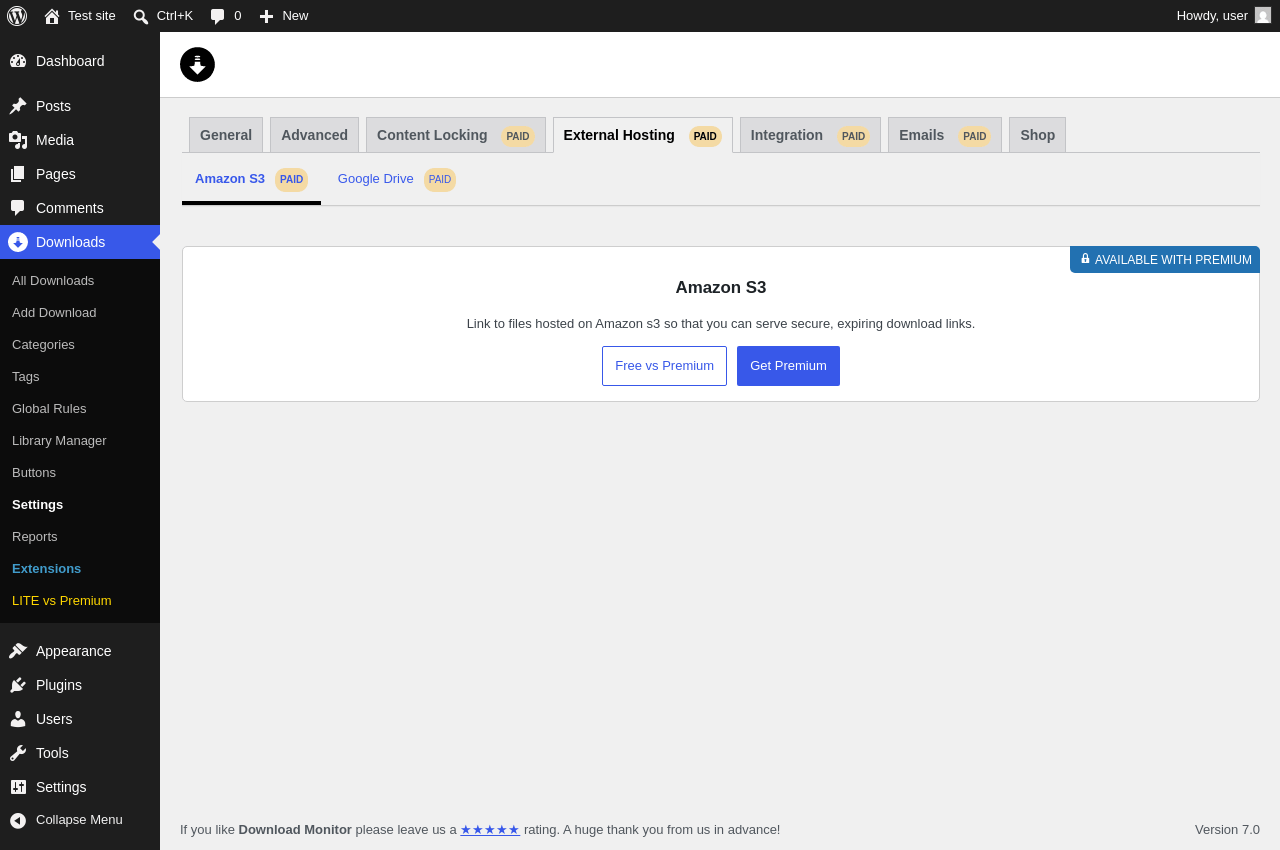
| URL | /wp-admin/edit.php?post_type=dlm_download&page=download-monitor-settings&tab=external_hosting |
|---|---|
| Aspect | menu-item-tab |
| HTTP status | 200 |
| Load time | 0.726 s |
| Memory usage | 4.51 MiB |
| JS errors | None |
| Resource errors | None |
Downloads → Settings → Integration PAID
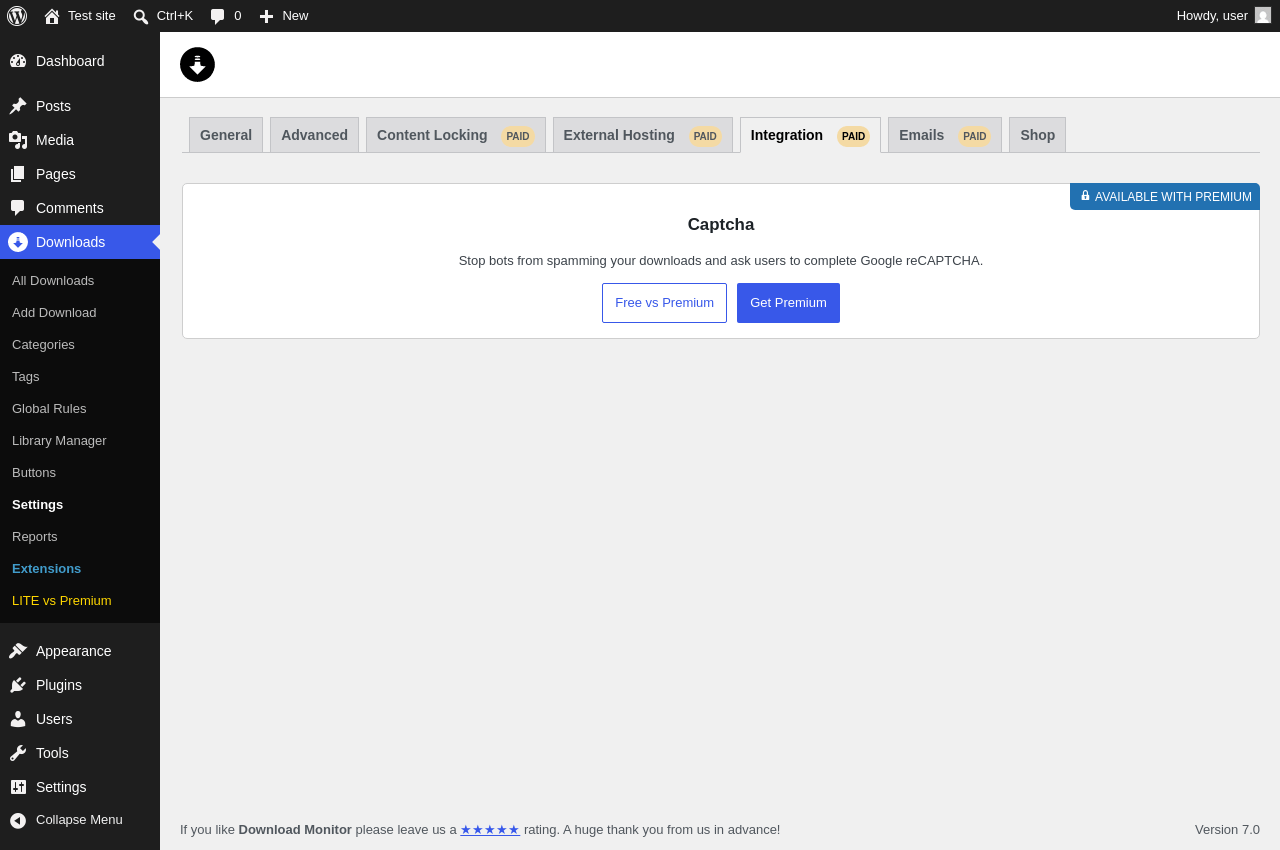
| URL | /wp-admin/edit.php?post_type=dlm_download&page=download-monitor-settings&tab=integration |
|---|---|
| Aspect | menu-item-tab |
| HTTP status | 200 |
| Load time | 0.773 s |
| Memory usage | 4.51 MiB |
| JS errors | None |
| Resource errors | None |
Downloads → Settings → Emails PAID
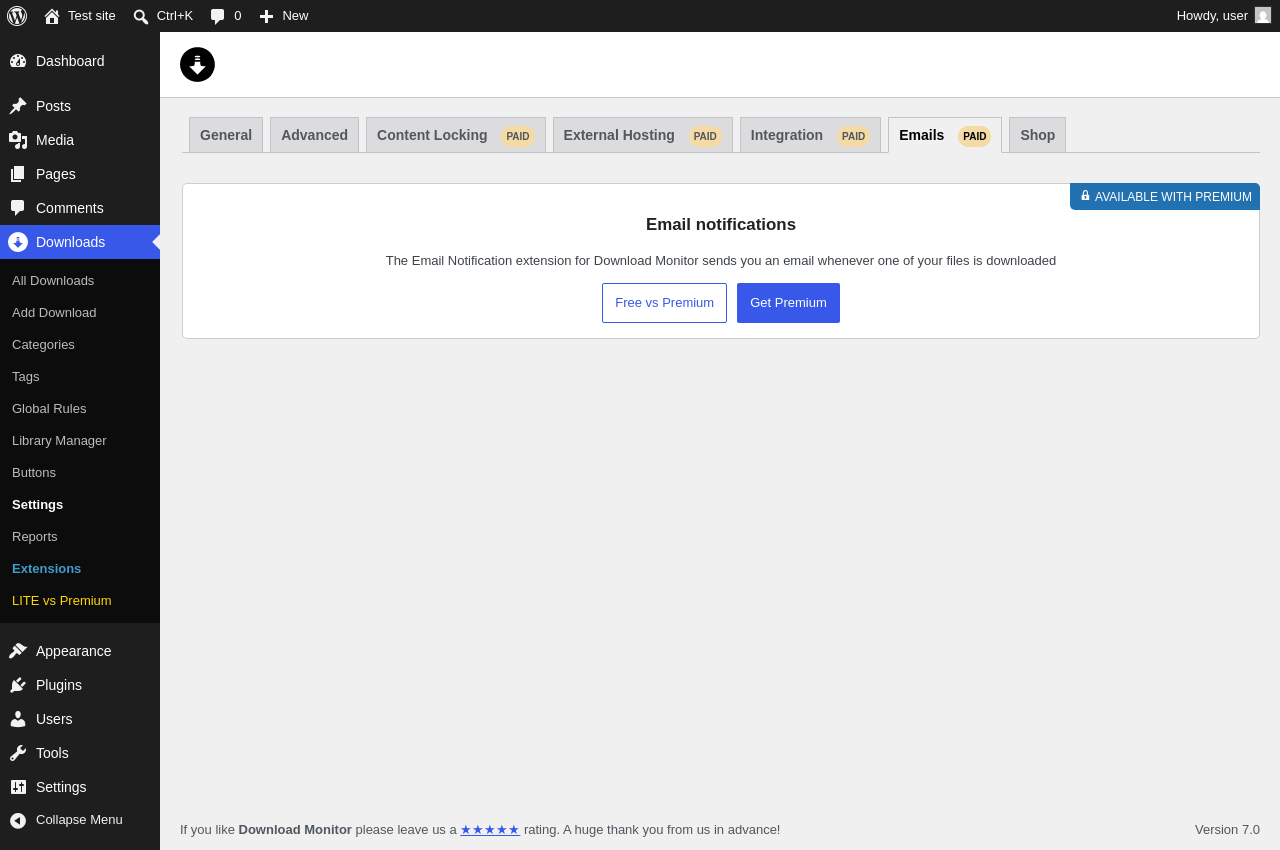
| URL | /wp-admin/edit.php?post_type=dlm_download&page=download-monitor-settings&tab=email_notification |
|---|---|
| Aspect | menu-item-tab |
| HTTP status | 200 |
| Load time | 0.713 s |
| Memory usage | 4.51 MiB |
| JS errors | None |
| Resource errors | None |
Downloads → Settings → Shop
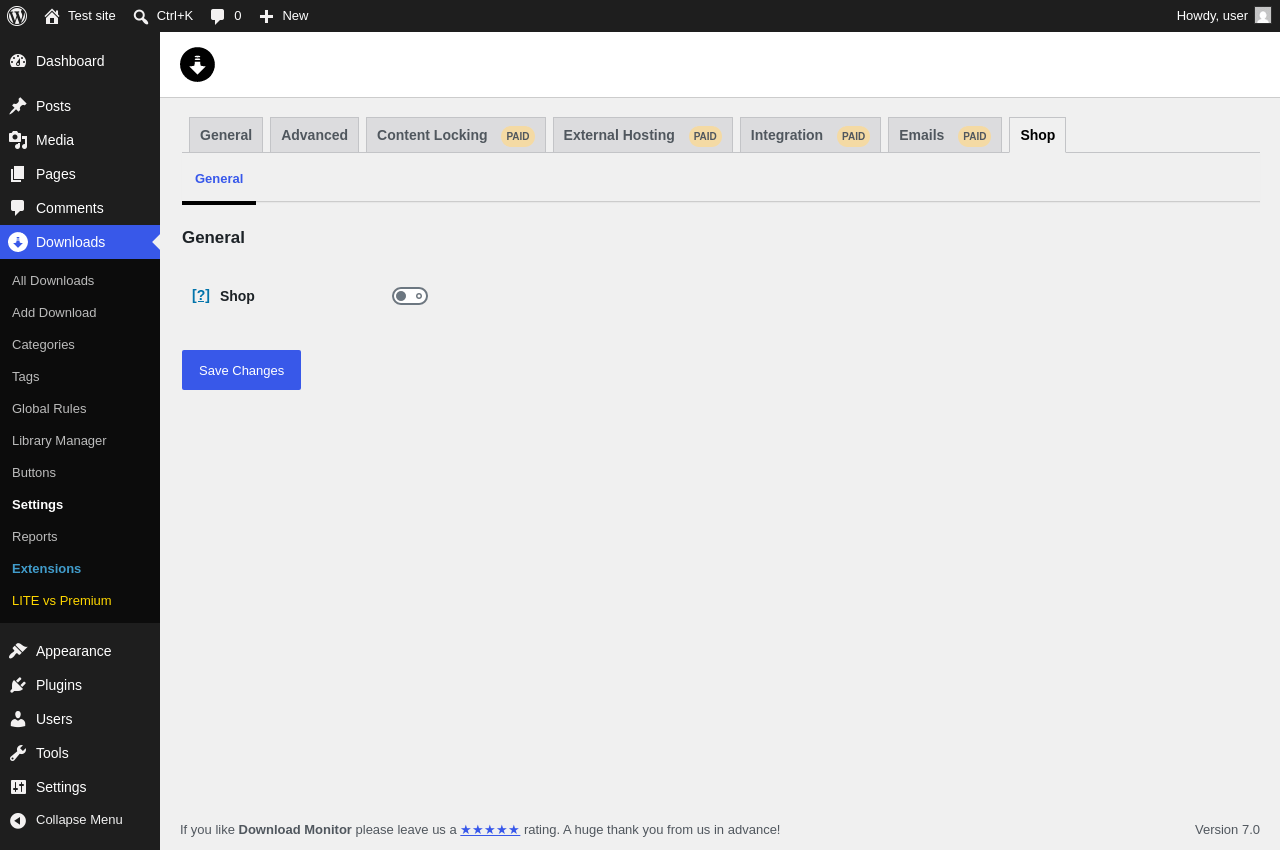
| URL | /wp-admin/edit.php?post_type=dlm_download&page=download-monitor-settings&tab=shop |
|---|---|
| Aspect | menu-item-tab |
| HTTP status | 200 |
| Load time | 0.621 s |
| Memory usage | 4.51 MiB |
| JS errors | None |
| Resource errors | None |
Downloads → Reports
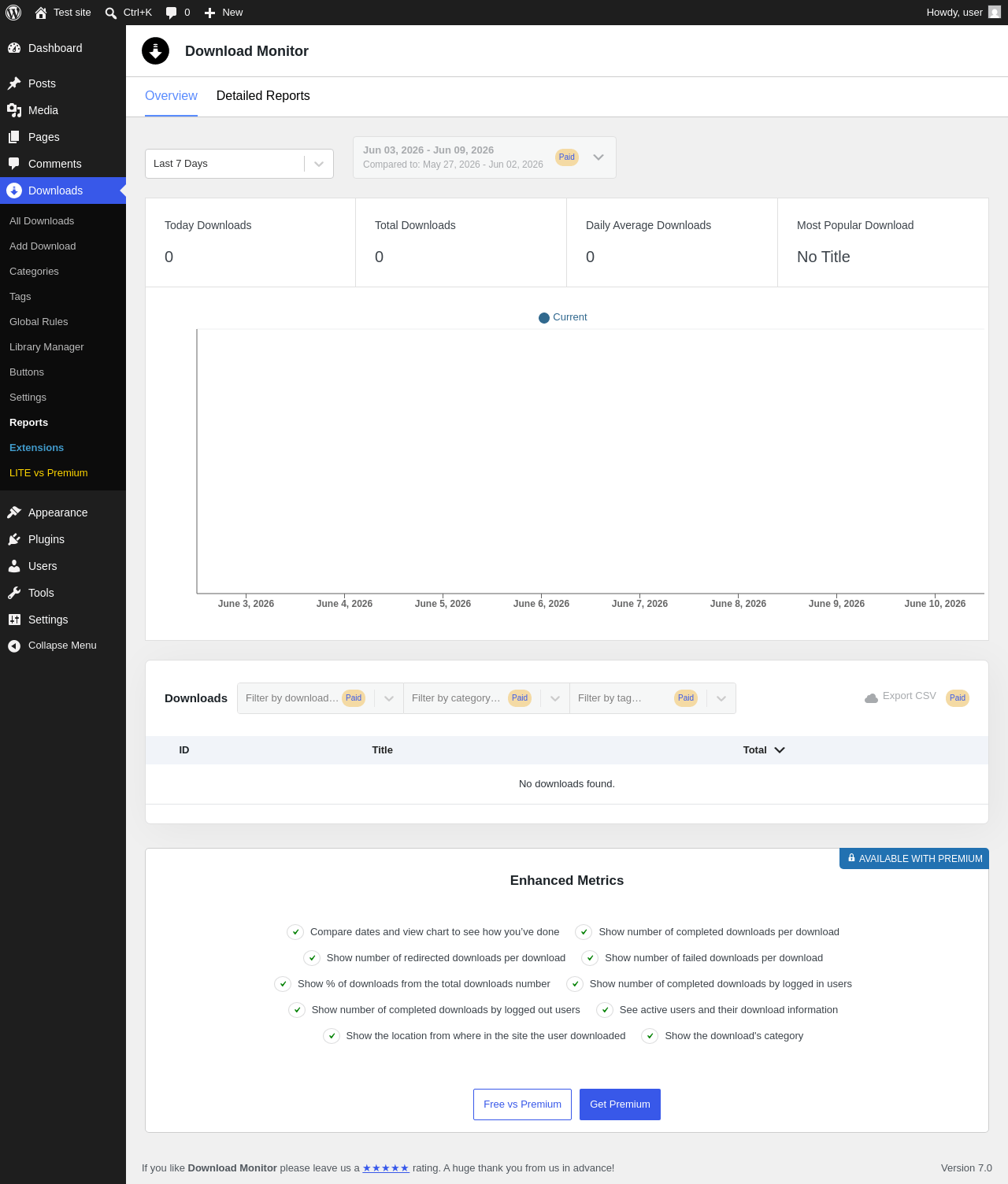
| URL | /wp-admin/edit.php?post_type=dlm_download&page=download-monitor-reports |
|---|---|
| Aspect | menu-item |
| HTTP status | 200 |
| Load time | 0.593 s |
| Memory usage | 4.49 MiB |
| JS errors | None |
| Resource errors | None |
Downloads → Extensions
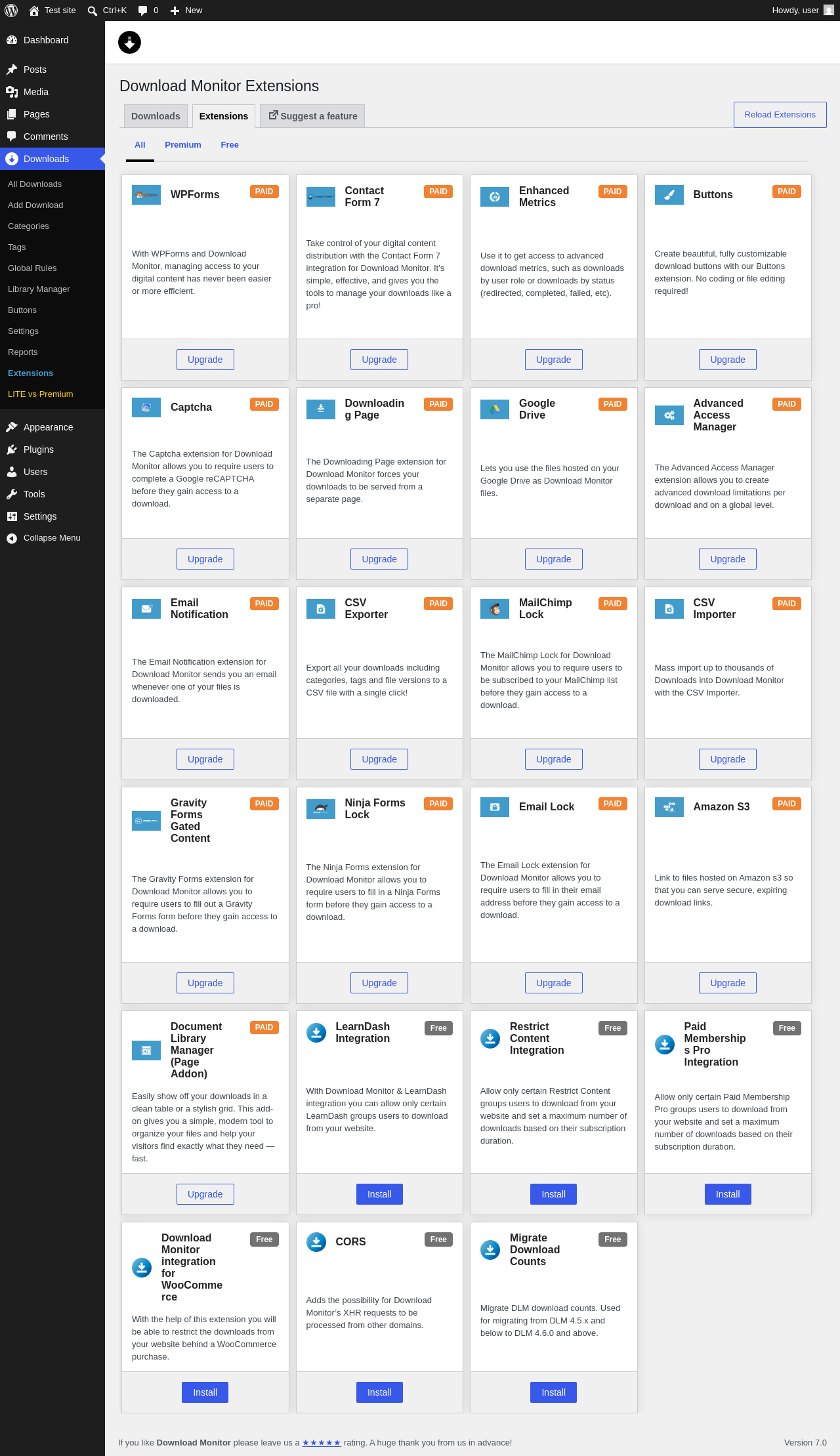
| URL | /wp-admin/edit.php?post_type=dlm_download&page=dlm-extensions |
|---|---|
| Aspect | menu-item |
| HTTP status | 200 |
| Load time | 0.932 s |
| Memory usage | 4.49 MiB |
| JS errors | None |
| Resource errors | None |
Downloads → LITE vs Premium
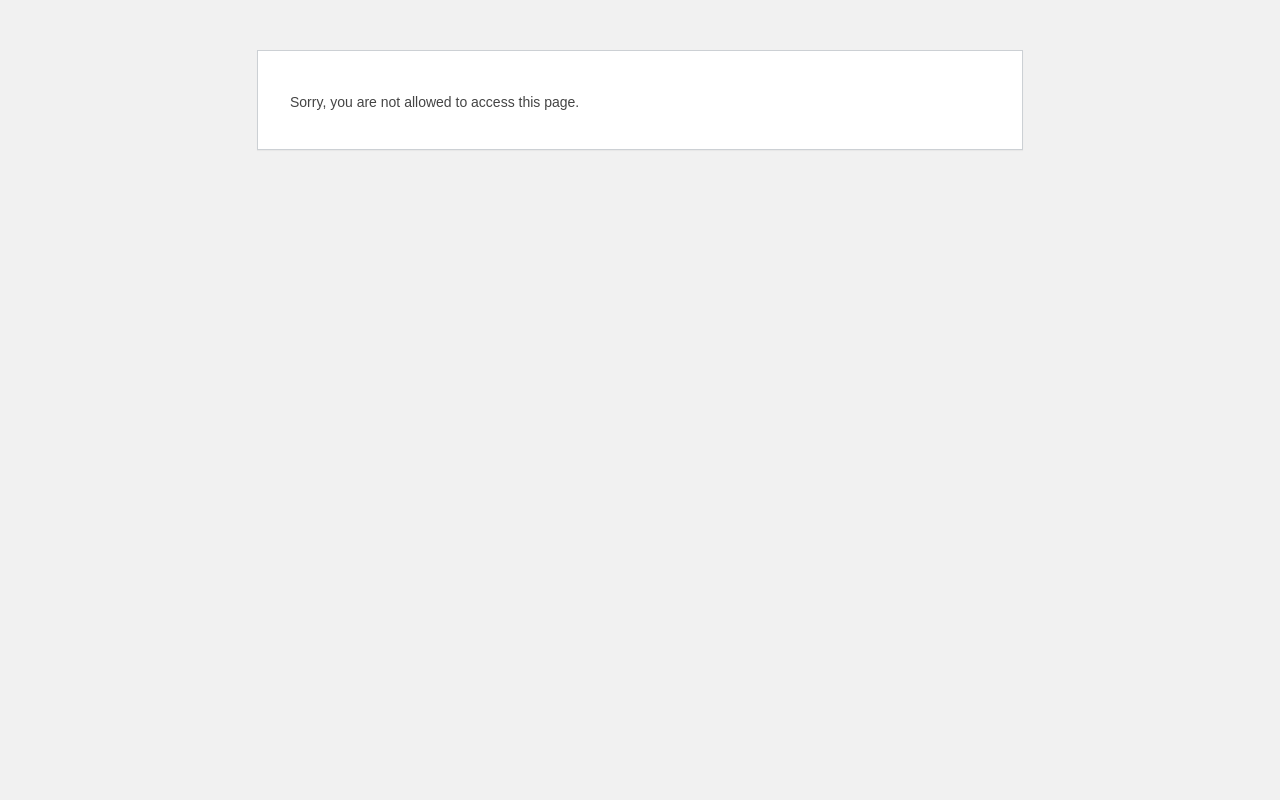
| URL | /wp-admin/edit.php?post_type=dlm_download&page= |
|---|---|
| Aspect | menu-item |
| HTTP status | 403 |
| Load time | 0.053 s |
| Memory usage | N/A |
| JS errors | None |
| Resource errors | None |
Test site – Just another WordPress site
| URL | / |
|---|---|
| Aspect | front-page |
| HTTP status | 200 |
| Load time | 0.255 s |
| Memory usage | 4.52 MiB |
| JS errors | None |
| Resource errors | None |
Dashboard ‹ Test site — WordPress
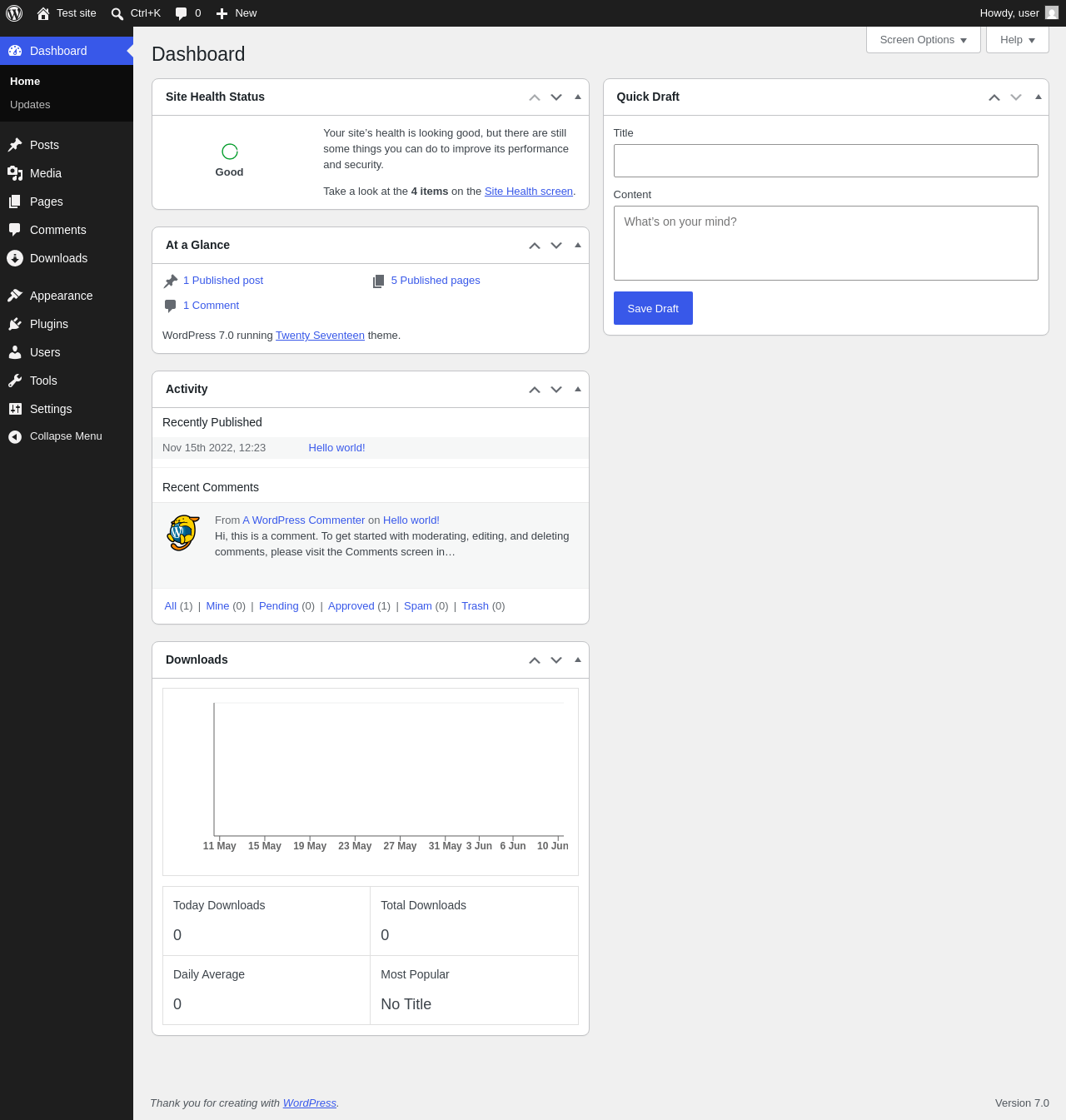
| URL | /wp-admin/index.php |
|---|---|
| Aspect | new-meta-boxes |
| HTTP status | 200 |
| Load time | 0.701 s |
| Memory usage | 4.54 MiB |
| JS errors | None |
| Resource errors | None |
Widgets ‹ Test site — WordPress
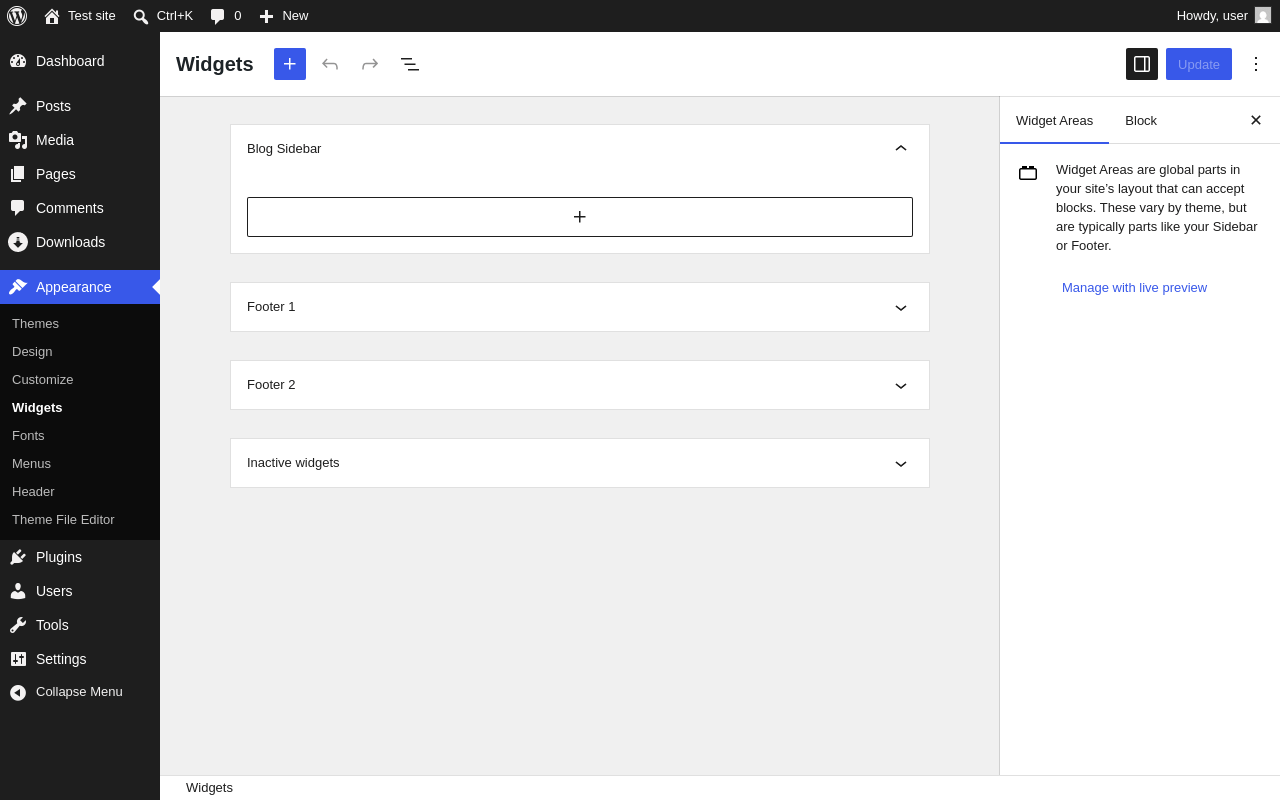
| URL | /wp-admin/widgets.php |
|---|---|
| Aspect | new-sidebar-widgets |
| HTTP status | 200 |
| Load time | 1.639 s |
| Memory usage | 7.06 MiB |
| JS errors | None |
| Resource errors | None |
Benchmark
| URL | Load time | Memory usage | ||||
|---|---|---|---|---|---|---|
| Inactive | Active | Change | Inactive | Active | Change | |
| /wp-admin/index.php | 1.215 s | 0.944 s | -0.271 s | 3.92 MiB | 4.54 MiB | + 628.7 KiB |
| /wp-admin/edit.php | 0.607 s | 0.643 s | +0.036 s | 3.98 MiB | 4.54 MiB | + 571.78 KiB |
| /wp-admin/post-new.php | 2.095 s | 2.385 s | +0.290 s | 6.56 MiB | 7.46 MiB | + 929.16 KiB |
| /wp-admin/upload.php | 0.725 s | 0.766 s | +0.041 s | 3.89 MiB | 4.42 MiB | + 547.58 KiB |
| /wp-admin/options-writing.php | 0.535 s | 0.971 s | +0.436 s | 3.86 MiB | 4.4 MiB | + 556.34 KiB |
| /wp-admin/media-new.php | 1.054 s | 0.604 s | -0.450 s | 3.85 MiB | 4.4 MiB | + 564.53 KiB |
| /wp-admin/edit-tags.php?taxonomy=category | 0.597 s | 0.500 s | -0.097 s | 3.86 MiB | 4.41 MiB | + 564.63 KiB |
| /wp-admin/post-new.php?post_type=page | 2.060 s | 1.858 s | -0.202 s | 6.55 MiB | 7.45 MiB | + 921.74 KiB |
| /wp-admin/options-discussion.php | 0.667 s | 0.884 s | +0.217 s | 3.86 MiB | 4.4 MiB | + 547.34 KiB |
| /wp-admin/edit-comments.php | 0.534 s | 0.825 s | +0.291 s | 3.88 MiB | 4.47 MiB | + 601.94 KiB |
| / | 0.306 s | 0.224 s | -0.082 s | 4.23 MiB | 4.52 MiB | + 298.21 KiB |
| Average | 0.945 s | 0.964 s | +0.019 s | 4.4 MiB | 5 MiB | + 611.99 KiB |
Code Statistics
Note: Third-party libraries and minified JS/CSS files are excluded from these statistics where possible, so the numbers you see here may be lower than those reported by other tools.
| Language | % | Lines of code | Comment lines | Files | |
|---|---|---|---|---|---|
| PO File | 49.6% | 49,261 | 23,764 | 29 | |
| PHP | 30.3% | 30,143 | 15,435 | 345 | |
| CSS | 7.7% | 7,693 | 227 | 29 | |
| LESS | 5.3% | 5,231 | 125 | 18 | |
| JavaScript | 4.2% | 4,173 | 484 | 70 | |
| JSX | 1.6% | 1,628 | 2 | 26 | |
| Sass | 0.8% | 746 | 1 | 13 | |
| EJS | 0.3% | 345 | 15 | 1 | |
| XML | 0.0% | 44 | 0 | 1 | |
| JSON | 0.0% | 32 | 0 | 30 | |
| SVG | 0.0% | 22 | 1 | 5 | |
| Total | 99,318 | 40,054 | 567 | ||
PHP Code Analysis | More results »
| Lines of code | 28,640 |
|---|---|
| Total complexity | 5,477 |
| Median class complexity | 9.0 |
| Median method complexity | 1.0 |
| Most complex class | DLM_Admin_List_Table |
| Most complex function | DLM_Admin_List_Table::inline_edit() |
| Classes | 273 |
|---|---|
| Methods | 1,951 |
| Functions | 17 |
Additions
Things that the plugin adds to the site. This section is not intended to be comprehensive. The test tool only looks for a few specific types of added content.
Database Tables 11
- wp_dlm_api_keys
- wp_dlm_cookiemeta
- wp_dlm_cookies
- wp_dlm_downloads
- wp_dlm_order
- wp_dlm_order_customer
- wp_dlm_order_item
- wp_dlm_order_transaction
- wp_dlm_reports_log
- wp_dlm_session
- wp_download_log
Options wp_options 37
- dlm_base_country
- dlm_check_default_languages
- dlm_count_unique_ips
- dlm_currency
- dlm_currency_pos
- dlm_current_version
- dlm_custom_template
- dlm_decimal_separator
- dlm_default_gateway
- dlm_default_template
- dlm_disable_cart
- dlm_download_endpoint
- dlm_download_endpoint_value
- dlm_gateway_paypal_client_id
- dlm_gateway_paypal_client_secret
- dlm_gateway_paypal_sandbox_client_id
- dlm_gateway_paypal_sandbox_client_secret
- dlm_gateway_paypal_sandbox_enabled
- dlm_invoice_prefix
- dlm_logging_ip_type
- dlm_lu_needs_upgrading
- dlm_no_access_error
- dlm_no_access_modal
- dlm_no_access_page
- dlm_page_cart
- dlm_page_checkout
- dlm_product_errors
- dlm_shop_enabled
- dlm_tc_content_page
- dlm_tc_global
- dlm_tc_text
- dlm_thousand_separator
- dlm_turn_off_file_browser
- dlm_use_default_modal
- dlm_wp_search_enabled
- download-monitor-rate-time
- widget_dlm_widget_downloads
Custom Post Types 2
| ID | Name |
|---|---|
| dlm_download | Downloads |
| dlm_download_version | Download Versions |
Sidebar Widgets 1
| ID | Name |
|---|---|
| dlm_widget_downloads | Downloads List |
Meta Boxes
{
    "dashboard": {
        "dlm_popular_downloads": {
            "title": "Downloads",
            "context": "normal"
        }
    },
    "dlm_download": {
        "dlm-debug": {
            "title": "Debug download",
            "context": "side"
        }
    }
}
Capabilities 7
- manage_downloads
- dlm_manage_logs
- dlm_view_reports
- dlm_use_rest_api_get
- dlm_use_rest_api_post
- dlm_use_rest_api_patch
- dlm_use_rest_api_delete
PHP Error Log 10 lines
[10-Jun-2026 12:52:08 UTC] PHP Notice:  Function WP_Scripts::add was called <strong>incorrectly</strong>. The script with the handle "dlm-reports-upsells" was enqueued with dependencies that are not registered: dlm-reports-app. Please see <a href="https://developer.wordpress.org/advanced-administration/debug/debug-wordpress/">Debugging in WordPress</a> for more information. (This message was added in version 6.9.1.) in /wp-includes/functions.php on line 6170
[10-Jun-2026 12:52:12 UTC] PHP Notice:  Function WP_Scripts::add was called <strong>incorrectly</strong>. The script with the handle "dlm-reports-upsells" was enqueued with dependencies that are not registered: dlm-reports-app. Please see <a href="https://developer.wordpress.org/advanced-administration/debug/debug-wordpress/">Debugging in WordPress</a> for more information. (This message was added in version 6.9.1.) in /wp-includes/functions.php on line 6170
[10-Jun-2026 12:52:21 UTC] PHP Notice:  Function WP_Scripts::add was called <strong>incorrectly</strong>. The script with the handle "dlm-reports-upsells" was enqueued with dependencies that are not registered: dlm-reports-app. Please see <a href="https://developer.wordpress.org/advanced-administration/debug/debug-wordpress/">Debugging in WordPress</a> for more information. (This message was added in version 6.9.1.) in /wp-includes/functions.php on line 6170
[10-Jun-2026 12:52:22 UTC] PHP Notice:  Function WP_Scripts::add was called <strong>incorrectly</strong>. The script with the handle "dlm-reports-upsells" was enqueued with dependencies that are not registered: dlm-reports-app. Please see <a href="https://developer.wordpress.org/advanced-administration/debug/debug-wordpress/">Debugging in WordPress</a> for more information. (This message was added in version 6.9.1.) in /wp-includes/functions.php on line 6170
[10-Jun-2026 12:52:24 UTC] PHP Notice:  Function WP_Scripts::add was called <strong>incorrectly</strong>. The script with the handle "dlm-reports-upsells" was enqueued with dependencies that are not registered: dlm-reports-app. Please see <a href="https://developer.wordpress.org/advanced-administration/debug/debug-wordpress/">Debugging in WordPress</a> for more information. (This message was added in version 6.9.1.) in /wp-includes/functions.php on line 6170
[10-Jun-2026 12:52:25 UTC] PHP Notice:  Function WP_Scripts::add was called <strong>incorrectly</strong>. The script with the handle "dlm-reports-upsells" was enqueued with dependencies that are not registered: dlm-reports-app. Please see <a href="https://developer.wordpress.org/advanced-administration/debug/debug-wordpress/">Debugging in WordPress</a> for more information. (This message was added in version 6.9.1.) in /wp-includes/functions.php on line 6170
[10-Jun-2026 12:52:27 UTC] PHP Notice:  Function WP_Scripts::add was called <strong>incorrectly</strong>. The script with the handle "dlm-reports-upsells" was enqueued with dependencies that are not registered: dlm-reports-app. Please see <a href="https://developer.wordpress.org/advanced-administration/debug/debug-wordpress/">Debugging in WordPress</a> for more information. (This message was added in version 6.9.1.) in /wp-includes/functions.php on line 6170
[10-Jun-2026 12:52:28 UTC] PHP Notice:  Function WP_Scripts::add was called <strong>incorrectly</strong>. The script with the handle "dlm-reports-upsells" was enqueued with dependencies that are not registered: dlm-reports-app. Please see <a href="https://developer.wordpress.org/advanced-administration/debug/debug-wordpress/">Debugging in WordPress</a> for more information. (This message was added in version 6.9.1.) in /wp-includes/functions.php on line 6170
[10-Jun-2026 12:52:29 UTC] PHP Notice:  Function WP_Scripts::add was called <strong>incorrectly</strong>. The script with the handle "dlm-reports-upsells" was enqueued with dependencies that are not registered: dlm-reports-app. Please see <a href="https://developer.wordpress.org/advanced-administration/debug/debug-wordpress/">Debugging in WordPress</a> for more information. (This message was added in version 6.9.1.) in /wp-includes/functions.php on line 6170
[10-Jun-2026 12:52:33 UTC] PHP Notice:  Function WP_Scripts::add was called <strong>incorrectly</strong>. The script with the handle "dlm-reports-upsells" was enqueued with dependencies that are not registered: dlm-reports-app. Please see <a href="https://developer.wordpress.org/advanced-administration/debug/debug-wordpress/">Debugging in WordPress</a> for more information. (This message was added in version 6.9.1.) in /wp-includes/functions.php on line 6170