Download Monitor 5.2.8
Does Download Monitor work with WordPress 7.1 and PHP 8.1.12? A smoke test was performed on .
Summary
| No PHP errors, warnings or notices | |
| No JavaScript exceptions | |
| 4 | Pages failed to load
|
| No resource errors |
Memory usage: 587.79 KiB
The average PHP memory usage increased by this amount after activating by the plugin.
Page speed impact:
0.062 seconds
The average page load time increased by this amount after activating the plugin.
| WordPress version | 7.1 |
|---|---|
| PHP version | 8.1.12 |
| MySQL version | 10.6.10 |
| PHP memory limit | 512M |
| Last updated | |
|---|---|
| Active installs | 80,000+ |
| WordPress.org page | https://wordpress.org/plugins/download-monitor/ |
| Badges |
|


Pages 21
Plugins ‹ Test site — WordPress
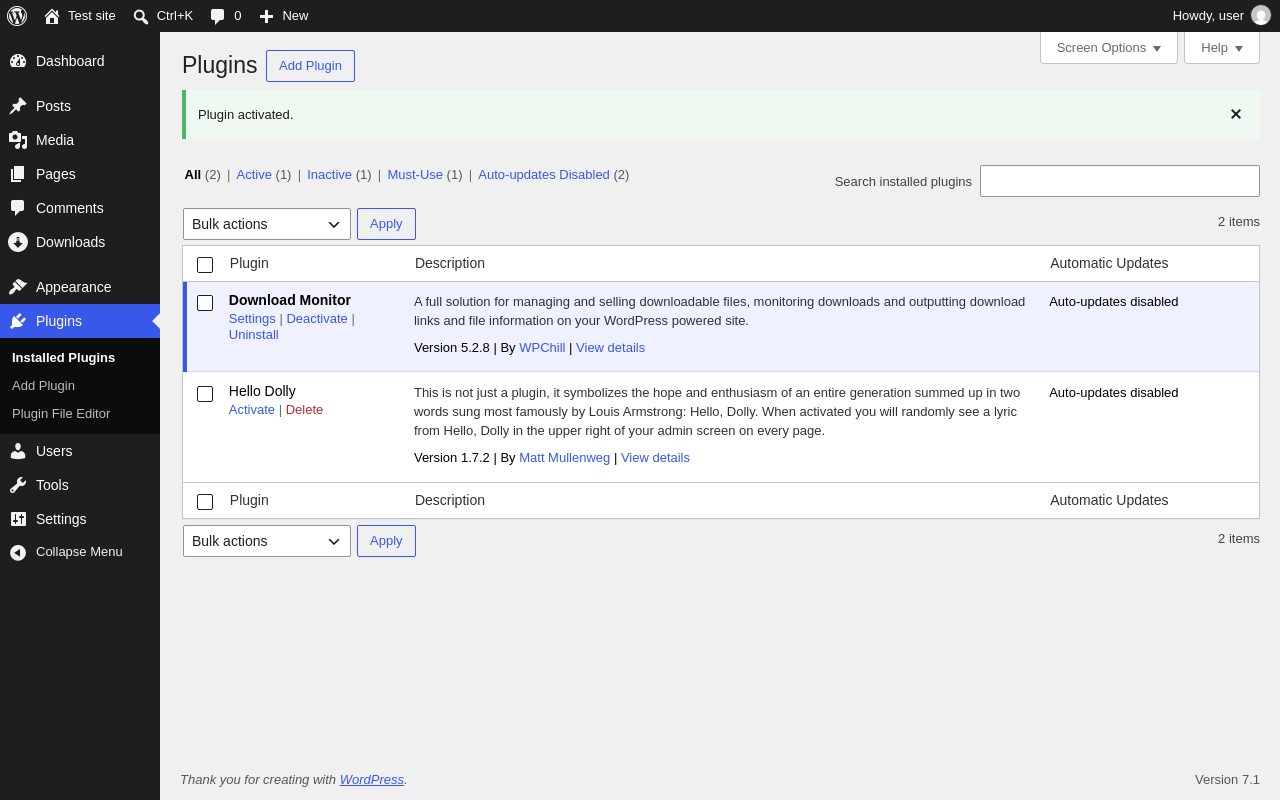
| URL | /wp-admin/plugins.php?plugin_status=all&paged=1&s |
|---|---|
| Requested URL | /wp-admin/plugins.php?action=activate&plugin=download-monitor%2Fdownload-monitor.php&plugin_status=all&paged=1&s&_wpnonce=21a11bc3bc |
| Aspect | after-activation |
| HTTP status | 200 |
| Load time | 1.156 s |
| Memory usage | 4.88 MiB |
| JS errors | None |
| Resource errors | None |
Downloads
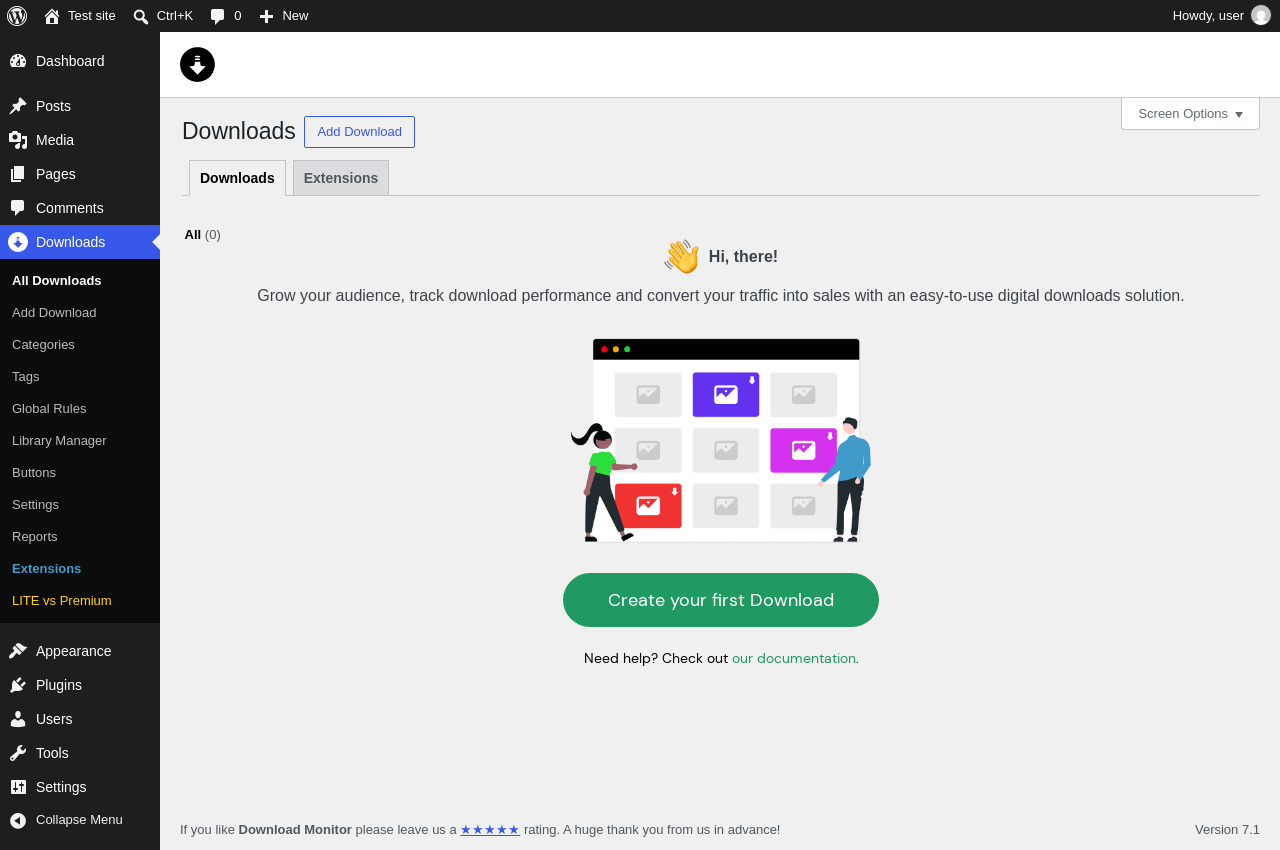
| URL | /wp-admin/edit.php?post_type=dlm_download |
|---|---|
| Aspect | menu-item |
| HTTP status | 200 |
| Load time | 0.879 s |
| Memory usage | 4.97 MiB |
| JS errors | None |
| Resource errors | None |
Downloads → Add Download
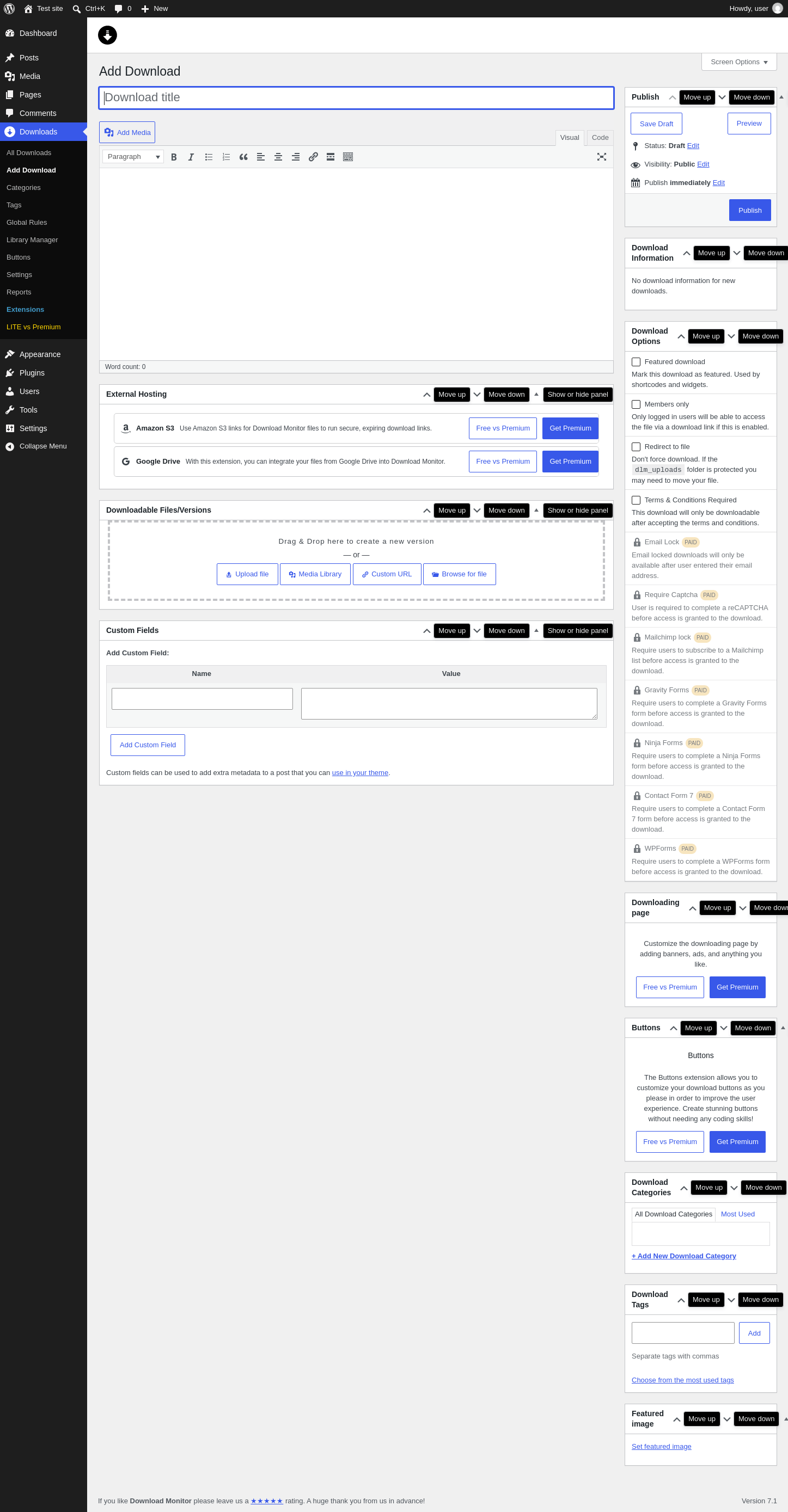
| URL | /wp-admin/post-new.php?post_type=dlm_download |
|---|---|
| Aspect | menu-item |
| HTTP status | 200 |
| Load time | 1.790 s |
| Memory usage | 4.93 MiB |
| JS errors | None |
| Resource errors | None |
Downloads → Categories
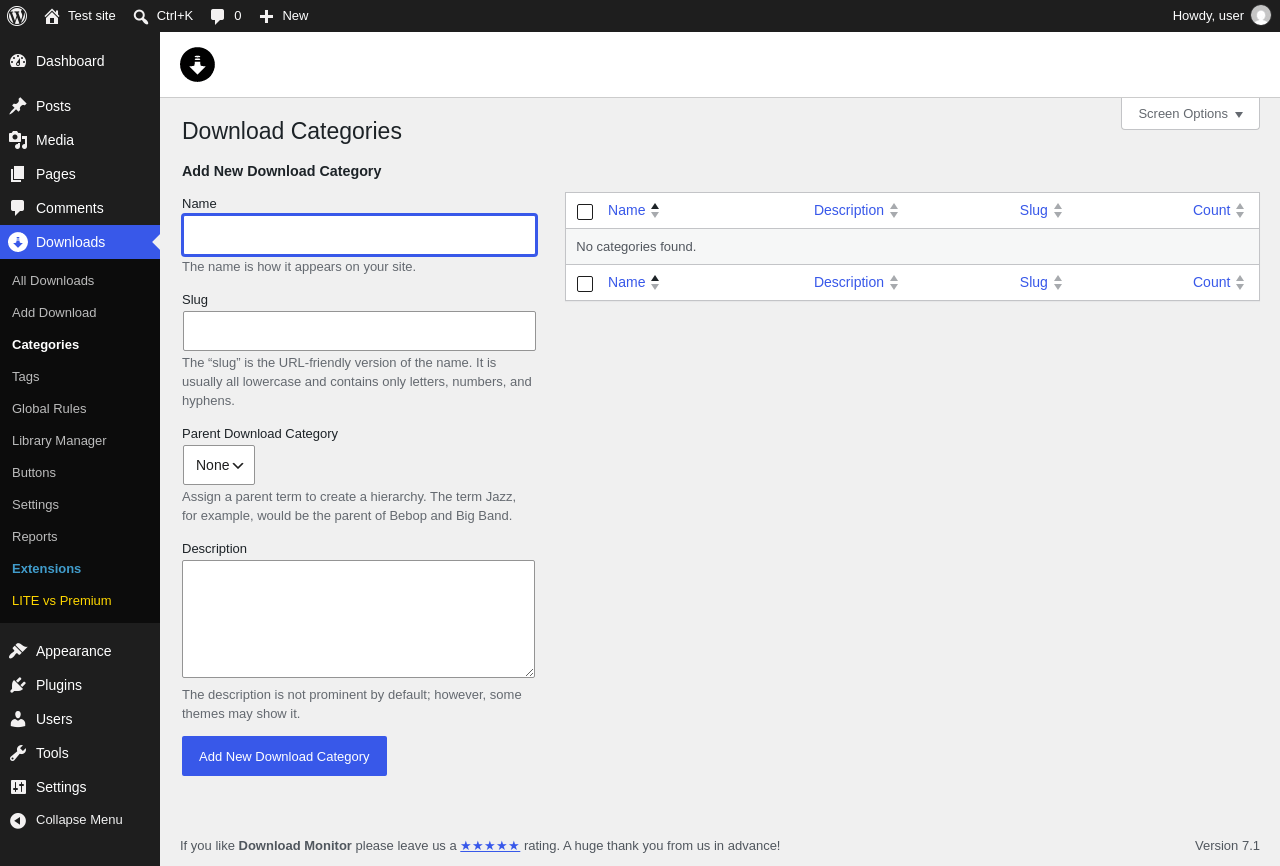
| URL | /wp-admin/edit-tags.php?taxonomy=dlm_download_category&post_type=dlm_download |
|---|---|
| Aspect | menu-item |
| HTTP status | 200 |
| Load time | 0.589 s |
| Memory usage | 4.77 MiB |
| JS errors | None |
| Resource errors | None |
Downloads → Tags
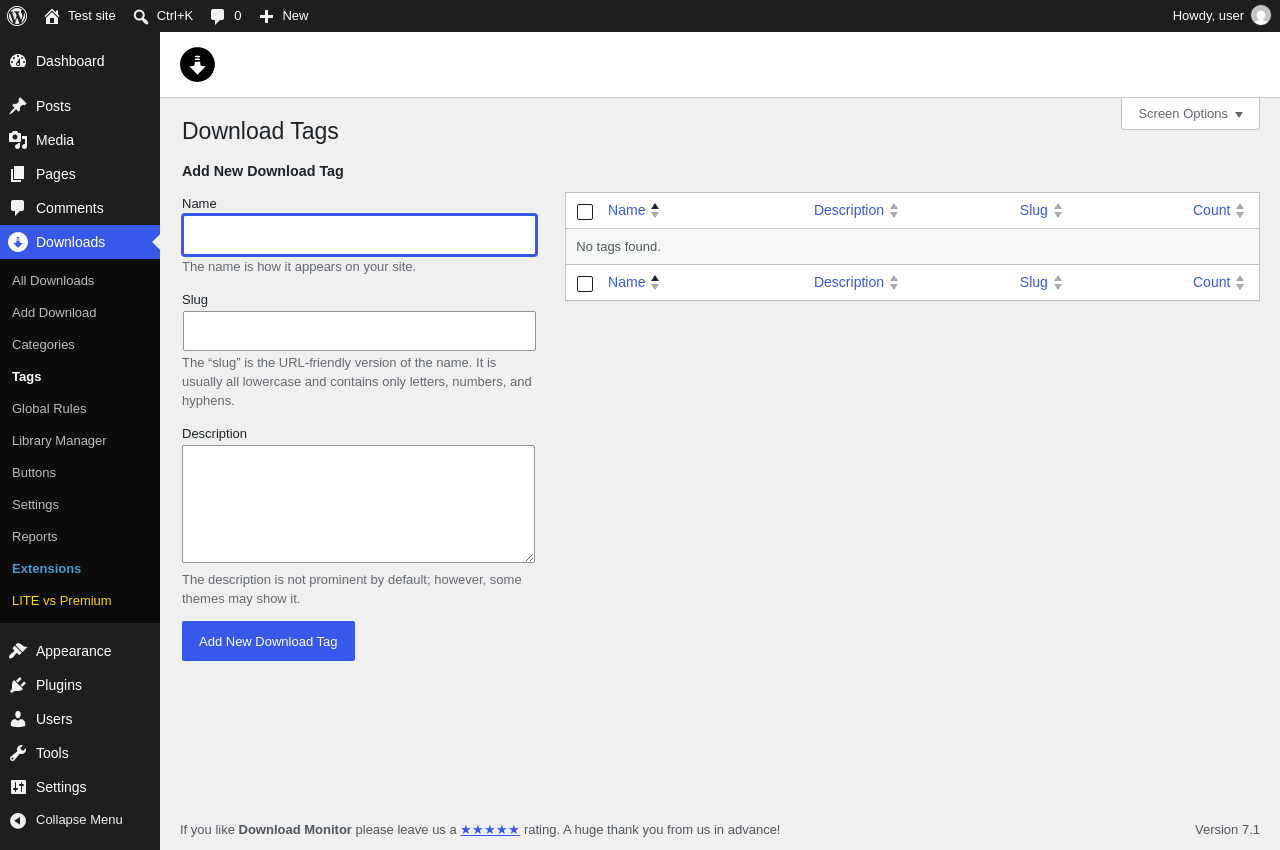
| URL | /wp-admin/edit-tags.php?taxonomy=dlm_download_tag&post_type=dlm_download |
|---|---|
| Aspect | menu-item |
| HTTP status | 200 |
| Load time | 0.520 s |
| Memory usage | 4.77 MiB |
| JS errors | None |
| Resource errors | None |
Downloads → Global Rules
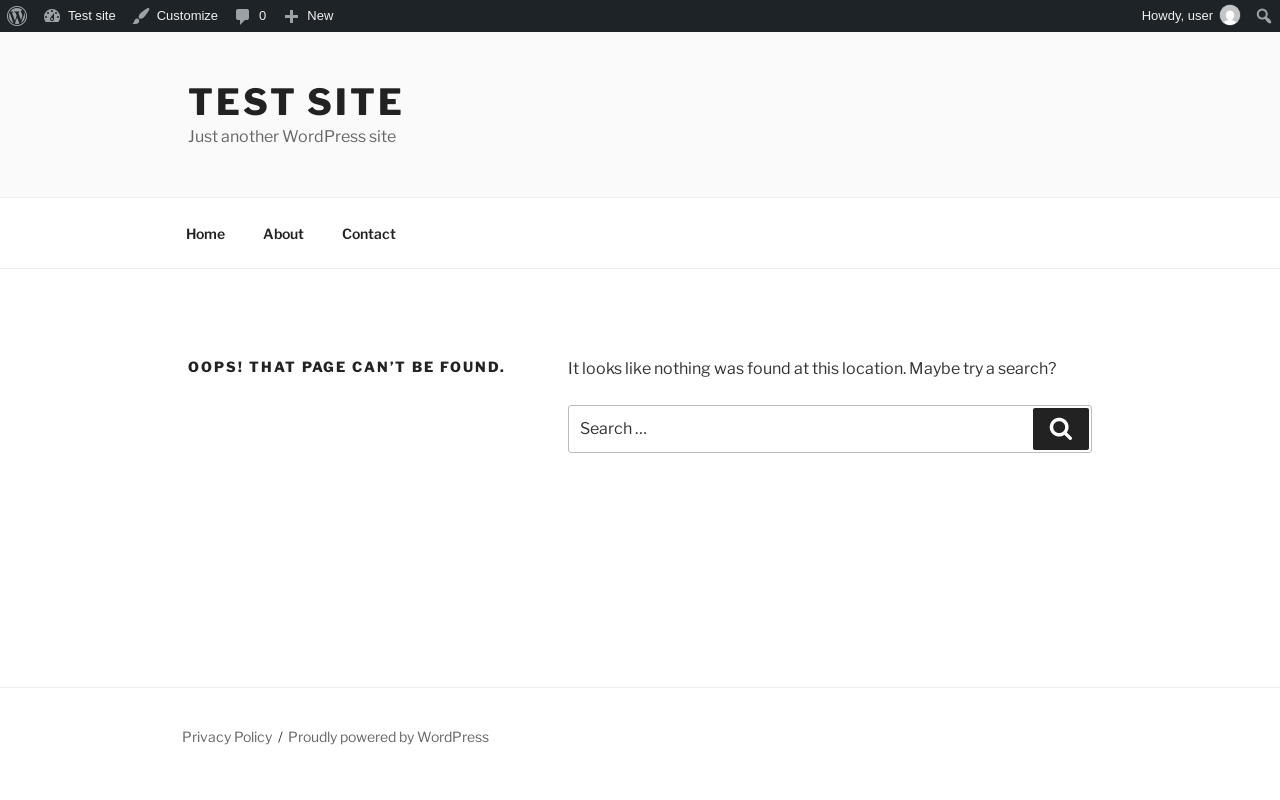
| URL | /wp-admin/dlm_aam_upsell_modal |
|---|---|
| Aspect | menu-item |
| HTTP status | 404 |
| Load time | 0.263 s |
| Memory usage | 4.85 MiB |
| JS errors | None |
| Resource errors | None |
Downloads → Library Manager
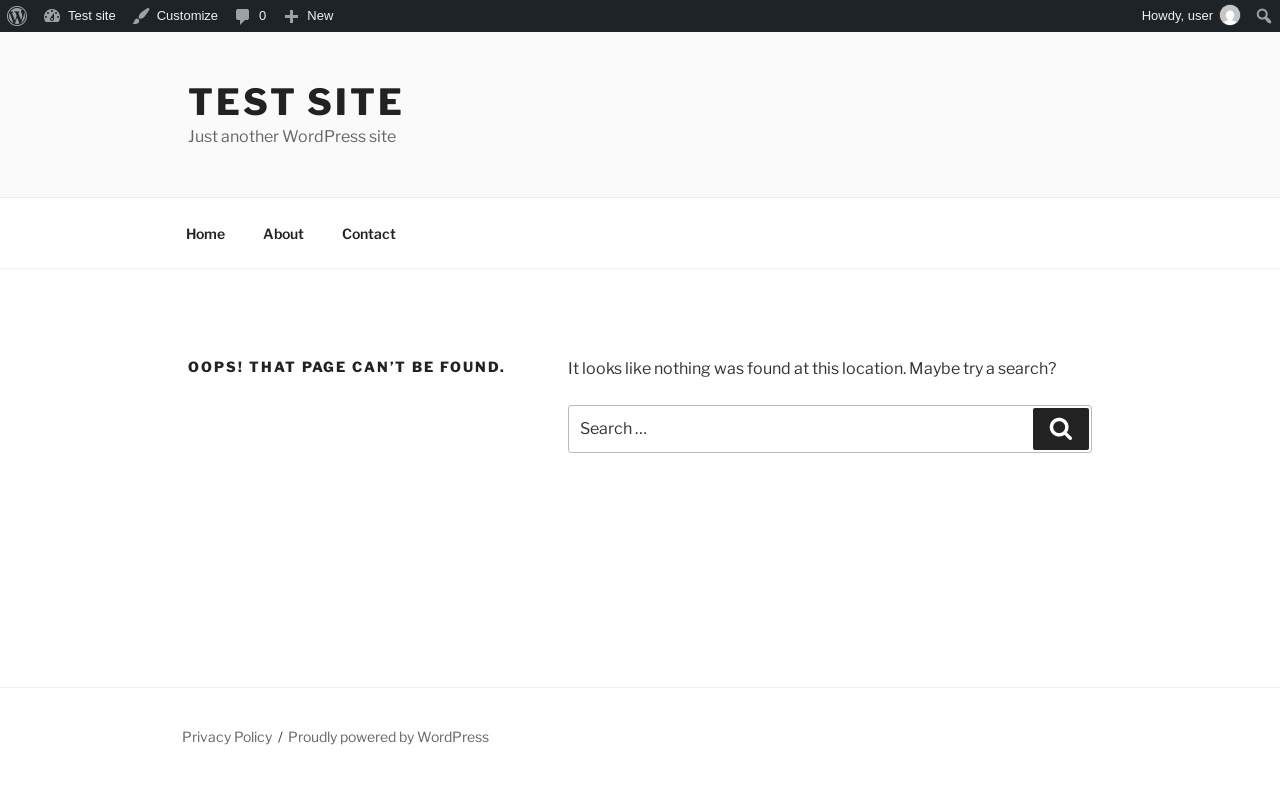
| URL | /wp-admin/dlm_lm_upsell_modal |
|---|---|
| Aspect | menu-item |
| HTTP status | 404 |
| Load time | 0.160 s |
| Memory usage | 4.85 MiB |
| JS errors | None |
| Resource errors | None |
Downloads → Buttons
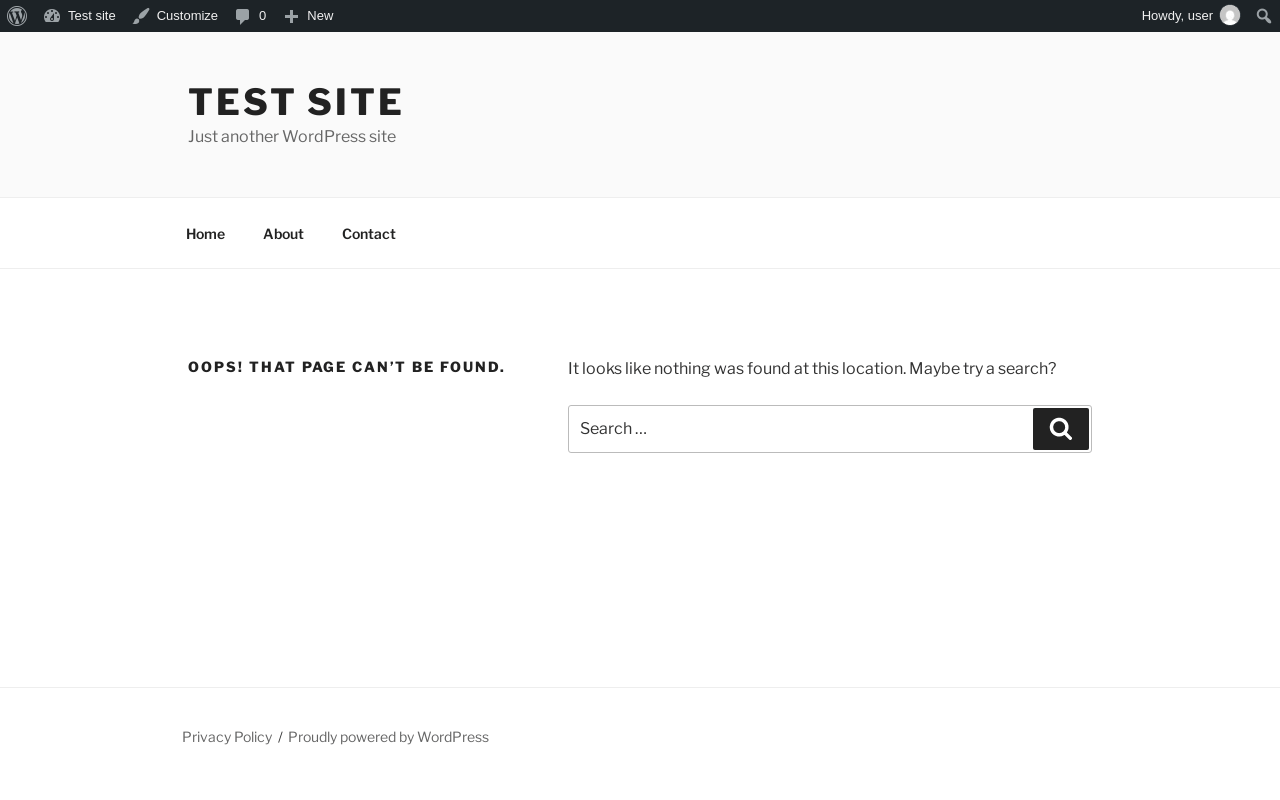
| URL | /wp-admin/dlm_buttons_upsell_modal |
|---|---|
| Aspect | menu-item |
| HTTP status | 404 |
| Load time | 0.176 s |
| Memory usage | 4.85 MiB |
| JS errors | None |
| Resource errors | None |
Downloads → Settings
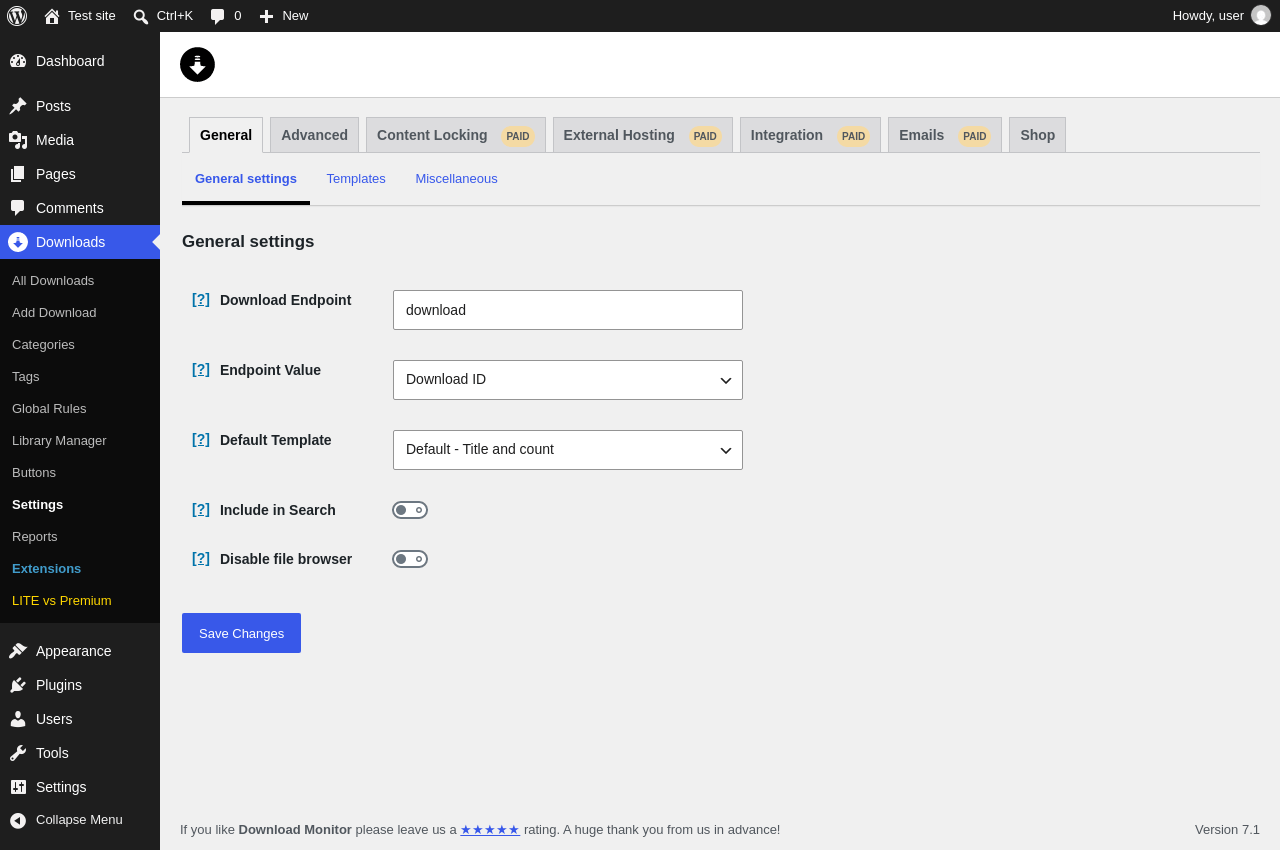
| URL | /wp-admin/edit.php?post_type=dlm_download&page=download-monitor-settings |
|---|---|
| Aspect | menu-item |
| HTTP status | 200 |
| Load time | 0.869 s |
| Memory usage | 4.86 MiB |
| JS errors | None |
| Resource errors | None |
Downloads → Settings → Advanced
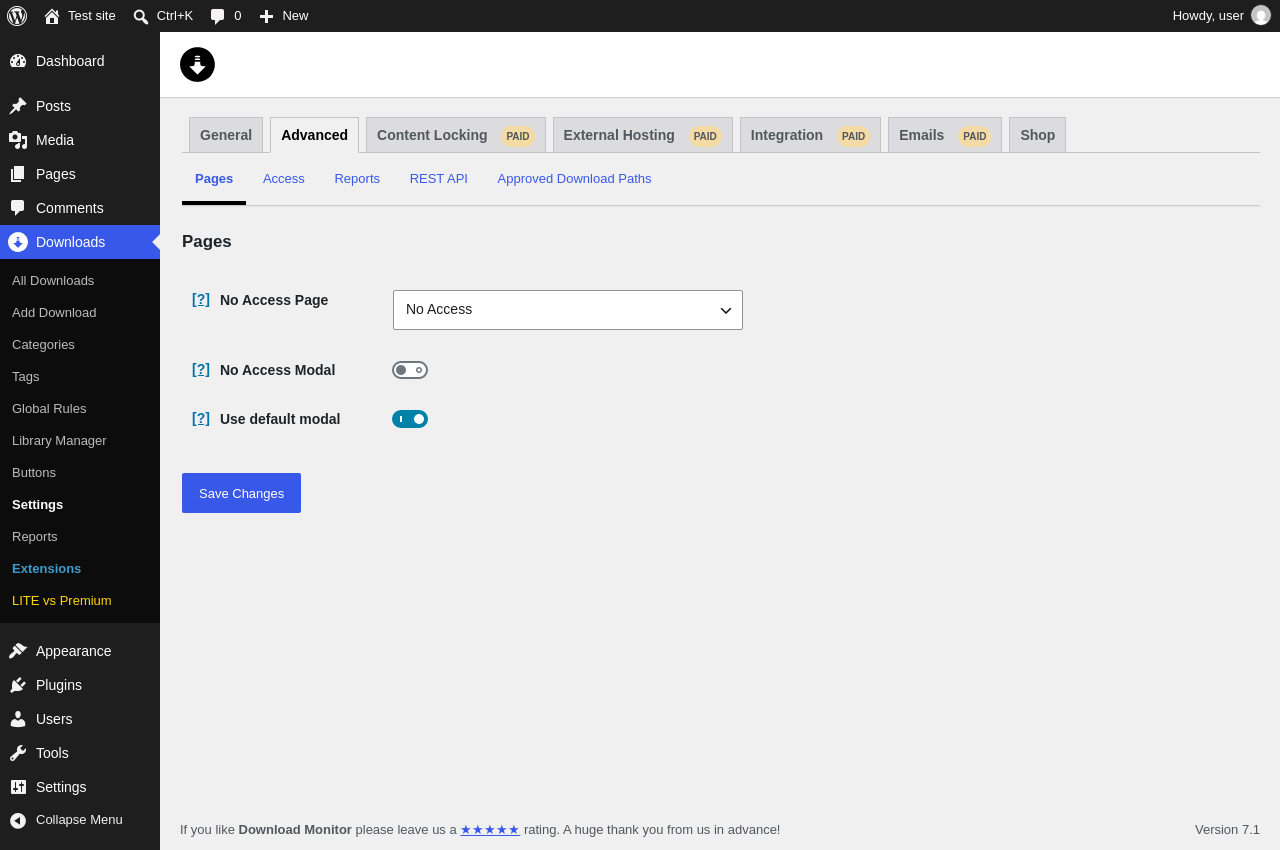
| URL | /wp-admin/edit.php?post_type=dlm_download&page=download-monitor-settings&tab=advanced |
|---|---|
| Aspect | menu-item-tab |
| HTTP status | 200 |
| Load time | 0.555 s |
| Memory usage | 4.86 MiB |
| JS errors | None |
| Resource errors | None |
Downloads → Settings → Content Locking PAID
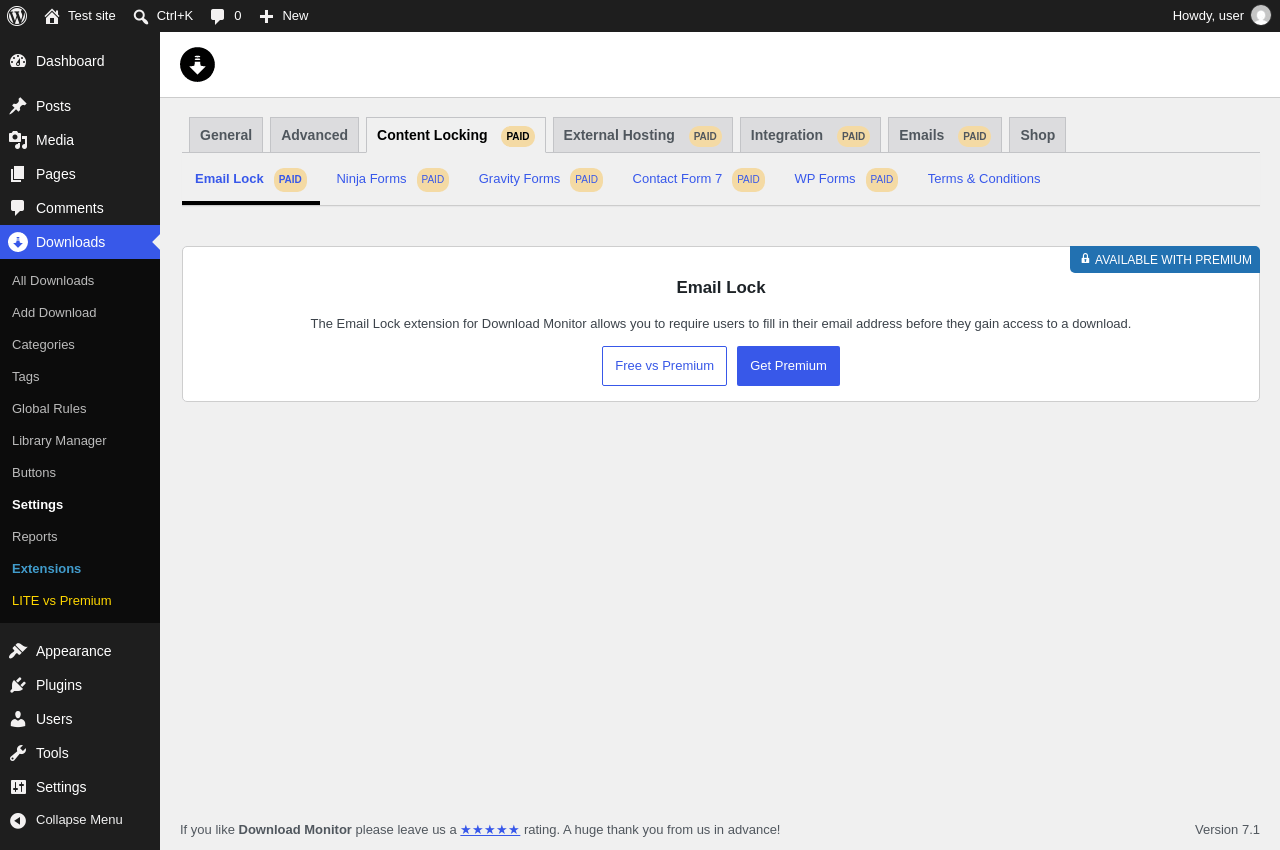
| URL | /wp-admin/edit.php?post_type=dlm_download&page=download-monitor-settings&tab=lead_generation |
|---|---|
| Aspect | menu-item-tab |
| HTTP status | 200 |
| Load time | 0.551 s |
| Memory usage | 4.86 MiB |
| JS errors | None |
| Resource errors | None |
Downloads → Settings → External Hosting PAID
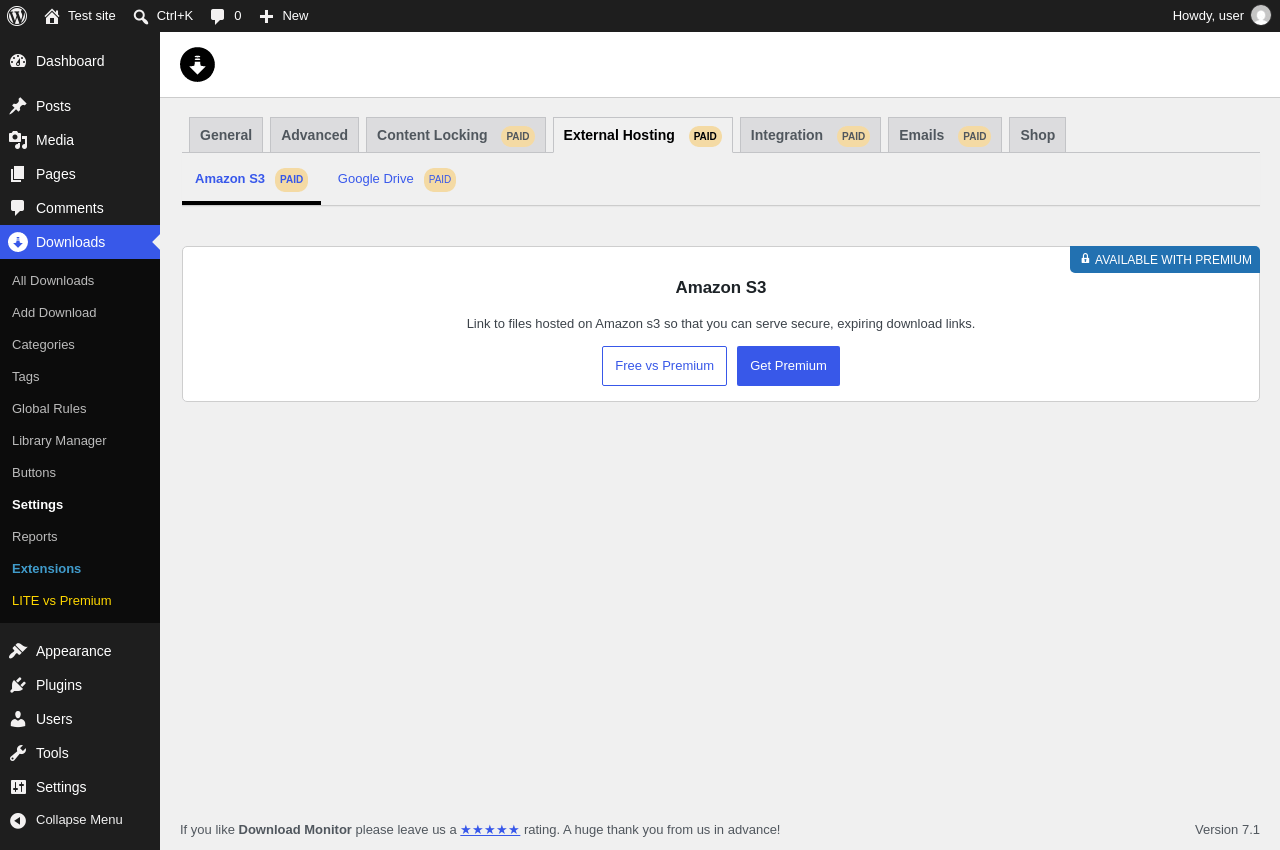
| URL | /wp-admin/edit.php?post_type=dlm_download&page=download-monitor-settings&tab=external_hosting |
|---|---|
| Aspect | menu-item-tab |
| HTTP status | 200 |
| Load time | 0.820 s |
| Memory usage | 4.86 MiB |
| JS errors | None |
| Resource errors | None |
Downloads → Settings → Integration PAID
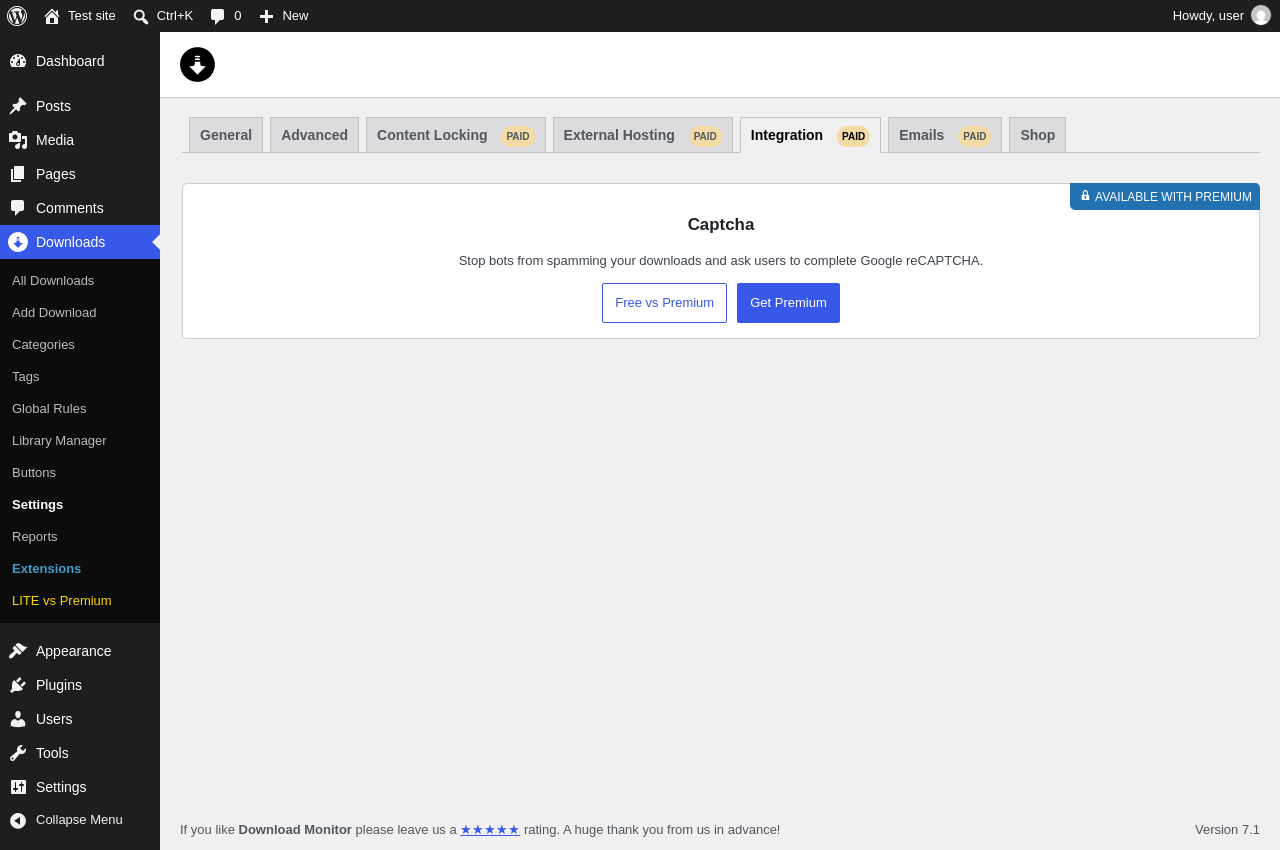
| URL | /wp-admin/edit.php?post_type=dlm_download&page=download-monitor-settings&tab=integration |
|---|---|
| Aspect | menu-item-tab |
| HTTP status | 200 |
| Load time | 0.569 s |
| Memory usage | 4.86 MiB |
| JS errors | None |
| Resource errors | None |
Downloads → Settings → Emails PAID
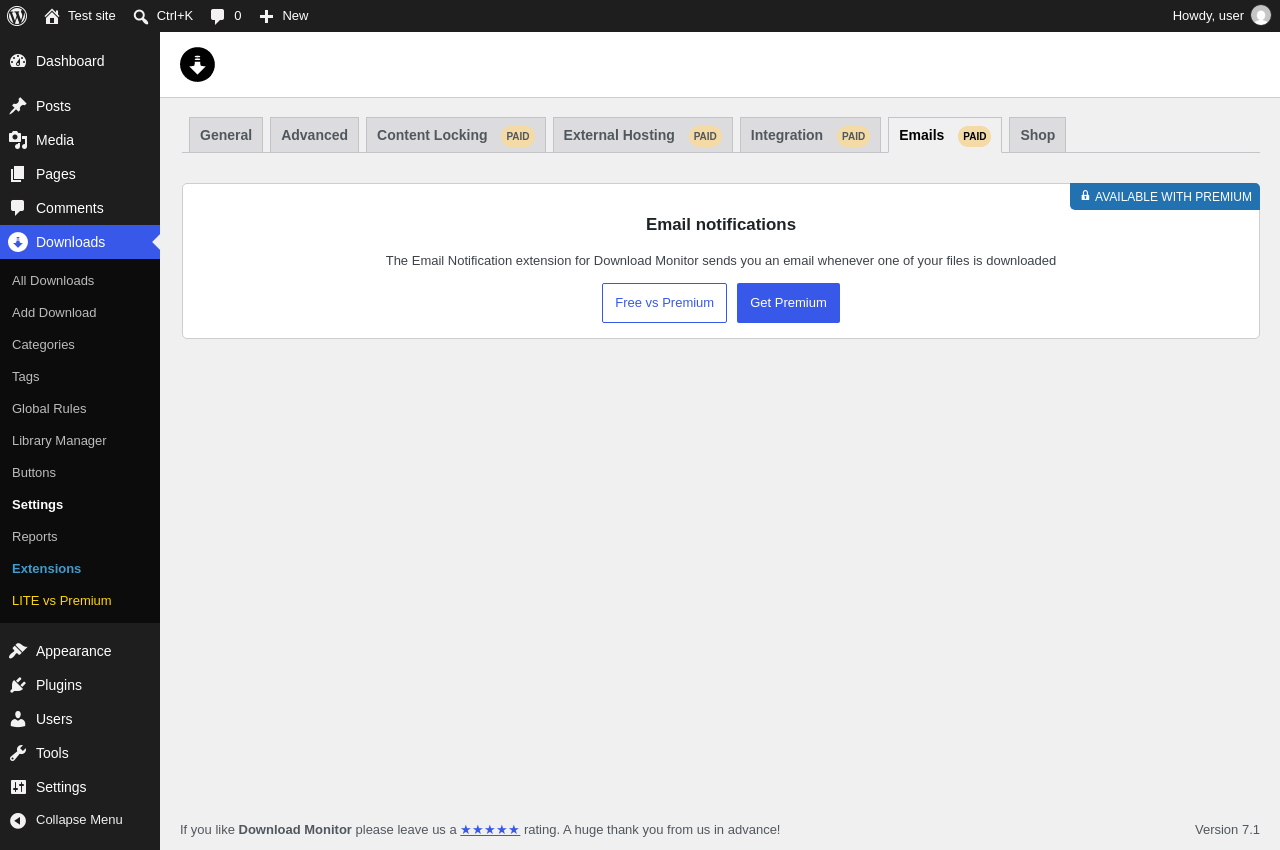
| URL | /wp-admin/edit.php?post_type=dlm_download&page=download-monitor-settings&tab=email_notification |
|---|---|
| Aspect | menu-item-tab |
| HTTP status | 200 |
| Load time | 0.523 s |
| Memory usage | 4.86 MiB |
| JS errors | None |
| Resource errors | None |
Downloads → Settings → Shop
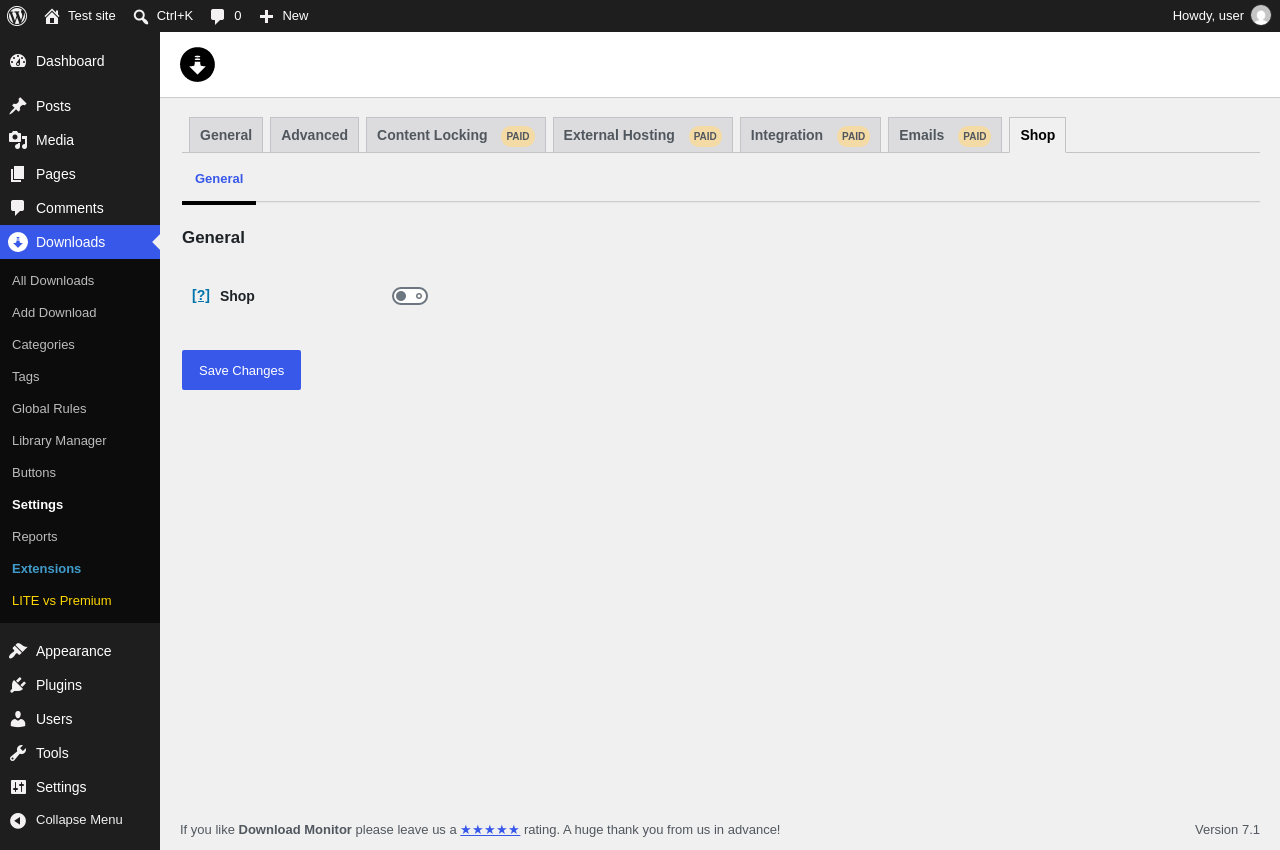
| URL | /wp-admin/edit.php?post_type=dlm_download&page=download-monitor-settings&tab=shop |
|---|---|
| Aspect | menu-item-tab |
| HTTP status | 200 |
| Load time | 0.705 s |
| Memory usage | 4.85 MiB |
| JS errors | None |
| Resource errors | None |
Downloads → Reports
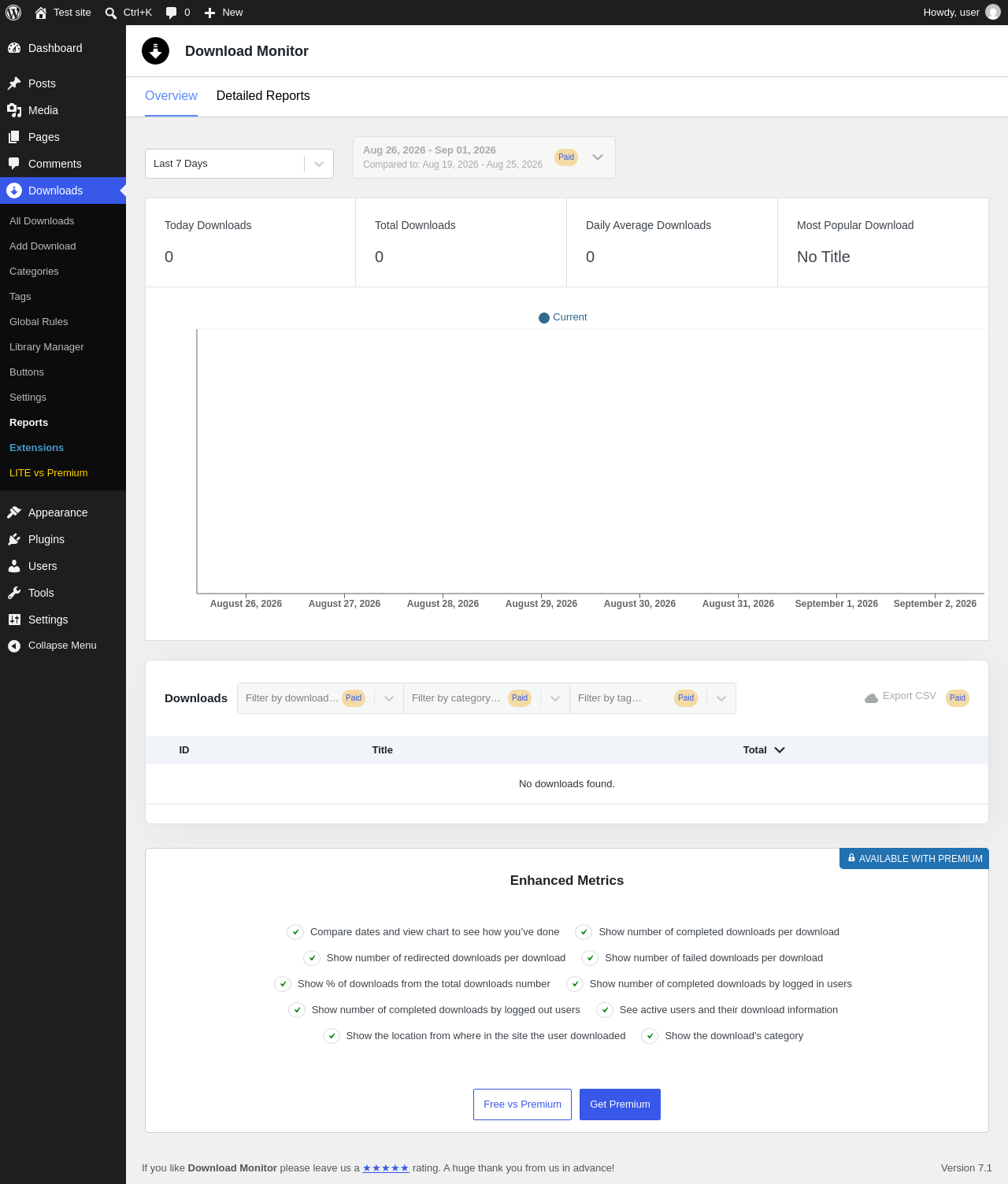
| URL | /wp-admin/edit.php?post_type=dlm_download&page=download-monitor-reports |
|---|---|
| Aspect | menu-item |
| HTTP status | 200 |
| Load time | 0.684 s |
| Memory usage | 4.84 MiB |
| JS errors | None |
| Resource errors | None |
Downloads → Extensions
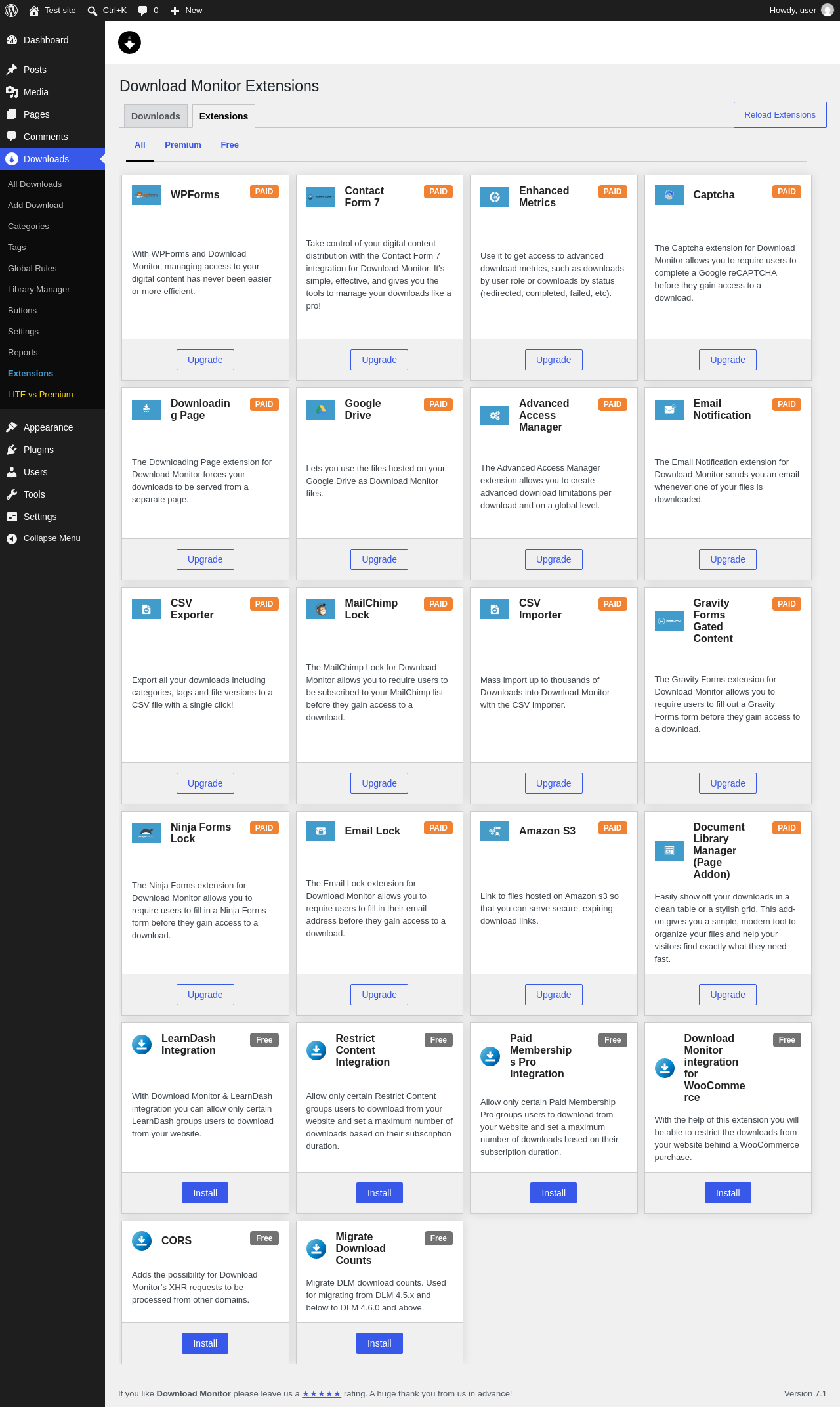
| URL | /wp-admin/edit.php?post_type=dlm_download&page=dlm-extensions |
|---|---|
| Aspect | menu-item |
| HTTP status | 200 |
| Load time | 0.758 s |
| Memory usage | 4.84 MiB |
| JS errors | None |
| Resource errors | None |
Downloads → LITE vs Premium
| URL | /wp-admin/edit.php?post_type=dlm_download&page= |
|---|---|
| Aspect | menu-item |
| HTTP status | 403 |
| Load time | 0.072 s |
| Memory usage | N/A |
| JS errors | None |
| Resource errors | None |
Test site – Just another WordPress site
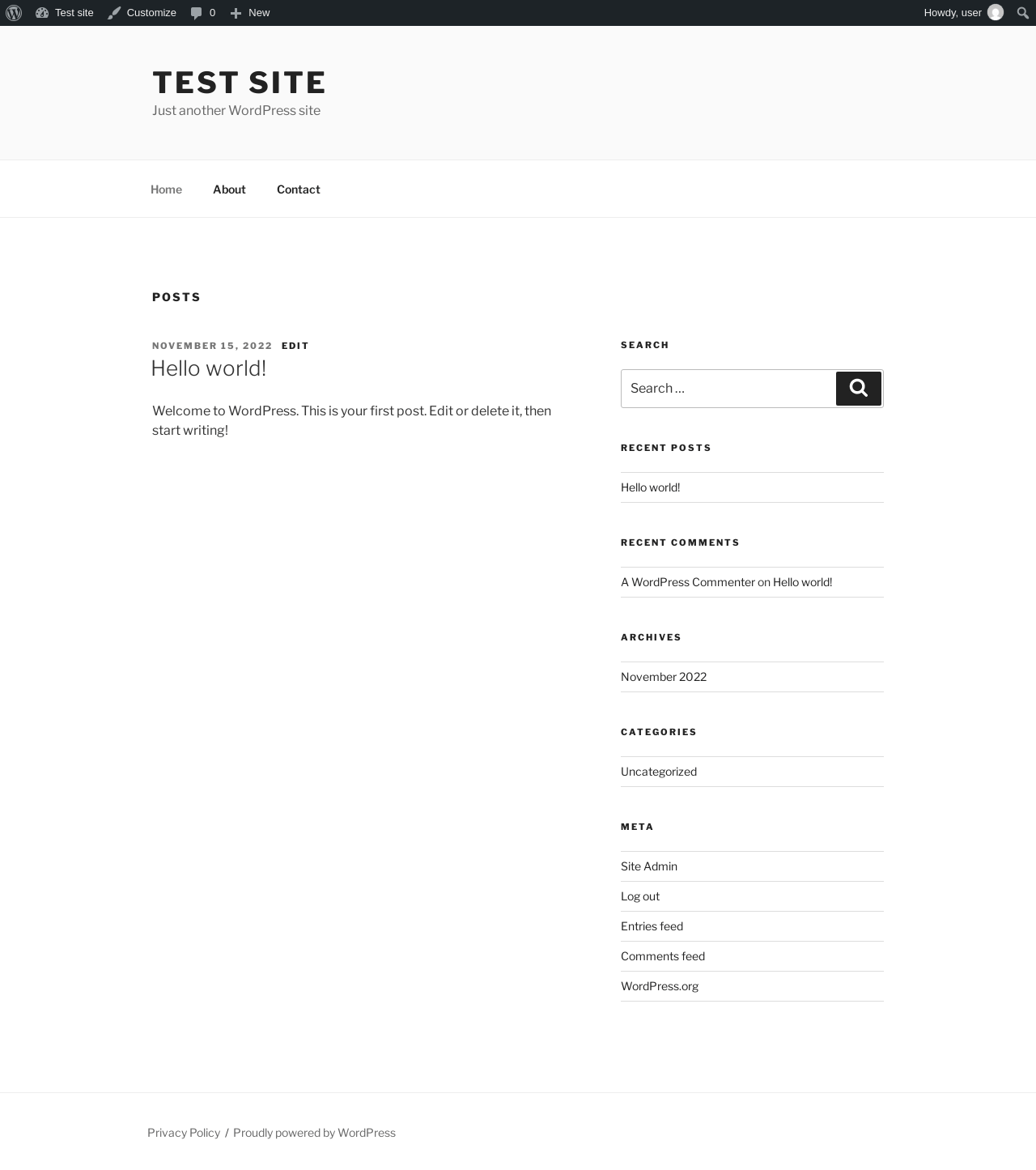
| URL | / |
|---|---|
| Aspect | front-page |
| HTTP status | 200 |
| Load time | 0.227 s |
| Memory usage | 4.9 MiB |
| JS errors | None |
| Resource errors | None |
Dashboard ‹ Test site — WordPress
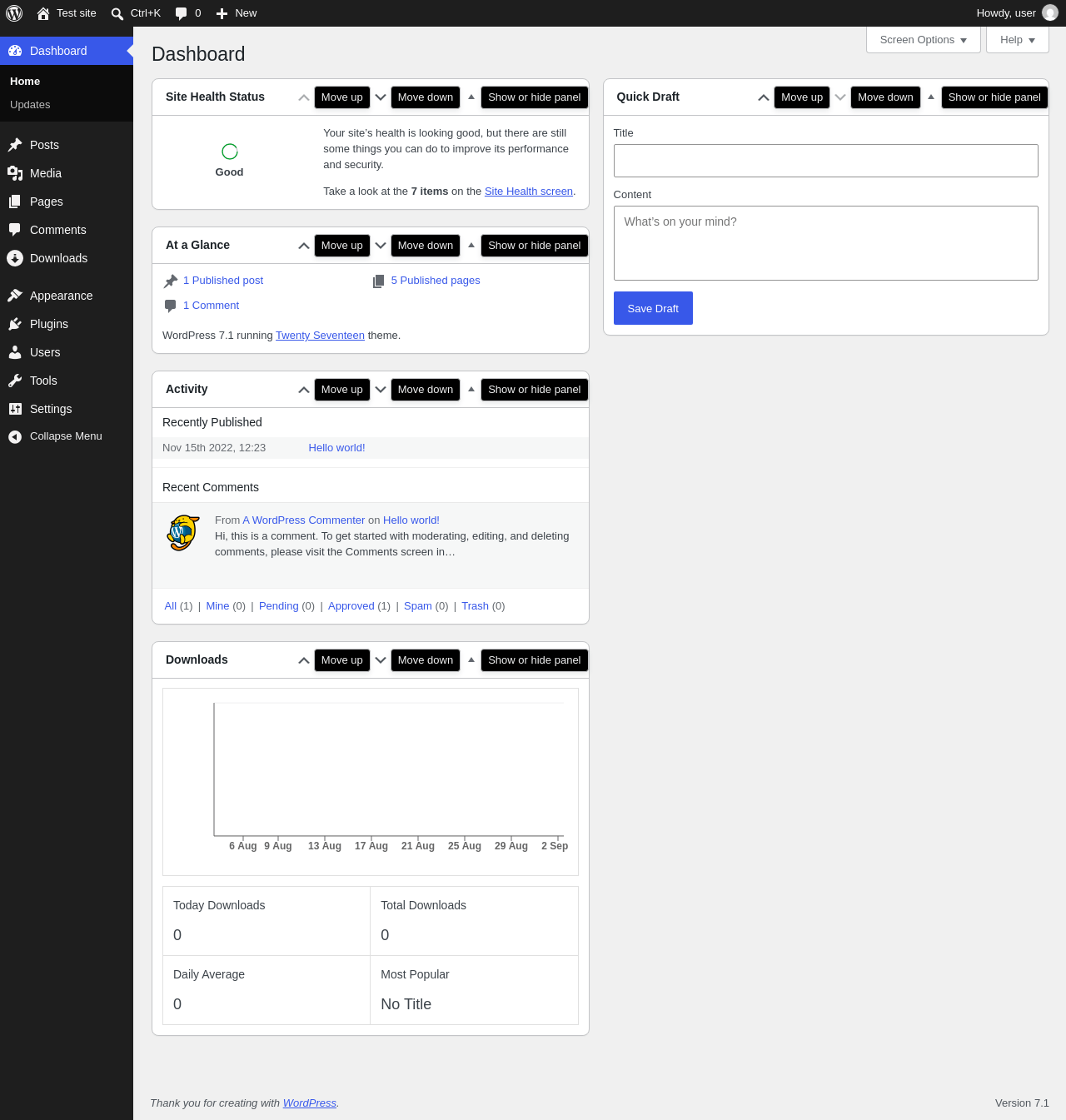
| URL | /wp-admin/index.php |
|---|---|
| Aspect | new-meta-boxes |
| HTTP status | 200 |
| Load time | 0.762 s |
| Memory usage | 4.78 MiB |
| JS errors | None |
| Resource errors | None |
Widgets ‹ Test site — WordPress
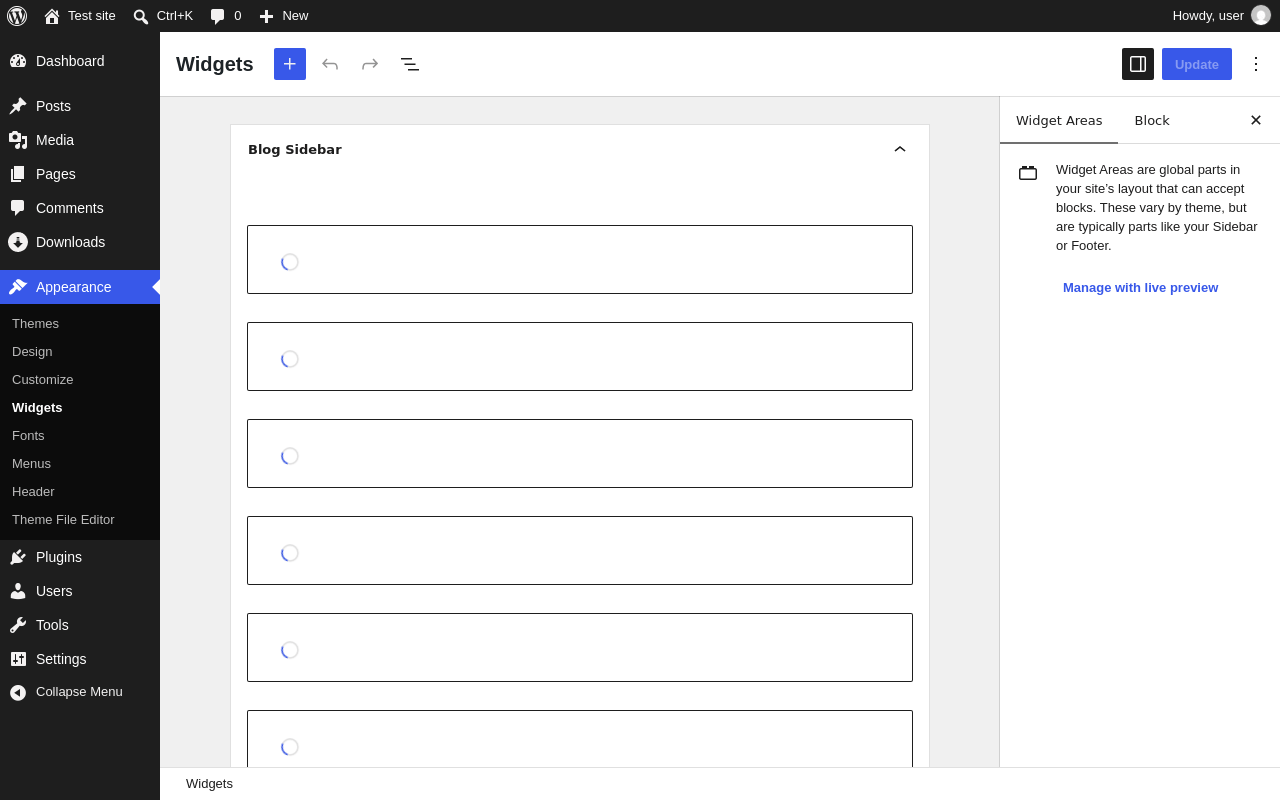
| URL | /wp-admin/widgets.php |
|---|---|
| Aspect | new-sidebar-widgets |
| HTTP status | 200 |
| Load time | 2.301 s |
| Memory usage | 7.26 MiB |
| JS errors | None |
| Resource errors | None |
Benchmark
| URL | Load time | Memory usage | ||||
|---|---|---|---|---|---|---|
| Inactive | Active | Change | Inactive | Active | Change | |
| /wp-admin/index.php | 1.391 s | 0.884 s | -0.507 s | 4.23 MiB | 4.78 MiB | + 564.37 KiB |
| /wp-admin/edit.php | 0.566 s | 0.696 s | +0.130 s | 4.28 MiB | 4.84 MiB | + 570.82 KiB |
| /wp-admin/post-new.php | 2.084 s | 2.140 s | +0.056 s | 6.78 MiB | 7.63 MiB | + 865.21 KiB |
| /wp-admin/upload.php | 1.037 s | 1.597 s | +0.560 s | 4.25 MiB | 4.78 MiB | + 544.55 KiB |
| /wp-admin/options-writing.php | 0.572 s | 0.673 s | +0.101 s | 4.22 MiB | 4.76 MiB | + 549.55 KiB |
| /wp-admin/media-new.php | 0.761 s | 0.522 s | -0.239 s | 4.21 MiB | 4.76 MiB | + 557.76 KiB |
| /wp-admin/edit-tags.php?taxonomy=category | 0.580 s | 1.098 s | +0.518 s | 4.22 MiB | 4.77 MiB | + 557.85 KiB |
| /wp-admin/post-new.php?post_type=page | 1.990 s | 2.066 s | +0.076 s | 6.76 MiB | 7.61 MiB | + 873.48 KiB |
| /wp-admin/options-discussion.php | 1.217 s | 0.893 s | -0.324 s | 4.23 MiB | 4.75 MiB | + 536.56 KiB |
| /wp-admin/edit-comments.php | 0.560 s | 0.950 s | +0.390 s | 4.24 MiB | 4.78 MiB | + 546.3 KiB |
| / | 0.308 s | 0.231 s | -0.077 s | 4.6 MiB | 4.9 MiB | + 299.26 KiB |
| Average | 1.006 s | 1.068 s | +0.062 s | 4.73 MiB | 5.3 MiB | + 587.79 KiB |
Code Statistics
Note: Third-party libraries and minified JS/CSS files are excluded from these statistics where possible, so the numbers you see here may be lower than those reported by other tools.
| Language | % | Lines of code | Comment lines | Files | |
|---|---|---|---|---|---|
| PO File | 49.5% | 49,261 | 23,764 | 29 | |
| PHP | 30.3% | 30,208 | 15,430 | 345 | |
| CSS | 7.8% | 7,748 | 245 | 32 | |
| LESS | 5.2% | 5,161 | 125 | 18 | |
| JavaScript | 4.2% | 4,173 | 484 | 72 | |
| JSX | 1.9% | 1,868 | 2 | 29 | |
| Sass | 0.7% | 746 | 1 | 13 | |
| EJS | 0.3% | 345 | 15 | 1 | |
| XML | 0.0% | 45 | 0 | 1 | |
| JSON | 0.0% | 32 | 0 | 30 | |
| SVG | 0.0% | 22 | 1 | 5 | |
| Total | 99,609 | 40,067 | 575 | ||
PHP Code Analysis | More results »
| Lines of code | 28,658 |
|---|---|
| Total complexity | 5,512 |
| Median class complexity | 9.0 |
| Median method complexity | 1.0 |
| Most complex class | DLM_Admin_List_Table |
| Most complex function | DLM_Admin_List_Table::inline_edit() |
| Classes | 272 |
|---|---|
| Methods | 1,954 |
| Functions | 17 |
Additions
Things that the plugin adds to the site. This section is not intended to be comprehensive. The test tool only looks for a few specific types of added content.
Database Tables 11
- wp_dlm_api_keys
- wp_dlm_cookiemeta
- wp_dlm_cookies
- wp_dlm_downloads
- wp_dlm_order
- wp_dlm_order_customer
- wp_dlm_order_item
- wp_dlm_order_transaction
- wp_dlm_reports_log
- wp_dlm_session
- wp_download_log
Options wp_options 37
- dlm_base_country
- dlm_check_default_languages
- dlm_count_unique_ips
- dlm_currency
- dlm_currency_pos
- dlm_current_version
- dlm_custom_template
- dlm_decimal_separator
- dlm_default_gateway
- dlm_default_template
- dlm_disable_cart
- dlm_download_endpoint
- dlm_download_endpoint_value
- dlm_gateway_paypal_client_id
- dlm_gateway_paypal_client_secret
- dlm_gateway_paypal_sandbox_client_id
- dlm_gateway_paypal_sandbox_client_secret
- dlm_gateway_paypal_sandbox_enabled
- dlm_invoice_prefix
- dlm_logging_ip_type
- dlm_lu_needs_upgrading
- dlm_no_access_error
- dlm_no_access_modal
- dlm_no_access_page
- dlm_page_cart
- dlm_page_checkout
- dlm_product_errors
- dlm_shop_enabled
- dlm_tc_content_page
- dlm_tc_global
- dlm_tc_text
- dlm_thousand_separator
- dlm_turn_off_file_browser
- dlm_use_default_modal
- dlm_wp_search_enabled
- download-monitor-rate-time
- widget_dlm_widget_downloads
Custom Post Types 2
| ID | Name |
|---|---|
| dlm_download | Downloads |
| dlm_download_version | Download Versions |
Sidebar Widgets 1
| ID | Name |
|---|---|
| dlm_widget_downloads | Downloads List |
Meta Boxes
{
    "dashboard": {
        "dlm_popular_downloads": {
            "title": "Downloads",
            "context": "normal"
        }
    },
    "dlm_download": {
        "dlm-debug": {
            "title": "Debug download",
            "context": "side"
        }
    }
}
Capabilities 7
- manage_downloads
- dlm_manage_logs
- dlm_view_reports
- dlm_use_rest_api_get
- dlm_use_rest_api_post
- dlm_use_rest_api_patch
- dlm_use_rest_api_delete
PHP Error Log
The log file is empty.