Dynamic Post 4.02
Does Dynamic Post work with WordPress 6.6.1 and PHP 8.1.12? A smoke test was performed on .
Summary
| No PHP errors, warnings or notices | |
| No JavaScript exceptions | |
| All test pages loaded successfully | |
| No resource errors | |
| Looks good! No problems were detected. |
Memory usage: 64.42 KiB
The average PHP memory usage increased by this amount after activating by the plugin.
Page speed impact:
0.418 seconds
The average page load time increased by this amount after activating the plugin.
| WordPress version | 6.6.1 |
|---|---|
| PHP version | 8.1.12 |
| MySQL version | 10.6.10 |
| PHP memory limit | 512M |
| Last updated | |
|---|---|
| Active installs | 100+ |
| WordPress.org page | https://wordpress.org/plugins/dynamic-post/ |
| Badges |
|


Pages 3
Plugins ‹ Test site — WordPress
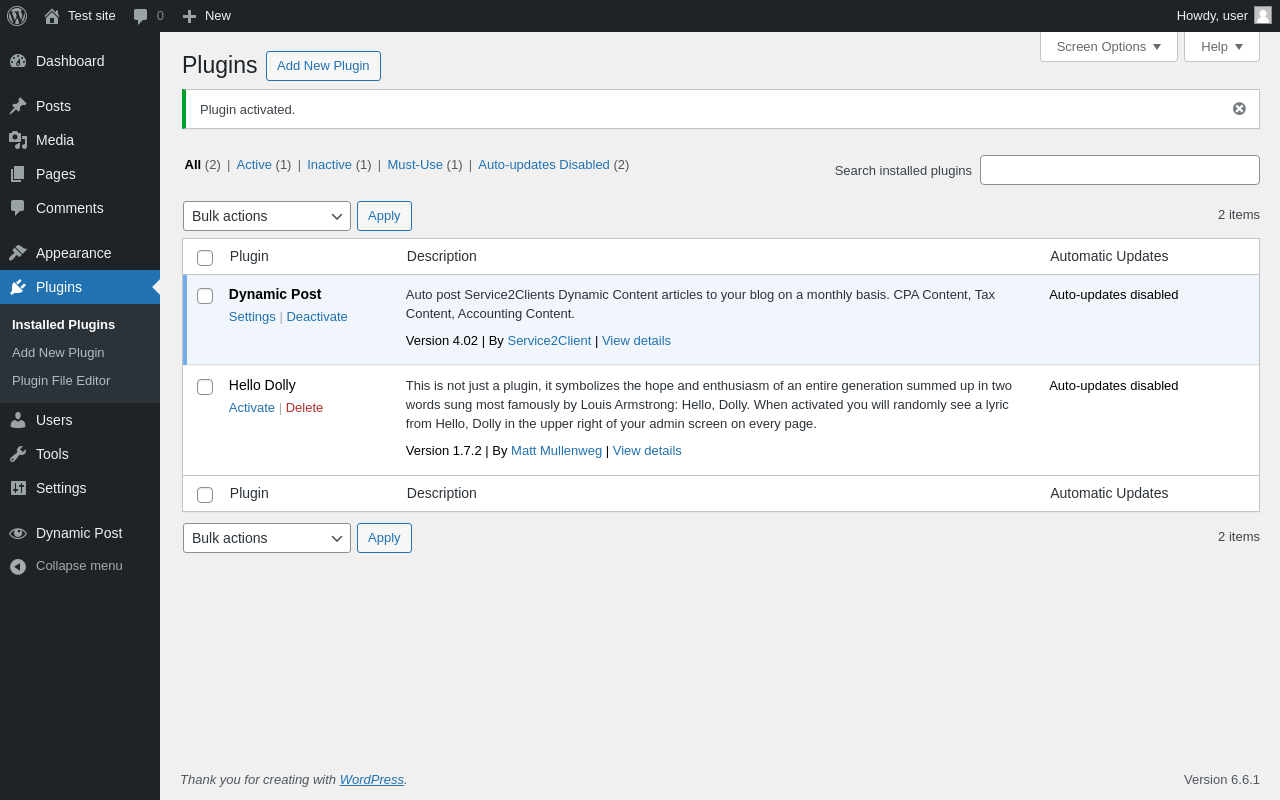
| URL | /wp-admin/plugins.php?plugin_status=all&paged=1&s |
|---|---|
| Requested URL | /wp-admin/plugins.php?action=activate&plugin=dynamic-post%2Fwp_plugin_dynamic_post.php&plugin_status=all&paged=1&s&_wpnonce=5b9b09fb82 |
| Aspect | after-activation |
| HTTP status | 200 |
| Load time | 1.078 s |
| Memory usage | 3.55 MiB |
| JS errors | None |
| Resource errors | None |
Dynamic Post
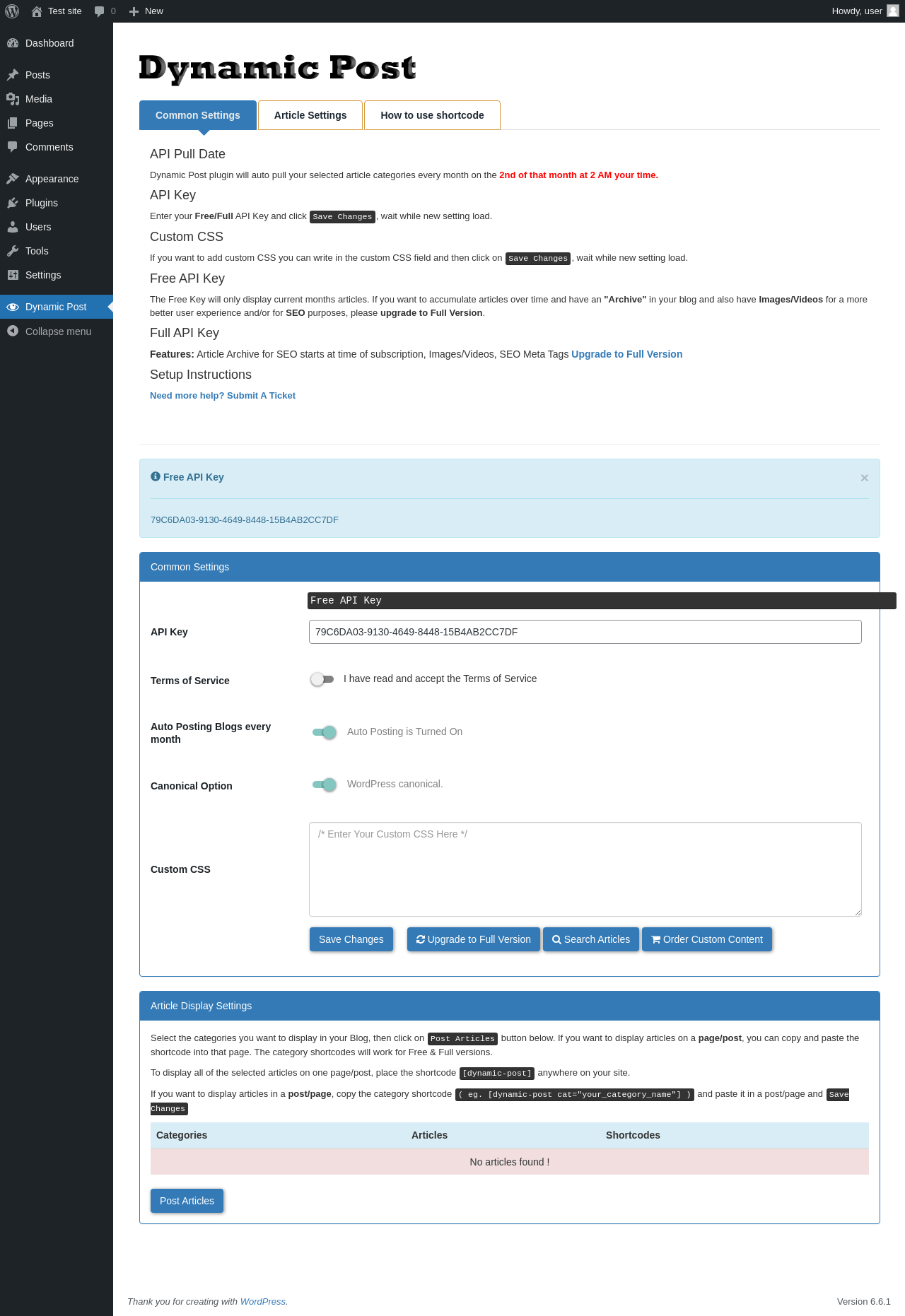
| URL | /wp-admin/admin.php?page=dynamic_post |
|---|---|
| Aspect | menu-item |
| HTTP status | 200 |
| Load time | 1.086 s |
| Memory usage | 3.57 MiB |
| JS errors | None |
| Resource errors | None |
Test site – Just another WordPress site
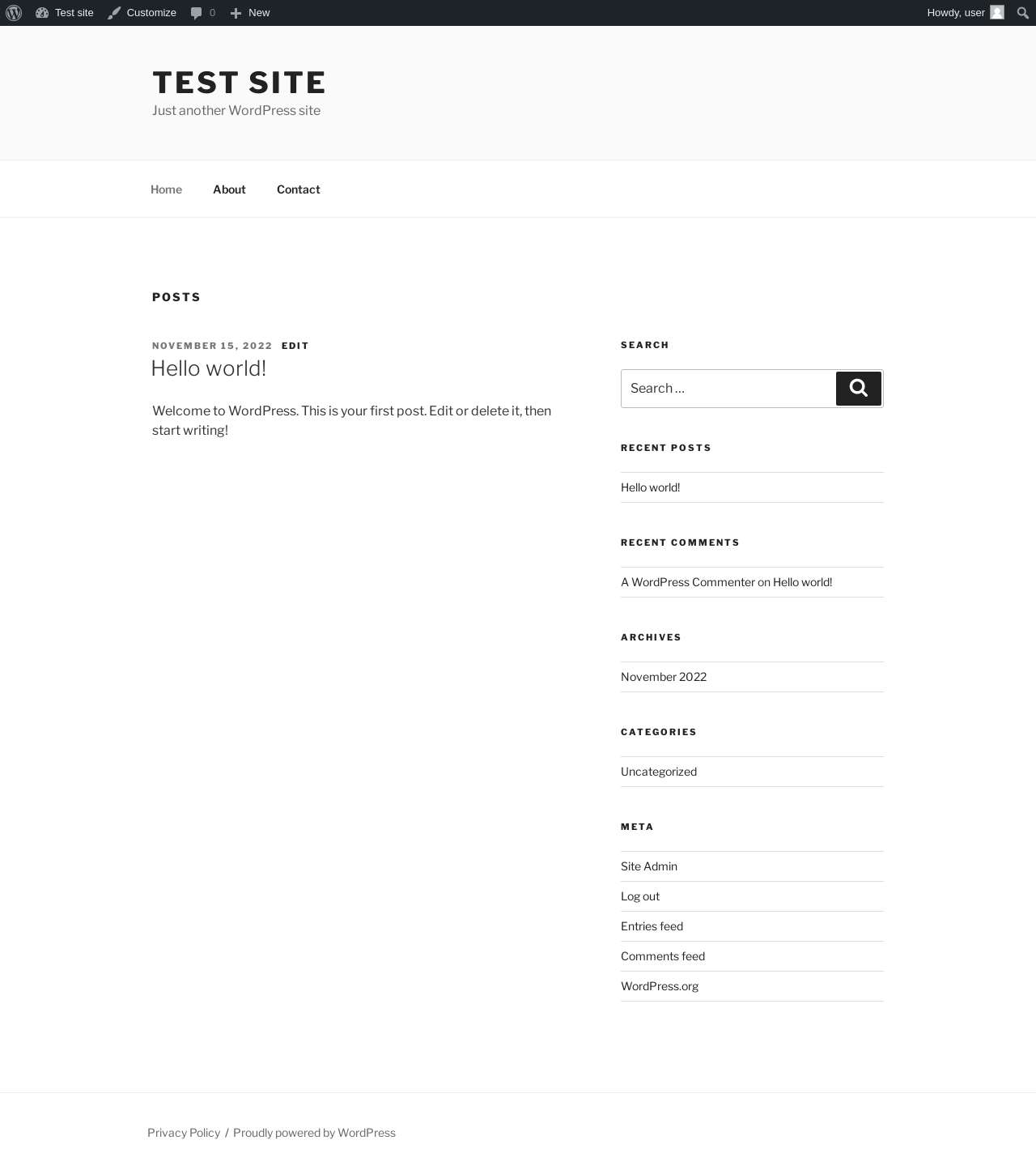
| URL | / |
|---|---|
| Aspect | front-page |
| HTTP status | 200 |
| Load time | 0.906 s |
| Memory usage | 3.45 MiB |
| JS errors | None |
| Resource errors | None |
Benchmark
| URL | Load time | Memory usage | ||||
|---|---|---|---|---|---|---|
| Inactive | Active | Change | Inactive | Active | Change | |
| /wp-admin/index.php | 0.383 s | 0.841 s | +0.458 s | 3.47 MiB | 3.53 MiB | + 61.68 KiB |
| /wp-admin/edit.php | 0.252 s | 0.636 s | +0.384 s | 3.54 MiB | 3.59 MiB | + 58.32 KiB |
| /wp-admin/post-new.php | 0.862 s | 0.992 s | +0.130 s | 5.75 MiB | 5.82 MiB | + 64.94 KiB |
| /wp-admin/upload.php | 0.587 s | 1.010 s | +0.423 s | 3.49 MiB | 3.53 MiB | + 39.93 KiB |
| /wp-admin/options-writing.php | 0.210 s | 0.657 s | +0.447 s | 3.41 MiB | 3.51 MiB | + 102.73 KiB |
| /wp-admin/media-new.php | 0.259 s | 0.703 s | +0.444 s | 3.4 MiB | 3.51 MiB | + 116.12 KiB |
| /wp-admin/edit-tags.php?taxonomy=category | 0.203 s | 0.798 s | +0.595 s | 3.47 MiB | 3.53 MiB | + 62.79 KiB |
| /wp-admin/post-new.php?post_type=page | 0.615 s | 1.098 s | +0.483 s | 5.75 MiB | 5.81 MiB | + 60.52 KiB |
| /wp-admin/options-discussion.php | 0.246 s | 0.634 s | +0.388 s | 3.41 MiB | 3.51 MiB | + 104.42 KiB |
| /wp-admin/edit-comments.php | 0.248 s | 0.662 s | +0.414 s | 3.49 MiB | 3.53 MiB | + 39.92 KiB |
| / | 0.346 s | 0.775 s | +0.429 s | 3.45 MiB | 3.45 MiB | - 2.79 KiB |
| Average | 0.383 s | 0.801 s | +0.418 s | 3.88 MiB | 3.94 MiB | + 64.42 KiB |
Code Statistics
Note: Third-party libraries and minified JS/CSS files are excluded from these statistics where possible, so the numbers you see here may be lower than those reported by other tools.
| Language | % | Lines of code | Comment lines | Files | |
|---|---|---|---|---|---|
| SVG | 49.7% | 2,959 | 0 | 2 | |
| PHP | 39.3% | 2,340 | 266 | 4 | |
| CSS | 11.0% | 652 | 1 | 2 | |
| Total | 5,951 | 267 | 8 | ||
PHP Code Analysis | More results »
| Lines of code | 1,792 |
|---|---|
| Total complexity | 201 |
| Median class complexity | 30.0 |
| Median method complexity | 2.5 |
| Most complex class | Post_Type_Dynamic_Post |
| Most complex function | Post_Type_Dynamic_Post::insert_dynamic_posts() |
| Classes | 3 |
|---|---|
| Methods | 26 |
| Functions | 26 |
Additions
Things that the plugin adds to the site. This section is not intended to be comprehensive. The test tool only looks for a few specific types of added content.
Database Tables 1
- wp_api_status
Options wp_options 5
- auto_up
- canonical_metadata
- feat_ured
- hide_images
- hide_metadata
PHP Error Log
The log file is empty.