Emergency Management 1.1.4
Does Emergency Management work with WordPress 5.5.3 and PHP 7.4.8? A smoke test was performed on .
Summary
Errors
| 2 | PHP warnings |
| No JavaScript exceptions | |
| All test pages loaded successfully | |
| No resource errors |
Performance
Memory usage: 10.85 KiB
The average PHP memory usage increased by this amount after activating by the plugin.
Page speed impact:
insignificant.
The plugin didn't make the site noticeably slower.
Environment
| WordPress version | 5.5.3 |
|---|---|
| PHP version | 7.4.8 |
| MySQL version | 8.0.21 |
| PHP memory limit | 256M |
Plugin Info
| Last updated | |
|---|---|
| Active installs | <10 |
| WordPress.org page | https://wordpress.org/plugins/emergency-management/ |
| Badges |
|


Pages 4
Plugins ‹ Test site — WordPress
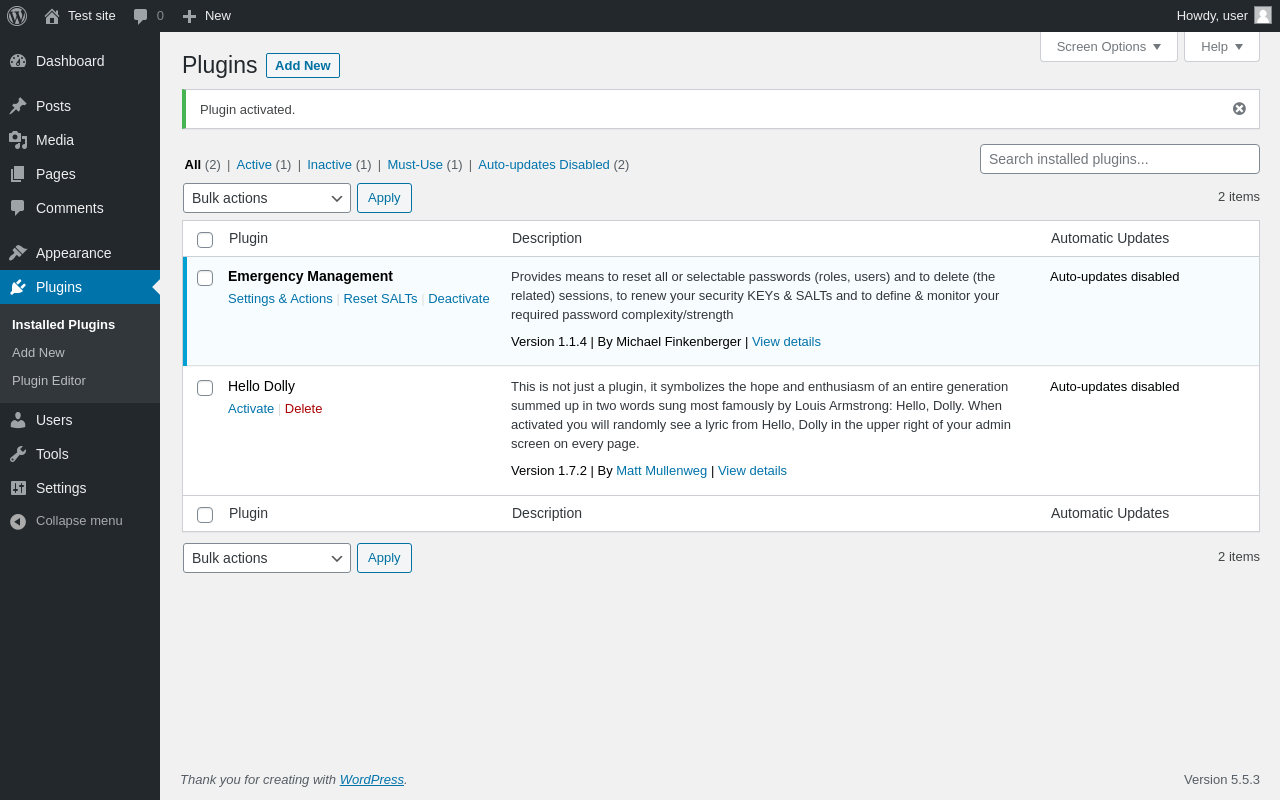
| URL | /wp-admin/plugins.php?plugin_status=all&paged=1&s |
|---|---|
| Requested URL | /wp-admin/plugins.php?action=activate&plugin=emergency-management%2Femergency-management.php&plugin_status=all&paged=1&s&_wpnonce=b1f46d40cd |
| Aspect | after-activation |
| HTTP status | 200 |
| Load time | 0.394 s |
| Memory usage | 2.66 MiB |
| JS errors | None |
| Resource errors | None |
Users → EM – Emergency Management
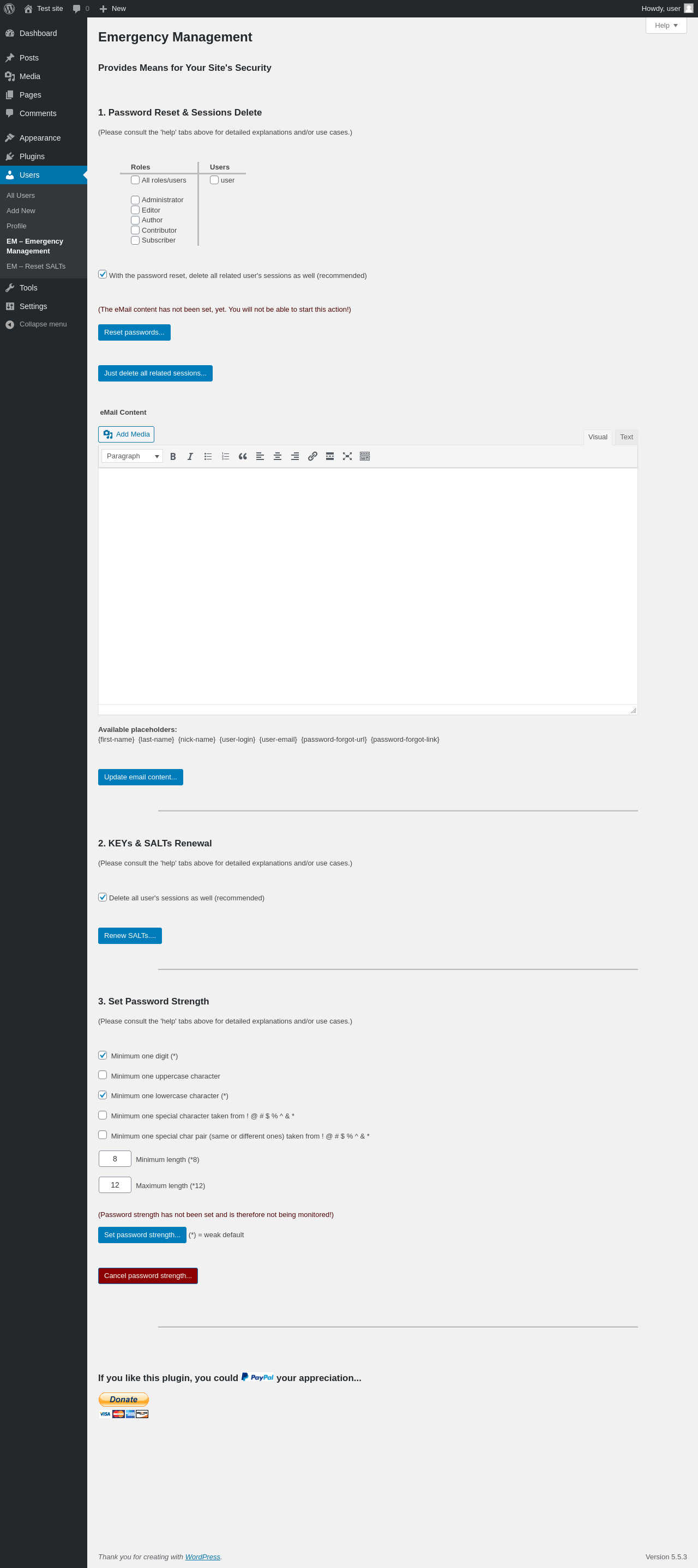
| URL | /wp-admin/users.php?page=mfem_emergency_managemenent_main |
|---|---|
| Aspect | menu-item |
| HTTP status | 200 |
| Load time | 0.899 s |
| Memory usage | 2.69 MiB |
| JS errors | None |
| Resource errors | None |
Users → EM – Reset SALTs
| URL | /wp-admin/users.php?page=mfem_warning_saltsform_handler |
|---|---|
| Aspect | menu-item |
| HTTP status | 200 |
| Load time | 0.139 s |
| Memory usage | N/A |
| JS errors | None |
| Resource errors | None |
Test site – Just another WordPress site
| URL | / |
|---|---|
| Aspect | front-page |
| HTTP status | 200 |
| Load time | 0.200 s |
| Memory usage | 2.53 MiB |
| JS errors | None |
| Resource errors | None |
Benchmark
| URL | Load time | Memory usage | ||||
|---|---|---|---|---|---|---|
| Inactive | Active | Change | Inactive | Active | Change | |
| /wp-admin/index.php | 0.386 s | 0.360 s | -0.026 s | 2.76 MiB | 2.77 MiB | + 18.4 KiB |
| /wp-admin/edit.php | 0.214 s | 0.223 s | +0.009 s | 2.8 MiB | 2.82 MiB | + 18.4 KiB |
| /wp-admin/post-new.php | 1.741 s | 1.455 s | -0.286 s | 4.55 MiB | 4.57 MiB | + 22.76 KiB |
| /wp-admin/upload.php | 0.686 s | 0.400 s | -0.286 s | 2.63 MiB | 2.65 MiB | + 17.3 KiB |
| /wp-admin/options-writing.php | 0.346 s | 0.162 s | -0.184 s | 2.65 MiB | 2.63 MiB | - 14.72 KiB |
| /wp-admin/media-new.php | 0.260 s | 0.303 s | +0.043 s | 2.61 MiB | 2.62 MiB | + 17.48 KiB |
| /wp-admin/edit-tags.php?taxonomy=category | 0.221 s | 0.249 s | +0.028 s | 2.65 MiB | 2.66 MiB | + 18.38 KiB |
| /wp-admin/post-new.php?post_type=page | 1.392 s | 1.562 s | +0.170 s | 4.53 MiB | 4.55 MiB | + 18.34 KiB |
| /wp-admin/options-discussion.php | 0.306 s | 0.261 s | -0.045 s | 2.61 MiB | 2.63 MiB | + 18.1 KiB |
| /wp-admin/edit-comments.php | 0.241 s | 0.219 s | -0.022 s | 2.65 MiB | 2.67 MiB | + 17.29 KiB |
| / | 0.278 s | 0.222 s | -0.056 s | 2.56 MiB | 2.53 MiB | - 32.39 KiB |
| Average | 0.552 s | 0.492 s | -0.060 s | 3 MiB | 3.01 MiB | + 10.85 KiB |
Additions
Things that the plugin adds to the site. This section is not intended to be comprehensive. The test tool only looks for a few specific types of added content.
Options wp_options 2
- mfem_activated
- mfem_admin_notice
PHP Error Log 2 lines
[07-Dec-2020 09:40:37 UTC] PHP Warning:  Cannot modify header information - headers already sent by (output started at /wp-admin/includes/misc.php:1281) in /wp-includes/pluggable.php on line 1296
[07-Dec-2020 09:40:37 UTC] PHP Warning:  Cannot modify header information - headers already sent by (output started at /wp-admin/includes/misc.php:1281) in /wp-includes/pluggable.php on line 1299