Event Monster 1.1.15
Does Event Monster work with WordPress 5.9 and PHP 7.4.8? A smoke test was performed on .
Summary
| 1 | Database errors |
| No JavaScript exceptions | |
| All test pages loaded successfully | |
| No resource errors |
Memory usage: 133.52 KiB
The average PHP memory usage increased by this amount after activating by the plugin.
Page speed impact:
0.056 seconds
The average page load time increased by this amount after activating the plugin.
| WordPress version | 5.9 |
|---|---|
| PHP version | 7.4.8 |
| MySQL version | 8.0.21 |
| PHP memory limit | 256M |
| Last updated | |
|---|---|
| Active installs | 800+ |
| WordPress.org page | https://wordpress.org/plugins/event-monster/ |
| Badges |
|


Pages 9
Plugins ‹ Test site — WordPress
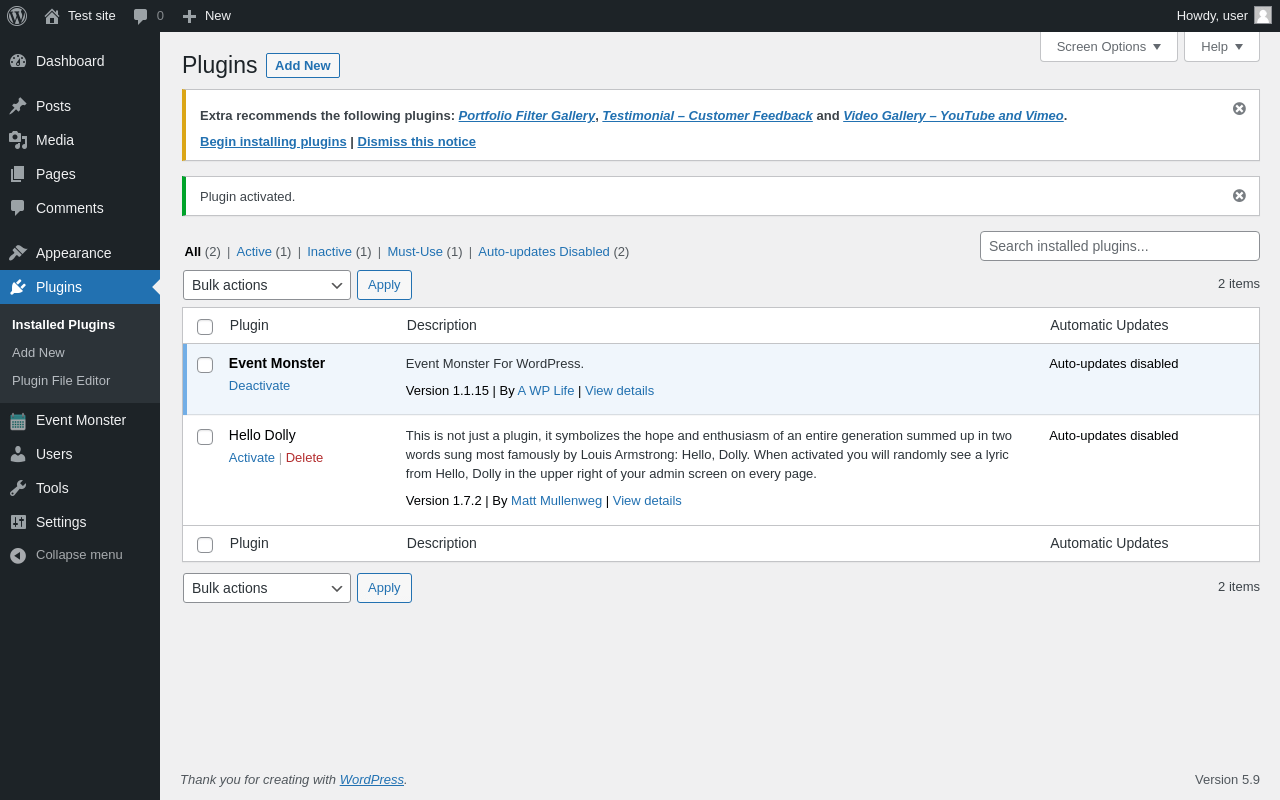
| URL | /wp-admin/plugins.php?plugin_status=all&paged=1&s |
|---|---|
| Requested URL | /wp-admin/plugins.php?action=activate&plugin=event-monster%2Fevent-monster.php&plugin_status=all&paged=1&s&_wpnonce=d38ab9b41e |
| Aspect | after-activation |
| HTTP status | 200 |
| Load time | 0.554 s |
| Memory usage | 3.41 MiB |
| JS errors | None |
| Resource errors | None |
Appearance → Install Plugins
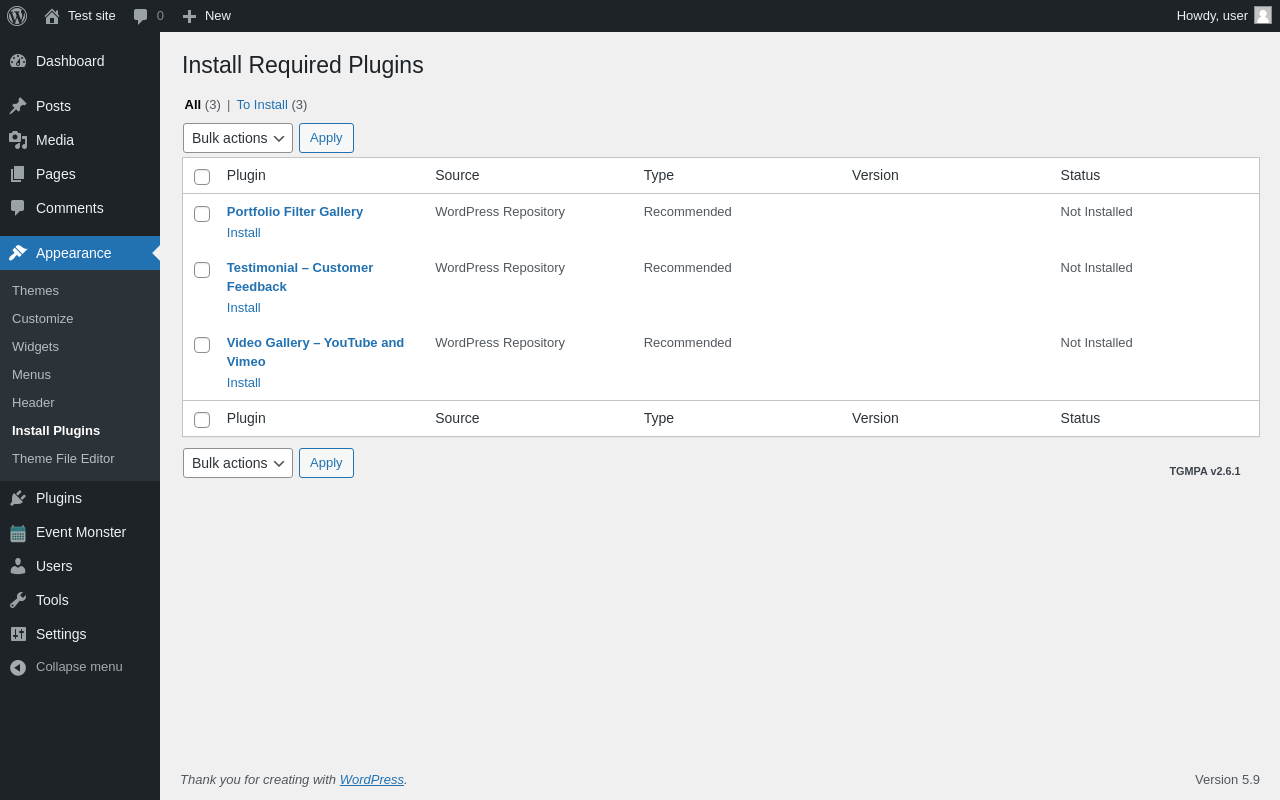
| URL | /wp-admin/themes.php?page=tgmpa-install-plugins |
|---|---|
| Aspect | menu-item |
| HTTP status | 200 |
| Load time | 0.176 s |
| Memory usage | 3.52 MiB |
| JS errors | None |
| Resource errors | None |
Event Monster
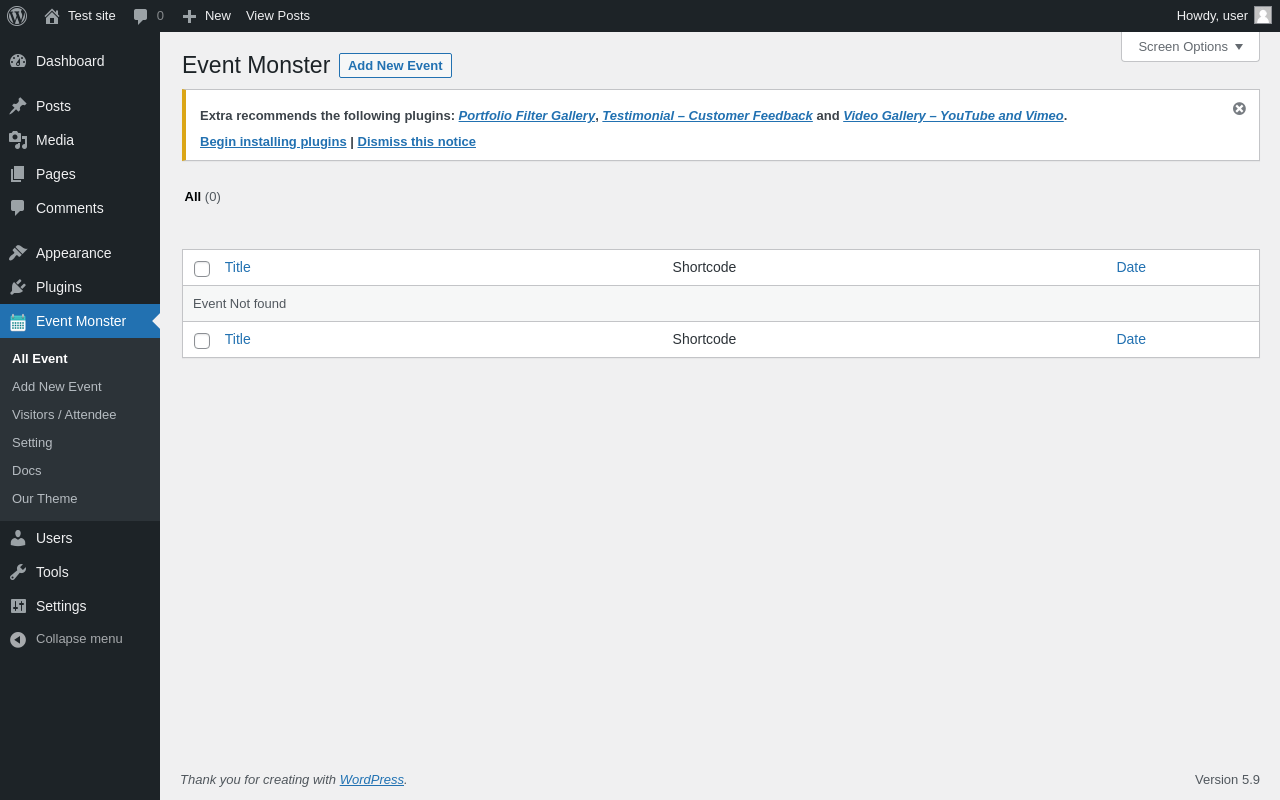
| URL | /wp-admin/edit.php?post_type=awl_event_monster |
|---|---|
| Aspect | menu-item |
| HTTP status | 200 |
| Load time | 0.179 s |
| Memory usage | 3.45 MiB |
| JS errors | None |
| Resource errors | None |
Event Monster → Add New Event
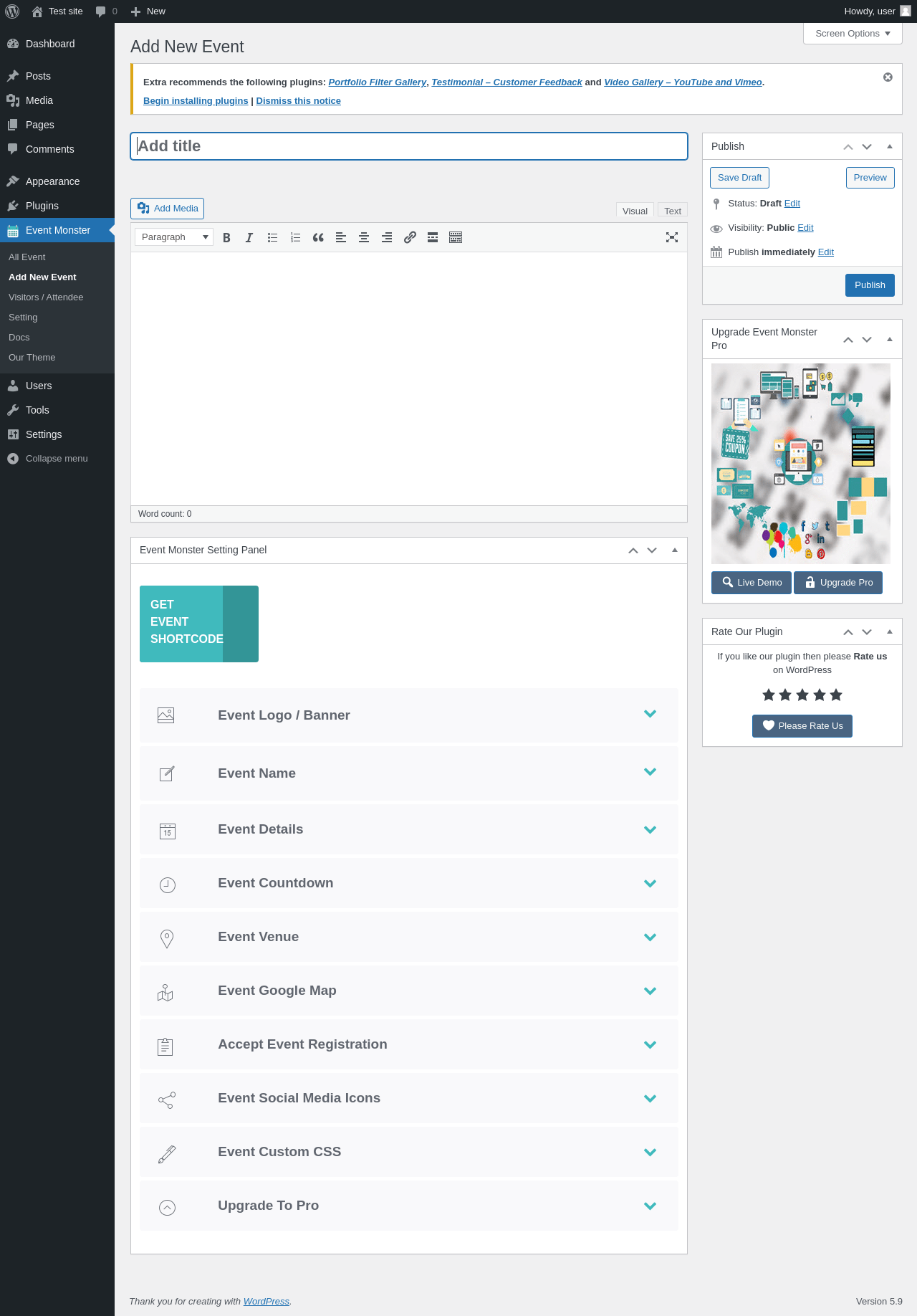
| URL | /wp-admin/post-new.php?post_type=awl_event_monster |
|---|---|
| Aspect | menu-item |
| HTTP status | 200 |
| Load time | 1.970 s |
| Memory usage | 4.04 MiB |
| JS errors | None |
| Resource errors | None |
Event Monster → Visitors / Attendee
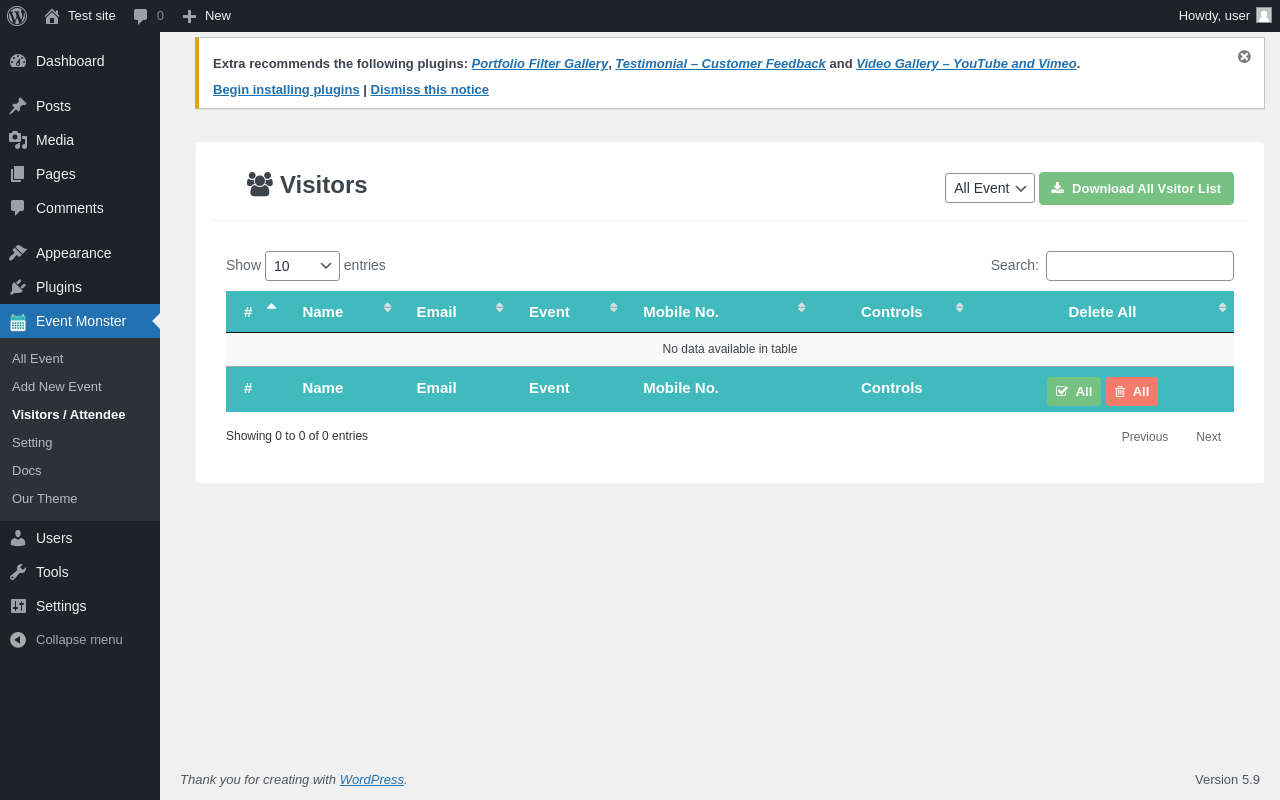
| URL | /wp-admin/edit.php?post_type=awl_event_monster&page=em-visitors-page |
|---|---|
| Aspect | menu-item |
| HTTP status | 200 |
| Load time | 0.351 s |
| Memory usage | 3.49 MiB |
| JS errors | None |
| Resource errors | None |
Event Monster → Setting
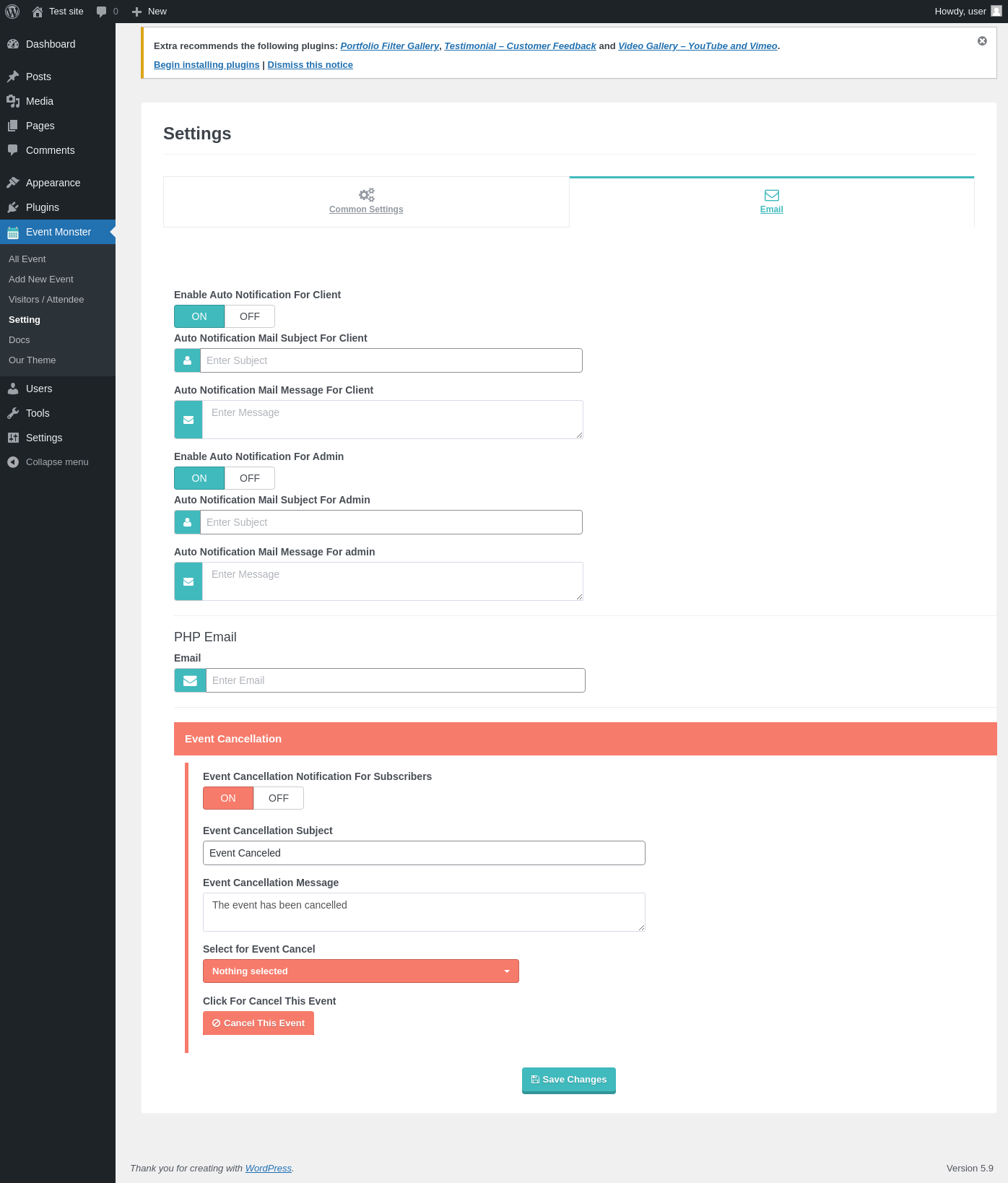
| URL | /wp-admin/edit.php?post_type=awl_event_monster&page=em-setting-page |
|---|---|
| Aspect | menu-item |
| HTTP status | 200 |
| Load time | 0.423 s |
| Memory usage | 3.66 MiB |
| JS errors | None |
| Resource errors | None |
Event Monster → Docs
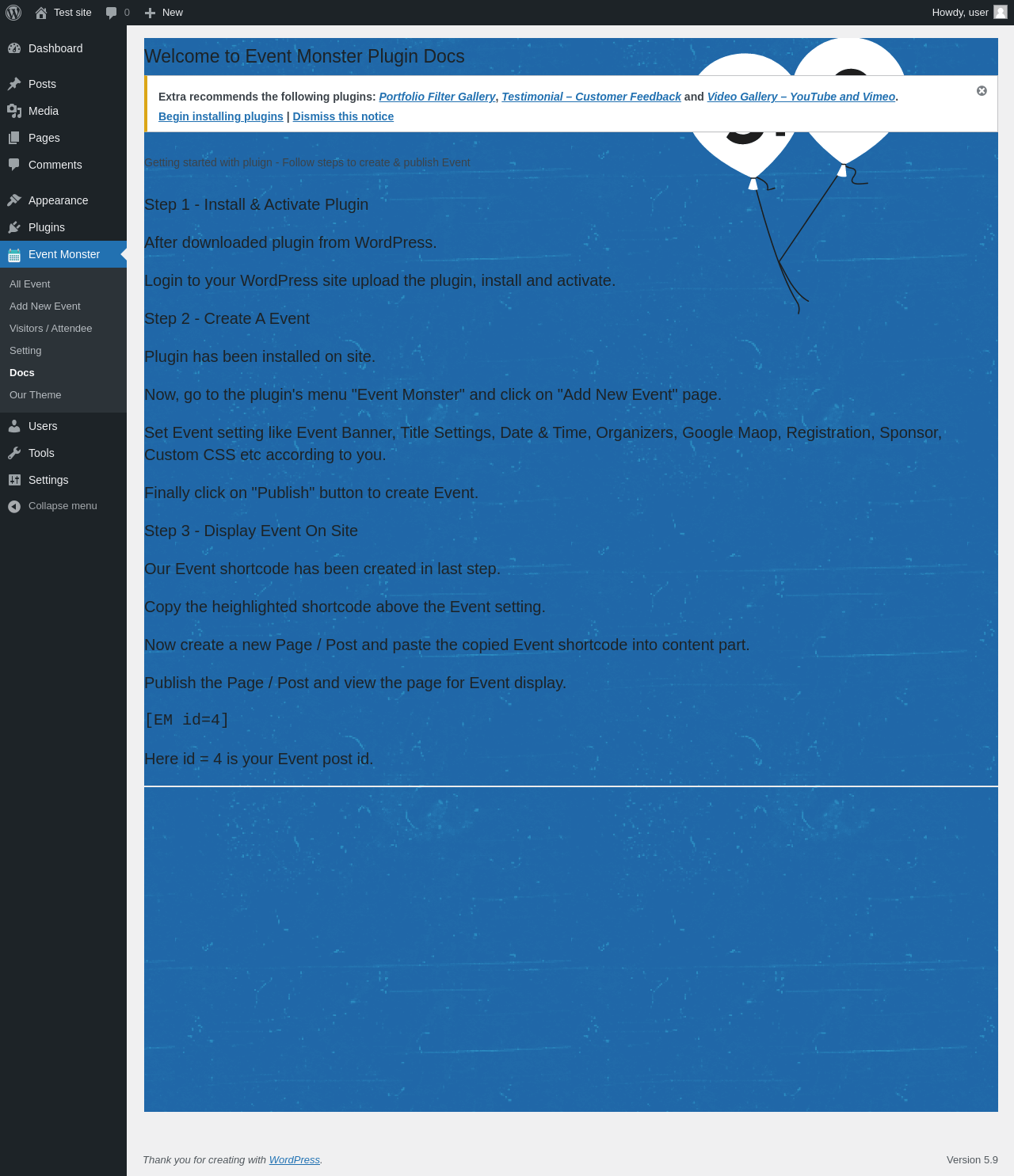
| URL | /wp-admin/edit.php?post_type=awl_event_monster&page=sr-doc-page |
|---|---|
| Aspect | menu-item |
| HTTP status | 200 |
| Load time | 0.220 s |
| Memory usage | 3.4 MiB |
| JS errors | None |
| Resource errors | None |
Event Monster → Our Theme
| URL | /wp-admin/edit.php?post_type=awl_event_monster&page=sr-theme-page |
|---|---|
| Aspect | menu-item |
| HTTP status | 200 |
| Load time | 0.361 s |
| Memory usage | 3.41 MiB |
| JS errors | None |
| Resource errors | None |
Test site – Just another WordPress site
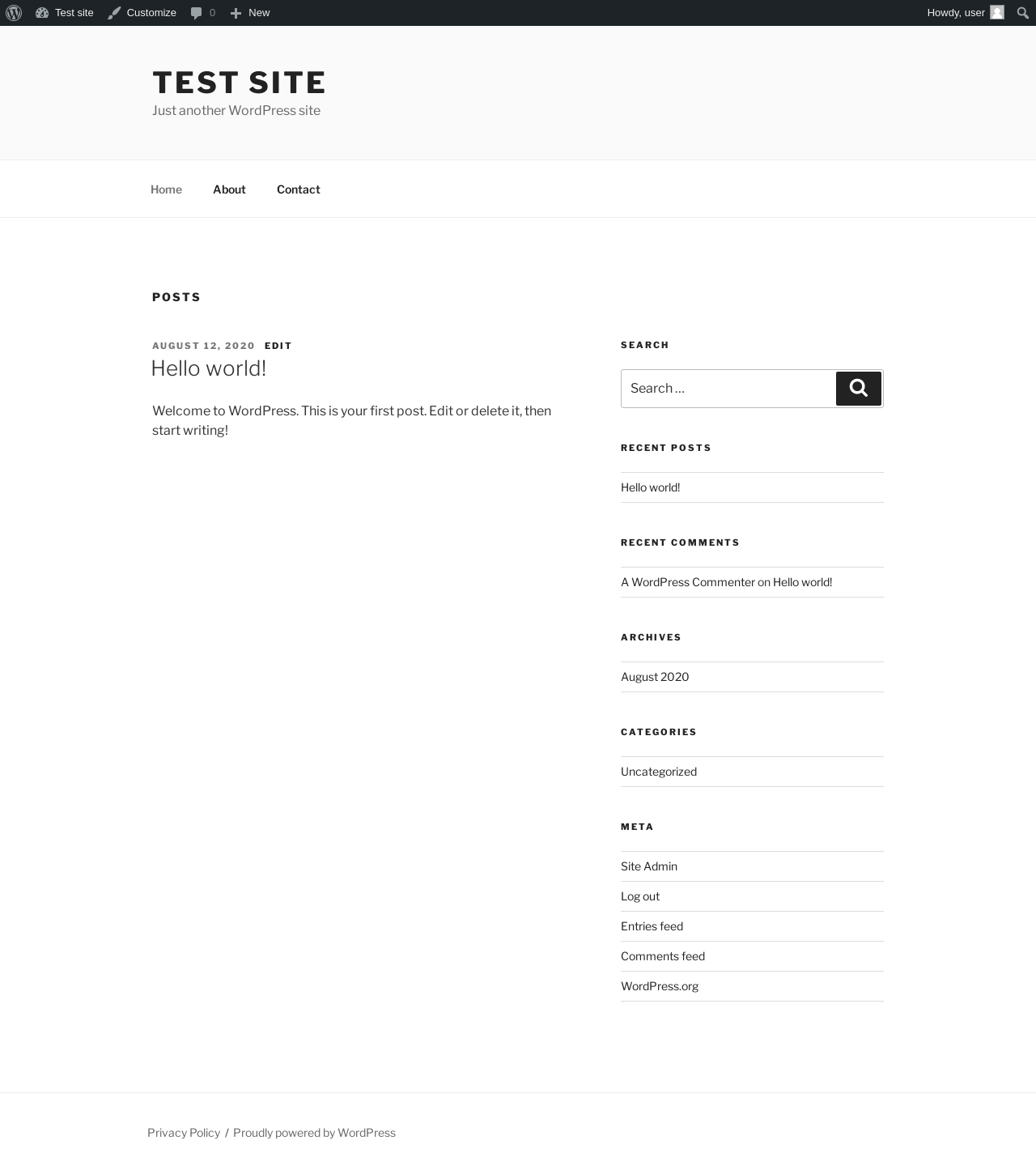
| URL | / |
|---|---|
| Aspect | front-page |
| HTTP status | 200 |
| Load time | 0.247 s |
| Memory usage | 3.42 MiB |
| JS errors | None |
| Resource errors | None |
Benchmark
| URL | Load time | Memory usage | ||||
|---|---|---|---|---|---|---|
| Inactive | Active | Change | Inactive | Active | Change | |
| /wp-admin/index.php | 0.328 s | 0.593 s | +0.265 s | 3.36 MiB | 3.46 MiB | + 96.66 KiB |
| /wp-admin/edit.php | 0.185 s | 0.326 s | +0.141 s | 3.39 MiB | 3.55 MiB | + 161.41 KiB |
| /wp-admin/post-new.php | 0.989 s | 1.257 s | +0.268 s | 6.14 MiB | 6.24 MiB | + 101.7 KiB |
| /wp-admin/upload.php | 0.362 s | 0.367 s | +0.005 s | 3.24 MiB | 3.41 MiB | + 168.73 KiB |
| /wp-admin/options-writing.php | 0.271 s | 0.150 s | -0.121 s | 3.24 MiB | 3.39 MiB | + 153.54 KiB |
| /wp-admin/media-new.php | 0.255 s | 0.205 s | -0.050 s | 3.22 MiB | 3.38 MiB | + 168.9 KiB |
| /wp-admin/edit-tags.php?taxonomy=category | 0.172 s | 0.202 s | +0.030 s | 3.25 MiB | 3.42 MiB | + 169.6 KiB |
| /wp-admin/post-new.php?post_type=page | 0.914 s | 0.894 s | -0.020 s | 6.14 MiB | 6.24 MiB | + 97.29 KiB |
| /wp-admin/options-discussion.php | 0.213 s | 0.365 s | +0.152 s | 3.22 MiB | 3.38 MiB | + 170.17 KiB |
| /wp-admin/edit-comments.php | 0.208 s | 0.228 s | +0.020 s | 3.26 MiB | 3.42 MiB | + 159.88 KiB |
| / | 0.282 s | 0.207 s | -0.075 s | 3.4 MiB | 3.42 MiB | + 20.85 KiB |
| Average | 0.380 s | 0.436 s | +0.056 s | 3.81 MiB | 3.94 MiB | + 133.52 KiB |
Code Statistics
Note: Third-party libraries and minified JS/CSS files are excluded from these statistics where possible, so the numbers you see here may be lower than those reported by other tools.
| Language | % | Lines of code | Comment lines | Files | |
|---|---|---|---|---|---|
| CSS | 54.6% | 15,204 | 1,868 | 14 | |
| PHP | 26.1% | 7,280 | 1,818 | 14 | |
| SVG | 14.0% | 3,907 | 0 | 7 | |
| JavaScript | 4.1% | 1,139 | 60 | 14 | |
| PO File | 1.2% | 337 | 185 | 1 | |
| Total | 27,867 | 3,931 | 50 | ||
PHP Code Analysis | More results »
| Lines of code | 2,510 |
|---|---|
| Total complexity | 504 |
| Median class complexity | 18.0 |
| Median method complexity | 2.0 |
| Most complex class | TGM_Plugin_Activation |
| Most complex function | em_shortcode() |
| Classes | 8 |
|---|---|
| Methods | 120 |
| Functions | 8 |
Additions
Things that the plugin adds to the site. This section is not intended to be comprehensive. The test tool only looks for a few specific types of added content.
Database Tables 3
- wp_em_attendees
- wp_em_bookings
- wp_em_tickets
Options wp_options 1
- awl_em_common_settings
Custom Post Types 1
| ID | Name |
|---|---|
| awl_event_monster | Event Monster |
Meta Boxes
{
    "awl_event_monster": {
        "Event Monster Setting Panel": {
            "title": "Event Monster Setting Panel",
            "context": "normal"
        },
        "Upgrade Event Monster Pro": {
            "title": "Upgrade Event Monster Pro",
            "context": "side"
        },
        "Rate Our Plugin": {
            "title": "Rate Our Plugin",
            "context": "side"
        }
    }
}
PHP Error Log 1 lines
[28-Jan-2022 07:49:36 UTC] WordPress database error Duplicate column name 'ticket_id' for query ALTER TABLE `wp_em_attendees` ADD `ticket_id` TEXT NOT NULL AFTER `event_id`; made by activate_plugin, do_action('activate_event-monster/event-monster.php'), WP_Hook->do_action, WP_Hook->apply_filters, awl_em_tables_create