EWWW Image Optimizer 7.8.0
Does EWWW Image Optimizer work with WordPress 6.6.2 and PHP 8.1.12? A smoke test was performed on .
Summary
| No PHP errors, warnings or notices | |
| 1 | JavaScript exceptions |
| All test pages loaded successfully | |
| No resource errors |
Memory usage: 423.88 KiB
The average PHP memory usage increased by this amount after activating by the plugin.
Page speed impact:
insignificant.
The plugin didn't make the site noticeably slower.
| WordPress version | 6.6.2 |
|---|---|
| PHP version | 8.1.12 |
| MySQL version | 10.6.10 |
| PHP memory limit | 512M |
| Last updated | |
|---|---|
| Active installs | 1,000,000+ |
| WordPress.org page | https://wordpress.org/plugins/ewww-image-optimizer/ |
| Badges |
|


Pages 5
Plugins ‹ Test site — WordPress
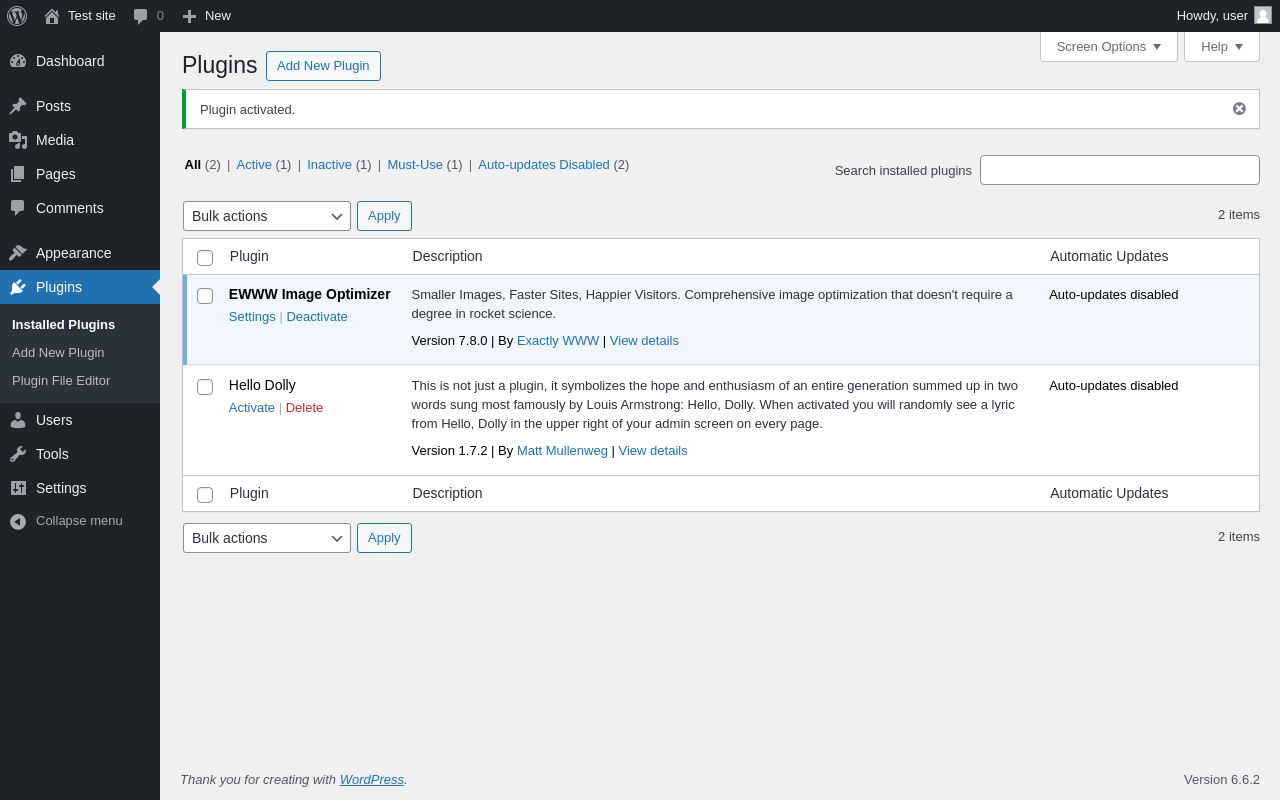
| URL | /wp-admin/plugins.php?plugin_status=all&paged=1&s |
|---|---|
| Requested URL | /wp-admin/plugins.php?action=activate&plugin=ewww-image-optimizer%2Fewww-image-optimizer.php&plugin_status=all&paged=1&s&_wpnonce=42d8da2243 |
| Aspect | after-activation |
| HTTP status | 200 |
| Load time | 0.526 s |
| Memory usage | 4.39 MiB |
| JS errors | None |
| Resource errors | None |
Media → Bulk Optimize
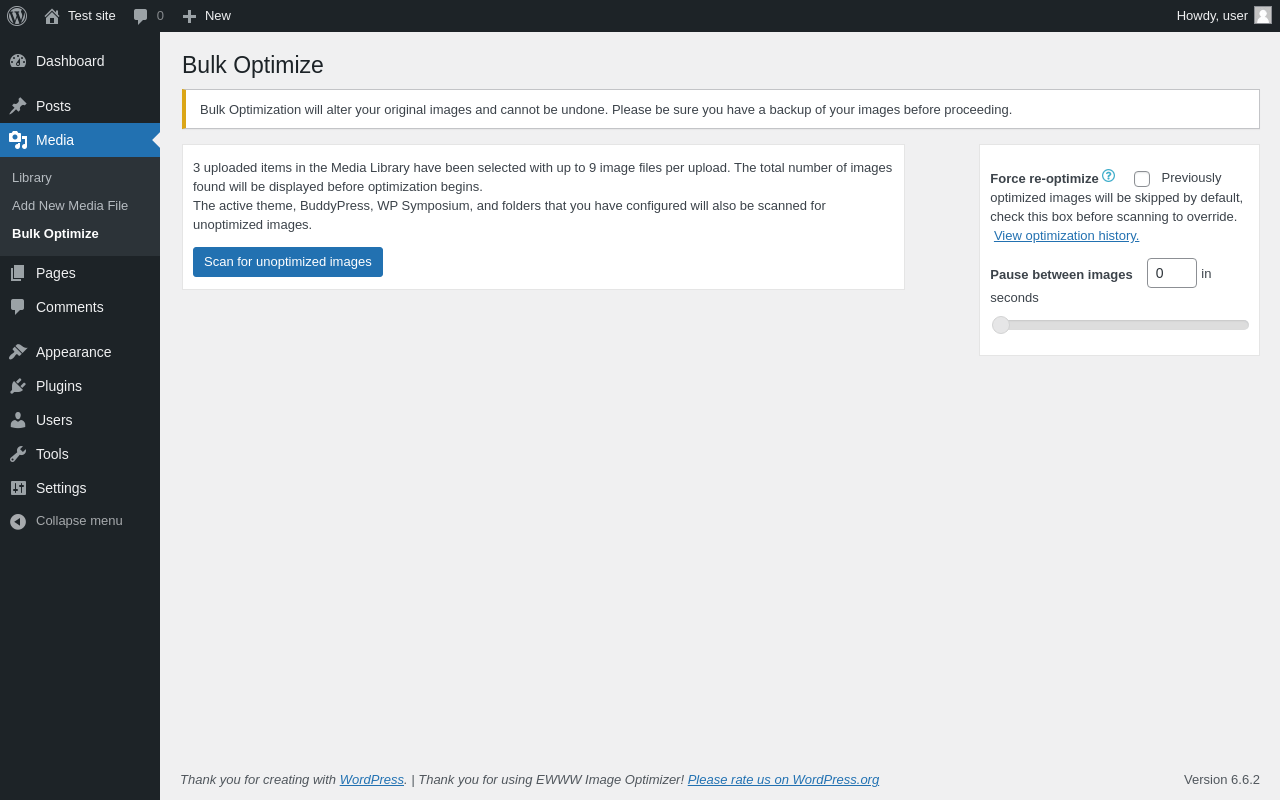
| URL | /wp-admin/upload.php?page=ewww-image-optimizer-bulk |
|---|---|
| Aspect | menu-item |
| HTTP status | 200 |
| Load time | 0.481 s |
| Memory usage | 3.91 MiB |
| JS errors | |
| Resource errors | None |
Tools → EWWW Image Optimizer
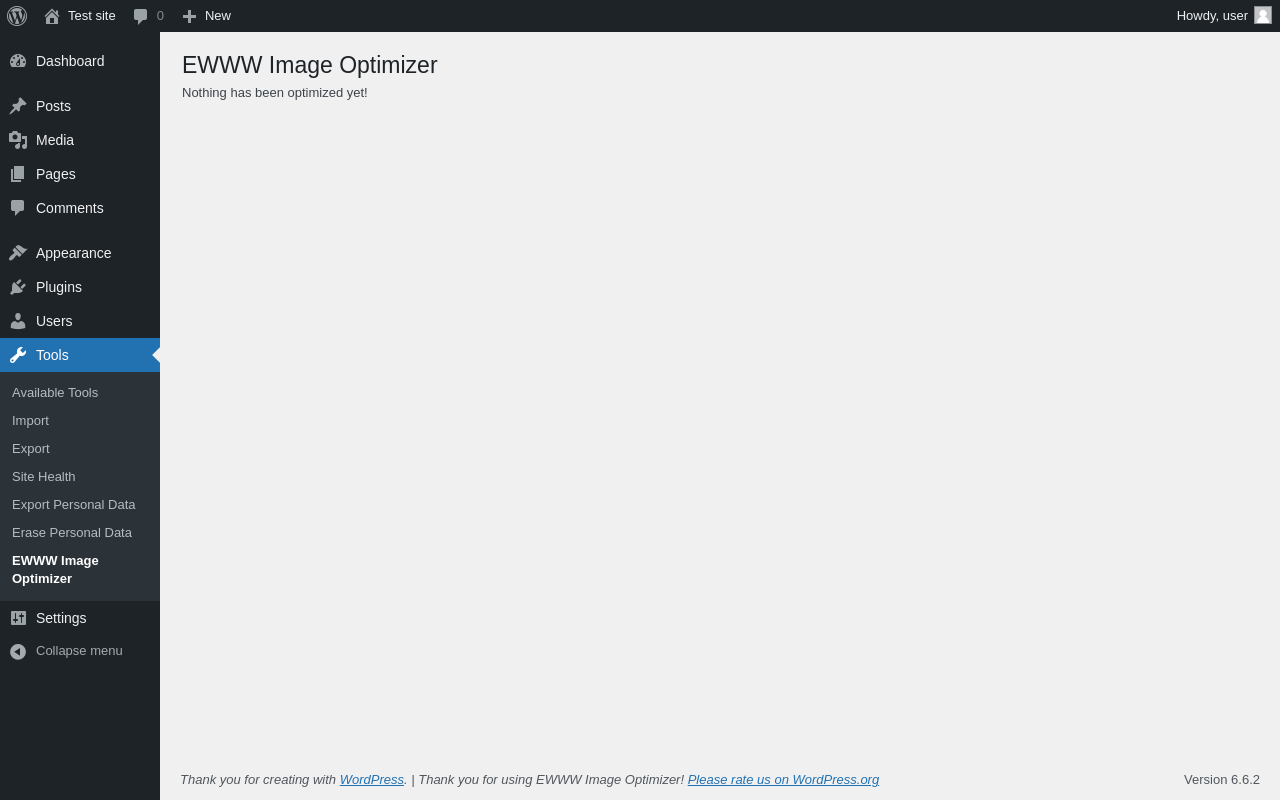
| URL | /wp-admin/tools.php?page=ewww-image-optimizer-tools |
|---|---|
| Aspect | menu-item |
| HTTP status | 200 |
| Load time | 0.205 s |
| Memory usage | 3.88 MiB |
| JS errors | None |
| Resource errors | None |
Settings → EWWW Image Optimizer
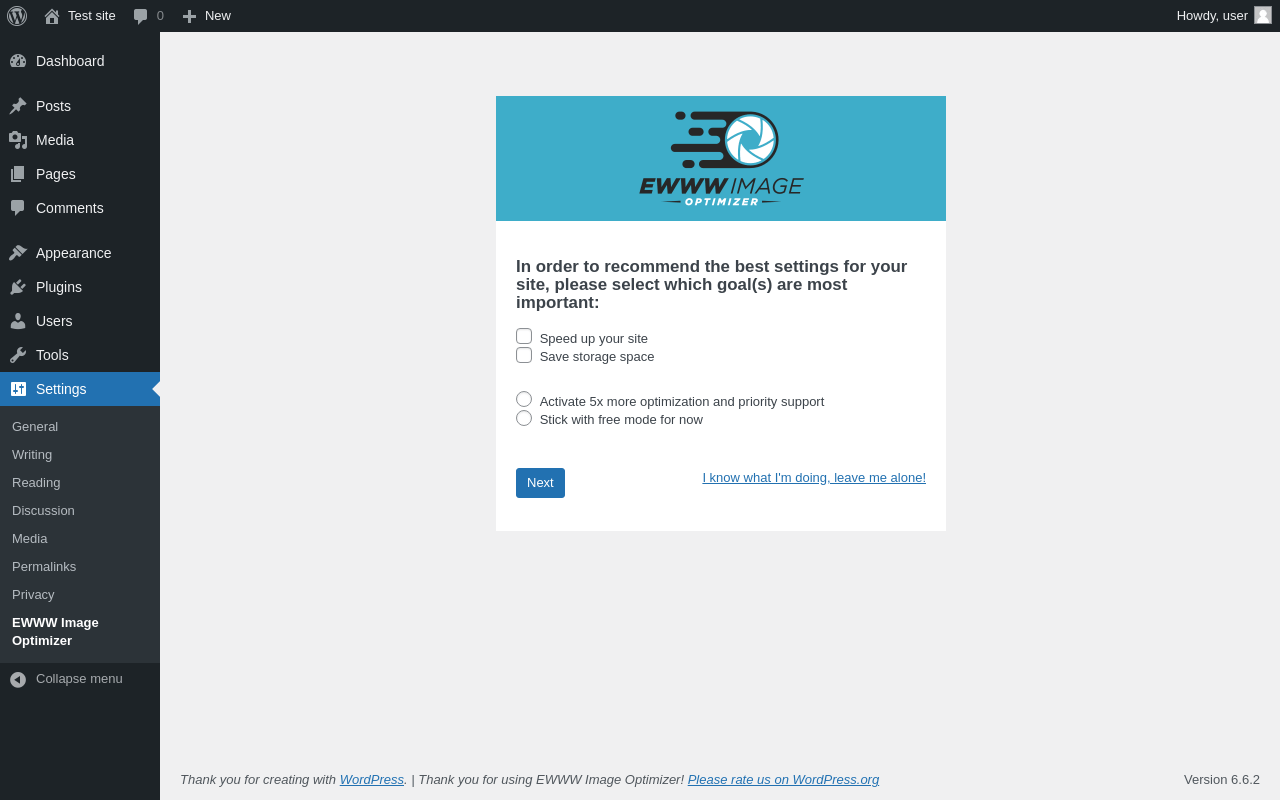
| URL | /wp-admin/options-general.php?page=ewww-image-optimizer-options |
|---|---|
| Aspect | menu-item |
| HTTP status | 200 |
| Load time | 0.320 s |
| Memory usage | 3.9 MiB |
| JS errors | None |
| Resource errors | None |
Test site – Just another WordPress site
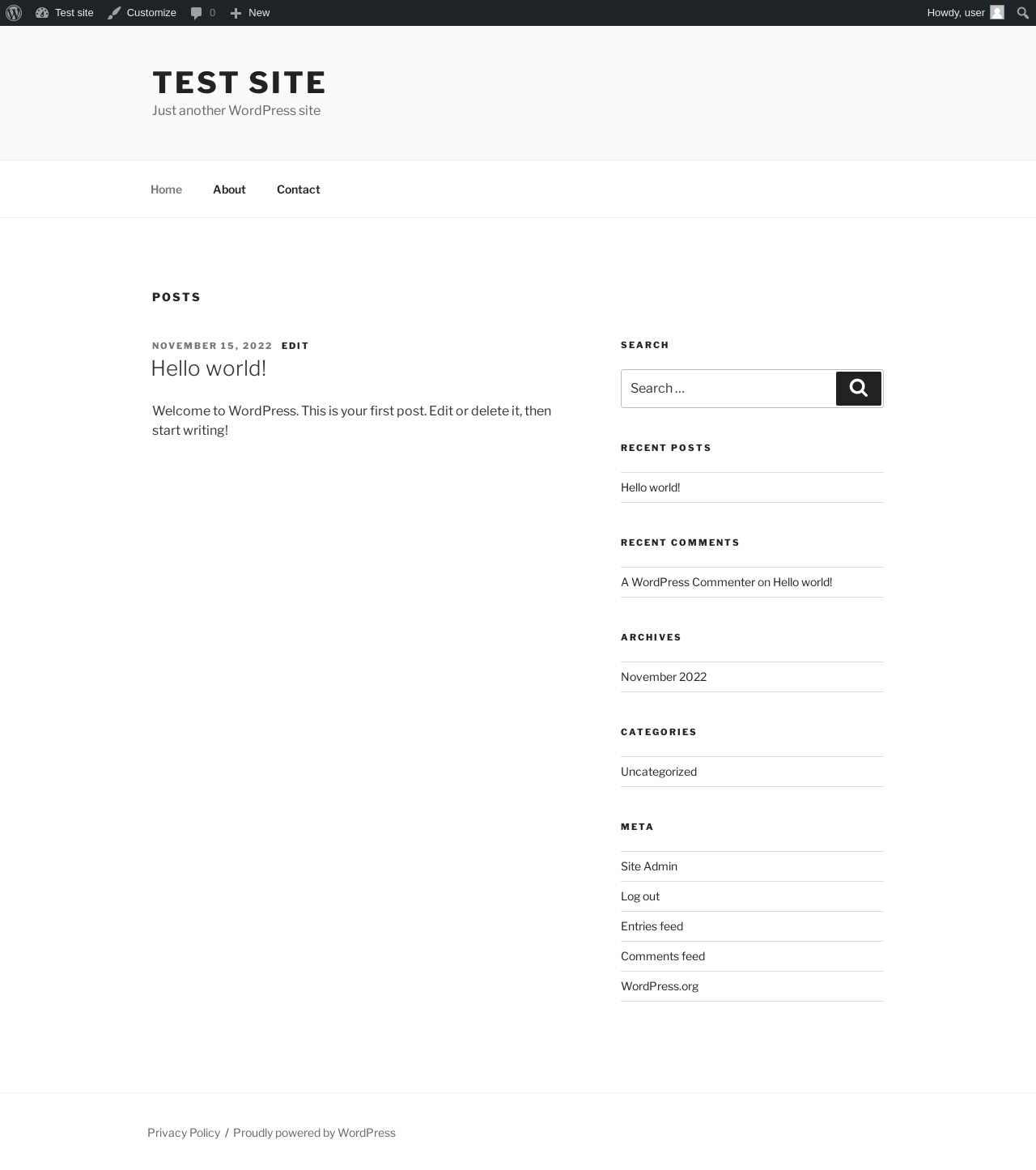
| URL | / |
|---|---|
| Aspect | front-page |
| HTTP status | 200 |
| Load time | 0.244 s |
| Memory usage | 3.68 MiB |
| JS errors | None |
| Resource errors | None |
Benchmark
| URL | Load time | Memory usage | ||||
|---|---|---|---|---|---|---|
| Inactive | Active | Change | Inactive | Active | Change | |
| /wp-admin/index.php | 0.372 s | 0.314 s | -0.058 s | 3.47 MiB | 3.89 MiB | + 425.64 KiB |
| /wp-admin/edit.php | 0.317 s | 0.232 s | -0.085 s | 3.54 MiB | 3.98 MiB | + 448.62 KiB |
| /wp-admin/post-new.php | 0.850 s | 0.669 s | -0.181 s | 5.75 MiB | 6.18 MiB | + 441.2 KiB |
| /wp-admin/upload.php | 0.642 s | 0.623 s | -0.019 s | 3.49 MiB | 3.89 MiB | + 411.64 KiB |
| /wp-admin/options-writing.php | 0.221 s | 0.221 s | +0.000 s | 3.41 MiB | 3.87 MiB | + 471.28 KiB |
| /wp-admin/media-new.php | 0.311 s | 0.256 s | -0.055 s | 3.4 MiB | 3.87 MiB | + 484.66 KiB |
| /wp-admin/edit-tags.php?taxonomy=category | 0.210 s | 0.225 s | +0.015 s | 3.47 MiB | 3.89 MiB | + 431.34 KiB |
| /wp-admin/post-new.php?post_type=page | 0.638 s | 0.631 s | -0.007 s | 5.75 MiB | 6.17 MiB | + 430.55 KiB |
| /wp-admin/options-discussion.php | 0.265 s | 0.393 s | +0.128 s | 3.41 MiB | 3.87 MiB | + 472.97 KiB |
| /wp-admin/edit-comments.php | 0.269 s | 0.243 s | -0.026 s | 3.49 MiB | 3.89 MiB | + 408.47 KiB |
| / | 0.396 s | 0.224 s | -0.172 s | 3.45 MiB | 3.68 MiB | + 236.27 KiB |
| Average | 0.408 s | 0.366 s | -0.042 s | 3.88 MiB | 4.29 MiB | + 423.88 KiB |
Code Statistics
Note: Third-party libraries and minified JS/CSS files are excluded from these statistics where possible, so the numbers you see here may be lower than those reported by other tools.
| Language | % | Lines of code | Comment lines | Files | |
|---|---|---|---|---|---|
| PHP | 86.7% | 33,861 | 9,743 | 50 | |
| JavaScript | 12.8% | 5,002 | 135 | 19 | |
| Bourne Shell | 0.3% | 99 | 7 | 1 | |
| XML | 0.1% | 49 | 1 | 2 | |
| YAML | 0.1% | 43 | 0 | 1 | |
| Markdown | 0.0% | 18 | 0 | 1 | |
| JSON | 0.0% | 5 | 0 | 1 | |
| Total | 39,077 | 9,886 | 75 | ||
PHP Code Analysis | More results »
| Lines of code | 33,879 |
|---|---|
| Total complexity | 9,525 |
| Median class complexity | 54.0 |
| Median method complexity | 4.0 |
| Most complex class | EWWW\ExactDN |
| Most complex function | ewww_image_optimizer_options() |
| Classes | 41 |
|---|---|
| Methods | 531 |
| Functions | 401 |
Additions
Things that the plugin adds to the site. This section is not intended to be comprehensive. The test tool only looks for a few specific types of added content.
Database Tables 2
- wp_ewwwio_images
- wp_ewwwio_queue
Options wp_options 46
- ewww_image_optimizer_add_missing_dims
- ewww_image_optimizer_aux_resume
- ewww_image_optimizer_background_optimization
- ewww_image_optimizer_backup_files
- ewww_image_optimizer_bulk_resume
- ewww_image_optimizer_debug
- ewww_image_optimizer_disable_editor
- ewww_image_optimizer_disable_pngout
- ewww_image_optimizer_disable_svgcleaner
- ewww_image_optimizer_exactdn
- ewww_image_optimizer_exactdn_plan_id
- ewww_image_optimizer_flag_attachments
- ewww_image_optimizer_force_gif2webp
- ewww_image_optimizer_gif_level
- ewww_image_optimizer_jpg_level
- ewww_image_optimizer_jpg_quality
- ewww_image_optimizer_lazy_load
- ewww_image_optimizer_ll_all_things
- ewww_image_optimizer_ll_autoscale
- ewww_image_optimizer_ll_exclude
- ewww_image_optimizer_metadata_remove
- ewww_image_optimizer_ngg_attachments
- ewww_image_optimizer_noauto
- ewww_image_optimizer_optipng_level
- ewww_image_optimizer_pdf_level
- ewww_image_optimizer_picture_webp
- ewww_image_optimizer_png_level
- ewww_image_optimizer_pngout_level
- ewww_image_optimizer_relative_migration_status
- ewww_image_optimizer_resize_existing
- ewww_image_optimizer_review_time
- ewww_image_optimizer_svg_level
- ewww_image_optimizer_use_dcip
- ewww_image_optimizer_use_lqip
- ewww_image_optimizer_use_siip
- ewww_image_optimizer_version
- ewww_image_optimizer_webp_for_cdn
- ewww_image_optimizer_webp_quality
- ewww_image_optimizer_webp_rewrite_exclude
- exactdn_all_the_things
- exactdn_asset_domains
- exactdn_exclude
- exactdn_lossy
- exactdn_never_been_active
- exactdn_prevent_db_queries
- exactdn_sub_folder
PHP Error Log
The log file is empty.