FluentCRM - Marketing Automation For WordPress 3.0.0
Does "FluentCRM - Marketing Automation For WordPress" work with WordPress 6.9.4 and PHP 8.1.12? A smoke test was performed on .
Summary
| 1 | PHP fatal errors |
| No JavaScript exceptions | |
| 1 | Page failed to load
|
| No resource errors |
Memory usage: 1.01 MiB
The average PHP memory usage increased by this amount after activating by the plugin.
Page speed impact:
insignificant.
The plugin didn't make the site noticeably slower.
| WordPress version | 6.9.4 |
|---|---|
| PHP version | 8.1.12 |
| MySQL version | 10.6.10 |
| PHP memory limit | 512M |
| Last updated | |
|---|---|
| Active installs | 70,000+ |
| WordPress.org page | https://wordpress.org/plugins/fluent-crm/ |
| Badges |
|


Pages 4
Plugins ‹ Test site — WordPress
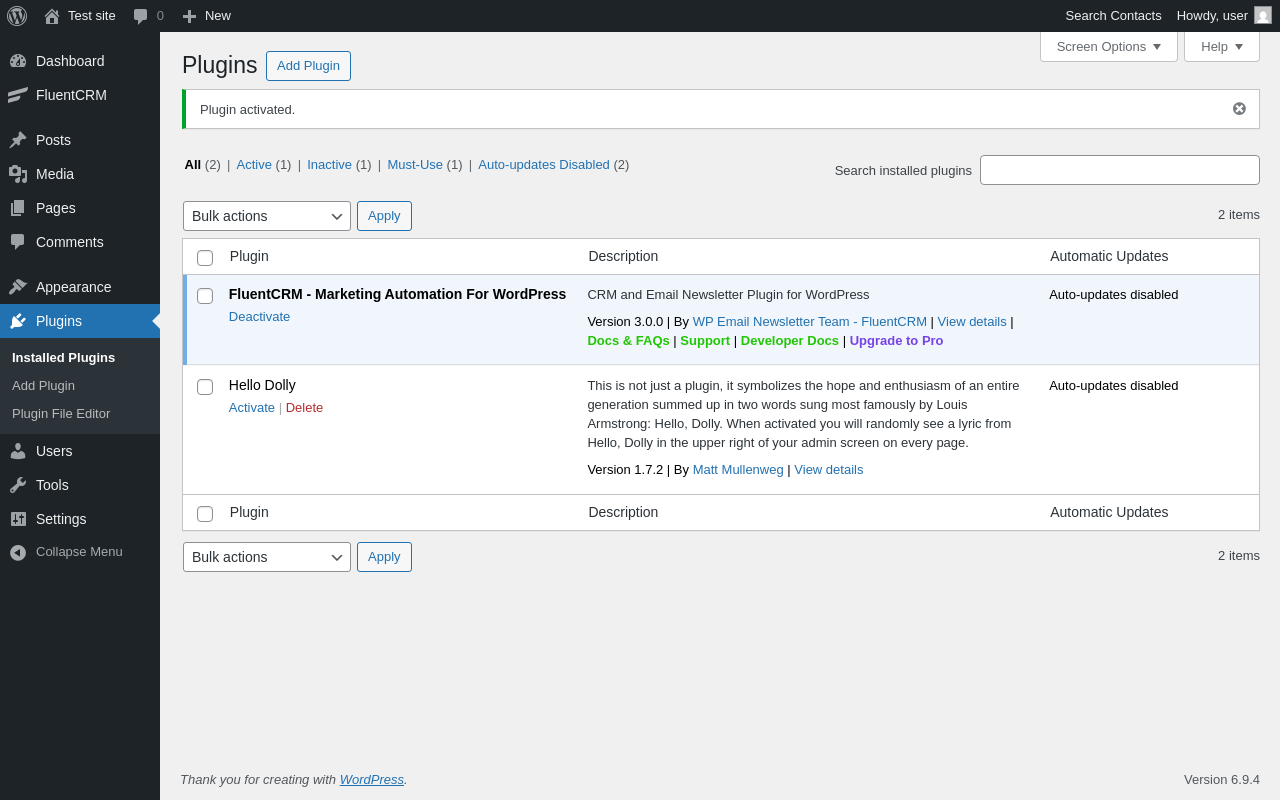
| URL | /wp-admin/plugins.php?plugin_status=all&paged=1&s |
|---|---|
| Requested URL | /wp-admin/plugins.php?action=activate&plugin=fluent-crm%2Ffluent-crm.php&plugin_status=all&paged=1&s&_wpnonce=486fd9f41b |
| Aspect | after-activation |
| HTTP status | 200 |
| Load time | 1.815 s |
| Memory usage | 4.49 MiB |
| JS errors | None |
| Resource errors | None |
FluentCRM

| URL | /wp-admin/index.php?page=fluentcrm-setup |
|---|---|
| Requested URL | /wp-admin/admin.php?page=fluentcrm-admin |
| Aspect | menu-item |
| HTTP status | 500 |
| Load time | 0.186 s |
| Memory usage | N/A |
| JS errors | None |
| Resource errors | None |
Tools → Scheduled Actions
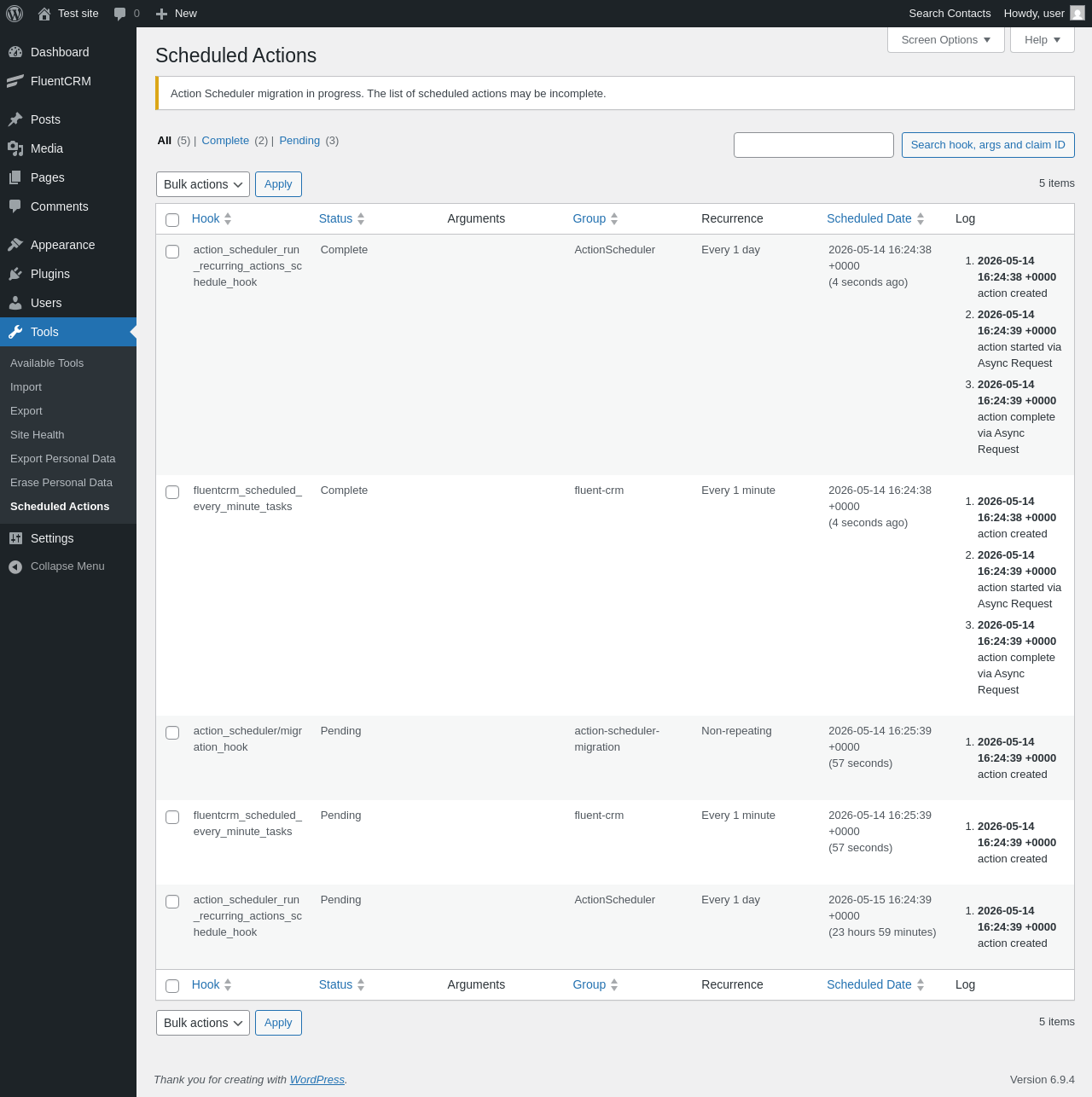
| URL | /wp-admin/tools.php?page=action-scheduler |
|---|---|
| Aspect | menu-item |
| HTTP status | 200 |
| Load time | 0.317 s |
| Memory usage | 4.38 MiB |
| JS errors | None |
| Resource errors | None |
Test site – Just another WordPress site
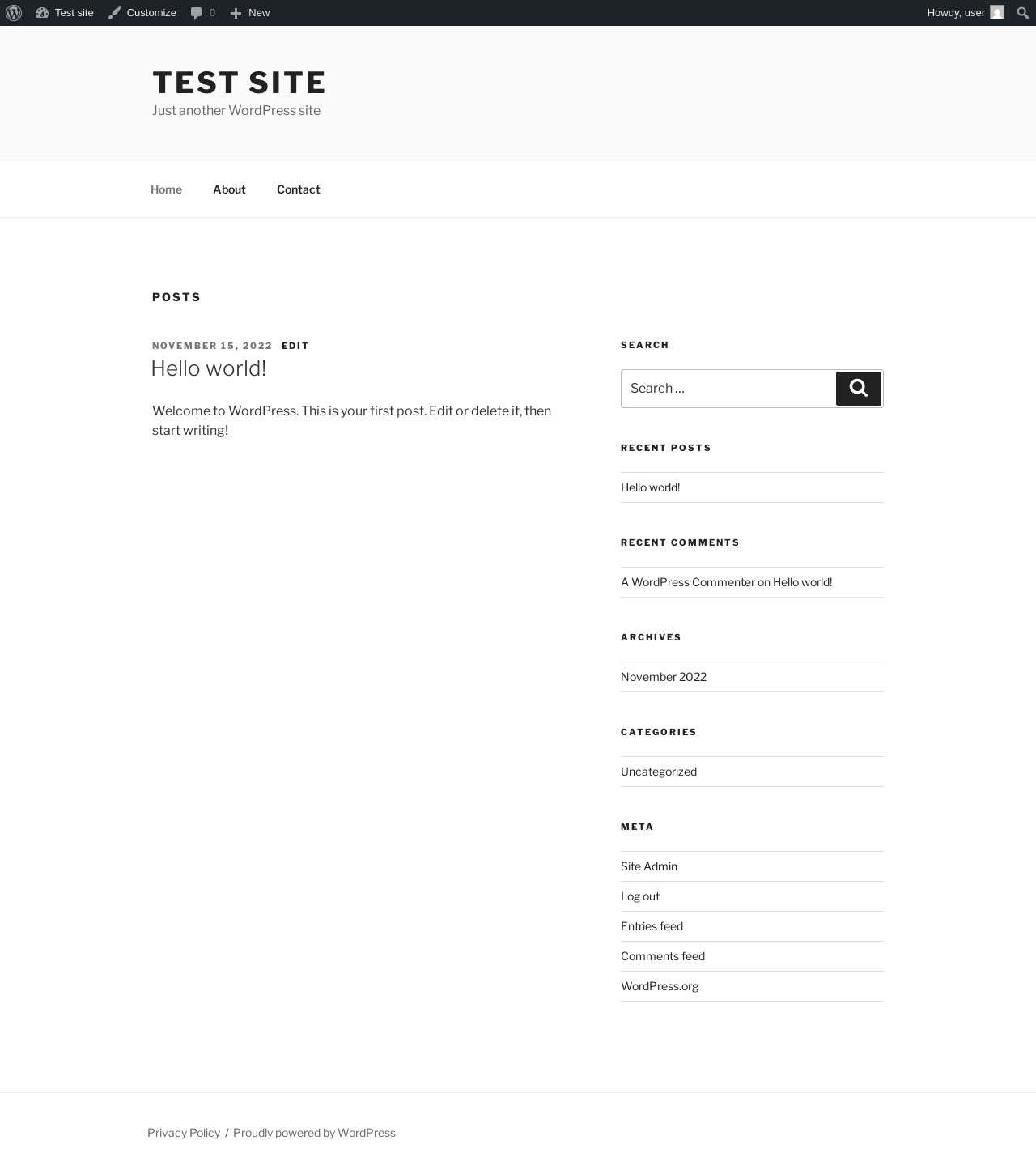
| URL | / |
|---|---|
| Aspect | front-page |
| HTTP status | 200 |
| Load time | 0.240 s |
| Memory usage | 4.66 MiB |
| JS errors | None |
| Resource errors | None |
Benchmark
| URL | Load time | Memory usage | ||||
|---|---|---|---|---|---|---|
| Inactive | Active | Change | Inactive | Active | Change | |
| /wp-admin/index.php | 0.438 s | 0.399 s | -0.039 s | 3.78 MiB | 4.45 MiB | + 694.59 KiB |
| /wp-admin/edit.php | 0.367 s | 0.361 s | -0.006 s | 3.78 MiB | 4.44 MiB | + 673.98 KiB |
| /wp-admin/post-new.php | 0.936 s | 1.246 s | +0.310 s | 6.31 MiB | 9.17 MiB | + 2.86 MiB |
| /wp-admin/upload.php | 0.620 s | 0.625 s | +0.005 s | 3.74 MiB | 4.34 MiB | + 612.07 KiB |
| /wp-admin/options-writing.php | 0.337 s | 0.360 s | +0.023 s | 3.71 MiB | 4.31 MiB | + 615.44 KiB |
| /wp-admin/media-new.php | 0.498 s | 0.381 s | -0.117 s | 3.7 MiB | 4.31 MiB | + 623.63 KiB |
| /wp-admin/edit-tags.php?taxonomy=category | 0.434 s | 0.340 s | -0.094 s | 3.72 MiB | 4.33 MiB | + 628.8 KiB |
| /wp-admin/post-new.php?post_type=page | 0.699 s | 0.689 s | -0.010 s | 6.3 MiB | 9.09 MiB | + 2.79 MiB |
| /wp-admin/options-discussion.php | 0.332 s | 0.467 s | +0.135 s | 3.71 MiB | 4.31 MiB | + 611.94 KiB |
| /wp-admin/edit-comments.php | 0.327 s | 0.379 s | +0.052 s | 3.73 MiB | 4.33 MiB | + 613.42 KiB |
| / | 0.279 s | 0.188 s | -0.091 s | 4.11 MiB | 4.66 MiB | + 566.61 KiB |
| Average | 0.479 s | 0.494 s | +0.015 s | 4.24 MiB | 5.25 MiB | + 1.01 MiB |
Code Statistics
Note: Third-party libraries and minified JS/CSS files are excluded from these statistics where possible, so the numbers you see here may be lower than those reported by other tools.
| Language | % | Lines of code | Comment lines | Files | |
|---|---|---|---|---|---|
| PHP | 50.5% | 67,837 | 11,267 | 363 | |
| PO File | 47.3% | 63,523 | 33,757 | 6 | |
| SVG | 1.0% | 1,288 | 4 | 86 | |
| JavaScript | 0.9% | 1,158 | 410 | 162 | |
| JSON | 0.3% | 366 | 0 | 5 | |
| CSS | 0.0% | 65 | 0 | 41 | |
| Markdown | 0.0% | 24 | 0 | 1 | |
| Bourne Shell | 0.0% | 5 | 0 | 1 | |
| Total | 134,266 | 45,438 | 665 | ||
PHP Code Analysis | More results »
| Lines of code | 64,902 |
|---|---|
| Total complexity | 10,768 |
| Median class complexity | 13.0 |
| Median method complexity | 2.0 |
| Most complex class | FluentCrm\App\Services\GutenbergEmailParser |
| Most complex function | FluentCrm\App\Services\TransStrings::getStrings() |
| Classes | 321 |
|---|---|
| Methods | 2,547 |
| Functions | 96 |
Additions
Things that the plugin adds to the site. This section is not intended to be comprehensive. The test tool only looks for a few specific types of added content.
Database Tables 17
- wp_fc_campaign_emails
- wp_fc_campaign_url_metrics
- wp_fc_campaigns
- wp_fc_funnel_metrics
- wp_fc_funnel_sequences
- wp_fc_funnel_subscribers
- wp_fc_funnels
- wp_fc_lists
- wp_fc_meta
- wp_fc_subscriber_meta
- wp_fc_subscriber_notes
- wp_fc_subscriber_pivot
- wp_fc_subscribers
- wp_fc_tags
- wp_fc_term_relations
- wp_fc_terms
- wp_fc_url_stores
Options wp_options 8
- _fc_funnel_processor_lock
- _fc_last_funnel_processor_ran
- _fcrm_last_email_process_cleanup
- _fcrm_last_scheduler
- _fluentcrm_db_version
- action_scheduler_lock_async-request-runner
- fluentcrm_is_sending_emails
- fluentcrm-global-settings
Custom Post Types 2
| ID | Name |
|---|---|
| scheduled-action | Scheduled Actions |
| fcrm-dummy | Email-Body |
PHP Error Log 17 lines
[14-May-2026 16:24:41 UTC] PHP Fatal error:  Uncaught Exception: The view file [/wp-content/plugins/fluent-crm/app/Views/admin/setup_wizard.php] doesn't exists! in /wp-content/plugins/fluent-crm/vendor/wpfluent/framework/src/WPFluent/View/View.php:122
Stack trace:
#0 /wp-content/plugins/fluent-crm/vendor/wpfluent/framework/src/WPFluent/View/View.php(80): FluentCrm\Framework\View\View->handleViewNotFoundException()
#1 /wp-content/plugins/fluent-crm/vendor/wpfluent/framework/src/WPFluent/View/View.php(53): FluentCrm\Framework\View\View->make()
#2 /wp-content/plugins/fluent-crm/app/Hooks/Handlers/SetupWizard.php(142): FluentCrm\Framework\View\View->render()
#3 /wp-content/plugins/fluent-crm/app/Hooks/Handlers/SetupWizard.php(133): FluentCrm\App\Hooks\Handlers\SetupWizard->outputHtml()
#4 /wp-content/plugins/fluent-crm/app/Hooks/Handlers/SetupWizard.php(46): FluentCrm\App\Hooks\Handlers\SetupWizard->setup_wizard()
#5 /wp-content/plugins/fluent-crm/app/Hooks/actions.php(171): FluentCrm\App\Hooks\Handlers\SetupWizard->__construct()
#6 /wp-includes/class-wp-hook.php(341): FluentCrm\Framework\Foundation\Application->{closure}()
#7 /wp-includes/class-wp-hook.php(365): WP_Hook->apply_filters()
#8 /wp-includes/plugin.php(522): WP_Hook->do_action()
#9 /wp-admin/includes/class-wp-screen.php(424): do_action()
#10 /wp-admin/includes/screen.php(243): WP_Screen->set_current_screen()
#11 /wp-admin/admin.php(217): set_current_screen()
#12 /wp-admin/index.php(10): require_once('...')
#13 {main}
  thrown in /wp-content/plugins/fluent-crm/vendor/wpfluent/framework/src/WPFluent/View/View.php on line 122