Anti Spam by Fullworks 0.0.3
Does Anti Spam by Fullworks work with WordPress 5.3 and PHP 7.2.16? A smoke test was performed on .
Summary
Errors
| No PHP errors, warnings or notices | |
| No JavaScript exceptions | |
| All test pages loaded successfully | |
| No resource errors | |
| Looks good! No problems were detected. |
Performance
Memory usage: 701.42 KiB
The average PHP memory usage increased by this amount after activating by the plugin.
Page speed impact:
0.043 seconds
The average page load time increased by this amount after activating the plugin.
Environment
| WordPress version | 5.3 |
|---|---|
| PHP version | 7.2.16 |
| MySQL version | 8.0.15 |
| PHP memory limit | 256M |
Plugin Info
| Last updated | |
|---|---|
| Active installs | 1,000+ |
| WordPress.org page | https://wordpress.org/plugins/fullworks-anti-spam/ |
| Badges |
|


Pages 5
Anti Spam ‹ Test site — WordPress
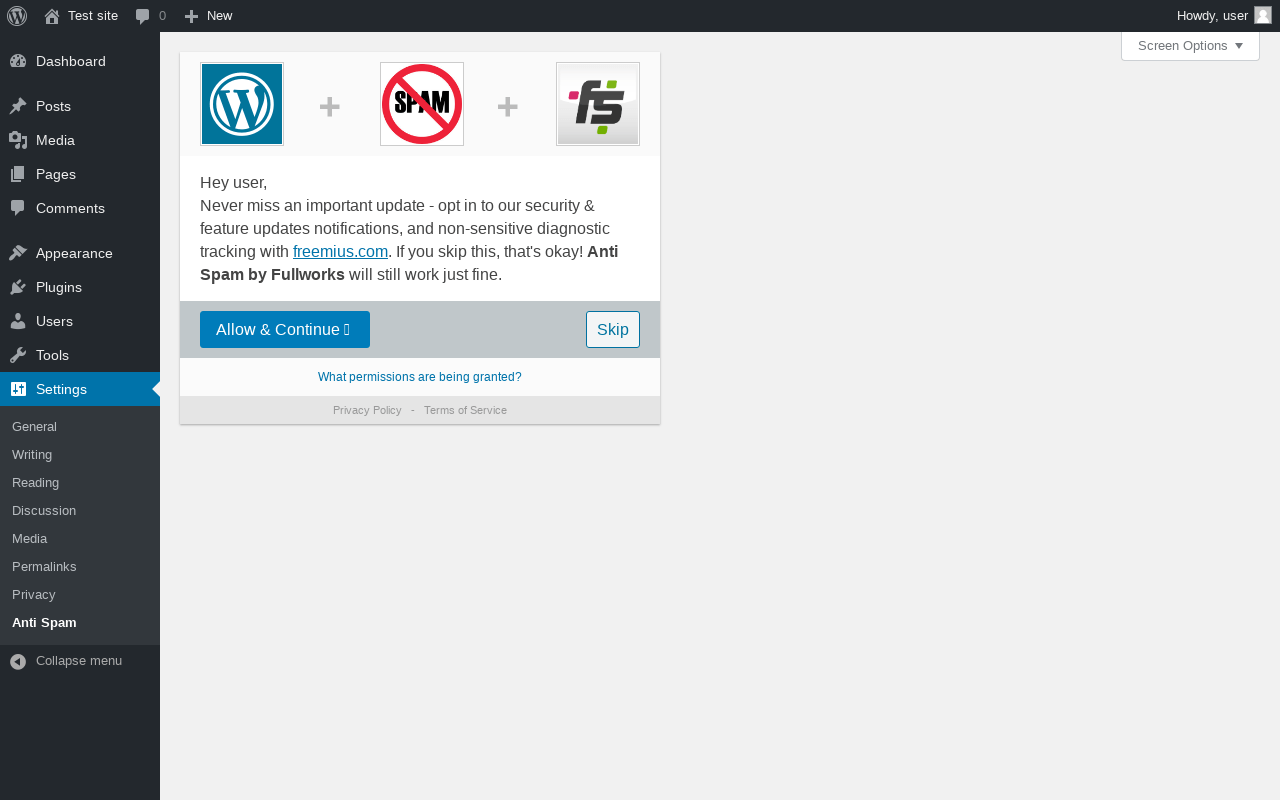
| URL | /wp-admin/options-general.php?page=fullworks-anti-spam-settings |
|---|---|
| Requested URL | /wp-admin/plugins.php?action=activate&plugin=fullworks-anti-spam%2Ffullworks-anti-spam.php&plugin_status=all&paged=1&s&_wpnonce=73ce496e7d |
| Aspect | after-activation |
| HTTP status | 200 |
| Load time | 1.994 s |
| Memory usage | 4.66 MiB |
| JS errors | None |
| Resource errors | None |
Settings → Anti Spam
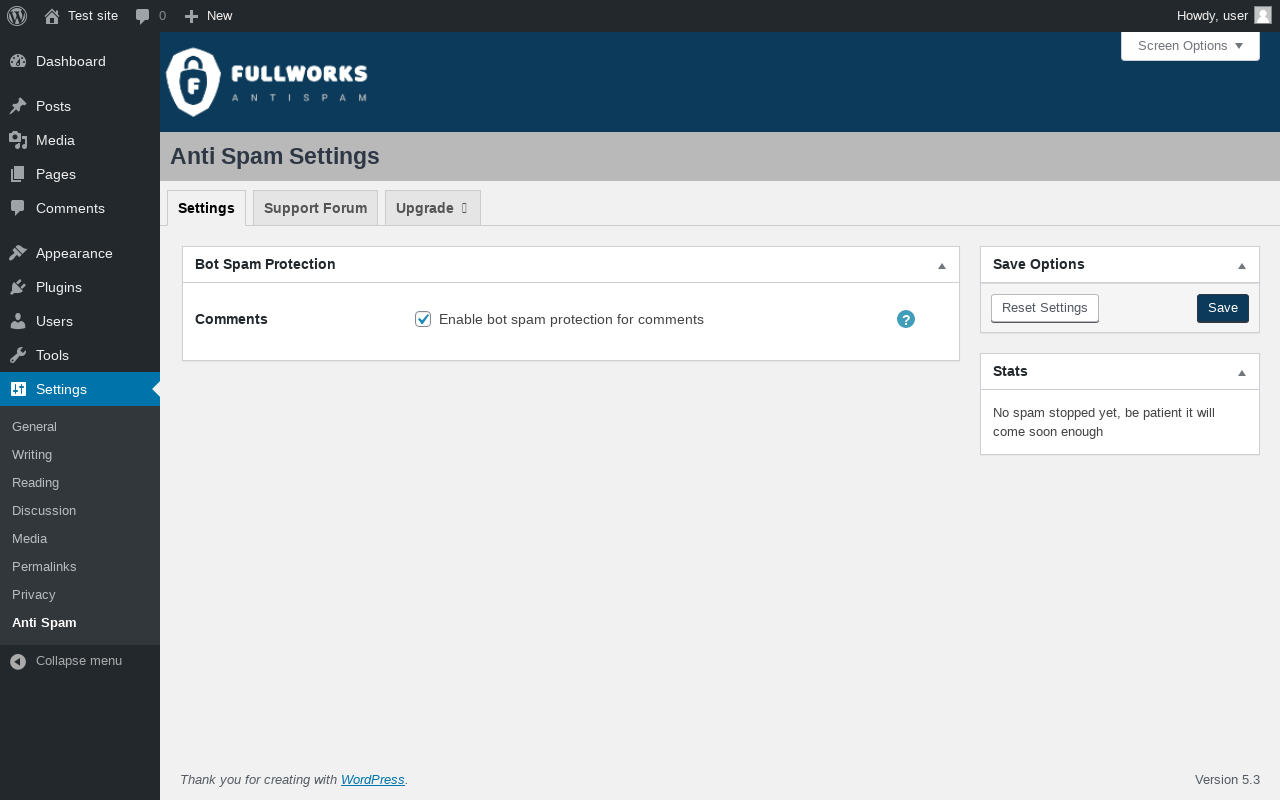
| URL | /wp-admin/options-general.php?page=fullworks-anti-spam-settings |
|---|---|
| Aspect | menu-item |
| HTTP status | 200 |
| Load time | 0.258 s |
| Memory usage | 4.22 MiB |
| JS errors | None |
| Resource errors | None |
Settings → Anti Spam → Support Forum
| URL | https://wordpress.org/support/plugin/fullworks-anti-spam/ |
|---|---|
| Requested URL | https://wordpress.org/support/plugin/fullworks-anti-spam |
| Aspect | menu-item-tab |
| HTTP status | 200 |
| Load time | 0.839 s |
| Memory usage | N/A |
| JS errors | None |
| Resource errors | None |
Settings → Anti Spam → Upgrade ➤
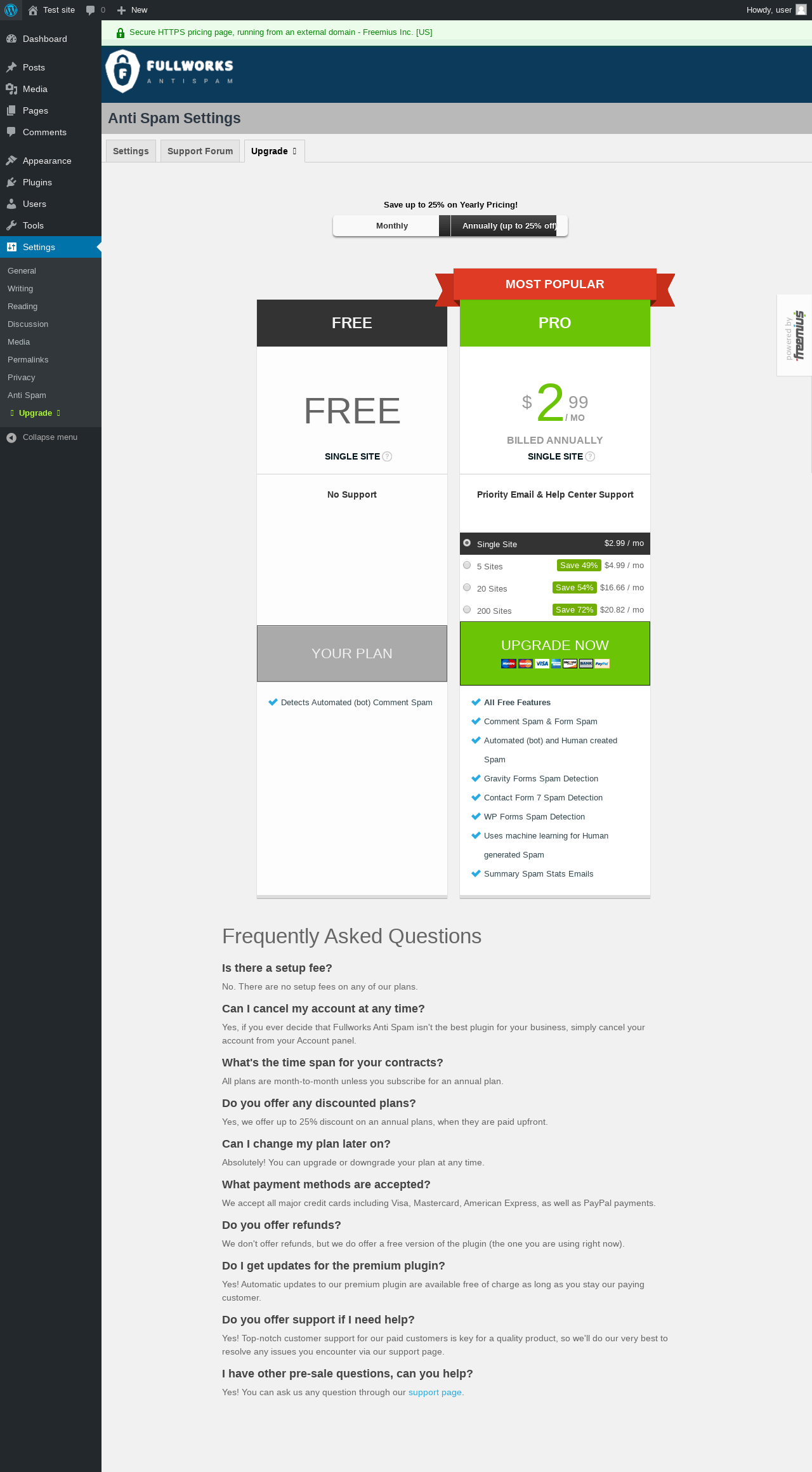
| URL | /wp-admin/options-general.php?page=fullworks-anti-spam-settings-pricing |
|---|---|
| Aspect | menu-item-tab |
| HTTP status | 200 |
| Load time | 1.430 s |
| Memory usage | 4.6 MiB |
| JS errors | None |
| Resource errors | None |
Test site – Just another WordPress site
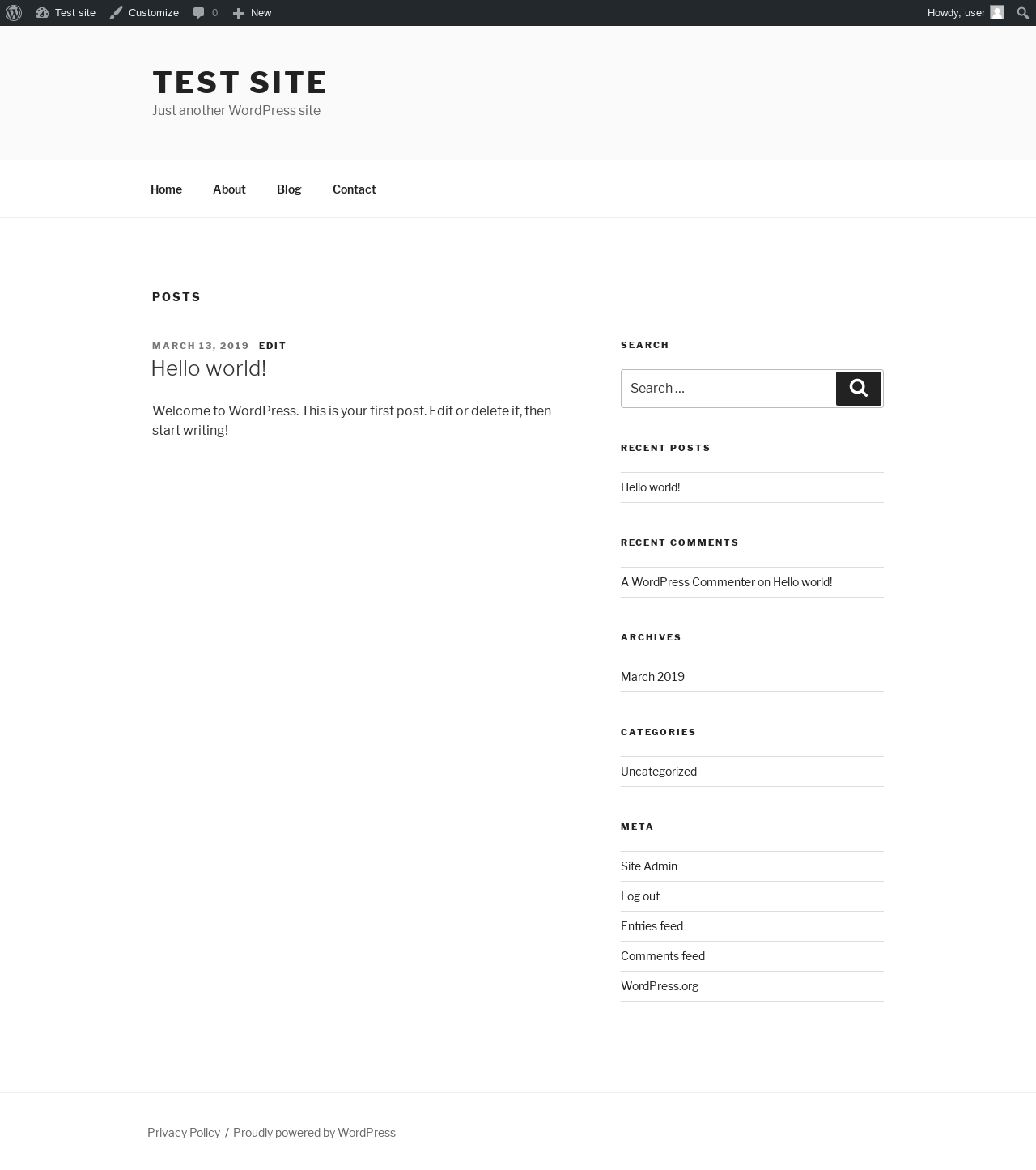
| URL | / |
|---|---|
| Aspect | front-page |
| HTTP status | 200 |
| Load time | 0.354 s |
| Memory usage | 3.94 MiB |
| JS errors | None |
| Resource errors | None |
Benchmark
| URL | Load time | Memory usage | ||||
|---|---|---|---|---|---|---|
| Inactive | Active | Change | Inactive | Active | Change | |
| /wp-admin/index.php | 0.353 s | 0.393 s | +0.040 s | 3.62 MiB | 4.31 MiB | + 709.17 KiB |
| /wp-admin/edit.php | 0.236 s | 0.284 s | +0.048 s | 3.65 MiB | 4.34 MiB | + 709.09 KiB |
| /wp-admin/post-new.php | 1.501 s | 2.012 s | +0.511 s | 5.36 MiB | 5.99 MiB | + 647.43 KiB |
| /wp-admin/upload.php | 0.731 s | 0.616 s | -0.115 s | 3.48 MiB | 4.23 MiB | + 765.84 KiB |
| /wp-admin/options-writing.php | 0.207 s | 0.254 s | +0.047 s | 3.56 MiB | 4.22 MiB | + 672.45 KiB |
| /wp-admin/media-new.php | 0.261 s | 0.256 s | -0.005 s | 3.46 MiB | 4.21 MiB | + 766.68 KiB |
| /wp-admin/edit-tags.php?taxonomy=category | 0.239 s | 0.247 s | +0.008 s | 3.56 MiB | 4.25 MiB | + 703.54 KiB |
| /wp-admin/post-new.php?post_type=page | 1.526 s | 1.467 s | -0.059 s | 5.34 MiB | 5.97 MiB | + 639.41 KiB |
| /wp-admin/options-discussion.php | 0.332 s | 0.402 s | +0.070 s | 3.46 MiB | 4.21 MiB | + 767.3 KiB |
| /wp-admin/edit-comments.php | 0.242 s | 0.284 s | +0.042 s | 3.57 MiB | 4.25 MiB | + 701.86 KiB |
| / | 0.371 s | 0.260 s | -0.111 s | 3.32 MiB | 3.94 MiB | + 632.84 KiB |
| Average | 0.545 s | 0.589 s | +0.043 s | 3.85 MiB | 4.54 MiB | + 701.42 KiB |
Additions
Things that the plugin adds to the site. This section is not intended to be comprehensive. The test tool only looks for a few specific types of added content.
Database Tables 1
- wp_fwantispam_log
Options wp_options 8
- fs_accounts
- fs_active_plugins
- fs_api_cache
- fs_cache_5065
- fs_debug_mode
- fs_gdpr
- fullworks_anti_spam_db_version
- fullworks-anti-spam
PHP Error Log
The log file is empty.
See also: All tests for this plugin, How to Hide Anti-Spam Protection – No API Key, GDPR Friendly Admin Menus and Widgets