Library Management System 2.0.0
Does Library Management System work with WordPress 6.1.1 and PHP 8.1.12? A smoke test was performed on .
Summary
| 4 | PHP notices |
| 3 | Database errors |
| No JavaScript exceptions | |
| All test pages loaded successfully | |
| No resource errors |
Memory usage: 32.58 KiB
The average PHP memory usage increased by this amount after activating by the plugin.
Page speed impact:
insignificant.
The plugin didn't make the site noticeably slower.
| WordPress version | 6.1.1 |
|---|---|
| PHP version | 8.1.12 |
| MySQL version | 10.6.10 |
| PHP memory limit | 512M |
| Last updated | |
|---|---|
| Active installs | 200+ |
| WordPress.org page | https://wordpress.org/plugins/library-management-system/ |
| Badges |
|


Pages 14
Plugins ‹ Test site — WordPress
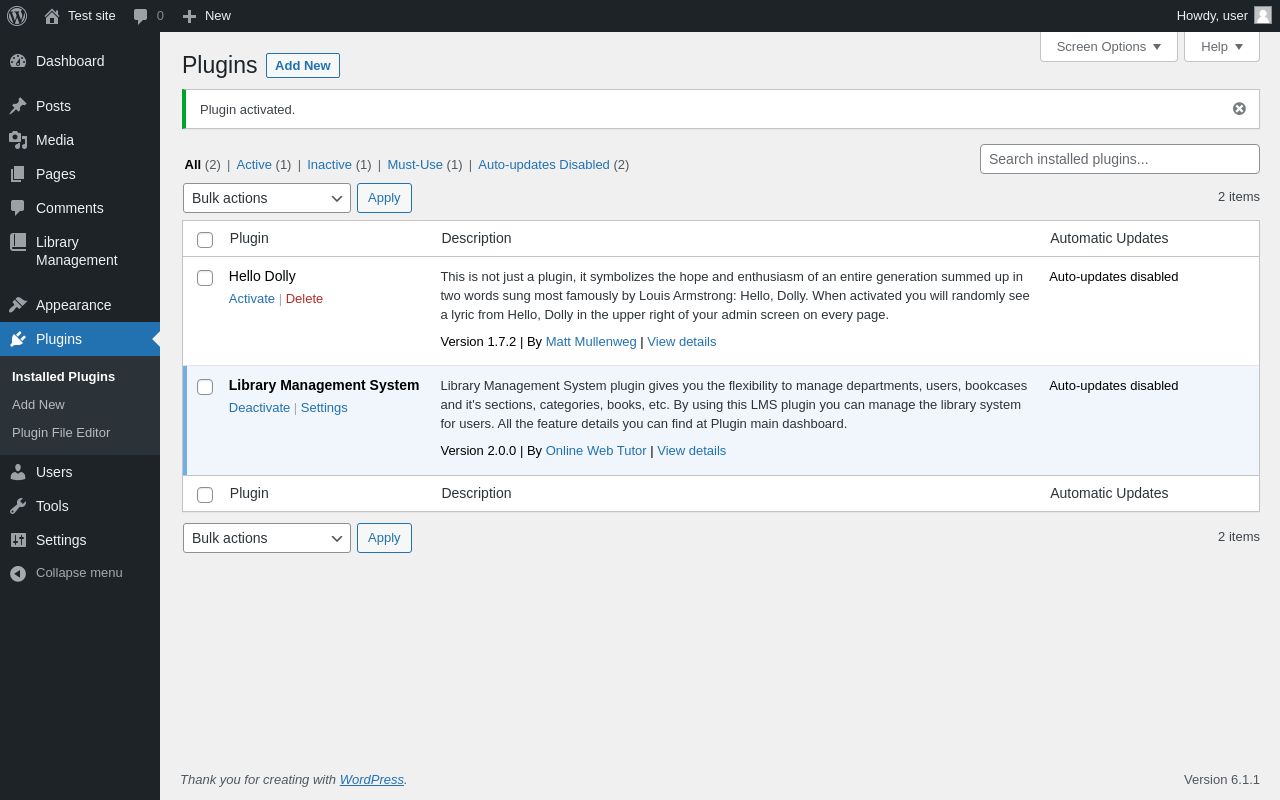
| URL | /wp-admin/plugins.php?plugin_status=all&paged=1&s |
|---|---|
| Requested URL | /wp-admin/plugins.php?action=activate&plugin=library-management-system%2Flibrary-management-system.php&plugin_status=all&paged=1&s&_wpnonce=efd60b89eb |
| Aspect | after-activation |
| HTTP status | 200 |
| Load time | 0.478 s |
| Memory usage | 3.03 MiB |
| JS errors | None |
| Resource errors | None |
Library Management
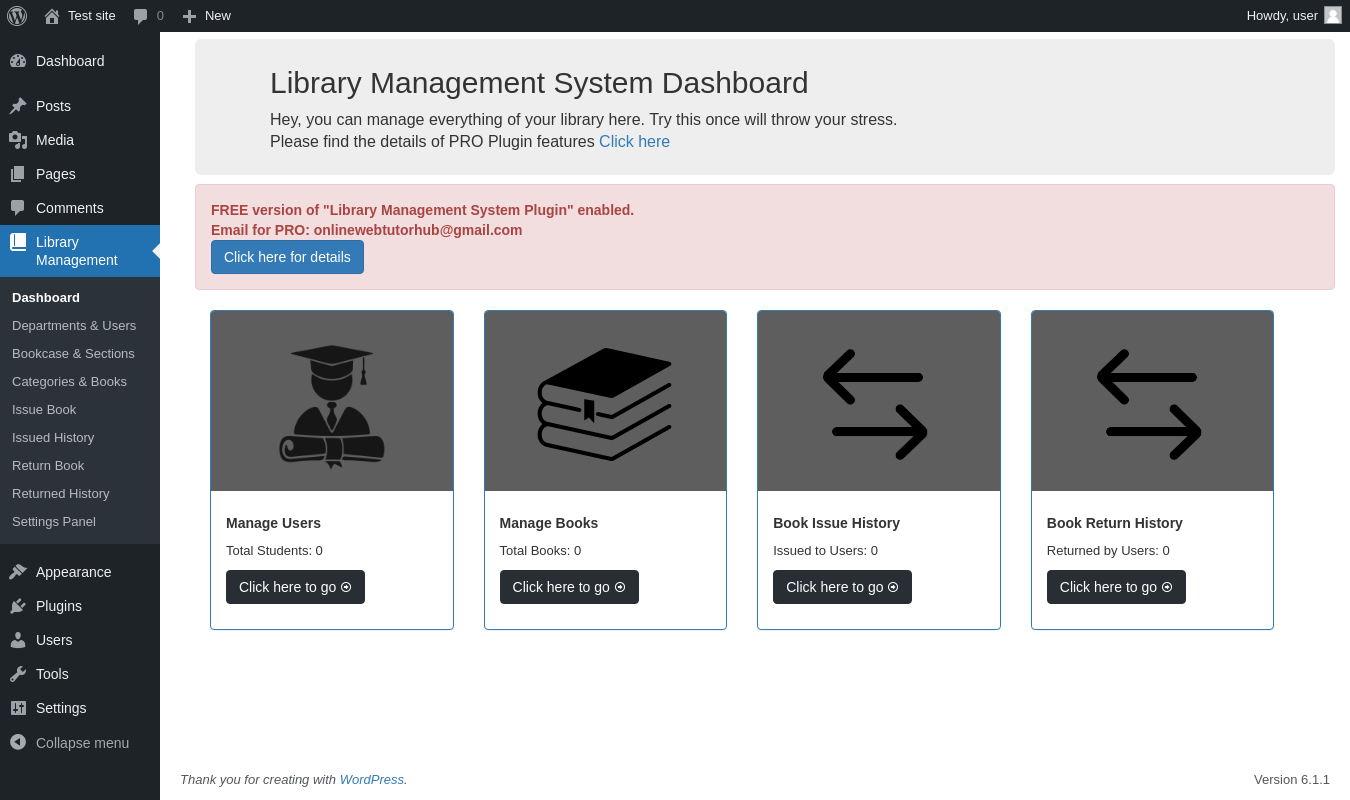
| URL | /wp-admin/admin.php?page=owt-lib-manage |
|---|---|
| Aspect | menu-item |
| HTTP status | 200 |
| Load time | 0.899 s |
| Memory usage | 3.07 MiB |
| JS errors | None |
| Resource errors | None |
Library Management → Departments & Users
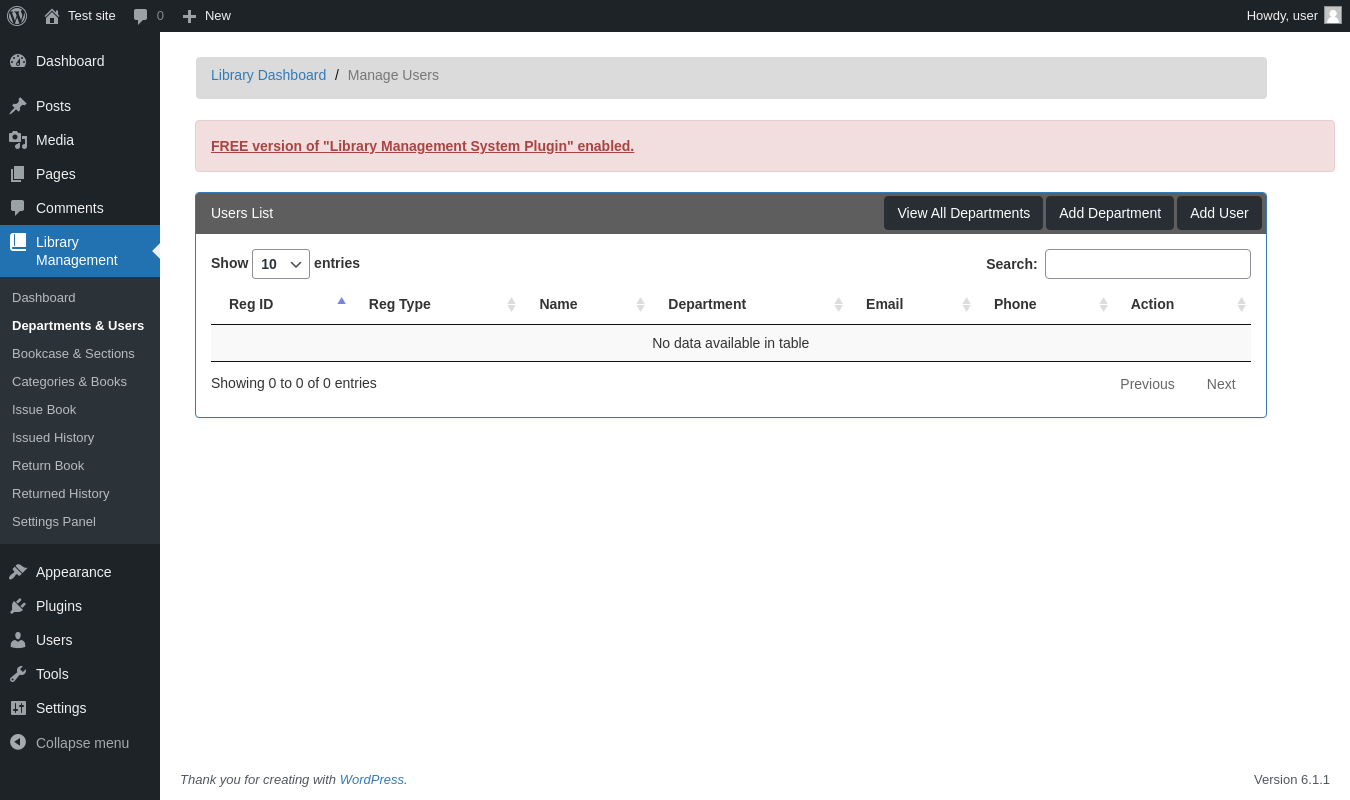
| URL | /wp-admin/admin.php?page=owt-lib-manage-users |
|---|---|
| Aspect | menu-item |
| HTTP status | 200 |
| Load time | 0.455 s |
| Memory usage | 3.08 MiB |
| JS errors | None |
| Resource errors | None |
Library Management → Bookcase & Sections
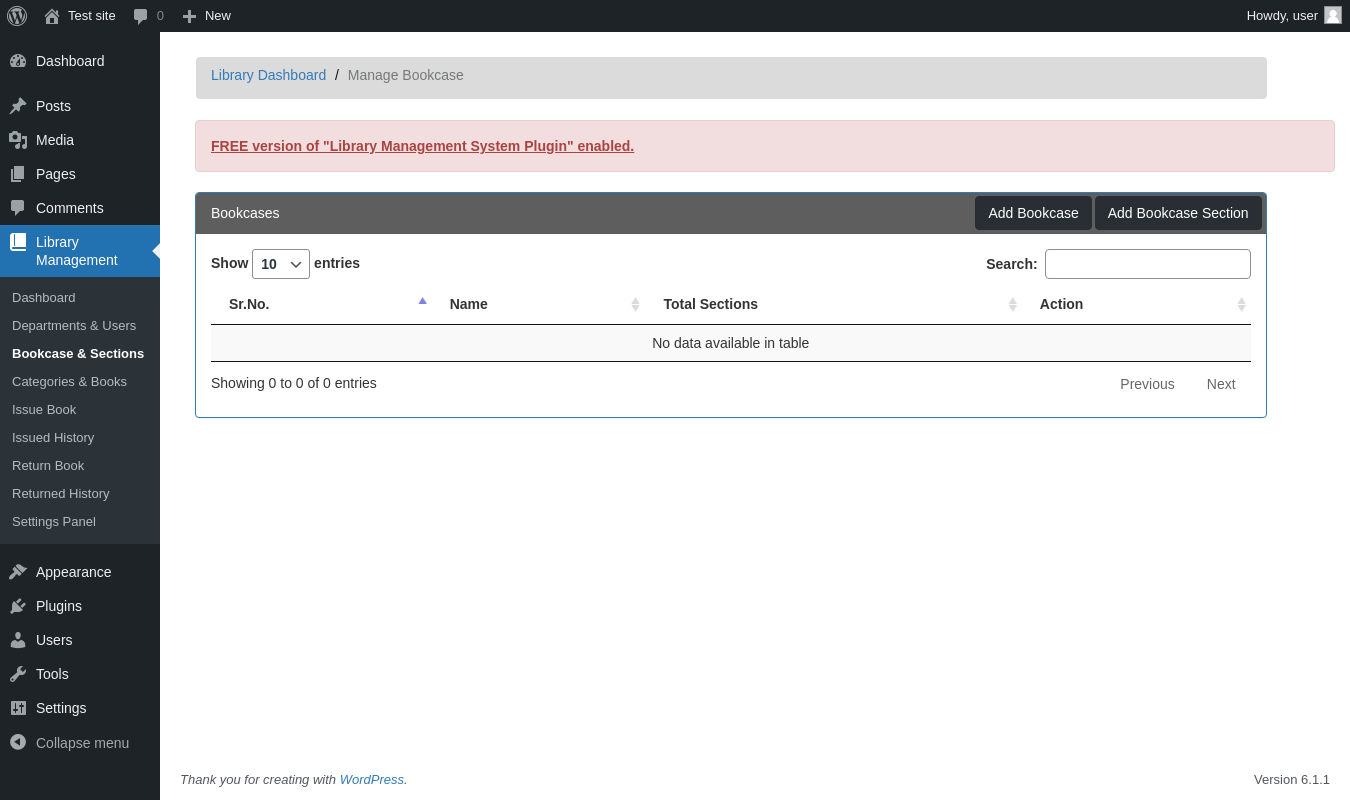
| URL | /wp-admin/admin.php?page=owt-lib-manage-bookcase |
|---|---|
| Aspect | menu-item |
| HTTP status | 200 |
| Load time | 0.420 s |
| Memory usage | 3.07 MiB |
| JS errors | None |
| Resource errors | None |
Library Management → Categories & Books
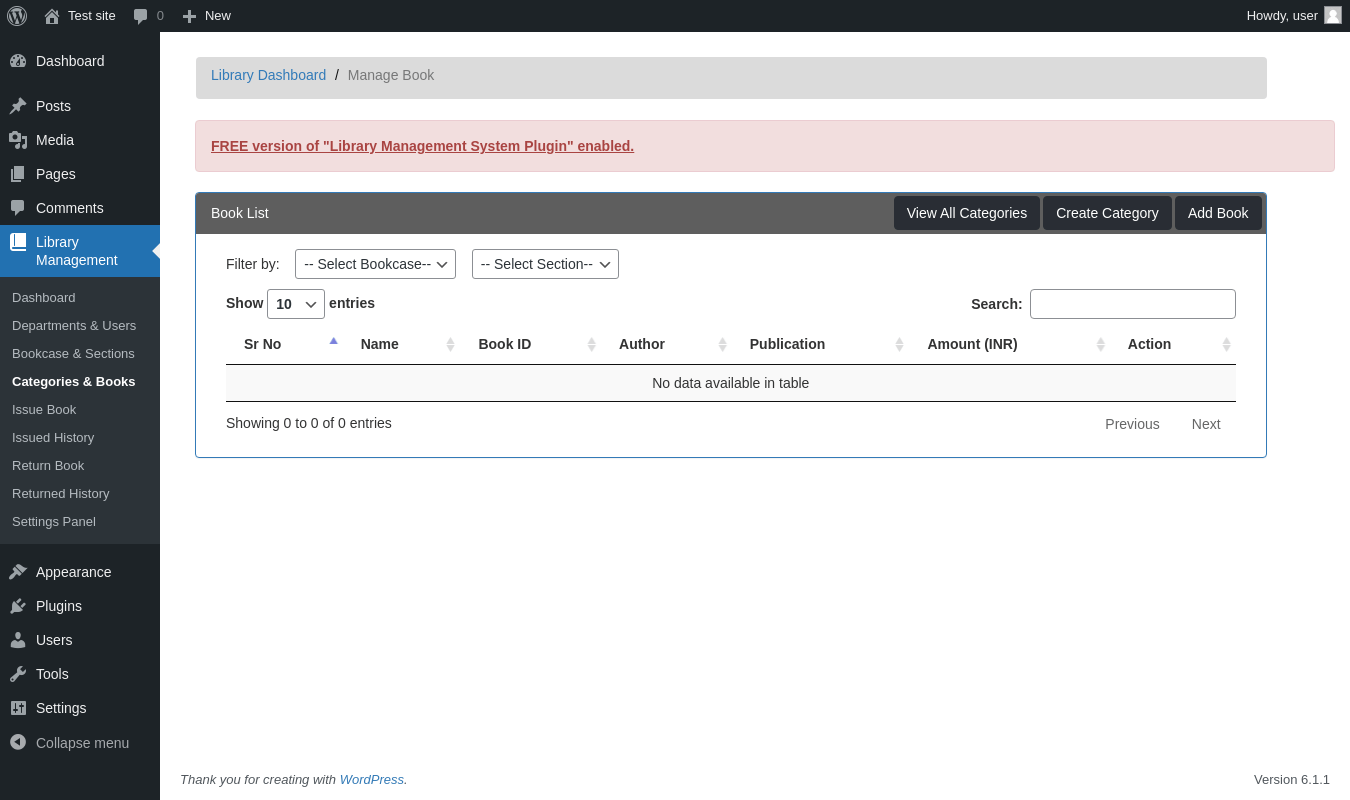
| URL | /wp-admin/admin.php?page=owt-lib-manage-books |
|---|---|
| Aspect | menu-item |
| HTTP status | 200 |
| Load time | 0.441 s |
| Memory usage | 3.07 MiB |
| JS errors | None |
| Resource errors | None |
Library Management → Issue Book
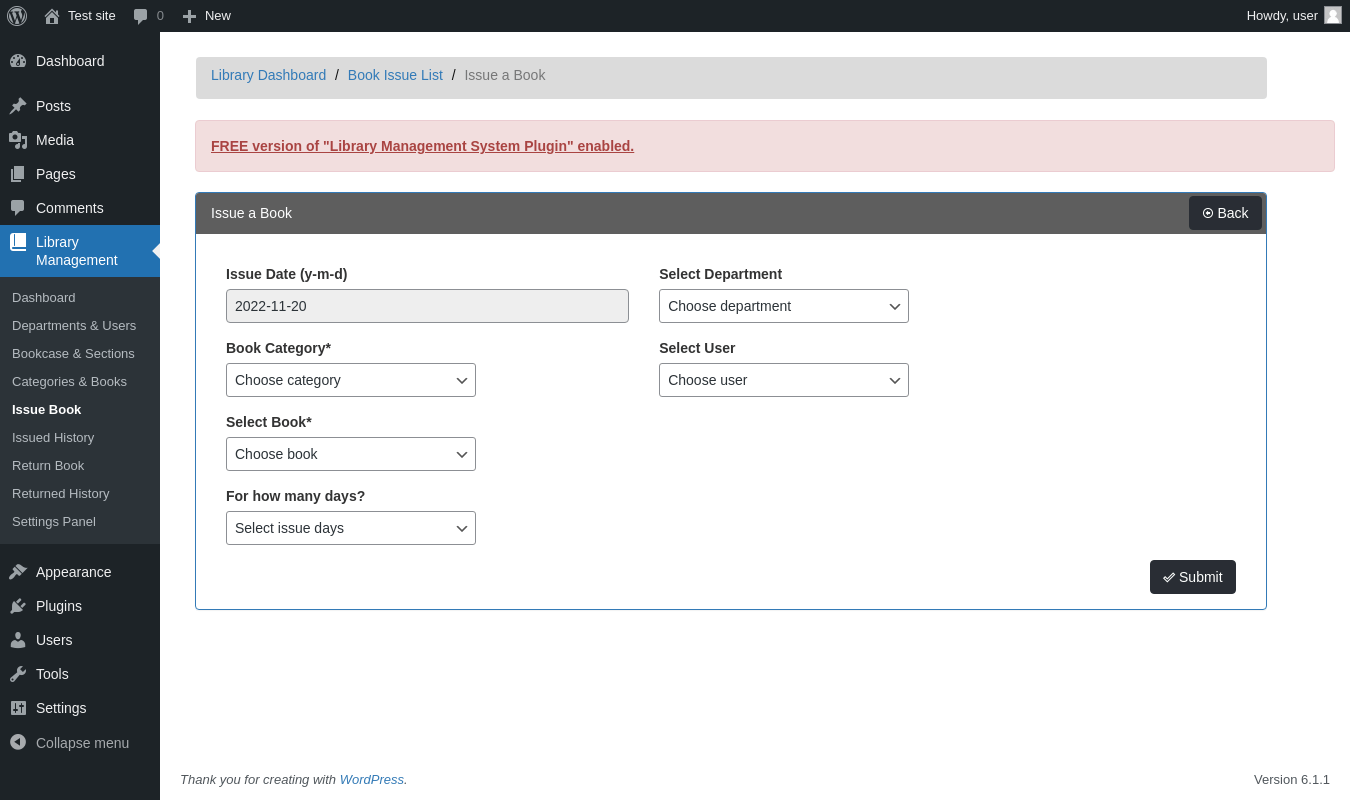
| URL | /wp-admin/admin.php?page=owt-lib-create-book-issue |
|---|---|
| Aspect | menu-item |
| HTTP status | 200 |
| Load time | 0.435 s |
| Memory usage | 3.06 MiB |
| JS errors | None |
| Resource errors | None |
Library Management → Issued History
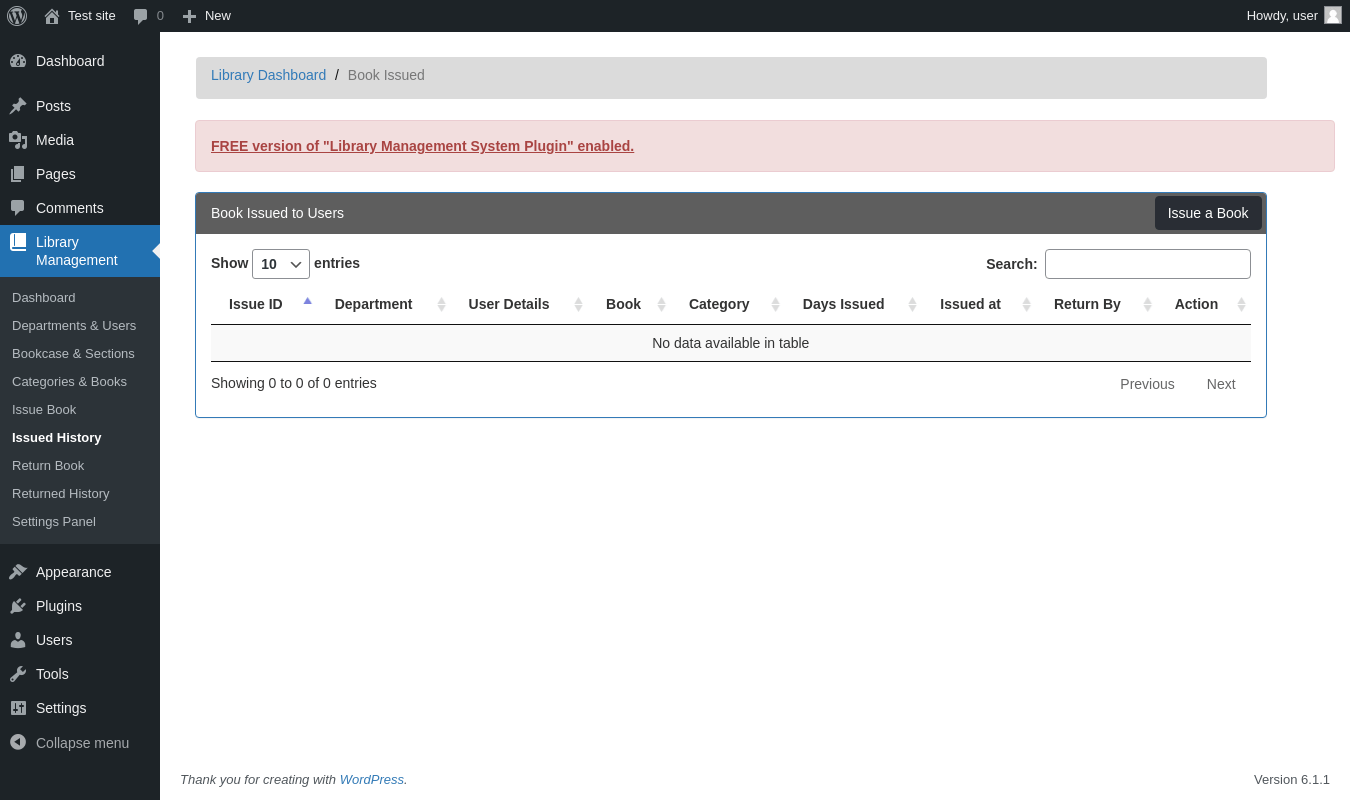
| URL | /wp-admin/admin.php?page=owt-lib-book-issue-list |
|---|---|
| Aspect | menu-item |
| HTTP status | 200 |
| Load time | 0.442 s |
| Memory usage | 3.06 MiB |
| JS errors | None |
| Resource errors | None |
Library Management → Return Book
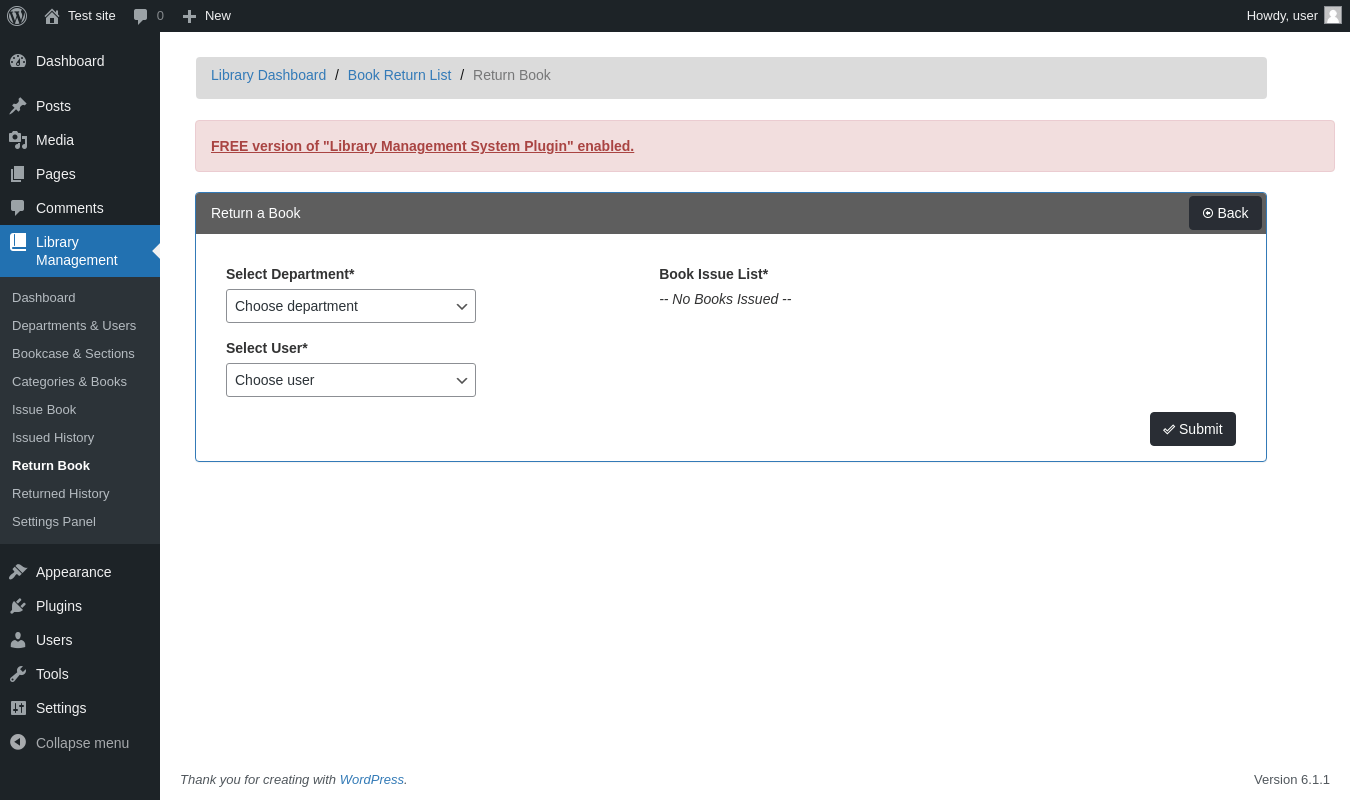
| URL | /wp-admin/admin.php?page=owt-lib-create-book-return |
|---|---|
| Aspect | menu-item |
| HTTP status | 200 |
| Load time | 0.440 s |
| Memory usage | 3.06 MiB |
| JS errors | None |
| Resource errors | None |
Library Management → Returned History
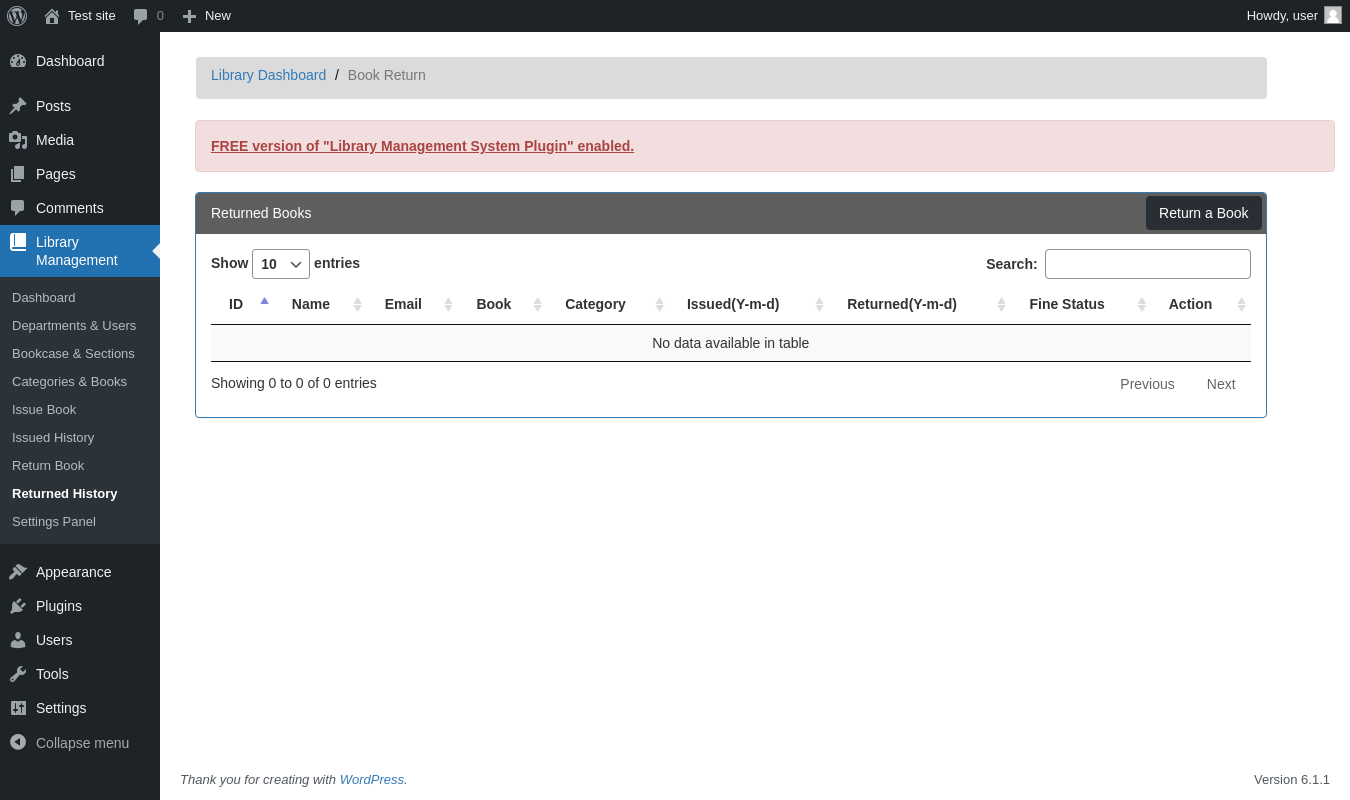
| URL | /wp-admin/admin.php?page=owt-lib-return-book-list |
|---|---|
| Aspect | menu-item |
| HTTP status | 200 |
| Load time | 0.417 s |
| Memory usage | 3.07 MiB |
| JS errors | None |
| Resource errors | None |
Library Management → Settings Panel
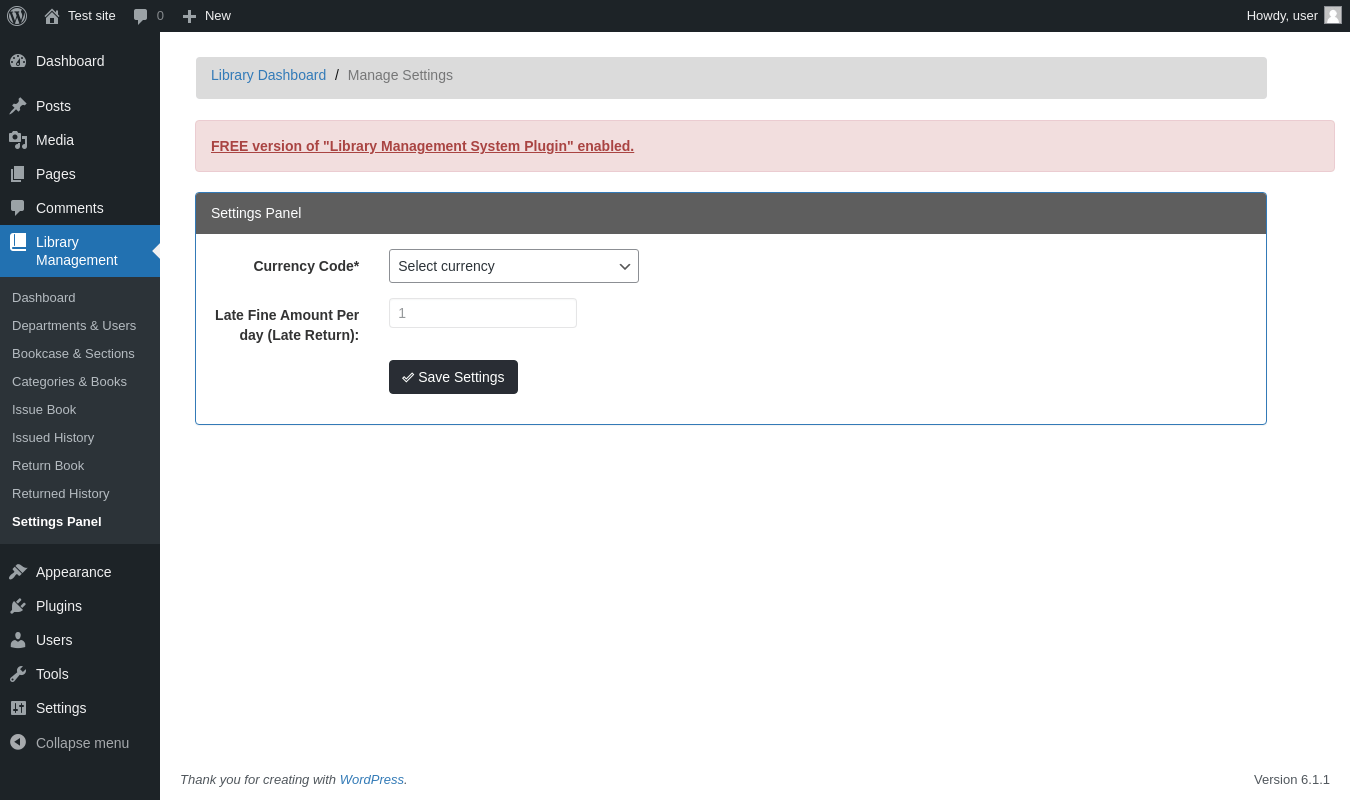
| URL | /wp-admin/admin.php?page=owt-lib-manage-settings |
|---|---|
| Aspect | menu-item |
| HTTP status | 200 |
| Load time | 0.562 s |
| Memory usage | 3.27 MiB |
| JS errors | None |
| Resource errors | None |
Library Management →
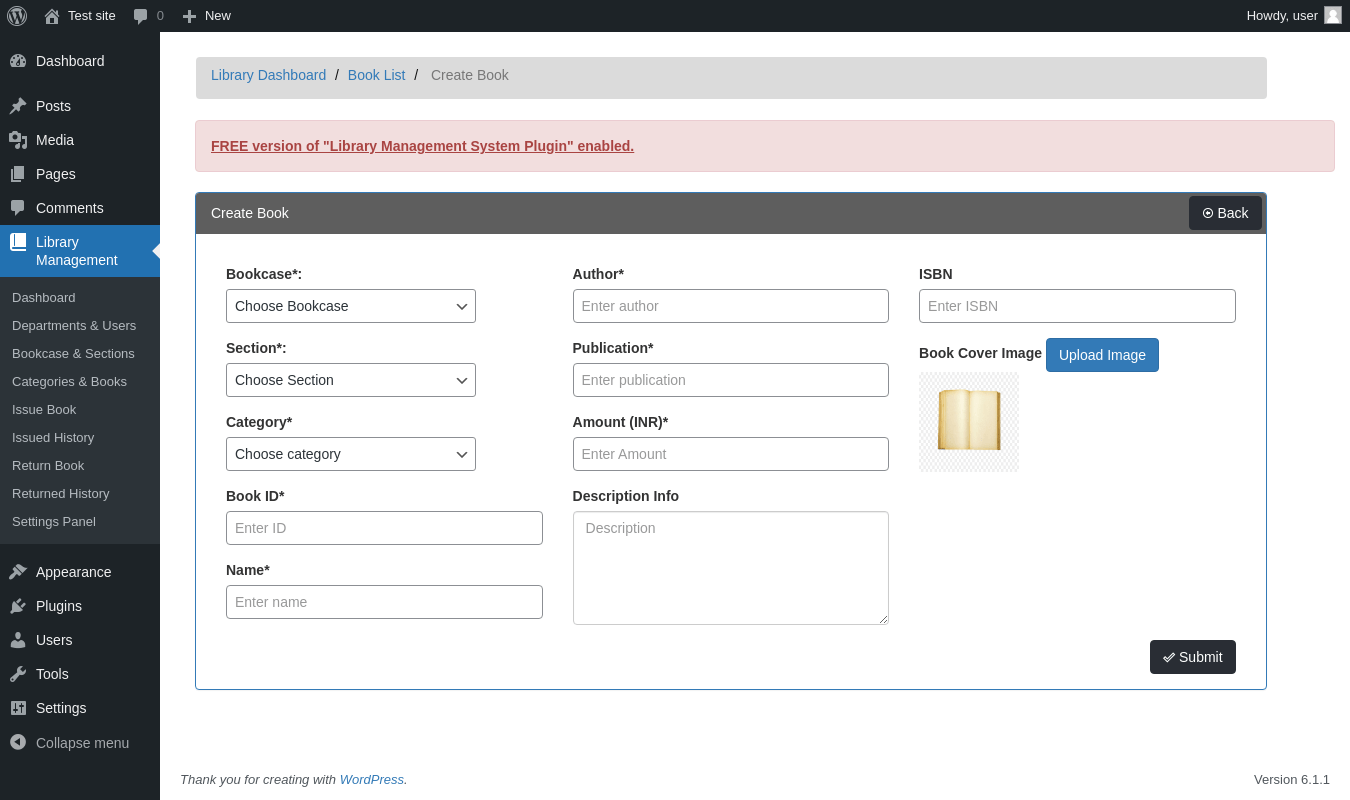
| URL | /wp-admin/admin.php?page=owt-lib-create-book |
|---|---|
| Aspect | menu-item |
| HTTP status | 200 |
| Load time | 0.676 s |
| Memory usage | 3.12 MiB |
| JS errors | None |
| Resource errors | None |
Library Management →
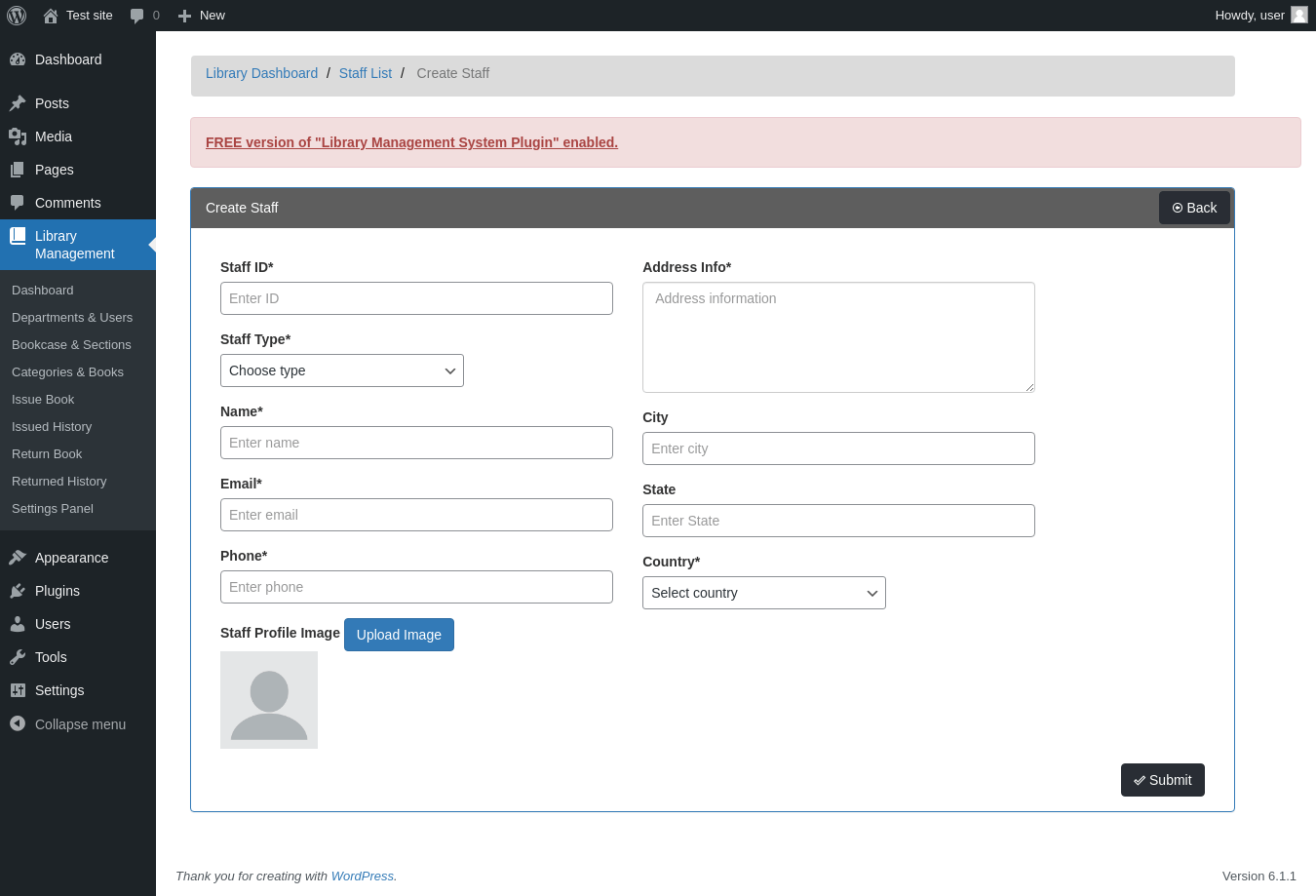
| URL | /wp-admin/admin.php?page=owt-lib-create-staff |
|---|---|
| Aspect | menu-item |
| HTTP status | 200 |
| Load time | 0.567 s |
| Memory usage | 3.24 MiB |
| JS errors | None |
| Resource errors | None |
Library Management →
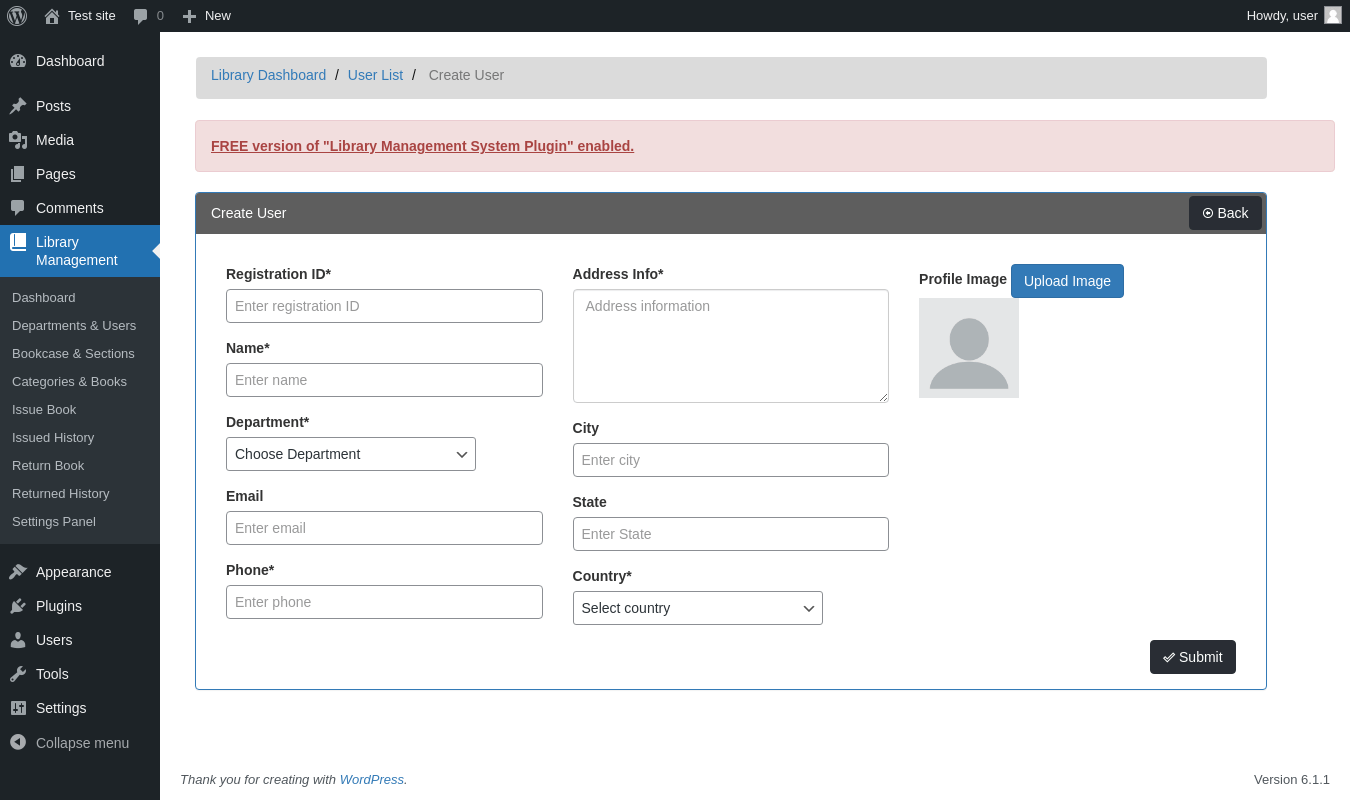
| URL | /wp-admin/admin.php?page=owt-lib-create-user |
|---|---|
| Aspect | menu-item |
| HTTP status | 200 |
| Load time | 0.551 s |
| Memory usage | 3.25 MiB |
| JS errors | None |
| Resource errors | None |
Test site – Just another WordPress site
| URL | / |
|---|---|
| Aspect | front-page |
| HTTP status | 200 |
| Load time | 0.252 s |
| Memory usage | 2.96 MiB |
| JS errors | None |
| Resource errors | None |
Benchmark
| URL | Load time | Memory usage | ||||
|---|---|---|---|---|---|---|
| Inactive | Active | Change | Inactive | Active | Change | |
| /wp-admin/index.php | 0.271 s | 0.314 s | +0.043 s | 3.05 MiB | 3.09 MiB | + 42.35 KiB |
| /wp-admin/edit.php | 0.178 s | 0.175 s | -0.003 s | 3.07 MiB | 3.12 MiB | + 41.64 KiB |
| /wp-admin/post-new.php | 0.739 s | 0.827 s | +0.088 s | 4.97 MiB | 5.01 MiB | + 46.72 KiB |
| /wp-admin/upload.php | 0.647 s | 0.412 s | -0.235 s | 2.99 MiB | 3.02 MiB | + 24.98 KiB |
| /wp-admin/options-writing.php | 0.138 s | 0.128 s | -0.010 s | 2.99 MiB | 3 MiB | + 11.63 KiB |
| /wp-admin/media-new.php | 0.258 s | 0.214 s | -0.044 s | 2.97 MiB | 3 MiB | + 37.17 KiB |
| /wp-admin/edit-tags.php?taxonomy=category | 0.165 s | 0.162 s | -0.003 s | 2.98 MiB | 3.02 MiB | + 42.34 KiB |
| /wp-admin/post-new.php?post_type=page | 0.641 s | 0.593 s | -0.048 s | 4.96 MiB | 5 MiB | + 42.3 KiB |
| /wp-admin/options-discussion.php | 0.192 s | 0.179 s | -0.013 s | 2.98 MiB | 3 MiB | + 25.48 KiB |
| /wp-admin/edit-comments.php | 0.176 s | 0.176 s | +0.000 s | 3 MiB | 3.03 MiB | + 25.02 KiB |
| / | 0.271 s | 0.202 s | -0.069 s | 2.94 MiB | 2.96 MiB | + 18.75 KiB |
| Average | 0.334 s | 0.307 s | -0.027 s | 3.35 MiB | 3.39 MiB | + 32.58 KiB |
Code Statistics
Note: Third-party libraries and minified JS/CSS files are excluded from these statistics where possible, so the numbers you see here may be lower than those reported by other tools.
| Language | % | Lines of code | Comment lines | Files | |
|---|---|---|---|---|---|
| SVG | 46.8% | 13,301 | 3 | 6 | |
| CSS | 32.0% | 9,101 | 129 | 8 | |
| PHP | 17.9% | 5,078 | 531 | 35 | |
| JavaScript | 3.3% | 934 | 51 | 3 | |
| Markdown | 0.0% | 7 | 0 | 1 | |
| Total | 28,421 | 714 | 53 | ||
PHP Code Analysis | More results »
| Lines of code | 2,945 |
|---|---|
| Total complexity | 426 |
| Median class complexity | 13.0 |
| Median method complexity | 1.0 |
| Most complex class | Library_Management_System_Admin |
| Most complex function | Library_Management_System_Admin::owt_library_ajax_handler() |
| Classes | 7 |
|---|---|
| Methods | 73 |
| Functions | 3 |
Additions
Things that the plugin adds to the site. This section is not intended to be comprehensive. The test tool only looks for a few specific types of added content.
Database Tables 13
- wp_owt_lib_book_issue
- wp_owt_lib_bookcase
- wp_owt_lib_bookcase_sections
- wp_owt_lib_books
- wp_owt_lib_branch
- wp_owt_lib_category
- wp_owt_lib_country
- wp_owt_lib_currency_code
- wp_owt_lib_late_fine
- wp_owt_lib_return_book
- wp_owt_lib_staff_type
- wp_owt_lib_staffs
- wp_owt_lib_students
Options wp_options 2
- owt_lib_book_late_fine
- owt_lib_currency_code
PHP Error Log 12 lines
[20-Nov-2022 11:29:02 UTC] WordPress database error You have an error in your SQL syntax; check the manual that corresponds to your MariaDB server version for the right syntax to use near '(`id`)
                              ) ENGINE=InnoDB AUTO_INCREMENT=1 DEFAULT...' at line 4 for query CREATE TABLE `wp_owt_lib_days_settings` (
                                 `id` int(11) NOT NULL AUTO_INCREMENT,
                                 `days` int(5) NOT NULL
                                 PRIMARY KEY (`id`)
                              ) ENGINE=InnoDB AUTO_INCREMENT=1 DEFAULT CHARSET=utf8 made by activate_plugin, do_action('activate_library-management-system/library-management-system.php'), WP_Hook->do_action, WP_Hook->apply_filters, activate_library_management_system, Library_Management_System_Activator->owt_library_tables_activate, dbDelta
[20-Nov-2022 11:29:08 UTC] PHP Notice:  Function wpdb::prepare was called <strong>incorrectly</strong>. The query argument of wpdb::prepare() must have a placeholder. Please see <a href="https://wordpress.org/support/article/debugging-in-wordpress/">Debugging in WordPress</a> for more information. (This message was added in version 3.9.0.) in /wp-includes/functions.php on line 5835
[20-Nov-2022 11:29:08 UTC] PHP Notice:  Function wpdb::prepare was called <strong>incorrectly</strong>. The query does not contain the correct number of placeholders (0) for the number of arguments passed (1). Please see <a href="https://wordpress.org/support/article/debugging-in-wordpress/">Debugging in WordPress</a> for more information. (This message was added in version 4.8.3.) in /wp-includes/functions.php on line 5835
[20-Nov-2022 11:29:08 UTC] WordPress database error Table 'wordpress.wp_owt_lib_days_settings' doesn't exist for query SELECT * from wp_owt_lib_days_settings made by do_action('library-management_page_owt-lib-create-book-issue'), WP_Hook->do_action, WP_Hook->apply_filters, Library_Management_System_Admin->owt_library_create_new_issue
[20-Nov-2022 11:29:13 UTC] PHP Notice:  Function wpdb::prepare was called <strong>incorrectly</strong>. The query argument of wpdb::prepare() must have a placeholder. Please see <a href="https://wordpress.org/support/article/debugging-in-wordpress/">Debugging in WordPress</a> for more information. (This message was added in version 3.9.0.) in /wp-includes/functions.php on line 5835
[20-Nov-2022 11:29:13 UTC] PHP Notice:  Function wpdb::prepare was called <strong>incorrectly</strong>. The query does not contain the correct number of placeholders (0) for the number of arguments passed (1). Please see <a href="https://wordpress.org/support/article/debugging-in-wordpress/">Debugging in WordPress</a> for more information. (This message was added in version 4.8.3.) in /wp-includes/functions.php on line 5835
[20-Nov-2022 11:29:13 UTC] WordPress database error Table 'wordpress.wp_owt_lib_days_settings' doesn't exist for query SELECT * from wp_owt_lib_days_settings made by do_action('library-management_page_owt-lib-manage-settings'), WP_Hook->do_action, WP_Hook->apply_filters, Library_Management_System_Admin->owt_library_settings_panel