Marketing Automation 1.2.6.9
Does VBOUT Wordpress Plugin work with WordPress 7.0.4 and PHP 8.1.12? A smoke test was performed on .
Summary
| 7 | PHP warnings |
| No JavaScript exceptions | |
| All test pages loaded successfully | |
| No resource errors |
Memory usage: 119.7 KiB
The average PHP memory usage increased by this amount after activating by the plugin.
Page speed impact:
0.114 seconds
The average page load time increased by this amount after activating the plugin.
| WordPress version | 7.0.4 |
|---|---|
| PHP version | 8.1.12 |
| MySQL version | 10.6.10 |
| PHP memory limit | 512M |
| Last updated | |
|---|---|
| Active installs | 900+ |
| WordPress.org page | https://wordpress.org/plugins/marketing-automation/ |
| Badges |
|


Pages 5
Plugins ‹ Test site — WordPress
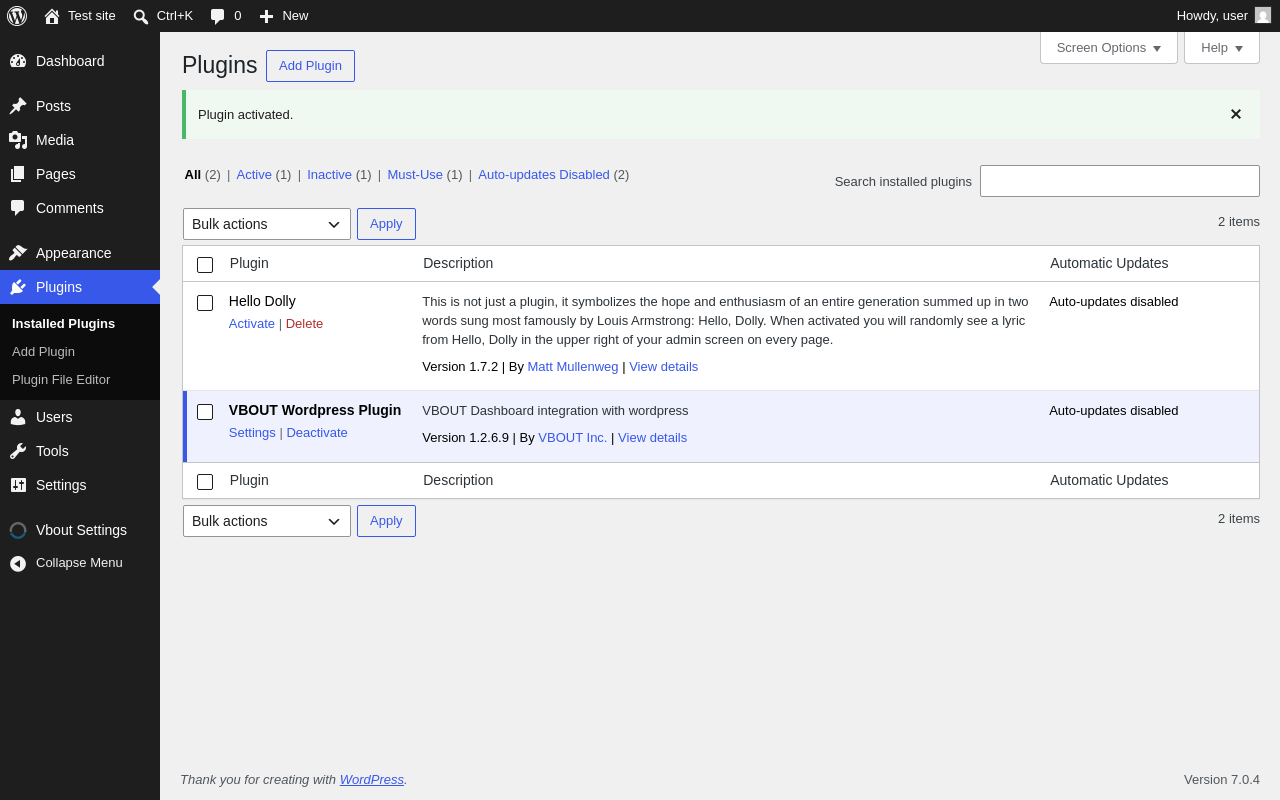
| URL | /wp-admin/plugins.php?plugin_status=all&paged=1&s |
|---|---|
| Requested URL | /wp-admin/plugins.php?action=activate&plugin=marketing-automation%2Fvboutwp.php&plugin_status=all&paged=1&s&_wpnonce=70314e75c7 |
| Aspect | after-activation |
| HTTP status | 200 |
| Load time | 1.065 s |
| Memory usage | 4.03 MiB |
| JS errors | None |
| Resource errors | None |
Vbout Settings
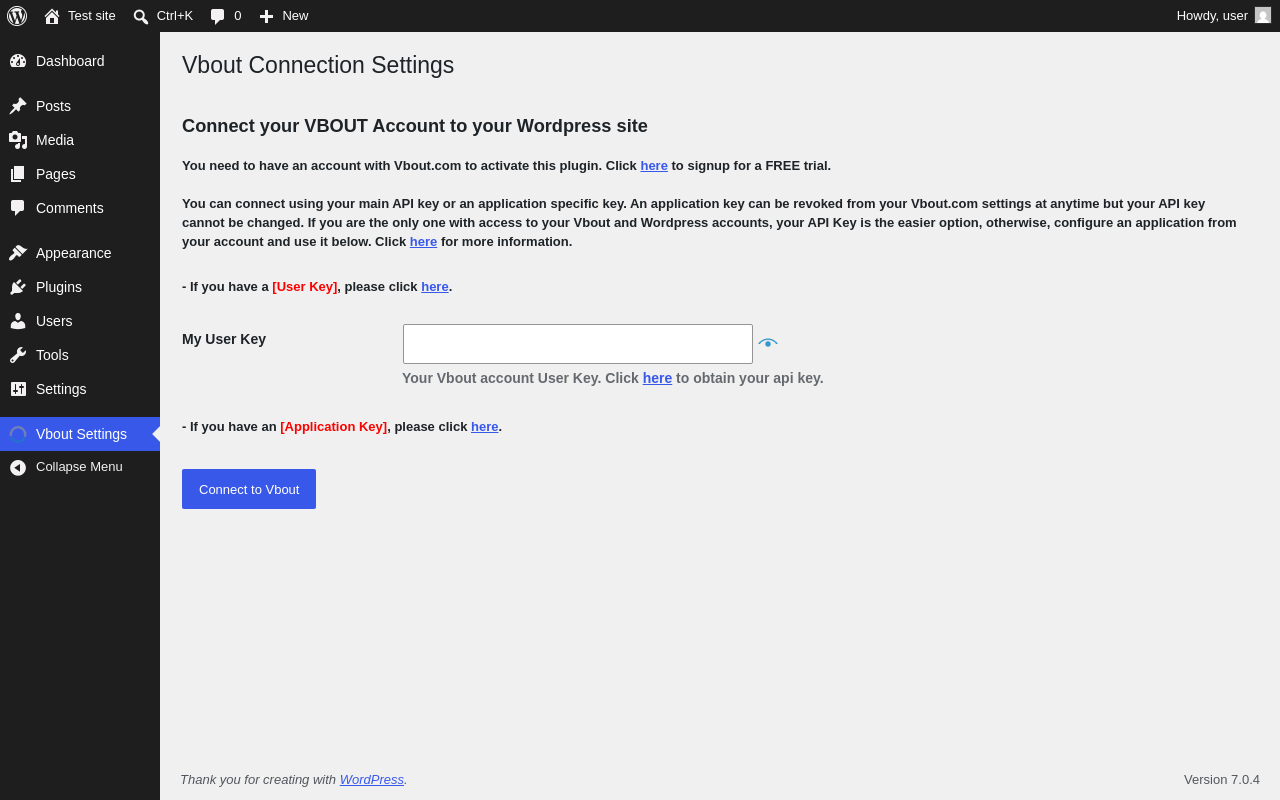
| URL | /wp-admin/admin.php?page=vbout-connect |
|---|---|
| Aspect | menu-item |
| HTTP status | 200 |
| Load time | 1.781 s |
| Memory usage | 3.96 MiB |
| JS errors | None |
| Resource errors | None |
Test site – Just another WordPress site
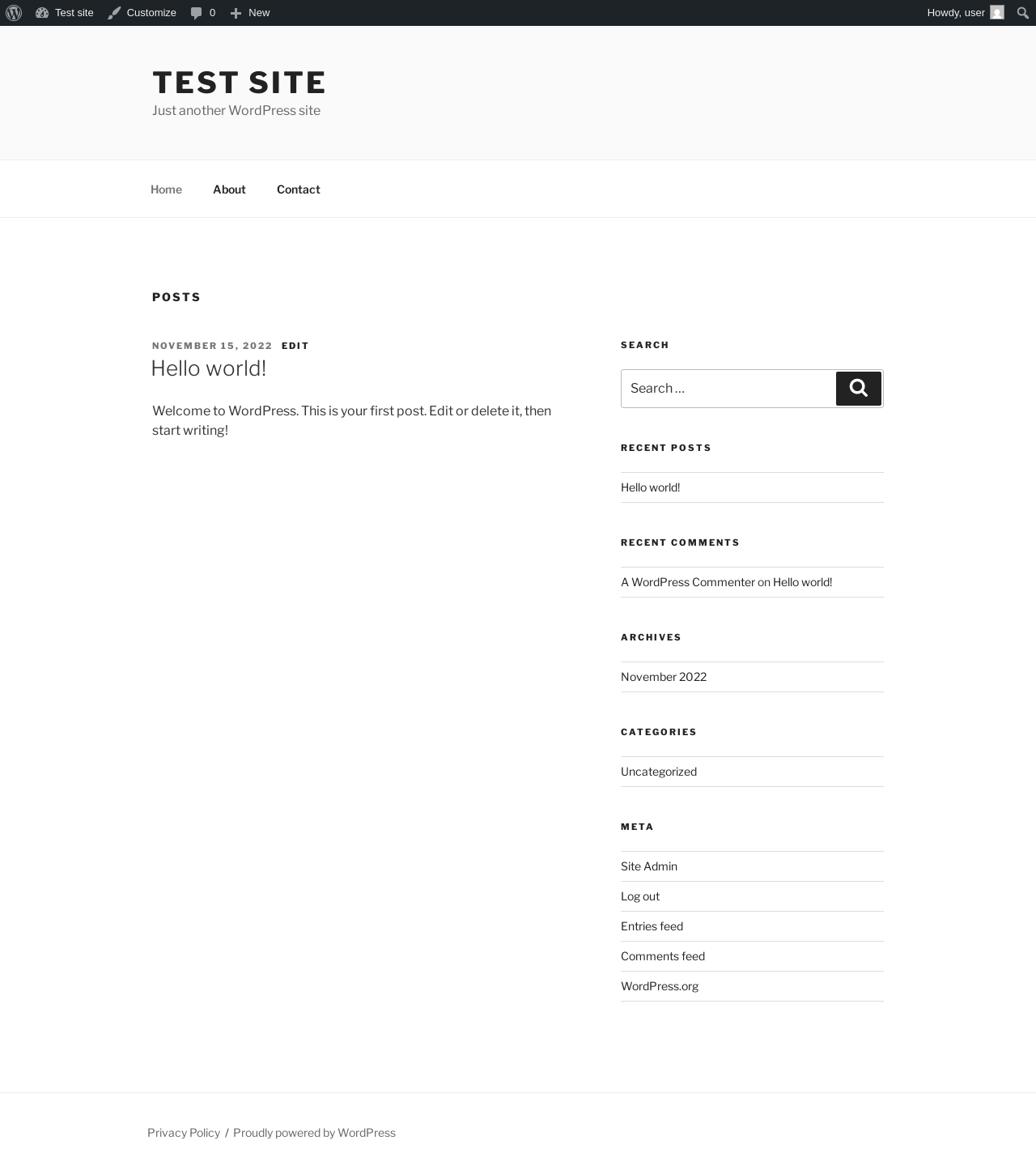
| URL | / |
|---|---|
| Aspect | front-page |
| HTTP status | 200 |
| Load time | 0.327 s |
| Memory usage | 4.31 MiB |
| JS errors | None |
| Resource errors | None |
Add Post ‹ Test site — WordPress
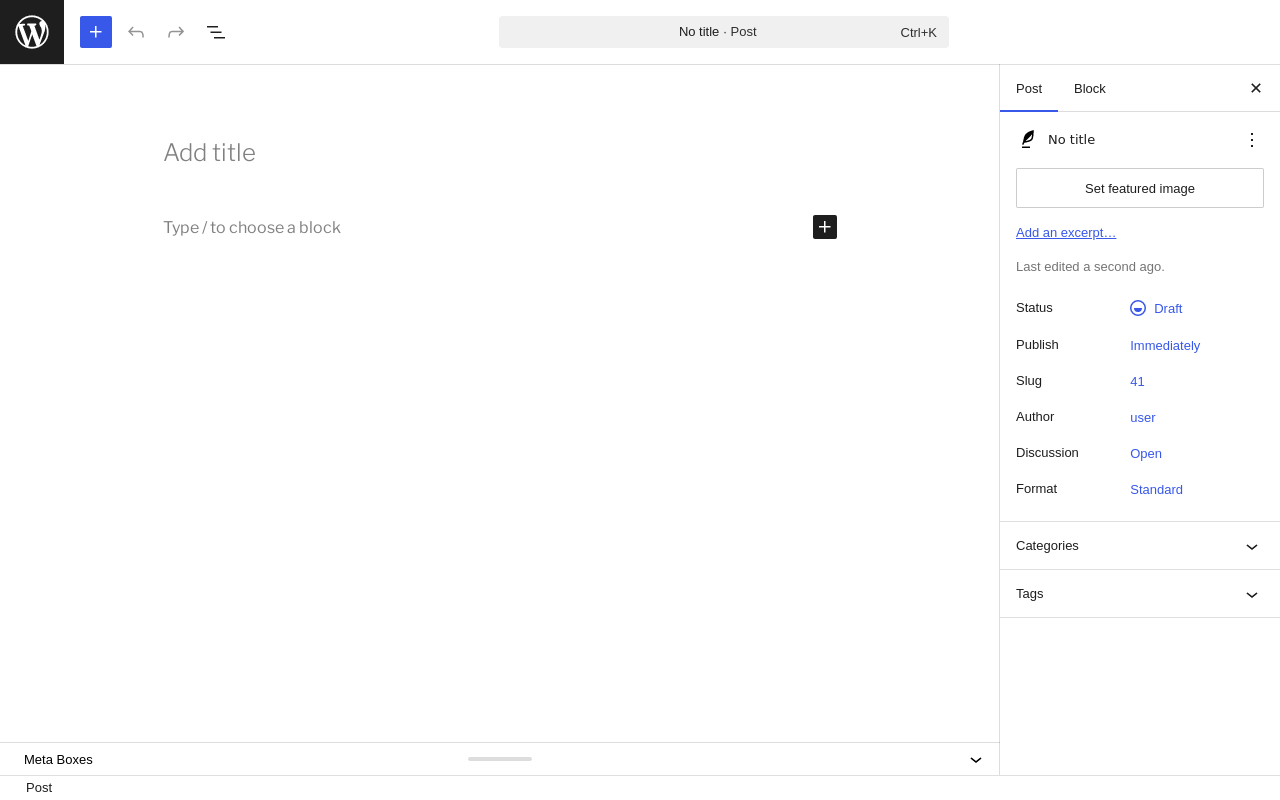
| URL | /wp-admin/post-new.php |
|---|---|
| Aspect | new-meta-boxes |
| HTTP status | 200 |
| Load time | 1.834 s |
| Memory usage | 6.72 MiB |
| JS errors | None |
| Resource errors | None |
Add Page ‹ Test site — WordPress
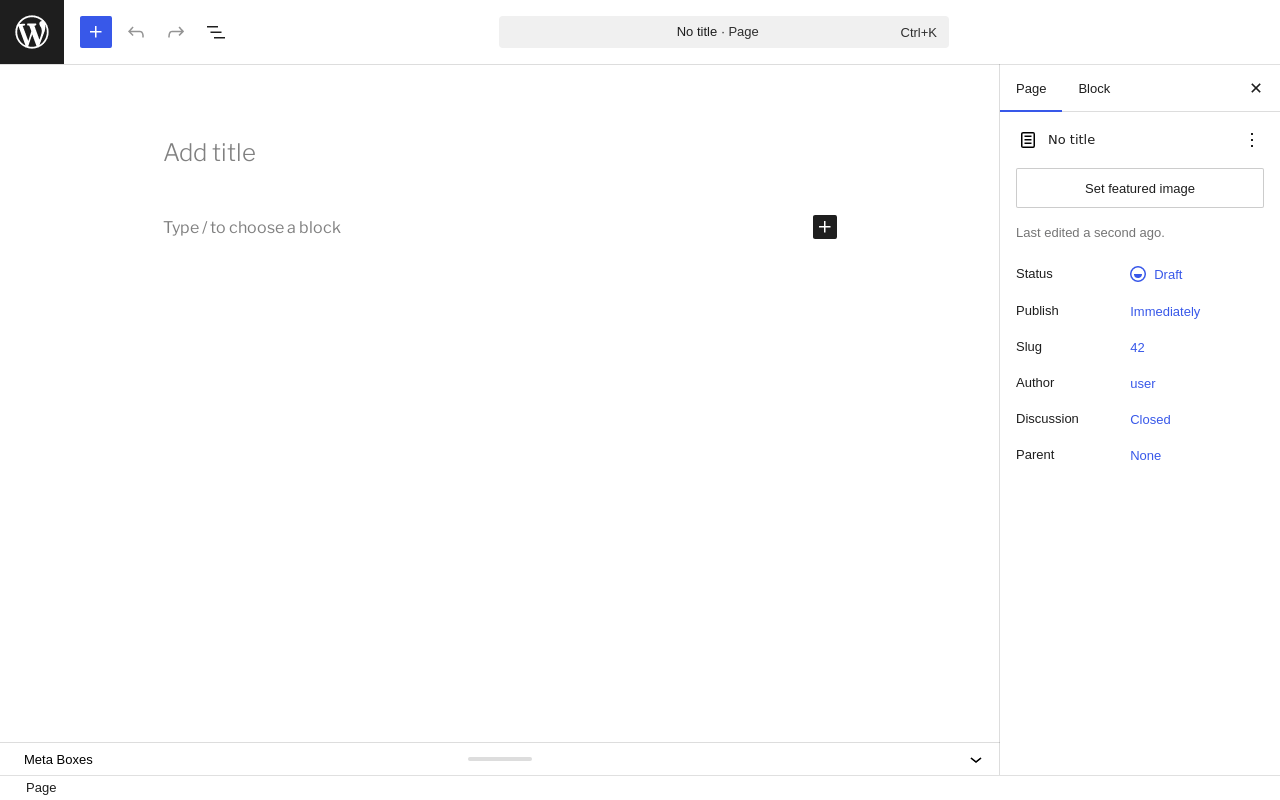
| URL | /wp-admin/post-new.php?post_type=page |
|---|---|
| Aspect | new-meta-boxes |
| HTTP status | 200 |
| Load time | 2.142 s |
| Memory usage | 6.7 MiB |
| JS errors | None |
| Resource errors | None |
Benchmark
| URL | Load time | Memory usage | ||||
|---|---|---|---|---|---|---|
| Inactive | Active | Change | Inactive | Active | Change | |
| /wp-admin/index.php | 0.661 s | 0.702 s | +0.041 s | 3.92 MiB | 4.04 MiB | + 120.48 KiB |
| /wp-admin/edit.php | 0.527 s | 0.536 s | +0.009 s | 3.98 MiB | 4.11 MiB | + 136.27 KiB |
| /wp-admin/post-new.php | 1.955 s | 2.367 s | +0.412 s | 6.56 MiB | 6.71 MiB | + 156.46 KiB |
| /wp-admin/upload.php | 0.713 s | 0.710 s | -0.003 s | 3.89 MiB | 3.99 MiB | + 109.55 KiB |
| /wp-admin/options-writing.php | 0.542 s | 0.580 s | +0.038 s | 3.86 MiB | 3.97 MiB | + 110.67 KiB |
| /wp-admin/media-new.php | 0.575 s | 1.020 s | +0.445 s | 3.85 MiB | 3.96 MiB | + 106.61 KiB |
| /wp-admin/edit-tags.php?taxonomy=category | 0.483 s | 0.671 s | +0.188 s | 3.86 MiB | 3.98 MiB | + 118.44 KiB |
| /wp-admin/post-new.php?post_type=page | 1.667 s | 1.799 s | +0.132 s | 6.55 MiB | 6.7 MiB | + 159.25 KiB |
| /wp-admin/options-discussion.php | 0.608 s | 0.626 s | +0.018 s | 3.86 MiB | 3.96 MiB | + 94.91 KiB |
| /wp-admin/edit-comments.php | 0.547 s | 0.578 s | +0.031 s | 3.88 MiB | 4 MiB | + 121.99 KiB |
| / | 0.288 s | 0.235 s | -0.053 s | 4.23 MiB | 4.31 MiB | + 82.08 KiB |
| Average | 0.779 s | 0.893 s | +0.114 s | 4.4 MiB | 4.52 MiB | + 119.7 KiB |
Code Statistics
Note: Third-party libraries and minified JS/CSS files are excluded from these statistics where possible, so the numbers you see here may be lower than those reported by other tools.
| Language | % | Lines of code | Comment lines | Files | |
|---|---|---|---|---|---|
| PHP | 86.6% | 4,158 | 657 | 28 | |
| JavaScript | 8.7% | 418 | 42 | 4 | |
| CSS | 4.7% | 225 | 8 | 1 | |
| Total | 4,801 | 707 | 33 | ||
PHP Code Analysis | More results »
| Lines of code | 3,059 |
|---|---|
| Total complexity | 537 |
| Median class complexity | 25.0 |
| Median method complexity | 3.0 |
| Most complex class | VboutWP |
| Most complex function | VboutWP::sendToVbout() |
| Classes | 8 |
|---|---|
| Methods | 103 |
| Functions | 6 |
Additions
Things that the plugin adds to the site. This section is not intended to be comprehensive. The test tool only looks for a few specific types of added content.
Options wp_options 32
- vbout_api_business
- vbout_api_status_checksum
- vbout_appkey
- vbout_authtoken
- vbout_clientsecret
- vbout_current_tab
- vbout_em_activated
- vbout_em_emailname
- vbout_em_emailsubject
- vbout_em_forms
- vbout_em_forms_default
- vbout_em_fromemail
- vbout_em_fromname
- vbout_em_lists
- vbout_em_replyto
- vbout_flash_message
- vbout_last_nonce
- vbout_method
- vbout_plugin_attachment
- vbout_plugin_availability
- vbout_plugin_version
- vbout_sm_activated
- vbout_sm_channels
- vbout_status
- vbout_sync_emaillist
- vbout_sync_exclude_ids
- vbout_sync_exclude_listid
- vbout_tracking_activated
- vbout_tracking_code
- vbout_tracking_domain
- vbout_tracking_domains
- vbout_userkey
Meta Boxes
{
    "post": {
        "vbou_meta_box": {
            "title": "Schedule this Post on Vbout?",
            "context": "normal"
        }
    },
    "page": {
        "vbou_meta_box": {
            "title": "Schedule this Page on Vbout?",
            "context": "normal"
        }
    }
}
PHP Error Log 7 lines
[16-Aug-2026 07:31:20 UTC] PHP Warning:  Undefined variable $class in /wp-content/plugins/marketing-automation/templates/form_objects/text.html.php on line 6
[16-Aug-2026 07:31:20 UTC] PHP Warning:  Undefined variable $type in /wp-content/plugins/marketing-automation/templates/form_objects/text.html.php on line 6
[16-Aug-2026 07:31:20 UTC] PHP Warning:  Undefined variable $class in /wp-content/plugins/marketing-automation/templates/form_objects/text.html.php on line 6
[16-Aug-2026 07:31:20 UTC] PHP Warning:  Undefined variable $type in /wp-content/plugins/marketing-automation/templates/form_objects/text.html.php on line 6
[16-Aug-2026 07:31:20 UTC] PHP Warning:  Undefined variable $class in /wp-content/plugins/marketing-automation/templates/form_objects/text.html.php on line 6
[16-Aug-2026 07:31:20 UTC] PHP Warning:  Undefined variable $type in /wp-content/plugins/marketing-automation/templates/form_objects/text.html.php on line 6
[16-Aug-2026 07:31:20 UTC] PHP Warning:  Undefined variable $class in /wp-content/plugins/marketing-automation/templates/form_objects/text.html.php on line 6