Matomo Analytics - Ethical Stats. Powerful Insights. 5.6.1

Does "Matomo Analytics - Ethical Stats. Powerful Insights." work with WordPress 6.9.1 and PHP 8.1.12? A smoke test was performed on .

Summary

Errors
4PHP warnings
1PHP notices
26Unrecognized messages in the PHP error log
No JavaScript exceptions
All test pages loaded successfully
No resource errors
Performance

Memory usage: 278.28 KiB
The average PHP memory usage increased by this amount after activating by the plugin.

Page speed impact: 0.036 seconds
The average page load time increased by this amount after activating the plugin.

Environment
WordPress version6.9.1
PHP version8.1.12
MySQL version10.6.10
PHP memory limit512M
Plugin Info
Last updated
Active installs 100,000+
WordPress.org page https://wordpress.org/plugins/matomo/
Badges

WordPress compatibility badge PHP compatibility badge

Get badge code

Pages 19

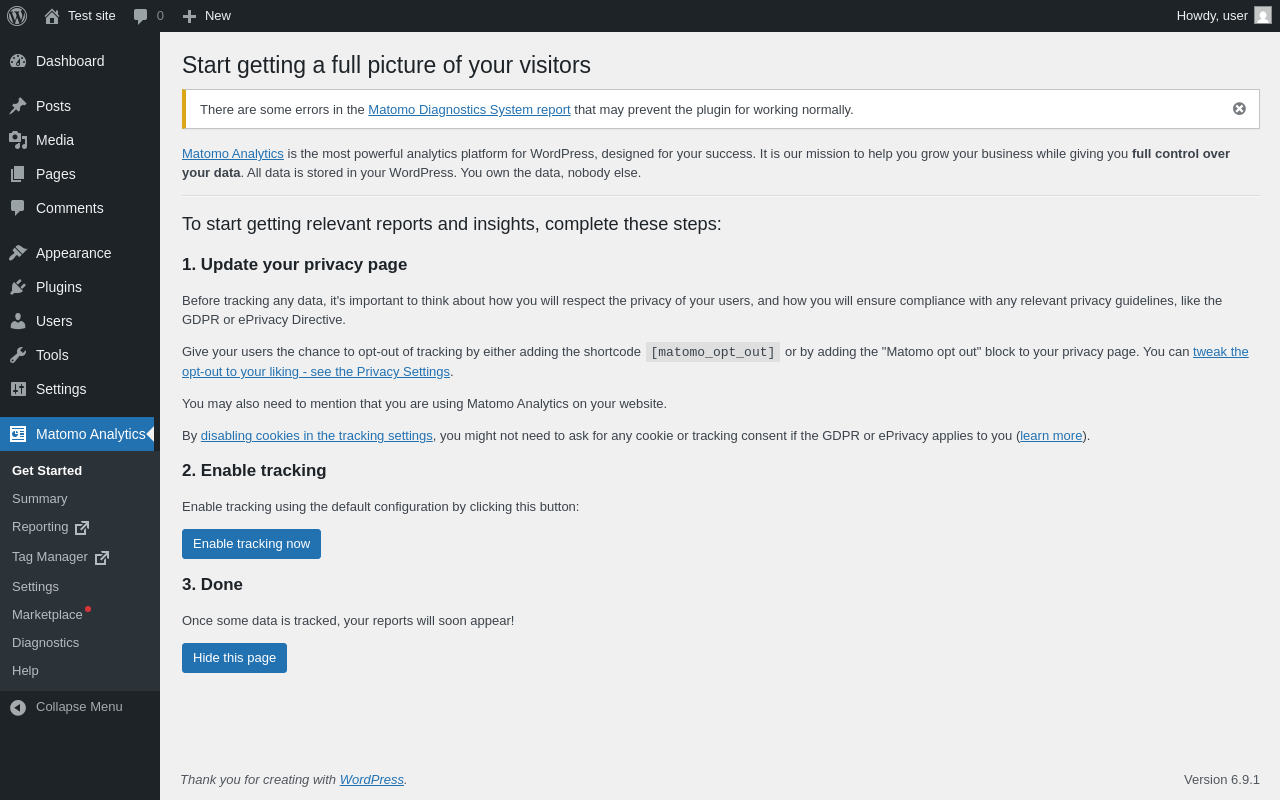
Get Started ‹ Test site — WordPress

Page screenshot: Get Started ‹ Test site — WordPress
URL /wp-admin/admin.php?page=matomo-get-started
Requested URL /wp-admin/plugins.php?action=activate&plugin=matomo%2Fmatomo.php&plugin_status=all&paged=1&s&_wpnonce=3e12494162
Aspect after-activation
HTTP status 200
Load time 7.464 s
Memory usage 84.47 MiB
JS errors None
Resource errors None

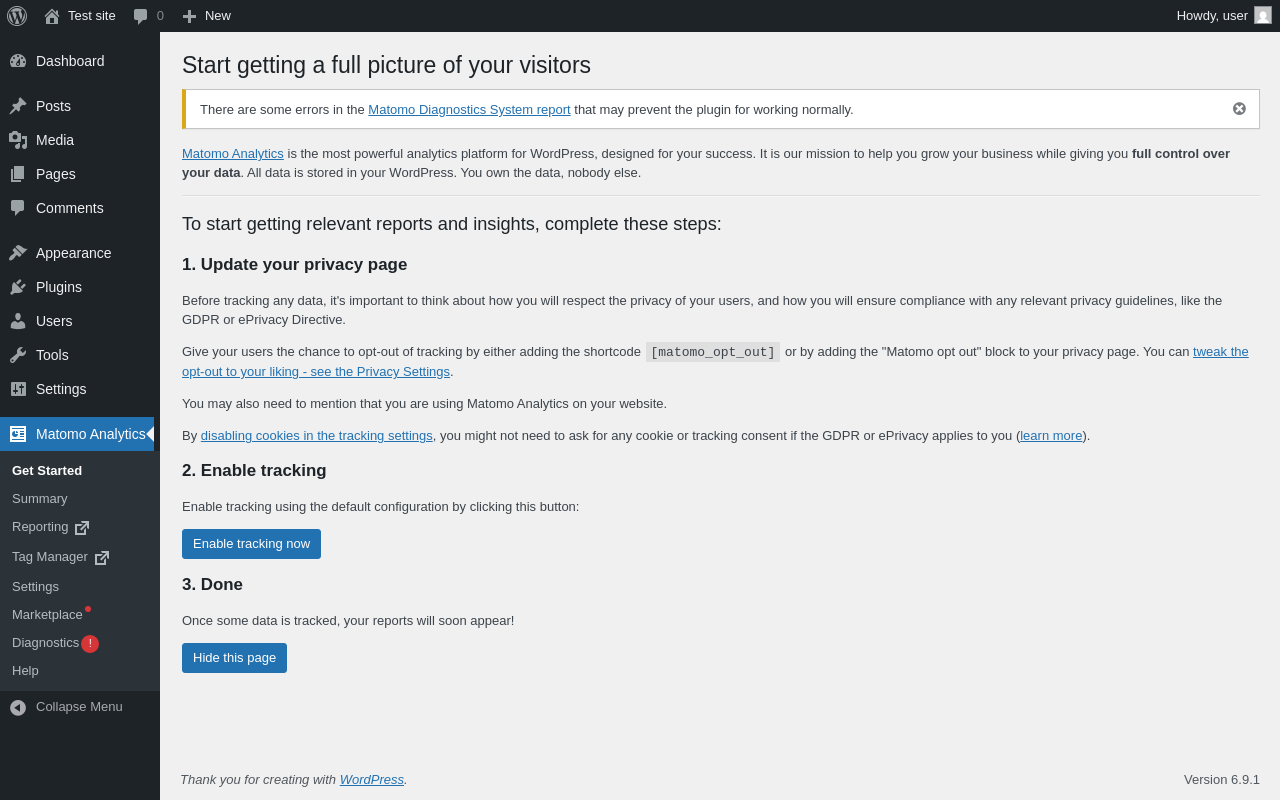
Matomo Analytics

Page screenshot: Matomo Analytics
URL /wp-admin/admin.php?page=matomo-get-started
Aspect menu-item
HTTP status 200
Load time 0.294 s
Memory usage 3.88 MiB
JS errors None
Resource errors None

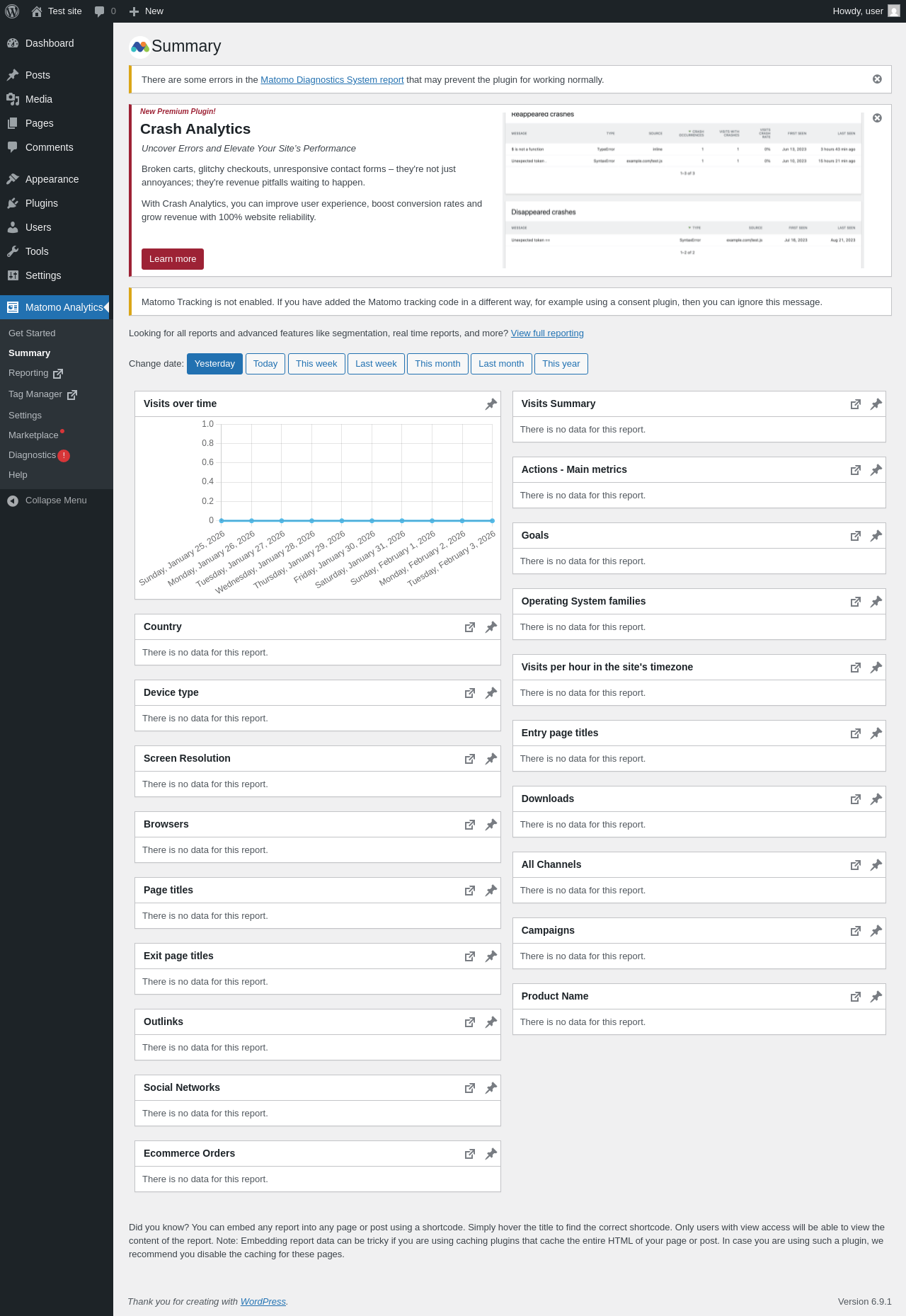
Matomo Analytics → Summary

Page screenshot: Matomo Analytics → Summary
URL /wp-admin/admin.php?page=matomo-summary
Aspect menu-item
HTTP status 200
Load time 1.455 s
Memory usage 11.8 MiB
JS errors None
Resource errors None

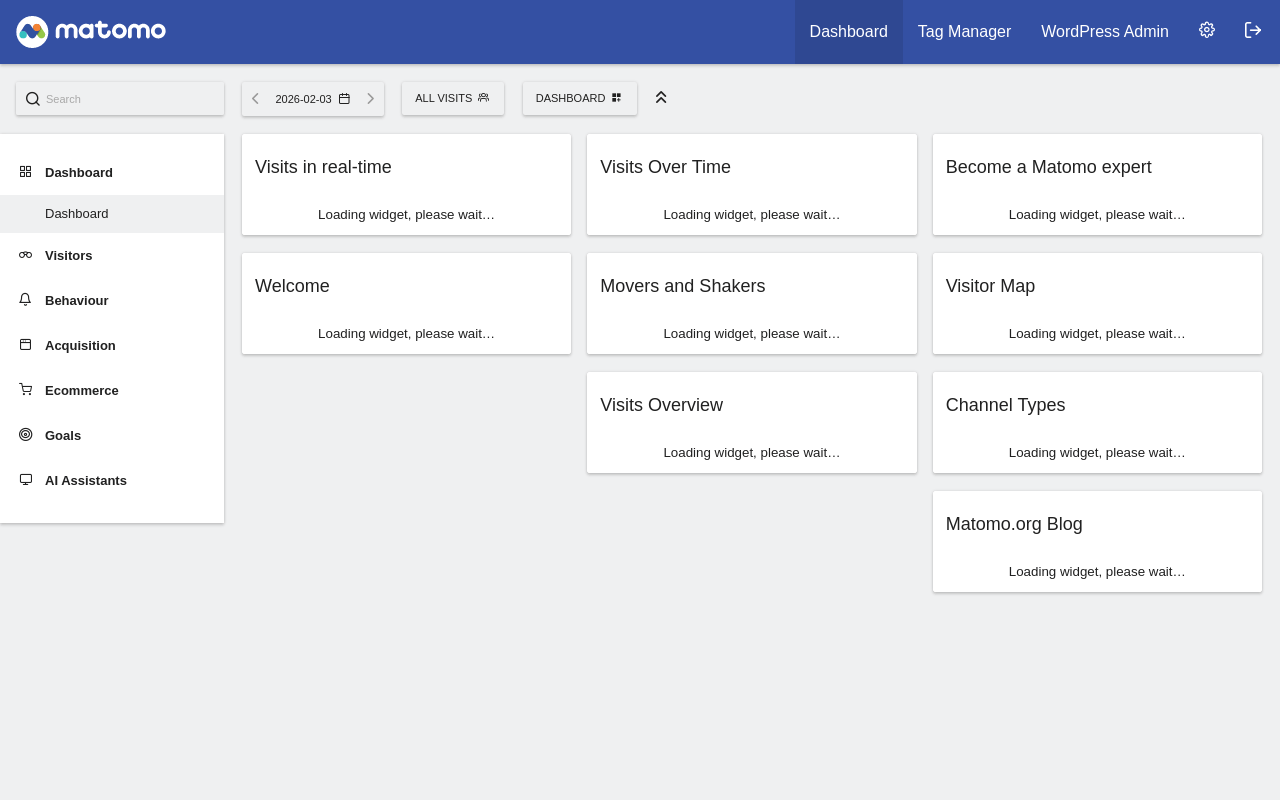
Matomo Analytics → Reporting

Page screenshot: Matomo Analytics → Reporting
URL /wp-content/plugins/matomo/app/index.php?module=CoreHome&action=index&idSite=1&period=day&date=today
Requested URL /wp-admin/admin.php?page=matomo-reporting
Aspect menu-item
HTTP status 200
Load time 2.548 s
Memory usage N/A
JS errors None
Resource errors None

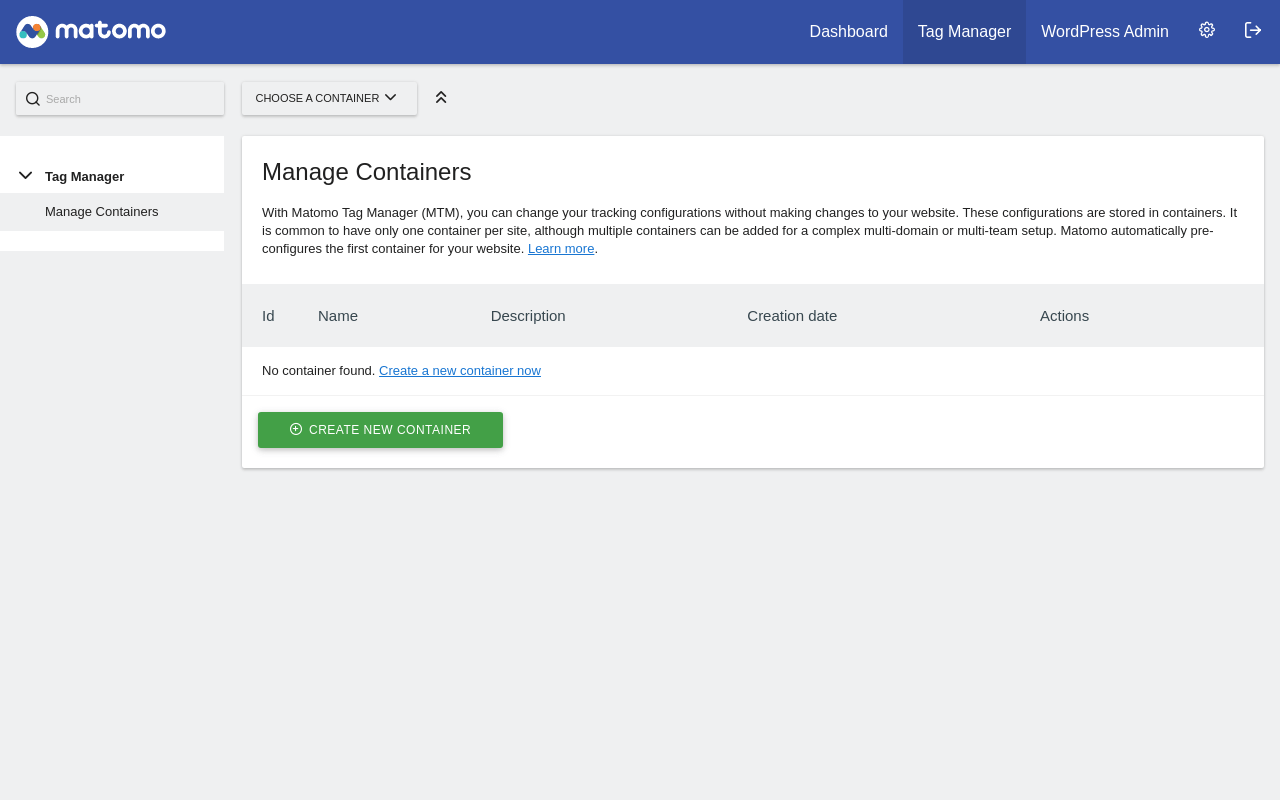
Matomo Analytics → Tag Manager

Page screenshot: Matomo Analytics → Tag Manager
URL /wp-content/plugins/matomo/app/index.php?idSite=1&period=day&date=yesterday&module=TagManager&action=manageContainers
Requested URL /wp-admin/admin.php?page=matomo-tagmanager
Aspect menu-item
HTTP status 200
Load time 3.850 s
Memory usage N/A
JS errors None
Resource errors None

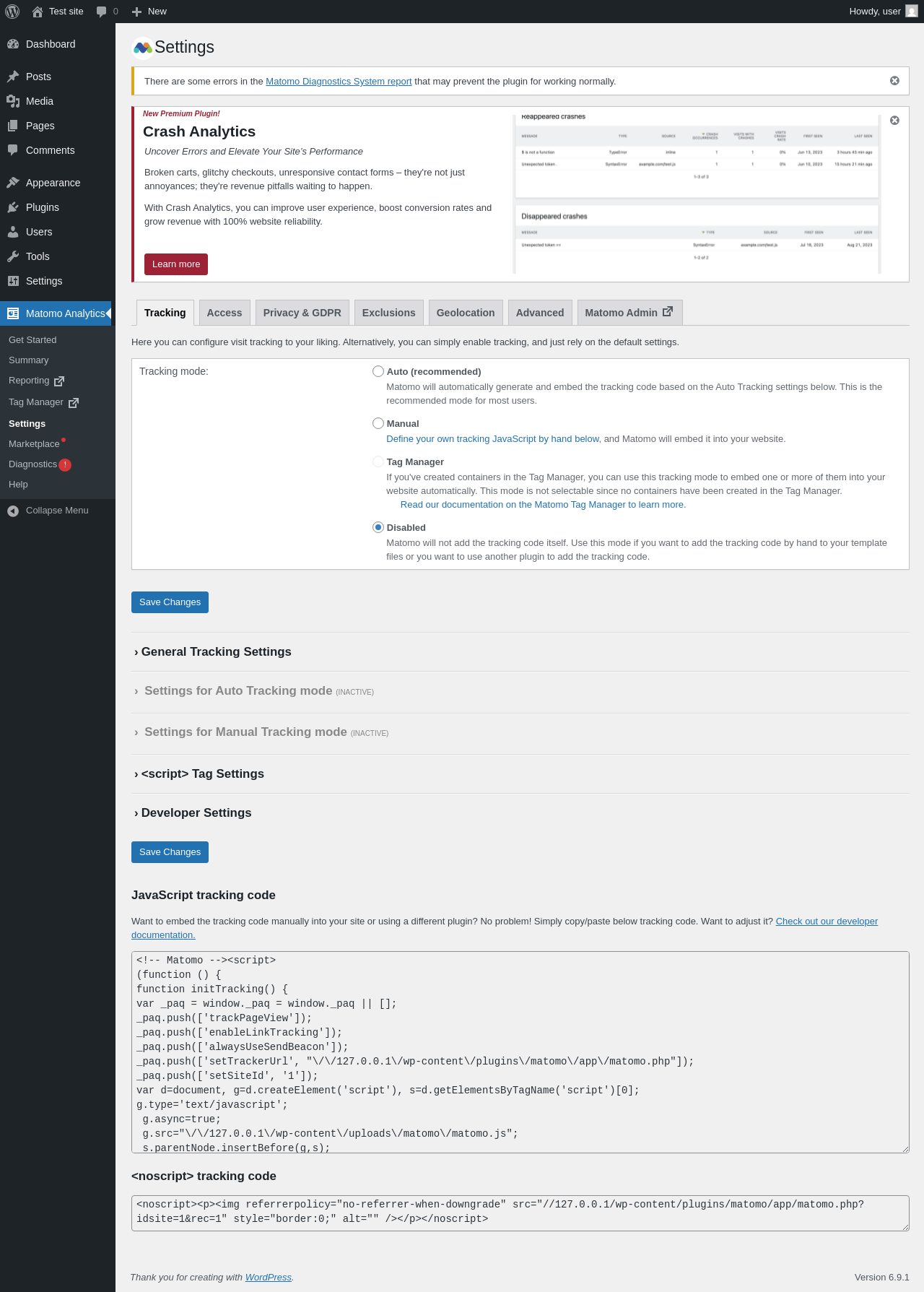
Matomo Analytics → Settings

Page screenshot: Matomo Analytics → Settings
URL /wp-admin/admin.php?page=matomo-settings
Aspect menu-item
HTTP status 200
Load time 0.709 s
Memory usage 6.03 MiB
JS errors None
Resource errors None

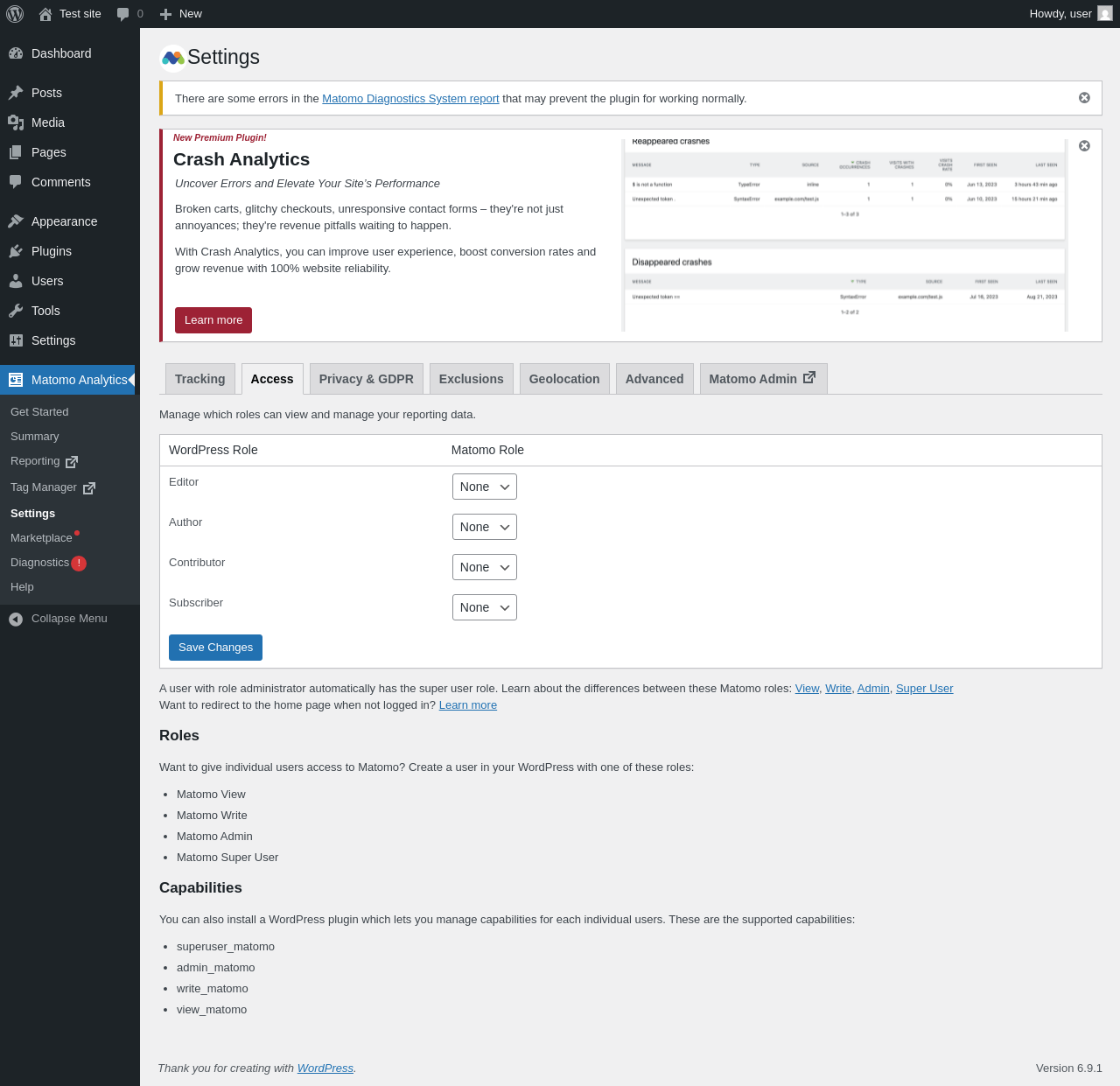
Matomo Analytics → Settings → Access

Page screenshot: Matomo Analytics → Settings → Access
URL /wp-admin/admin.php?page=matomo-settings&tab=access
Aspect menu-item-tab
HTTP status 200
Load time 0.343 s
Memory usage 3.88 MiB
JS errors None
Resource errors None

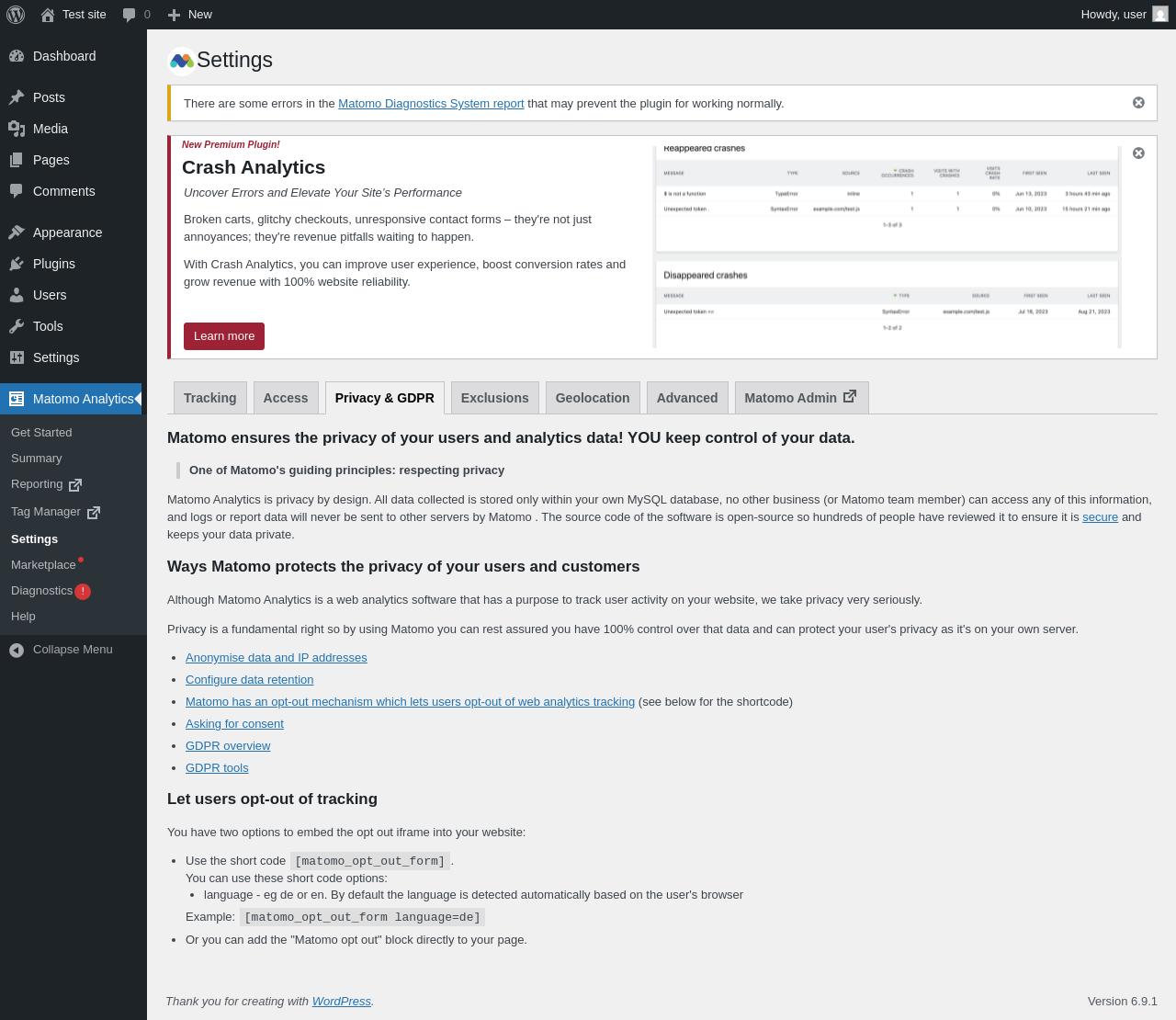
Matomo Analytics → Settings → Privacy & GDPR

Page screenshot: Matomo Analytics → Settings → Privacy & GDPR
URL /wp-admin/admin.php?page=matomo-settings&tab=privacy
Aspect menu-item-tab
HTTP status 200
Load time 0.290 s
Memory usage 3.88 MiB
JS errors None
Resource errors None

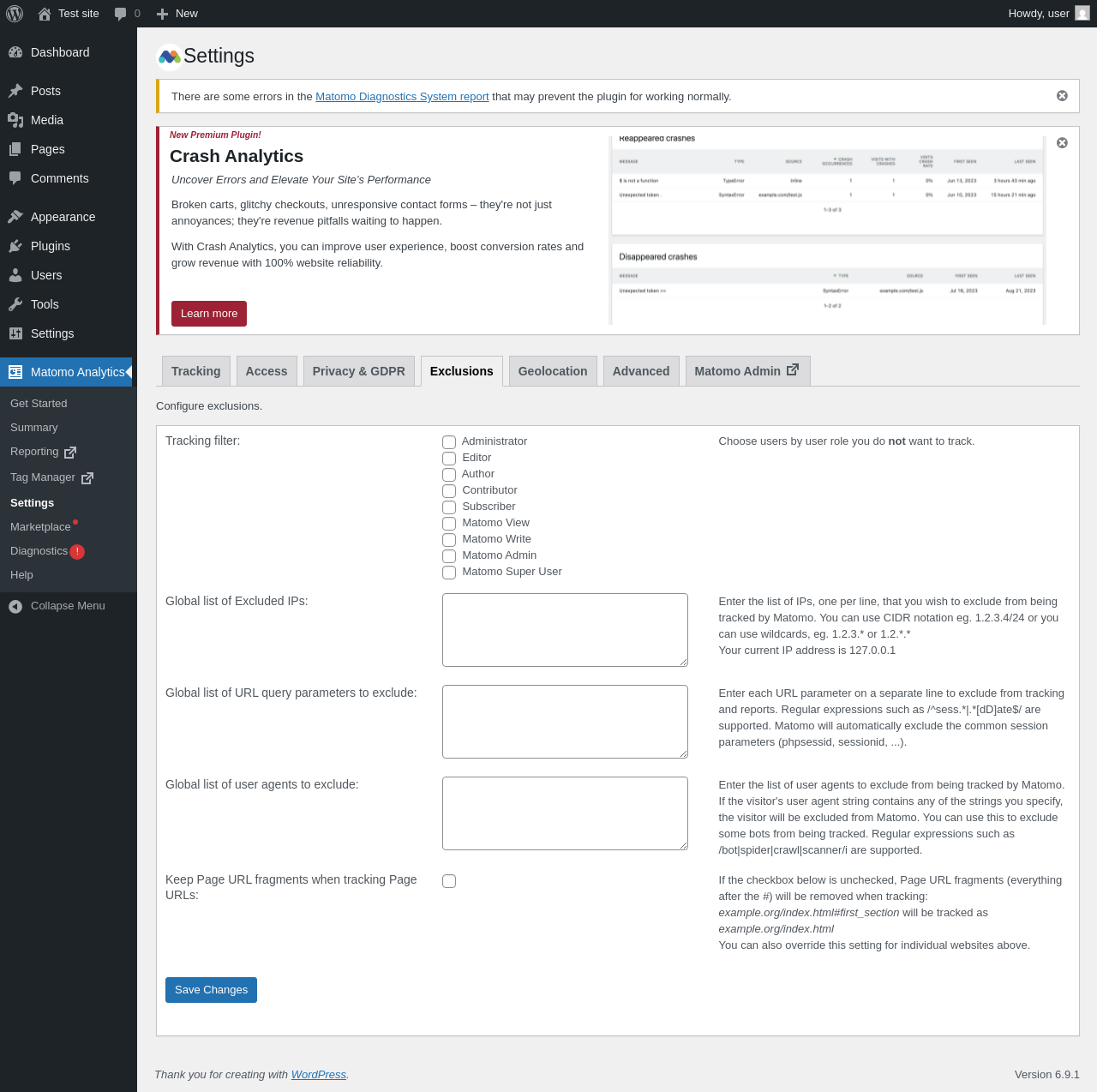
Matomo Analytics → Settings → Exclusions

Page screenshot: Matomo Analytics → Settings → Exclusions
URL /wp-admin/admin.php?page=matomo-settings&tab=exlusions
Aspect menu-item-tab
HTTP status 200
Load time 0.300 s
Memory usage 5.81 MiB
JS errors None
Resource errors None

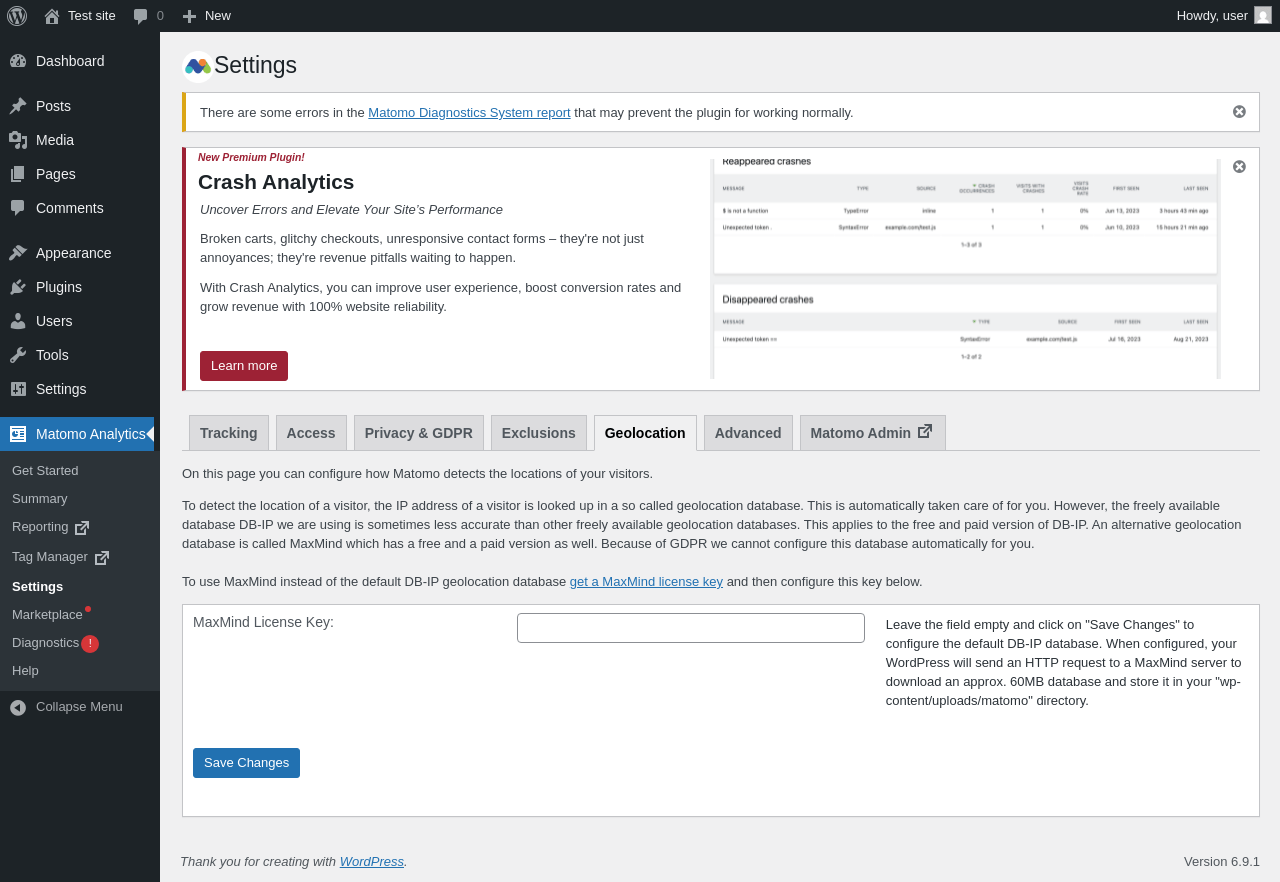
Matomo Analytics → Settings → Geolocation

Page screenshot: Matomo Analytics → Settings → Geolocation
URL /wp-admin/admin.php?page=matomo-settings&tab=geolocation
Aspect menu-item-tab
HTTP status 200
Load time 0.323 s
Memory usage 3.88 MiB
JS errors None
Resource errors None

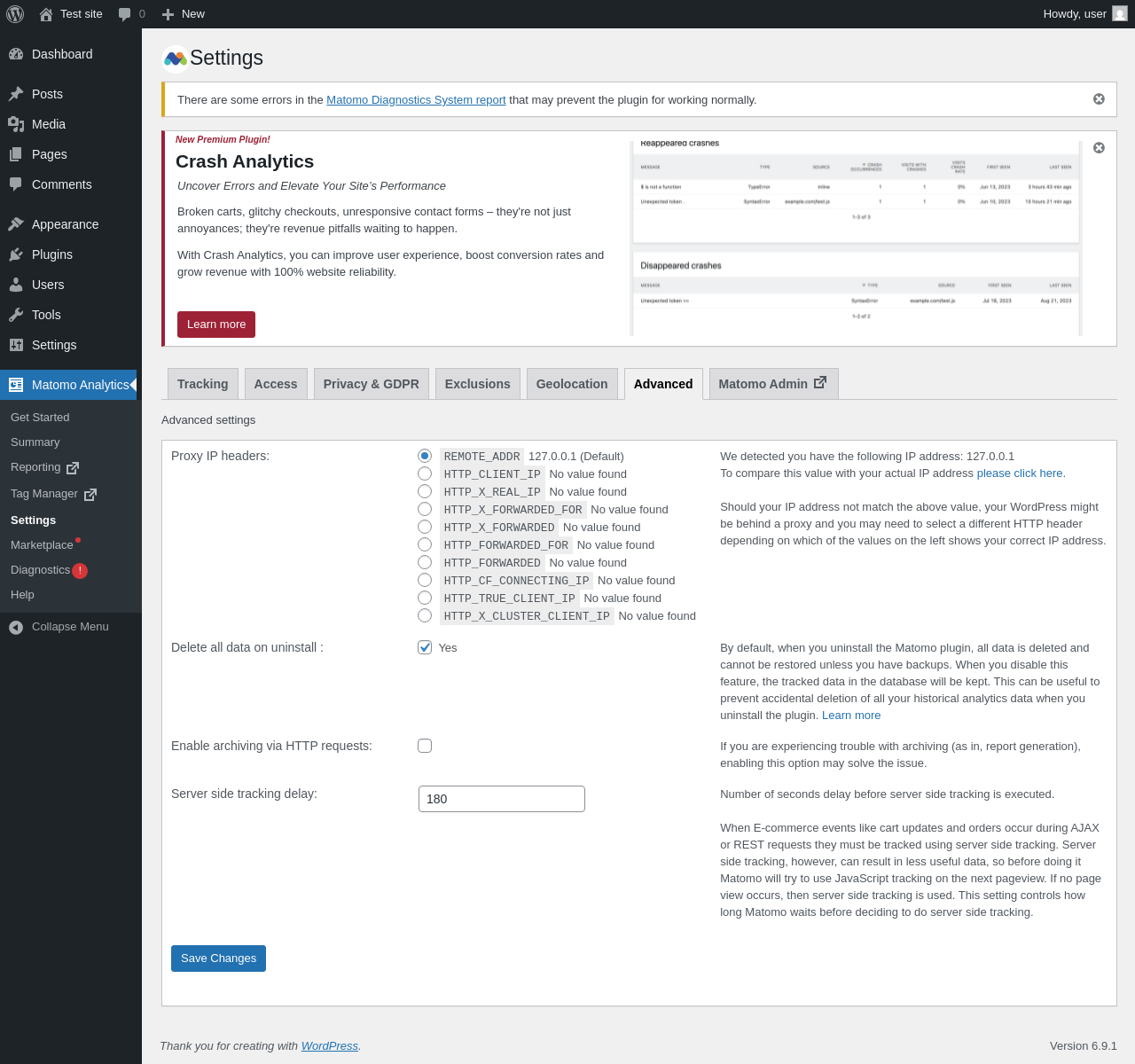
Matomo Analytics → Settings → Advanced

Page screenshot: Matomo Analytics → Settings → Advanced
URL /wp-admin/admin.php?page=matomo-settings&tab=advanced
Aspect menu-item-tab
HTTP status 200
Load time 0.334 s
Memory usage 5.81 MiB
JS errors None
Resource errors None

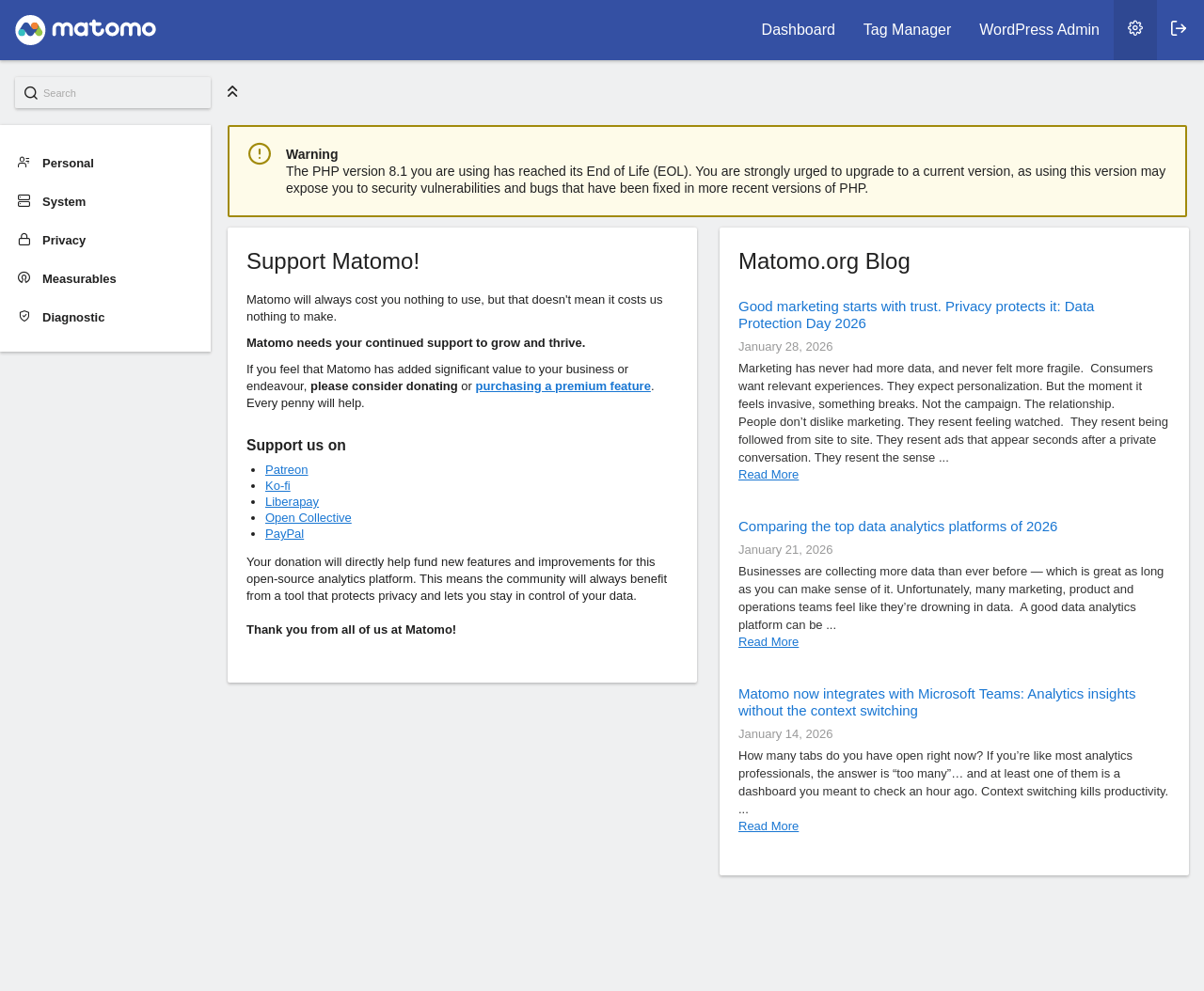
Matomo Analytics → Settings → Matomo Admin

Page screenshot: Matomo Analytics → Settings → Matomo Admin
URL /wp-content/plugins/matomo/app/index.php?idSite=1&period=day&date=yesterday&module=CoreAdminHome&action=home
Requested URL /wp-admin/admin.php?page=matomo-reporting&goto=matomo-admin
Aspect menu-item-tab
HTTP status 200
Load time 0.552 s
Memory usage N/A
JS errors None
Resource errors None

Matomo Analytics → Marketplace

Page screenshot: Matomo Analytics → Marketplace
URL /wp-admin/admin.php?page=matomo-marketplace
Aspect menu-item
HTTP status 200
Load time 0.693 s
Memory usage 3.91 MiB
JS errors None
Resource errors None

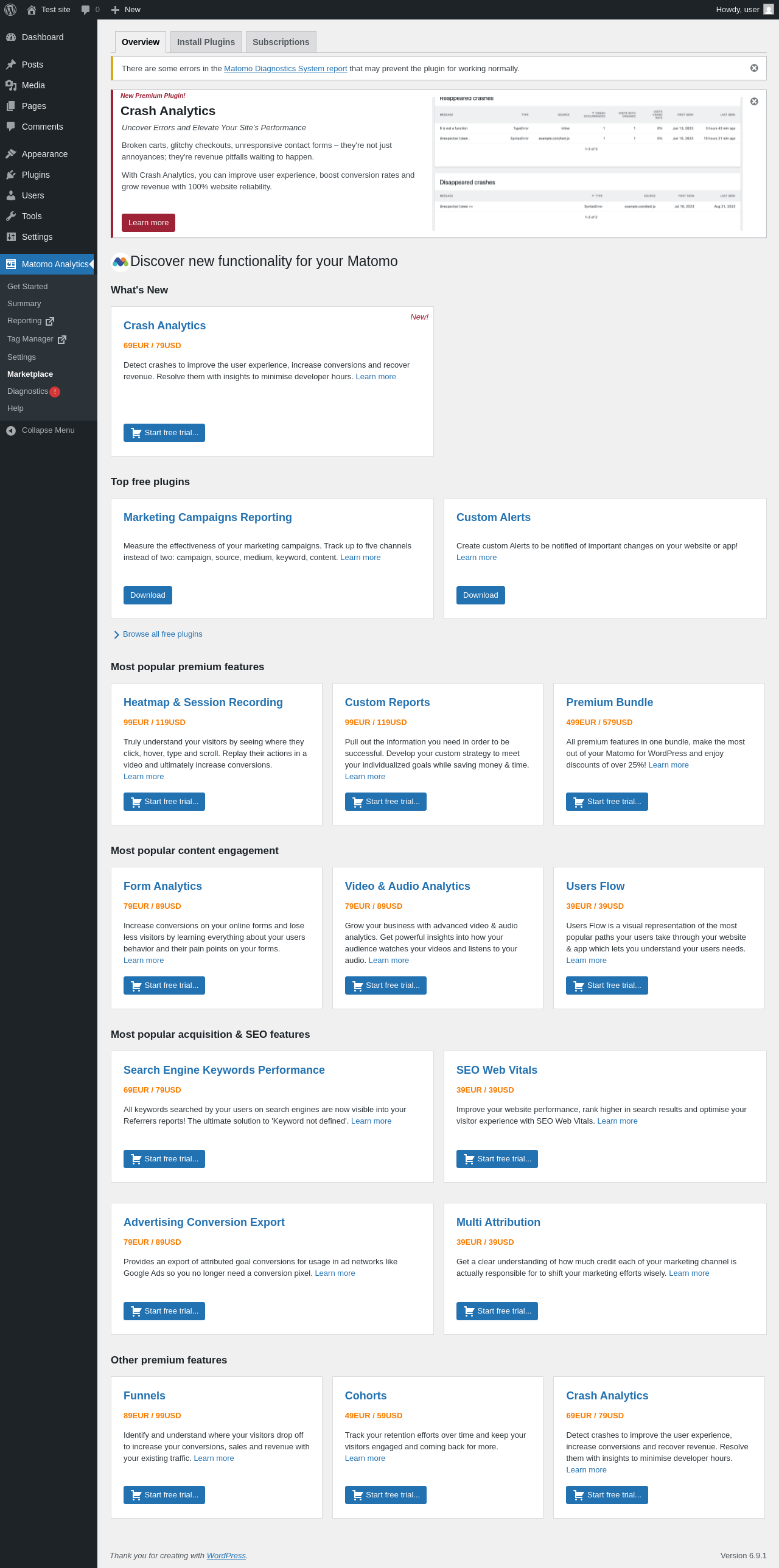
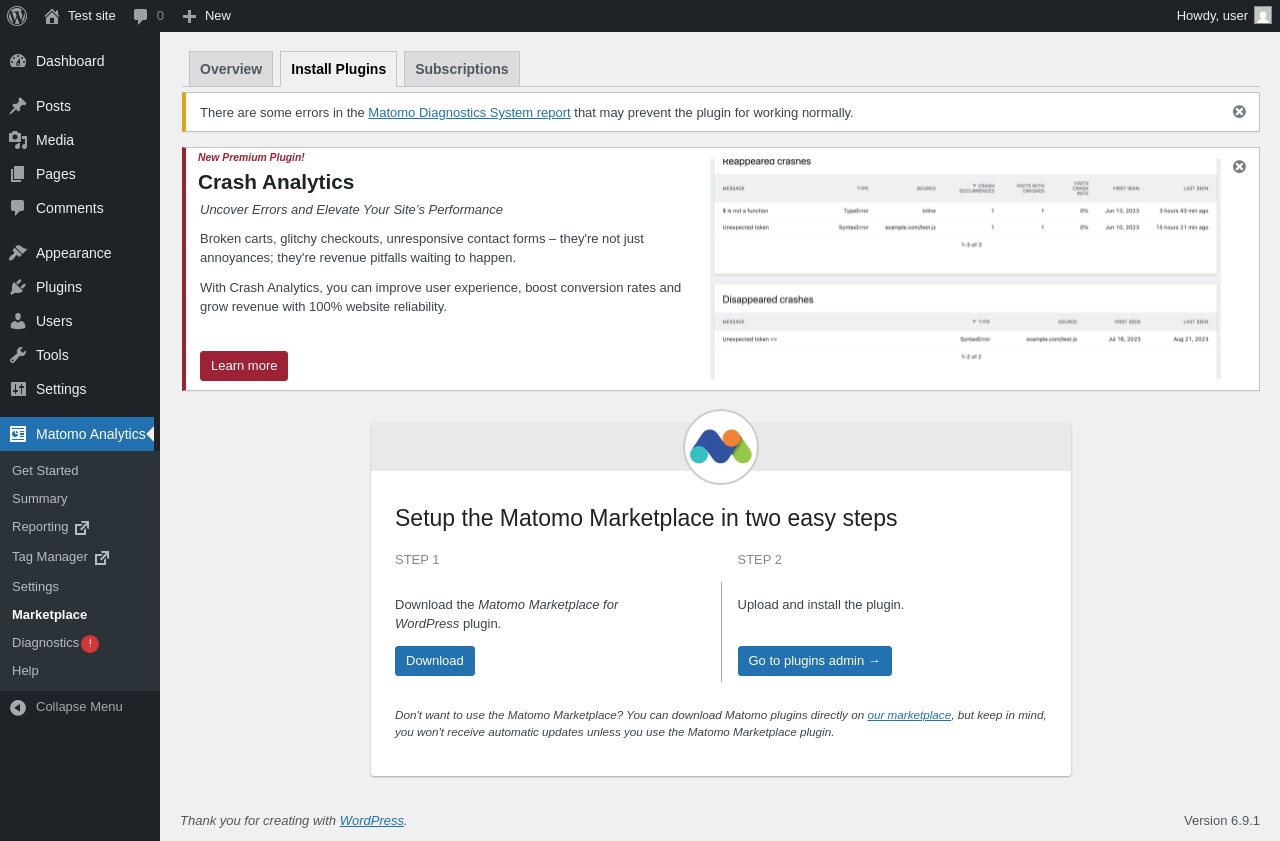
Matomo Analytics → Marketplace → Install Plugins

Page screenshot: Matomo Analytics → Marketplace → Install Plugins
URL /wp-admin/admin.php?page=matomo-marketplace&tab=install
Aspect menu-item-tab
HTTP status 200
Load time 0.366 s
Memory usage 3.88 MiB
JS errors None
Resource errors None

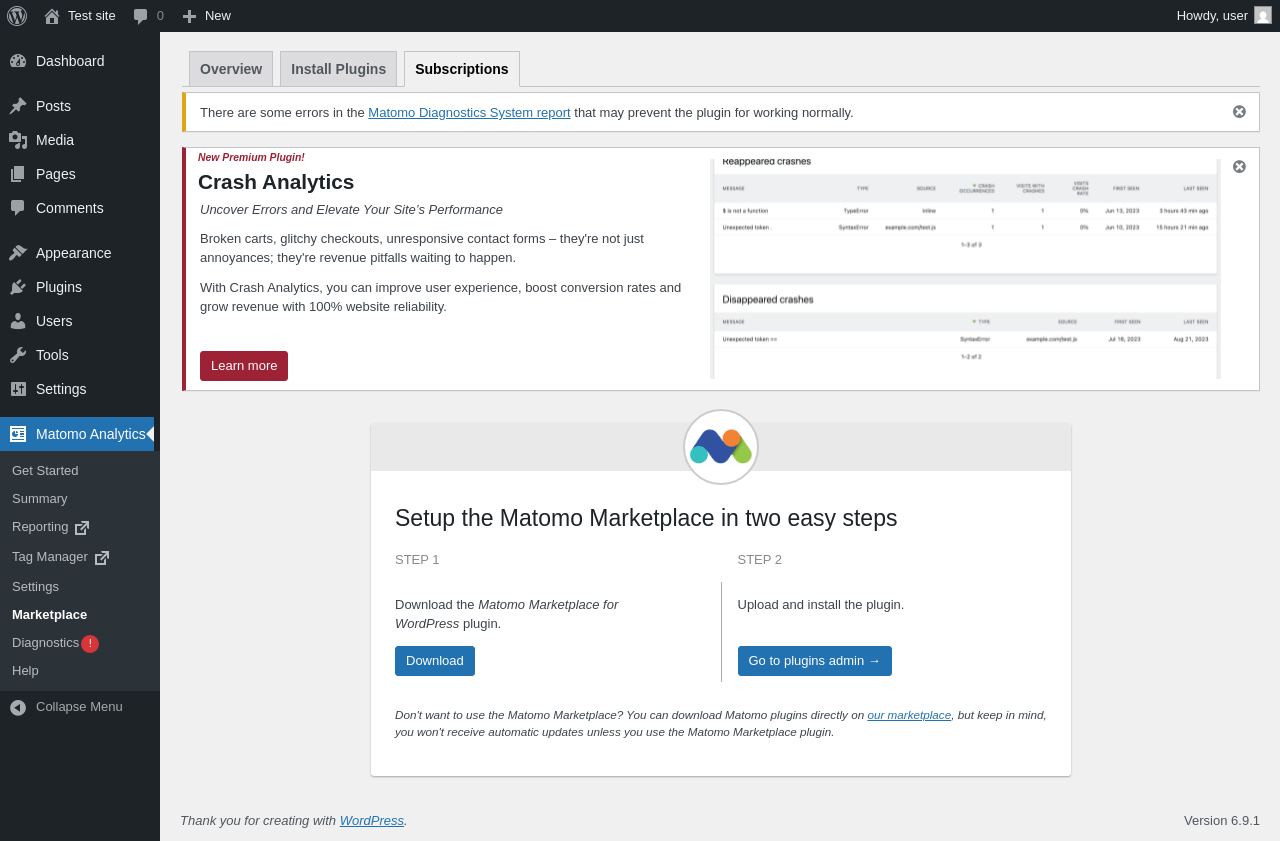
Matomo Analytics → Marketplace → Subscriptions

Page screenshot: Matomo Analytics → Marketplace → Subscriptions
URL /wp-admin/admin.php?page=matomo-marketplace&tab=subscriptions
Aspect menu-item-tab
HTTP status 200
Load time 0.279 s
Memory usage 3.88 MiB
JS errors None
Resource errors None

Matomo Analytics → Diagnostics

Page screenshot: Matomo Analytics → Diagnostics
URL /wp-admin/admin.php?page=matomo-systemreport
Aspect menu-item
HTTP status 200
Load time 1.966 s
Memory usage 8.73 MiB
JS errors None
Resource errors None

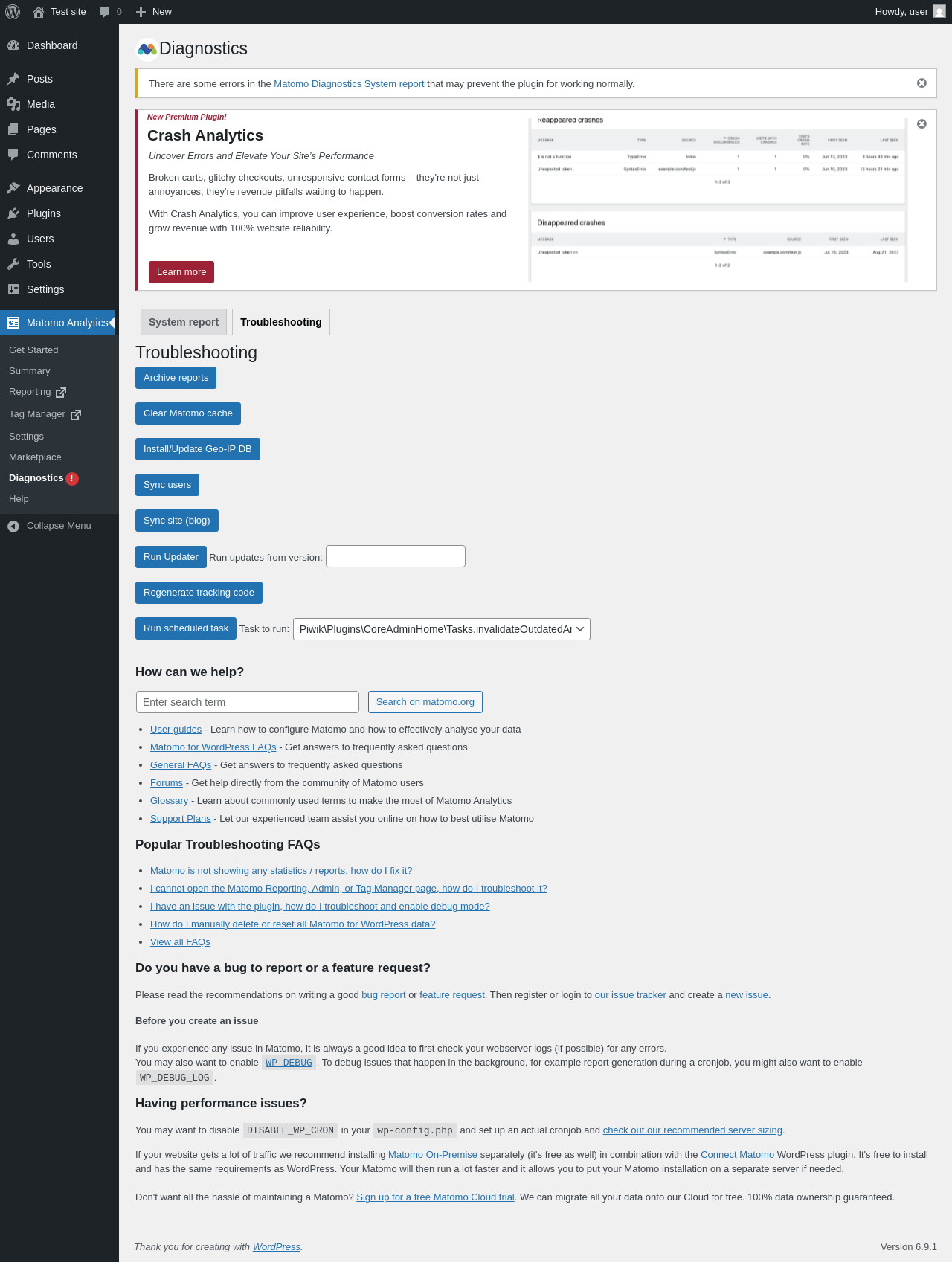
Matomo Analytics → Diagnostics → Troubleshooting

Page screenshot: Matomo Analytics → Diagnostics → Troubleshooting
URL /wp-admin/admin.php?page=matomo-systemreport&tab=troubleshooting
Aspect menu-item-tab
HTTP status 200
Load time 0.607 s
Memory usage 6.3 MiB
JS errors None
Resource errors None

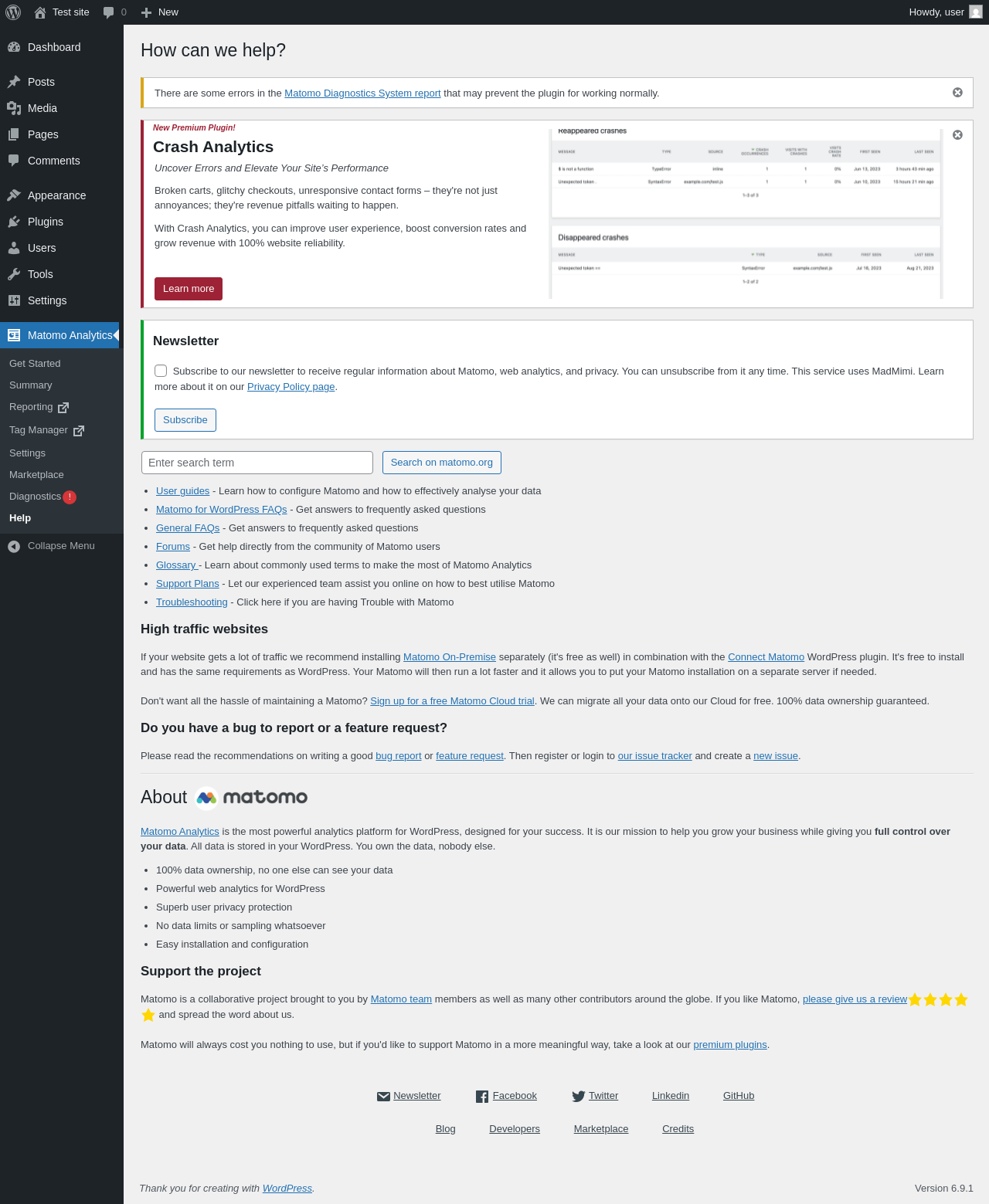
Matomo Analytics → Help

Page screenshot: Matomo Analytics → Help
URL /wp-admin/admin.php?page=matomo-about
Aspect menu-item
HTTP status 200
Load time 0.323 s
Memory usage 3.88 MiB
JS errors None
Resource errors None

Test site – Just another WordPress site

Page screenshot: Test site – Just another WordPress site
URL /
Aspect front-page
HTTP status 200
Load time 0.247 s
Memory usage 4.19 MiB
JS errors None
Resource errors None

Benchmark

URL Load time Memory usage
Inactive Active Change Inactive Active Change
/wp-admin/index.php0.425 s0.472 s+0.047 s3.78 MiB3.98 MiB+ 204.24 KiB
/wp-admin/edit.php0.358 s0.414 s+0.056 s3.78 MiB4.05 MiB+ 269.93 KiB
/wp-admin/post-new.php0.796 s0.997 s+0.201 s6.31 MiB6.95 MiB+ 657.35 KiB
/wp-admin/upload.php0.463 s0.461 s-0.002 s3.74 MiB3.94 MiB+ 203.59 KiB
/wp-admin/options-writing.php0.331 s0.308 s-0.023 s3.71 MiB3.89 MiB+ 183.9 KiB
/wp-admin/media-new.php0.539 s0.619 s+0.080 s3.7 MiB3.88 MiB+ 183.9 KiB
/wp-admin/edit-tags.php?taxonomy=category0.329 s0.452 s+0.123 s3.72 MiB3.95 MiB+ 234.54 KiB
/wp-admin/post-new.php?post_type=page0.716 s0.711 s-0.005 s6.3 MiB6.93 MiB+ 646.47 KiB
/wp-admin/options-discussion.php0.343 s0.380 s+0.037 s3.71 MiB3.89 MiB+ 183.9 KiB
/wp-admin/edit-comments.php0.365 s0.329 s-0.036 s3.73 MiB3.93 MiB+ 203.9 KiB
/0.274 s0.188 s-0.086 s4.11 MiB4.19 MiB+ 89.42 KiB
Average 0.449 s0.485 s+0.036 s4.24 MiB4.51 MiB+ 278.28 KiB

Code Statistics

Note: Third-party libraries and minified JS/CSS files are excluded from these statistics where possible, so the numbers you see here may be lower than those reported by other tools.

JSON
PHP
Language % Lines of code Comment lines Files
JSON50.4%224,251089
PHP41.4%184,05388,3012,422
LESS3.0%13,235181159
Twig1.9%8,56348310
JavaScript1.8%8,15793287
SVG0.9%3,80932366
CSS0.4%1,8443319
Markdown0.2%685014
TypeScript0.0%80283
Total 444,677 89,555 3,469

PHP Code Analysis | More results »

Lines of code 173,612
Total complexity 37,002
Median class complexity 6.0
Median method complexity 1.0
Most complex class WpMatomo\Admin\SystemReport
Most complex function Piwik\Http::sendHttpRequestBy()
Classes 2,287
Methods 14,007
Functions 85

Additions

Things that the plugin adds to the site. This section is not intended to be comprehensive. The test tool only looks for a few specific types of added content.

Database Tables 48

Options wp_options 11

Roles 4

ID Name
matomo_view_roleMatomo View
matomo_write_roleMatomo Write
matomo_admin_roleMatomo Admin
matomo_superuser_roleMatomo Super User

Capabilities 5

PHP Error Log 31 lines

[03-Feb-2026 21:13:31 UTC] Matomo: Matomo is not yet installed... installing now
[03-Feb-2026 21:13:31 UTC] Matomo: Matomo will now create the database
[03-Feb-2026 21:13:31 UTC] Matomo: Matomo is now creating the config
[03-Feb-2026 21:13:32 UTC] Matomo: Matomo will now trigger an update
[03-Feb-2026 21:13:32 UTC] Matomo: Changed global option version_history: ["5.6.1"]
[03-Feb-2026 21:13:32 UTC] Matomo: Changed global option core_version: 5.6.2
[03-Feb-2026 21:13:32 UTC] Matomo: Save settings
[03-Feb-2026 21:13:33 UTC] Matomo: Matomo is now syncing blogId 1
[03-Feb-2026 21:13:33 UTC] Matomo: Matomo site is not known for blog... will create site
[03-Feb-2026 21:13:33 UTC] Matomo: Matomo created site with ID 1 for blog
[03-Feb-2026 21:13:33 UTC] Matomo: Matomo will now sync 1 users
[03-Feb-2026 21:13:33 UTC] Matomo: Matomo is now creating a user for user id 1 with matomo login user
[03-Feb-2026 21:13:33 UTC] Matomo: Matomo is now installing the tracker
[03-Feb-2026 21:13:33 UTC] Matomo: Matomo will now init the environment
[03-Feb-2026 21:13:33 UTC] Matomo: Matomo will now init the front controller and install plugins etc
[03-Feb-2026 21:13:33 UTC] Matomo: Matomo will now sync 1 users
[03-Feb-2026 21:13:33 UTC] Matomo: Matomo will now trigger an update
[03-Feb-2026 21:13:33 UTC] Matomo: No settings changed yet
[03-Feb-2026 21:13:33 UTC] Matomo: Recording version and url
[03-Feb-2026 21:13:33 UTC] Matomo: Emptying some caches
[03-Feb-2026 21:13:33 UTC] Matomo: Matomo install finished
[03-Feb-2026 21:13:33 UTC] Matomo: Changed option instance-components-installed: {"core":1,"CoreVue":1,"CorePluginsAdmin":1,"CoreAdminHome":1,"CoreHome":1,"WebsiteMeasurable":1,"IntranetMeasurable":1,"Diagnostics":1,"CoreVisualizations":1,"Proxy":1,"API":1,"Transitions":1,"LanguagesManager":1,"Actions":1,"Dashboard":1,"Referrers":1,"UserLanguage":1,"DevicesDetection":1,"Goals":1,"Ecommerce":1,"SEO":1,"Events":1,"UserCountry":1,"GeoIp2":1,"VisitsSummary":1,"VisitFrequency":1,"VisitTime":1,"VisitorInterest":1,"RssWidget":1,"Monolog":1,"Login":1,"UsersManager":1,"SitesManager":1,"Installation":1,"CoreUpdater":1,"CoreConsole":1,"ScheduledReports":1,"UserCountryMap":1,"Live":1,"PrivacyManager":1,"ImageGraph":1,"Annotations":1,"MobileMessaging":1,"Overlay":1,"SegmentEditor":1,"Insights":1,"Morpheus":1,"Contents":1,"BulkTracking":1,"Resolution":1,"DevicePlugins":1,"Heartbeat":1,"Intl":1,"UserId":1,"CustomJsTracker":1,"Tour":1,"PagePerformance":1,"CustomDimensions":1,"JsTrackerInstallCheck":1,"FeatureFlags":1,"AIAgents":1,"TagManager":1,"WordPress":1}
[03-Feb-2026 21:13:33 UTC] Matomo: Save settings
[03-Feb-2026 21:13:33 UTC] Matomo: scheduling matomo_scheduled_archive for immediate execution, then repeating on the hourly schedule
[03-Feb-2026 21:13:33 UTC] PHP Notice:  Function _load_textdomain_just_in_time was called <strong>incorrectly</strong>. Translation loading for the <code>matomo</code> domain was triggered too early. This is usually an indicator for some code in the plugin or theme running too early. Translations should be loaded at the <code>init</code> action or later. Please see <a href="https://developer.wordpress.org/advanced-administration/debug/debug-wordpress/">Debugging in WordPress</a> for more information. (This message was added in version 6.7.0.) in /wp-includes/functions.php on line 6131
[03-Feb-2026 21:13:33 UTC] Matomo: No settings changed yet
[03-Feb-2026 21:13:36 UTC] PHP Warning:  Undefined array key "HTTP_HOST" in /wp-config.php on line 174
[03-Feb-2026 21:13:36 UTC] PHP Warning:  Undefined array key "HTTP_HOST" in /wp-config.php on line 175
[03-Feb-2026 21:14:04 UTC] PHP Warning:  Undefined array key "HTTP_HOST" in /wp-config.php on line 174
[03-Feb-2026 21:14:04 UTC] PHP Warning:  Undefined array key "HTTP_HOST" in /wp-config.php on line 175
[03-Feb-2026 21:14:20 UTC] Matomo: Scheduled tasks uninstall all events

See also: All tests for this plugin, How to Hide Matomo Analytics - Ethical Stats. Powerful Insights. Admin Menus