Microsoft Clarity 0.10.27
Does Microsoft Clarity work with WordPress 7.1 and PHP 8.1.12? A smoke test was performed on .
Summary
| No PHP errors, warnings or notices | |
| No JavaScript exceptions | |
| All test pages loaded successfully | |
| No resource errors | |
| Looks good! No problems were detected. |
Memory usage: 67.59 KiB
The average PHP memory usage increased by this amount after activating by the plugin.
Page speed impact:
0.129 seconds
The average page load time increased by this amount after activating the plugin.
| WordPress version | 7.1 |
|---|---|
| PHP version | 8.1.12 |
| MySQL version | 10.6.10 |
| PHP memory limit | 512M |
| Last updated | |
|---|---|
| Active installs | 200,000+ |
| WordPress.org page | https://wordpress.org/plugins/microsoft-clarity/ |
| Badges |
|


Pages 3
microsoft-clarity ‹ Test site — WordPress
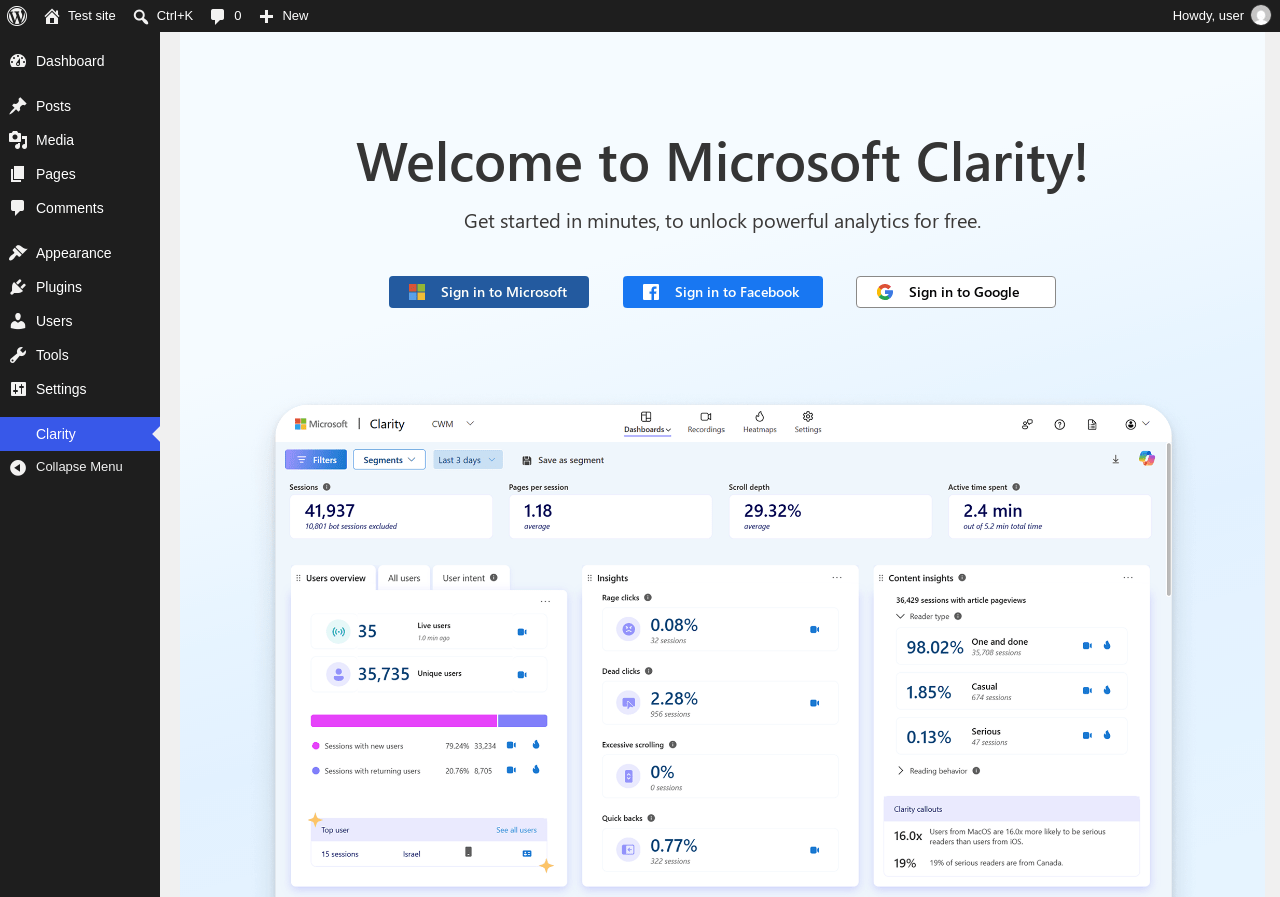
| URL | /wp-admin/admin.php?page=microsoft-clarity |
|---|---|
| Requested URL | /wp-admin/plugins.php?action=activate&plugin=microsoft-clarity%2Fclarity.php&plugin_status=all&paged=1&s&_wpnonce=e9a817486b |
| Aspect | after-activation |
| HTTP status | 200 |
| Load time | 3.022 s |
| Memory usage | N/A |
| JS errors | None |
| Resource errors | None |
Clarity
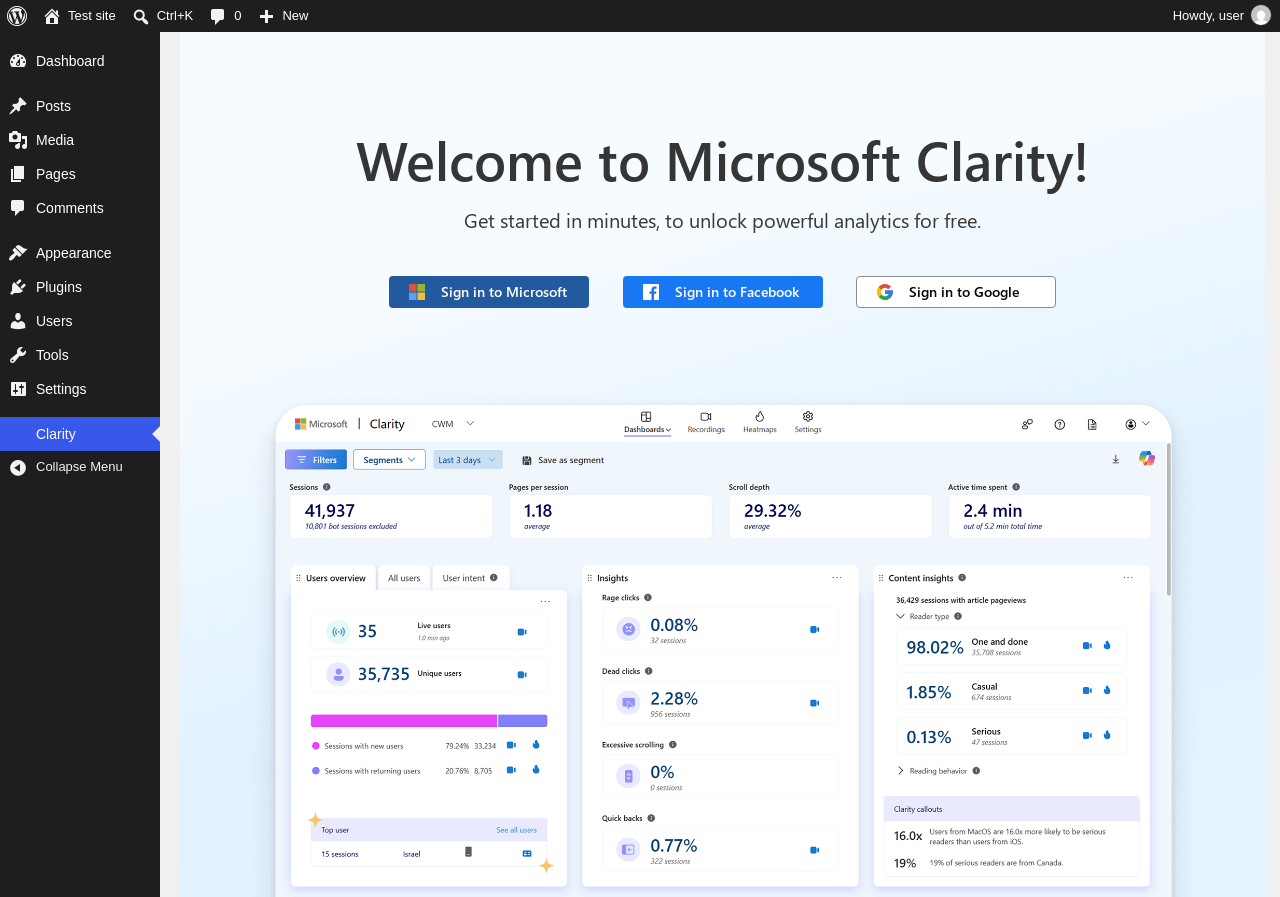
| URL | /wp-admin/admin.php?page=microsoft-clarity |
|---|---|
| Aspect | menu-item |
| HTTP status | 200 |
| Load time | 1.475 s |
| Memory usage | N/A |
| JS errors | None |
| Resource errors | None |
Test site – Just another WordPress site
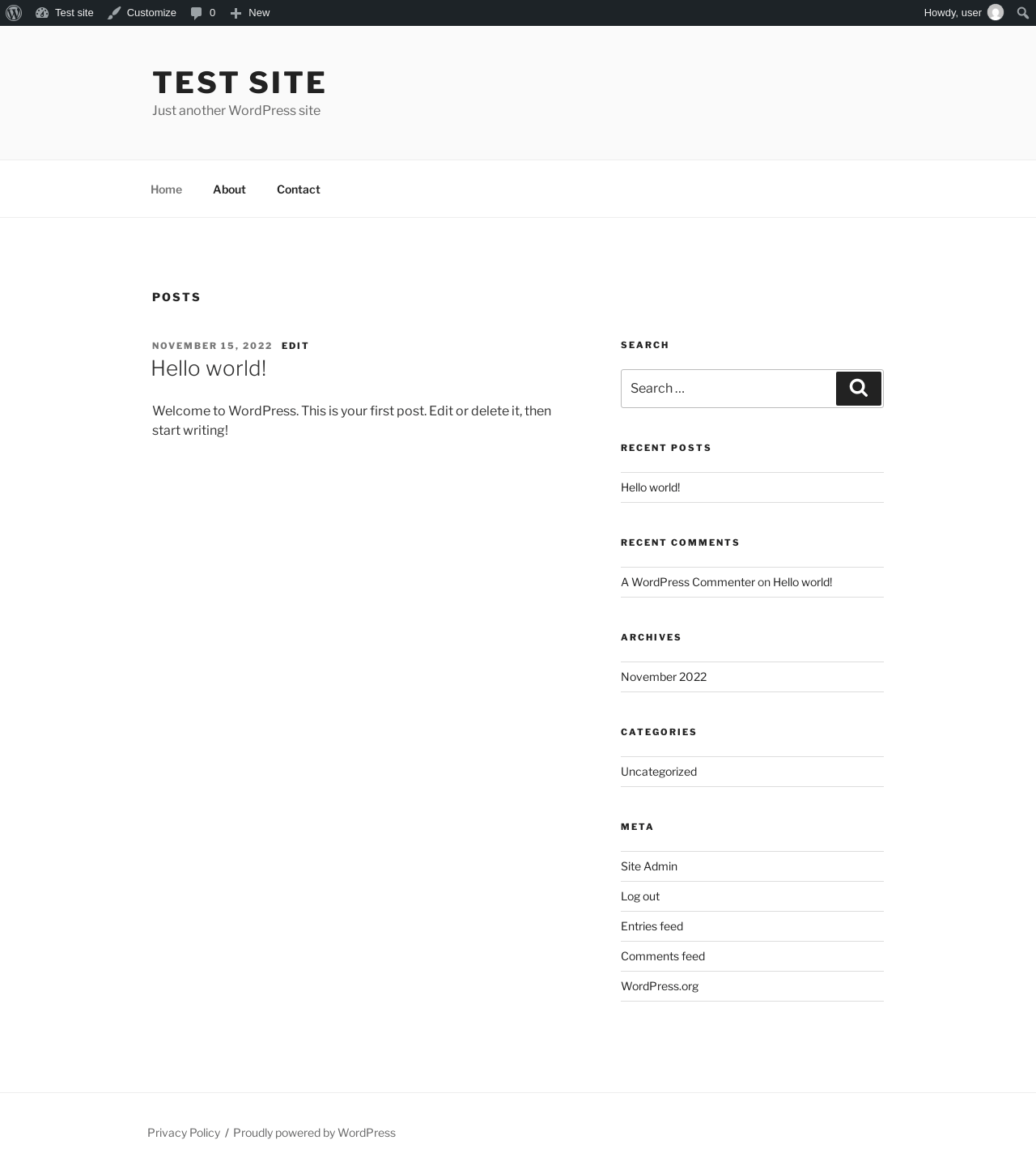
| URL | / |
|---|---|
| Aspect | front-page |
| HTTP status | 200 |
| Load time | 0.278 s |
| Memory usage | 4.67 MiB |
| JS errors | None |
| Resource errors | None |
Benchmark
| URL | Load time | Memory usage | ||||
|---|---|---|---|---|---|---|
| Inactive | Active | Change | Inactive | Active | Change | |
| /wp-admin/index.php | 1.532 s | 2.167 s | +0.635 s | 4.23 MiB | 4.3 MiB | + 72.63 KiB |
| /wp-admin/edit.php | 0.682 s | 1.314 s | +0.632 s | 4.28 MiB | 4.35 MiB | + 73.75 KiB |
| /wp-admin/post-new.php | 2.639 s | 2.626 s | -0.013 s | 6.78 MiB | 6.86 MiB | + 84.45 KiB |
| /wp-admin/upload.php | 1.430 s | 1.059 s | -0.371 s | 4.25 MiB | 4.3 MiB | + 55.52 KiB |
| /wp-admin/options-writing.php | 0.591 s | 0.547 s | -0.044 s | 4.22 MiB | 4.28 MiB | + 59.52 KiB |
| /wp-admin/media-new.php | 0.716 s | 0.624 s | -0.092 s | 4.21 MiB | 4.28 MiB | + 67.71 KiB |
| /wp-admin/edit-tags.php?taxonomy=category | 0.553 s | 1.074 s | +0.521 s | 4.22 MiB | 4.29 MiB | + 72.89 KiB |
| /wp-admin/post-new.php?post_type=page | 2.095 s | 1.697 s | -0.398 s | 6.76 MiB | 6.84 MiB | + 79.98 KiB |
| /wp-admin/options-discussion.php | 1.029 s | 1.294 s | +0.265 s | 4.23 MiB | 4.28 MiB | + 52.02 KiB |
| /wp-admin/edit-comments.php | 0.578 s | 0.971 s | +0.393 s | 4.24 MiB | 4.3 MiB | + 55.53 KiB |
| / | 0.319 s | 0.208 s | -0.111 s | 4.6 MiB | 4.67 MiB | + 69.46 KiB |
| Average | 1.106 s | 1.235 s | +0.129 s | 4.73 MiB | 4.79 MiB | + 67.59 KiB |
Code Statistics
Note: Third-party libraries and minified JS/CSS files are excluded from these statistics where possible, so the numbers you see here may be lower than those reported by other tools.
| Language | % | Lines of code | Comment lines | Files | |
|---|---|---|---|---|---|
| PHP | 96.6% | 3,049 | 1,192 | 18 | |
| JavaScript | 3.4% | 108 | 5 | 1 | |
| Total | 3,157 | 1,197 | 19 | ||
PHP Code Analysis | More results »
| Lines of code | 3,009 |
|---|---|
| Total complexity | 625 |
| Median class complexity | 31.0 |
| Median method complexity | 4.0 |
| Most complex class | BrandAgent_Endpoint |
| Most complex function | BrandAgent_Endpoint::handle_config_update() |
| Classes | 6 |
|---|---|
| Methods | 40 |
| Functions | 91 |
Additions
Things that the plugin adds to the site. This section is not intended to be comprehensive. The test tool only looks for a few specific types of added content.
Options wp_options 3
- BAInjectFrontendScript
- BAOauthRepairDone
- clarity_wordpress_site_id
PHP Error Log
The log file is empty.