MxChat 3.2.4
Does MxChat work with WordPress 6.9.4 and PHP 8.1.12? A smoke test was performed on .
Summary
Errors
| 2 | PHP notices |
| No JavaScript exceptions | |
| All test pages loaded successfully | |
| No resource errors |
Performance
Memory usage: 592.23 KiB
The average PHP memory usage increased by this amount after activating by the plugin.
Page speed impact:
insignificant.
The plugin didn't make the site noticeably slower.
Environment
| WordPress version | 6.9.4 |
|---|---|
| PHP version | 8.1.12 |
| MySQL version | 10.6.10 |
| PHP memory limit | 512M |
Plugin Info
| Last updated | |
|---|---|
| Active installs | 2,000+ |
| WordPress.org page | https://wordpress.org/plugins/mxchat-basic/ |
| Badges |
|


Pages 10
Plugins ‹ Test site — WordPress
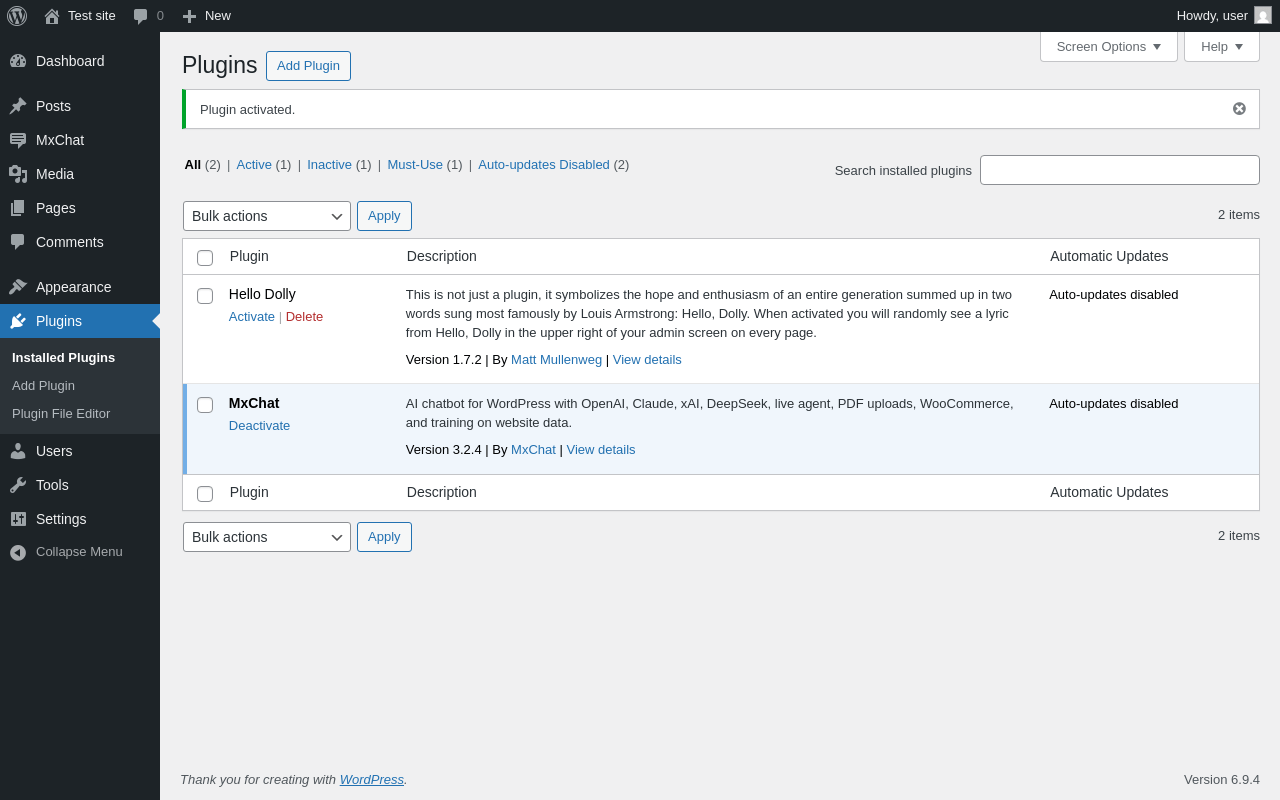
| URL | /wp-admin/plugins.php?plugin_status=all&paged=1&s |
|---|---|
| Requested URL | /wp-admin/plugins.php?action=activate&plugin=mxchat-basic%2Fmxchat-basic.php&plugin_status=all&paged=1&s&_wpnonce=72fe2db32c |
| Aspect | after-activation |
| HTTP status | 200 |
| Load time | 0.739 s |
| Memory usage | 6.2 MiB |
| JS errors | None |
| Resource errors | None |
MxChat
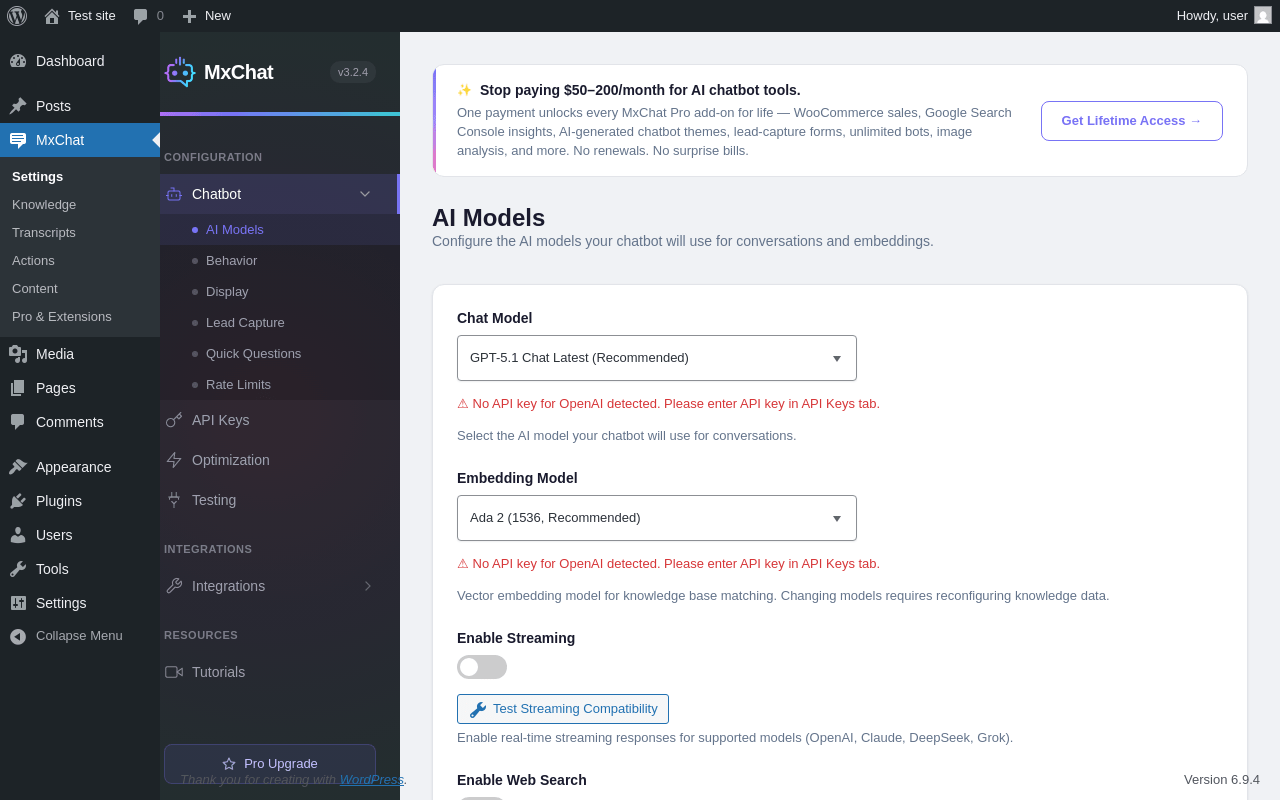
| URL | /wp-admin/admin.php?page=mxchat-max |
|---|---|
| Aspect | menu-item |
| HTTP status | 200 |
| Load time | 0.563 s |
| Memory usage | 4.85 MiB |
| JS errors | None |
| Resource errors | None |
MxChat → Knowledge
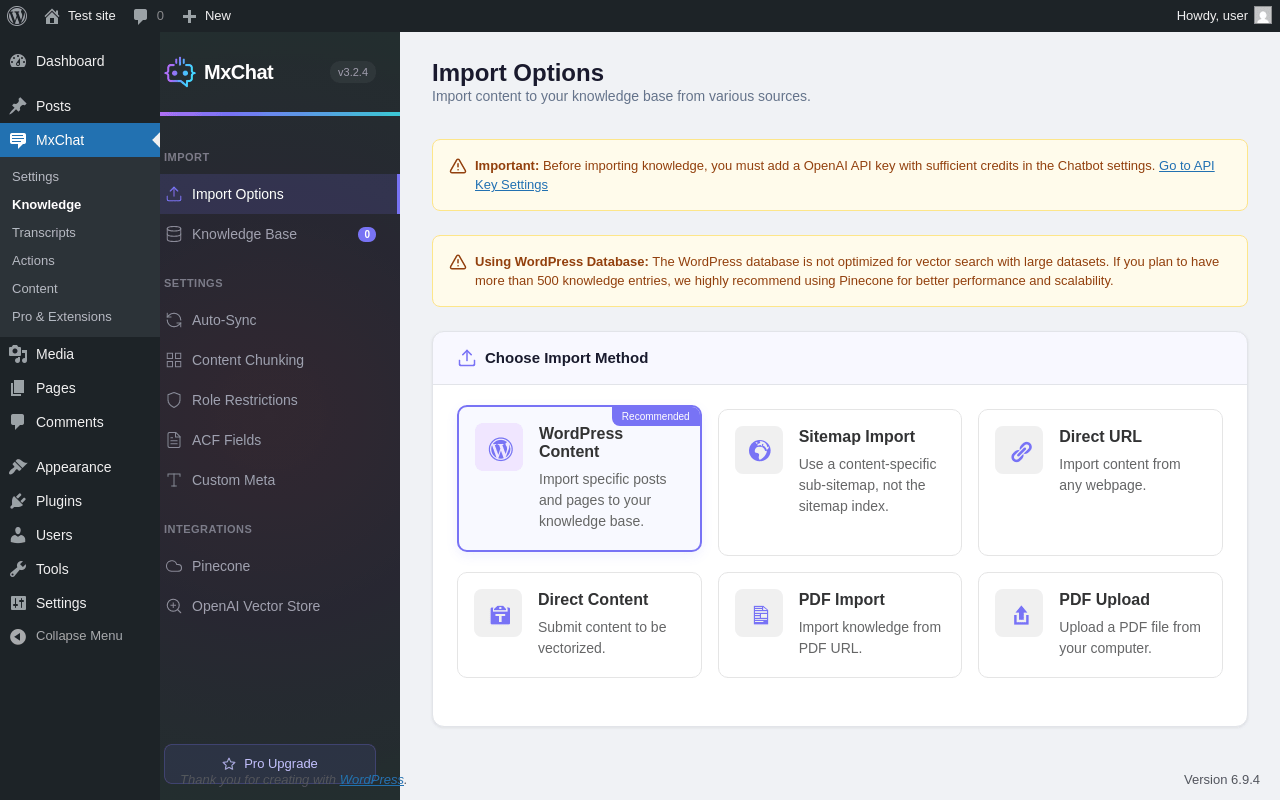
| URL | /wp-admin/admin.php?page=mxchat-prompts |
|---|---|
| Aspect | menu-item |
| HTTP status | 200 |
| Load time | 0.381 s |
| Memory usage | 4.89 MiB |
| JS errors | None |
| Resource errors | None |
MxChat → Transcripts
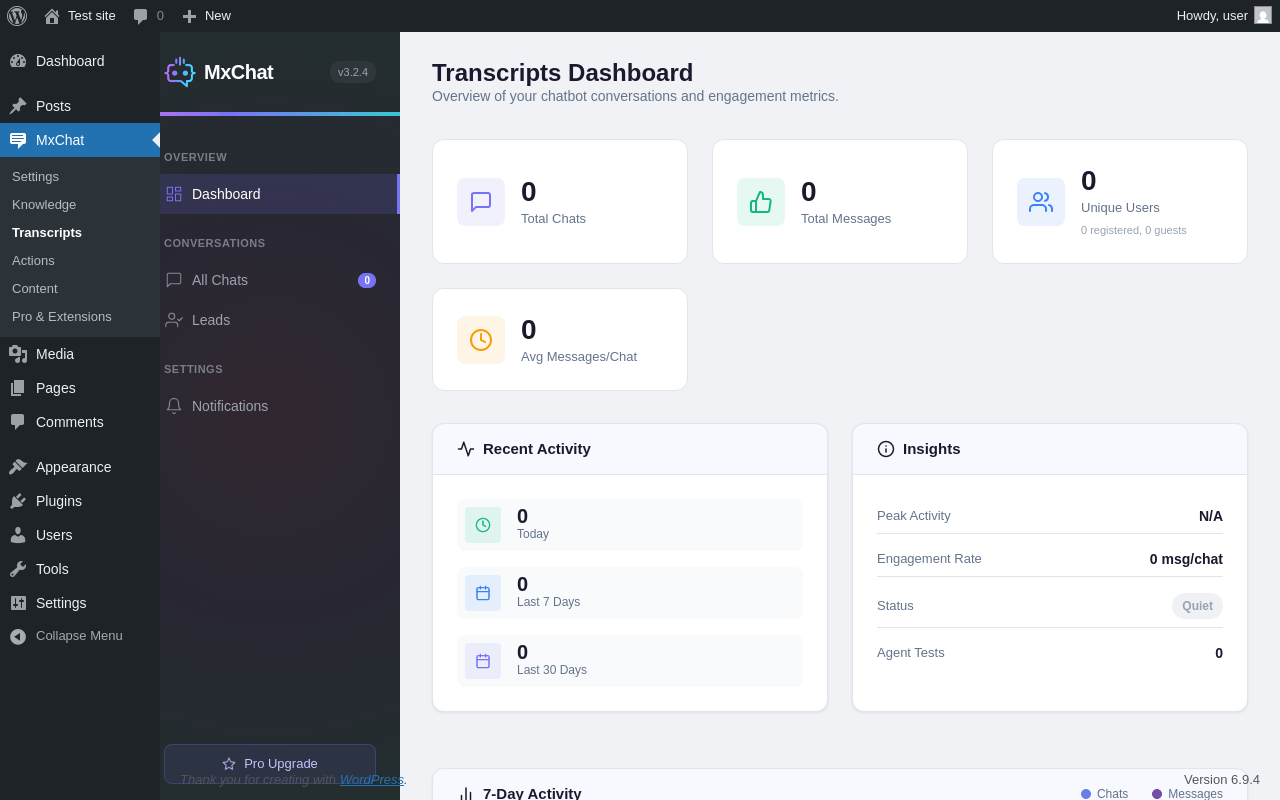
| URL | /wp-admin/admin.php?page=mxchat-transcripts |
|---|---|
| Aspect | menu-item |
| HTTP status | 200 |
| Load time | 0.367 s |
| Memory usage | 4.46 MiB |
| JS errors | None |
| Resource errors | None |
MxChat → Actions
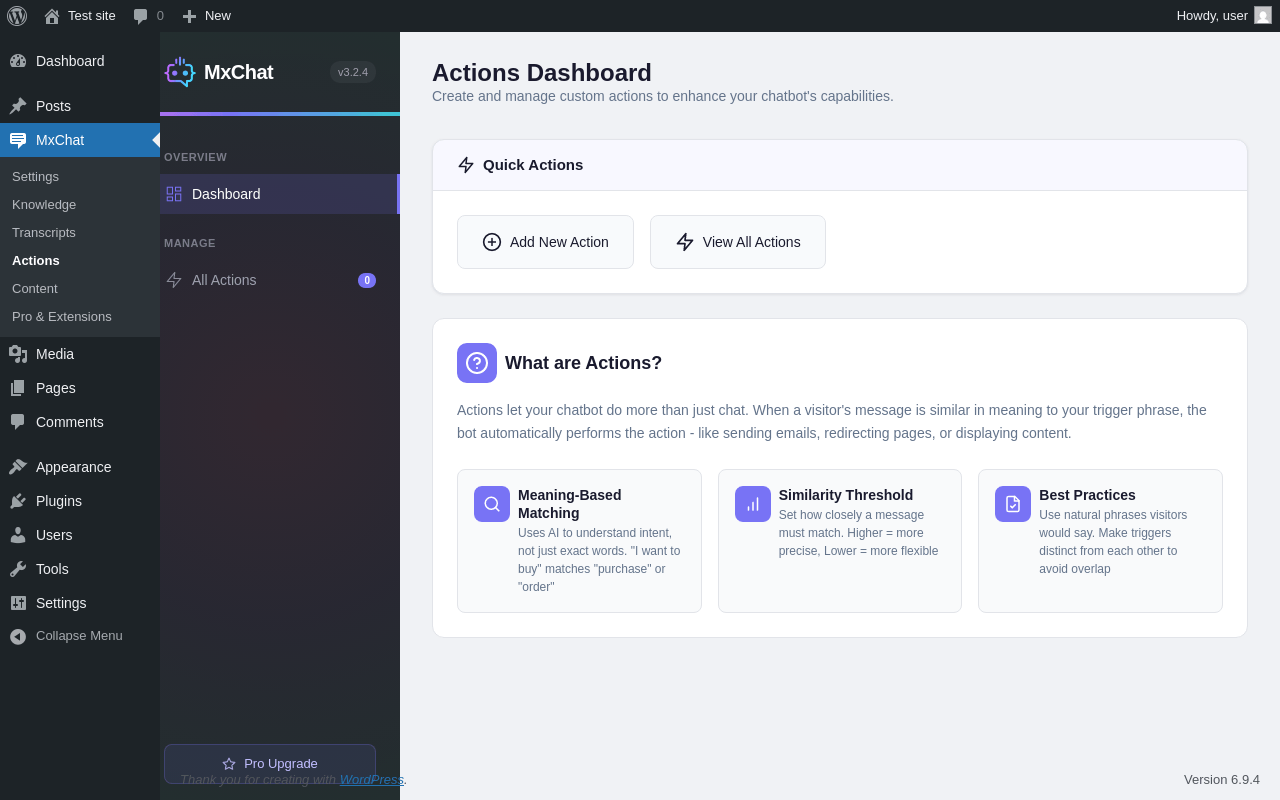
| URL | /wp-admin/admin.php?page=mxchat-actions |
|---|---|
| Aspect | menu-item |
| HTTP status | 200 |
| Load time | 0.360 s |
| Memory usage | 4.38 MiB |
| JS errors | None |
| Resource errors | None |
MxChat → Content
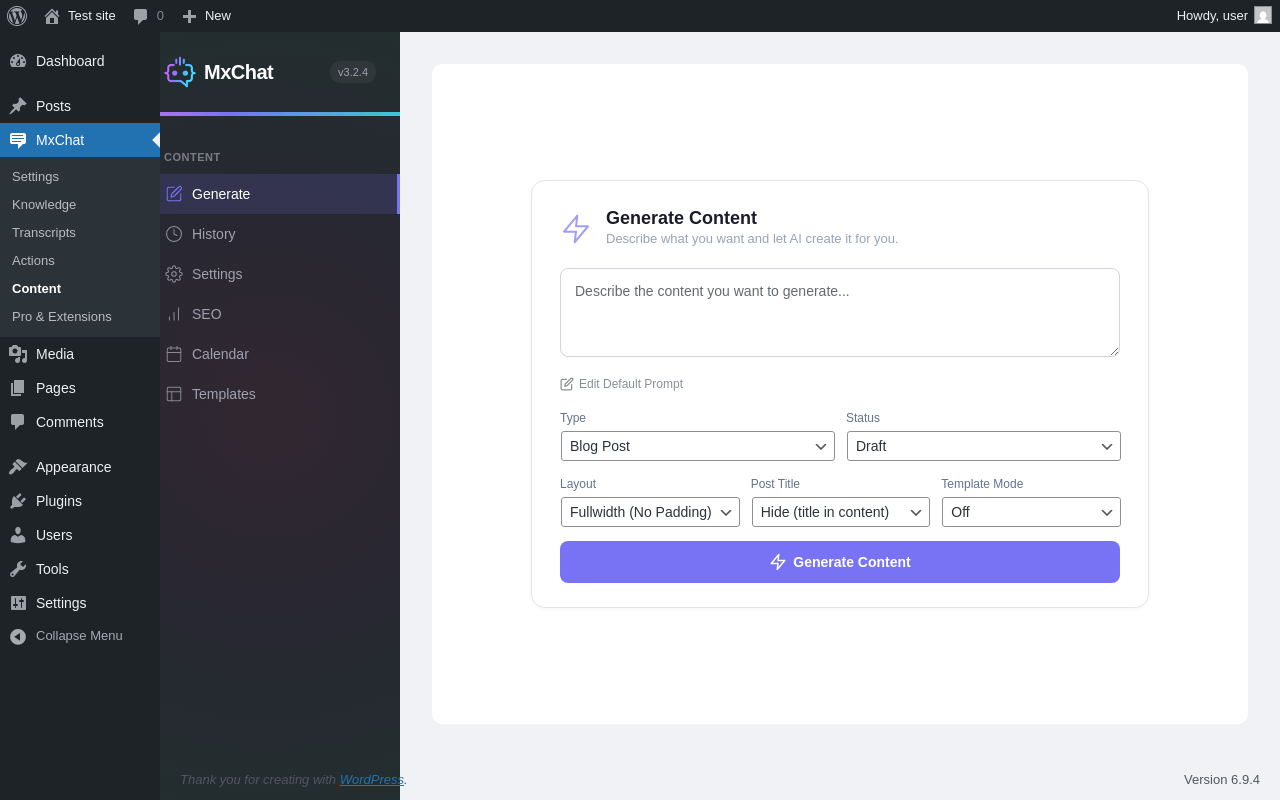
| URL | /wp-admin/admin.php?page=mxchat-content |
|---|---|
| Aspect | menu-item |
| HTTP status | 200 |
| Load time | 0.532 s |
| Memory usage | 4.68 MiB |
| JS errors | None |
| Resource errors | None |
MxChat → Pro & Extensions
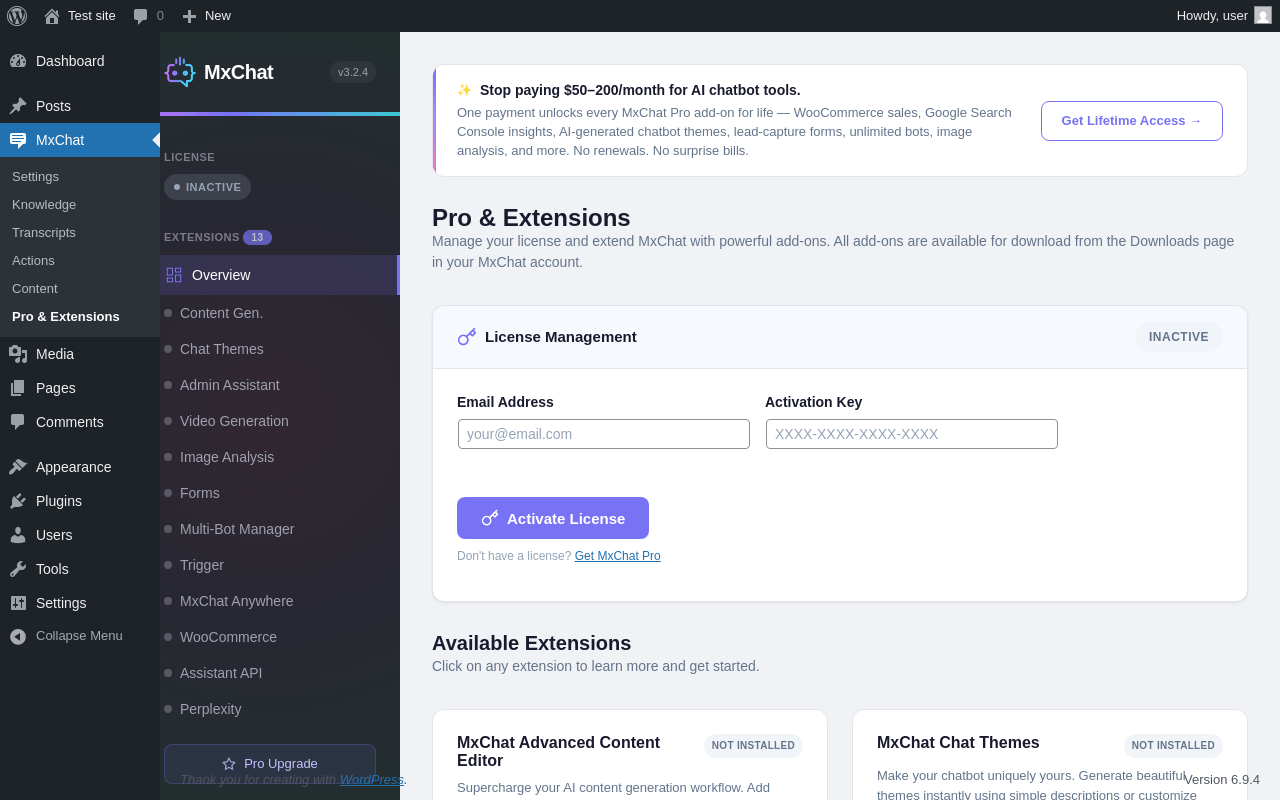
| URL | /wp-admin/admin.php?page=mxchat-activation |
|---|---|
| Aspect | menu-item |
| HTTP status | 200 |
| Load time | 0.378 s |
| Memory usage | 4.59 MiB |
| JS errors | None |
| Resource errors | None |
Test site – Just another WordPress site
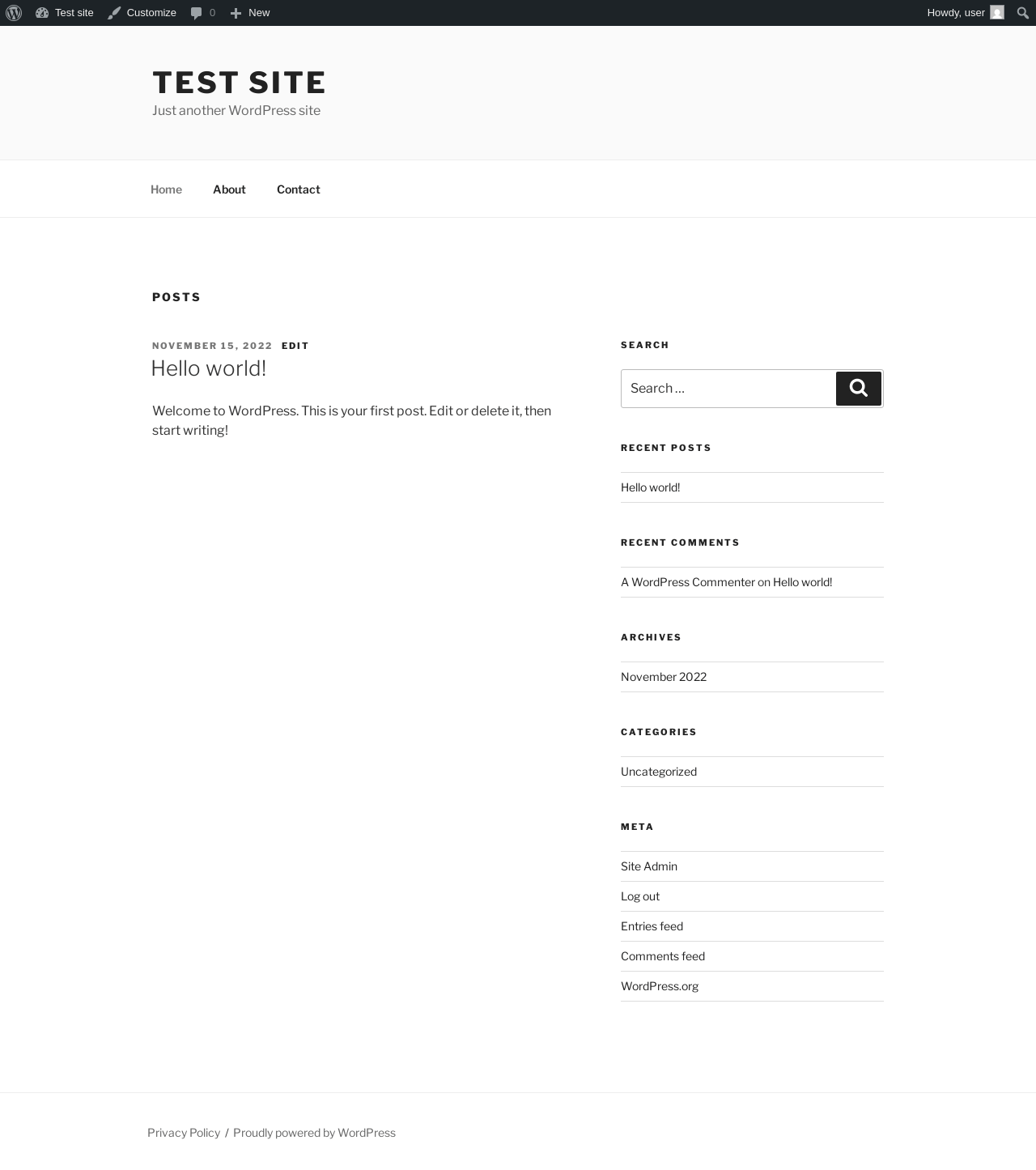
| URL | / |
|---|---|
| Aspect | front-page |
| HTTP status | 200 |
| Load time | 0.249 s |
| Memory usage | 4.46 MiB |
| JS errors | None |
| Resource errors | None |
Add Post ‹ Test site — WordPress
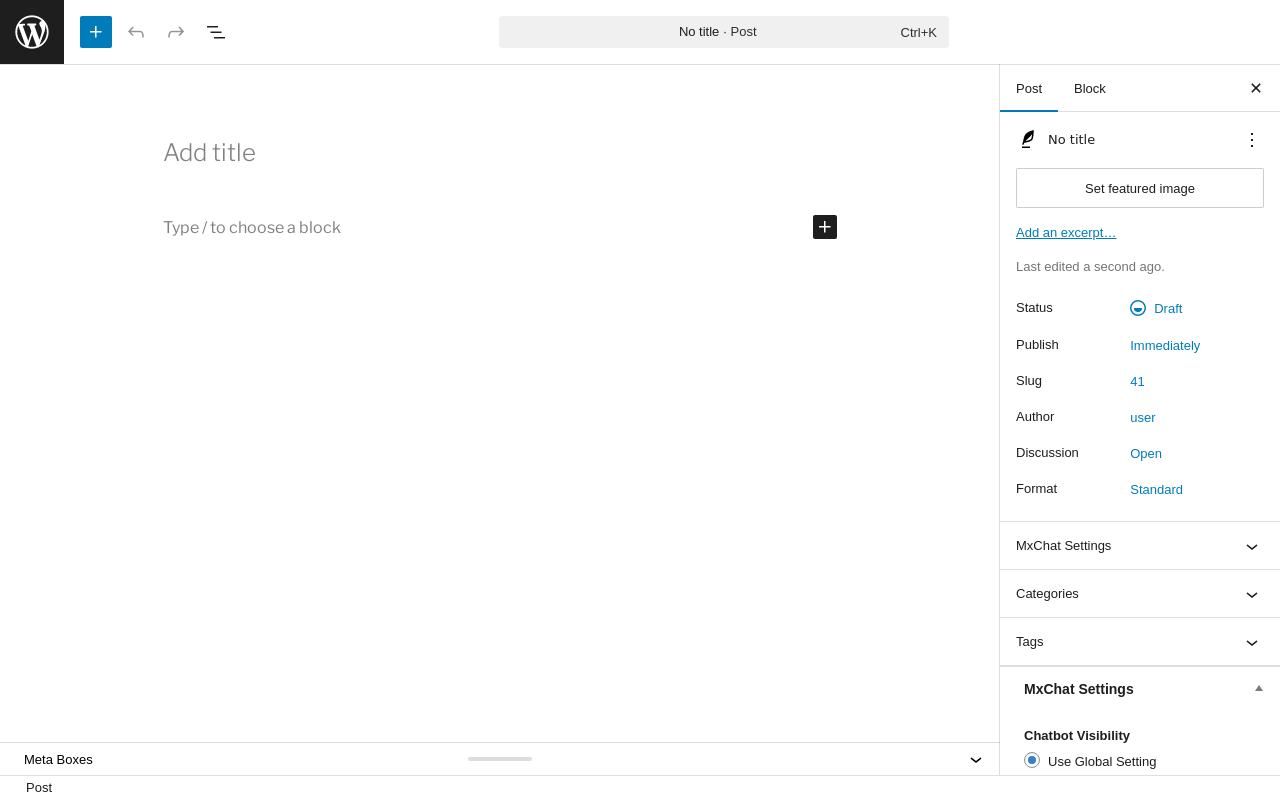
| URL | /wp-admin/post-new.php |
|---|---|
| Aspect | new-meta-boxes |
| HTTP status | 200 |
| Load time | 0.706 s |
| Memory usage | 6.97 MiB |
| JS errors | None |
| Resource errors | None |
Add Page ‹ Test site — WordPress
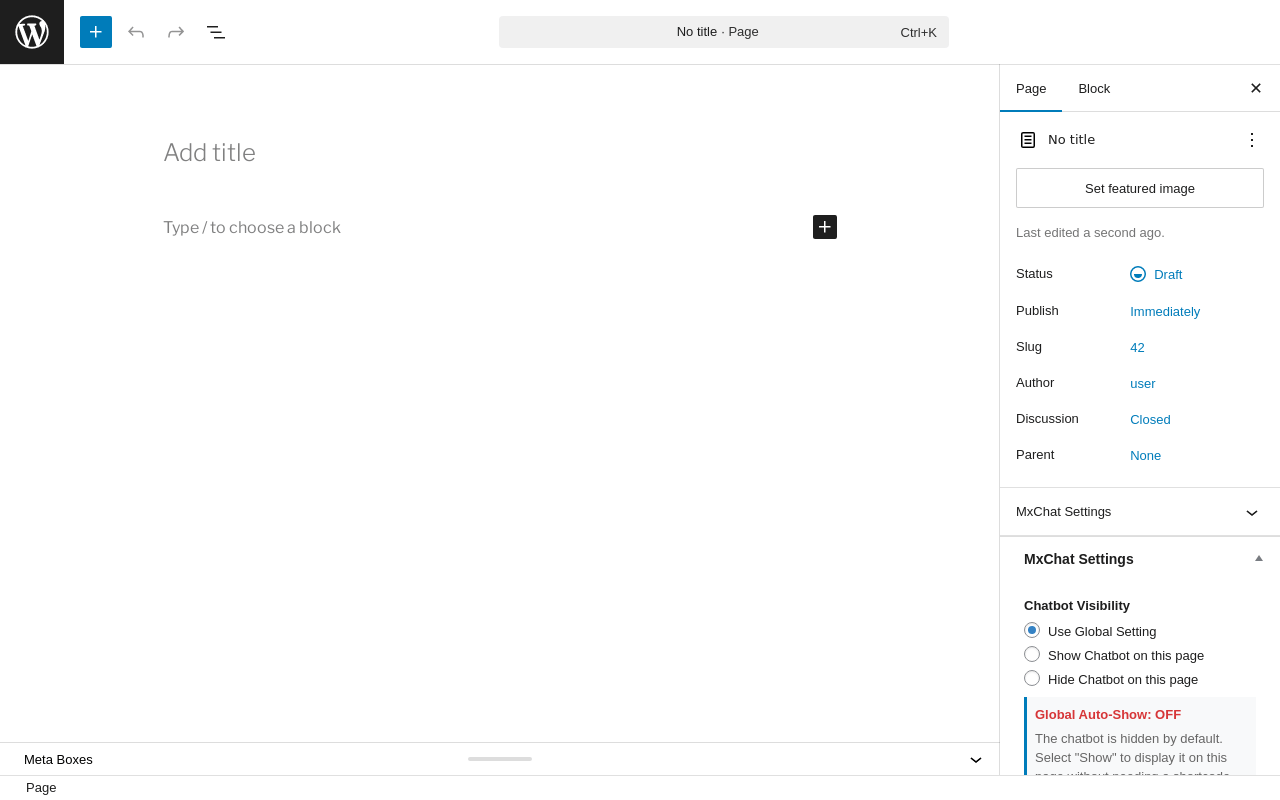
| URL | /wp-admin/post-new.php?post_type=page |
|---|---|
| Aspect | new-meta-boxes |
| HTTP status | 200 |
| Load time | 0.664 s |
| Memory usage | 6.95 MiB |
| JS errors | None |
| Resource errors | None |
Benchmark
| URL | Load time | Memory usage | ||||
|---|---|---|---|---|---|---|
| Inactive | Active | Change | Inactive | Active | Change | |
| /wp-admin/index.php | 0.417 s | 0.432 s | +0.015 s | 3.78 MiB | 4.37 MiB | + 609.88 KiB |
| /wp-admin/edit.php | 0.359 s | 0.293 s | -0.066 s | 3.78 MiB | 4.38 MiB | + 608.05 KiB |
| /wp-admin/post-new.php | 0.853 s | 0.867 s | +0.014 s | 6.31 MiB | 6.97 MiB | + 681.63 KiB |
| /wp-admin/upload.php | 0.665 s | 0.467 s | -0.198 s | 3.74 MiB | 4.32 MiB | + 590.65 KiB |
| /wp-admin/options-writing.php | 0.332 s | 0.321 s | -0.011 s | 3.71 MiB | 4.29 MiB | + 594.64 KiB |
| /wp-admin/media-new.php | 0.419 s | 0.353 s | -0.066 s | 3.7 MiB | 4.29 MiB | + 602.84 KiB |
| /wp-admin/edit-tags.php?taxonomy=category | 0.450 s | 0.317 s | -0.133 s | 3.72 MiB | 4.31 MiB | + 613.51 KiB |
| /wp-admin/post-new.php?post_type=page | 0.700 s | 0.663 s | -0.037 s | 6.3 MiB | 6.95 MiB | + 674.38 KiB |
| /wp-admin/options-discussion.php | 0.402 s | 0.387 s | -0.015 s | 3.71 MiB | 4.29 MiB | + 591.14 KiB |
| /wp-admin/edit-comments.php | 0.303 s | 0.330 s | +0.027 s | 3.73 MiB | 4.31 MiB | + 590.64 KiB |
| / | 0.274 s | 0.204 s | -0.070 s | 4.11 MiB | 4.46 MiB | + 357.19 KiB |
| Average | 0.470 s | 0.421 s | -0.049 s | 4.23 MiB | 4.81 MiB | + 592.23 KiB |
Code Statistics
Note: Third-party libraries and minified JS/CSS files are excluded from these statistics where possible, so the numbers you see here may be lower than those reported by other tools.
| Language | % | Lines of code | Comment lines | Files | |
|---|---|---|---|---|---|
| PHP | 52.7% | 38,953 | 9,134 | 66 | |
| CSS | 28.9% | 21,363 | 956 | 12 | |
| JavaScript | 18.3% | 13,532 | 2,104 | 15 | |
| Total | 73,848 | 12,194 | 93 | ||
PHP Code Analysis | More results »
| Lines of code | 39,679 |
|---|---|
| Total complexity | 6,921 |
| Median class complexity | 7.5 |
| Median method complexity | 4.0 |
| Most complex class | MxChat_Integrator |
| Most complex function | MxChat_Integrator::mxchat_handle_chat_request() |
| Classes | 58 |
|---|---|
| Methods | 816 |
| Functions | 57 |
Additions
Things that the plugin adds to the site. This section is not intended to be comprehensive. The test tool only looks for a few specific types of added content.
Database Tables 9
- wp_mxchat_chat_transcripts
- wp_mxchat_intent_phrases
- wp_mxchat_intents
- wp_mxchat_pinecone_roles
- wp_mxchat_processing_queue
- wp_mxchat_queue_meta
- wp_mxchat_system_prompt_content
- wp_mxchat_transcript_translations
- wp_mxchat_url_clicks
Options wp_options 5
- mxchat_content_type_migration_version
- mxchat_options
- mxchat_pinecone_roles_migration_version
- mxchat_plugin_version
- mxchat_translations_table_created
Meta Boxes
{
    "post": {
        "mxchat_visibility": {
            "title": "MxChat Settings",
            "context": "side"
        }
    },
    "page": {
        "mxchat_visibility": {
            "title": "MxChat Settings",
            "context": "side"
        }
    },
    "attachment": {
        "mxchat_visibility": {
            "title": "MxChat Settings",
            "context": "side"
        }
    }
}
PHP Error Log 2 lines
[04-May-2026 02:45:26 UTC] PHP Notice:  Function _load_textdomain_just_in_time was called <strong>incorrectly</strong>. Translation loading for the <code>mxchat</code> domain was triggered too early. This is usually an indicator for some code in the plugin or theme running too early. Translations should be loaded at the <code>init</code> action or later. Please see <a href="https://developer.wordpress.org/advanced-administration/debug/debug-wordpress/">Debugging in WordPress</a> for more information. (This message was added in version 6.7.0.) in /wp-includes/functions.php on line 6131
[04-May-2026 02:45:31 UTC] PHP Notice:  Function wpdb::prepare was called <strong>incorrectly</strong>. The query argument of wpdb::prepare() must have a placeholder. Please see <a href="https://developer.wordpress.org/advanced-administration/debug/debug-wordpress/">Debugging in WordPress</a> for more information. (This message was added in version 3.9.0.) in /wp-includes/functions.php on line 6131