Flying Images by WP Speed Matters 2.4.8
Does "Flying Images by WP Speed Matters" work with WordPress 5.4.2 and PHP 7.2.16? A smoke test was performed on .
Summary
Errors
| No PHP errors, warnings or notices | |
| No JavaScript exceptions | |
| All test pages loaded successfully | |
| No resource errors | |
| Looks good! No problems were detected. |
Performance
Memory usage: 37.78 KiB
The average PHP memory usage increased by this amount after activating by the plugin.
Page speed impact:
insignificant.
The plugin didn't make the site noticeably slower.
Environment
| WordPress version | 5.4.2 |
|---|---|
| PHP version | 7.2.16 |
| MySQL version | 8.0.15 |
| PHP memory limit | 256M |
Plugin Info
| Last updated | |
|---|---|
| Active installs | 3,000+ |
| WordPress.org page | https://wordpress.org/plugins/nazy-load/ |
| Badges |
|


Pages 10
Plugins ‹ Test site — WordPress
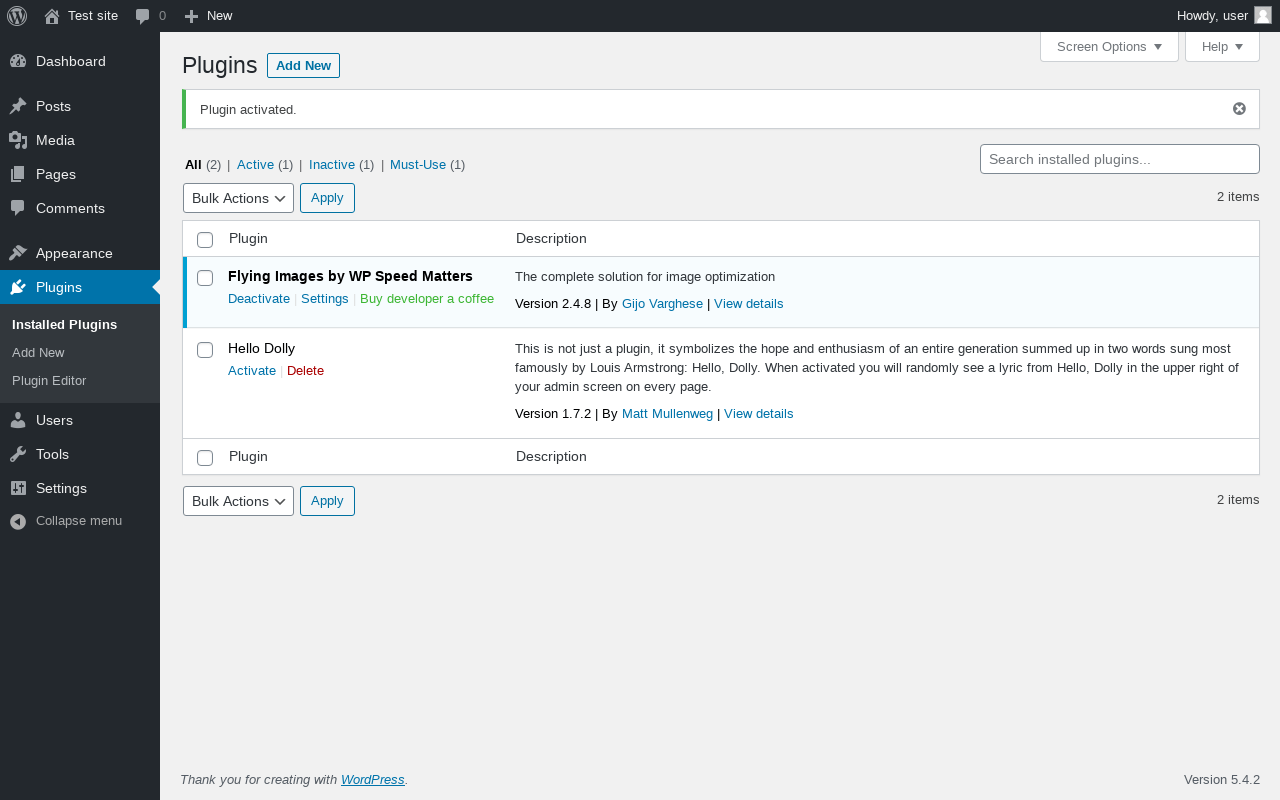
| URL | /wp-admin/plugins.php?plugin_status=all&paged=1&s |
|---|---|
| Requested URL | /wp-admin/plugins.php?action=activate&plugin=nazy-load%2Fflying-images.php&plugin_status=all&paged=1&s&_wpnonce=5af6507ad5 |
| Aspect | after-activation |
| HTTP status | 200 |
| Load time | 0.460 s |
| Memory usage | 3.6 MiB |
| JS errors | None |
| Resource errors | None |
Settings → Flying Images
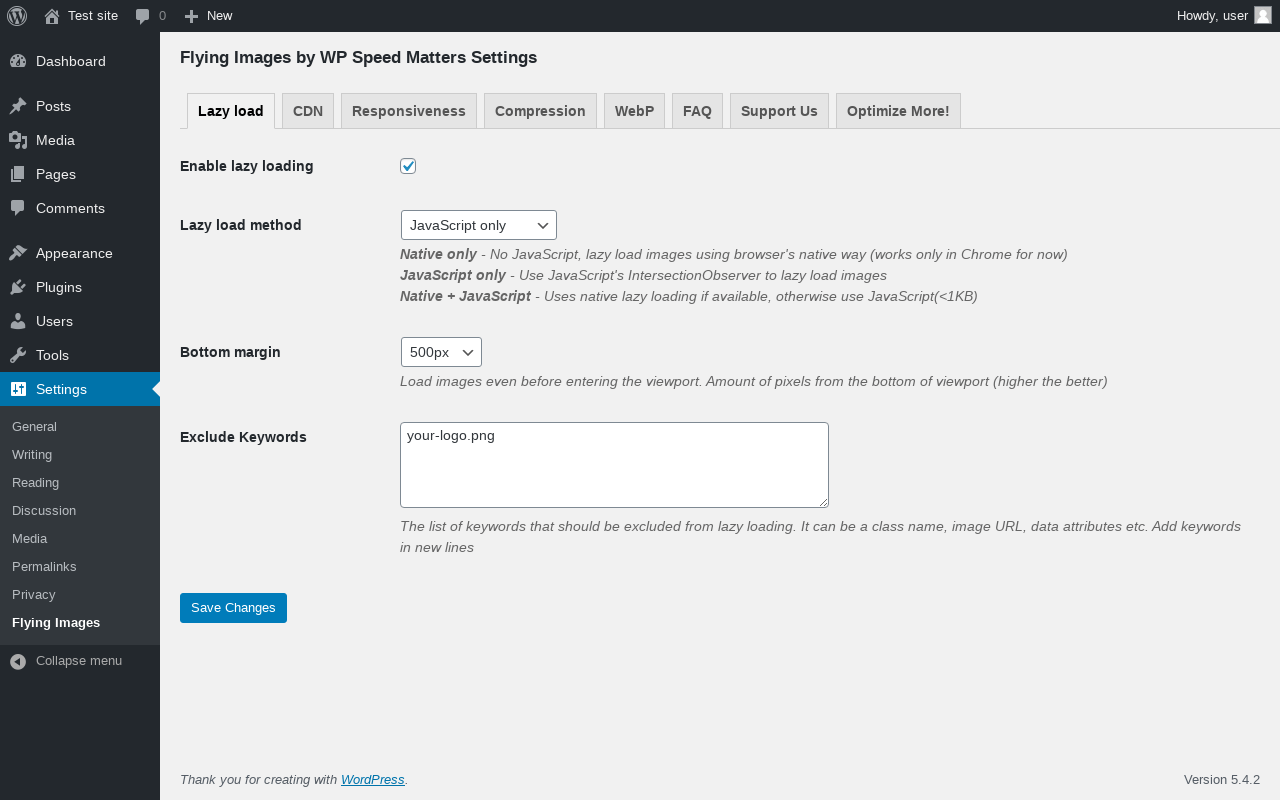
| URL | /wp-admin/options-general.php?page=flying-images |
|---|---|
| Aspect | menu-item |
| HTTP status | 200 |
| Load time | 0.154 s |
| Memory usage | 3.69 MiB |
| JS errors | None |
| Resource errors | None |
Settings → Flying Images → CDN
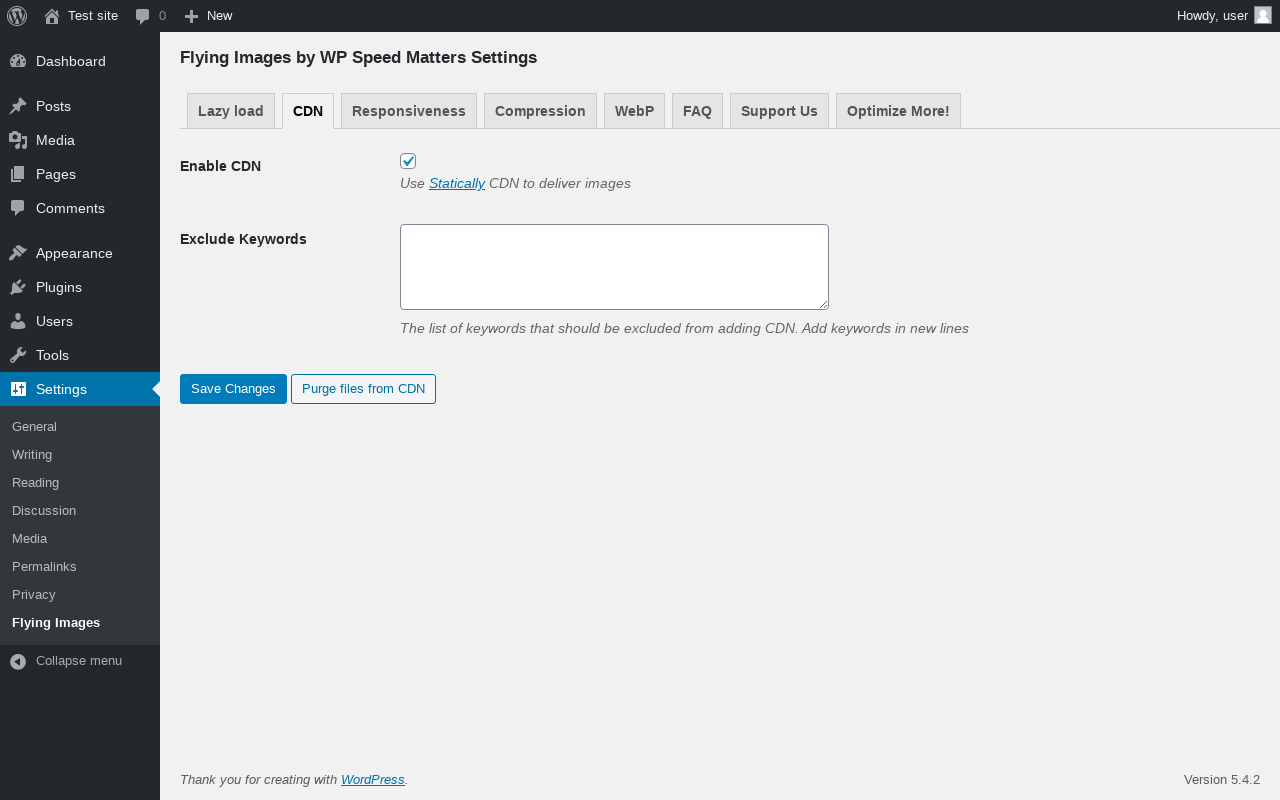
| URL | /wp-admin/options-general.php?page=flying-images&tab=cdn |
|---|---|
| Aspect | menu-item-tab |
| HTTP status | 200 |
| Load time | 0.123 s |
| Memory usage | 3.57 MiB |
| JS errors | None |
| Resource errors | None |
Settings → Flying Images → Responsiveness
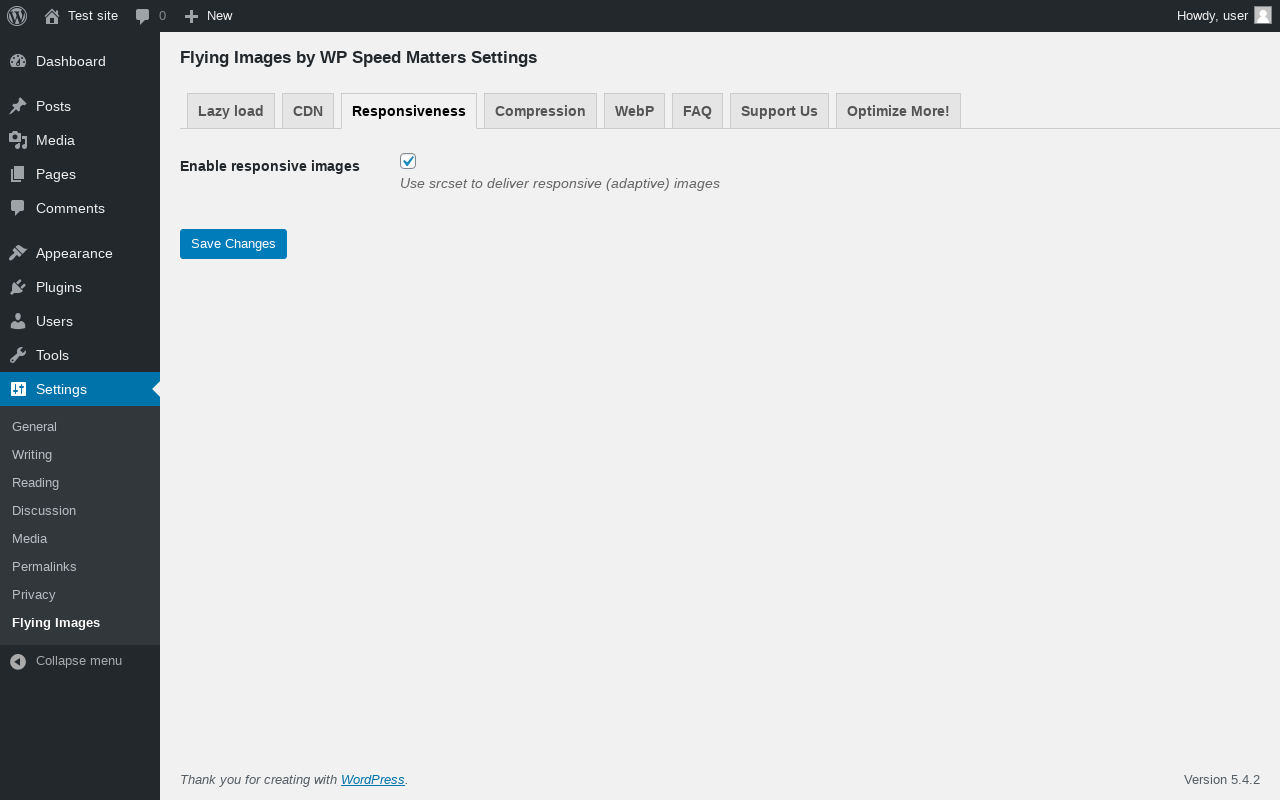
| URL | /wp-admin/options-general.php?page=flying-images&tab=responsiveness |
|---|---|
| Aspect | menu-item-tab |
| HTTP status | 200 |
| Load time | 0.122 s |
| Memory usage | 3.57 MiB |
| JS errors | None |
| Resource errors | None |
Settings → Flying Images → Compression
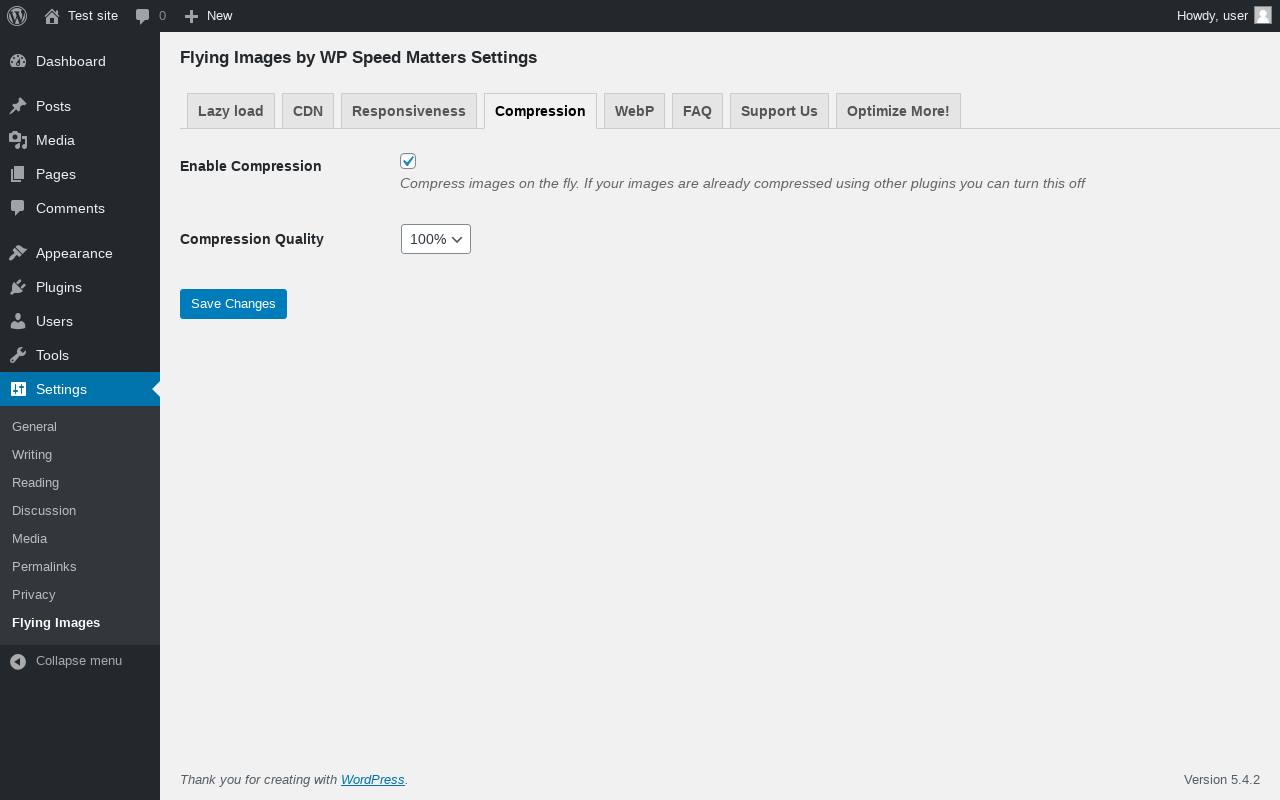
| URL | /wp-admin/options-general.php?page=flying-images&tab=compression |
|---|---|
| Aspect | menu-item-tab |
| HTTP status | 200 |
| Load time | 0.131 s |
| Memory usage | 3.57 MiB |
| JS errors | None |
| Resource errors | None |
Settings → Flying Images → WebP
| URL | /wp-admin/options-general.php?page=flying-images&tab=webp |
|---|---|
| Aspect | menu-item-tab |
| HTTP status | 200 |
| Load time | 0.211 s |
| Memory usage | 3.57 MiB |
| JS errors | None |
| Resource errors | None |
Settings → Flying Images → FAQ
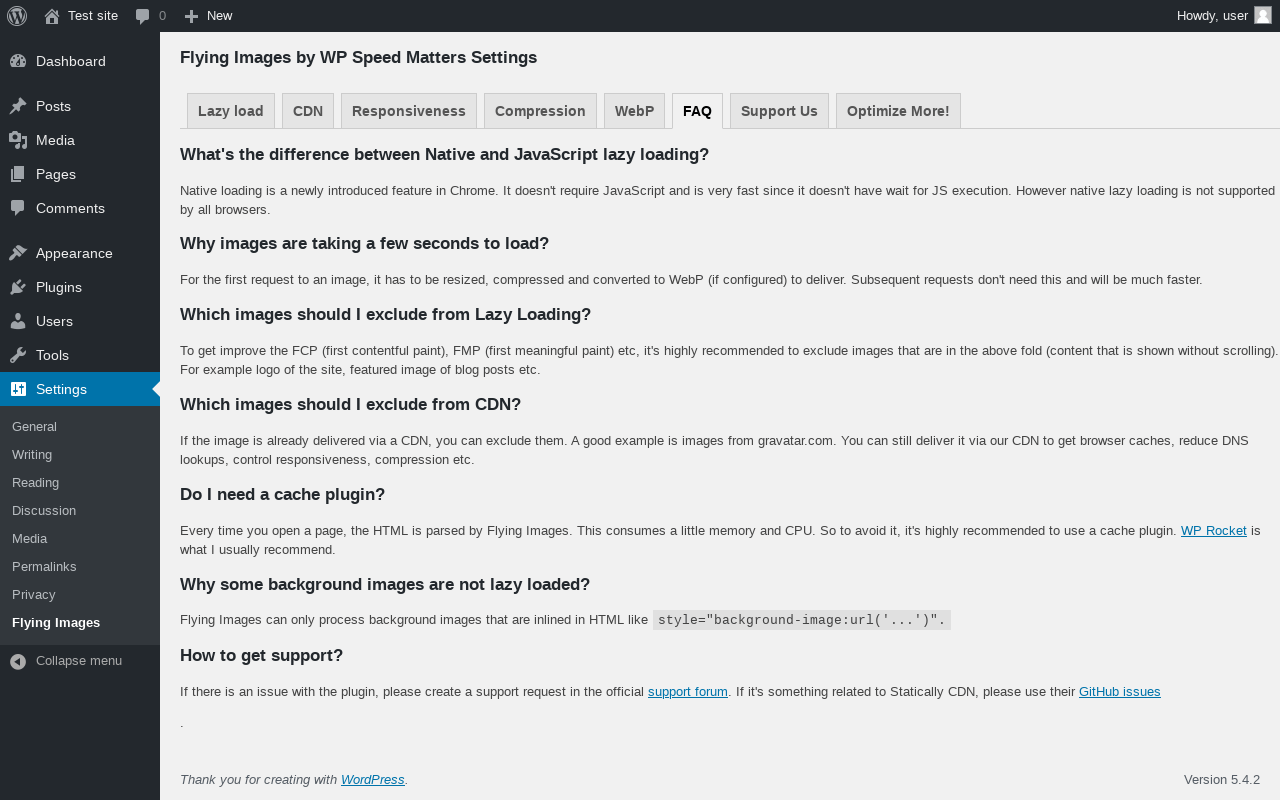
| URL | /wp-admin/options-general.php?page=flying-images&tab=faq |
|---|---|
| Aspect | menu-item-tab |
| HTTP status | 200 |
| Load time | 0.122 s |
| Memory usage | 3.57 MiB |
| JS errors | None |
| Resource errors | None |
Settings → Flying Images → Support Us
| URL | /wp-admin/options-general.php?page=flying-images&tab=support |
|---|---|
| Aspect | menu-item-tab |
| HTTP status | 200 |
| Load time | 0.119 s |
| Memory usage | 3.57 MiB |
| JS errors | None |
| Resource errors | None |
Settings → Flying Images → Optimize More!
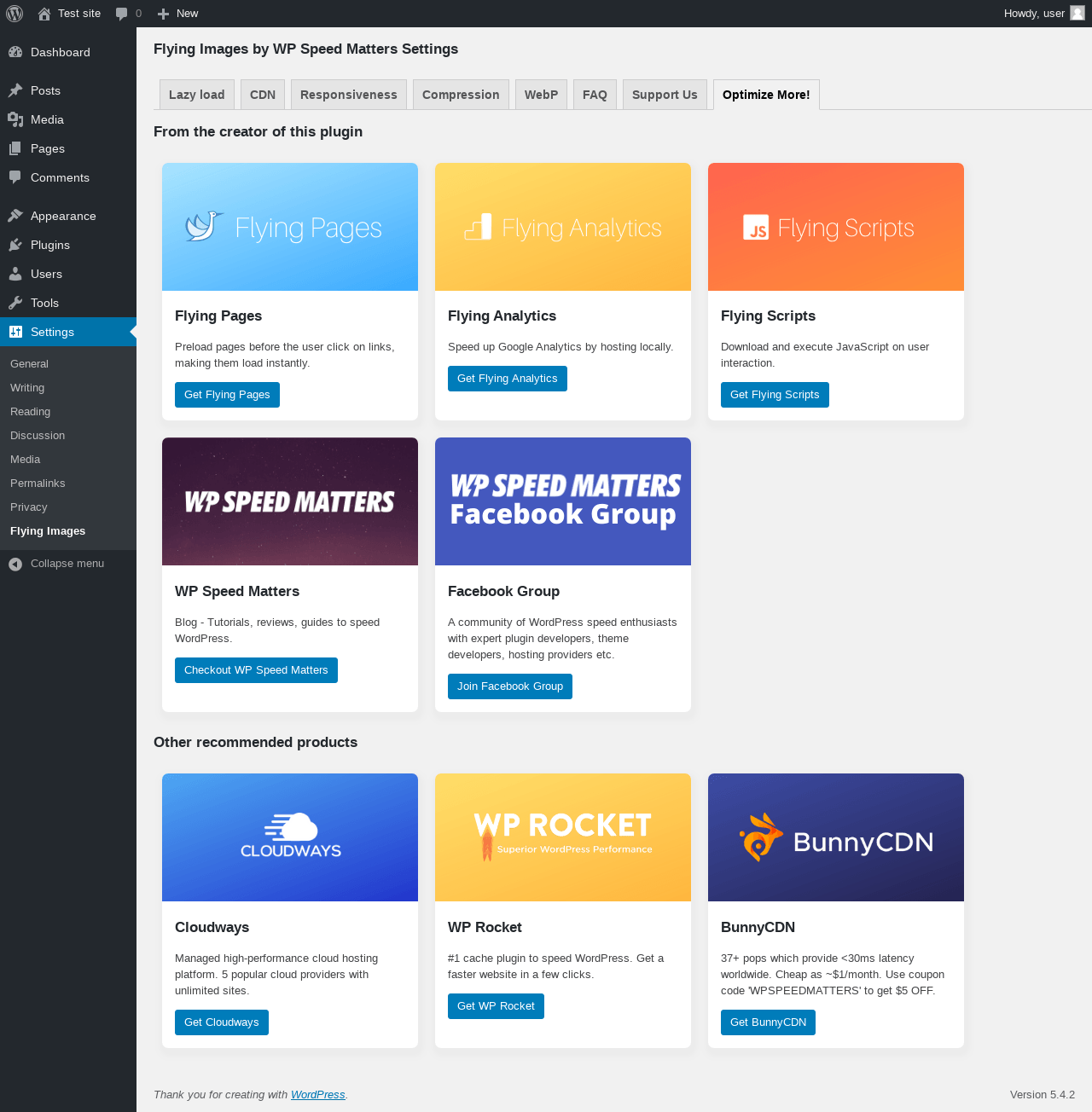
| URL | /wp-admin/options-general.php?page=flying-images&tab=optimize-more |
|---|---|
| Aspect | menu-item-tab |
| HTTP status | 200 |
| Load time | 0.433 s |
| Memory usage | 3.57 MiB |
| JS errors | None |
| Resource errors | None |
Test site – Just another WordPress site
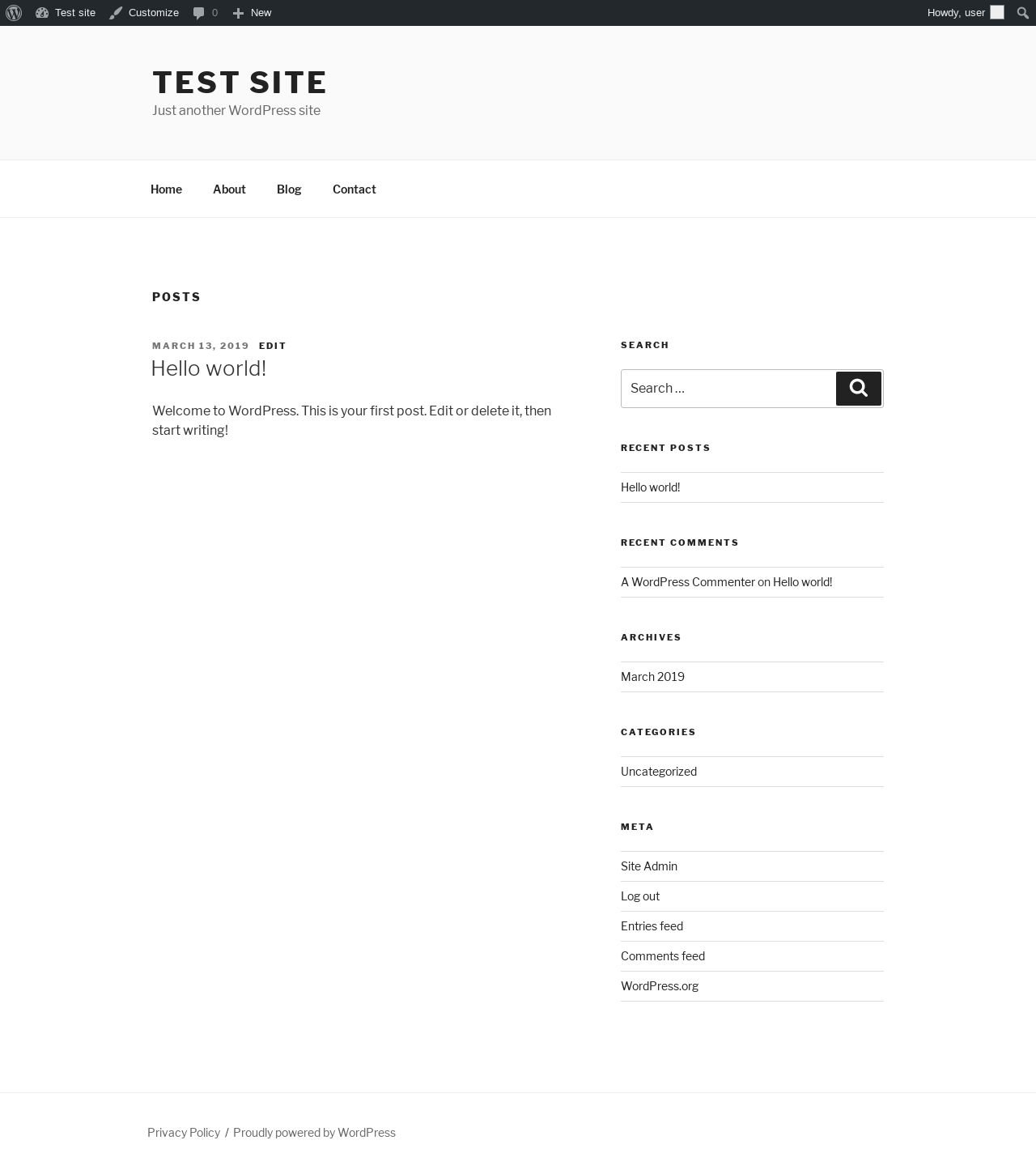
| URL | / |
|---|---|
| Aspect | front-page |
| HTTP status | 200 |
| Load time | 0.340 s |
| Memory usage | 3.37 MiB |
| JS errors | None |
| Resource errors | None |
Benchmark
| URL | Load time | Memory usage | ||||
|---|---|---|---|---|---|---|
| Inactive | Active | Change | Inactive | Active | Change | |
| /wp-admin/index.php | 0.321 s | 0.272 s | -0.049 s | 3.64 MiB | 3.73 MiB | + 90.23 KiB |
| /wp-admin/edit.php | 0.233 s | 0.220 s | -0.013 s | 3.67 MiB | 3.69 MiB | + 26.23 KiB |
| /wp-admin/post-new.php | 1.230 s | 1.554 s | +0.324 s | 5.43 MiB | 5.45 MiB | + 24.99 KiB |
| /wp-admin/upload.php | 0.497 s | 0.408 s | -0.089 s | 3.5 MiB | 3.59 MiB | + 89.09 KiB |
| /wp-admin/options-writing.php | 0.424 s | 0.159 s | -0.265 s | 3.58 MiB | 3.58 MiB | - 4.34 KiB |
| /wp-admin/media-new.php | 0.210 s | 0.189 s | -0.021 s | 3.48 MiB | 3.57 MiB | + 89.27 KiB |
| /wp-admin/edit-tags.php?taxonomy=category | 0.178 s | 0.174 s | -0.004 s | 3.58 MiB | 3.61 MiB | + 26.17 KiB |
| /wp-admin/post-new.php?post_type=page | 1.129 s | 1.102 s | -0.027 s | 5.42 MiB | 5.44 MiB | + 18.17 KiB |
| /wp-admin/options-discussion.php | 0.418 s | 0.228 s | -0.190 s | 3.48 MiB | 3.57 MiB | + 89.58 KiB |
| /wp-admin/edit-comments.php | 0.195 s | 0.186 s | -0.009 s | 3.59 MiB | 3.61 MiB | + 25.08 KiB |
| / | 0.314 s | 0.243 s | -0.071 s | 3.43 MiB | 3.37 MiB | - 58.91 KiB |
| Average | 0.468 s | 0.430 s | -0.038 s | 3.89 MiB | 3.93 MiB | + 37.78 KiB |
Additions
Things that the plugin adds to the site. This section is not intended to be comprehensive. The test tool only looks for a few specific types of added content.
Options wp_options 10
- flying_images_cdn_exclude_keywords
- flying_images_enable_cdn
- flying_images_enable_compression
- flying_images_enable_lazyloading
- flying_images_enable_responsive_images
- flying_images_exclude_keywords
- flying_images_lazymethod
- flying_images_margin
- flying_images_quality
- FLYING_IMAGES_VERSION
PHP Error Log
The log file is empty.