Image optimization service by Optimole 4.1.5
Does "Image optimization service by Optimole" work with WordPress 6.9 and PHP 8.1.12? A smoke test was performed on .
Summary
| 1 | PHP deprecation warnings |
| No JavaScript exceptions | |
| All test pages loaded successfully | |
| No resource errors |
Memory usage: 302.3 KiB
The average PHP memory usage increased by this amount after activating by the plugin.
Page speed impact:
insignificant.
The plugin didn't make the site noticeably slower.
| WordPress version | 6.9 |
|---|---|
| PHP version | 8.1.12 |
| MySQL version | 10.6.10 |
| PHP memory limit | 512M |
| Last updated | |
|---|---|
| Active installs | 200,000+ |
| WordPress.org page | https://wordpress.org/plugins/optimole-wp/ |
| Badges |
|


Pages 4
Optimole ‹ Test site — WordPress
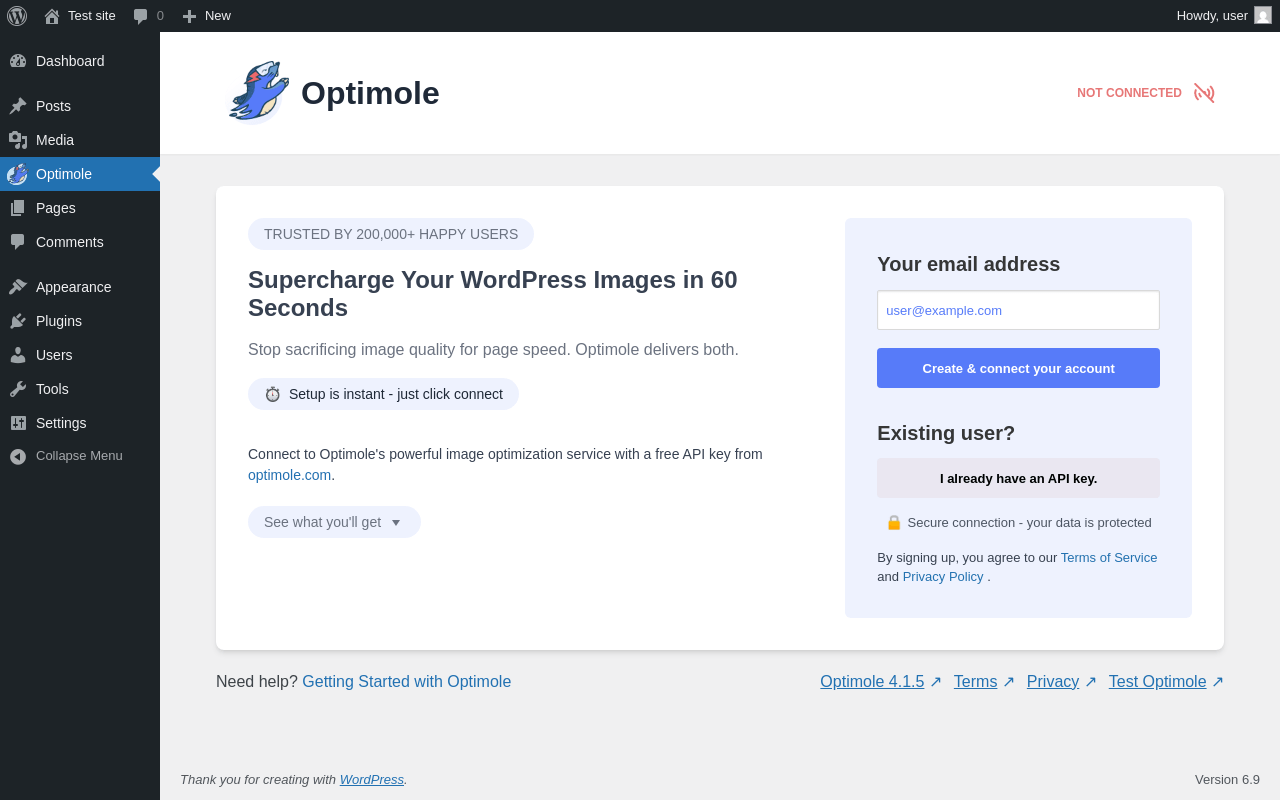
| URL | /wp-admin/admin.php?page=optimole |
|---|---|
| Requested URL | /wp-admin/plugins.php?action=activate&plugin=optimole-wp%2Foptimole-wp.php&plugin_status=all&paged=1&s&_wpnonce=68569303a4 |
| Aspect | after-activation |
| HTTP status | 200 |
| Load time | 0.738 s |
| Memory usage | 4.06 MiB |
| JS errors | None |
| Resource errors | None |
Optimole
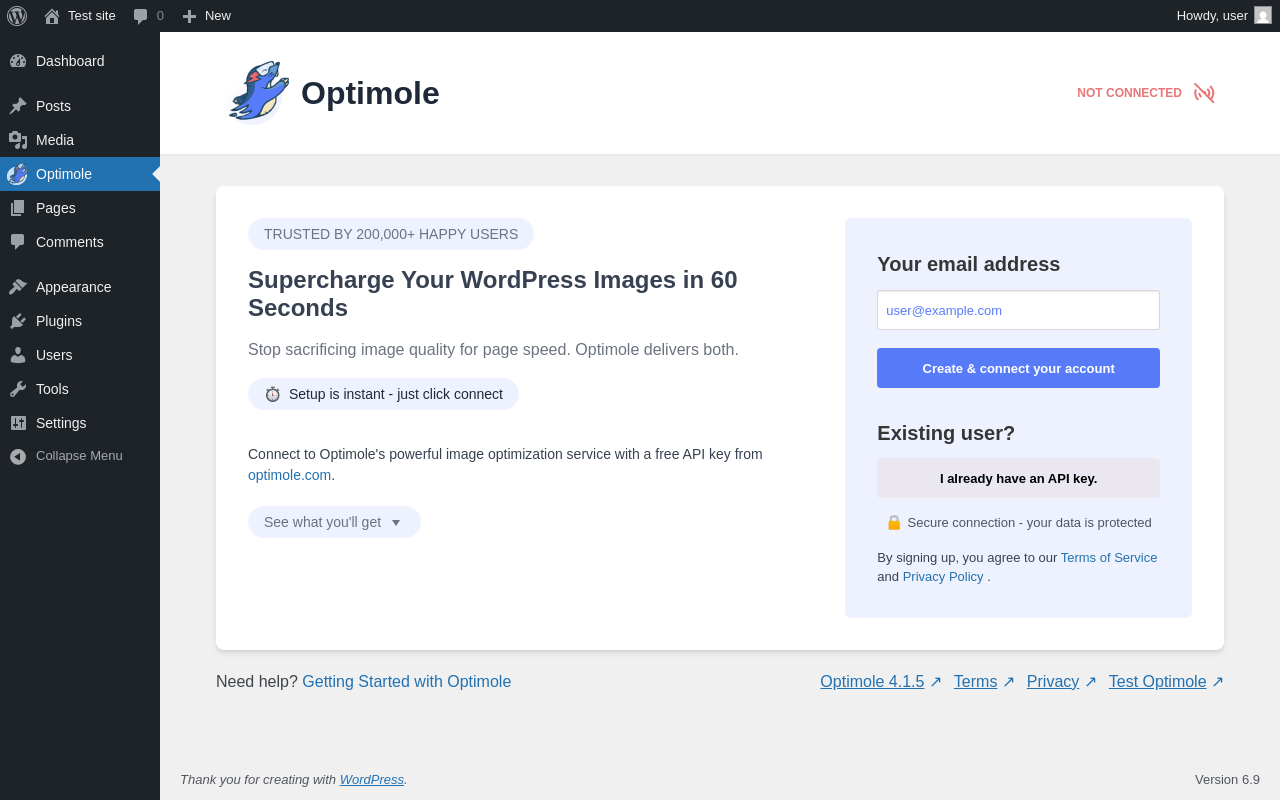
| URL | /wp-admin/admin.php?page=optimole |
|---|---|
| Aspect | menu-item |
| HTTP status | 200 |
| Load time | 0.353 s |
| Memory usage | 4.08 MiB |
| JS errors | None |
| Resource errors | None |
Test site – Just another WordPress site
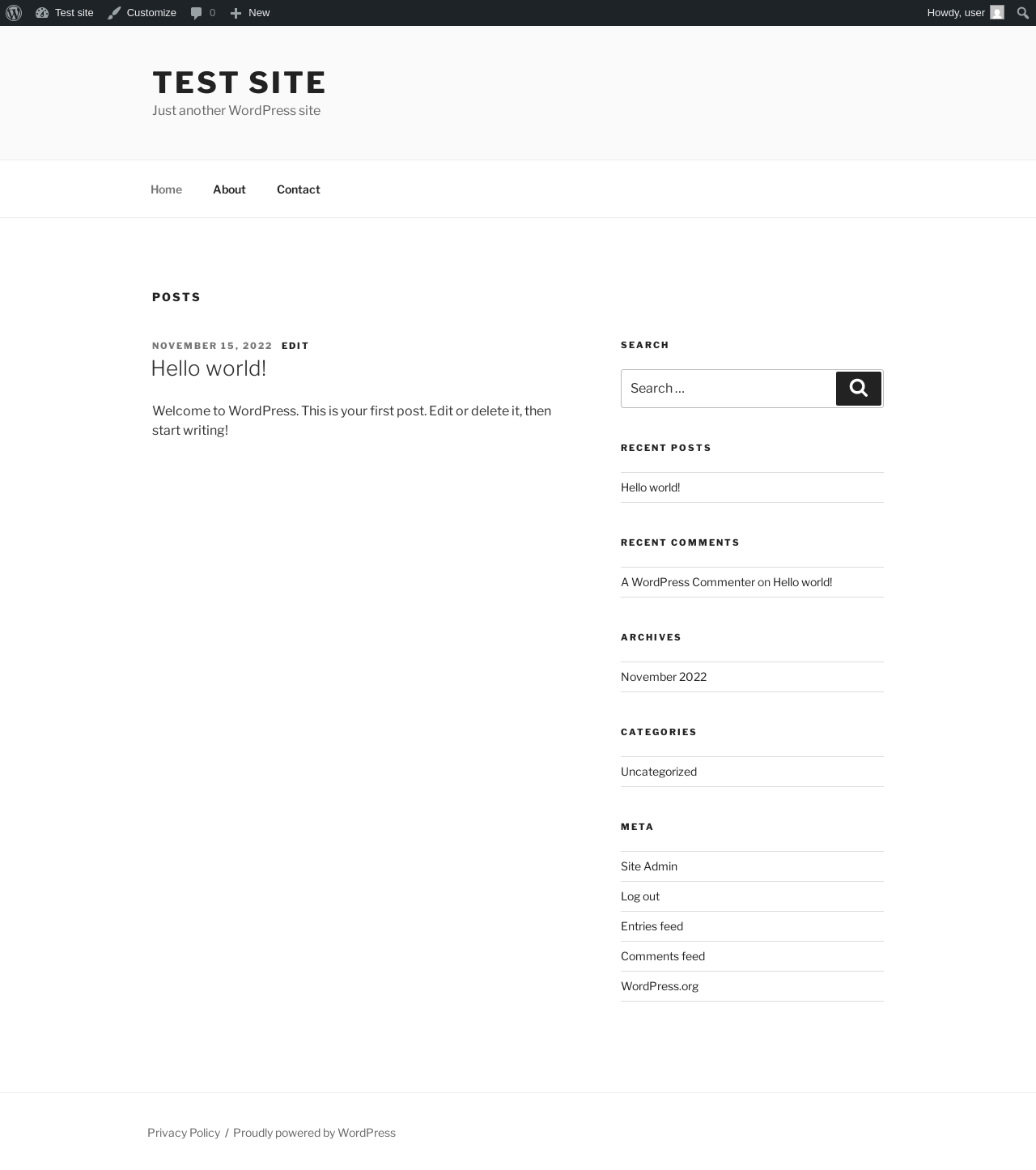
| URL | / |
|---|---|
| Aspect | front-page |
| HTTP status | 200 |
| Load time | 0.245 s |
| Memory usage | 4.33 MiB |
| JS errors | None |
| Resource errors | None |
Dashboard ‹ Test site — WordPress
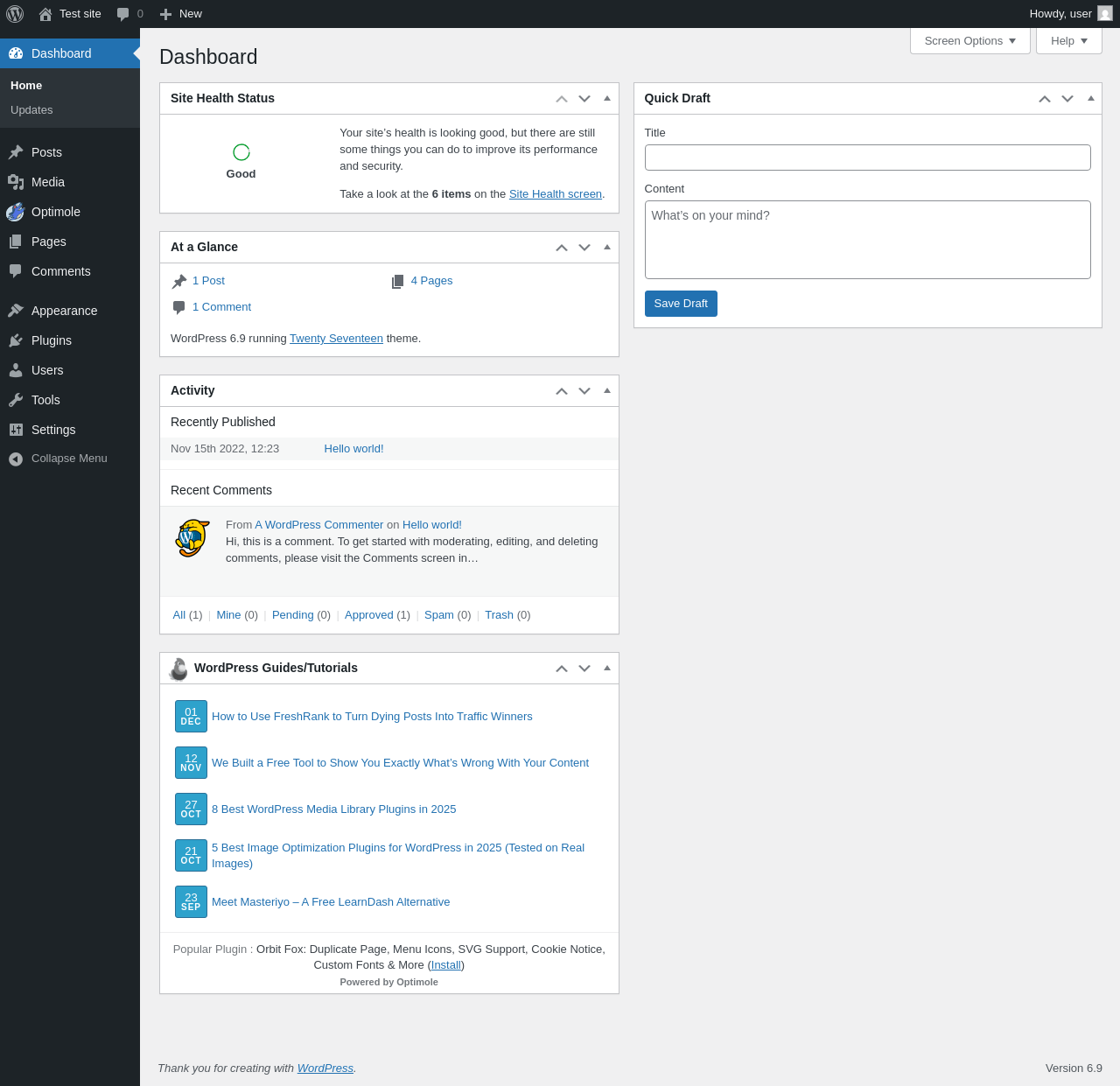
| URL | /wp-admin/index.php |
|---|---|
| Aspect | new-meta-boxes |
| HTTP status | 200 |
| Load time | 0.373 s |
| Memory usage | 4.07 MiB |
| JS errors | None |
| Resource errors | None |
Benchmark
| URL | Load time | Memory usage | ||||
|---|---|---|---|---|---|---|
| Inactive | Active | Change | Inactive | Active | Change | |
| /wp-admin/index.php | 0.449 s | 0.369 s | -0.080 s | 3.77 MiB | 4.07 MiB | + 308.71 KiB |
| /wp-admin/edit.php | 0.360 s | 0.335 s | -0.025 s | 3.78 MiB | 4.07 MiB | + 299.06 KiB |
| /wp-admin/post-new.php | 0.852 s | 1.036 s | +0.184 s | 6.3 MiB | 6.8 MiB | + 510.84 KiB |
| /wp-admin/upload.php | 0.671 s | 0.468 s | -0.203 s | 3.73 MiB | 3.98 MiB | + 246.4 KiB |
| /wp-admin/options-writing.php | 0.316 s | 0.312 s | -0.004 s | 3.71 MiB | 3.94 MiB | + 240.6 KiB |
| /wp-admin/media-new.php | 0.509 s | 0.327 s | -0.182 s | 3.7 MiB | 3.94 MiB | + 248.8 KiB |
| /wp-admin/edit-tags.php?taxonomy=category | 0.418 s | 0.287 s | -0.131 s | 3.71 MiB | 3.97 MiB | + 259.47 KiB |
| /wp-admin/post-new.php?post_type=page | 0.704 s | 0.673 s | -0.031 s | 6.29 MiB | 6.79 MiB | + 504.32 KiB |
| /wp-admin/options-discussion.php | 0.332 s | 0.419 s | +0.087 s | 3.71 MiB | 3.94 MiB | + 237.1 KiB |
| /wp-admin/edit-comments.php | 0.343 s | 0.335 s | -0.008 s | 3.73 MiB | 3.96 MiB | + 236.6 KiB |
| / | 0.280 s | 0.195 s | -0.085 s | 4.1 MiB | 4.33 MiB | + 233.42 KiB |
| Average | 0.476 s | 0.432 s | -0.043 s | 4.23 MiB | 4.53 MiB | + 302.3 KiB |
Code Statistics
Note: Third-party libraries and minified JS/CSS files are excluded from these statistics where possible, so the numbers you see here may be lower than those reported by other tools.
| Language | % | Lines of code | Comment lines | Files | |
|---|---|---|---|---|---|
| PHP | 85.7% | 12,095 | 6,468 | 98 | |
| JavaScript | 8.8% | 1,237 | 534 | 21 | |
| CSS | 4.5% | 630 | 0 | 6 | |
| SVG | 0.8% | 107 | 0 | 1 | |
| Markdown | 0.3% | 43 | 0 | 2 | |
| Total | 14,112 | 7,002 | 128 | ||
Additions
Things that the plugin adds to the site. This section is not intended to be comprehensive. The test tool only looks for a few specific types of added content.
Options wp_options 6
- optimole_wp_install
- optimole-wp_version
- optml_defaults_updated
- optml_notice_optin
- optml_settings
- optml-version
Meta Boxes
{
    "dashboard": {
        "themeisle": {
            "title": "WordPress Guides/Tutorials",
            "context": "normal"
        }
    }
}
PHP Error Log 1 lines
[12-Dec-2025 08:55:01 UTC] PHP Deprecated: Fetching multiple feeds with single SimplePie instance is deprecated since SimplePie 1.9.0, create one SimplePie instance per feed and use SimplePie::merge_items to get a single list of items. in /wp-includes/SimplePie/src/SimplePie.php on line 769