Quentn WP 1.1.2
Does Quentn WP work with WordPress 5.5.3 and PHP 7.4.8? A smoke test was performed on .
Summary
Errors
| 5 | PHP warnings |
| 18 | PHP notices |
| No JavaScript exceptions | |
| All test pages loaded successfully | |
| No resource errors |
Performance
Memory usage: 170.84 KiB
The average PHP memory usage increased by this amount after activating by the plugin.
Page speed impact:
0.093 seconds
The average page load time increased by this amount after activating the plugin.
Environment
| WordPress version | 5.5.3 |
|---|---|
| PHP version | 7.4.8 |
| MySQL version | 8.0.21 |
| PHP memory limit | 256M |
Plugin Info
| Last updated | |
|---|---|
| Active installs | 500+ |
| WordPress.org page | https://wordpress.org/plugins/quentn-wp/ |
| Badges |
|


Pages 8
Plugins ‹ Test site — WordPress
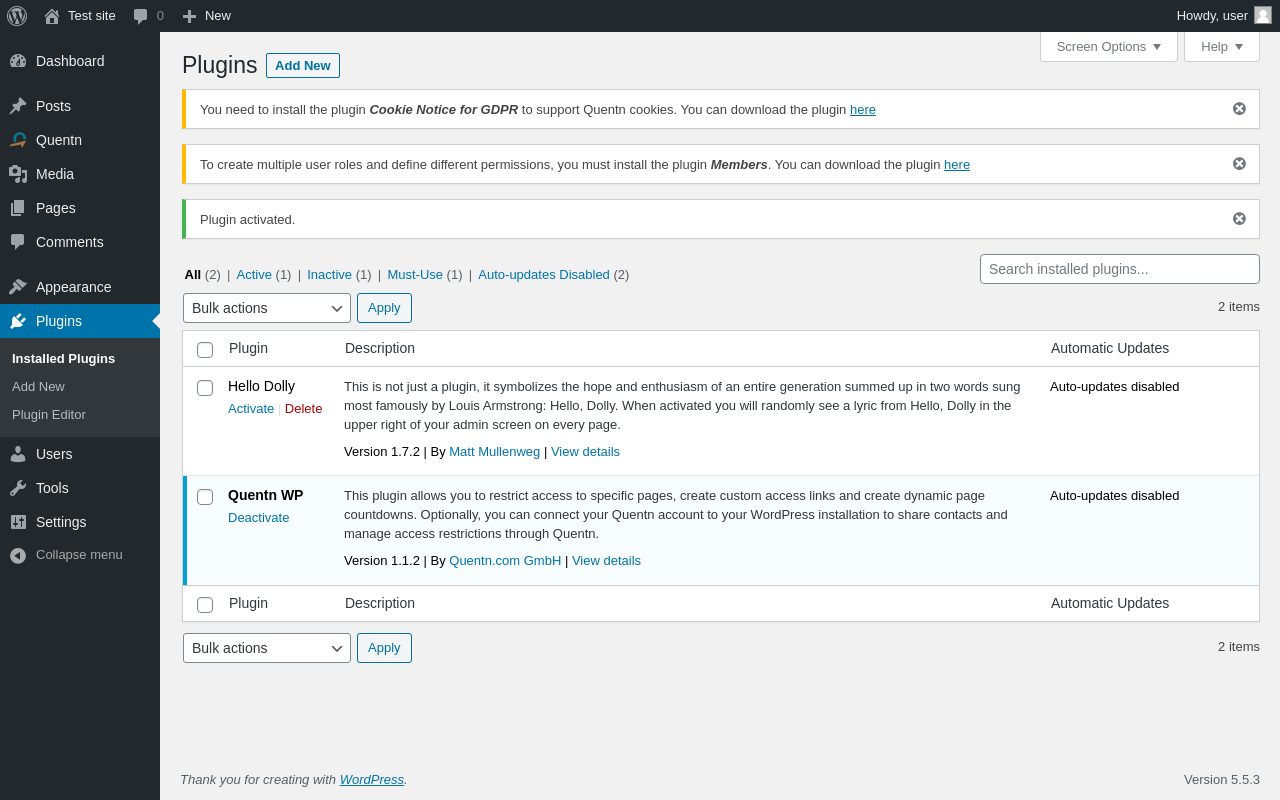
| URL | /wp-admin/plugins.php?plugin_status=all&paged=1&s |
|---|---|
| Requested URL | /wp-admin/plugins.php?action=activate&plugin=quentn-wp%2Fquentn-wp.php&plugin_status=all&paged=1&s&_wpnonce=d49b99d1bd |
| Aspect | after-activation |
| HTTP status | 200 |
| Load time | 0.642 s |
| Memory usage | 2.78 MiB |
| JS errors | None |
| Resource errors | None |
Quentn
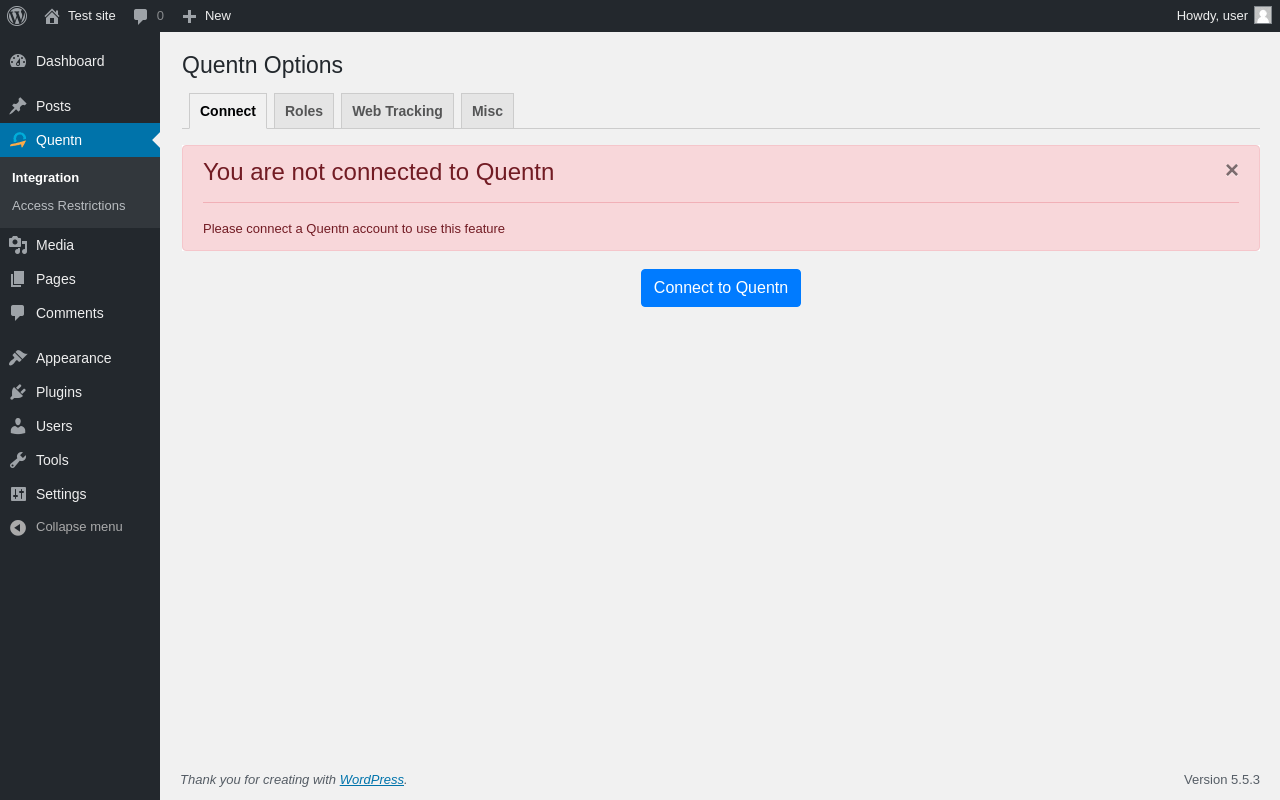
| URL | /wp-admin/admin.php?page=quentn-dashboard |
|---|---|
| Aspect | menu-item |
| HTTP status | 200 |
| Load time | 0.442 s |
| Memory usage | 2.85 MiB |
| JS errors | None |
| Resource errors | None |
Quentn → Roles
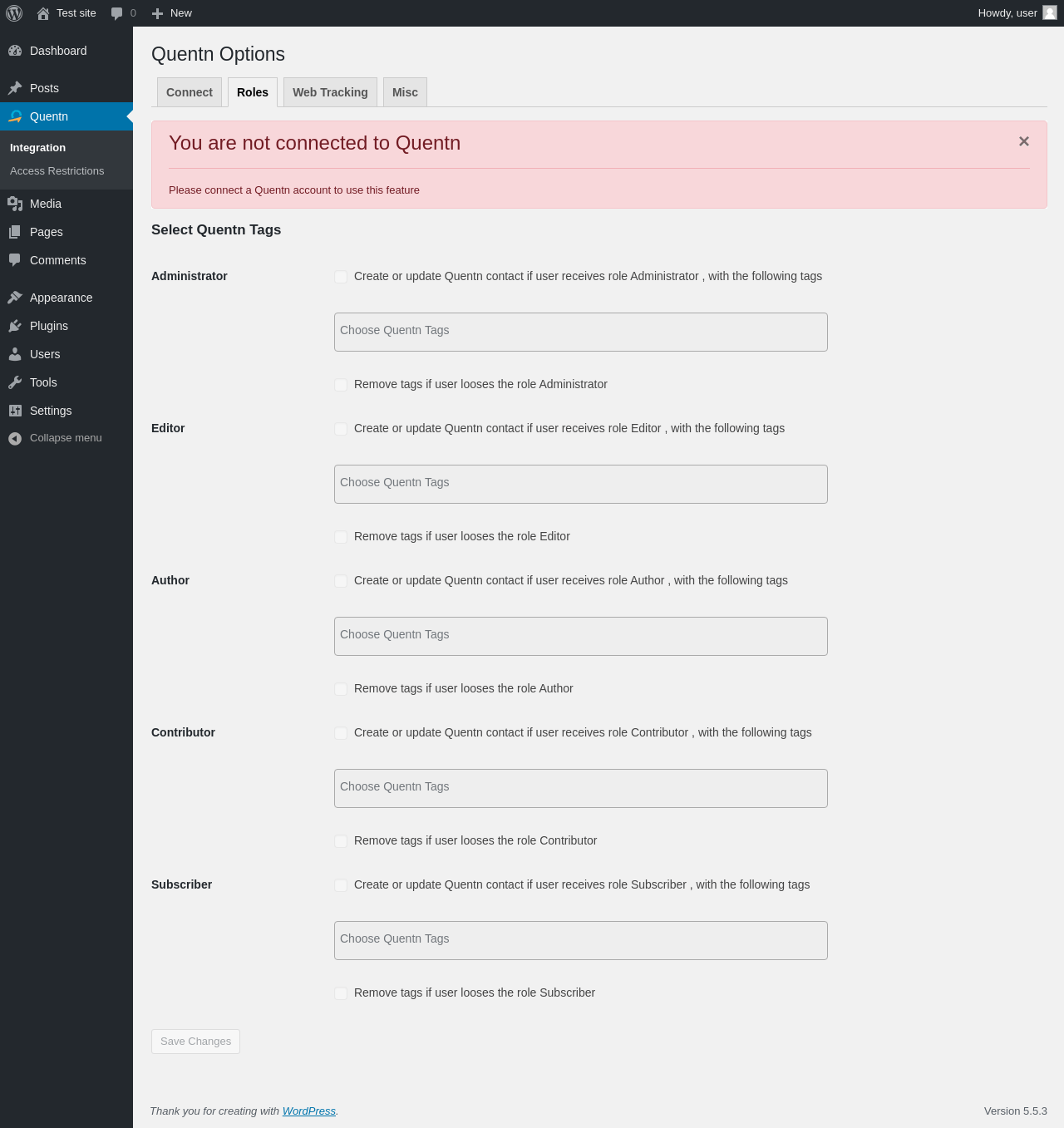
| URL | /wp-admin/admin.php?page=quentn-dashboard&tab=quentn_tags_selection |
|---|---|
| Aspect | menu-item-tab |
| HTTP status | 200 |
| Load time | 0.300 s |
| Memory usage | 2.77 MiB |
| JS errors | None |
| Resource errors | None |
Quentn → Web Tracking
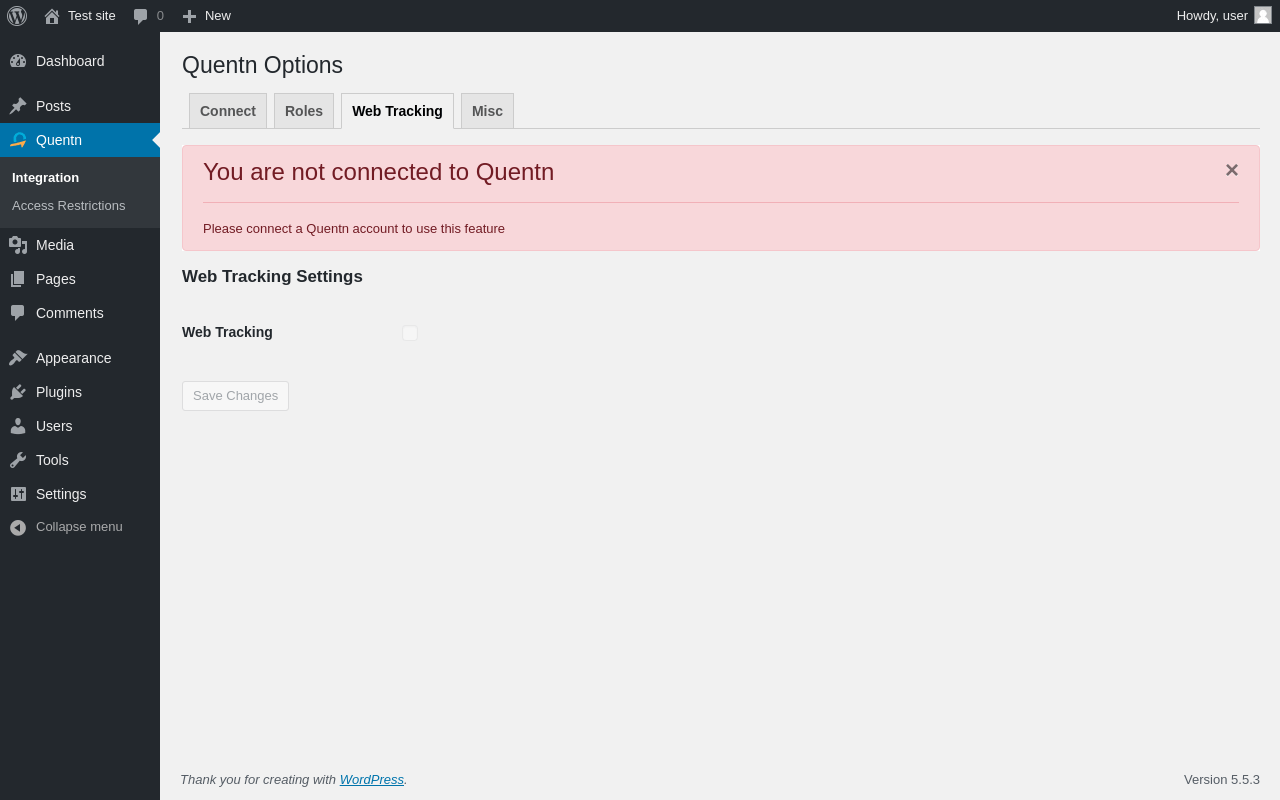
| URL | /wp-admin/admin.php?page=quentn-dashboard&tab=quentn_web_tracking_tab |
|---|---|
| Aspect | menu-item-tab |
| HTTP status | 200 |
| Load time | 0.233 s |
| Memory usage | 2.77 MiB |
| JS errors | None |
| Resource errors | None |
Quentn → Misc
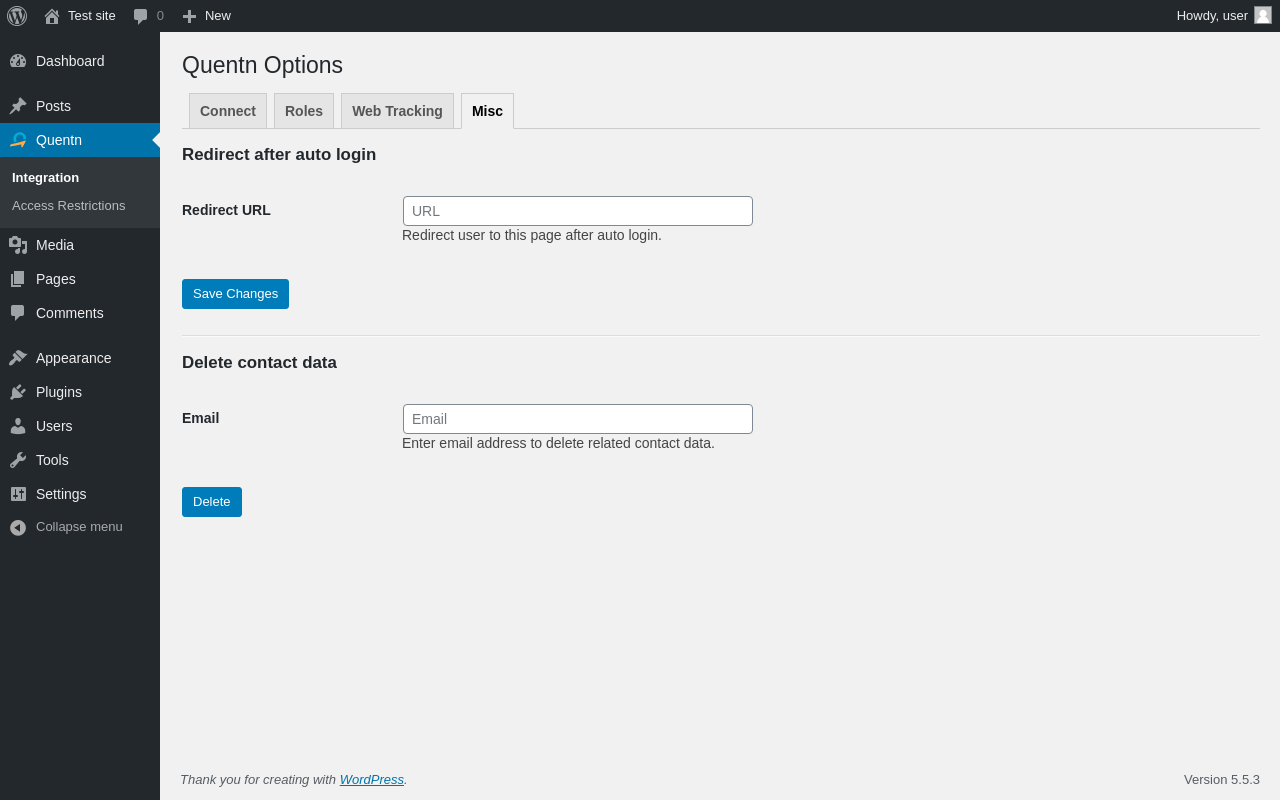
| URL | /wp-admin/admin.php?page=quentn-dashboard&tab=quentn_settings |
|---|---|
| Aspect | menu-item-tab |
| HTTP status | 200 |
| Load time | 0.371 s |
| Memory usage | 2.81 MiB |
| JS errors | None |
| Resource errors | None |
Quentn → Access Restrictions
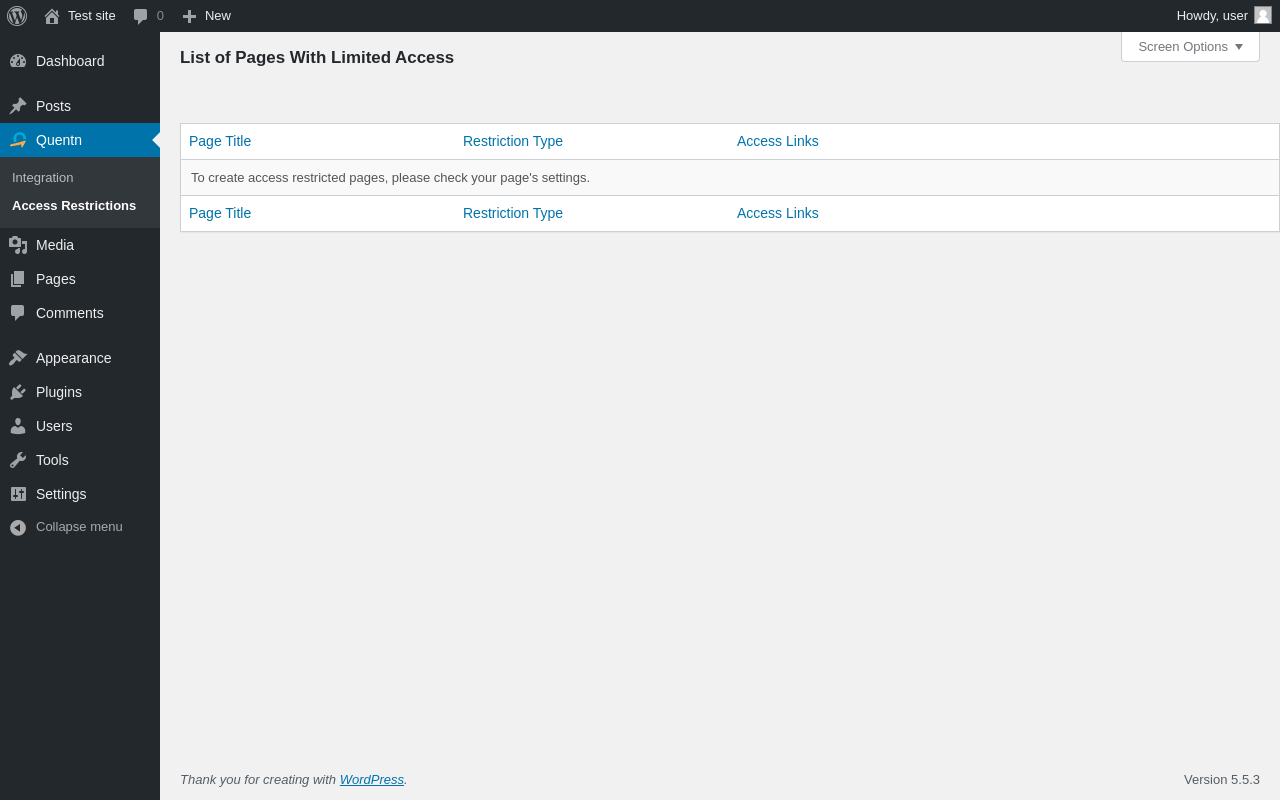
| URL | /wp-admin/admin.php?page=quentn-access-pages-restrictions |
|---|---|
| Aspect | menu-item |
| HTTP status | 200 |
| Load time | 0.246 s |
| Memory usage | 2.83 MiB |
| JS errors | None |
| Resource errors | None |
Test site – Just another WordPress site
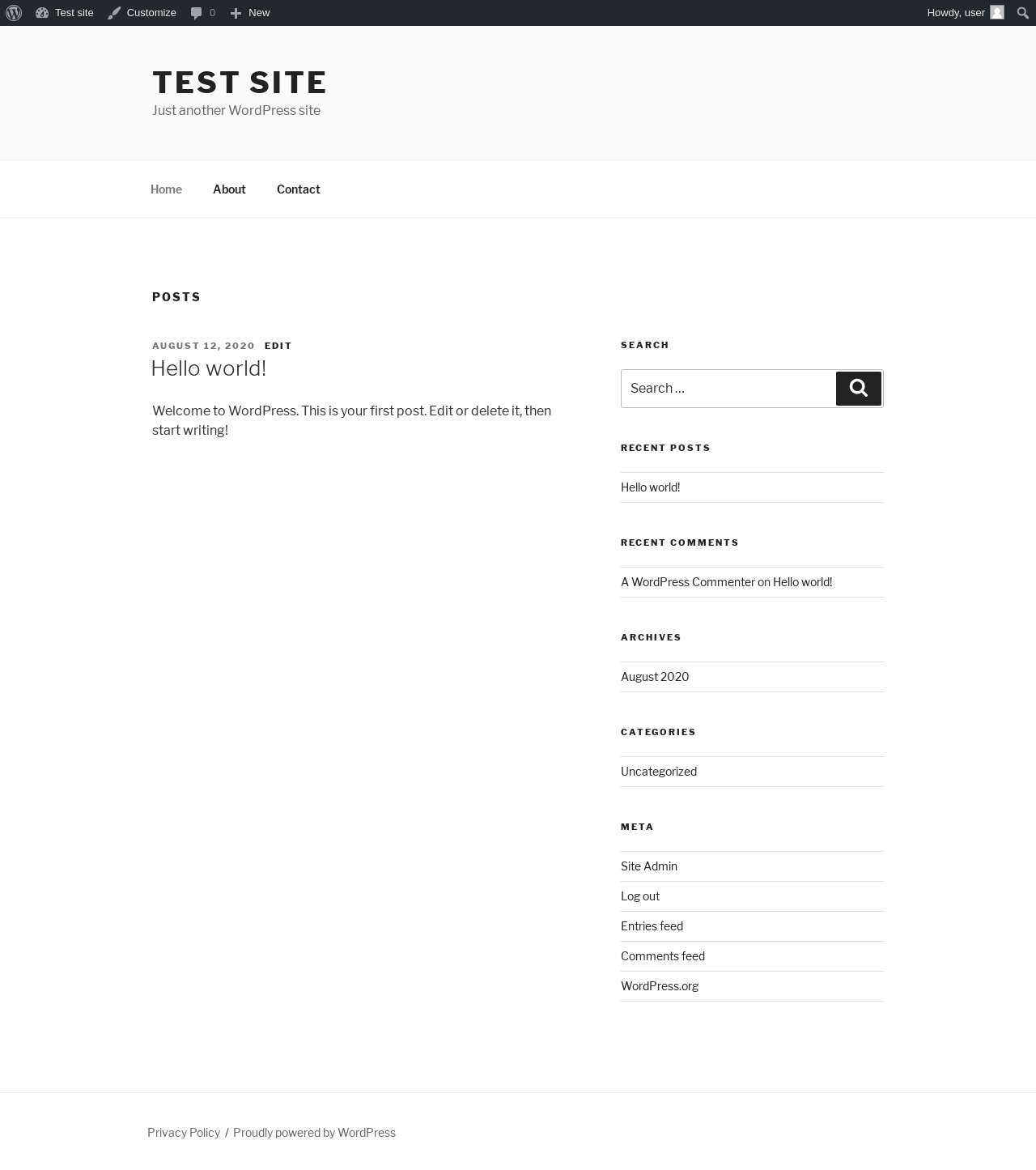
| URL | / |
|---|---|
| Aspect | front-page |
| HTTP status | 200 |
| Load time | 0.293 s |
| Memory usage | 2.86 MiB |
| JS errors | None |
| Resource errors | None |
Add New Page ‹ Test site — WordPress
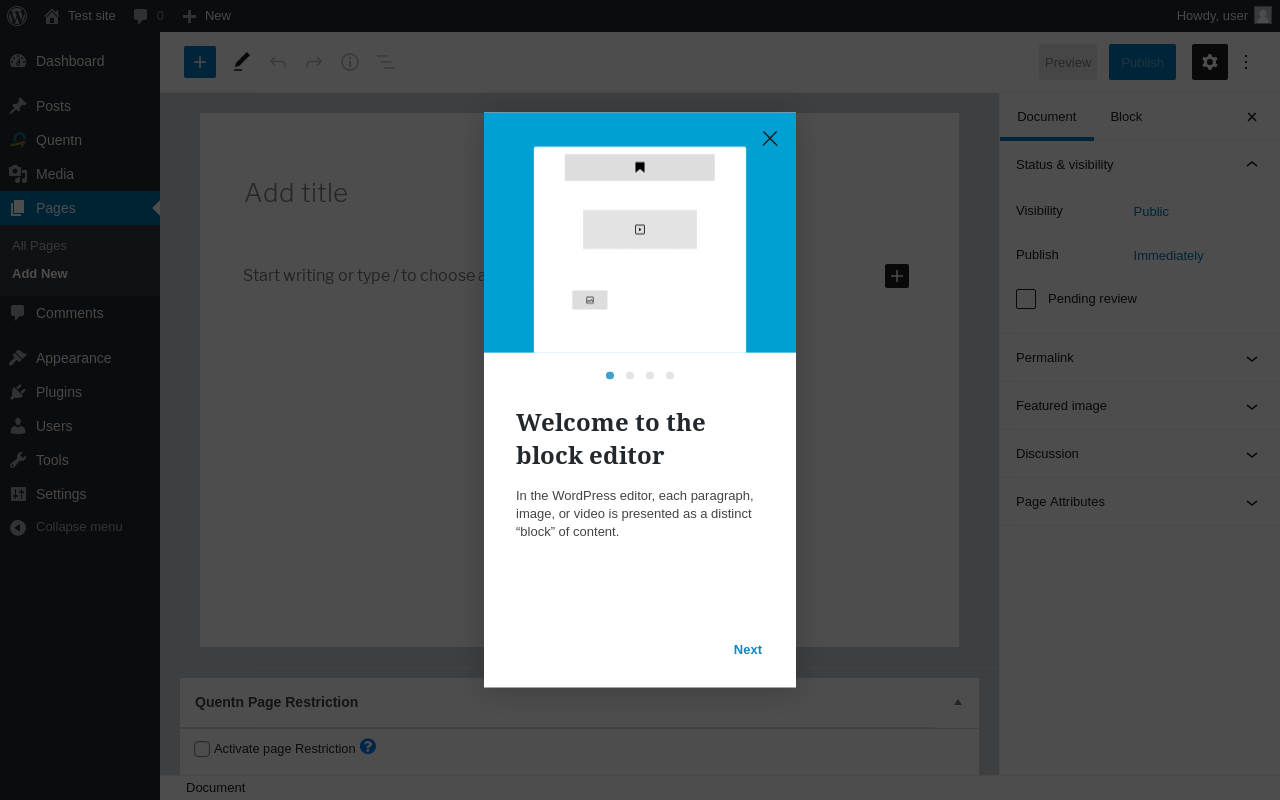
| URL | /wp-admin/post-new.php?post_type=page |
|---|---|
| Aspect | new-meta-boxes |
| HTTP status | 200 |
| Load time | 2.107 s |
| Memory usage | 4.8 MiB |
| JS errors | None |
| Resource errors | None |
Benchmark
| URL | Load time | Memory usage | ||||
|---|---|---|---|---|---|---|
| Inactive | Active | Change | Inactive | Active | Change | |
| /wp-admin/index.php | 0.551 s | 0.432 s | -0.119 s | 2.75 MiB | 2.9 MiB | + 148.2 KiB |
| /wp-admin/edit.php | 0.248 s | 0.273 s | +0.025 s | 2.8 MiB | 2.92 MiB | + 129.91 KiB |
| /wp-admin/post-new.php | 1.644 s | 2.443 s | +0.799 s | 4.54 MiB | 4.86 MiB | + 321.75 KiB |
| /wp-admin/upload.php | 0.768 s | 0.507 s | -0.261 s | 2.63 MiB | 2.79 MiB | + 168.52 KiB |
| /wp-admin/options-writing.php | 0.187 s | 0.217 s | +0.030 s | 2.64 MiB | 2.73 MiB | + 84.21 KiB |
| /wp-admin/media-new.php | 0.225 s | 0.232 s | +0.007 s | 2.6 MiB | 2.72 MiB | + 117.09 KiB |
| /wp-admin/edit-tags.php?taxonomy=category | 0.188 s | 0.220 s | +0.032 s | 2.64 MiB | 2.83 MiB | + 196.13 KiB |
| /wp-admin/post-new.php?post_type=page | 1.579 s | 2.186 s | +0.607 s | 4.53 MiB | 4.79 MiB | + 264.88 KiB |
| /wp-admin/options-discussion.php | 0.419 s | 0.407 s | -0.012 s | 2.61 MiB | 2.74 MiB | + 132.72 KiB |
| /wp-admin/edit-comments.php | 0.224 s | 0.243 s | +0.019 s | 2.65 MiB | 2.84 MiB | + 194.81 KiB |
| / | 0.342 s | 0.239 s | -0.103 s | 2.56 MiB | 2.68 MiB | + 121.02 KiB |
| Average | 0.580 s | 0.673 s | +0.093 s | 3 MiB | 3.16 MiB | + 170.84 KiB |
Additions
Things that the plugin adds to the site. This section is not intended to be comprehensive. The test tool only looks for a few specific types of added content.
Database Tables 2
- wp_qntn_restrictions
- wp_qntn_user_data
Options wp_options 2
- quentn_db_version
- quentn_unique_id
Meta Boxes
{
    "page": {
        "quentn-access-restriction-meta-box": {
            "title": "Quentn Page Restriction",
            "context": "advanced"
        }
    }
}
PHP Error Log 23 lines
[03-Nov-2020 20:40:14 UTC] PHP Warning:  Invalid argument supplied for foreach() in /wp-content/plugins/quentn-wp/admin/class-quentn-wp-admin.php on line 875
[03-Nov-2020 20:40:14 UTC] PHP Warning:  Invalid argument supplied for foreach() in /wp-content/plugins/quentn-wp/admin/class-quentn-wp-admin.php on line 875
[03-Nov-2020 20:40:14 UTC] PHP Warning:  Invalid argument supplied for foreach() in /wp-content/plugins/quentn-wp/admin/class-quentn-wp-admin.php on line 875
[03-Nov-2020 20:40:14 UTC] PHP Warning:  Invalid argument supplied for foreach() in /wp-content/plugins/quentn-wp/admin/class-quentn-wp-admin.php on line 875
[03-Nov-2020 20:40:14 UTC] PHP Warning:  Invalid argument supplied for foreach() in /wp-content/plugins/quentn-wp/admin/class-quentn-wp-admin.php on line 875
[03-Nov-2020 20:40:18 UTC] PHP Notice:  register_rest_route was called <strong>incorrectly</strong>. Namespace must not start or end with a slash. Please see <a href="https://wordpress.org/support/article/debugging-in-wordpress/">Debugging in WordPress</a> for more information. (This message was added in version 5.4.2.) in /wp-includes/functions.php on line 5229
[03-Nov-2020 20:40:18 UTC] PHP Notice:  register_rest_route was called <strong>incorrectly</strong>. Namespace must not start or end with a slash. Please see <a href="https://wordpress.org/support/article/debugging-in-wordpress/">Debugging in WordPress</a> for more information. (This message was added in version 5.4.2.) in /wp-includes/functions.php on line 5229
[03-Nov-2020 20:40:18 UTC] PHP Notice:  register_rest_route was called <strong>incorrectly</strong>. Namespace must not start or end with a slash. Please see <a href="https://wordpress.org/support/article/debugging-in-wordpress/">Debugging in WordPress</a> for more information. (This message was added in version 5.4.2.) in /wp-includes/functions.php on line 5229
[03-Nov-2020 20:40:18 UTC] PHP Notice:  register_rest_route was called <strong>incorrectly</strong>. Namespace must not start or end with a slash. Please see <a href="https://wordpress.org/support/article/debugging-in-wordpress/">Debugging in WordPress</a> for more information. (This message was added in version 5.4.2.) in /wp-includes/functions.php on line 5229
[03-Nov-2020 20:40:18 UTC] PHP Notice:  register_rest_route was called <strong>incorrectly</strong>. Namespace must not start or end with a slash. Please see <a href="https://wordpress.org/support/article/debugging-in-wordpress/">Debugging in WordPress</a> for more information. (This message was added in version 5.4.2.) in /wp-includes/functions.php on line 5229
[03-Nov-2020 20:40:18 UTC] PHP Notice:  register_rest_route was called <strong>incorrectly</strong>. Namespace must not start or end with a slash. Please see <a href="https://wordpress.org/support/article/debugging-in-wordpress/">Debugging in WordPress</a> for more information. (This message was added in version 5.4.2.) in /wp-includes/functions.php on line 5229
[03-Nov-2020 20:40:22 UTC] PHP Notice:  register_rest_route was called <strong>incorrectly</strong>. Namespace must not start or end with a slash. Please see <a href="https://wordpress.org/support/article/debugging-in-wordpress/">Debugging in WordPress</a> for more information. (This message was added in version 5.4.2.) in /wp-includes/functions.php on line 5229
[03-Nov-2020 20:40:22 UTC] PHP Notice:  register_rest_route was called <strong>incorrectly</strong>. Namespace must not start or end with a slash. Please see <a href="https://wordpress.org/support/article/debugging-in-wordpress/">Debugging in WordPress</a> for more information. (This message was added in version 5.4.2.) in /wp-includes/functions.php on line 5229
[03-Nov-2020 20:40:22 UTC] PHP Notice:  register_rest_route was called <strong>incorrectly</strong>. Namespace must not start or end with a slash. Please see <a href="https://wordpress.org/support/article/debugging-in-wordpress/">Debugging in WordPress</a> for more information. (This message was added in version 5.4.2.) in /wp-includes/functions.php on line 5229
[03-Nov-2020 20:40:22 UTC] PHP Notice:  register_rest_route was called <strong>incorrectly</strong>. Namespace must not start or end with a slash. Please see <a href="https://wordpress.org/support/article/debugging-in-wordpress/">Debugging in WordPress</a> for more information. (This message was added in version 5.4.2.) in /wp-includes/functions.php on line 5229
[03-Nov-2020 20:40:22 UTC] PHP Notice:  register_rest_route was called <strong>incorrectly</strong>. Namespace must not start or end with a slash. Please see <a href="https://wordpress.org/support/article/debugging-in-wordpress/">Debugging in WordPress</a> for more information. (This message was added in version 5.4.2.) in /wp-includes/functions.php on line 5229
[03-Nov-2020 20:40:22 UTC] PHP Notice:  register_rest_route was called <strong>incorrectly</strong>. Namespace must not start or end with a slash. Please see <a href="https://wordpress.org/support/article/debugging-in-wordpress/">Debugging in WordPress</a> for more information. (This message was added in version 5.4.2.) in /wp-includes/functions.php on line 5229
[03-Nov-2020 20:40:25 UTC] PHP Notice:  register_rest_route was called <strong>incorrectly</strong>. Namespace must not start or end with a slash. Please see <a href="https://wordpress.org/support/article/debugging-in-wordpress/">Debugging in WordPress</a> for more information. (This message was added in version 5.4.2.) in /wp-includes/functions.php on line 5229
[03-Nov-2020 20:40:25 UTC] PHP Notice:  register_rest_route was called <strong>incorrectly</strong>. Namespace must not start or end with a slash. Please see <a href="https://wordpress.org/support/article/debugging-in-wordpress/">Debugging in WordPress</a> for more information. (This message was added in version 5.4.2.) in /wp-includes/functions.php on line 5229
[03-Nov-2020 20:40:25 UTC] PHP Notice:  register_rest_route was called <strong>incorrectly</strong>. Namespace must not start or end with a slash. Please see <a href="https://wordpress.org/support/article/debugging-in-wordpress/">Debugging in WordPress</a> for more information. (This message was added in version 5.4.2.) in /wp-includes/functions.php on line 5229
[03-Nov-2020 20:40:25 UTC] PHP Notice:  register_rest_route was called <strong>incorrectly</strong>. Namespace must not start or end with a slash. Please see <a href="https://wordpress.org/support/article/debugging-in-wordpress/">Debugging in WordPress</a> for more information. (This message was added in version 5.4.2.) in /wp-includes/functions.php on line 5229
[03-Nov-2020 20:40:25 UTC] PHP Notice:  register_rest_route was called <strong>incorrectly</strong>. Namespace must not start or end with a slash. Please see <a href="https://wordpress.org/support/article/debugging-in-wordpress/">Debugging in WordPress</a> for more information. (This message was added in version 5.4.2.) in /wp-includes/functions.php on line 5229
[03-Nov-2020 20:40:25 UTC] PHP Notice:  register_rest_route was called <strong>incorrectly</strong>. Namespace must not start or end with a slash. Please see <a href="https://wordpress.org/support/article/debugging-in-wordpress/">Debugging in WordPress</a> for more information. (This message was added in version 5.4.2.) in /wp-includes/functions.php on line 5229