Spexo Addons for Elementor 1.0.13
Does Spexo Addons for Elementor work with WordPress 6.7.1 and PHP 8.1.12? A smoke test was performed on .
Summary
| No PHP errors, warnings or notices | |
| No JavaScript exceptions | |
| All test pages loaded successfully | |
| No resource errors | |
| Looks good! No problems were detected. |
Memory usage: 371.21 KiB
The average PHP memory usage increased by this amount after activating by the plugin.
Page speed impact:
0.147 seconds
The average page load time increased by this amount after activating the plugin.
| WordPress version | 6.7.1 |
|---|---|
| PHP version | 8.1.12 |
| MySQL version | 10.6.10 |
| PHP memory limit | 512M |
| Last updated | |
|---|---|
| Active installs | 5,000+ |
| WordPress.org page | https://wordpress.org/plugins/sastra-essential-addons-for-elementor/ |
| Badges |
|


Pages 2
Wizard ‹ Test site — WordPress
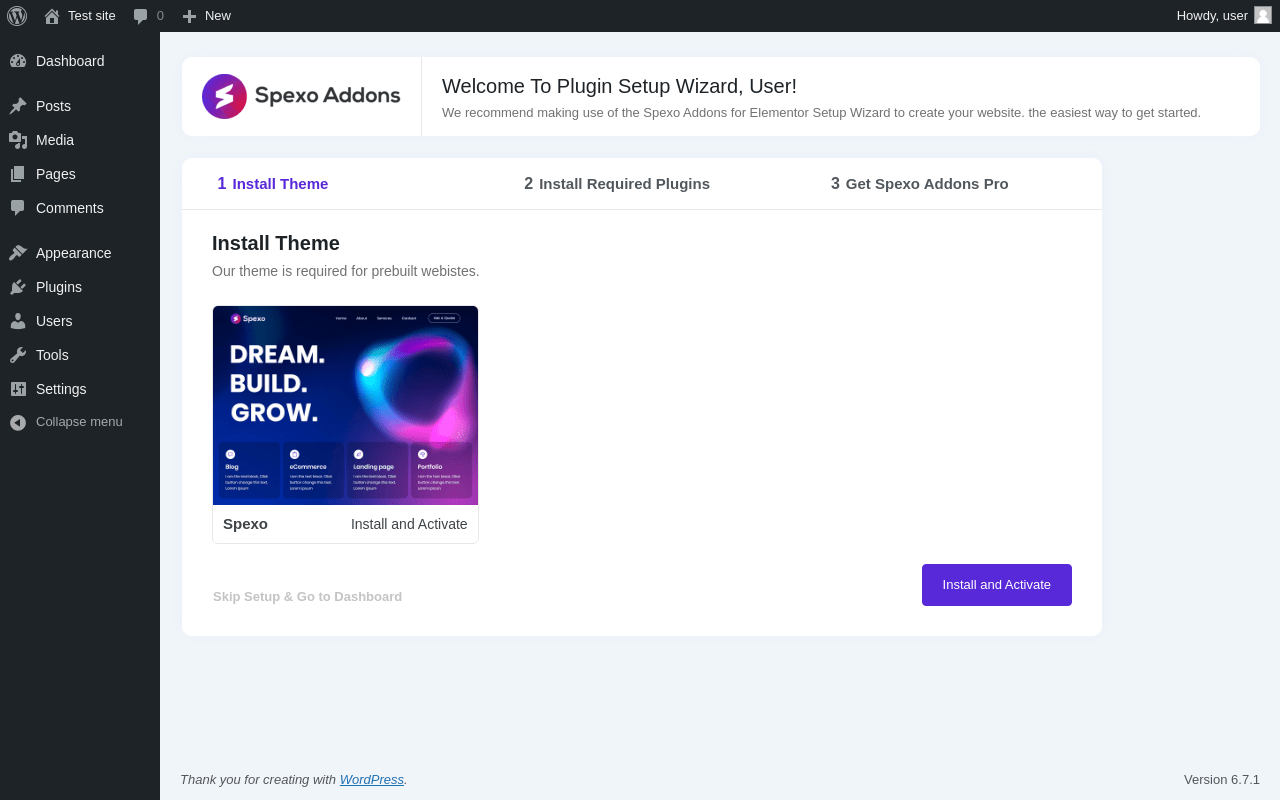
| URL | /wp-admin/admin.php?page=tmpcoder-setup-wizard |
|---|---|
| Requested URL | /wp-admin/plugins.php?action=activate&plugin=sastra-essential-addons-for-elementor%2Fsastra-essential-addons-for-elementor.php&plugin_status=all&paged=1&s&_wpnonce=26289f8353 |
| Aspect | after-activation |
| HTTP status | 200 |
| Load time | 0.988 s |
| Memory usage | 3.85 MiB |
| JS errors | None |
| Resource errors | None |
Test site – Just another WordPress site
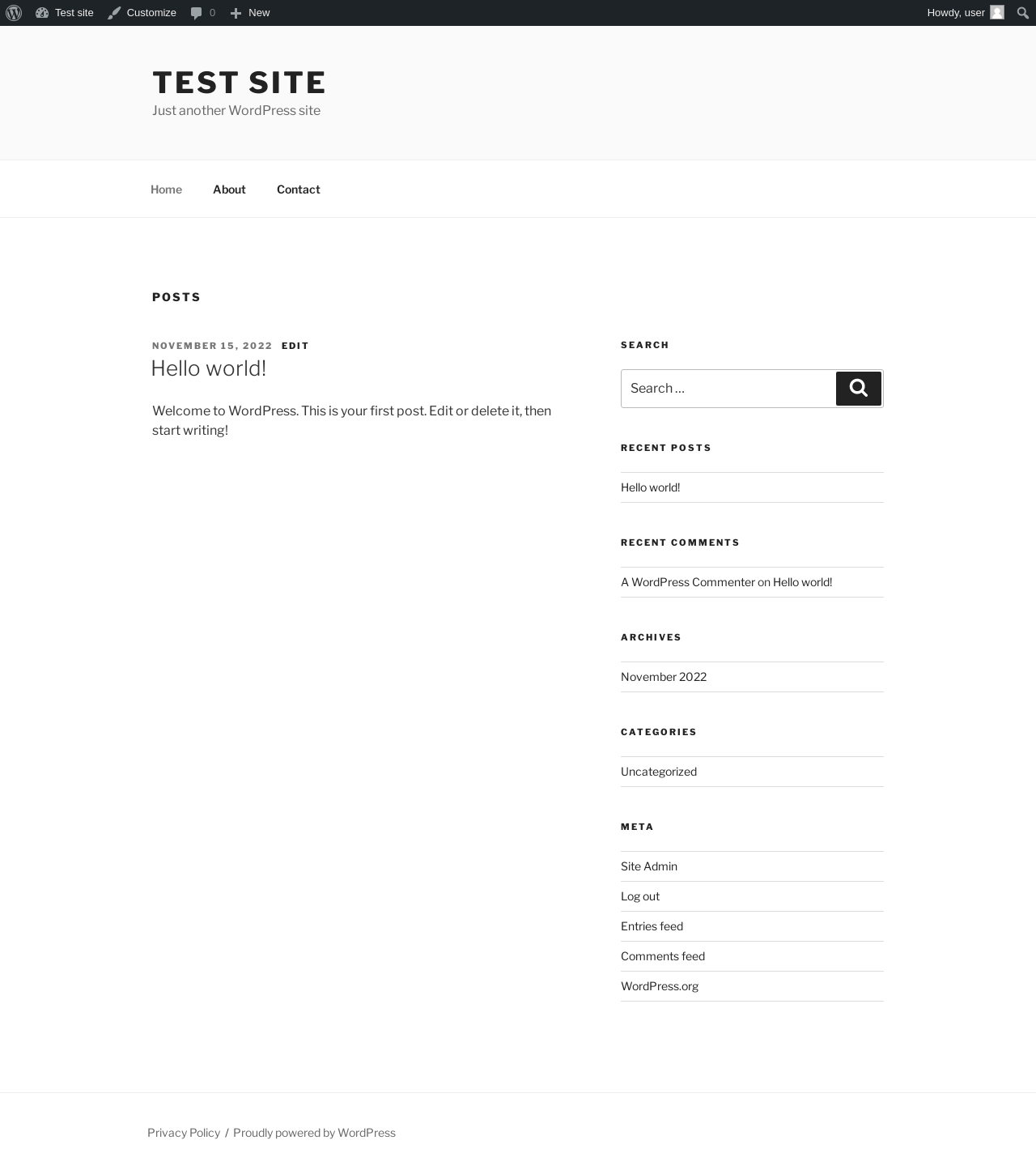
| URL | / |
|---|---|
| Aspect | front-page |
| HTTP status | 200 |
| Load time | 0.200 s |
| Memory usage | 3.58 MiB |
| JS errors | None |
| Resource errors | None |
Benchmark
| URL | Load time | Memory usage | ||||
|---|---|---|---|---|---|---|
| Inactive | Active | Change | Inactive | Active | Change | |
| /wp-admin/index.php | 0.341 s | 0.550 s | +0.209 s | 3.48 MiB | 3.87 MiB | + 394.86 KiB |
| /wp-admin/edit.php | 0.218 s | 0.433 s | +0.215 s | 3.54 MiB | 3.95 MiB | + 418.85 KiB |
| /wp-admin/post-new.php | 0.859 s | 0.895 s | +0.036 s | 5.92 MiB | 6.33 MiB | + 414.63 KiB |
| /wp-admin/upload.php | 0.820 s | 0.831 s | +0.011 s | 3.5 MiB | 3.87 MiB | + 384.74 KiB |
| /wp-admin/options-writing.php | 0.241 s | 0.453 s | +0.212 s | 3.47 MiB | 3.85 MiB | + 382.5 KiB |
| /wp-admin/media-new.php | 0.289 s | 0.499 s | +0.210 s | 3.46 MiB | 3.85 MiB | + 396.25 KiB |
| /wp-admin/edit-tags.php?taxonomy=category | 0.222 s | 0.430 s | +0.208 s | 3.48 MiB | 3.87 MiB | + 401.68 KiB |
| /wp-admin/post-new.php?post_type=page | 0.717 s | 0.856 s | +0.139 s | 5.92 MiB | 6.32 MiB | + 415.29 KiB |
| /wp-admin/options-discussion.php | 0.302 s | 0.529 s | +0.227 s | 3.47 MiB | 3.84 MiB | + 379.63 KiB |
| /wp-admin/edit-comments.php | 0.465 s | 0.454 s | -0.011 s | 3.49 MiB | 3.87 MiB | + 384.05 KiB |
| / | 0.337 s | 0.502 s | +0.165 s | 3.47 MiB | 3.58 MiB | + 110.8 KiB |
| Average | 0.437 s | 0.585 s | +0.147 s | 3.93 MiB | 4.29 MiB | + 371.21 KiB |
Code Statistics
Note: Third-party libraries and minified JS/CSS files are excluded from these statistics where possible, so the numbers you see here may be lower than those reported by other tools.
| Language | % | Lines of code | Comment lines | Files | |
|---|---|---|---|---|---|
| PHP | 54.6% | 113,045 | 6,181 | 147 | |
| JavaScript | 28.3% | 58,623 | 3,429 | 88 | |
| CSS | 16.5% | 34,113 | 536 | 23 | |
| SVG | 0.7% | 1,441 | 5 | 124 | |
| JSON | 0.0% | 1 | 0 | 1 | |
| Total | 207,223 | 10,151 | 383 | ||
PHP Code Analysis | More results »
| Lines of code | 112,144 |
|---|---|
| Total complexity | 7,016 |
| Median class complexity | 28.0 |
| Median method complexity | 1.0 |
| Most complex class | TMPCODER\Widgets\TMPCODER_Woo_Grid |
| Most complex function | TMPCODER\Widgets\TMPCODER_Woo_Grid::register_controls() |
| Classes | 123 |
|---|---|
| Methods | 1,829 |
| Functions | 147 |
Additions
Things that the plugin adds to the site. This section is not intended to be comprehensive. The test tool only looks for a few specific types of added content.
Options wp_options 70
- sastra_addons_wizard_page
- sastrawp_wizard_page
- spexo_wizard_page
- tmpcoder_recent_import_log_file
- tmpcoder_spexo_addons_version
- tmpcoder-element-advanced-accordion
- tmpcoder-element-advanced-slider
- tmpcoder-element-advanced-text
- tmpcoder-element-archive-list
- tmpcoder-element-author-box
- tmpcoder-element-back-to-top
- tmpcoder-element-before-after
- tmpcoder-element-Breadcrumb
- tmpcoder-element-business-hours
- tmpcoder-element-button
- tmpcoder-element-content-ticker
- tmpcoder-element-countdown
- tmpcoder-element-data-table
- tmpcoder-element-dual-button
- tmpcoder-element-dual-color-heading
- tmpcoder-element-feature-list
- tmpcoder-element-flip-box
- tmpcoder-element-flip-carousel
- tmpcoder-element-forms
- tmpcoder-element-image-accordion
- tmpcoder-element-image-hotspots
- tmpcoder-element-logo
- tmpcoder-element-lottie-animations
- tmpcoder-element-magazine-grid
- tmpcoder-element-mailchimp
- tmpcoder-element-media-grid
- tmpcoder-element-mega-menu
- tmpcoder-element-nav-menu
- tmpcoder-element-offcanvas
- tmpcoder-element-onepage-nav
- tmpcoder-element-page-list
- tmpcoder-element-phone-call
- tmpcoder-element-post-comments
- tmpcoder-element-post-content
- tmpcoder-element-post-excerpt
- tmpcoder-element-post-grid
- tmpcoder-element-post-info
- tmpcoder-element-post-navigation
- tmpcoder-element-post-thumbnail
- tmpcoder-element-post-title
- tmpcoder-element-posts-timeline
- tmpcoder-element-price-list
- tmpcoder-element-pricing-table
- tmpcoder-element-product-add-to-cart
- tmpcoder-element-product-content
- tmpcoder-element-product-excerpt
- tmpcoder-element-product-media
- tmpcoder-element-product-meta
- tmpcoder-element-product-mini-cart
- tmpcoder-element-product-price
- tmpcoder-element-product-rating
- tmpcoder-element-product-stock
- tmpcoder-element-product-tabs
- tmpcoder-element-product-title
- tmpcoder-element-progress-bar
- tmpcoder-element-promo-box
- tmpcoder-element-reading-progress-bar
- tmpcoder-element-recent-post-list
- tmpcoder-element-search
- tmpcoder-element-sharing-buttons
- tmpcoder-element-taxonomy-list
- tmpcoder-element-team-member
- tmpcoder-element-testimonial
- tmpcoder-element-toggle-all
- tmpcoder-element-woo-grid
PHP Error Log
The log file is empty.