Simply Schedule Appointments 1.6.11.2
Does Simply Schedule Appointments work with WordPress 6.9.4 and PHP 8.1.12? A smoke test was performed on .
Summary
| 1 | Database errors |
| No JavaScript exceptions | |
| All test pages loaded successfully | |
| No resource errors |
Memory usage: 729.41 KiB
The average PHP memory usage increased by this amount after activating by the plugin.
Page speed impact:
insignificant.
The plugin didn't make the site noticeably slower.
| WordPress version | 6.9.4 |
|---|---|
| PHP version | 8.1.12 |
| MySQL version | 10.6.10 |
| PHP memory limit | 512M |
| Last updated | |
|---|---|
| Active installs | 60,000+ |
| WordPress.org page | https://wordpress.org/plugins/simply-schedule-appointments/ |
| Badges |
|


Pages 5
Plugins ‹ Test site — WordPress
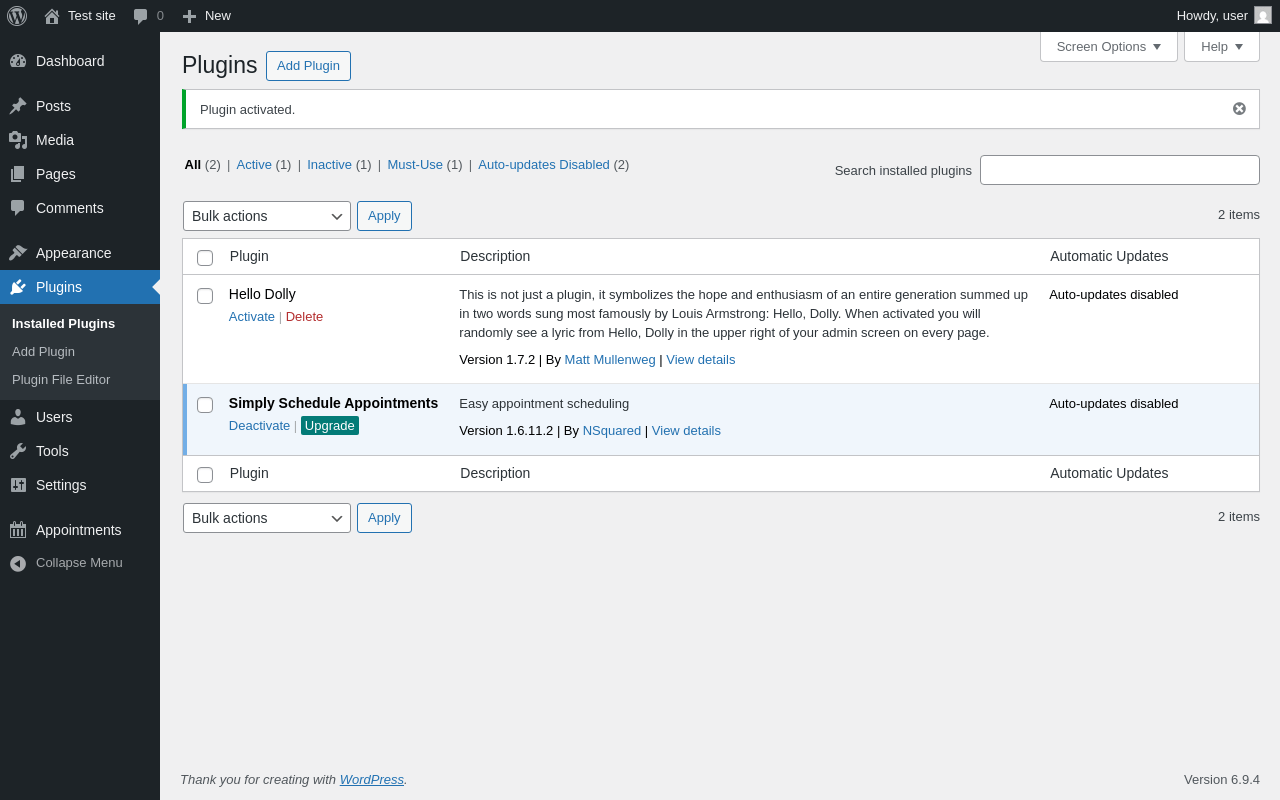
| URL | /wp-admin/plugins.php?plugin_status=all&paged=1&s |
|---|---|
| Requested URL | /wp-admin/plugins.php?action=activate&plugin=simply-schedule-appointments%2Fsimply-schedule-appointments.php&plugin_status=all&paged=1&s&_wpnonce=5c62522bf6 |
| Aspect | after-activation |
| HTTP status | 200 |
| Load time | 1.576 s |
| Memory usage | 4.33 MiB |
| JS errors | None |
| Resource errors | None |
Tools → Scheduled Actions
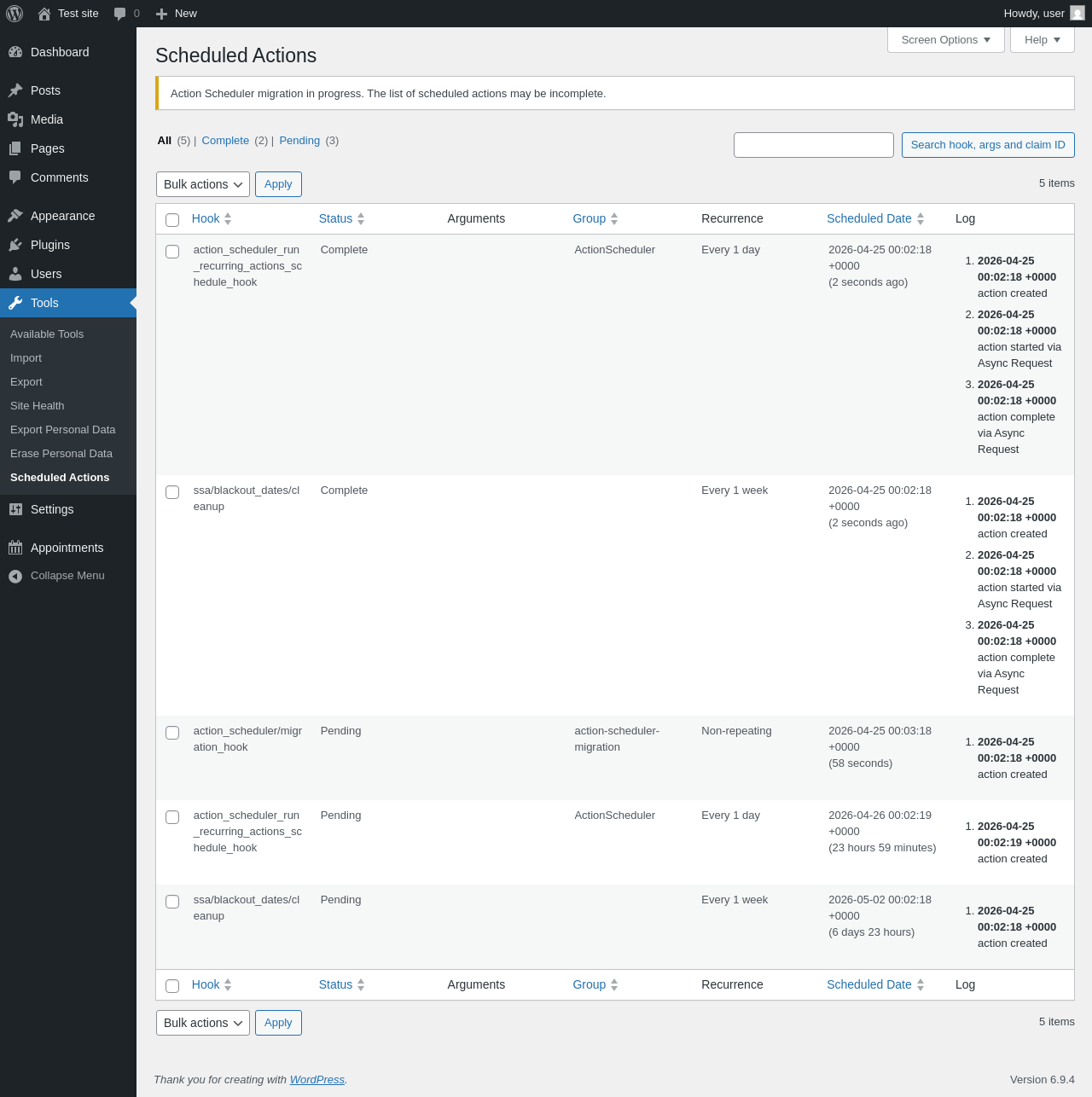
| URL | /wp-admin/tools.php?page=action-scheduler |
|---|---|
| Aspect | menu-item |
| HTTP status | 200 |
| Load time | 0.336 s |
| Memory usage | 4.38 MiB |
| JS errors | None |
| Resource errors | None |
Appointments

| URL | /wp-admin/admin.php?page=simply-schedule-appointments#/ |
|---|---|
| Requested URL | /wp-admin/admin.php?page=simply-schedule-appointments |
| Aspect | menu-item |
| HTTP status | 200 |
| Load time | 1.494 s |
| Memory usage | 6.04 MiB |
| JS errors | None |
| Resource errors | None |
Test site – Just another WordPress site
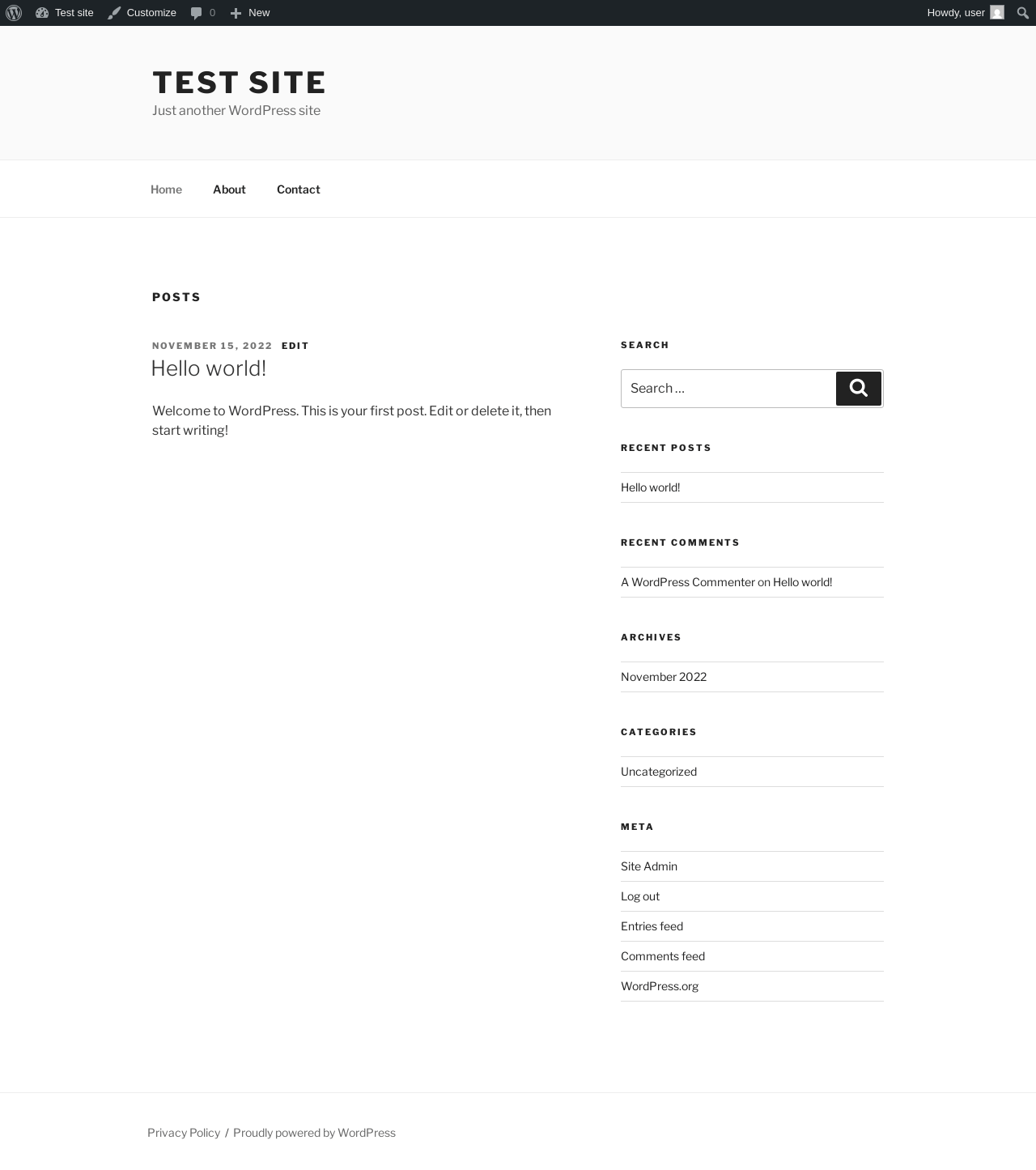
| URL | / |
|---|---|
| Aspect | front-page |
| HTTP status | 200 |
| Load time | 0.271 s |
| Memory usage | 4.69 MiB |
| JS errors | None |
| Resource errors | None |
Dashboard ‹ Test site — WordPress
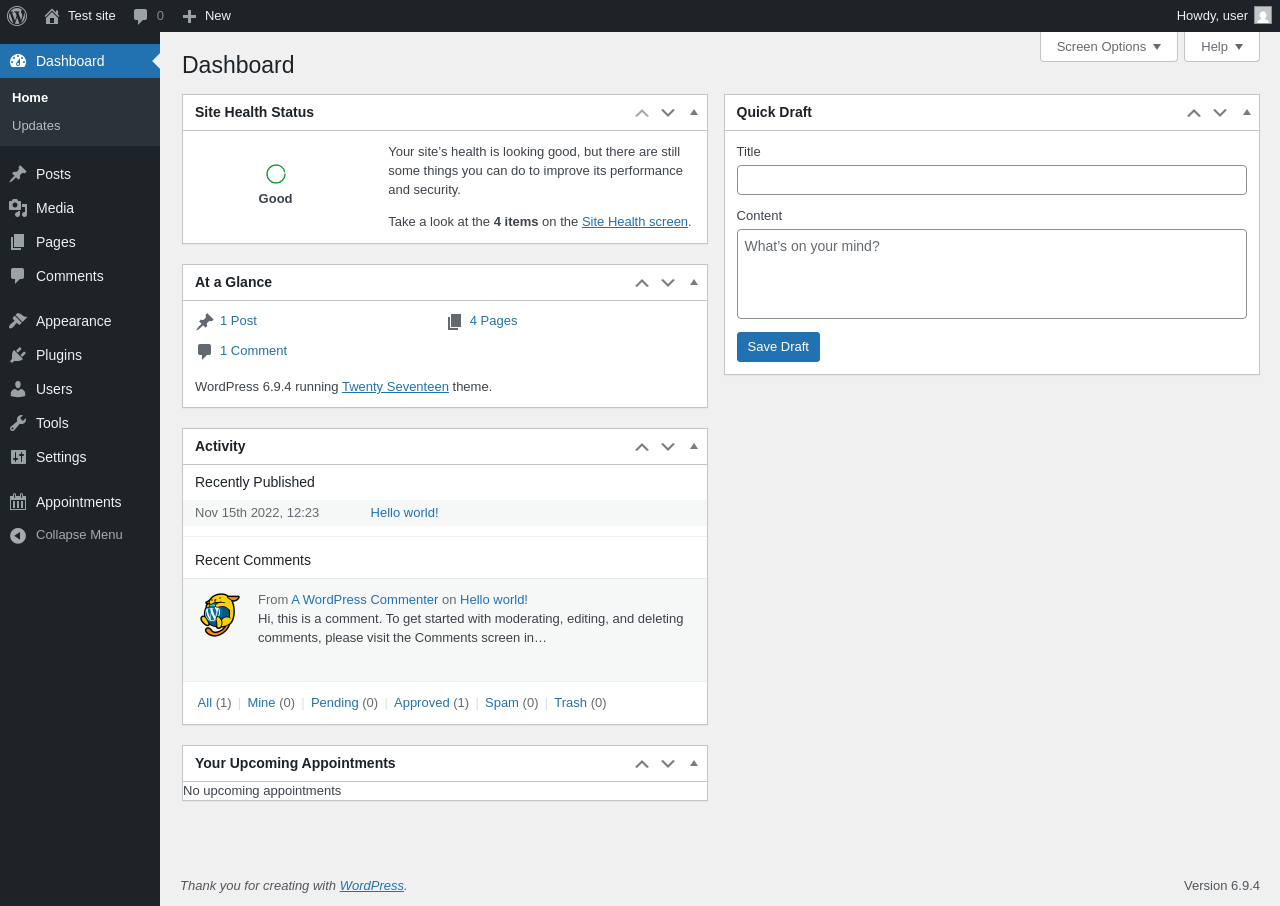
| URL | /wp-admin/index.php |
|---|---|
| Aspect | new-meta-boxes |
| HTTP status | 200 |
| Load time | 0.419 s |
| Memory usage | 4.44 MiB |
| JS errors | None |
| Resource errors | None |
Benchmark
| URL | Load time | Memory usage | ||||
|---|---|---|---|---|---|---|
| Inactive | Active | Change | Inactive | Active | Change | |
| /wp-admin/index.php | 0.995 s | 1.065 s | +0.070 s | 3.78 MiB | 4.43 MiB | + 671.96 KiB |
| /wp-admin/edit.php | 0.541 s | 0.495 s | -0.046 s | 3.78 MiB | 4.42 MiB | + 648.65 KiB |
| /wp-admin/post-new.php | 0.780 s | 1.267 s | +0.487 s | 6.31 MiB | 7.54 MiB | + 1.23 MiB |
| /wp-admin/upload.php | 0.464 s | 0.456 s | -0.008 s | 3.74 MiB | 4.32 MiB | + 594.77 KiB |
| /wp-admin/options-writing.php | 0.313 s | 0.308 s | -0.005 s | 3.71 MiB | 4.29 MiB | + 597.82 KiB |
| /wp-admin/media-new.php | 0.531 s | 0.342 s | -0.189 s | 3.7 MiB | 4.29 MiB | + 606.02 KiB |
| /wp-admin/edit-tags.php?taxonomy=category | 0.327 s | 0.301 s | -0.026 s | 3.72 MiB | 4.31 MiB | + 611.18 KiB |
| /wp-admin/post-new.php?post_type=page | 0.920 s | 0.762 s | -0.158 s | 6.3 MiB | 7.52 MiB | + 1.22 MiB |
| /wp-admin/options-discussion.php | 0.760 s | 0.356 s | -0.404 s | 3.71 MiB | 4.29 MiB | + 594.32 KiB |
| /wp-admin/edit-comments.php | 0.463 s | 0.773 s | +0.310 s | 3.73 MiB | 4.31 MiB | + 593.82 KiB |
| / | 0.303 s | 0.231 s | -0.072 s | 4.11 MiB | 4.69 MiB | + 593.76 KiB |
| Average | 0.582 s | 0.578 s | -0.004 s | 4.23 MiB | 4.95 MiB | + 729.41 KiB |
Code Statistics
Note: Third-party libraries and minified JS/CSS files are excluded from these statistics where possible, so the numbers you see here may be lower than those reported by other tools.
| Language | % | Lines of code | Comment lines | Files | |
|---|---|---|---|---|---|
| PHP | 78.7% | 36,532 | 9,113 | 172 | |
| SVG | 7.9% | 3,656 | 1 | 51 | |
| JavaScript | 7.1% | 3,280 | 228 | 22 | |
| Markdown | 3.7% | 1,698 | 0 | 3 | |
| CSS | 2.0% | 905 | 15 | 14 | |
| JSX | 0.3% | 160 | 21 | 2 | |
| JSON | 0.2% | 115 | 0 | 3 | |
| HTML | 0.1% | 60 | 4 | 2 | |
| Total | 46,406 | 9,382 | 269 | ||
PHP Code Analysis | More results »
| Lines of code | 32,531 |
|---|---|
| Total complexity | 5,747 |
| Median class complexity | 20.0 |
| Median method complexity | 2.0 |
| Most complex class | SSA_Appointment_Model |
| Most complex function | TD_Health_Check_Debug_Data::debug_data() |
| Classes | 133 |
|---|---|
| Methods | 1,523 |
| Functions | 39 |
Additions
Things that the plugin adds to the site. This section is not intended to be comprehensive. The test tool only looks for a few specific types of added content.
Database Tables 9
- wp_ssa_appointment_meta
- wp_ssa_appointment_type_labels
- wp_ssa_appointment_types
- wp_ssa_appointments
- wp_ssa_async_actions
- wp_ssa_availability
- wp_ssa_availability_external
- wp_ssa_revision_meta
- wp_ssa_revisions
Options wp_options 14
- action_scheduler_lock_async-request-runner
- DRA_route_whitelist
- ssa_plugin_version
- ssa_settings_json
- ssa_versions
- wp_ssa_appointment_meta_db_version
- wp_ssa_appointment_type_labels_db_version
- wp_ssa_appointment_types_db_version
- wp_ssa_appointments_db_version
- wp_ssa_async_actions_db_version
- wp_ssa_availability_db_version
- wp_ssa_availability_external_db_version
- wp_ssa_revision_meta_db_version
- wp_ssa_revisions_db_version
Custom Post Types 1
| ID | Name |
|---|---|
| scheduled-action | Scheduled Actions |
Meta Boxes
{
    "dashboard": {
        "ssa-dashboard-upcoming-appointments-widget": {
            "title": "Your Upcoming Appointments",
            "context": "normal"
        }
    }
}
Roles 1
| ID | Name |
|---|---|
| team_member | Team Member |
Capabilities 2
- ssa_manage_appointments
- ssa_manage_staff_blackout_dates
PHP Error Log 1 lines
[25-Apr-2026 00:02:18 UTC] WordPress database error You have an error in your SQL syntax; check the manual that corresponds to your MariaDB server version for the right syntax to use near '(``)' at line 1 for query ALTER TABLE wp_ssa_appointment_type_labels ADD `` (``) made by require_once('wp-load.php'), require_once('wp-config.php'), require_once('wp-settings.php'), do_action('init'), WP_Hook->do_action, WP_Hook->apply_filters, SSA_Upgrade->migrations, SSA_Upgrade->migrate_to_version_6_1_5, SSA_Upgrade->migrate_appointment_type_labels, TD_DB_Model->create_table, dbDelta