Simply Schedule Appointments 1.6.12.17
Does Simply Schedule Appointments work with WordPress 7.0.4 and PHP 8.1.12? A smoke test was performed on .
Summary
| 1 | Database errors |
| No JavaScript exceptions | |
| All test pages loaded successfully | |
| No resource errors |
Memory usage: 729.75 KiB
The average PHP memory usage increased by this amount after activating by the plugin.
Page speed impact:
0.084 seconds
The average page load time increased by this amount after activating the plugin.
| WordPress version | 7.0.4 |
|---|---|
| PHP version | 8.1.12 |
| MySQL version | 10.6.10 |
| PHP memory limit | 512M |
| Last updated | |
|---|---|
| Active installs | 50,000+ |
| WordPress.org page | https://wordpress.org/plugins/simply-schedule-appointments/ |
| Badges |
|


Pages 5
Plugins ‹ Test site — WordPress
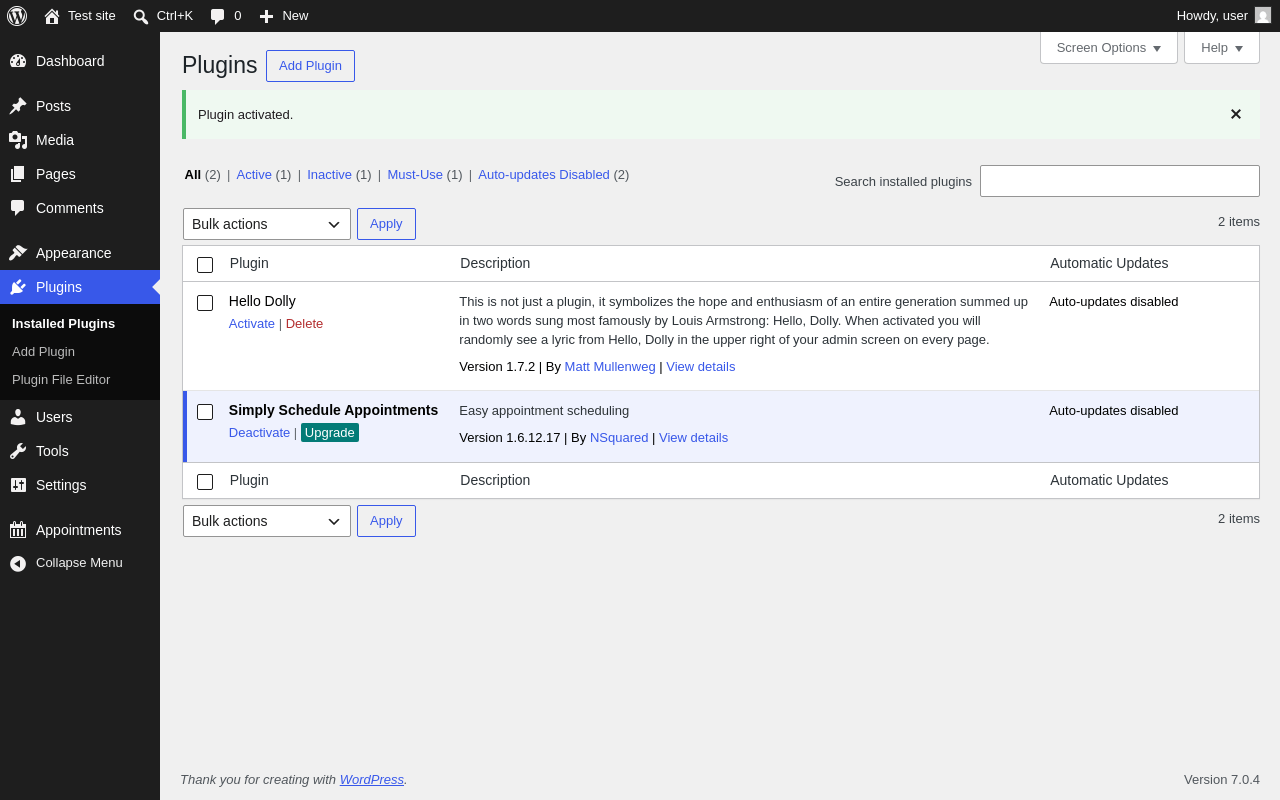
| URL | /wp-admin/plugins.php?plugin_status=all&paged=1&s |
|---|---|
| Requested URL | /wp-admin/plugins.php?action=activate&plugin=simply-schedule-appointments%2Fsimply-schedule-appointments.php&plugin_status=all&paged=1&s&_wpnonce=dd8f7d58c1 |
| Aspect | after-activation |
| HTTP status | 200 |
| Load time | 2.076 s |
| Memory usage | 4.49 MiB |
| JS errors | None |
| Resource errors | None |
Tools → Scheduled Actions
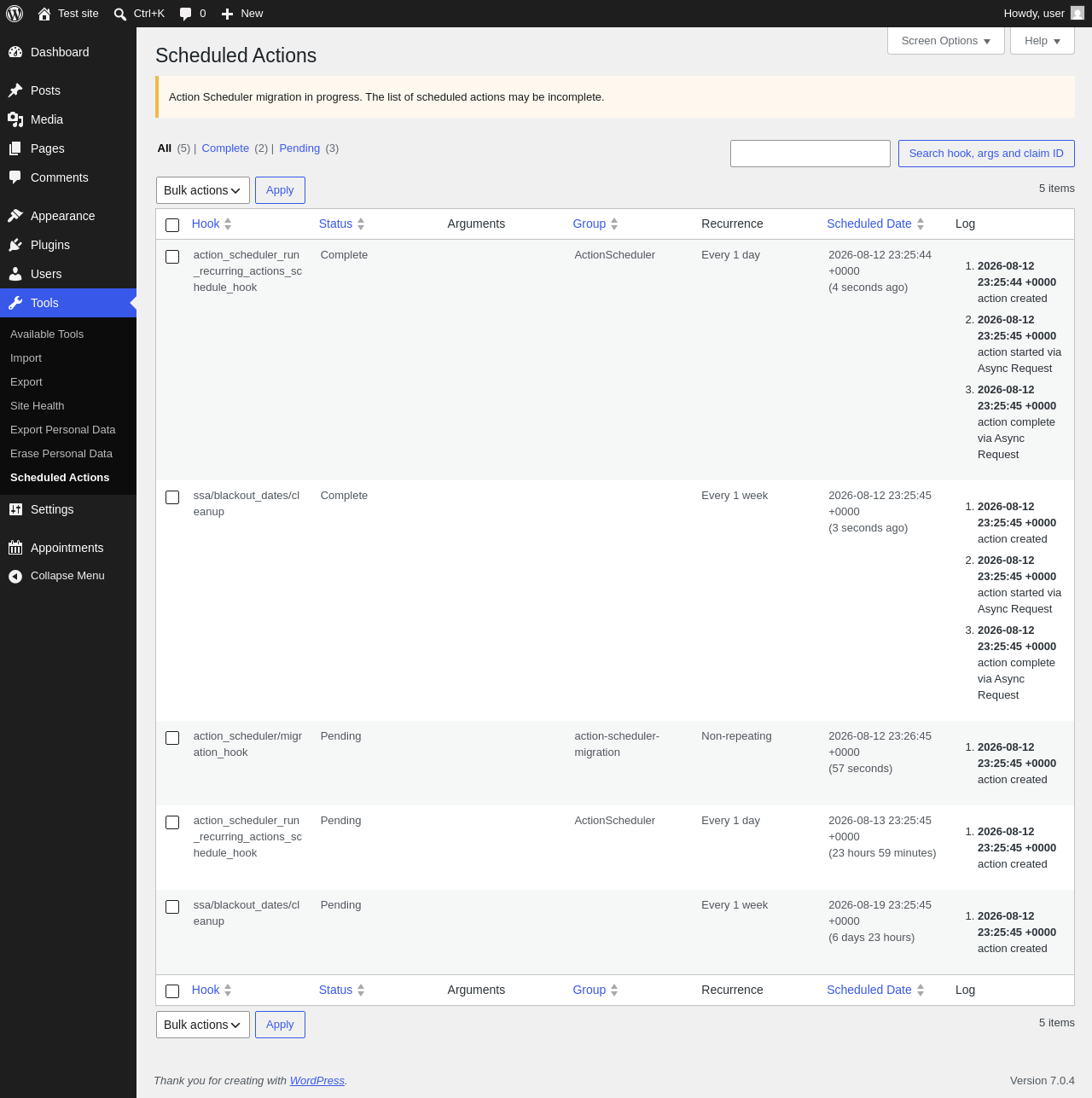
| URL | /wp-admin/tools.php?page=action-scheduler |
|---|---|
| Aspect | menu-item |
| HTTP status | 200 |
| Load time | 0.518 s |
| Memory usage | 4.52 MiB |
| JS errors | None |
| Resource errors | None |
Appointments

| URL | /wp-admin/admin.php?page=simply-schedule-appointments#/ |
|---|---|
| Requested URL | /wp-admin/admin.php?page=simply-schedule-appointments |
| Aspect | menu-item |
| HTTP status | 200 |
| Load time | 1.418 s |
| Memory usage | 6.66 MiB |
| JS errors | None |
| Resource errors | None |
Test site – Just another WordPress site
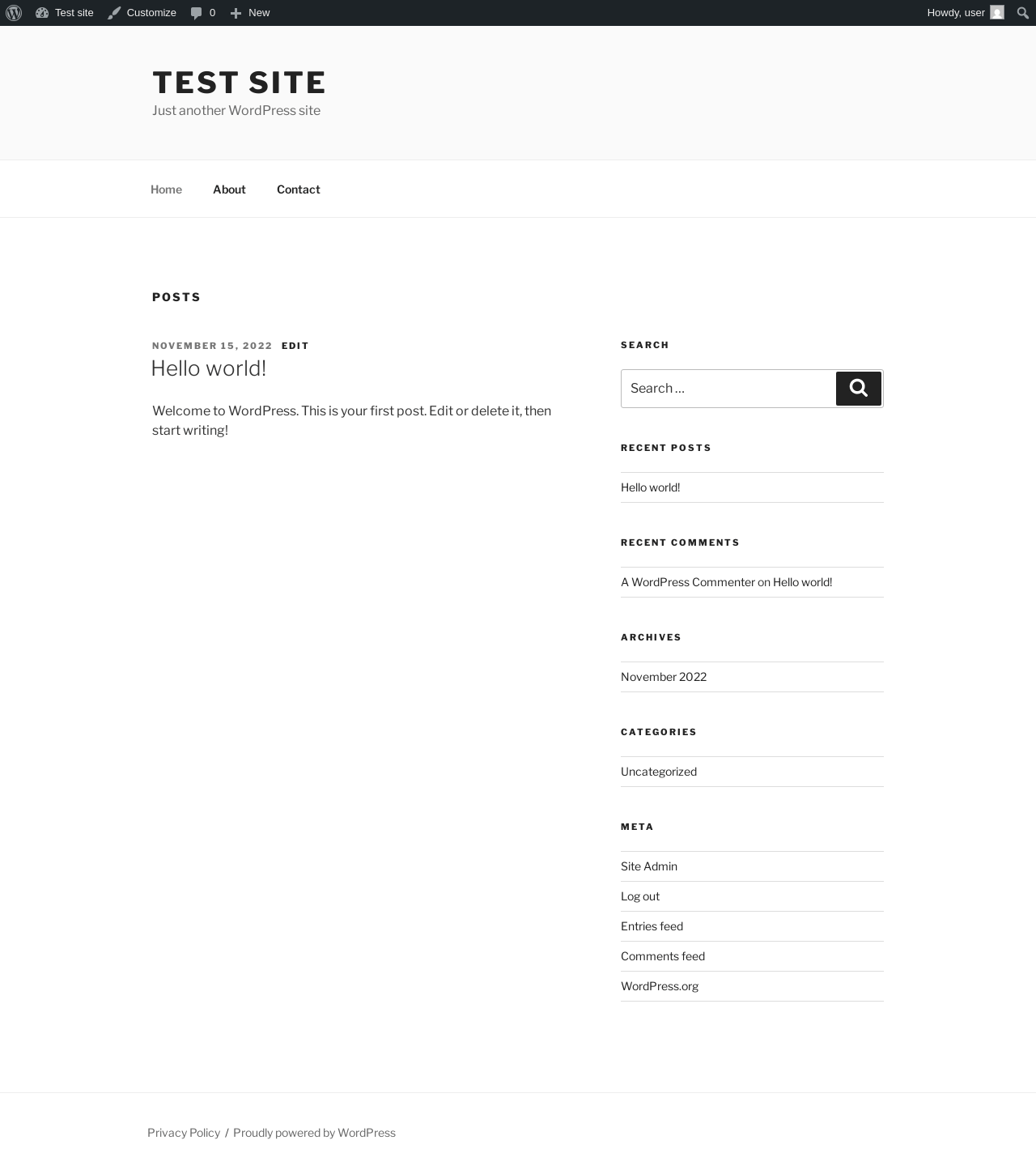
| URL | / |
|---|---|
| Aspect | front-page |
| HTTP status | 200 |
| Load time | 0.248 s |
| Memory usage | 4.82 MiB |
| JS errors | None |
| Resource errors | None |
Dashboard ‹ Test site — WordPress
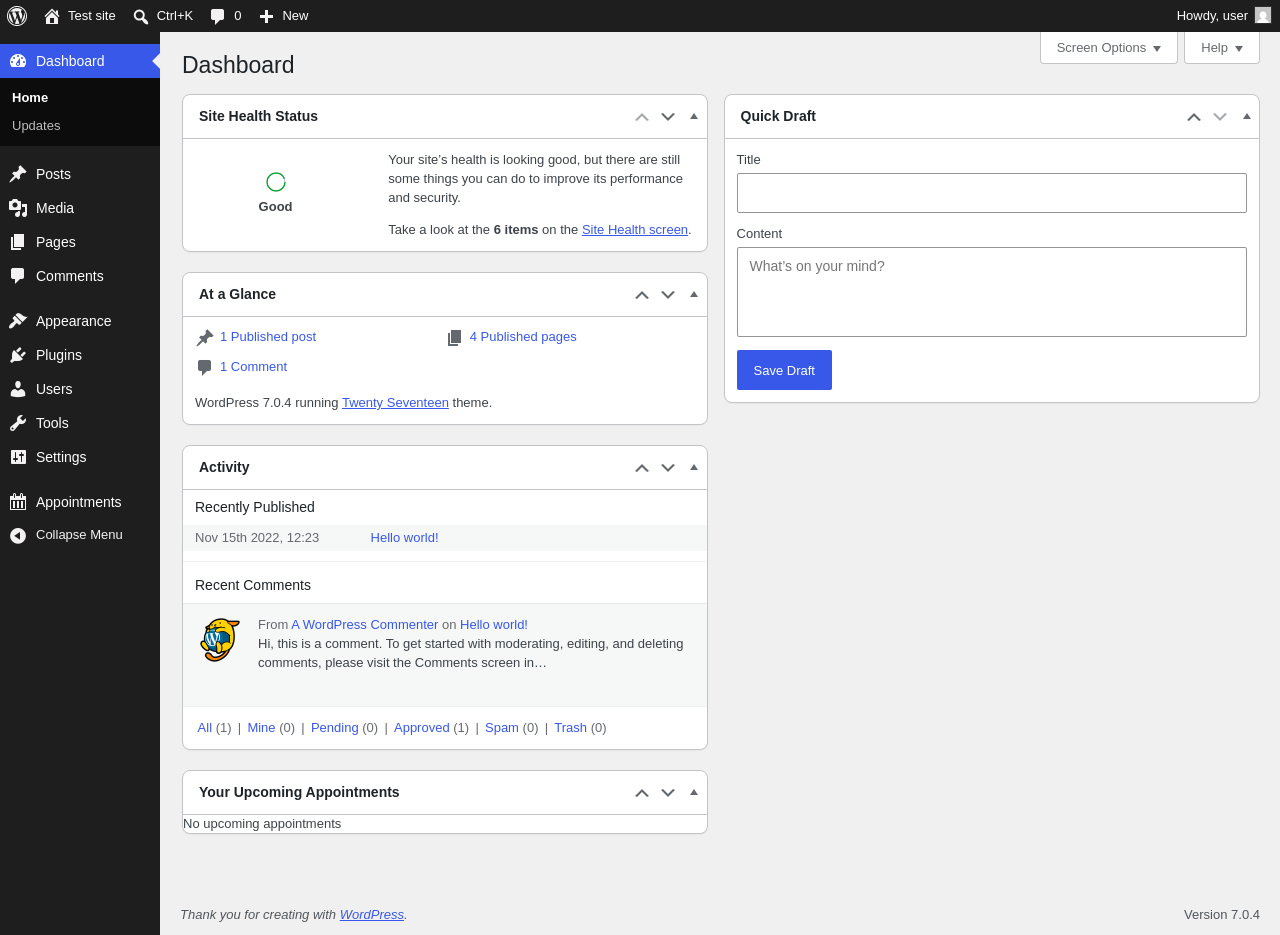
| URL | /wp-admin/index.php |
|---|---|
| Aspect | new-meta-boxes |
| HTTP status | 200 |
| Load time | 0.609 s |
| Memory usage | 4.58 MiB |
| JS errors | None |
| Resource errors | None |
Benchmark
| URL | Load time | Memory usage | ||||
|---|---|---|---|---|---|---|
| Inactive | Active | Change | Inactive | Active | Change | |
| /wp-admin/index.php | 0.625 s | 0.856 s | +0.231 s | 3.92 MiB | 4.57 MiB | + 662.99 KiB |
| /wp-admin/edit.php | 0.592 s | 0.560 s | -0.032 s | 3.98 MiB | 4.56 MiB | + 594.23 KiB |
| /wp-admin/post-new.php | 2.031 s | 2.374 s | +0.343 s | 6.56 MiB | 7.71 MiB | + 1.15 MiB |
| /wp-admin/upload.php | 0.720 s | 0.709 s | -0.011 s | 3.89 MiB | 4.53 MiB | + 657.7 KiB |
| /wp-admin/options-writing.php | 0.536 s | 0.524 s | -0.012 s | 3.86 MiB | 4.47 MiB | + 625.32 KiB |
| /wp-admin/media-new.php | 0.585 s | 0.536 s | -0.049 s | 3.85 MiB | 4.46 MiB | + 625.31 KiB |
| /wp-admin/edit-tags.php?taxonomy=category | 0.500 s | 0.907 s | +0.407 s | 3.86 MiB | 4.49 MiB | + 640.78 KiB |
| /wp-admin/post-new.php?post_type=page | 1.778 s | 1.526 s | -0.252 s | 6.55 MiB | 7.69 MiB | + 1.15 MiB |
| /wp-admin/options-discussion.php | 0.563 s | 0.959 s | +0.396 s | 3.86 MiB | 4.47 MiB | + 620.93 KiB |
| /wp-admin/edit-comments.php | 0.537 s | 0.547 s | +0.010 s | 3.88 MiB | 4.51 MiB | + 640.66 KiB |
| / | 0.305 s | 0.194 s | -0.111 s | 4.23 MiB | 4.82 MiB | + 604.61 KiB |
| Average | 0.797 s | 0.881 s | +0.084 s | 4.4 MiB | 5.12 MiB | + 729.75 KiB |
Code Statistics
Note: Third-party libraries and minified JS/CSS files are excluded from these statistics where possible, so the numbers you see here may be lower than those reported by other tools.
| Language | % | Lines of code | Comment lines | Files | |
|---|---|---|---|---|---|
| PHP | 79.6% | 39,019 | 10,519 | 174 | |
| SVG | 7.5% | 3,656 | 1 | 51 | |
| JavaScript | 6.7% | 3,292 | 228 | 22 | |
| Markdown | 3.6% | 1,769 | 0 | 3 | |
| CSS | 1.8% | 905 | 15 | 14 | |
| JSX | 0.3% | 160 | 21 | 2 | |
| JSON | 0.3% | 146 | 0 | 4 | |
| HTML | 0.1% | 60 | 4 | 2 | |
| Total | 49,007 | 10,788 | 272 | ||
PHP Code Analysis | More results »
| Lines of code | 34,848 |
|---|---|
| Total complexity | 6,417 |
| Median class complexity | 21.0 |
| Median method complexity | 2.0 |
| Most complex class | SSA_Appointment_Model |
| Most complex function | TD_Health_Check_Debug_Data::debug_data() |
| Classes | 135 |
|---|---|
| Methods | 1,592 |
| Functions | 39 |
Additions
Things that the plugin adds to the site. This section is not intended to be comprehensive. The test tool only looks for a few specific types of added content.
Database Tables 9
- wp_ssa_appointment_meta
- wp_ssa_appointment_type_labels
- wp_ssa_appointment_types
- wp_ssa_appointments
- wp_ssa_async_actions
- wp_ssa_availability
- wp_ssa_availability_external
- wp_ssa_revision_meta
- wp_ssa_revisions
Options wp_options 14
- action_scheduler_lock_async-request-runner
- DRA_route_whitelist
- ssa_plugin_version
- ssa_settings_json
- ssa_versions
- wp_ssa_appointment_meta_db_version
- wp_ssa_appointment_type_labels_db_version
- wp_ssa_appointment_types_db_version
- wp_ssa_appointments_db_version
- wp_ssa_async_actions_db_version
- wp_ssa_availability_db_version
- wp_ssa_availability_external_db_version
- wp_ssa_revision_meta_db_version
- wp_ssa_revisions_db_version
Custom Post Types 1
| ID | Name |
|---|---|
| scheduled-action | Scheduled Actions |
Meta Boxes
{
    "dashboard": {
        "ssa-dashboard-upcoming-appointments-widget": {
            "title": "Your Upcoming Appointments",
            "context": "normal"
        }
    }
}
Roles 1
| ID | Name |
|---|---|
| team_member | Team Member |
Capabilities 2
- ssa_manage_appointments
- ssa_manage_staff_blackout_dates
PHP Error Log 1 lines
[12-Aug-2026 23:25:45 UTC] WordPress database error You have an error in your SQL syntax; check the manual that corresponds to your MariaDB server version for the right syntax to use near '(``)' at line 1 for query ALTER TABLE wp_ssa_appointment_type_labels ADD `` (``) made by require_once('wp-load.php'), require_once('wp-config.php'), require_once('wp-settings.php'), do_action('init'), WP_Hook->do_action, WP_Hook->apply_filters, SSA_Upgrade->migrations, SSA_Upgrade->migrate_to_version_6_1_5, SSA_Upgrade->migrate_appointment_type_labels, TD_DB_Model->create_table, dbDelta