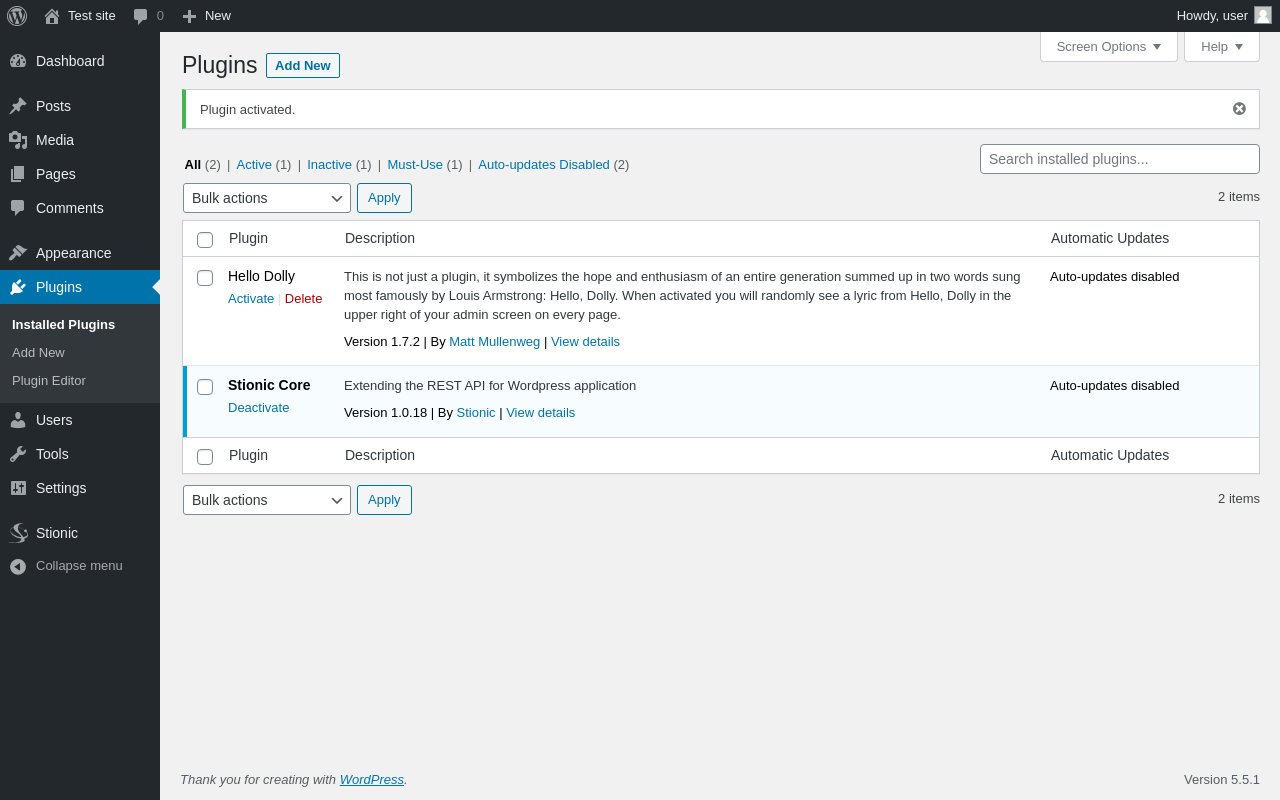
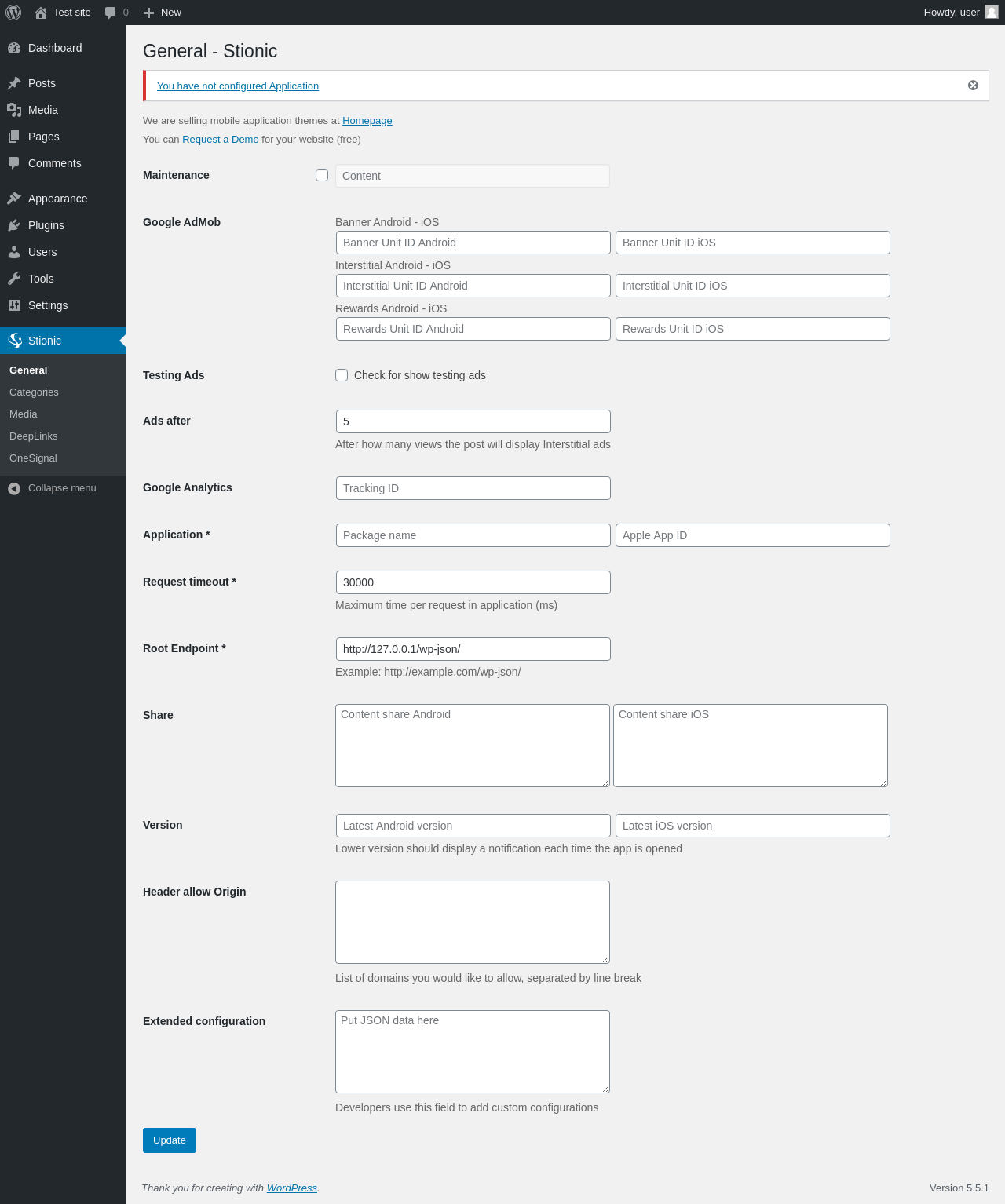
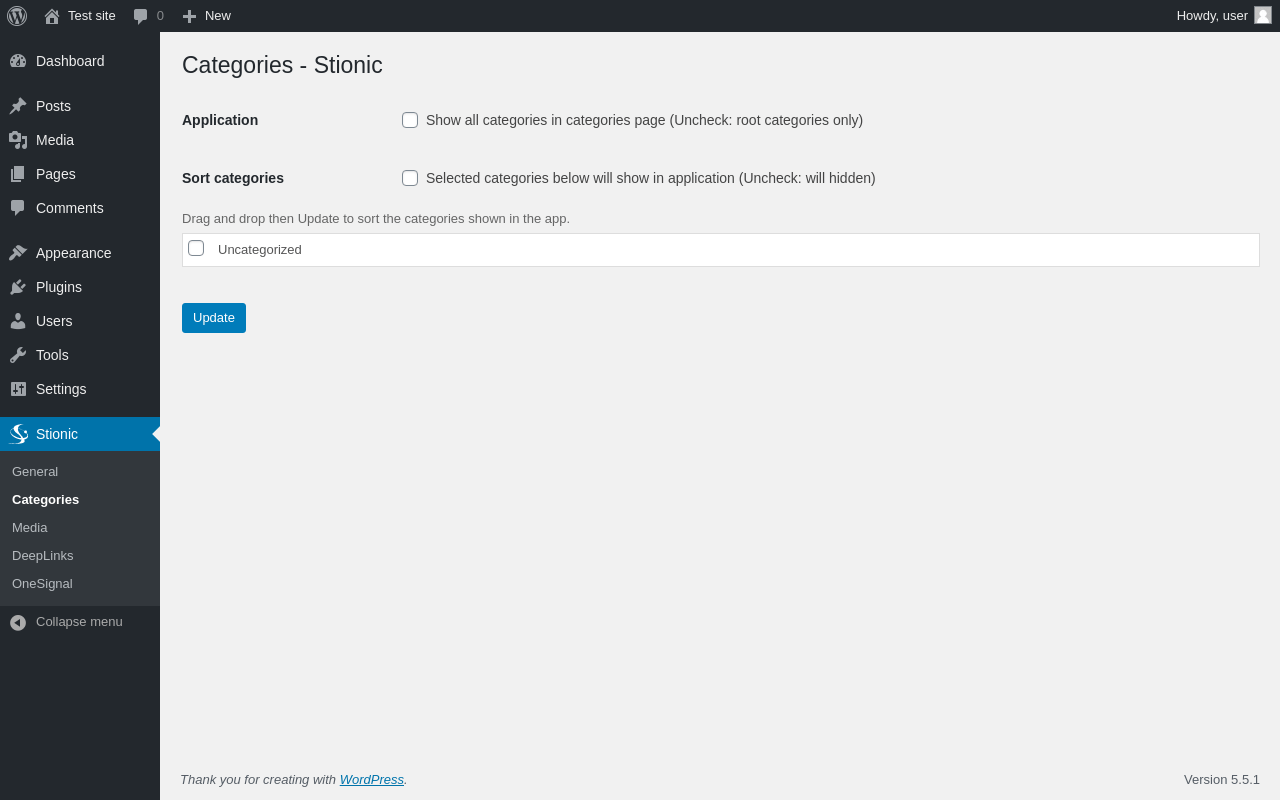
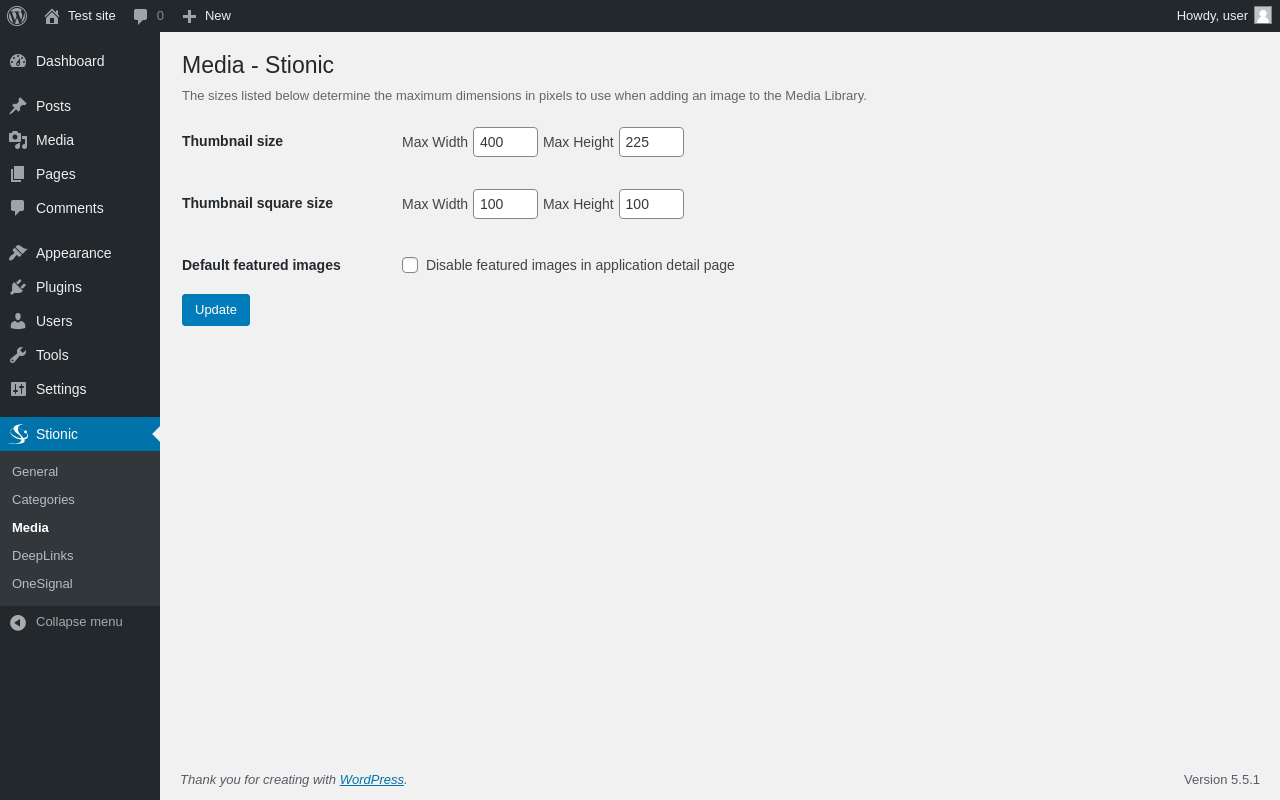
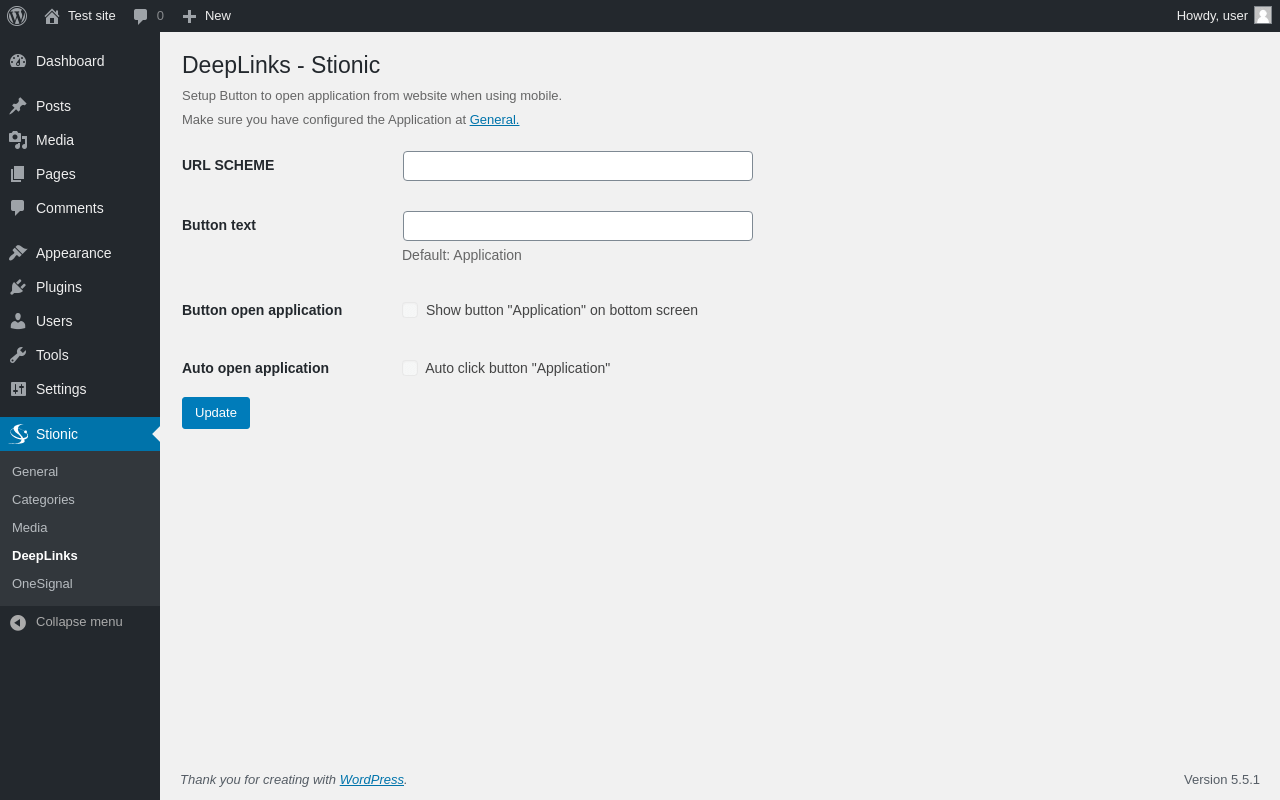
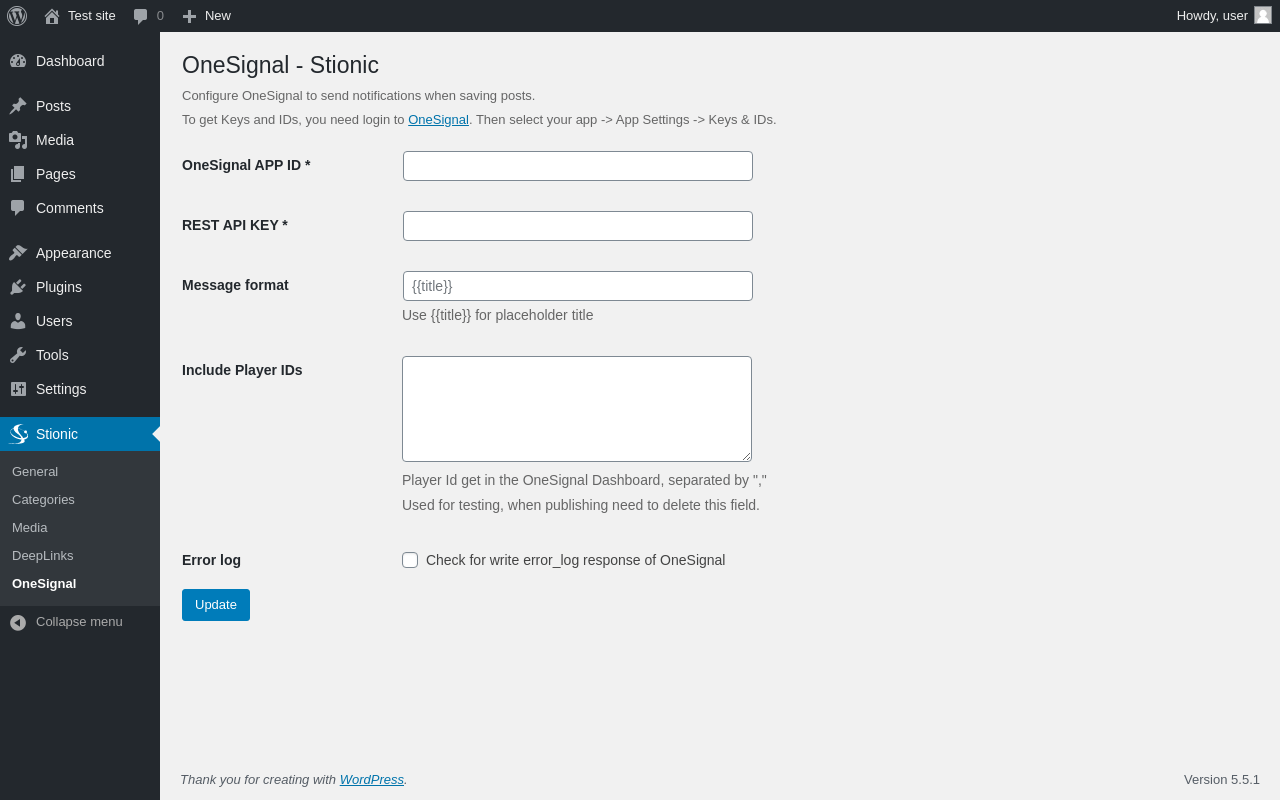
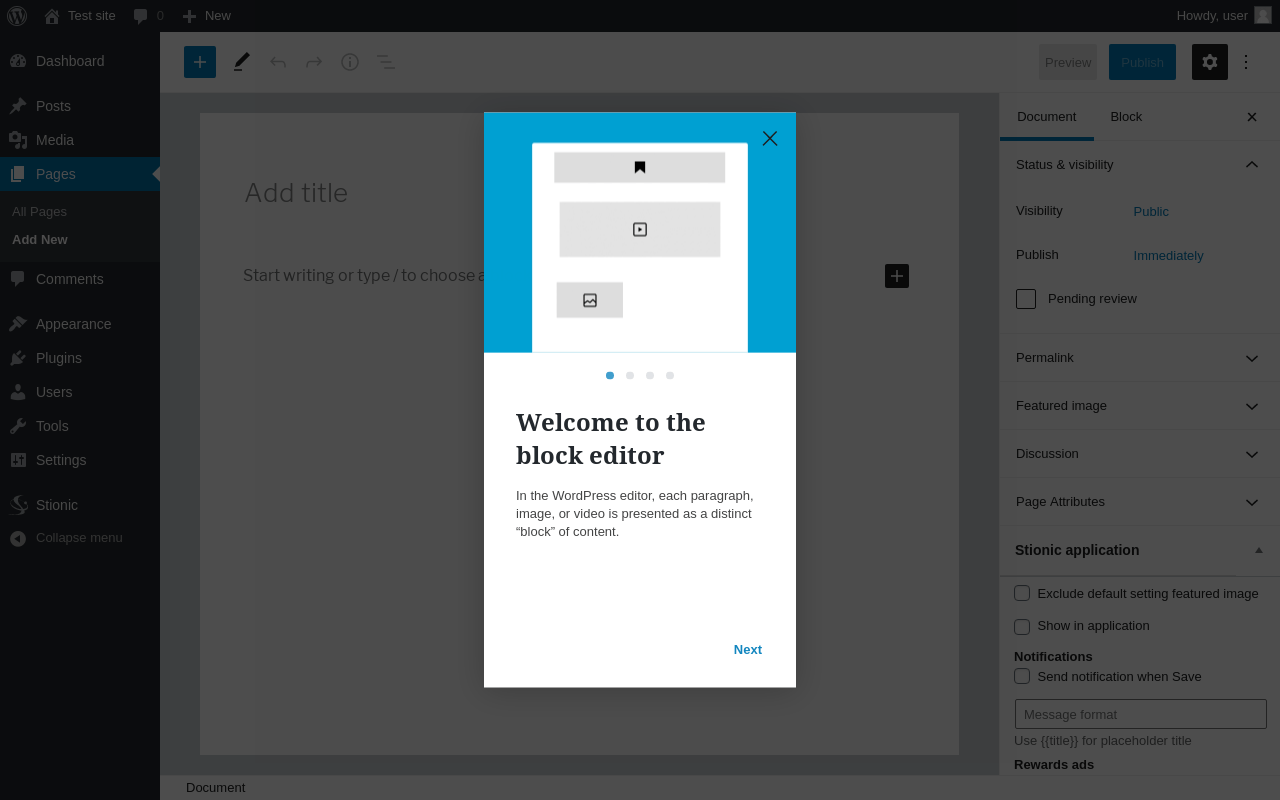
Things that the plugin adds to the site. This section is not intended to be comprehensive.
The test tool only looks for a few specific types of added content.
[27-Sep-2020 13:40:38 UTC] PHP Notice:  register_rest_route was called <strong>incorrectly</strong>. The REST API route definition for <code>wp/v2/m_config</code> is missing the required <code>permission_callback</code> argument. For REST API routes that are intended to be public, use <code>__return_true</code> as the permission callback. Please see <a href="https://wordpress.org/support/article/debugging-in-wordpress/">Debugging in WordPress</a> for more information. (This message was added in version 5.5.0.) in /wp-includes/functions.php on line 5225
[27-Sep-2020 13:40:38 UTC] PHP Notice:  register_rest_route was called <strong>incorrectly</strong>. The REST API route definition for <code>wp/v2/m_categories</code> is missing the required <code>permission_callback</code> argument. For REST API routes that are intended to be public, use <code>__return_true</code> as the permission callback. Please see <a href="https://wordpress.org/support/article/debugging-in-wordpress/">Debugging in WordPress</a> for more information. (This message was added in version 5.5.0.) in /wp-includes/functions.php on line 5225
[27-Sep-2020 13:40:38 UTC] PHP Notice:  register_rest_route was called <strong>incorrectly</strong>. The REST API route definition for <code>wp/v2/m_posts</code> is missing the required <code>permission_callback</code> argument. For REST API routes that are intended to be public, use <code>__return_true</code> as the permission callback. Please see <a href="https://wordpress.org/support/article/debugging-in-wordpress/">Debugging in WordPress</a> for more information. (This message was added in version 5.5.0.) in /wp-includes/functions.php on line 5225
[27-Sep-2020 13:40:38 UTC] PHP Notice:  register_rest_route was called <strong>incorrectly</strong>. The REST API route definition for <code>wp/v2/m_comments/(?P<post>[\d]+)</code> is missing the required <code>permission_callback</code> argument. For REST API routes that are intended to be public, use <code>__return_true</code> as the permission callback. Please see <a href="https://wordpress.org/support/article/debugging-in-wordpress/">Debugging in WordPress</a> for more information. (This message was added in version 5.5.0.) in /wp-includes/functions.php on line 5225
[27-Sep-2020 13:40:38 UTC] PHP Notice:  register_rest_route was called <strong>incorrectly</strong>. The REST API route definition for <code>wp/v2/m_pages</code> is missing the required <code>permission_callback</code> argument. For REST API routes that are intended to be public, use <code>__return_true</code> as the permission callback. Please see <a href="https://wordpress.org/support/article/debugging-in-wordpress/">Debugging in WordPress</a> for more information. (This message was added in version 5.5.0.) in /wp-includes/functions.php on line 5225
[27-Sep-2020 13:40:38 UTC] PHP Notice:  register_rest_route was called <strong>incorrectly</strong>. The REST API route definition for <code>wp/v2/m_tools/final_url</code> is missing the required <code>permission_callback</code> argument. For REST API routes that are intended to be public, use <code>__return_true</code> as the permission callback. Please see <a href="https://wordpress.org/support/article/debugging-in-wordpress/">Debugging in WordPress</a> for more information. (This message was added in version 5.5.0.) in /wp-includes/functions.php on line 5225
[27-Sep-2020 13:40:38 UTC] PHP Notice:  register_rest_route was called <strong>incorrectly</strong>. The REST API route definition for <code>wp/v2/m_tools/deeplinks</code> is missing the required <code>permission_callback</code> argument. For REST API routes that are intended to be public, use <code>__return_true</code> as the permission callback. Please see <a href="https://wordpress.org/support/article/debugging-in-wordpress/">Debugging in WordPress</a> for more information. (This message was added in version 5.5.0.) in /wp-includes/functions.php on line 5225
[27-Sep-2020 13:40:41 UTC] PHP Notice:  register_rest_route was called <strong>incorrectly</strong>. The REST API route definition for <code>wp/v2/m_config</code> is missing the required <code>permission_callback</code> argument. For REST API routes that are intended to be public, use <code>__return_true</code> as the permission callback. Please see <a href="https://wordpress.org/support/article/debugging-in-wordpress/">Debugging in WordPress</a> for more information. (This message was added in version 5.5.0.) in /wp-includes/functions.php on line 5225
[27-Sep-2020 13:40:41 UTC] PHP Notice:  register_rest_route was called <strong>incorrectly</strong>. The REST API route definition for <code>wp/v2/m_categories</code> is missing the required <code>permission_callback</code> argument. For REST API routes that are intended to be public, use <code>__return_true</code> as the permission callback. Please see <a href="https://wordpress.org/support/article/debugging-in-wordpress/">Debugging in WordPress</a> for more information. (This message was added in version 5.5.0.) in /wp-includes/functions.php on line 5225
[27-Sep-2020 13:40:41 UTC] PHP Notice:  register_rest_route was called <strong>incorrectly</strong>. The REST API route definition for <code>wp/v2/m_posts</code> is missing the required <code>permission_callback</code> argument. For REST API routes that are intended to be public, use <code>__return_true</code> as the permission callback. Please see <a href="https://wordpress.org/support/article/debugging-in-wordpress/">Debugging in WordPress</a> for more information. (This message was added in version 5.5.0.) in /wp-includes/functions.php on line 5225
[27-Sep-2020 13:40:41 UTC] PHP Notice:  register_rest_route was called <strong>incorrectly</strong>. The REST API route definition for <code>wp/v2/m_comments/(?P<post>[\d]+)</code> is missing the required <code>permission_callback</code> argument. For REST API routes that are intended to be public, use <code>__return_true</code> as the permission callback. Please see <a href="https://wordpress.org/support/article/debugging-in-wordpress/">Debugging in WordPress</a> for more information. (This message was added in version 5.5.0.) in /wp-includes/functions.php on line 5225
[27-Sep-2020 13:40:41 UTC] PHP Notice:  register_rest_route was called <strong>incorrectly</strong>. The REST API route definition for <code>wp/v2/m_pages</code> is missing the required <code>permission_callback</code> argument. For REST API routes that are intended to be public, use <code>__return_true</code> as the permission callback. Please see <a href="https://wordpress.org/support/article/debugging-in-wordpress/">Debugging in WordPress</a> for more information. (This message was added in version 5.5.0.) in /wp-includes/functions.php on line 5225
[27-Sep-2020 13:40:41 UTC] PHP Notice:  register_rest_route was called <strong>incorrectly</strong>. The REST API route definition for <code>wp/v2/m_tools/final_url</code> is missing the required <code>permission_callback</code> argument. For REST API routes that are intended to be public, use <code>__return_true</code> as the permission callback. Please see <a href="https://wordpress.org/support/article/debugging-in-wordpress/">Debugging in WordPress</a> for more information. (This message was added in version 5.5.0.) in /wp-includes/functions.php on line 5225
[27-Sep-2020 13:40:41 UTC] PHP Notice:  register_rest_route was called <strong>incorrectly</strong>. The REST API route definition for <code>wp/v2/m_tools/deeplinks</code> is missing the required <code>permission_callback</code> argument. For REST API routes that are intended to be public, use <code>__return_true</code> as the permission callback. Please see <a href="https://wordpress.org/support/article/debugging-in-wordpress/">Debugging in WordPress</a> for more information. (This message was added in version 5.5.0.) in /wp-includes/functions.php on line 5225
[27-Sep-2020 13:40:45 UTC] PHP Notice:  register_rest_route was called <strong>incorrectly</strong>. The REST API route definition for <code>wp/v2/m_config</code> is missing the required <code>permission_callback</code> argument. For REST API routes that are intended to be public, use <code>__return_true</code> as the permission callback. Please see <a href="https://wordpress.org/support/article/debugging-in-wordpress/">Debugging in WordPress</a> for more information. (This message was added in version 5.5.0.) in /wp-includes/functions.php on line 5225
[27-Sep-2020 13:40:45 UTC] PHP Notice:  register_rest_route was called <strong>incorrectly</strong>. The REST API route definition for <code>wp/v2/m_categories</code> is missing the required <code>permission_callback</code> argument. For REST API routes that are intended to be public, use <code>__return_true</code> as the permission callback. Please see <a href="https://wordpress.org/support/article/debugging-in-wordpress/">Debugging in WordPress</a> for more information. (This message was added in version 5.5.0.) in /wp-includes/functions.php on line 5225
[27-Sep-2020 13:40:45 UTC] PHP Notice:  register_rest_route was called <strong>incorrectly</strong>. The REST API route definition for <code>wp/v2/m_posts</code> is missing the required <code>permission_callback</code> argument. For REST API routes that are intended to be public, use <code>__return_true</code> as the permission callback. Please see <a href="https://wordpress.org/support/article/debugging-in-wordpress/">Debugging in WordPress</a> for more information. (This message was added in version 5.5.0.) in /wp-includes/functions.php on line 5225
[27-Sep-2020 13:40:45 UTC] PHP Notice:  register_rest_route was called <strong>incorrectly</strong>. The REST API route definition for <code>wp/v2/m_comments/(?P<post>[\d]+)</code> is missing the required <code>permission_callback</code> argument. For REST API routes that are intended to be public, use <code>__return_true</code> as the permission callback. Please see <a href="https://wordpress.org/support/article/debugging-in-wordpress/">Debugging in WordPress</a> for more information. (This message was added in version 5.5.0.) in /wp-includes/functions.php on line 5225
[27-Sep-2020 13:40:45 UTC] PHP Notice:  register_rest_route was called <strong>incorrectly</strong>. The REST API route definition for <code>wp/v2/m_pages</code> is missing the required <code>permission_callback</code> argument. For REST API routes that are intended to be public, use <code>__return_true</code> as the permission callback. Please see <a href="https://wordpress.org/support/article/debugging-in-wordpress/">Debugging in WordPress</a> for more information. (This message was added in version 5.5.0.) in /wp-includes/functions.php on line 5225
[27-Sep-2020 13:40:45 UTC] PHP Notice:  register_rest_route was called <strong>incorrectly</strong>. The REST API route definition for <code>wp/v2/m_tools/final_url</code> is missing the required <code>permission_callback</code> argument. For REST API routes that are intended to be public, use <code>__return_true</code> as the permission callback. Please see <a href="https://wordpress.org/support/article/debugging-in-wordpress/">Debugging in WordPress</a> for more information. (This message was added in version 5.5.0.) in /wp-includes/functions.php on line 5225
[27-Sep-2020 13:40:45 UTC] PHP Notice:  register_rest_route was called <strong>incorrectly</strong>. The REST API route definition for <code>wp/v2/m_tools/deeplinks</code> is missing the required <code>permission_callback</code> argument. For REST API routes that are intended to be public, use <code>__return_true</code> as the permission callback. Please see <a href="https://wordpress.org/support/article/debugging-in-wordpress/">Debugging in WordPress</a> for more information. (This message was added in version 5.5.0.) in /wp-includes/functions.php on line 5225
[27-Sep-2020 13:40:48 UTC] PHP Notice:  register_rest_route was called <strong>incorrectly</strong>. The REST API route definition for <code>wp/v2/m_config</code> is missing the required <code>permission_callback</code> argument. For REST API routes that are intended to be public, use <code>__return_true</code> as the permission callback. Please see <a href="https://wordpress.org/support/article/debugging-in-wordpress/">Debugging in WordPress</a> for more information. (This message was added in version 5.5.0.) in /wp-includes/functions.php on line 5225
[27-Sep-2020 13:40:48 UTC] PHP Notice:  register_rest_route was called <strong>incorrectly</strong>. The REST API route definition for <code>wp/v2/m_categories</code> is missing the required <code>permission_callback</code> argument. For REST API routes that are intended to be public, use <code>__return_true</code> as the permission callback. Please see <a href="https://wordpress.org/support/article/debugging-in-wordpress/">Debugging in WordPress</a> for more information. (This message was added in version 5.5.0.) in /wp-includes/functions.php on line 5225
[27-Sep-2020 13:40:48 UTC] PHP Notice:  register_rest_route was called <strong>incorrectly</strong>. The REST API route definition for <code>wp/v2/m_posts</code> is missing the required <code>permission_callback</code> argument. For REST API routes that are intended to be public, use <code>__return_true</code> as the permission callback. Please see <a href="https://wordpress.org/support/article/debugging-in-wordpress/">Debugging in WordPress</a> for more information. (This message was added in version 5.5.0.) in /wp-includes/functions.php on line 5225
[27-Sep-2020 13:40:48 UTC] PHP Notice:  register_rest_route was called <strong>incorrectly</strong>. The REST API route definition for <code>wp/v2/m_comments/(?P<post>[\d]+)</code> is missing the required <code>permission_callback</code> argument. For REST API routes that are intended to be public, use <code>__return_true</code> as the permission callback. Please see <a href="https://wordpress.org/support/article/debugging-in-wordpress/">Debugging in WordPress</a> for more information. (This message was added in version 5.5.0.) in /wp-includes/functions.php on line 5225
[27-Sep-2020 13:40:48 UTC] PHP Notice:  register_rest_route was called <strong>incorrectly</strong>. The REST API route definition for <code>wp/v2/m_pages</code> is missing the required <code>permission_callback</code> argument. For REST API routes that are intended to be public, use <code>__return_true</code> as the permission callback. Please see <a href="https://wordpress.org/support/article/debugging-in-wordpress/">Debugging in WordPress</a> for more information. (This message was added in version 5.5.0.) in /wp-includes/functions.php on line 5225
[27-Sep-2020 13:40:48 UTC] PHP Notice:  register_rest_route was called <strong>incorrectly</strong>. The REST API route definition for <code>wp/v2/m_tools/final_url</code> is missing the required <code>permission_callback</code> argument. For REST API routes that are intended to be public, use <code>__return_true</code> as the permission callback. Please see <a href="https://wordpress.org/support/article/debugging-in-wordpress/">Debugging in WordPress</a> for more information. (This message was added in version 5.5.0.) in /wp-includes/functions.php on line 5225
[27-Sep-2020 13:40:48 UTC] PHP Notice:  register_rest_route was called <strong>incorrectly</strong>. The REST API route definition for <code>wp/v2/m_tools/deeplinks</code> is missing the required <code>permission_callback</code> argument. For REST API routes that are intended to be public, use <code>__return_true</code> as the permission callback. Please see <a href="https://wordpress.org/support/article/debugging-in-wordpress/">Debugging in WordPress</a> for more information. (This message was added in version 5.5.0.) in /wp-includes/functions.php on line 5225