Home
Themify Store Locator
1.1.8
Does Themify Store Locator work with WordPress 6.5.3 and PHP 8.1.12? A smoke test was performed on 2024-05-11 13:12:59 UTC .
Summary
Errors
No PHP errors, warnings or notices
No JavaScript exceptions
All test pages loaded successfully
No resource errors
Looks good! No problems were detected.
Performance
Memory usage: 227.18 KiB The average PHP memory usage increased by this amount after activating by the plugin.
Page speed impact:
insignificant.
The plugin didn't make the site noticeably slower.
Environment
WordPress version 6.5.3 PHP version 8.1.12 MySQL version 10.6.10 PHP memory limit 512M
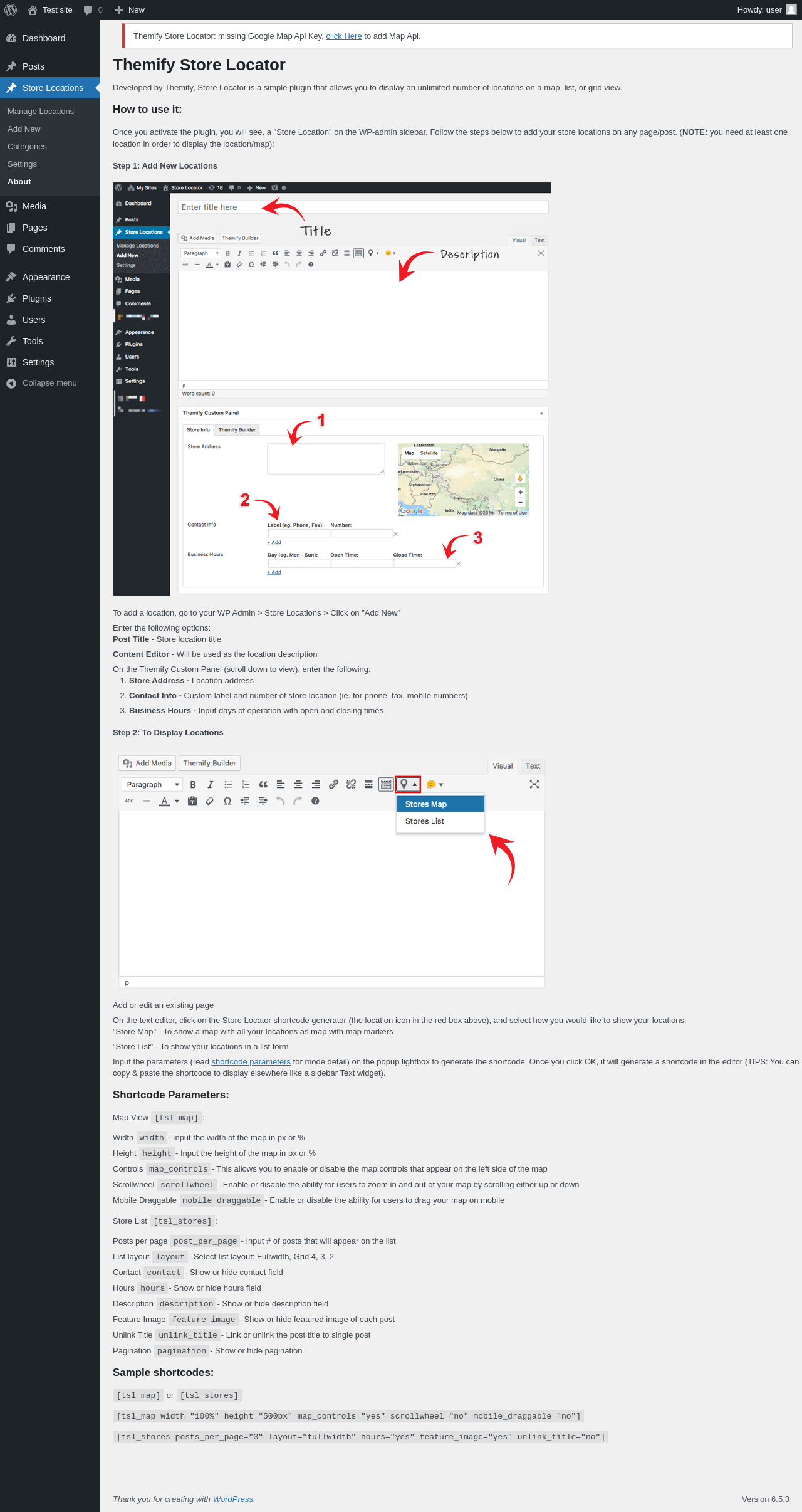
Pages 9 About Themify Store Locator ‹ Test site — WordPress
URL
/wp-admin/edit.php?post_type=themify_storelocator&page=themify-sl-about
Requested URL
/wp-admin/plugins.php?action=activate&plugin=themify-store-locator%2Fstore_locator.php&plugin_status=all&paged=1&s&_wpnonce=01b00b2b77
Aspect
after-activation
HTTP status
200
Load time
0.469 s
Memory usage
3.6 MiB
JS errors
None
Resource errors
None
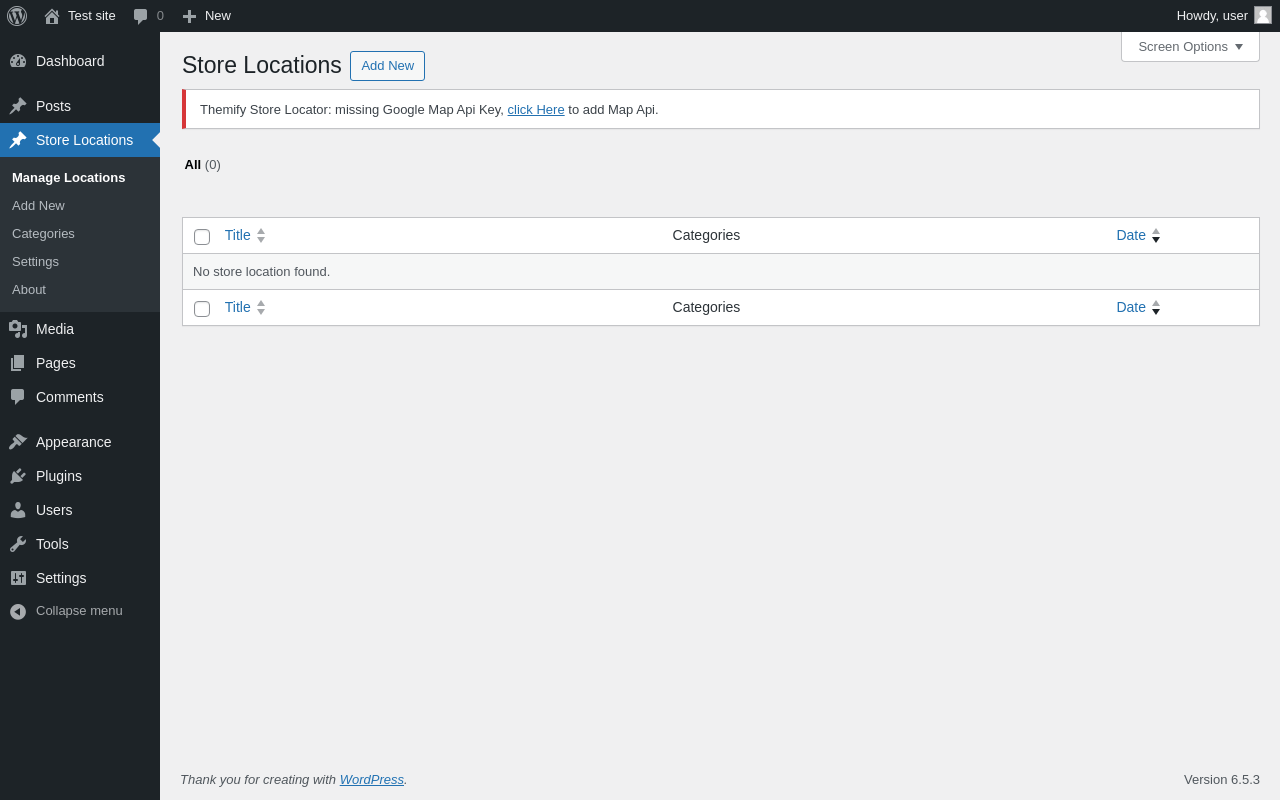
Store Locations
URL
/wp-admin/edit.php?post_type=themify_storelocator
Aspect
menu-item
HTTP status
200
Load time
0.182 s
Memory usage
3.64 MiB
JS errors
None
Resource errors
None
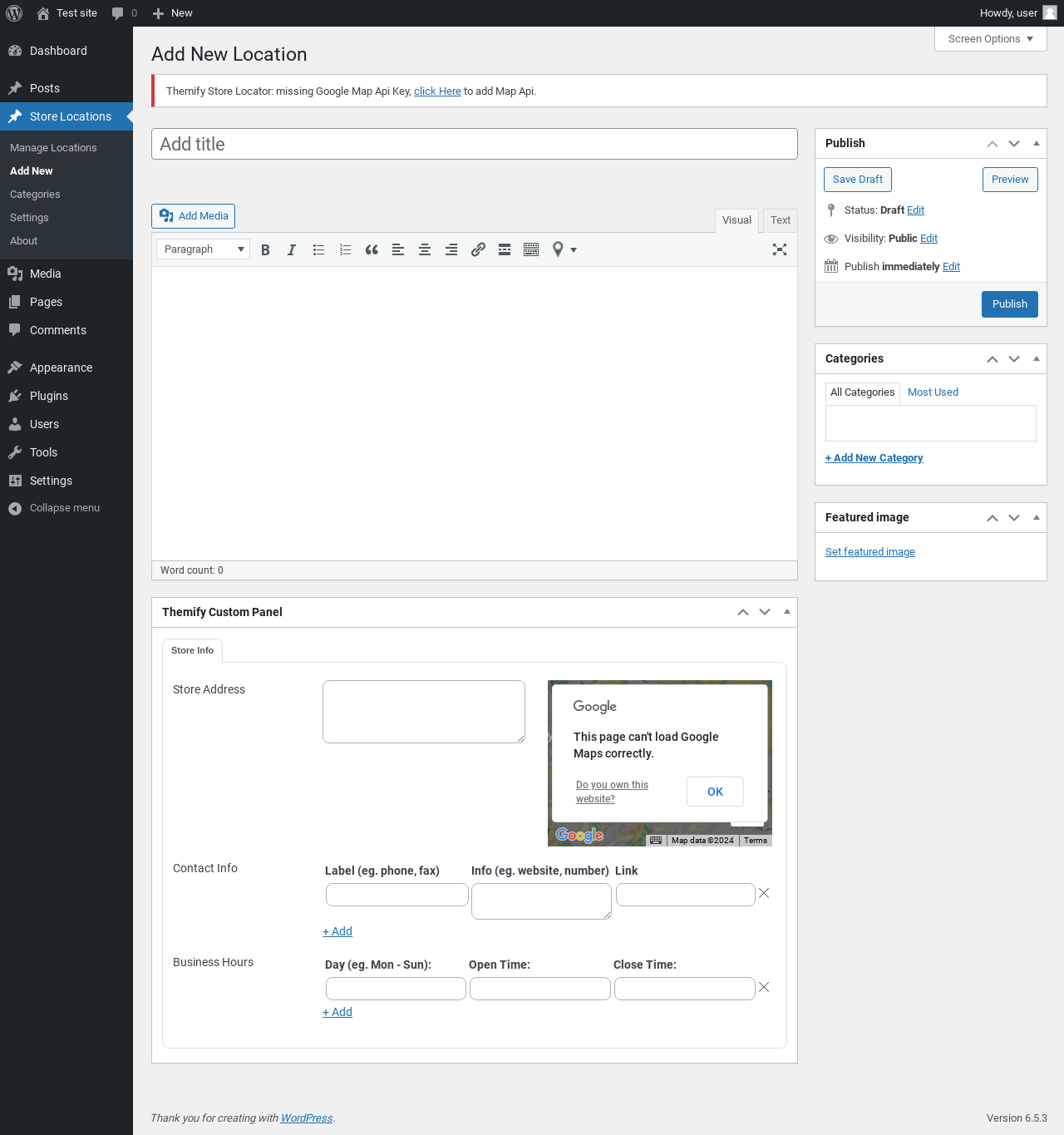
Store Locations → Add New
URL
/wp-admin/post-new.php?post_type=themify_storelocator#themify-store-locator
Requested URL
/wp-admin/post-new.php?post_type=themify_storelocator
Aspect
menu-item
HTTP status
200
Load time
1.235 s
Memory usage
3.77 MiB
JS errors
None
Resource errors
None
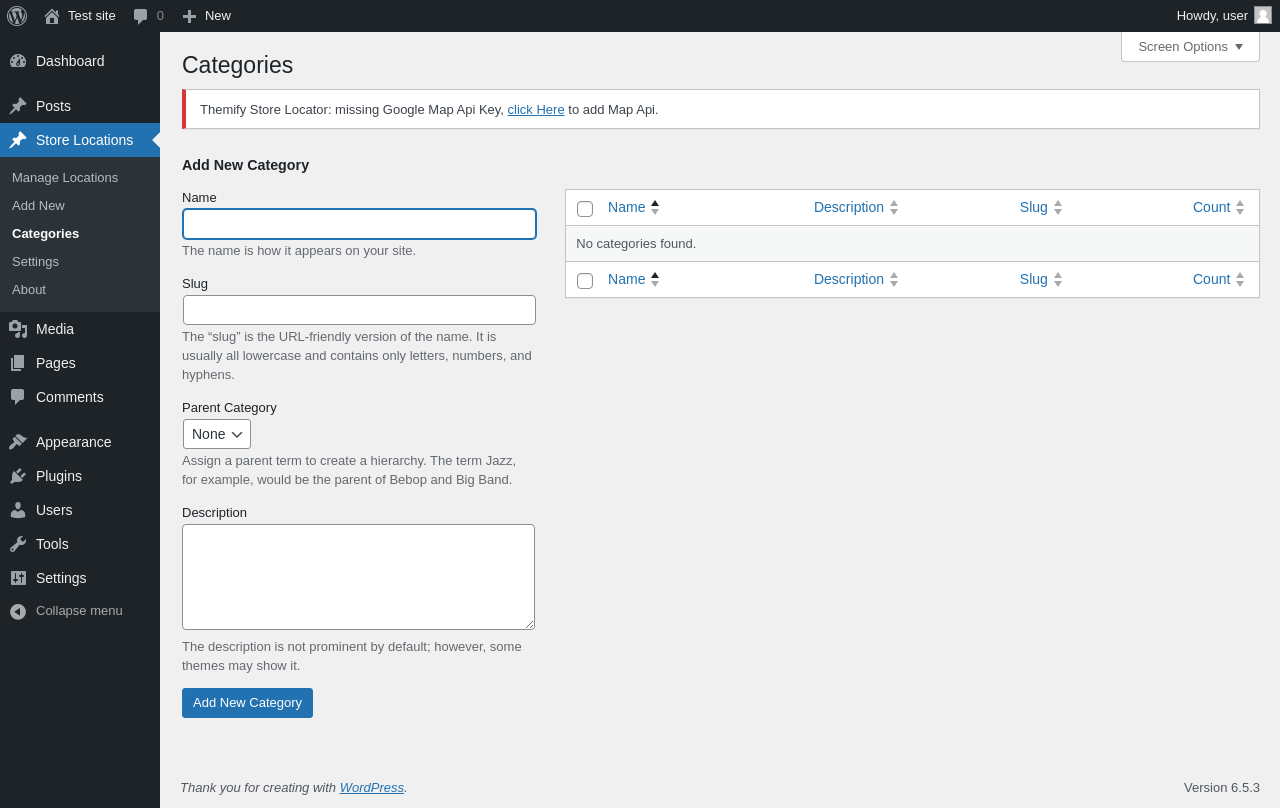
Store Locations → Categories
URL
/wp-admin/edit-tags.php?taxonomy=store_category&post_type=themify_storelocator
Aspect
menu-item
HTTP status
200
Load time
0.405 s
Memory usage
3.61 MiB
JS errors
None
Resource errors
None
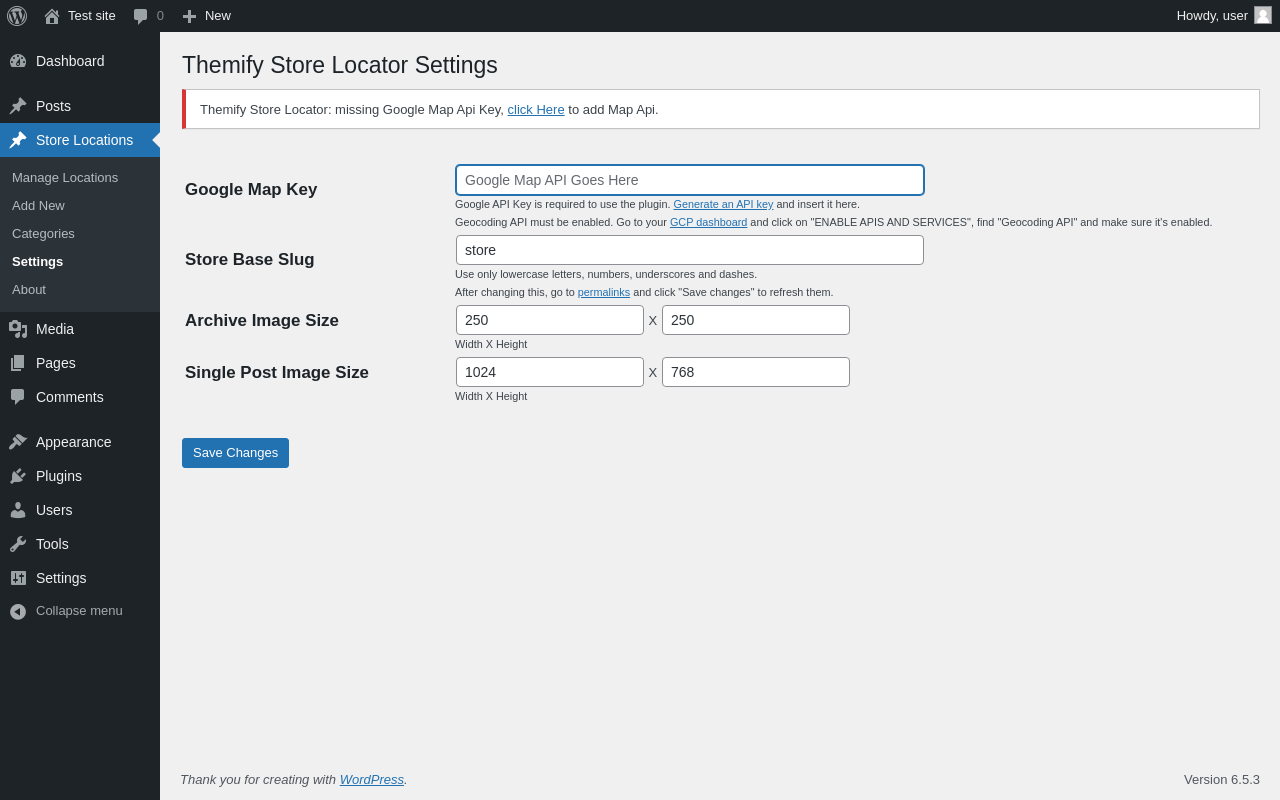
Store Locations → Settings
URL
/wp-admin/edit.php?post_type=themify_storelocator&page=themify-sl-setting
Aspect
menu-item
HTTP status
200
Load time
0.183 s
Memory usage
3.57 MiB
JS errors
None
Resource errors
None
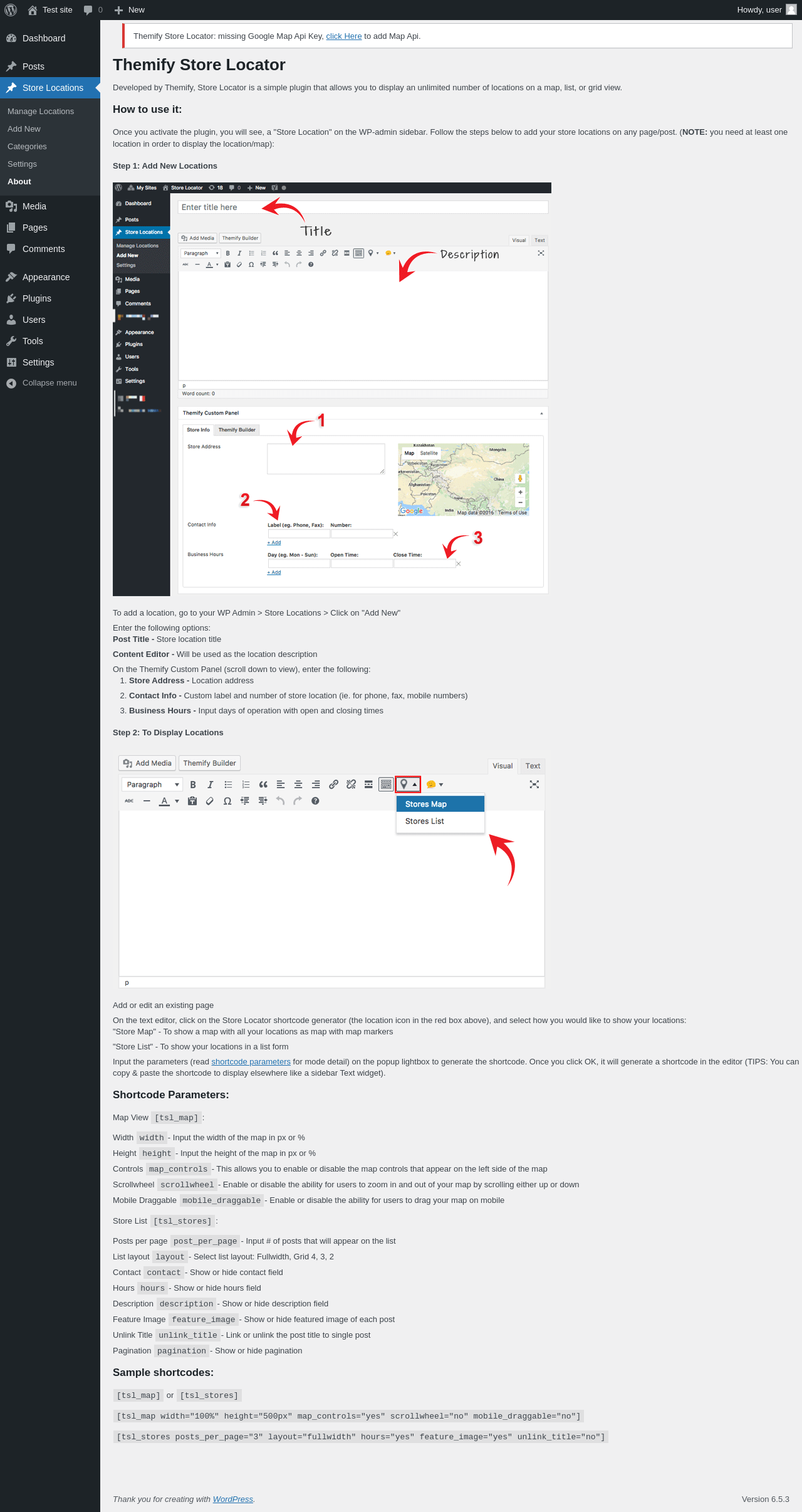
Store Locations → About
URL
/wp-admin/edit.php?post_type=themify_storelocator&page=themify-sl-about
Aspect
menu-item
HTTP status
200
Load time
0.154 s
Memory usage
3.57 MiB
JS errors
None
Resource errors
None
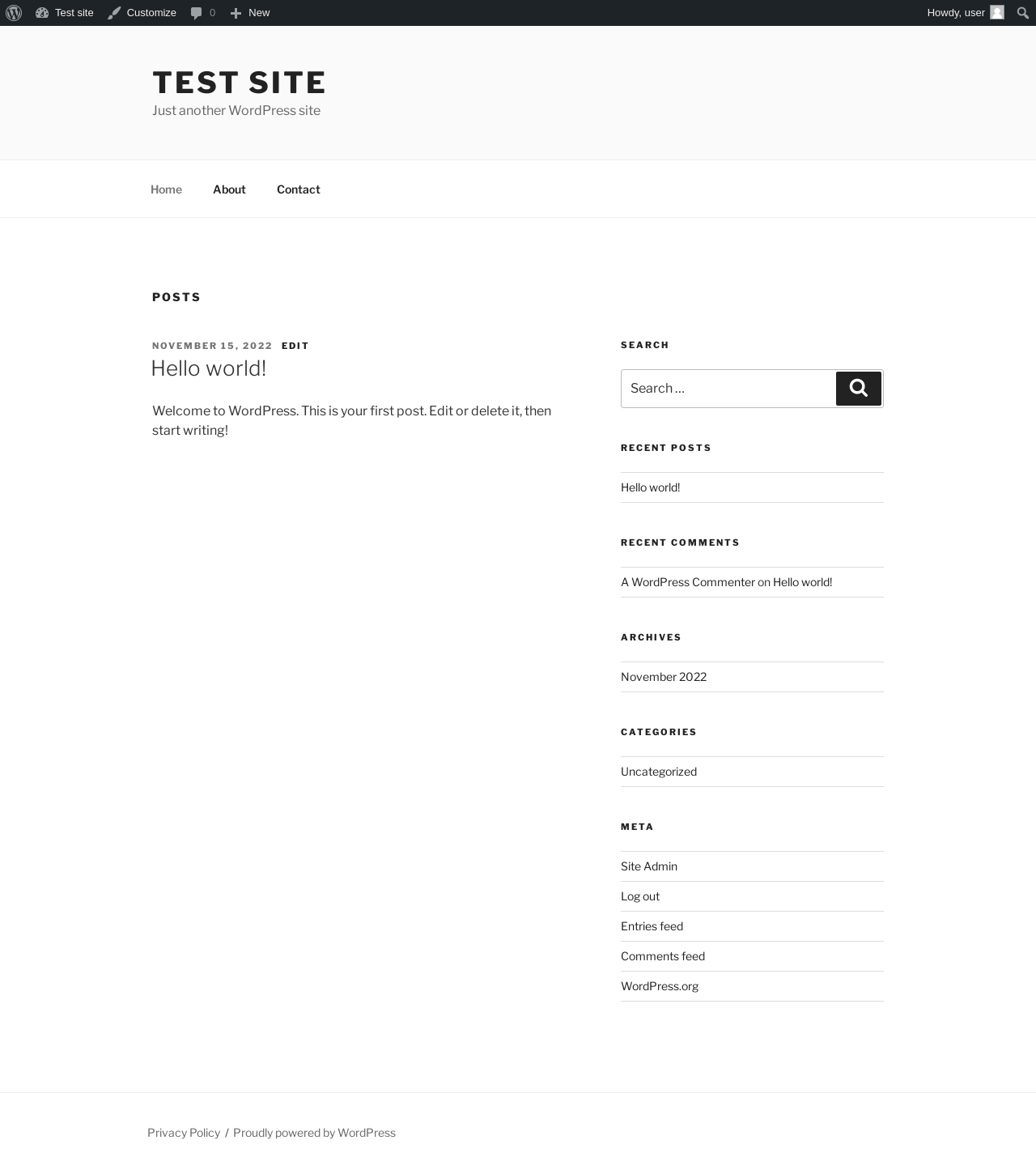
Test site – Just another WordPress site
URL
/
Aspect
front-page
HTTP status
200
Load time
0.254 s
Memory usage
3.53 MiB
JS errors
None
Resource errors
None
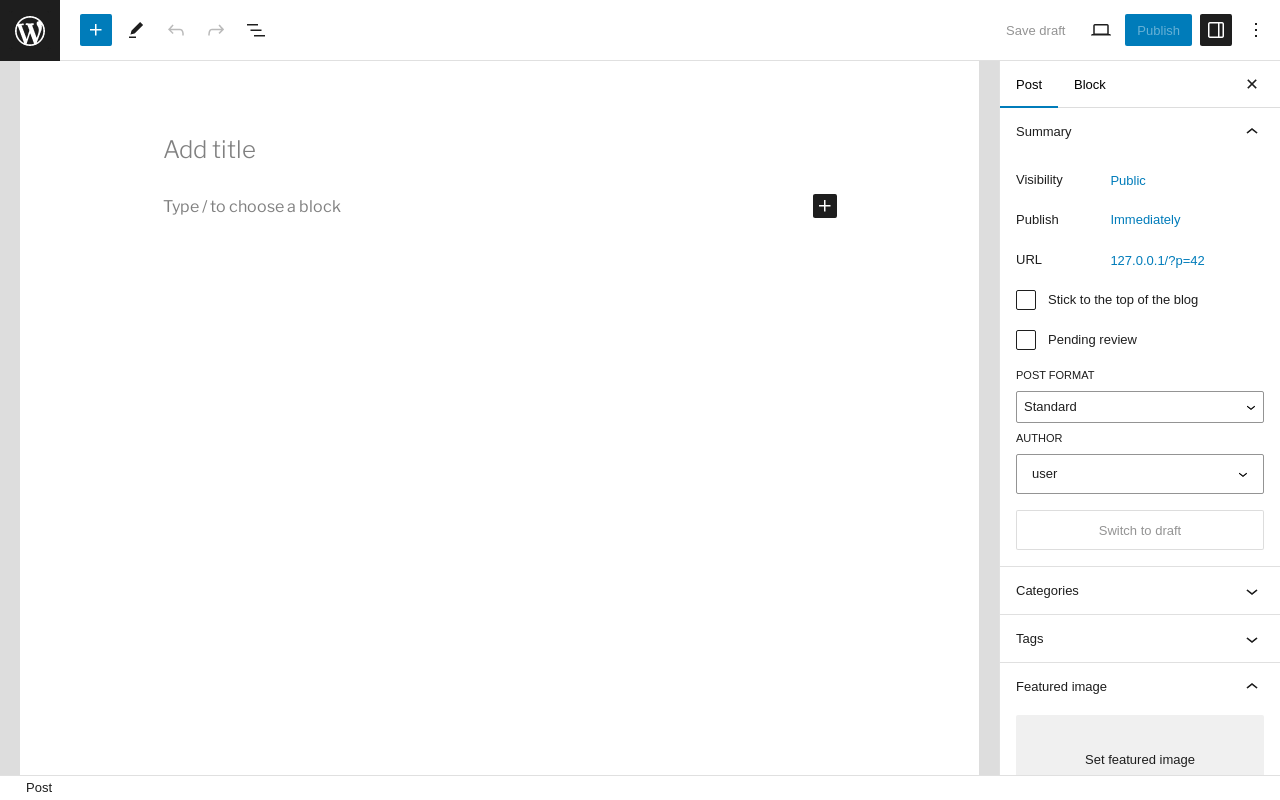
Add New Post ‹ Test site — WordPress
URL
/wp-admin/post-new.php
Aspect
new-meta-boxes
HTTP status
200
Load time
0.638 s
Memory usage
5.86 MiB
JS errors
None
Resource errors
None
Add New Page ‹ Test site — WordPress
URL
/wp-admin/post-new.php?post_type=page
Aspect
new-meta-boxes
HTTP status
200
Load time
0.595 s
Memory usage
5.85 MiB
JS errors
None
Resource errors
None
Benchmark
URL
Load time
Memory usage
Inactive
Active
Change
Inactive
Active
Change
/wp-admin/index.php 0.364 s 0.347 s -0.017 s 3.44 MiB 3.67 MiB + 239.61 KiB /wp-admin/edit.php 0.239 s 0.211 s -0.028 s 3.46 MiB 3.69 MiB + 239.18 KiB /wp-admin/post-new.php 0.967 s 1.023 s +0.056 s 5.59 MiB 5.86 MiB + 271.3 KiB /wp-admin/upload.php 0.577 s 0.483 s -0.094 s 3.38 MiB 3.59 MiB + 218.02 KiB /wp-admin/options-writing.php 0.233 s 0.225 s -0.008 s 3.37 MiB 3.58 MiB + 209.83 KiB /wp-admin/media-new.php 0.352 s 0.305 s -0.047 s 3.35 MiB 3.58 MiB + 230.05 KiB /wp-admin/edit-tags.php?taxonomy=category 0.230 s 0.340 s +0.110 s 3.37 MiB 3.63 MiB + 267.87 KiB /wp-admin/post-new.php?post_type=page 0.580 s 0.641 s +0.061 s 5.59 MiB 5.85 MiB + 267.99 KiB /wp-admin/options-discussion.php 0.295 s 0.288 s -0.007 s 3.36 MiB 3.57 MiB + 218.36 KiB /wp-admin/edit-comments.php 0.283 s 0.241 s -0.042 s 3.39 MiB 3.61 MiB + 224.9 KiB / 0.320 s 0.213 s -0.107 s 3.42 MiB 3.53 MiB + 111.88 KiB
Average
0.404 s 0.392 s -0.011 s 3.79 MiB 4.01 MiB + 227.18 KiB
Code Statistics
Note: Third-party libraries and minified JS/CSS files are excluded from these statistics where
possible, so the numbers you see here may be lower than those reported by other tools.
Language
%
Lines of code
Comment lines
Files
PHP 37.6% 3,269 455 13 CSS 31.8% 2,768 58 6 JavaScript 29.9% 2,603 257 12 HTML 0.7% 59 0 1 SVG 0.0% 1 0 1
Total
8,700
770
33
Lines of code
2,994
Total complexity
819
Median class complexity
64.5
Median method complexity
2.0
Most complex class
Themify_Metabox
Most complex function
Themify_Metabox::render_tabs()
Classes
4
Methods
76
Functions
50
Additions
Things that the plugin adds to the site. This section is not intended to be comprehensive.
The test tool only looks for a few specific types of added content.
Custom Post Types 1
ID
Name
themify_storelocator Store Locations
Meta Boxes {
"post": {
"themify-meta-boxes": {
"title": "Themify Custom Panel",
"context": "normal"
}
},
"page": {
"themify-meta-boxes": {
"title": "Themify Custom Panel",
"context": "normal"
}
},
"attachment": {
"themify-meta-boxes": {
"title": "Themify Custom Panel",
"context": "normal"
}
},
"revision": {
"themify-meta-boxes": {
"title": "Themify Custom Panel",
"context": "normal"
}
},
"nav_menu_item": {
"themify-meta-boxes": {
"title": "Themify Custom Panel",
"context": "normal"
}
},
"custom_css": {
"themify-meta-boxes": {
"title": "Themify Custom Panel",
"context": "normal"
}
},
"customize_changeset": {
"themify-meta-boxes": {
"title": "Themify Custom Panel",
"context": "normal"
}
},
"oembed_cache": {
"themify-meta-boxes": {
"title": "Themify Custom Panel",
"context": "normal"
}
},
"user_request": {
"themify-meta-boxes": {
"title": "Themify Custom Panel",
"context": "normal"
}
},
"wp_block": {
"themify-meta-boxes": {
"title": "Themify Custom Panel",
"context": "normal"
}
},
"wp_template": {
"themify-meta-boxes": {
"title": "Themify Custom Panel",
"context": "normal"
}
},
"wp_template_part": {
"themify-meta-boxes": {
"title": "Themify Custom Panel",
"context": "normal"
}
},
"wp_global_styles": {
"themify-meta-boxes": {
"title": "Themify Custom Panel",
"context": "normal"
}
},
"wp_navigation": {
"themify-meta-boxes": {
"title": "Themify Custom Panel",
"context": "normal"
}
},
"wp_font_family": {
"themify-meta-boxes": {
"title": "Themify Custom Panel",
"context": "normal"
}
},
"wp_font_face": {
"themify-meta-boxes": {
"title": "Themify Custom Panel",
"context": "normal"
}
},
"themify_storelocator": {
"themify-meta-boxes": {
"title": "Themify Custom Panel",
"context": "normal"
}
}
}PHP Error Log The log file is empty.