W3 Total Cache 2.9.1
Does W3 Total Cache work with WordPress 6.9.1 and PHP 8.1.12? A smoke test was performed on .
Summary
| 2 | Unrecognized messages in the PHP error log |
| No JavaScript exceptions | |
| All test pages loaded successfully | |
| No resource errors |
Memory usage: 596.43 KiB
The average PHP memory usage increased by this amount after activating by the plugin.
Page speed impact:
insignificant.
The plugin didn't make the site noticeably slower.
| WordPress version | 6.9.1 |
|---|---|
| PHP version | 8.1.12 |
| MySQL version | 10.6.10 |
| PHP memory limit | 512M |
| Last updated | |
|---|---|
| Active installs | 900,000+ |
| WordPress.org page | https://wordpress.org/plugins/w3-total-cache/ |
| Badges |
|


Pages 20
Plugins ‹ Test site — WordPress
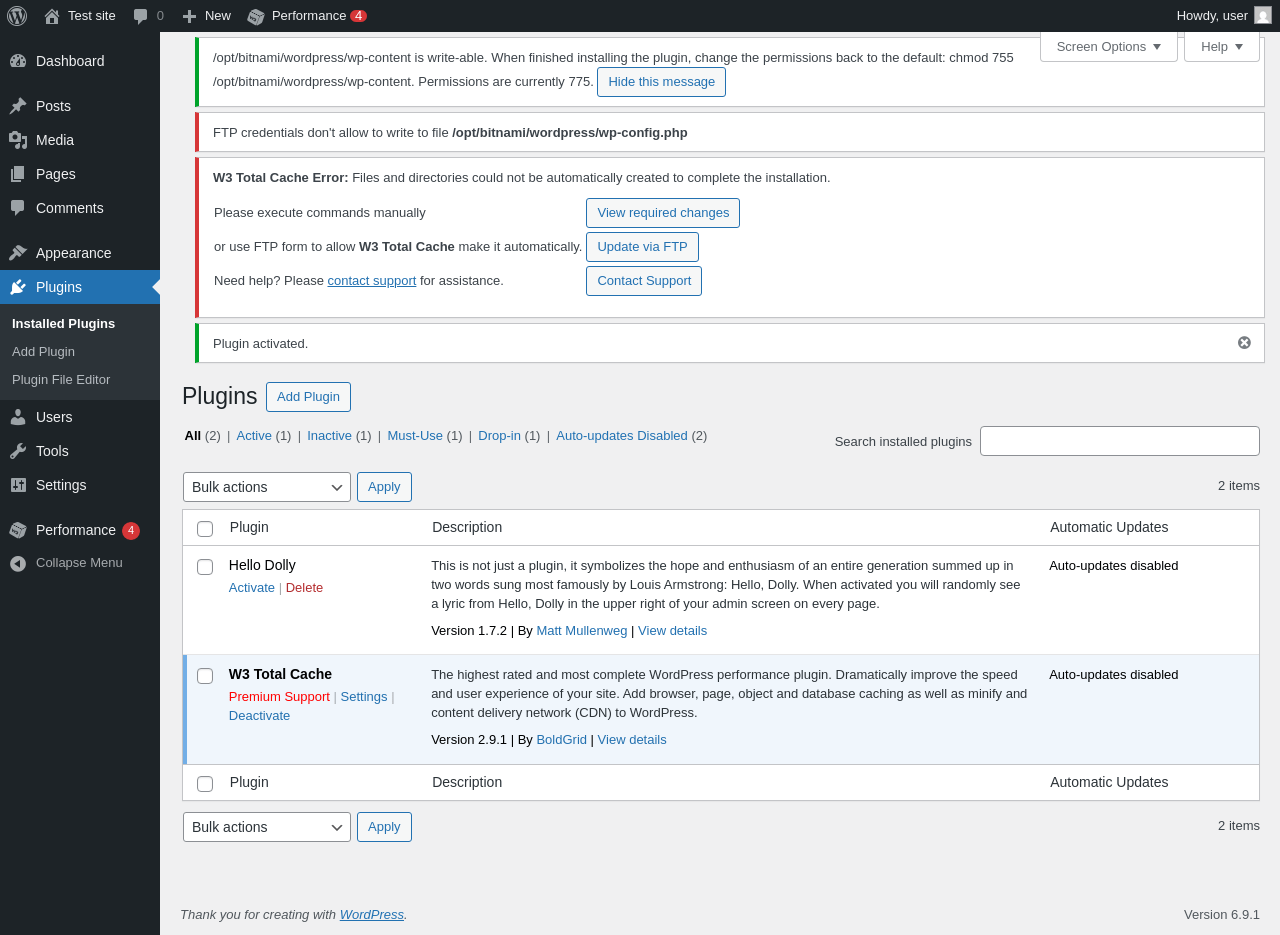
| URL | /wp-admin/plugins.php?plugin_status=all&paged=1&s |
|---|---|
| Requested URL | /wp-admin/plugins.php?action=activate&plugin=w3-total-cache%2Fw3-total-cache.php&plugin_status=all&paged=1&s&_wpnonce=cd6d3bb124 |
| Aspect | after-activation |
| HTTP status | 200 |
| Load time | 0.632 s |
| Memory usage | 4.64 MiB |
| JS errors | None |
| Resource errors | None |
Performance
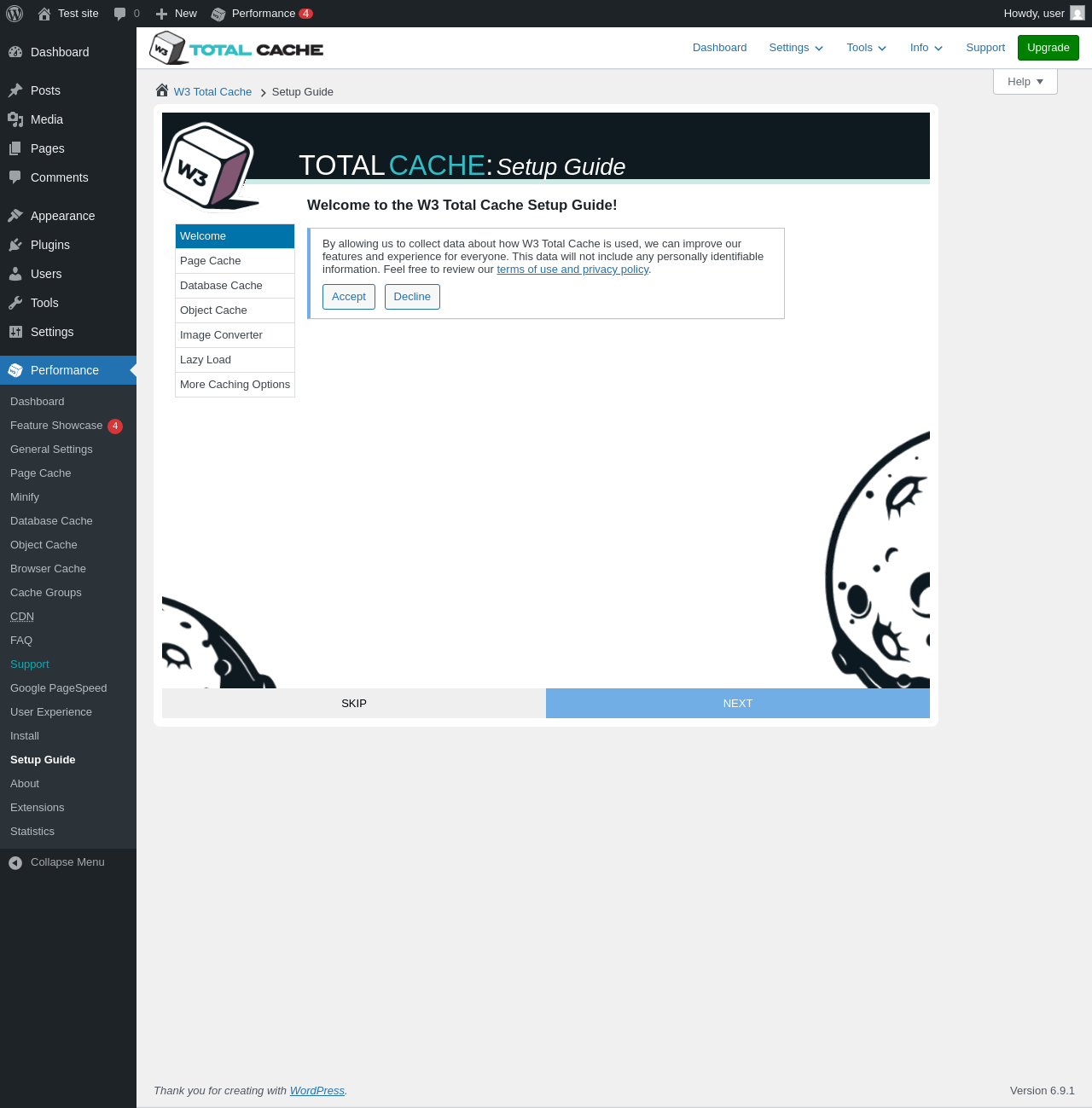
| URL | /wp-admin/admin.php?page=w3tc_setup_guide |
|---|---|
| Requested URL | /wp-admin/admin.php?page=w3tc_dashboard |
| Aspect | menu-item |
| HTTP status | 200 |
| Load time | 0.776 s |
| Memory usage | 4.5 MiB |
| JS errors | None |
| Resource errors | None |
Performance → Feature Showcase
| URL | /wp-admin/admin.php?page=w3tc_setup_guide |
|---|---|
| Requested URL | /wp-admin/admin.php?page=w3tc_feature_showcase |
| Aspect | menu-item |
| HTTP status | 200 |
| Load time | 0.426 s |
| Memory usage | 4.5 MiB |
| JS errors | None |
| Resource errors | None |
Performance → General Settings
| URL | /wp-admin/admin.php?page=w3tc_setup_guide |
|---|---|
| Requested URL | /wp-admin/admin.php?page=w3tc_general |
| Aspect | menu-item |
| HTTP status | 200 |
| Load time | 0.482 s |
| Memory usage | 4.5 MiB |
| JS errors | None |
| Resource errors | None |
Performance → Page Cache
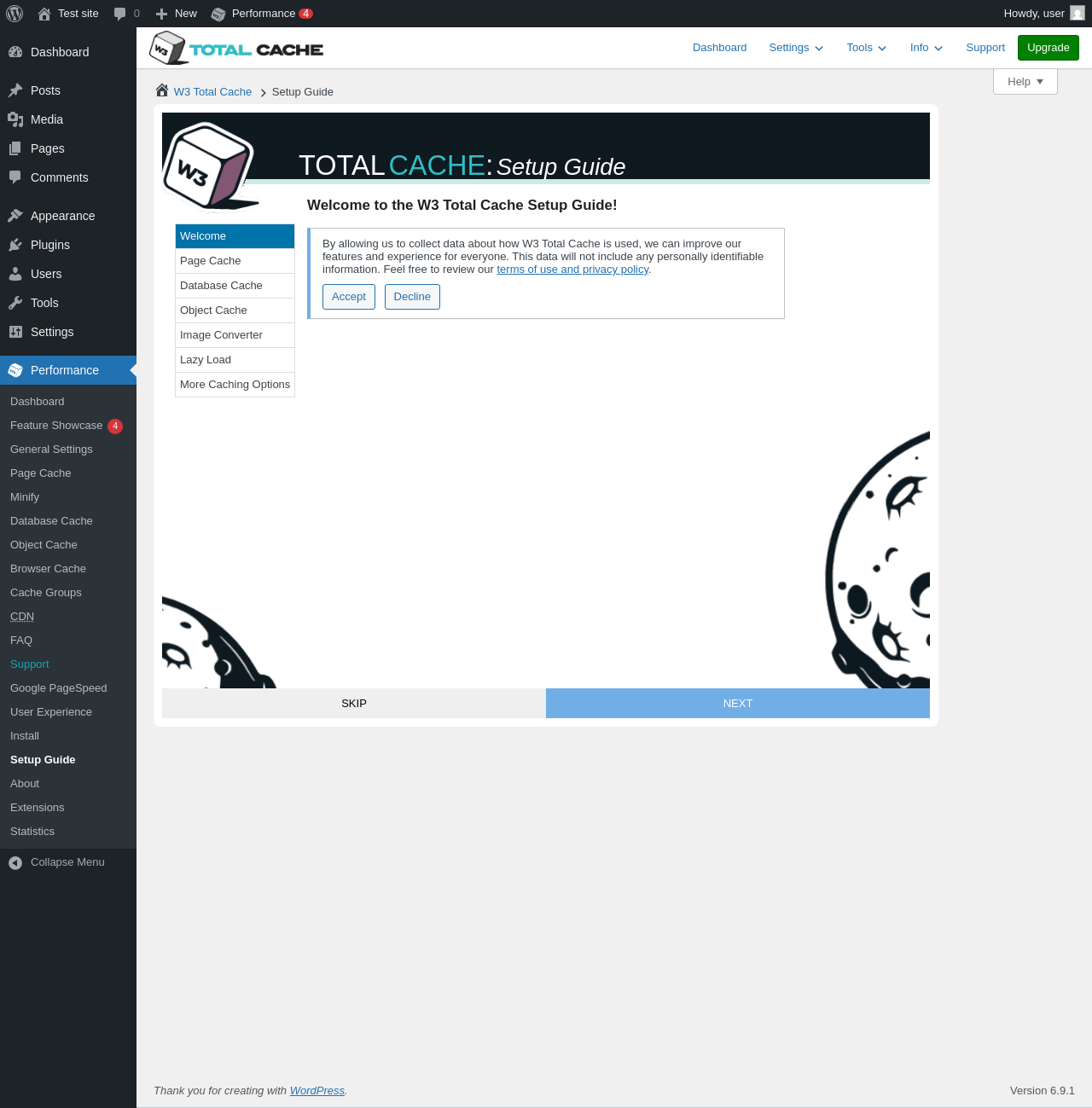
| URL | /wp-admin/admin.php?page=w3tc_setup_guide |
|---|---|
| Requested URL | /wp-admin/admin.php?page=w3tc_pgcache |
| Aspect | menu-item |
| HTTP status | 200 |
| Load time | 0.582 s |
| Memory usage | 4.5 MiB |
| JS errors | None |
| Resource errors | None |
Performance → Minify
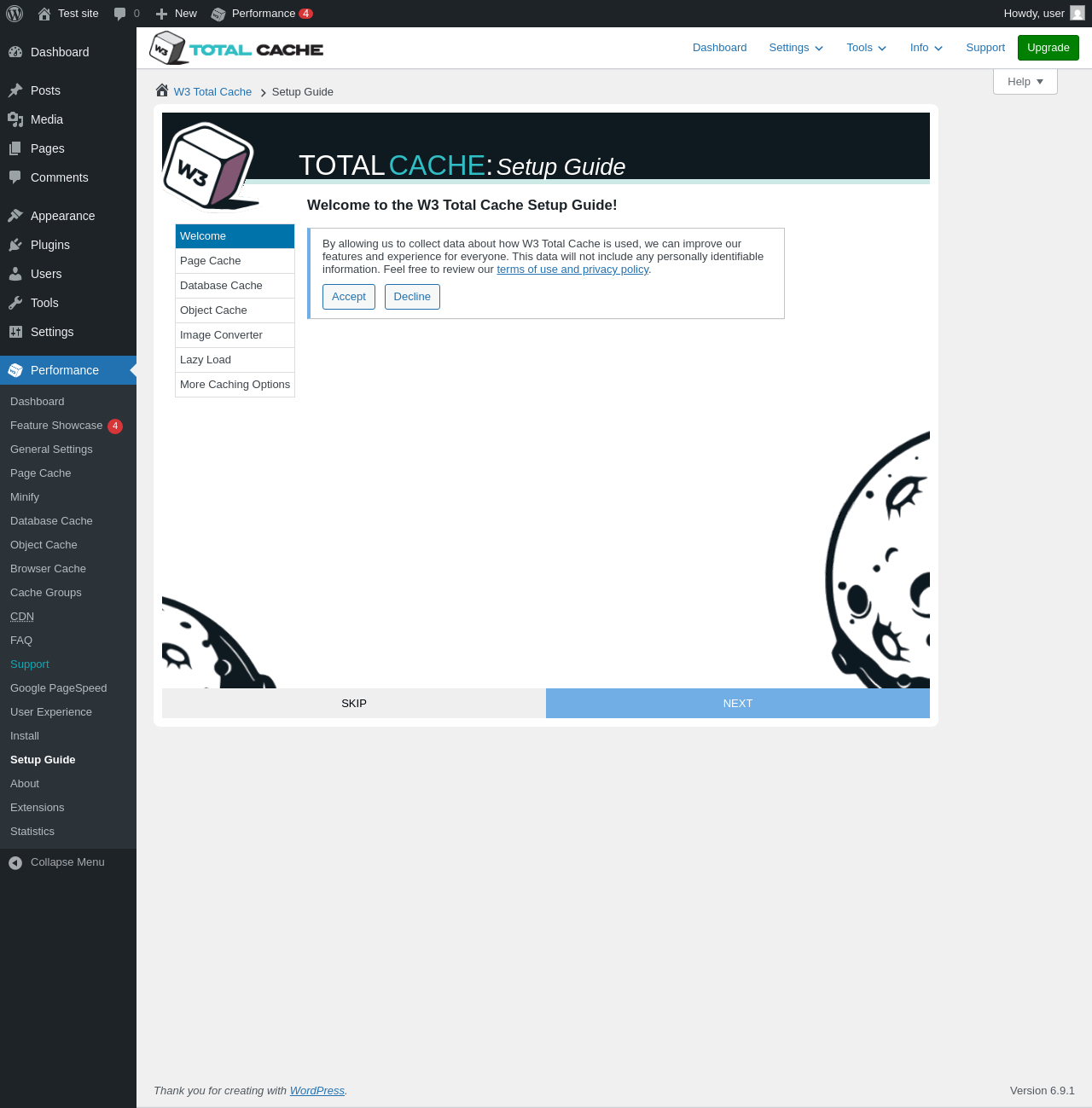
| URL | /wp-admin/admin.php?page=w3tc_setup_guide |
|---|---|
| Requested URL | /wp-admin/admin.php?page=w3tc_minify |
| Aspect | menu-item |
| HTTP status | 200 |
| Load time | 0.406 s |
| Memory usage | 4.5 MiB |
| JS errors | None |
| Resource errors | None |
Performance → Database Cache
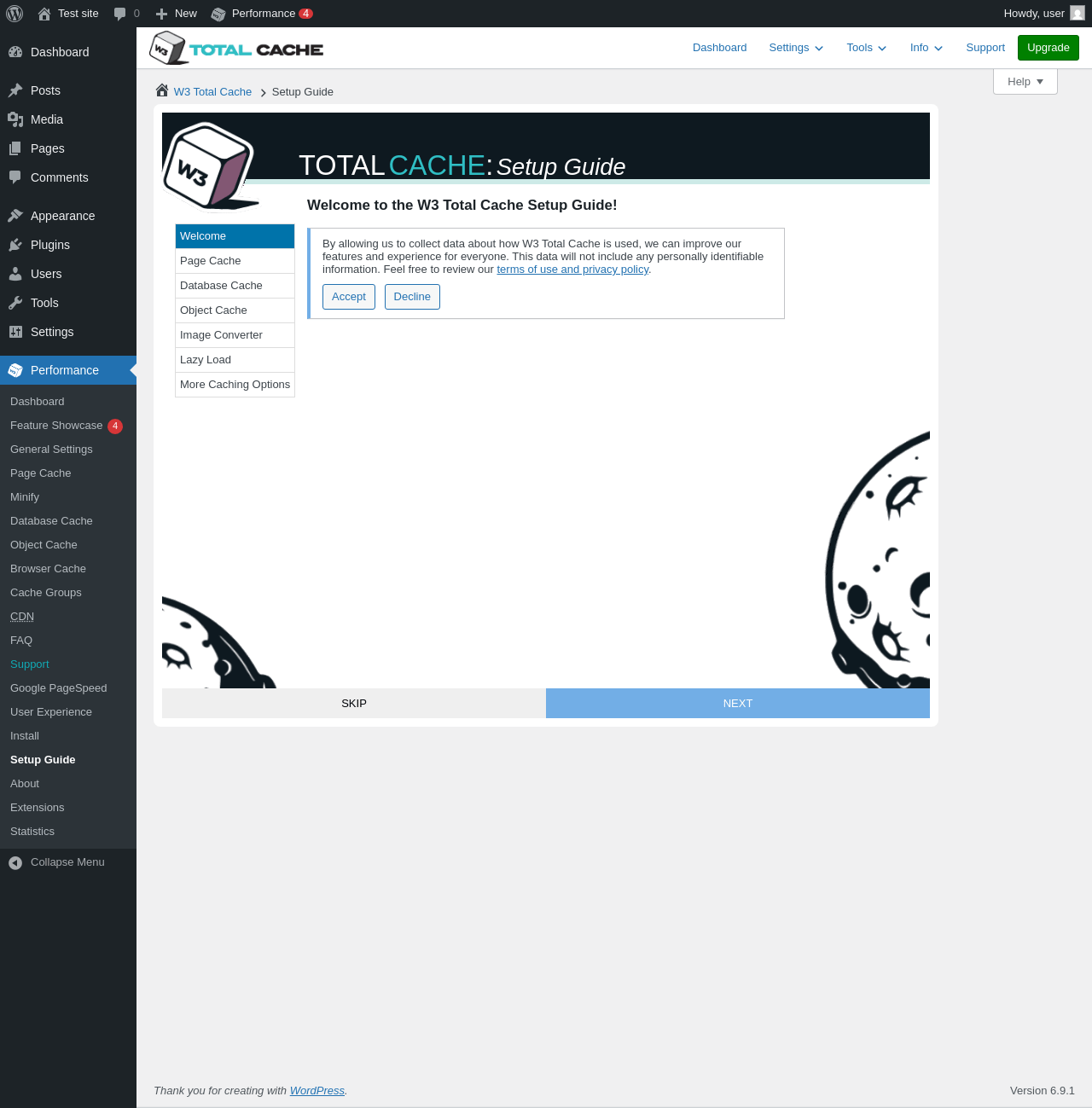
| URL | /wp-admin/admin.php?page=w3tc_setup_guide |
|---|---|
| Requested URL | /wp-admin/admin.php?page=w3tc_dbcache |
| Aspect | menu-item |
| HTTP status | 200 |
| Load time | 0.410 s |
| Memory usage | 4.5 MiB |
| JS errors | None |
| Resource errors | None |
Performance → Object Cache
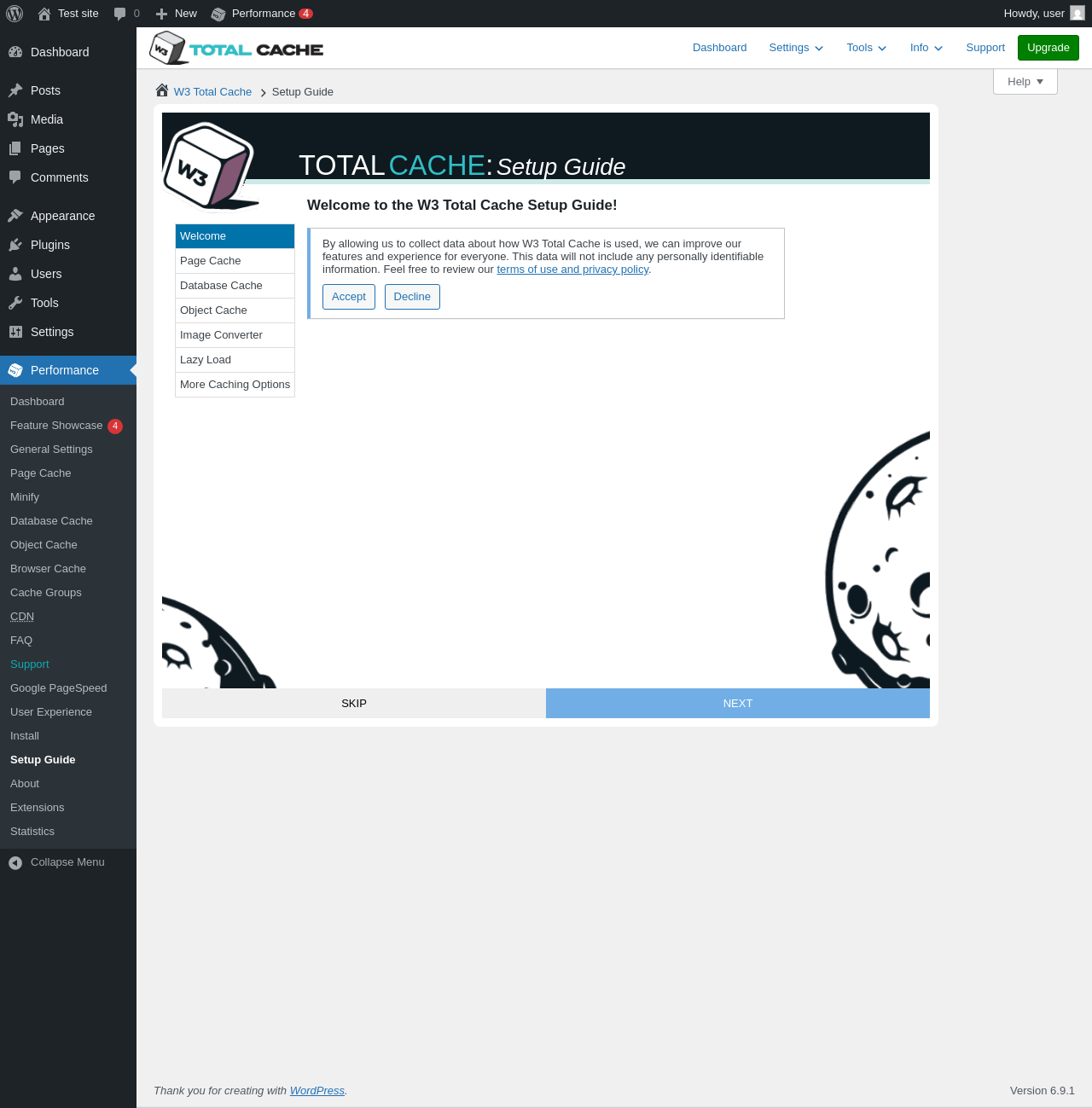
| URL | /wp-admin/admin.php?page=w3tc_setup_guide |
|---|---|
| Requested URL | /wp-admin/admin.php?page=w3tc_objectcache |
| Aspect | menu-item |
| HTTP status | 200 |
| Load time | 0.446 s |
| Memory usage | 4.5 MiB |
| JS errors | None |
| Resource errors | None |
Performance → Browser Cache
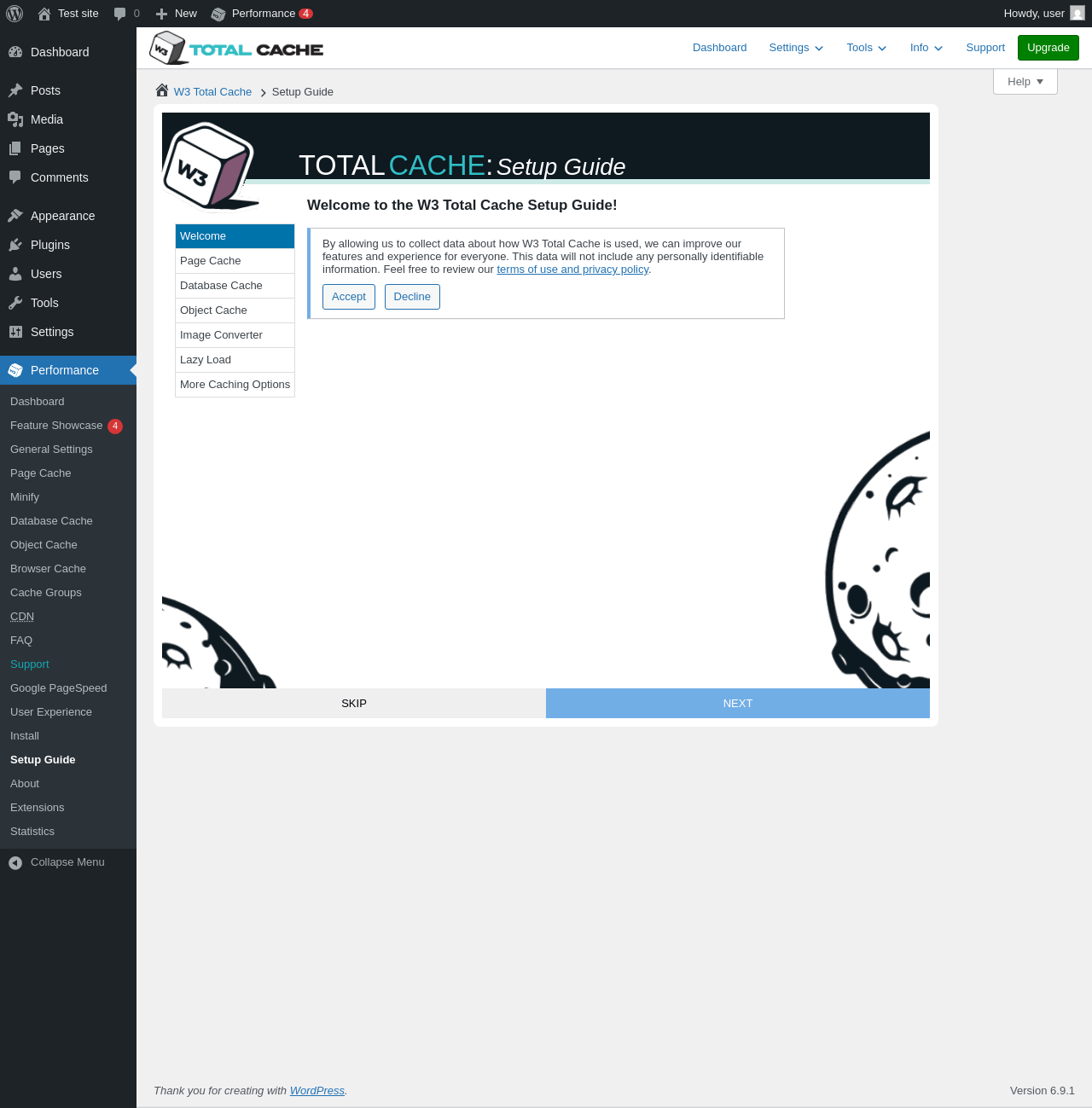
| URL | /wp-admin/admin.php?page=w3tc_setup_guide |
|---|---|
| Requested URL | /wp-admin/admin.php?page=w3tc_browsercache |
| Aspect | menu-item |
| HTTP status | 200 |
| Load time | 0.457 s |
| Memory usage | 4.5 MiB |
| JS errors | None |
| Resource errors | None |
Performance → Cache Groups
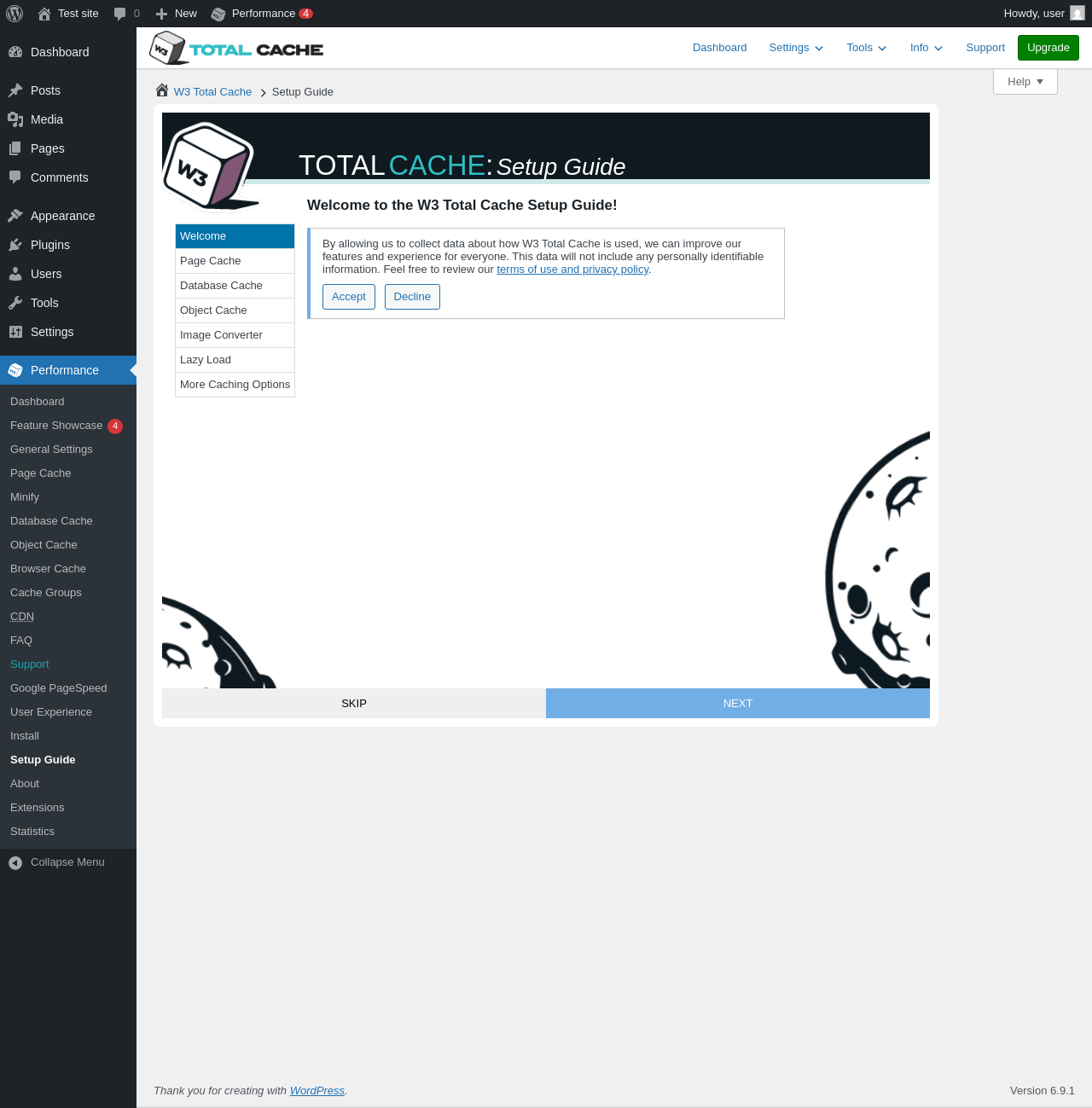
| URL | /wp-admin/admin.php?page=w3tc_setup_guide |
|---|---|
| Requested URL | /wp-admin/admin.php?page=w3tc_cachegroups |
| Aspect | menu-item |
| HTTP status | 200 |
| Load time | 0.377 s |
| Memory usage | 4.5 MiB |
| JS errors | None |
| Resource errors | None |
Performance → CDN
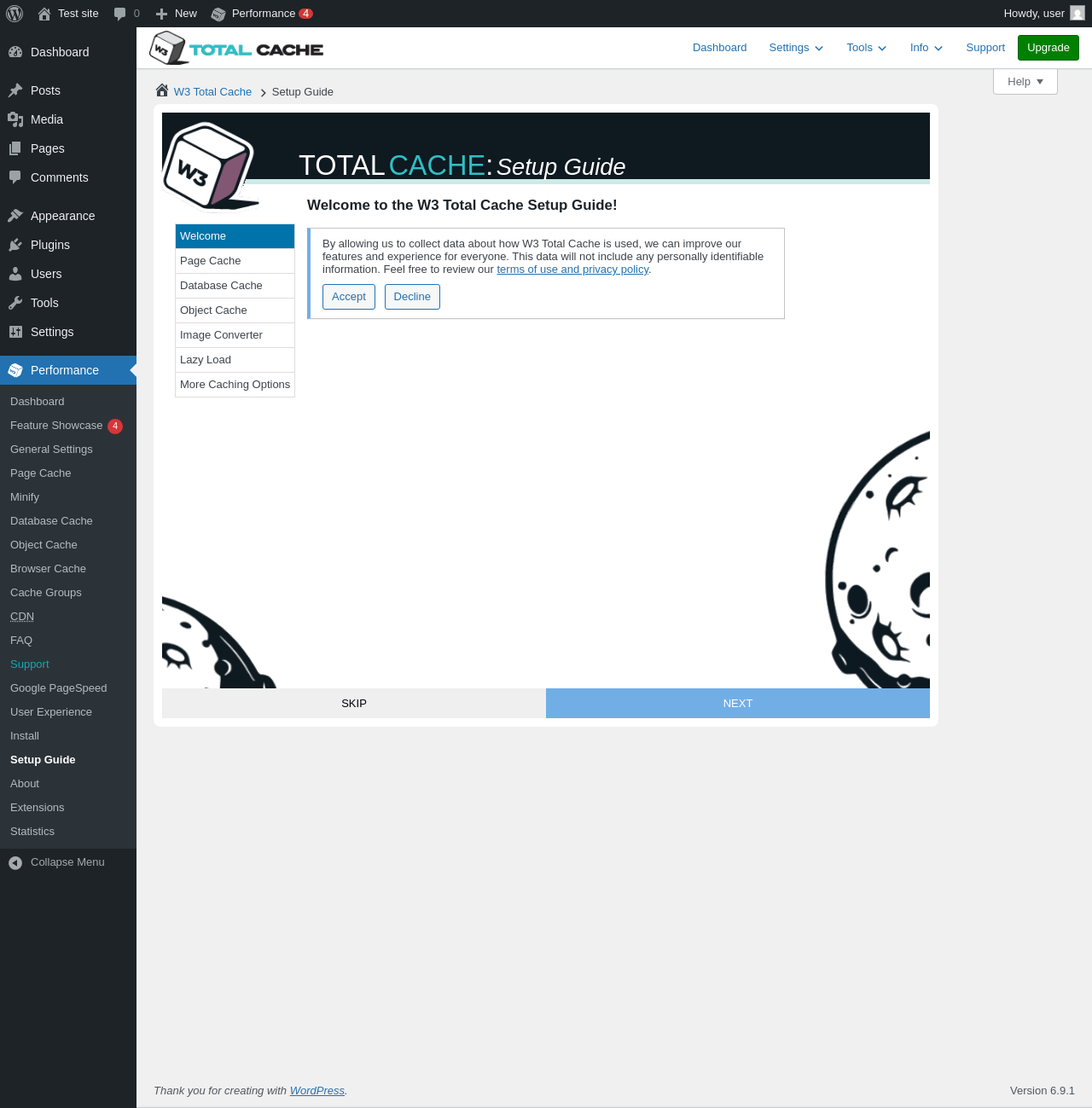
| URL | /wp-admin/admin.php?page=w3tc_setup_guide |
|---|---|
| Requested URL | /wp-admin/admin.php?page=w3tc_cdn |
| Aspect | menu-item |
| HTTP status | 200 |
| Load time | 0.382 s |
| Memory usage | 4.5 MiB |
| JS errors | None |
| Resource errors | None |
Performance → Support
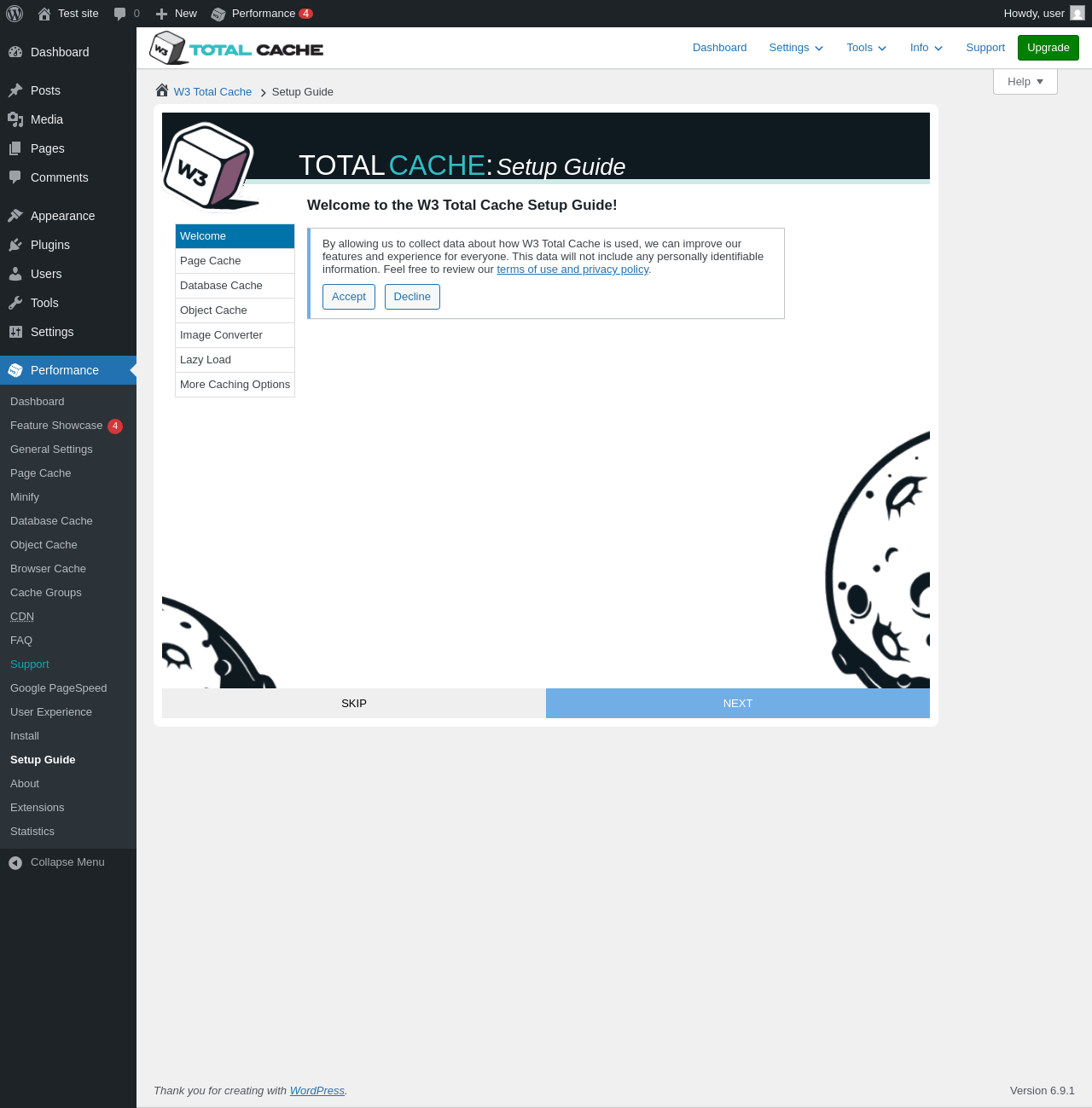
| URL | /wp-admin/admin.php?page=w3tc_setup_guide |
|---|---|
| Requested URL | /wp-admin/admin.php?page=w3tc_support |
| Aspect | menu-item |
| HTTP status | 200 |
| Load time | 0.453 s |
| Memory usage | 4.5 MiB |
| JS errors | None |
| Resource errors | None |
Performance → Google PageSpeed
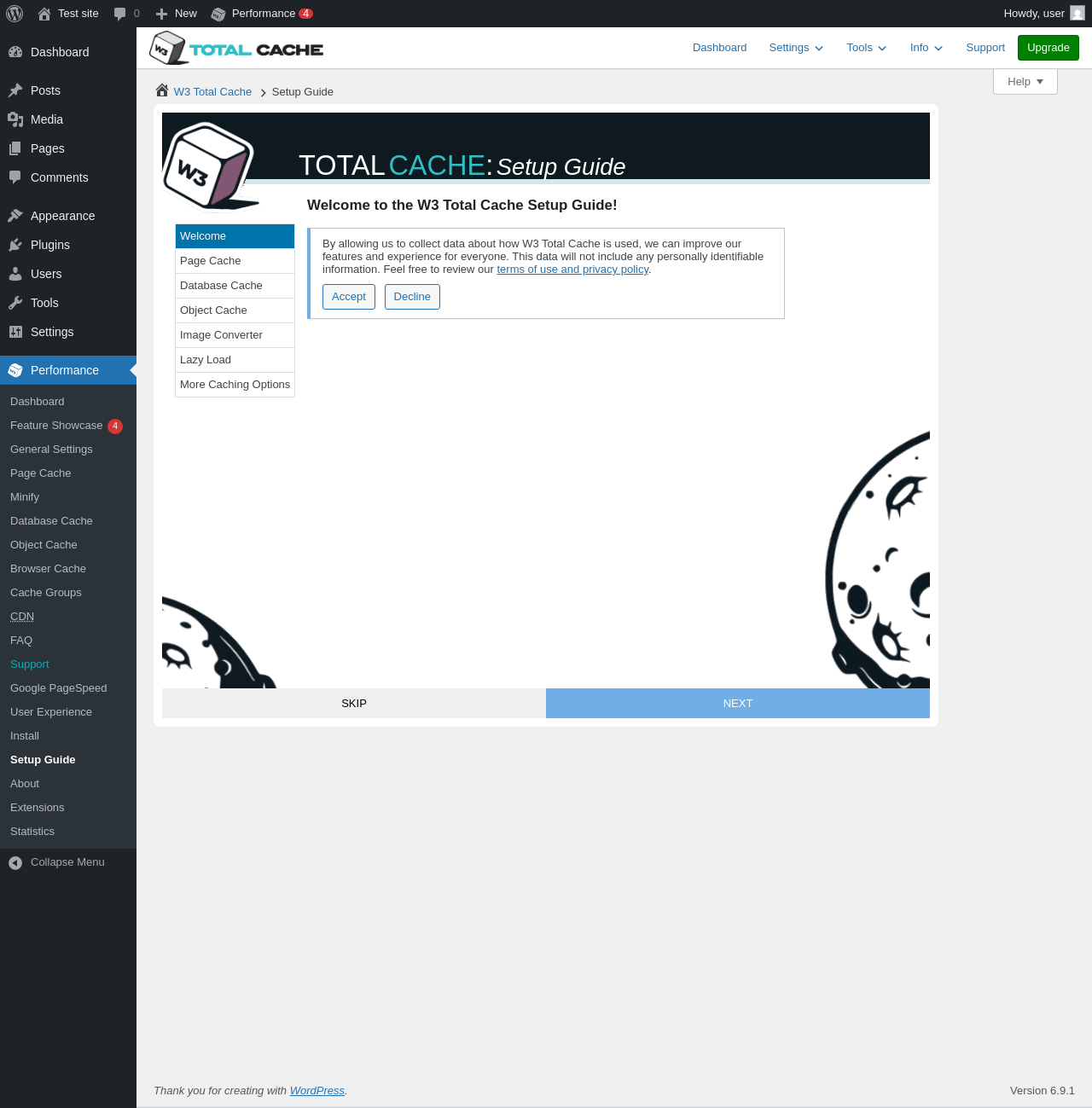
| URL | /wp-admin/admin.php?page=w3tc_setup_guide |
|---|---|
| Requested URL | /wp-admin/admin.php?page=w3tc_pagespeed |
| Aspect | menu-item |
| HTTP status | 200 |
| Load time | 0.390 s |
| Memory usage | 4.5 MiB |
| JS errors | None |
| Resource errors | None |
Performance → User Experience
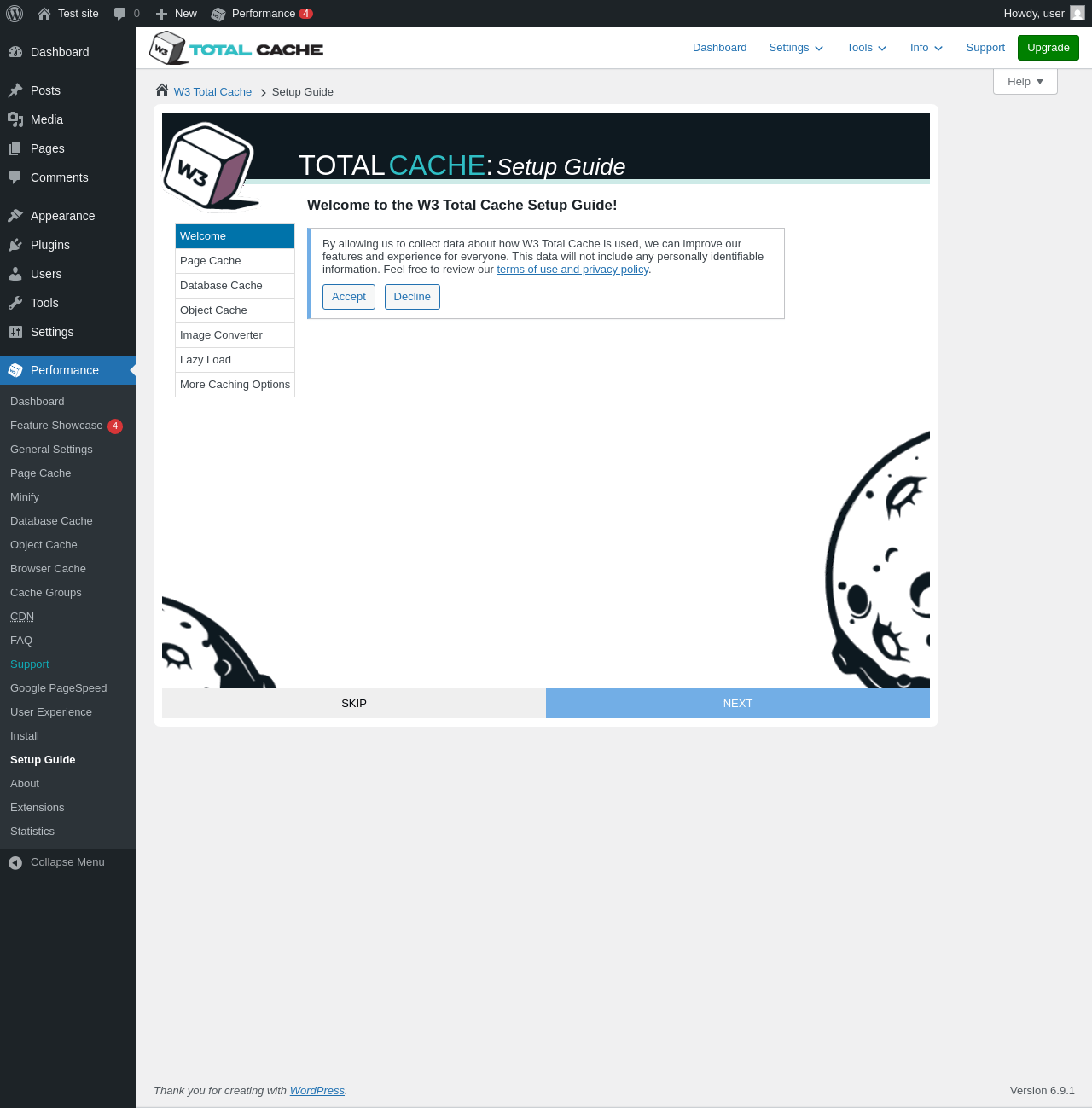
| URL | /wp-admin/admin.php?page=w3tc_setup_guide |
|---|---|
| Requested URL | /wp-admin/admin.php?page=w3tc_userexperience |
| Aspect | menu-item |
| HTTP status | 200 |
| Load time | 0.374 s |
| Memory usage | 4.5 MiB |
| JS errors | None |
| Resource errors | None |
Performance → Install
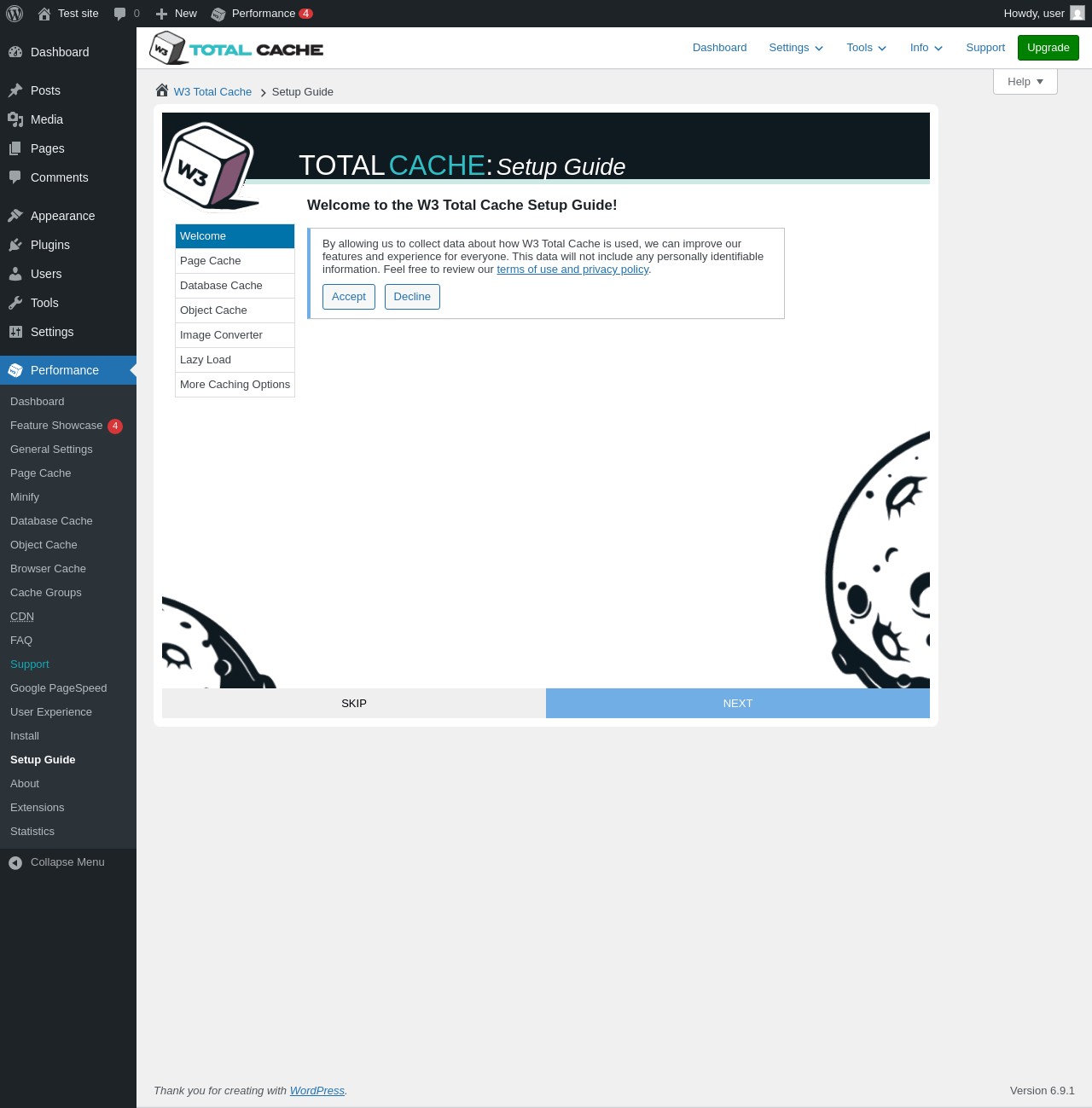
| URL | /wp-admin/admin.php?page=w3tc_setup_guide |
|---|---|
| Requested URL | /wp-admin/admin.php?page=w3tc_install |
| Aspect | menu-item |
| HTTP status | 200 |
| Load time | 0.369 s |
| Memory usage | 4.5 MiB |
| JS errors | None |
| Resource errors | None |
Performance → Setup Guide
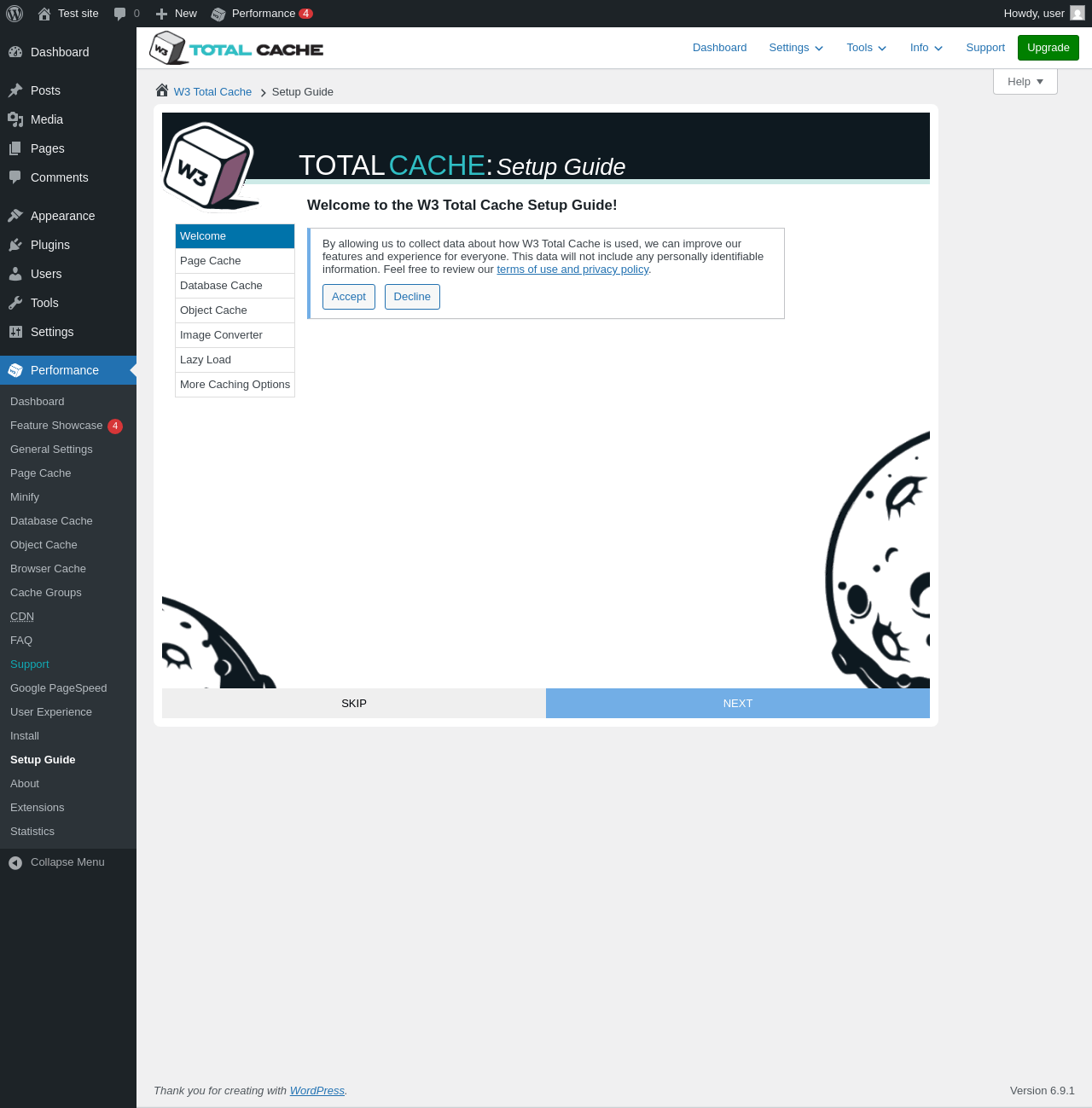
| URL | /wp-admin/admin.php?page=w3tc_setup_guide |
|---|---|
| Aspect | menu-item |
| HTTP status | 200 |
| Load time | 0.323 s |
| Memory usage | 4.5 MiB |
| JS errors | None |
| Resource errors | None |
Performance → About
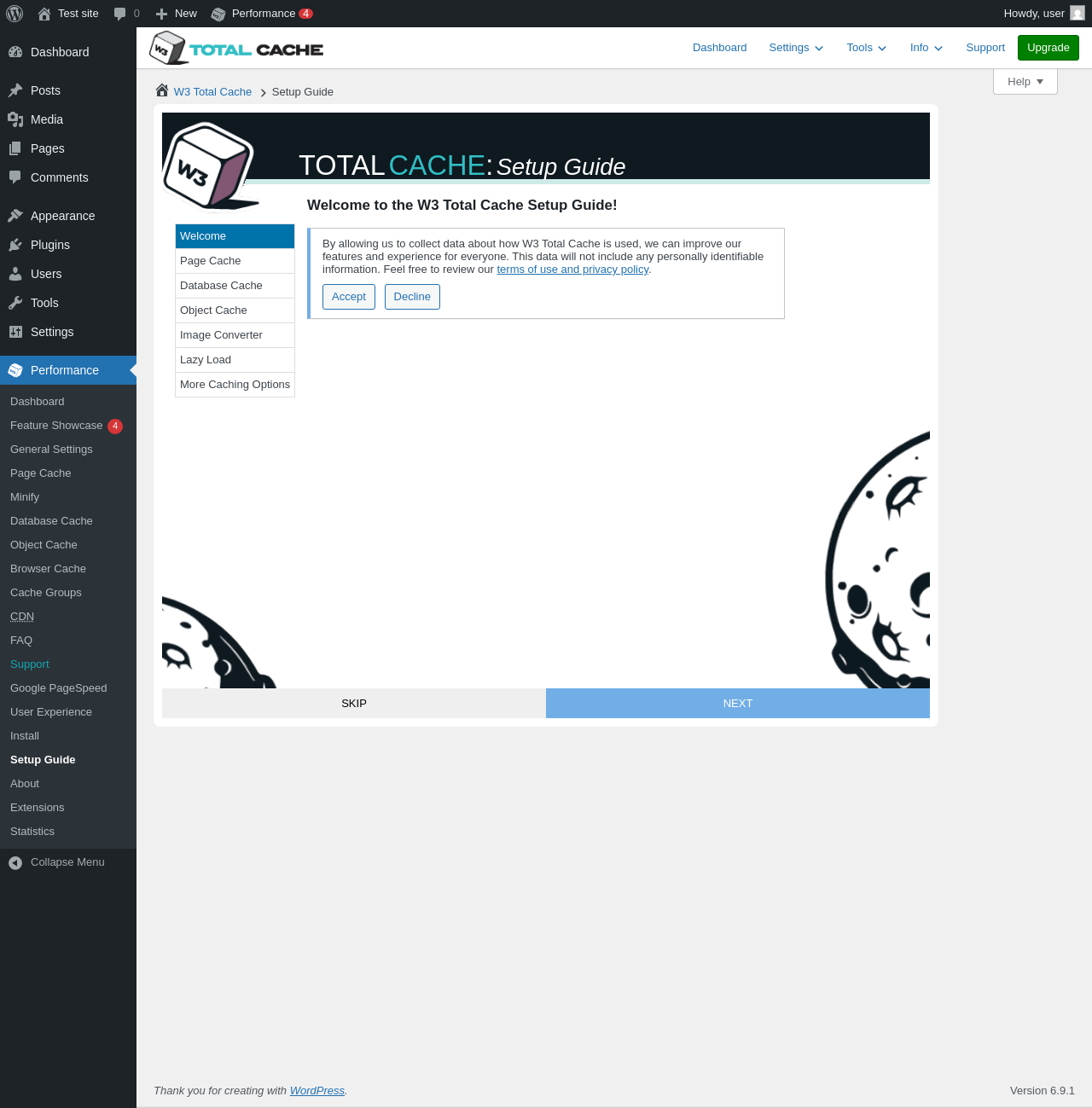
| URL | /wp-admin/admin.php?page=w3tc_setup_guide |
|---|---|
| Requested URL | /wp-admin/admin.php?page=w3tc_about |
| Aspect | menu-item |
| HTTP status | 200 |
| Load time | 0.369 s |
| Memory usage | 4.5 MiB |
| JS errors | None |
| Resource errors | None |
Performance → Extensions
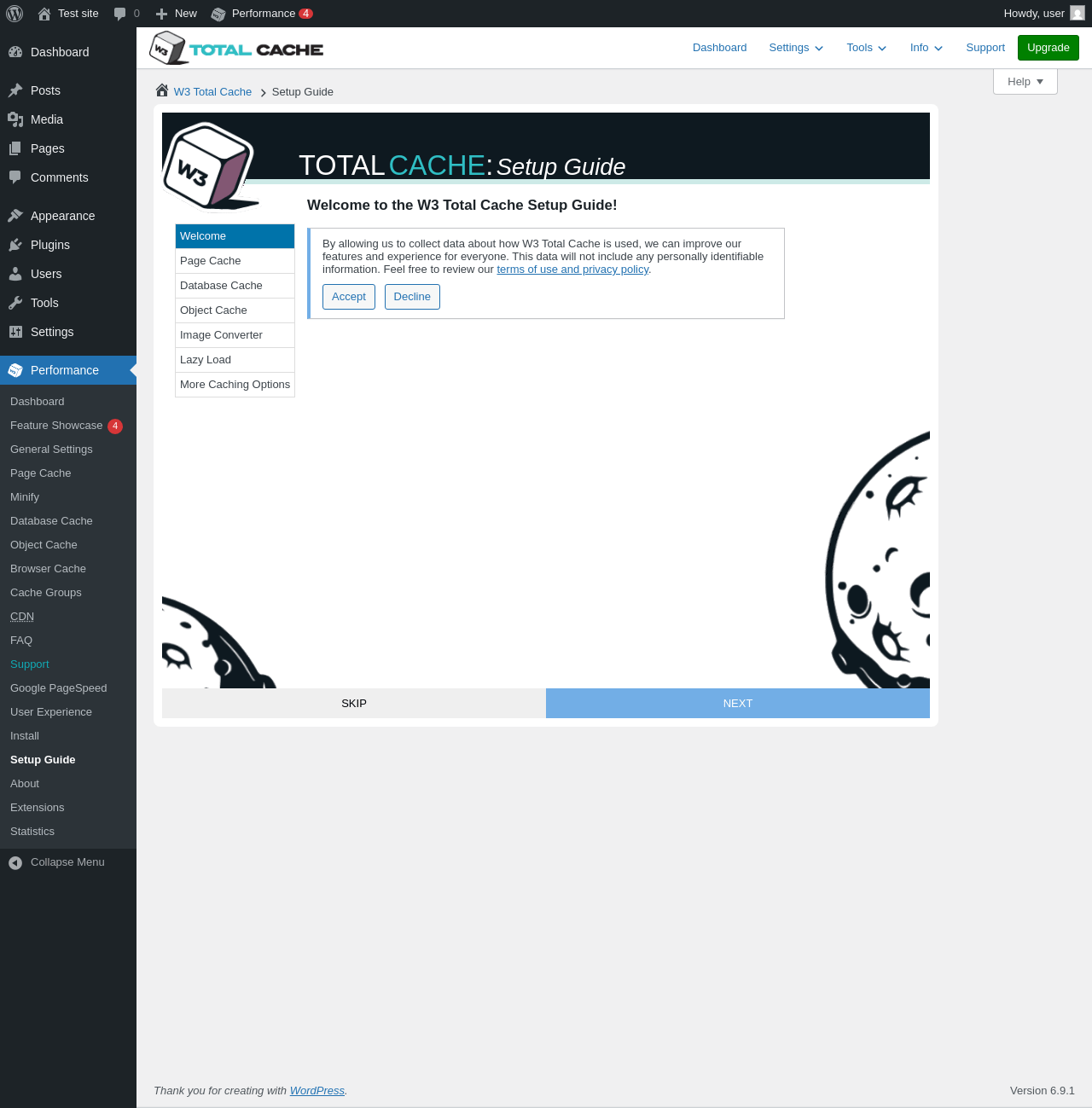
| URL | /wp-admin/admin.php?page=w3tc_setup_guide |
|---|---|
| Requested URL | /wp-admin/admin.php?page=w3tc_extensions |
| Aspect | menu-item |
| HTTP status | 200 |
| Load time | 0.405 s |
| Memory usage | 4.5 MiB |
| JS errors | None |
| Resource errors | None |
Performance → Statistics
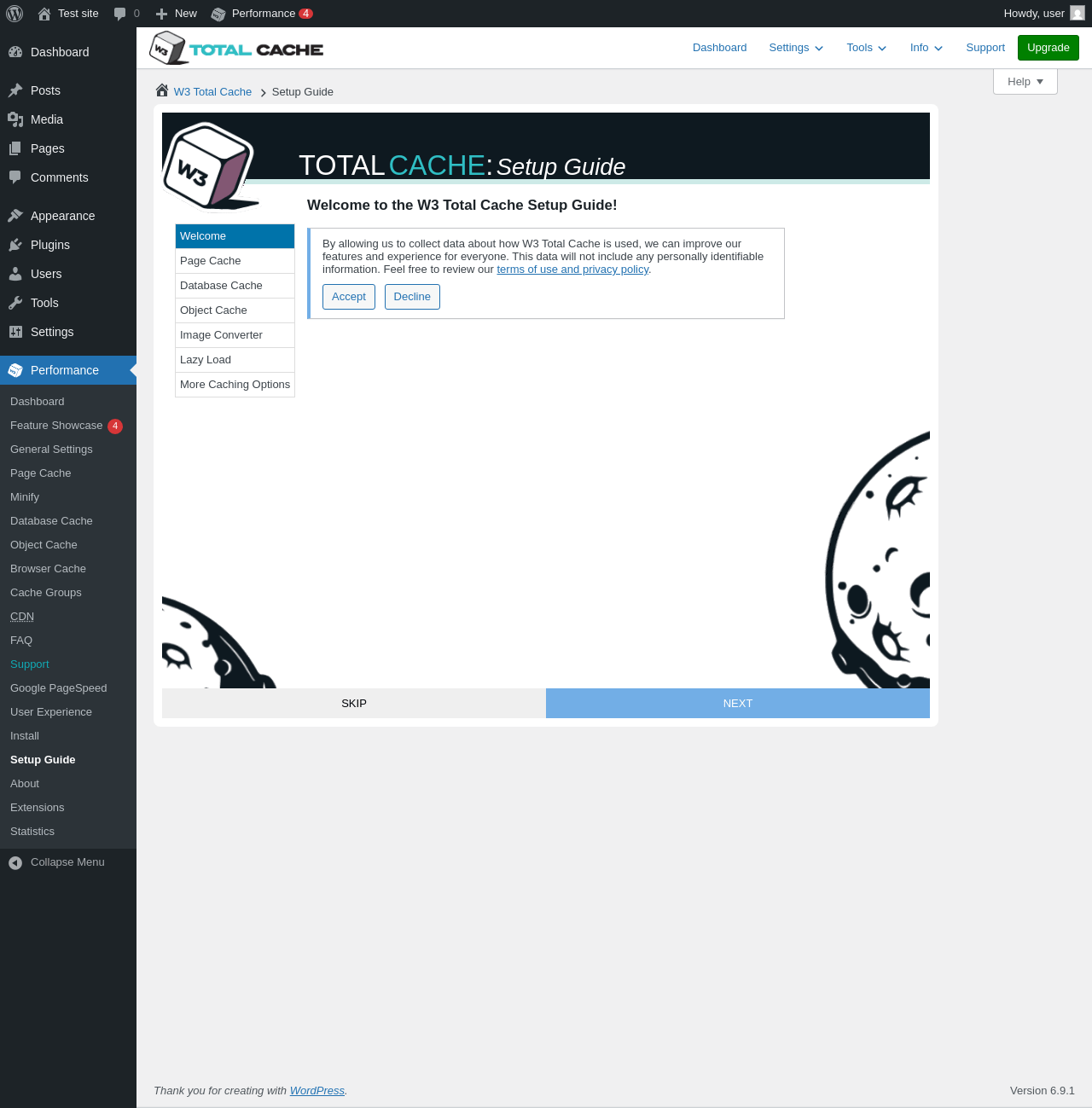
| URL | /wp-admin/admin.php?page=w3tc_setup_guide |
|---|---|
| Requested URL | /wp-admin/admin.php?page=w3tc_stats |
| Aspect | menu-item |
| HTTP status | 200 |
| Load time | 0.431 s |
| Memory usage | 4.5 MiB |
| JS errors | None |
| Resource errors | None |
Test site – Just another WordPress site
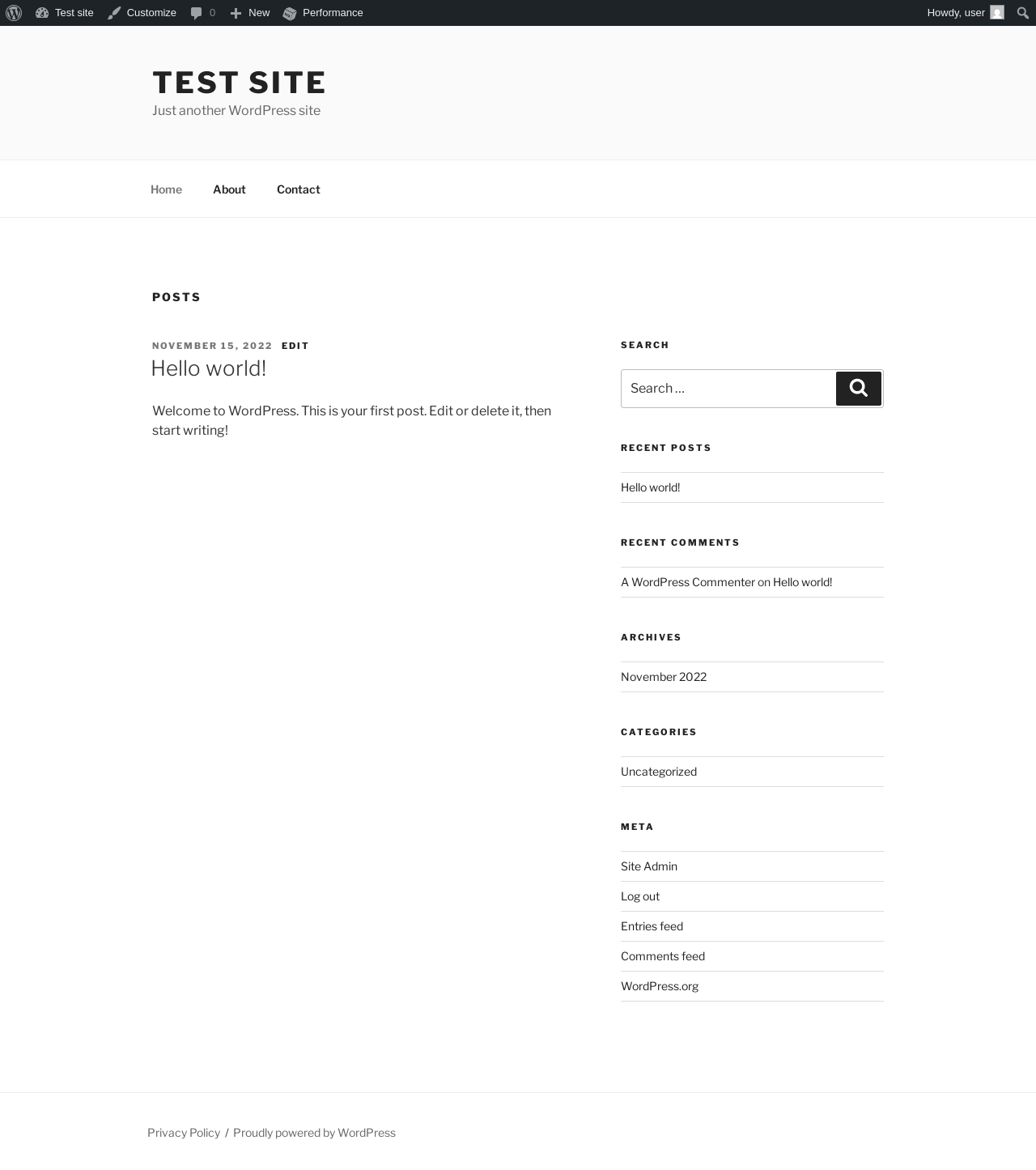
| URL | / |
|---|---|
| Aspect | front-page |
| HTTP status | 200 |
| Load time | 0.276 s |
| Memory usage | 4.31 MiB |
| JS errors | None |
| Resource errors | None |
Benchmark
| URL | Load time | Memory usage | ||||
|---|---|---|---|---|---|---|
| Inactive | Active | Change | Inactive | Active | Change | |
| /wp-admin/index.php | 0.445 s | 0.513 s | +0.068 s | 3.78 MiB | 4.42 MiB | + 659.28 KiB |
| /wp-admin/edit.php | 0.362 s | 0.325 s | -0.037 s | 3.78 MiB | 4.45 MiB | + 688.08 KiB |
| /wp-admin/post-new.php | 0.869 s | 0.847 s | -0.022 s | 6.31 MiB | 6.98 MiB | + 689.3 KiB |
| /wp-admin/upload.php | 0.705 s | 0.446 s | -0.259 s | 3.74 MiB | 4.37 MiB | + 649.27 KiB |
| /wp-admin/options-writing.php | 0.335 s | 0.325 s | -0.010 s | 3.71 MiB | 4.26 MiB | + 566.55 KiB |
| /wp-admin/media-new.php | 0.489 s | 0.402 s | -0.087 s | 3.7 MiB | 4.25 MiB | + 564.91 KiB |
| /wp-admin/edit-tags.php?taxonomy=category | 0.477 s | 0.478 s | +0.001 s | 3.72 MiB | 4.32 MiB | + 616.18 KiB |
| /wp-admin/post-new.php?post_type=page | 0.723 s | 0.662 s | -0.061 s | 6.3 MiB | 6.98 MiB | + 698.73 KiB |
| /wp-admin/options-discussion.php | 0.393 s | 0.477 s | +0.084 s | 3.71 MiB | 4.3 MiB | + 596.35 KiB |
| /wp-admin/edit-comments.php | 0.339 s | 0.350 s | +0.011 s | 3.73 MiB | 4.34 MiB | + 625.02 KiB |
| / | 0.277 s | 0.187 s | -0.090 s | 4.11 MiB | 4.31 MiB | + 207.01 KiB |
| Average | 0.492 s | 0.456 s | -0.037 s | 4.23 MiB | 4.82 MiB | + 596.43 KiB |
Code Statistics
Note: Third-party libraries and minified JS/CSS files are excluded from these statistics where possible, so the numbers you see here may be lower than those reported by other tools.
| Language | % | Lines of code | Comment lines | Files | |
|---|---|---|---|---|---|
| PHP | 90.2% | 115,074 | 52,945 | 632 | |
| JavaScript | 6.3% | 7,976 | 1,163 | 40 | |
| CSS | 3.1% | 4,019 | 93 | 19 | |
| Java | 0.2% | 231 | 77 | 1 | |
| Markdown | 0.1% | 147 | 0 | 4 | |
| INI | 0.1% | 84 | 16 | 6 | |
| XML | 0.0% | 57 | 4 | 1 | |
| HTML | 0.0% | 7 | 0 | 1 | |
| SVG | 0.0% | 4 | 0 | 4 | |
| Total | 127,599 | 54,298 | 708 | ||
PHP Code Analysis | More results »
| Lines of code | 91,064 |
|---|---|
| Total complexity | 20,503 |
| Median class complexity | 15.0 |
| Median method complexity | 2.0 |
| Most complex class | wsdl |
| Most complex function | W3TCL\Minify\JSMinPlus::parseTree() |
| Classes | 559 |
|---|---|
| Methods | 4,935 |
| Functions | 78 |
Additions
Things that the plugin adds to the site. This section is not intended to be comprehensive. The test tool only looks for a few specific types of added content.
Options wp_options 6
- w3tc_cached_notices
- w3tc_extensions_hooks
- w3tc_install_date
- w3tc_post_update_admin_tasks_ran_versions
- w3tc_post_update_generic_tasks_ran_versions
- w3tc_state
PHP Error Log 6 lines
[03-Feb-2026 18:43:09 UTC] W3 Total Cache environment exception: Edit file <strong>/wp-config.php</strong> and add next lines:<textarea style="height: 100px; width: 100%;">/** Enable W3 Total Cache */
define('WP_CACHE', true); // Added by W3 Total Cache
</textarea><br />
[03-Feb-2026 18:43:09 UTC] W3 Total Cache environment exception: Edit file <strong>/wp-config.php</strong> and add next lines:<textarea style="height: 100px; width: 100%;">/** Enable W3 Total Cache */
define('WP_CACHE', true); // Added by W3 Total Cache
</textarea><br />