WP FOFT Loader 2.1.39
Does WP FOFT Loader work with WordPress 6.9 and PHP 8.1.12? A smoke test was performed on .
Summary
Errors
| 1 | PHP notices |
| No JavaScript exceptions | |
| All test pages loaded successfully | |
| No resource errors |
Performance
Memory usage: 270.13 KiB
The average PHP memory usage increased by this amount after activating by the plugin.
Page speed impact:
insignificant.
The plugin didn't make the site noticeably slower.
Environment
| WordPress version | 6.9 |
|---|---|
| PHP version | 8.1.12 |
| MySQL version | 10.6.10 |
| PHP memory limit | 512M |
Plugin Info
| Last updated | |
|---|---|
| Active installs | <10 |
| WordPress.org page | https://wordpress.org/plugins/wp-foft-loader/ |
| Badges |
|


Pages 10
WP FOFT Loader Settings ‹ Test site — WordPress
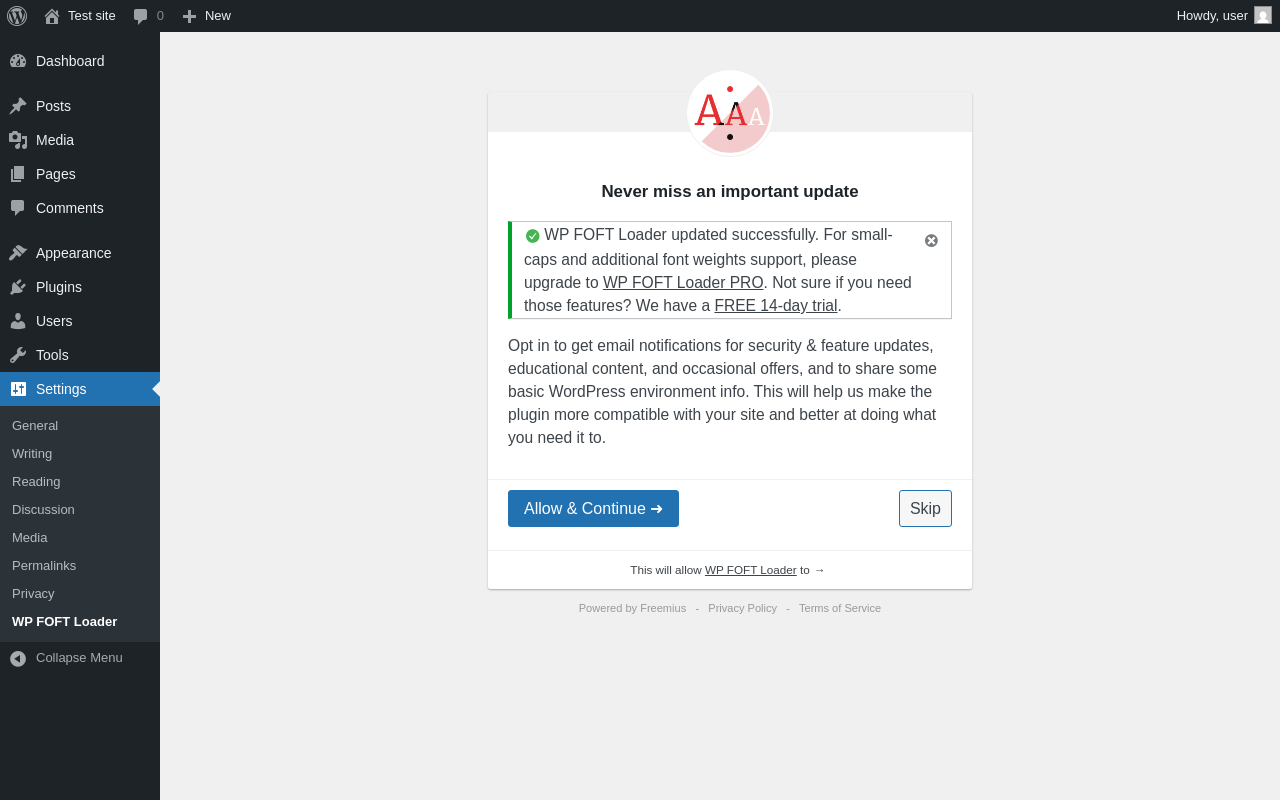
| URL | /wp-admin/options-general.php?page=wp-foft-loader |
|---|---|
| Requested URL | /wp-admin/plugins.php?action=activate&plugin=wp-foft-loader%2Fwp-foft-loader.php&plugin_status=all&paged=1&s&_wpnonce=945881edab |
| Aspect | after-activation |
| HTTP status | 200 |
| Load time | 1.465 s |
| Memory usage | 4.14 MiB |
| JS errors | None |
| Resource errors | None |
Settings → WP FOFT Loader
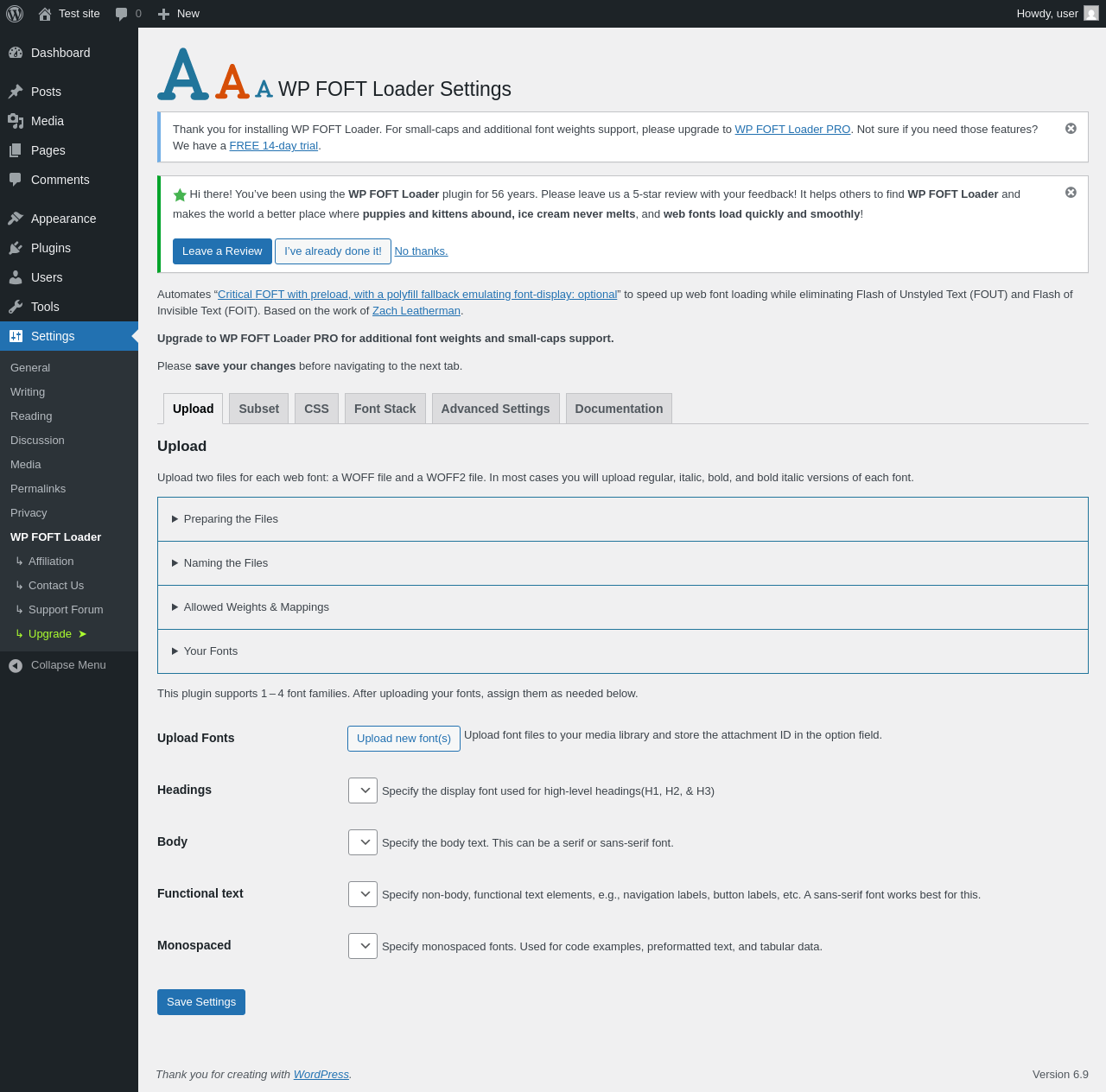
| URL | /wp-admin/options-general.php?page=wp-foft-loader |
|---|---|
| Aspect | menu-item |
| HTTP status | 200 |
| Load time | 0.505 s |
| Memory usage | 3.96 MiB |
| JS errors | None |
| Resource errors | None |
Settings → WP FOFT Loader → Subset
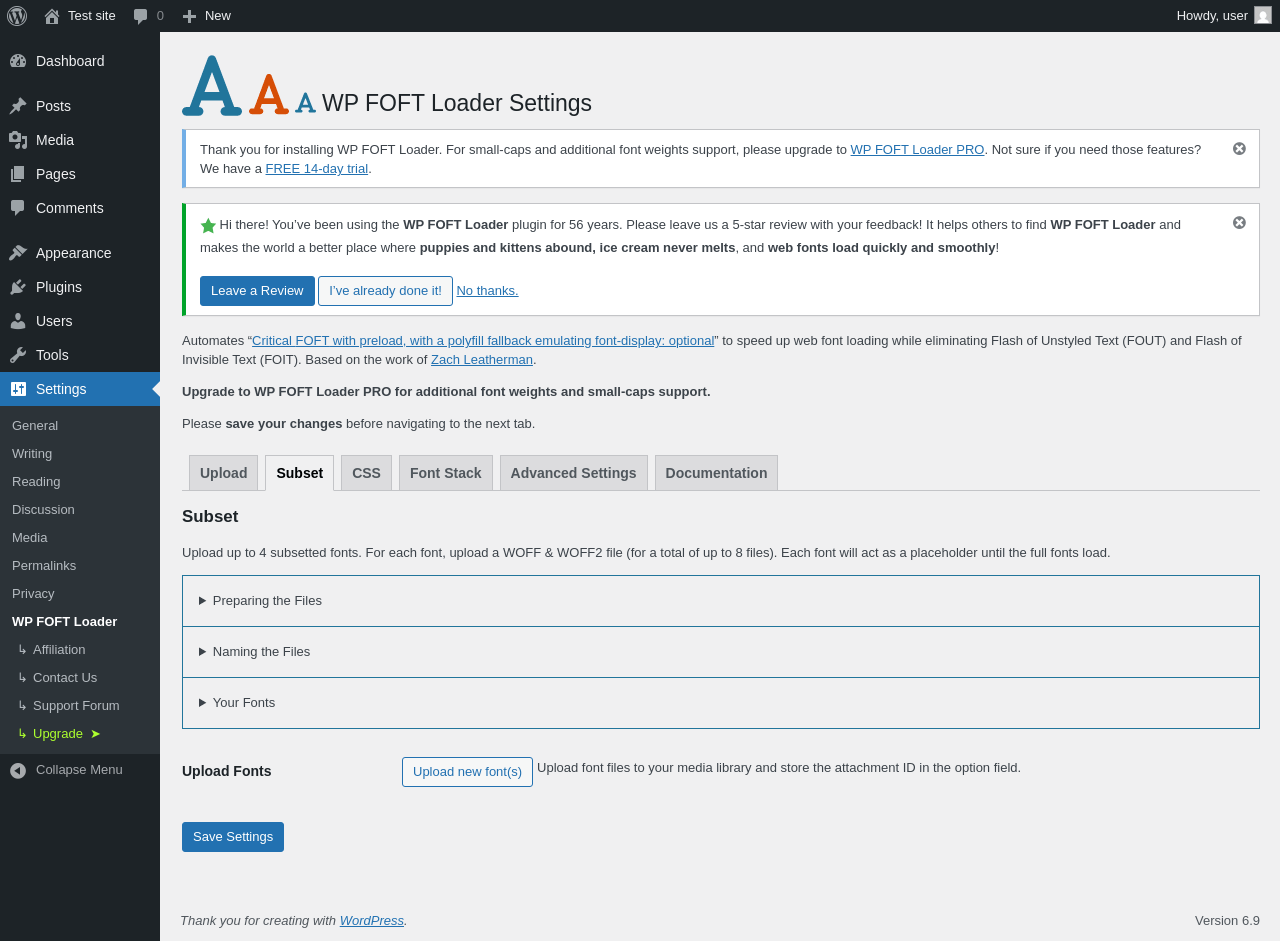
| URL | /wp-admin/options-general.php?page=wp-foft-loader&tab=subset |
|---|---|
| Aspect | menu-item-tab |
| HTTP status | 200 |
| Load time | 0.572 s |
| Memory usage | 3.95 MiB |
| JS errors | None |
| Resource errors | None |
Settings → WP FOFT Loader → CSS
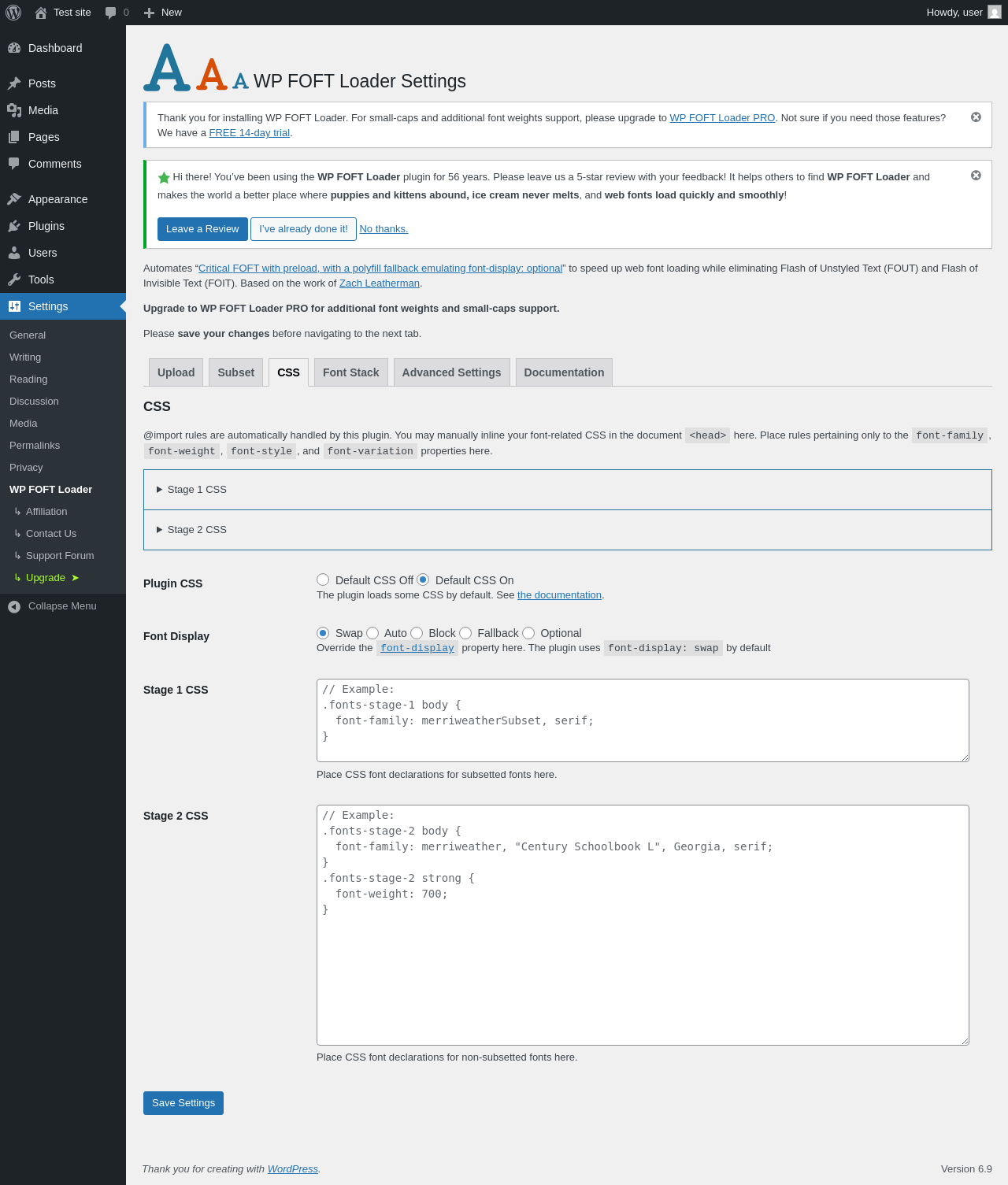
| URL | /wp-admin/options-general.php?page=wp-foft-loader&tab=css |
|---|---|
| Aspect | menu-item-tab |
| HTTP status | 200 |
| Load time | 1.209 s |
| Memory usage | 3.95 MiB |
| JS errors | None |
| Resource errors | None |
Settings → WP FOFT Loader → Font Stack
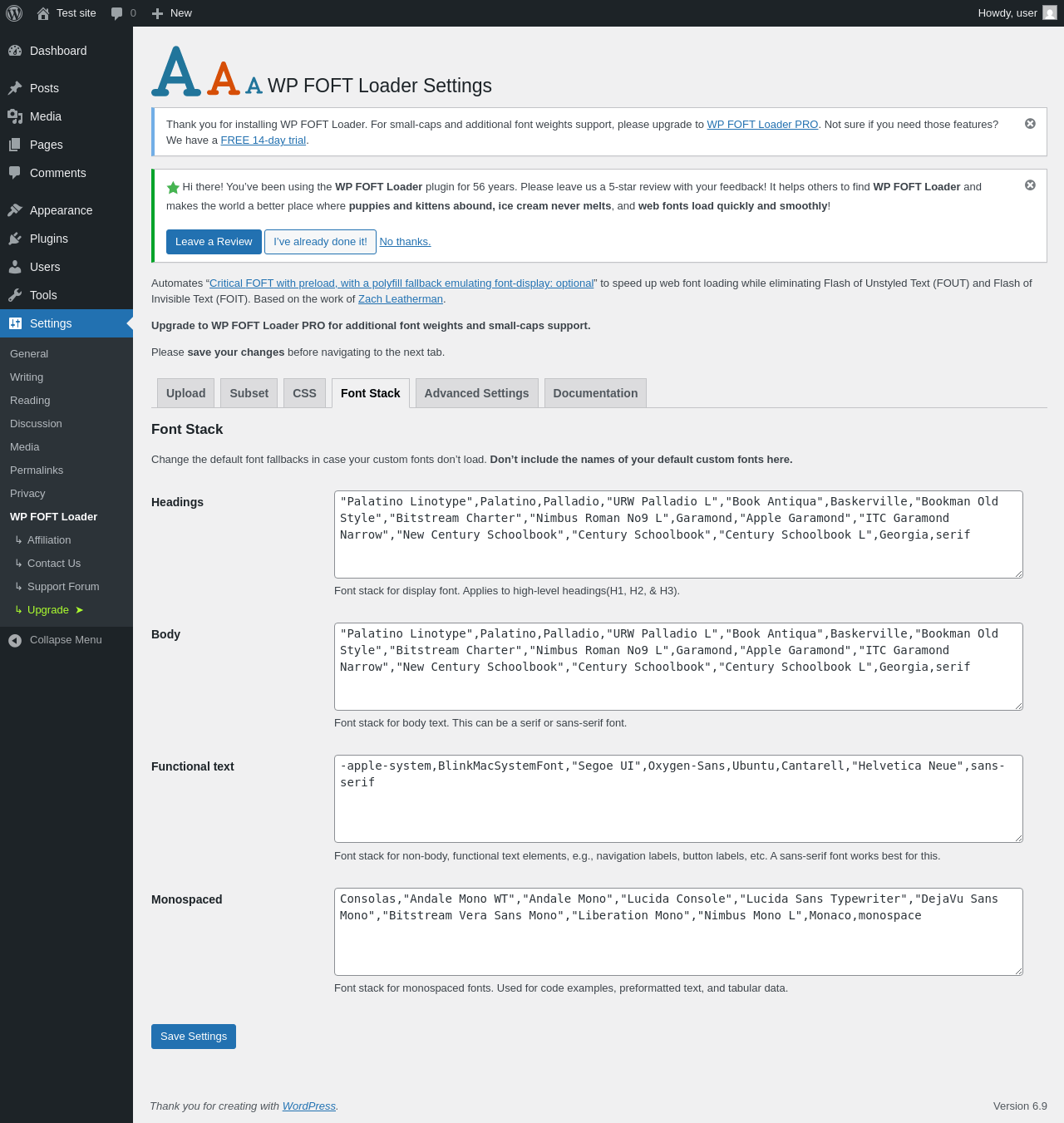
| URL | /wp-admin/options-general.php?page=wp-foft-loader&tab=fstack |
|---|---|
| Aspect | menu-item-tab |
| HTTP status | 200 |
| Load time | 0.695 s |
| Memory usage | 3.95 MiB |
| JS errors | None |
| Resource errors | None |
Settings → WP FOFT Loader → Advanced Settings
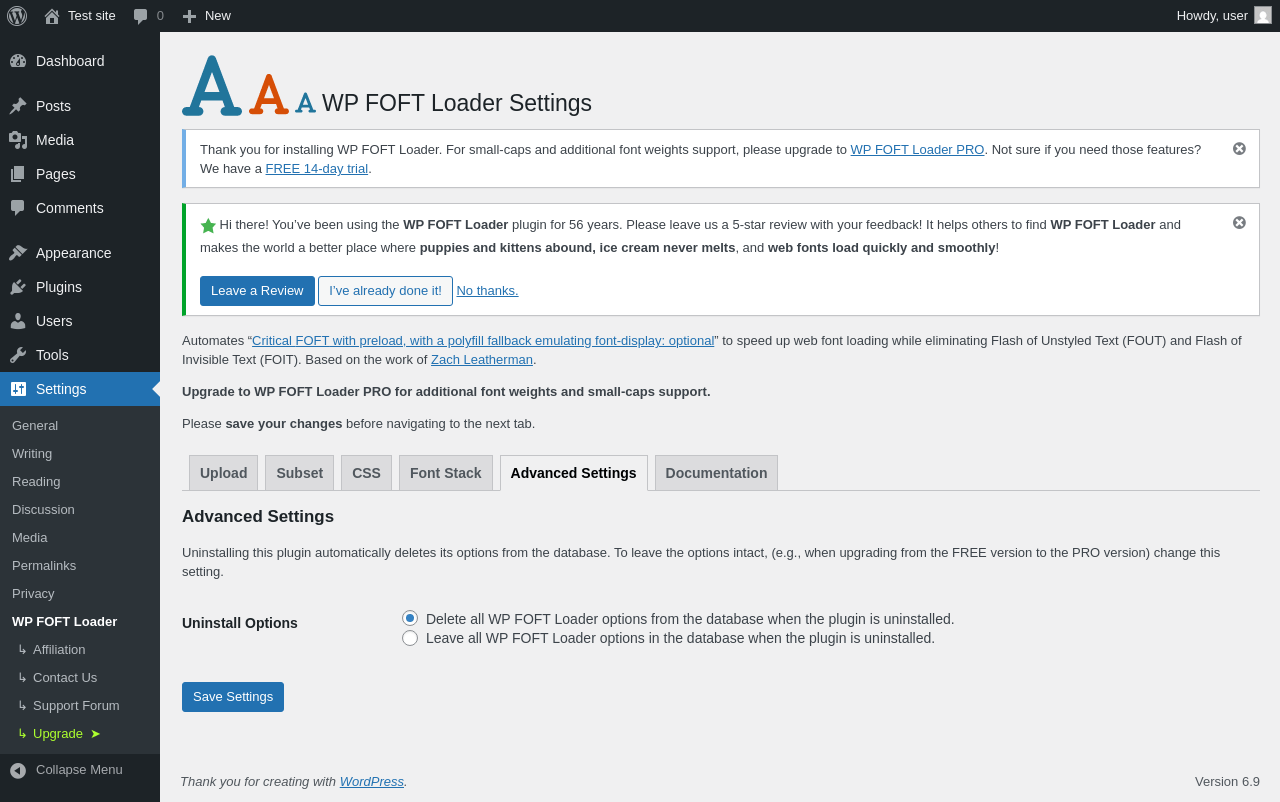
| URL | /wp-admin/options-general.php?page=wp-foft-loader&tab=advanced |
|---|---|
| Aspect | menu-item-tab |
| HTTP status | 200 |
| Load time | 0.556 s |
| Memory usage | 3.95 MiB |
| JS errors | None |
| Resource errors | None |
Settings → WP FOFT Loader → Documentation
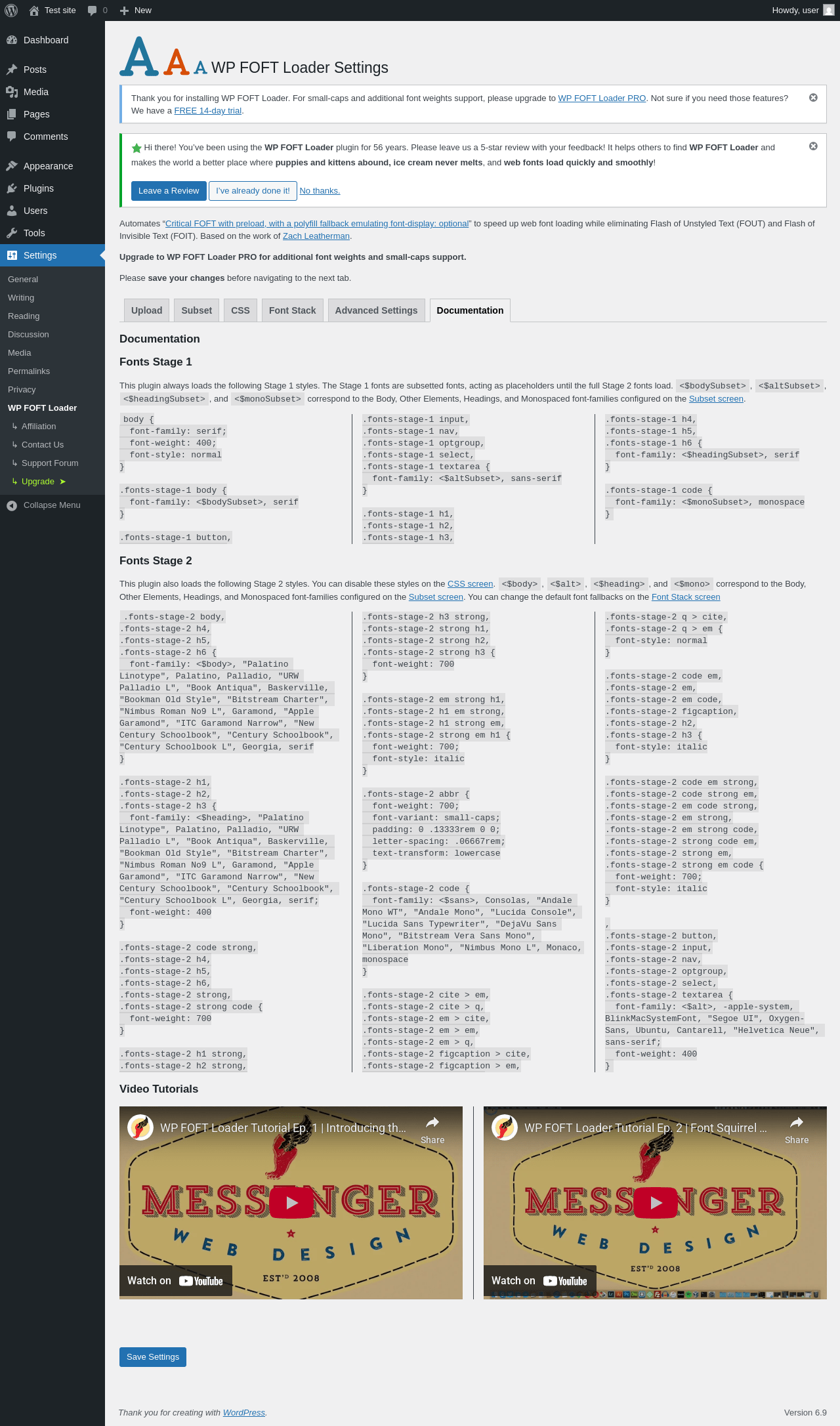
| URL | /wp-admin/options-general.php?page=wp-foft-loader&tab=documentation |
|---|---|
| Aspect | menu-item-tab |
| HTTP status | 200 |
| Load time | 2.633 s |
| Memory usage | 3.95 MiB |
| JS errors | None |
| Resource errors | None |
Settings → Affiliation
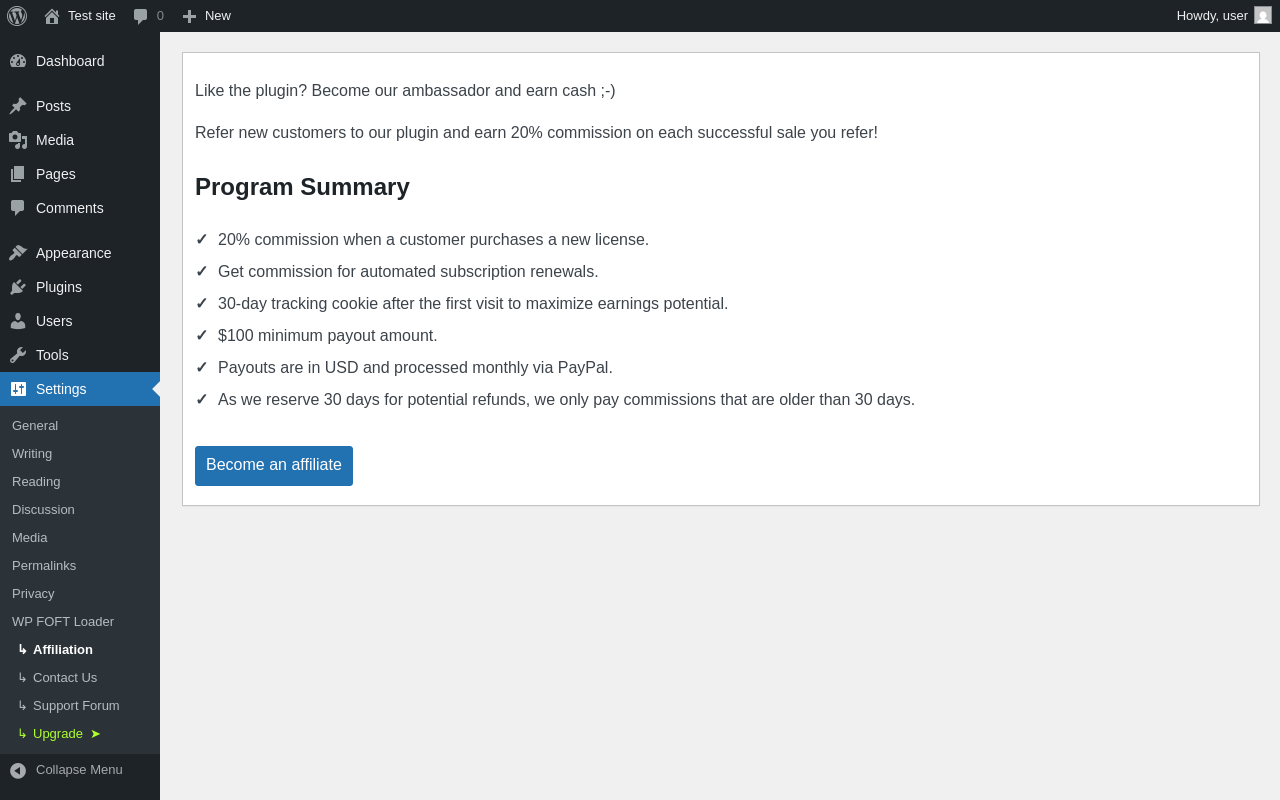
| URL | /wp-admin/options-general.php?page=wp-foft-loader-affiliation |
|---|---|
| Aspect | menu-item |
| HTTP status | 200 |
| Load time | 1.234 s |
| Memory usage | 4.13 MiB |
| JS errors | None |
| Resource errors | None |
Settings → Upgrade ➤

| URL | /wp-admin/options-general.php?page=wp-foft-loader-pricing |
|---|---|
| Aspect | menu-item |
| HTTP status | 200 |
| Load time | 0.940 s |
| Memory usage | 3.94 MiB |
| JS errors | None |
| Resource errors | None |
Test site – Just another WordPress site
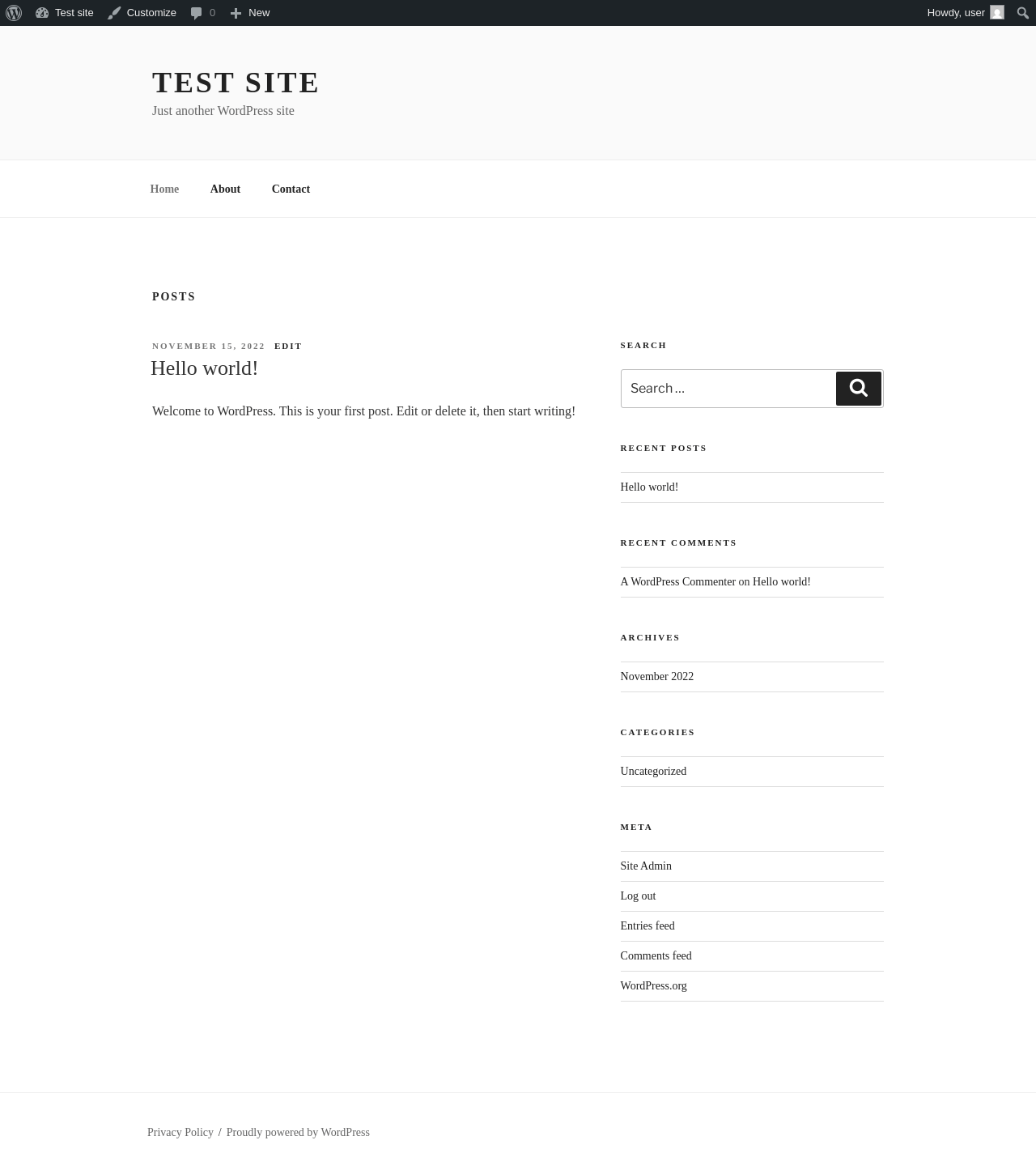
| URL | / |
|---|---|
| Aspect | front-page |
| HTTP status | 200 |
| Load time | 0.458 s |
| Memory usage | 4.74 MiB |
| JS errors | None |
| Resource errors | None |
Benchmark
| URL | Load time | Memory usage | ||||
|---|---|---|---|---|---|---|
| Inactive | Active | Change | Inactive | Active | Change | |
| /wp-admin/index.php | 1.045 s | 0.629 s | -0.416 s | 3.78 MiB | 4.07 MiB | + 303.15 KiB |
| /wp-admin/edit.php | 0.579 s | 0.368 s | -0.211 s | 3.78 MiB | 4.06 MiB | + 284.87 KiB |
| /wp-admin/post-new.php | 0.851 s | 1.122 s | +0.271 s | 6.31 MiB | 6.61 MiB | + 309.38 KiB |
| /wp-admin/upload.php | 0.512 s | 0.557 s | +0.045 s | 3.74 MiB | 3.96 MiB | + 230.13 KiB |
| /wp-admin/options-writing.php | 0.337 s | 0.335 s | -0.002 s | 3.71 MiB | 3.94 MiB | + 233.45 KiB |
| /wp-admin/media-new.php | 0.500 s | 0.343 s | -0.157 s | 3.7 MiB | 3.94 MiB | + 241.65 KiB |
| /wp-admin/edit-tags.php?taxonomy=category | 0.326 s | 0.332 s | +0.006 s | 3.72 MiB | 3.99 MiB | + 278.09 KiB |
| /wp-admin/post-new.php?post_type=page | 0.930 s | 0.858 s | -0.072 s | 6.3 MiB | 6.59 MiB | + 303.31 KiB |
| /wp-admin/options-discussion.php | 0.854 s | 1.011 s | +0.157 s | 3.71 MiB | 3.94 MiB | + 229.95 KiB |
| /wp-admin/edit-comments.php | 0.514 s | 0.464 s | -0.050 s | 3.73 MiB | 4 MiB | + 267.62 KiB |
| / | 0.384 s | 0.242 s | -0.142 s | 4.12 MiB | 4.4 MiB | + 289.86 KiB |
| Average | 0.621 s | 0.569 s | -0.052 s | 4.24 MiB | 4.5 MiB | + 270.13 KiB |
Code Statistics
Note: Third-party libraries and minified JS/CSS files are excluded from these statistics where possible, so the numbers you see here may be lower than those reported by other tools.
| Language | % | Lines of code | Comment lines | Files | |
|---|---|---|---|---|---|
| PHP | 90.2% | 36,106 | 18,566 | 135 | |
| JavaScript | 7.0% | 2,796 | 115 | 8 | |
| Markdown | 1.7% | 698 | 2 | 1 | |
| SVG | 0.6% | 228 | 1 | 3 | |
| CSS | 0.4% | 170 | 1 | 14 | |
| JSON | 0.1% | 36 | 0 | 1 | |
| Total | 40,034 | 18,685 | 162 | ||
PHP Code Analysis | More results »
| Lines of code | 26,447 |
|---|---|
| Total complexity | 6,448 |
| Median class complexity | 18.5 |
| Median method complexity | 2.0 |
| Most complex class | Freemius |
| Most complex function | FS_Plugin_Info_Dialog::install_plugin_information() |
| Classes | 64 |
|---|---|
| Methods | 1,374 |
| Functions | 106 |
Additions
Things that the plugin adds to the site. This section is not intended to be comprehensive. The test tool only looks for a few specific types of added content.
Options wp_options 6
- fs_accounts
- fs_active_plugins
- fs_api_cache
- fs_debug_mode
- wp-foft-loaderversion
- wpfl_version
PHP Error Log 1 lines
[02-Feb-2026 17:12:07 UTC] PHP Notice: Function _load_textdomain_just_in_time was called <strong>incorrectly</strong>. Translation loading for the <code>wp-foft-loader</code> domain was triggered too early. This is usually an indicator for some code in the plugin or theme running too early. Translations should be loaded at the <code>init</code> action or later. Please see <a href="https://developer.wordpress.org/advanced-administration/debug/debug-wordpress/">Debugging in WordPress</a> for more information. (This message was added in version 6.7.0.) in /wp-includes/functions.php on line 6131