Connect Matomo 1.1.8
Does Connect Matomo work with WordPress 7.0 and PHP 8.1.12? A smoke test was performed on .
Summary
| 1 | PHP notices |
| No JavaScript exceptions | |
| All test pages loaded successfully | |
| No resource errors |
Memory usage: 59.46 KiB
The average PHP memory usage increased by this amount after activating by the plugin.
Page speed impact:
0.036 seconds
The average page load time increased by this amount after activating the plugin.
| WordPress version | 7.0 |
|---|---|
| PHP version | 8.1.12 |
| MySQL version | 10.6.10 |
| PHP memory limit | 512M |
| Last updated | |
|---|---|
| Active installs | 60,000+ |
| WordPress.org page | https://wordpress.org/plugins/wp-piwik/ |
| Badges |
|


Pages 6
Plugins ‹ Test site — WordPress
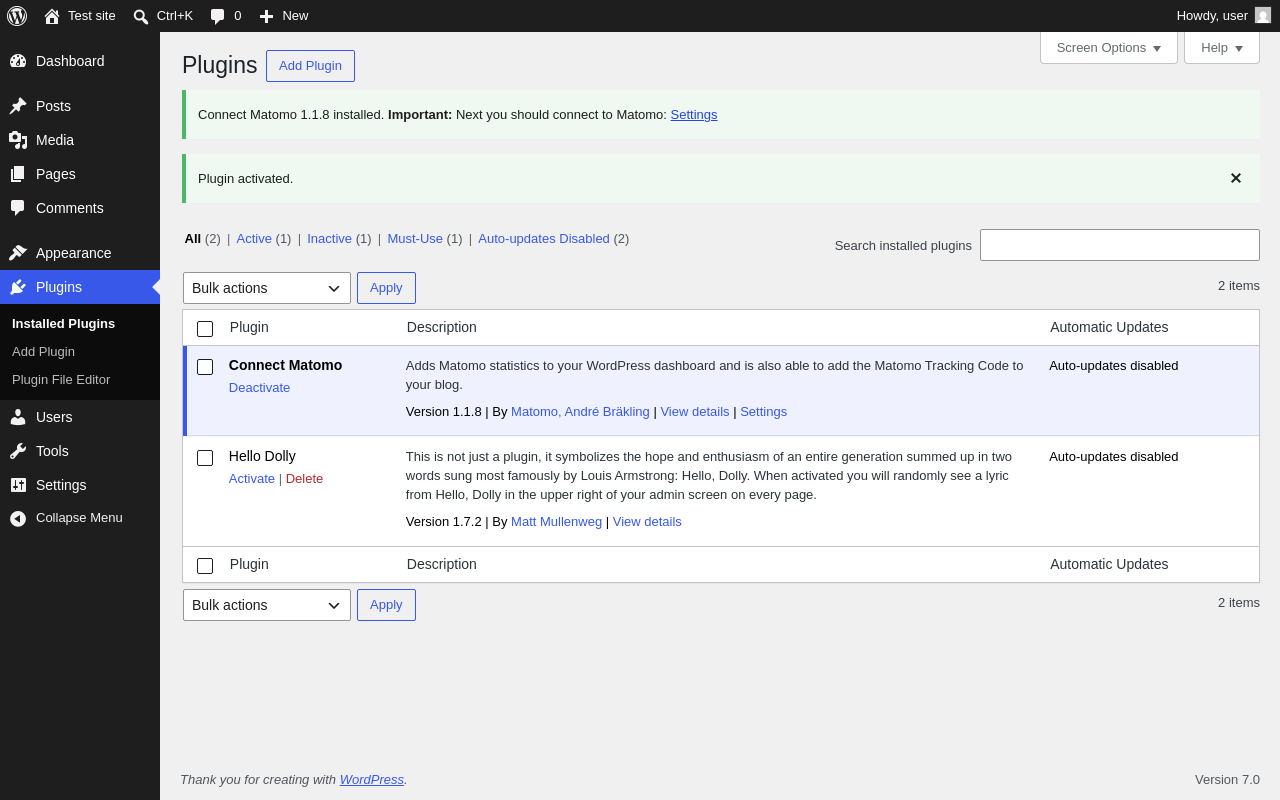
| URL | /wp-admin/plugins.php?plugin_status=all&paged=1&s |
|---|---|
| Requested URL | /wp-admin/plugins.php?action=activate&plugin=wp-piwik%2Fwp-piwik.php&plugin_status=all&paged=1&s&_wpnonce=0f4e818fc1 |
| Aspect | after-activation |
| HTTP status | 200 |
| Load time | 1.008 s |
| Memory usage | 4.36 MiB |
| JS errors | None |
| Resource errors | None |
Settings → Connect Matomo
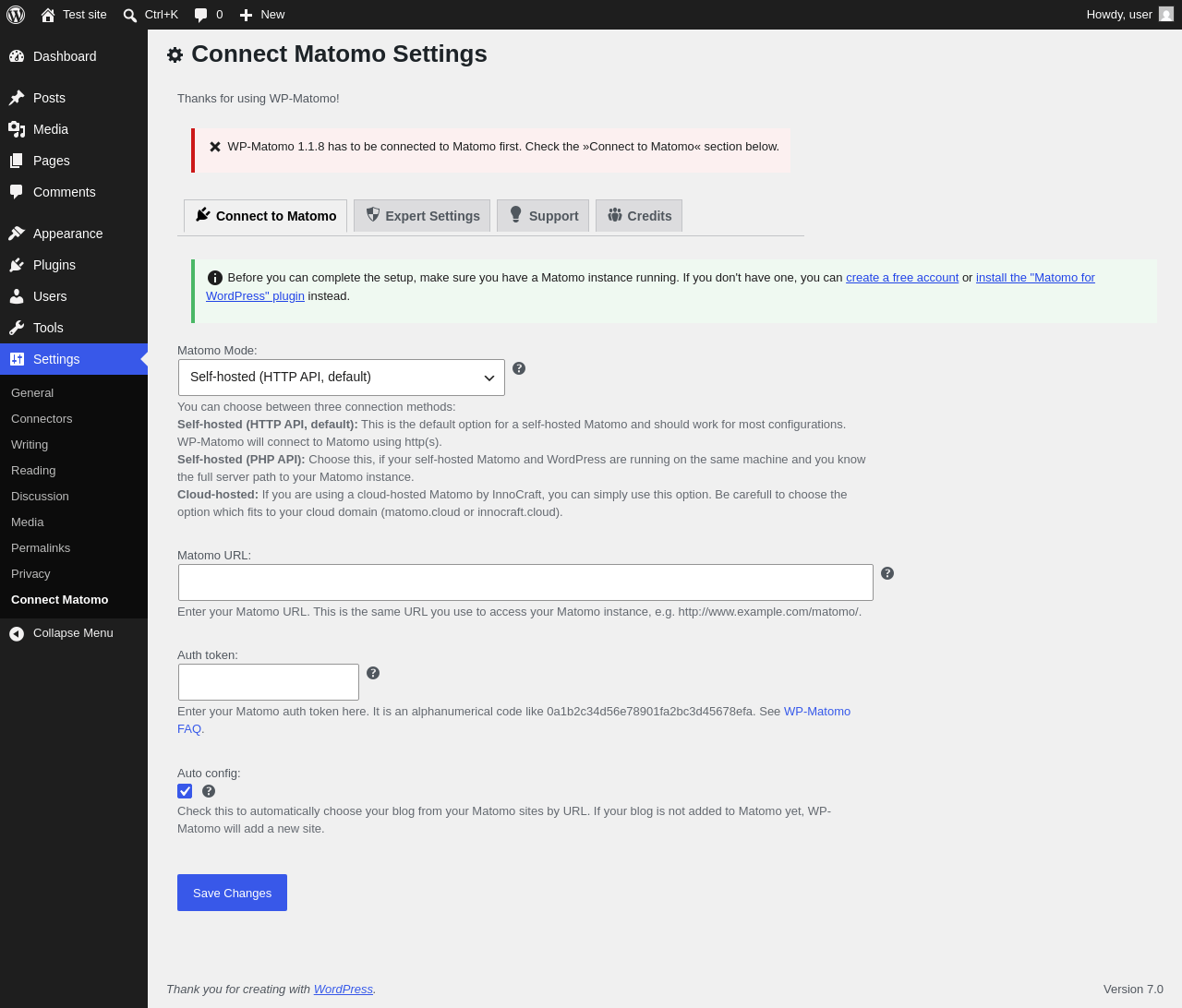
| URL | /wp-admin/options-general.php?page=wp-matomo-settings |
|---|---|
| Aspect | menu-item |
| HTTP status | 200 |
| Load time | 0.830 s |
| Memory usage | 3.95 MiB |
| JS errors | None |
| Resource errors | None |
Settings → Connect Matomo → Expert Settings
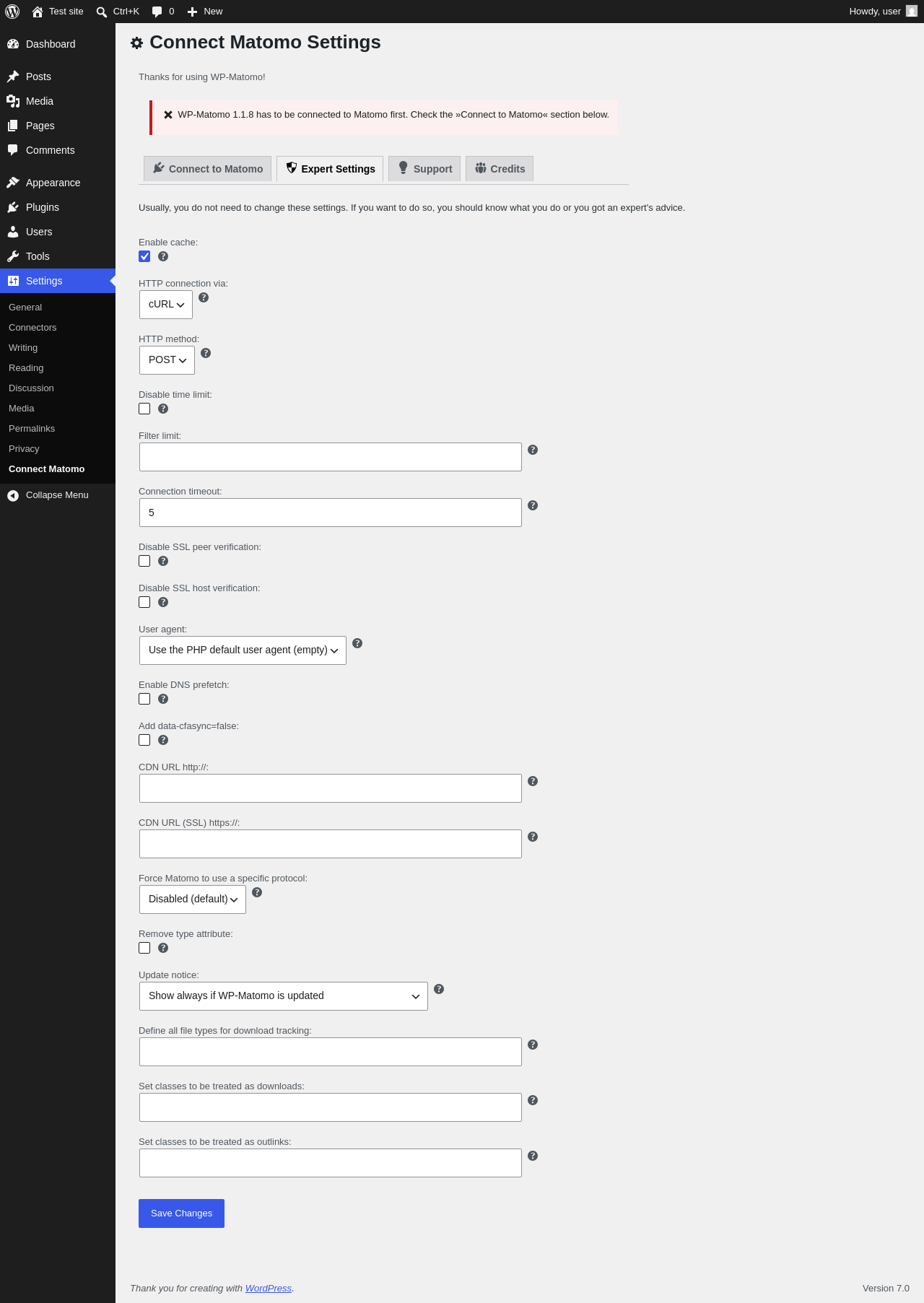
| URL | /wp-admin/options-general.php?page=wp-matomo-settings |
|---|---|
| Aspect | menu-item-tab |
| HTTP status | 200 |
| Load time | 0.602 s |
| Memory usage | 3.92 MiB |
| JS errors | None |
| Resource errors | None |
Settings → Connect Matomo → Support
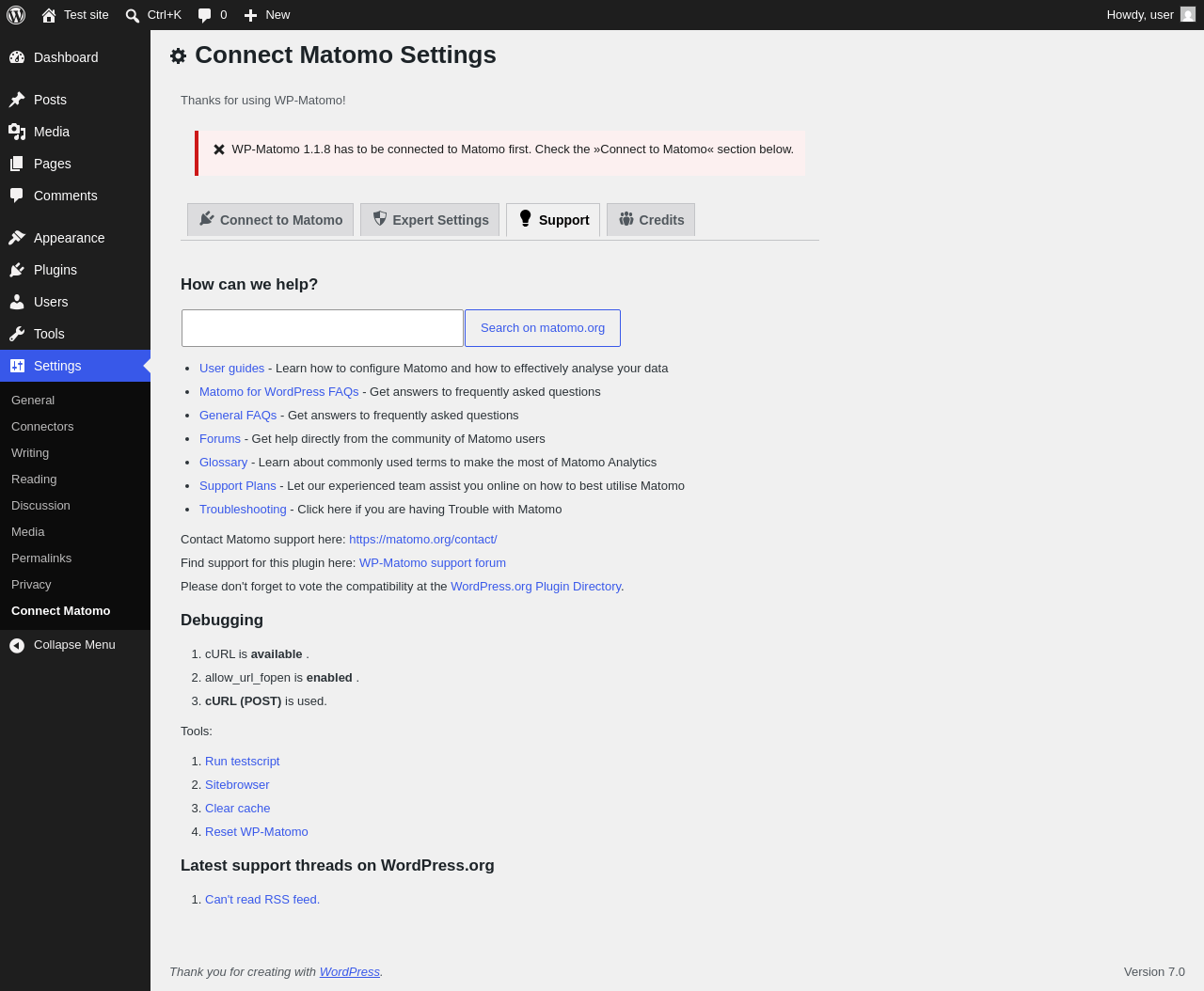
| URL | /wp-admin/options-general.php?page=wp-matomo-settings |
|---|---|
| Aspect | menu-item-tab |
| HTTP status | 200 |
| Load time | 0.637 s |
| Memory usage | 3.92 MiB |
| JS errors | None |
| Resource errors | None |
Settings → Connect Matomo → Credits
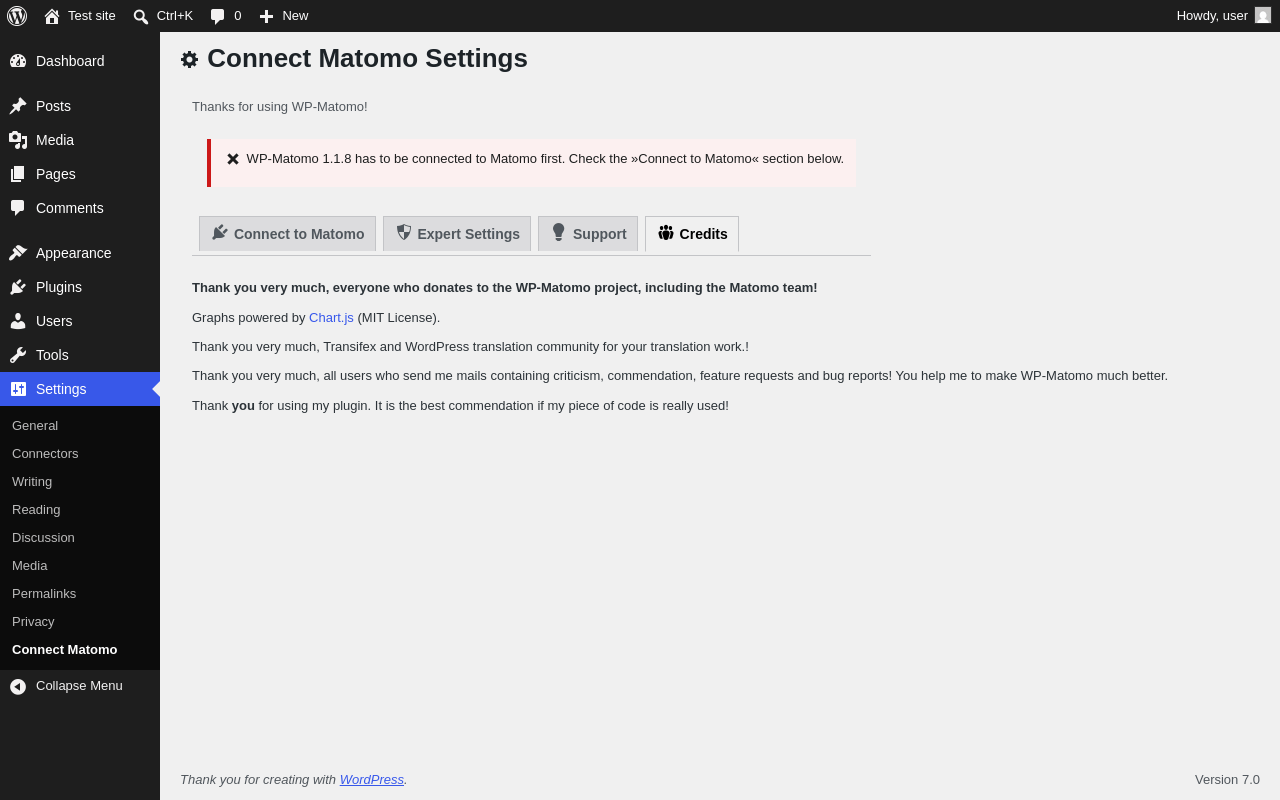
| URL | /wp-admin/options-general.php?page=wp-matomo-settings |
|---|---|
| Aspect | menu-item-tab |
| HTTP status | 200 |
| Load time | 0.694 s |
| Memory usage | 3.92 MiB |
| JS errors | None |
| Resource errors | None |
Test site – Just another WordPress site
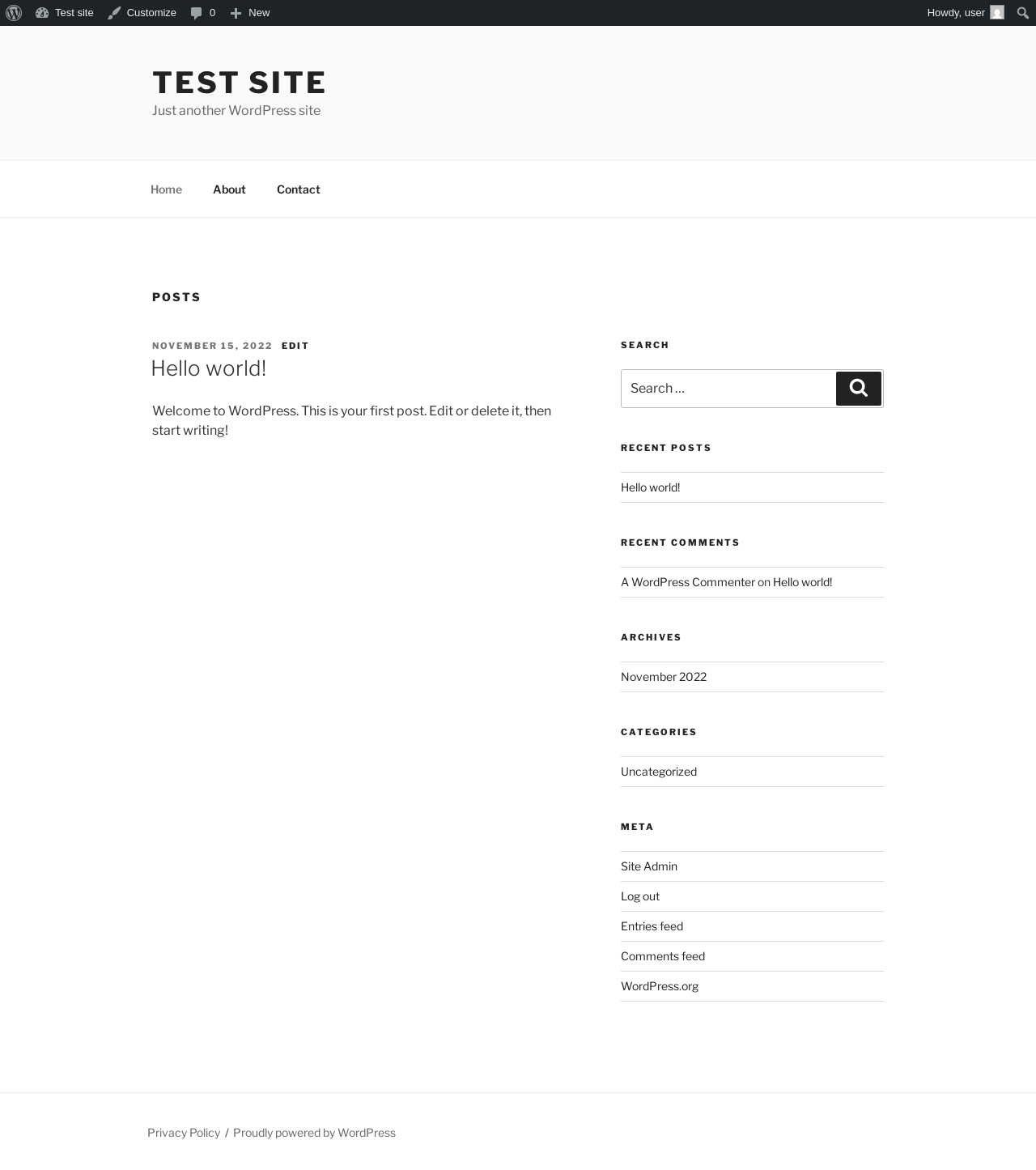
| URL | / |
|---|---|
| Aspect | front-page |
| HTTP status | 200 |
| Load time | 0.262 s |
| Memory usage | 4.26 MiB |
| JS errors | None |
| Resource errors | None |
Benchmark
| URL | Load time | Memory usage | ||||
|---|---|---|---|---|---|---|
| Inactive | Active | Change | Inactive | Active | Change | |
| /wp-admin/index.php | 0.636 s | 0.682 s | +0.046 s | 3.92 MiB | 3.98 MiB | + 57.94 KiB |
| /wp-admin/edit.php | 0.582 s | 0.564 s | -0.018 s | 3.98 MiB | 4.04 MiB | + 57.83 KiB |
| /wp-admin/post-new.php | 2.011 s | 2.117 s | +0.106 s | 6.56 MiB | 6.62 MiB | + 62.98 KiB |
| /wp-admin/upload.php | 0.724 s | 0.638 s | -0.086 s | 3.89 MiB | 3.94 MiB | + 58.32 KiB |
| /wp-admin/options-writing.php | 0.523 s | 0.820 s | +0.297 s | 3.86 MiB | 3.92 MiB | + 62.31 KiB |
| /wp-admin/media-new.php | 0.570 s | 0.564 s | -0.006 s | 3.85 MiB | 3.92 MiB | + 70.51 KiB |
| /wp-admin/edit-tags.php?taxonomy=category | 0.477 s | 0.498 s | +0.021 s | 3.86 MiB | 3.94 MiB | + 75.68 KiB |
| /wp-admin/post-new.php?post_type=page | 1.808 s | 1.931 s | +0.123 s | 6.55 MiB | 6.6 MiB | + 58.52 KiB |
| /wp-admin/options-discussion.php | 0.622 s | 0.587 s | -0.035 s | 3.86 MiB | 3.92 MiB | + 58.81 KiB |
| /wp-admin/edit-comments.php | 0.516 s | 0.535 s | +0.019 s | 3.88 MiB | 3.94 MiB | + 58.31 KiB |
| / | 0.306 s | 0.234 s | -0.072 s | 4.23 MiB | 4.26 MiB | + 32.81 KiB |
| Average | 0.798 s | 0.834 s | +0.036 s | 4.4 MiB | 4.46 MiB | + 59.46 KiB |
Code Statistics
Note: Third-party libraries and minified JS/CSS files are excluded from these statistics where possible, so the numbers you see here may be lower than those reported by other tools.
| Language | % | Lines of code | Comment lines | Files | |
|---|---|---|---|---|---|
| PO File | 72.7% | 21,378 | 11,508 | 29 | |
| PHP | 24.6% | 7,228 | 2,207 | 64 | |
| HTML | 1.9% | 567 | 0 | 1 | |
| Markdown | 0.3% | 95 | 0 | 5 | |
| JSON | 0.3% | 76 | 0 | 3 | |
| CSS | 0.2% | 50 | 0 | 1 | |
| XML | 0.1% | 16 | 0 | 2 | |
| Bourne Shell | 0.0% | 5 | 0 | 1 | |
| JavaScript | 0.0% | 4 | 0 | 1 | |
| Total | 29,419 | 13,715 | 107 | ||
PHP Code Analysis | More results »
| Lines of code | 7,073 |
|---|---|
| Total complexity | 1,522 |
| Median class complexity | 13.0 |
| Median method complexity | 2.0 |
| Most complex class | WP_Piwik\MatomoTracker |
| Most complex function | WP_Piwik\Admin\Settings::show() |
| Classes | 47 |
|---|---|
| Methods | 392 |
| Functions | 19 |
Additions
Things that the plugin adds to the site. This section is not intended to be comprehensive. The test tool only looks for a few specific types of added content.
Options wp_options 48
- wp-piwik_global-add_download_extensions
- wp-piwik_global-add_post_annotations
- wp-piwik_global-auto_site_config
- wp-piwik_global-cache
- wp-piwik_global-capability_read_stats
- wp-piwik_global-capability_stealth
- wp-piwik_global-connection_timeout
- wp-piwik_global-default_date
- wp-piwik_global-filter_limit
- wp-piwik_global-force_protocol
- wp-piwik_global-http_connection
- wp-piwik_global-http_method
- wp-piwik_global-last_settings_update
- wp-piwik_global-limit_cookies_referral
- wp-piwik_global-limit_cookies_session
- wp-piwik_global-limit_cookies_visitor
- wp-piwik_global-matomo_user
- wp-piwik_global-perpost_stats
- wp-piwik_global-piwik_mode
- wp-piwik_global-piwik_path
- wp-piwik_global-piwik_token
- wp-piwik_global-piwik_url
- wp-piwik_global-piwik_user
- wp-piwik_global-piwik_useragent
- wp-piwik_global-piwik_useragent_string
- wp-piwik_global-plugin_display_name
- wp-piwik_global-proxy_url
- wp-piwik_global-require_consent
- wp-piwik_global-revision
- wp-piwik_global-set_download_classes
- wp-piwik_global-set_download_extensions
- wp-piwik_global-set_link_classes
- wp-piwik_global-track_cdnurl
- wp-piwik_global-track_cdnurlssl
- wp-piwik_global-track_codeposition
- wp-piwik_global-track_content
- wp-piwik_global-track_feed_campaign
- wp-piwik_global-track_heartbeat
- wp-piwik_global-track_mode
- wp-piwik_global-track_user_id
- wp-piwik_global-update_notice
- wp-piwik-dashboard_revision
- wp-piwik-last_tracking_code_update
- wp-piwik-name
- wp-piwik-noscript_code
- wp-piwik-notices
- wp-piwik-site_id
- wp-piwik-tracking_code
Capabilities 1
- wp-piwik_read_stats
PHP Error Log 1 lines
[18-Jun-2026 11:49:39 UTC] PHP Notice: Function _load_textdomain_just_in_time was called <strong>incorrectly</strong>. Translation loading for the <code>wp-piwik</code> domain was triggered too early. This is usually an indicator for some code in the plugin or theme running too early. Translations should be loaded at the <code>init</code> action or later. Please see <a href="https://developer.wordpress.org/advanced-administration/debug/debug-wordpress/">Debugging in WordPress</a> for more information. (This message was added in version 6.7.0.) in /wp-includes/functions.php on line 6170