WP REST Cache 2020.3.0
Does WP REST Cache work with WordPress 5.5.1 and PHP 7.4.8? A smoke test was performed on .
Summary
Errors
| 1 | Database errors |
| No JavaScript exceptions | |
| All test pages loaded successfully | |
| No resource errors |
Performance
Memory usage: 79.38 KiB
The average PHP memory usage increased by this amount after activating by the plugin.
Page speed impact:
insignificant.
The plugin didn't make the site noticeably slower.
Environment
| WordPress version | 5.5.1 |
|---|---|
| PHP version | 7.4.8 |
| MySQL version | 8.0.21 |
| PHP memory limit | 256M |
Plugin Info
| Last updated | |
|---|---|
| Active installs | 10,000+ |
| WordPress.org page | https://wordpress.org/plugins/wp-rest-cache/ |
| Badges |
|


Pages 5
Plugins ‹ Test site — WordPress
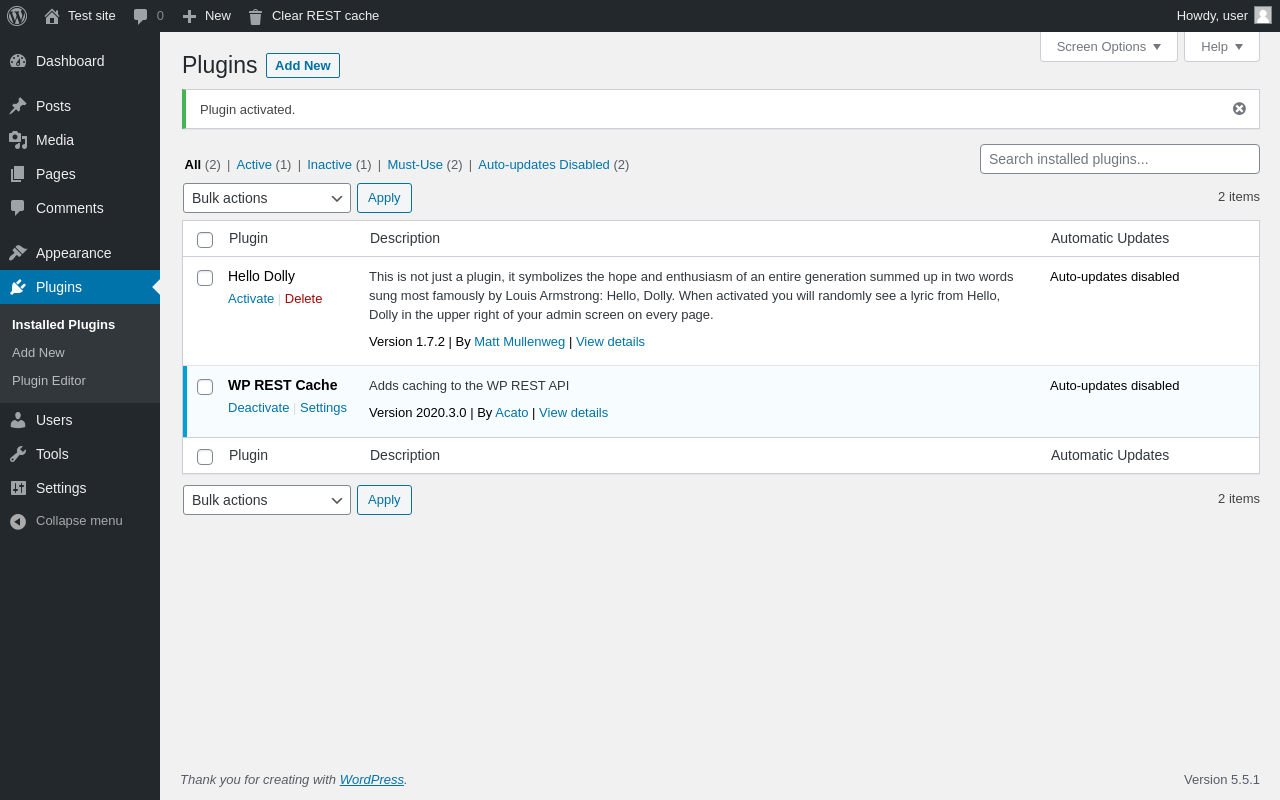
| URL | /wp-admin/plugins.php?plugin_status=all&paged=1&s |
|---|---|
| Requested URL | /wp-admin/plugins.php?action=activate&plugin=wp-rest-cache%2Fwp-rest-cache.php&plugin_status=all&paged=1&s&_wpnonce=12cd81eac7 |
| Aspect | after-activation |
| HTTP status | 200 |
| Load time | 0.506 s |
| Memory usage | 3.53 MiB |
| JS errors | None |
| Resource errors | None |
Settings → WP REST Cache
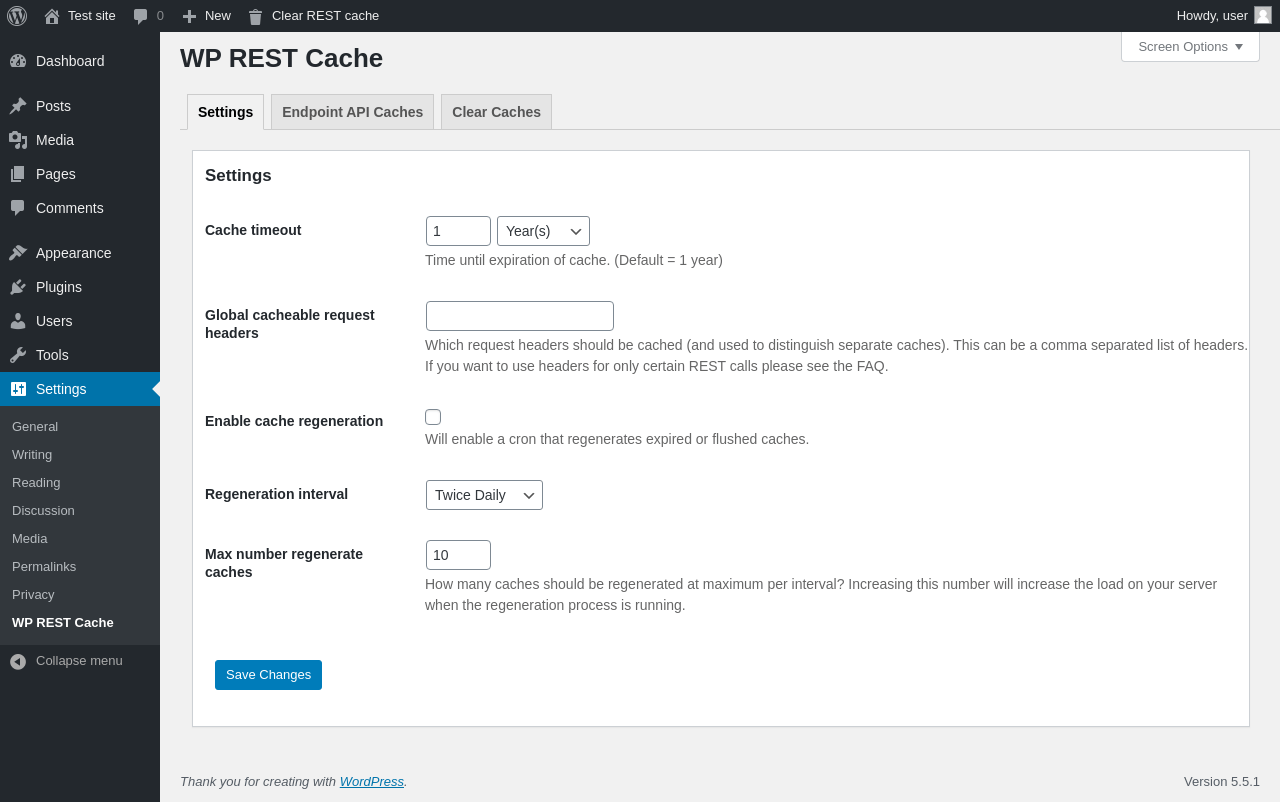
| URL | /wp-admin/options-general.php?page=wp-rest-cache |
|---|---|
| Aspect | menu-item |
| HTTP status | 200 |
| Load time | 0.166 s |
| Memory usage | 2.78 MiB |
| JS errors | None |
| Resource errors | None |
Settings → WP REST Cache → Endpoint API Caches
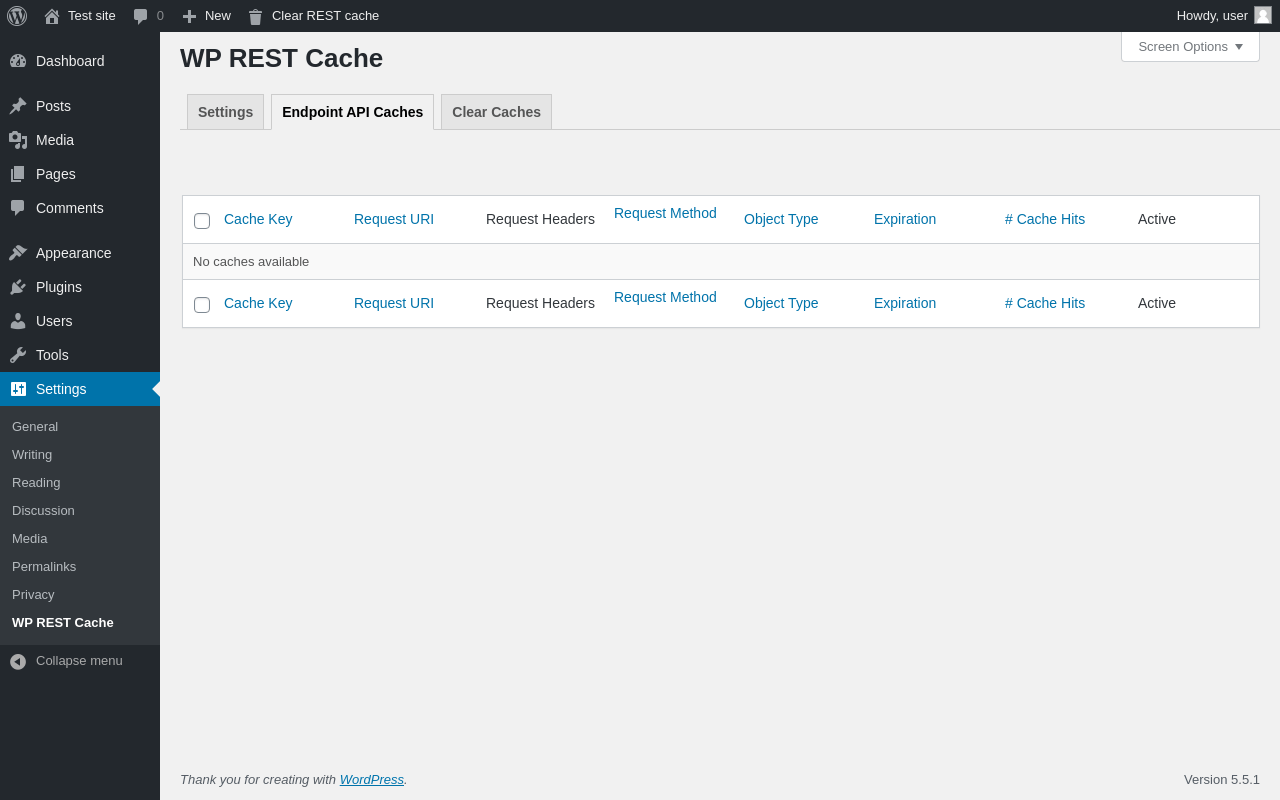
| URL | /wp-admin/options-general.php?page=wp-rest-cache&sub=endpoint-api |
|---|---|
| Aspect | menu-item-tab |
| HTTP status | 200 |
| Load time | 0.154 s |
| Memory usage | 2.73 MiB |
| JS errors | None |
| Resource errors | None |
Settings → WP REST Cache → Clear Caches
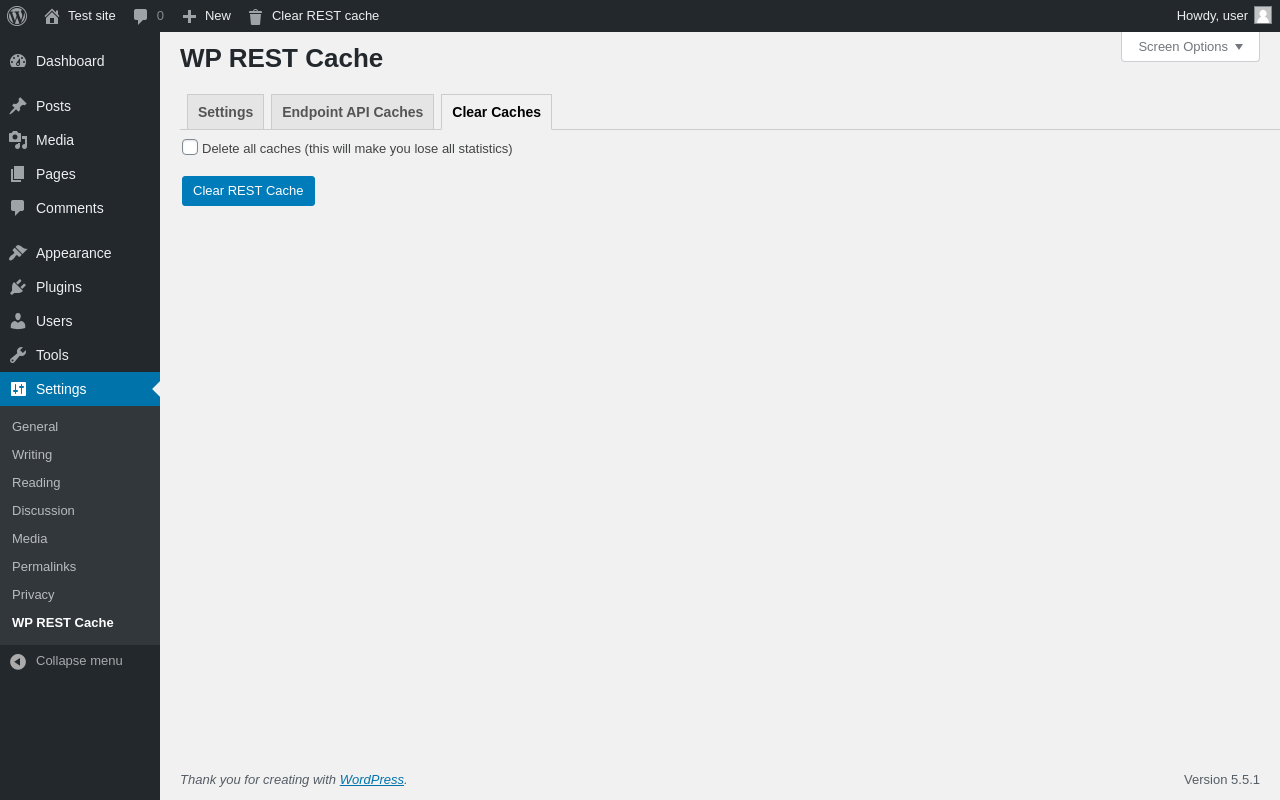
| URL | /wp-admin/options-general.php?page=wp-rest-cache&sub=clear-cache |
|---|---|
| Aspect | menu-item-tab |
| HTTP status | 200 |
| Load time | 0.159 s |
| Memory usage | 2.74 MiB |
| JS errors | None |
| Resource errors | None |
Test site – Just another WordPress site
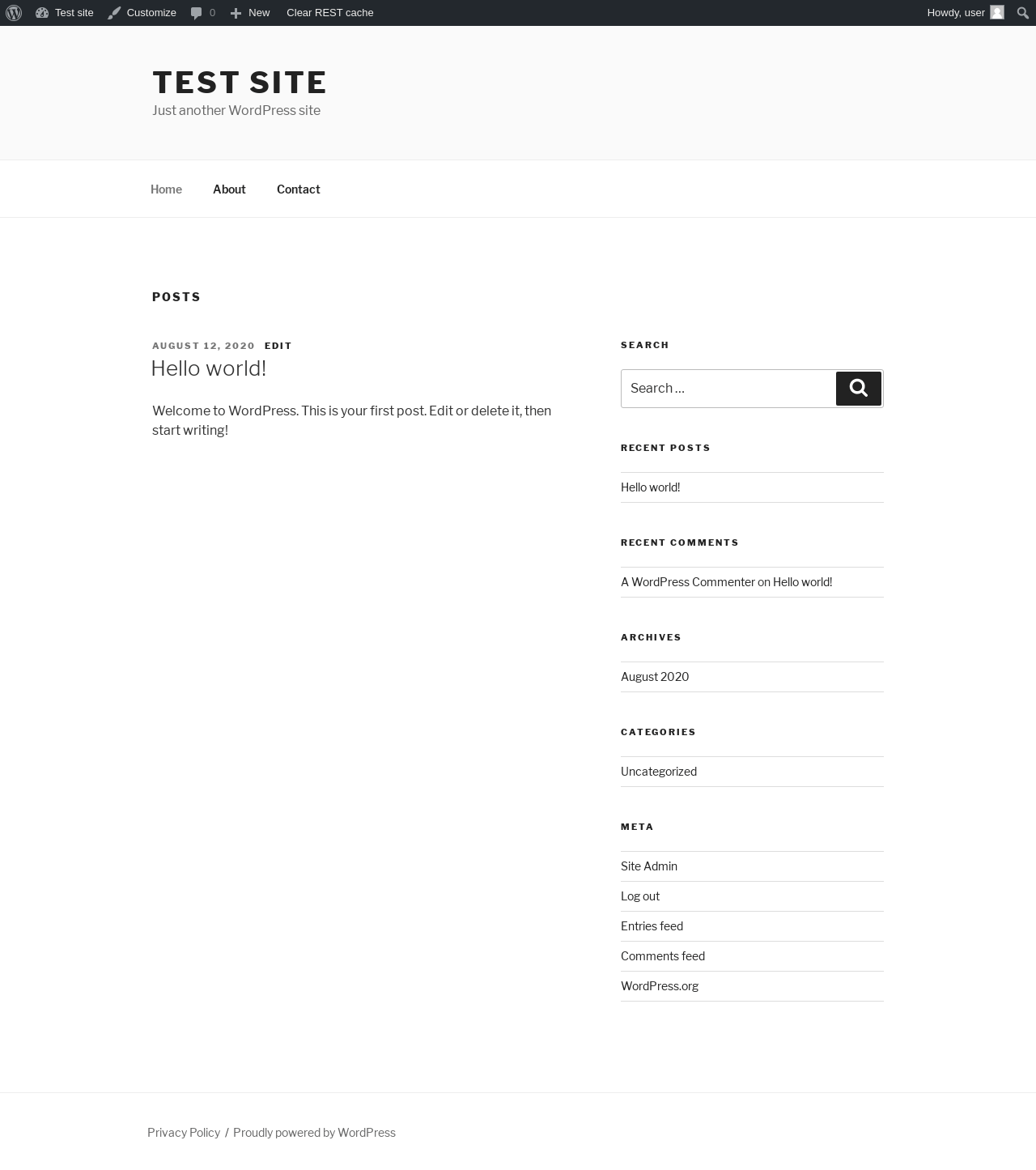
| URL | / |
|---|---|
| Aspect | front-page |
| HTTP status | 200 |
| Load time | 0.195 s |
| Memory usage | 2.65 MiB |
| JS errors | None |
| Resource errors | None |
Benchmark
| URL | Load time | Memory usage | ||||
|---|---|---|---|---|---|---|
| Inactive | Active | Change | Inactive | Active | Change | |
| /wp-admin/index.php | 0.455 s | 0.346 s | -0.109 s | 2.75 MiB | 2.83 MiB | + 78.51 KiB |
| /wp-admin/edit.php | 0.215 s | 0.324 s | +0.109 s | 2.8 MiB | 2.87 MiB | + 78.51 KiB |
| /wp-admin/post-new.php | 1.463 s | 1.736 s | +0.273 s | 4.54 MiB | 4.64 MiB | + 100.23 KiB |
| /wp-admin/upload.php | 0.491 s | 0.415 s | -0.076 s | 2.63 MiB | 2.7 MiB | + 77.66 KiB |
| /wp-admin/options-writing.php | 0.186 s | 0.147 s | -0.039 s | 2.64 MiB | 2.69 MiB | + 45.65 KiB |
| /wp-admin/media-new.php | 0.198 s | 0.184 s | -0.014 s | 2.6 MiB | 2.68 MiB | + 77.84 KiB |
| /wp-admin/edit-tags.php?taxonomy=category | 0.186 s | 0.187 s | +0.001 s | 2.64 MiB | 2.72 MiB | + 78.77 KiB |
| /wp-admin/post-new.php?post_type=page | 1.354 s | 1.261 s | -0.093 s | 4.53 MiB | 4.62 MiB | + 90.05 KiB |
| /wp-admin/options-discussion.php | 0.343 s | 0.339 s | -0.004 s | 2.61 MiB | 2.68 MiB | + 78.16 KiB |
| /wp-admin/edit-comments.php | 0.215 s | 0.219 s | +0.004 s | 2.65 MiB | 2.72 MiB | + 77.66 KiB |
| / | 0.360 s | 0.259 s | -0.101 s | 2.56 MiB | 2.65 MiB | + 90.18 KiB |
| Average | 0.497 s | 0.492 s | -0.004 s | 3 MiB | 3.07 MiB | + 79.38 KiB |
Additions
Things that the plugin adds to the site. This section is not intended to be comprehensive. The test tool only looks for a few specific types of added content.
Database Tables 2
- wp_wrc_caches
- wp_wrc_relations
Options wp_options 7
- wp_rest_cache_allowed_endpoints
- wp_rest_cache_allowed_request_methods
- wp_rest_cache_cacheable_request_headers
- wp_rest_cache_database_version
- wp_rest_cache_item_allowed_endpoints
- wp_rest_cache_rest_prefix
- wp_rest_cache_uncached_parameters
PHP Error Log 1 lines
[12-Oct-2020 15:03:18 UTC] WordPress database error Table 'wordpress.wp_wrc_relations' doesn't exist for query ALTER TABLE `wp_wrc_relations` DROP INDEX `object`; made by require_once('wp-admin/admin.php'), require_once('wp-load.php'), require_once('wp-config.php'), require_once('wp-settings.php'), do_action('init'), WP_Hook->do_action, WP_Hook->apply_filters, WP_Rest_Cache_Plugin\Includes\Caching\Caching->update_database_structure