Photo Engine (WP/LR Sync) 6.4.0
Does Photo Engine (WP/LR Sync) work with WordPress 6.6.1 and PHP 8.1.12? A smoke test was performed on .
Summary
| No PHP errors, warnings or notices | |
| No JavaScript exceptions | |
| All test pages loaded successfully | |
| No resource errors | |
| Looks good! No problems were detected. |
Memory usage: 87.67 KiB
The average PHP memory usage increased by this amount after activating by the plugin.
Page speed impact:
insignificant.
The plugin didn't make the site noticeably slower.
| WordPress version | 6.6.1 |
|---|---|
| PHP version | 8.1.12 |
| MySQL version | 10.6.10 |
| PHP memory limit | 512M |
| Last updated | |
|---|---|
| Active installs | 2,000+ |
| WordPress.org page | https://wordpress.org/plugins/wplr-sync/ |
| Badges |
|


Pages 4
Plugins ‹ Test site — WordPress
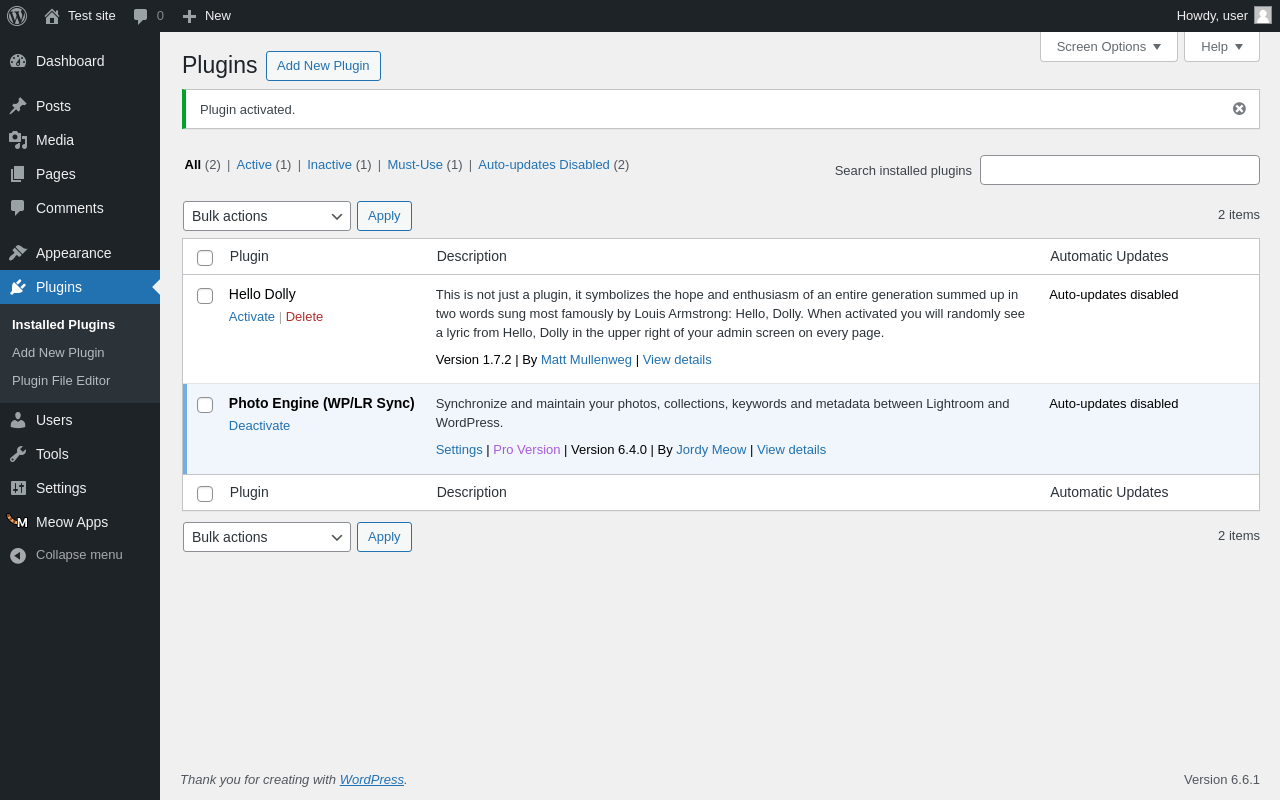
| URL | /wp-admin/plugins.php?plugin_status=all&paged=1&s |
|---|---|
| Requested URL | /wp-admin/plugins.php?action=activate&plugin=wplr-sync%2Fwplr-sync.php&plugin_status=all&paged=1&s&_wpnonce=008eb0861a |
| Aspect | after-activation |
| HTTP status | 200 |
| Load time | 0.479 s |
| Memory usage | 3.64 MiB |
| JS errors | None |
| Resource errors | None |
Meow Apps
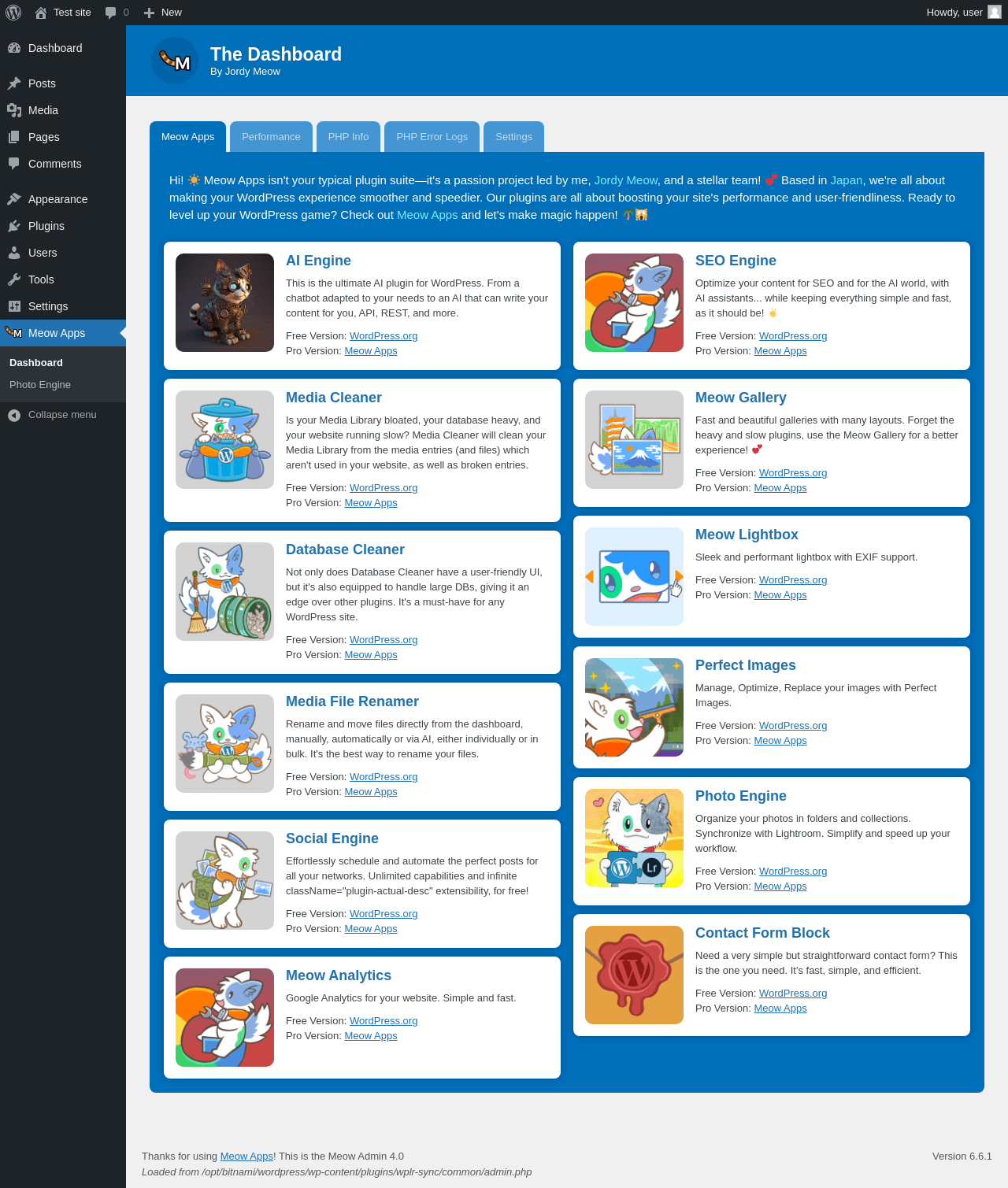
| URL | /wp-admin/admin.php?page=meowapps-main-menu |
|---|---|
| Aspect | menu-item |
| HTTP status | 200 |
| Load time | 1.029 s |
| Memory usage | 3.63 MiB |
| JS errors | None |
| Resource errors | None |
Meow Apps → Photo Engine
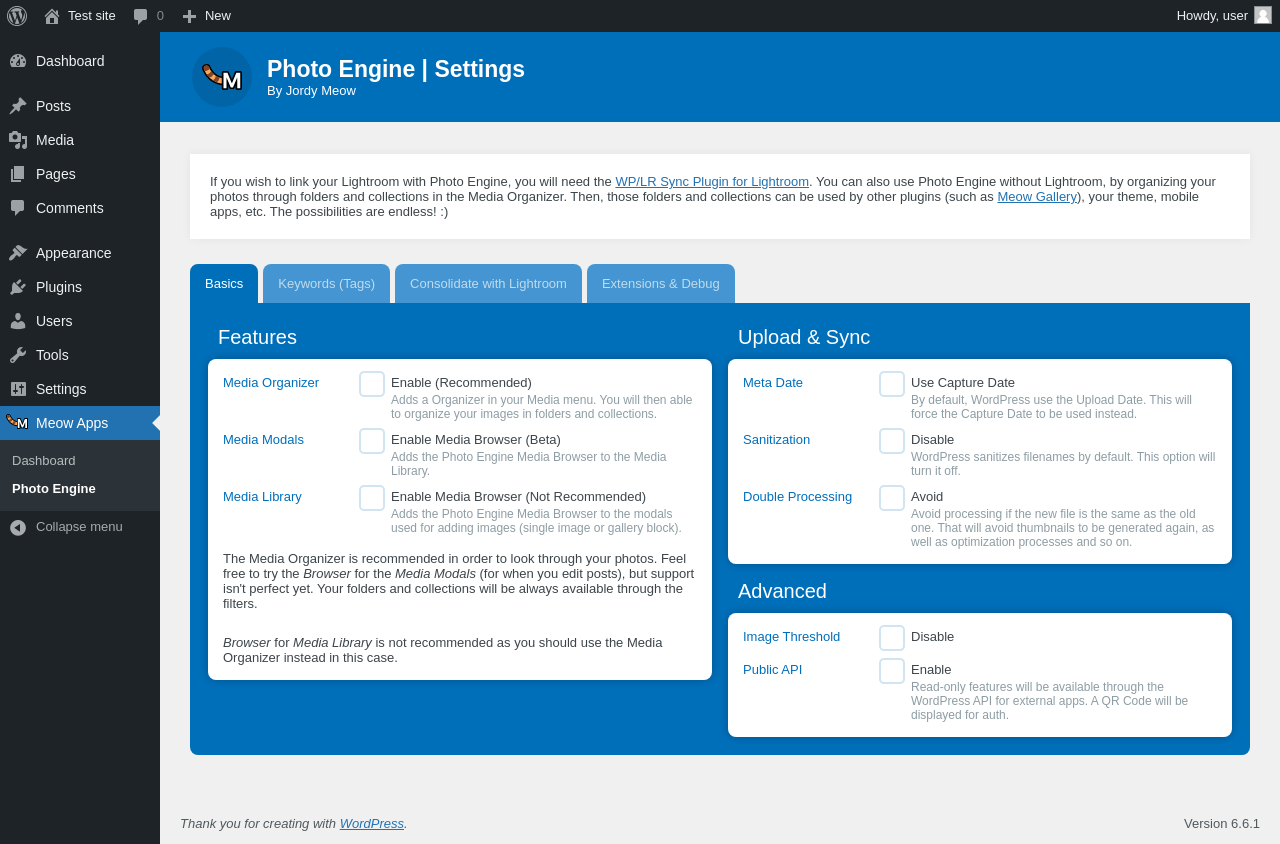
| URL | /wp-admin/admin.php?page=wplr_sync_settings |
|---|---|
| Aspect | menu-item |
| HTTP status | 200 |
| Load time | 0.346 s |
| Memory usage | 3.53 MiB |
| JS errors | None |
| Resource errors | None |
Test site – Just another WordPress site
| URL | / |
|---|---|
| Aspect | front-page |
| HTTP status | 200 |
| Load time | 0.221 s |
| Memory usage | 3.42 MiB |
| JS errors | None |
| Resource errors | None |
Benchmark
| URL | Load time | Memory usage | ||||
|---|---|---|---|---|---|---|
| Inactive | Active | Change | Inactive | Active | Change | |
| /wp-admin/index.php | 0.366 s | 0.329 s | -0.037 s | 3.47 MiB | 3.55 MiB | + 82.71 KiB |
| /wp-admin/edit.php | 0.228 s | 0.244 s | +0.016 s | 3.54 MiB | 3.62 MiB | + 82.47 KiB |
| /wp-admin/post-new.php | 0.830 s | 0.677 s | -0.153 s | 5.75 MiB | 5.86 MiB | + 113.77 KiB |
| /wp-admin/upload.php | 0.592 s | 0.590 s | -0.002 s | 3.49 MiB | 3.55 MiB | + 64.23 KiB |
| /wp-admin/options-writing.php | 0.221 s | 0.207 s | -0.014 s | 3.41 MiB | 3.53 MiB | + 126.79 KiB |
| /wp-admin/media-new.php | 0.250 s | 0.255 s | +0.005 s | 3.4 MiB | 3.53 MiB | + 140.17 KiB |
| /wp-admin/edit-tags.php?taxonomy=category | 0.202 s | 0.223 s | +0.021 s | 3.47 MiB | 3.56 MiB | + 87.59 KiB |
| /wp-admin/post-new.php?post_type=page | 0.607 s | 0.626 s | +0.019 s | 5.75 MiB | 5.85 MiB | + 105.36 KiB |
| /wp-admin/options-discussion.php | 0.243 s | 0.539 s | +0.296 s | 3.41 MiB | 3.53 MiB | + 129.1 KiB |
| /wp-admin/edit-comments.php | 0.235 s | 0.273 s | +0.038 s | 3.49 MiB | 3.55 MiB | + 64.79 KiB |
| / | 0.335 s | 0.228 s | -0.107 s | 3.45 MiB | 3.42 MiB | - 32.61 KiB |
| Average | 0.374 s | 0.381 s | +0.007 s | 3.88 MiB | 3.96 MiB | + 87.67 KiB |
Code Statistics
Note: Third-party libraries and minified JS/CSS files are excluded from these statistics where possible, so the numbers you see here may be lower than those reported by other tools.
| Language | % | Lines of code | Comment lines | Files | |
|---|---|---|---|---|---|
| PHP | 90.6% | 5,608 | 486 | 20 | |
| PO File | 8.2% | 510 | 212 | 1 | |
| Markdown | 1.1% | 70 | 0 | 1 | |
| JavaScript | 0.0% | 2 | 4 | 2 | |
| Total | 6,190 | 702 | 24 | ||
PHP Code Analysis | More results »
| Lines of code | 5,649 |
|---|---|
| Total complexity | 1,135 |
| Median class complexity | 18.0 |
| Median method complexity | 2.0 |
| Most complex class | Meow_WPLR_Sync_Core |
| Most complex function | Meow_WPLR_Sync_Admin::admin_debug() |
| Classes | 19 |
|---|---|
| Methods | 309 |
| Functions | 3 |
Additions
Things that the plugin adds to the site. This section is not intended to be comprehensive. The test tool only looks for a few specific types of added content.
Database Tables 4
- wp_lrsync
- wp_lrsync_collections
- wp_lrsync_meta
- wp_lrsync_relations
Options wp_options 1
- wplr_sync_rating_date
PHP Error Log
The log file is empty.